


Auto Transport Invoice Template
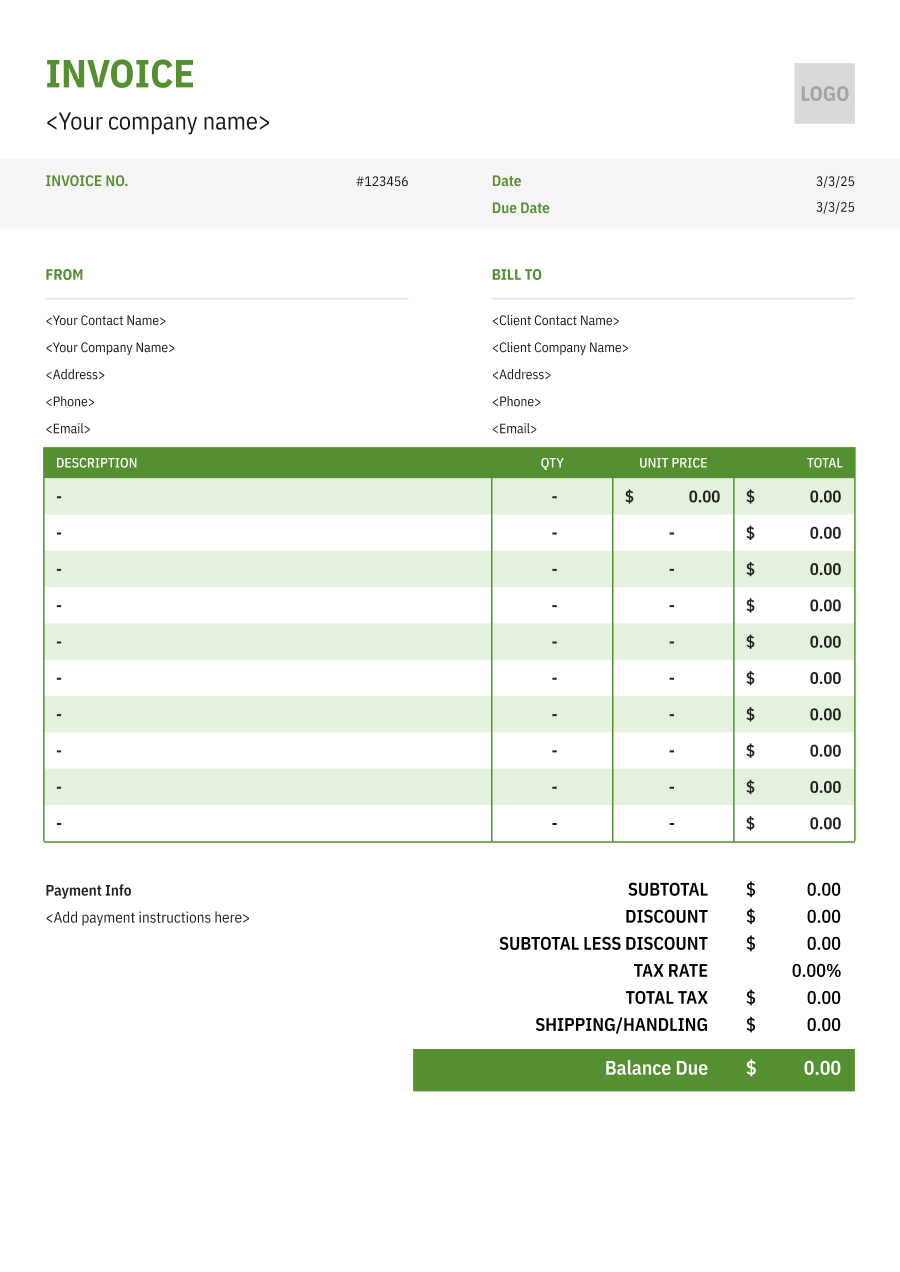
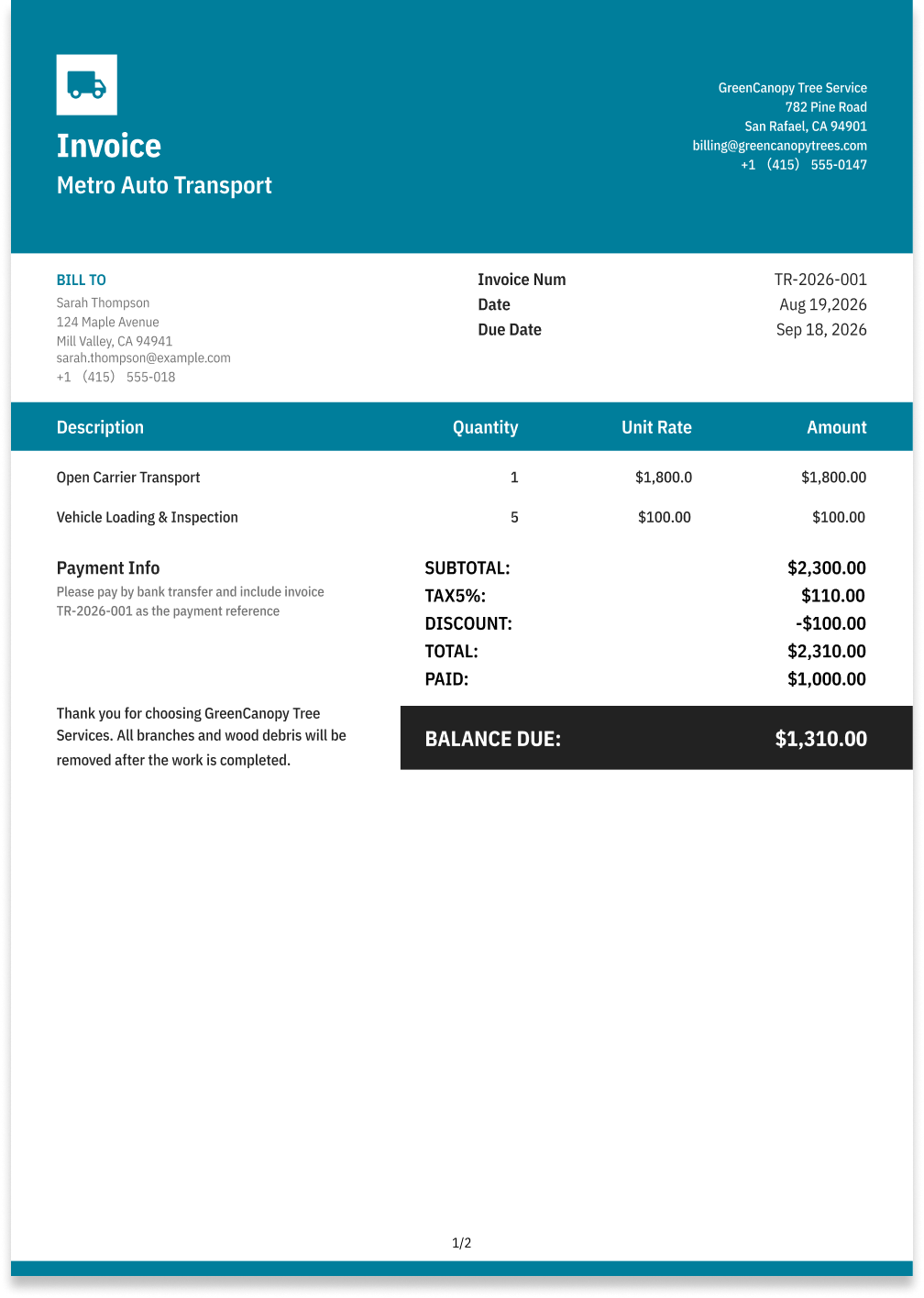
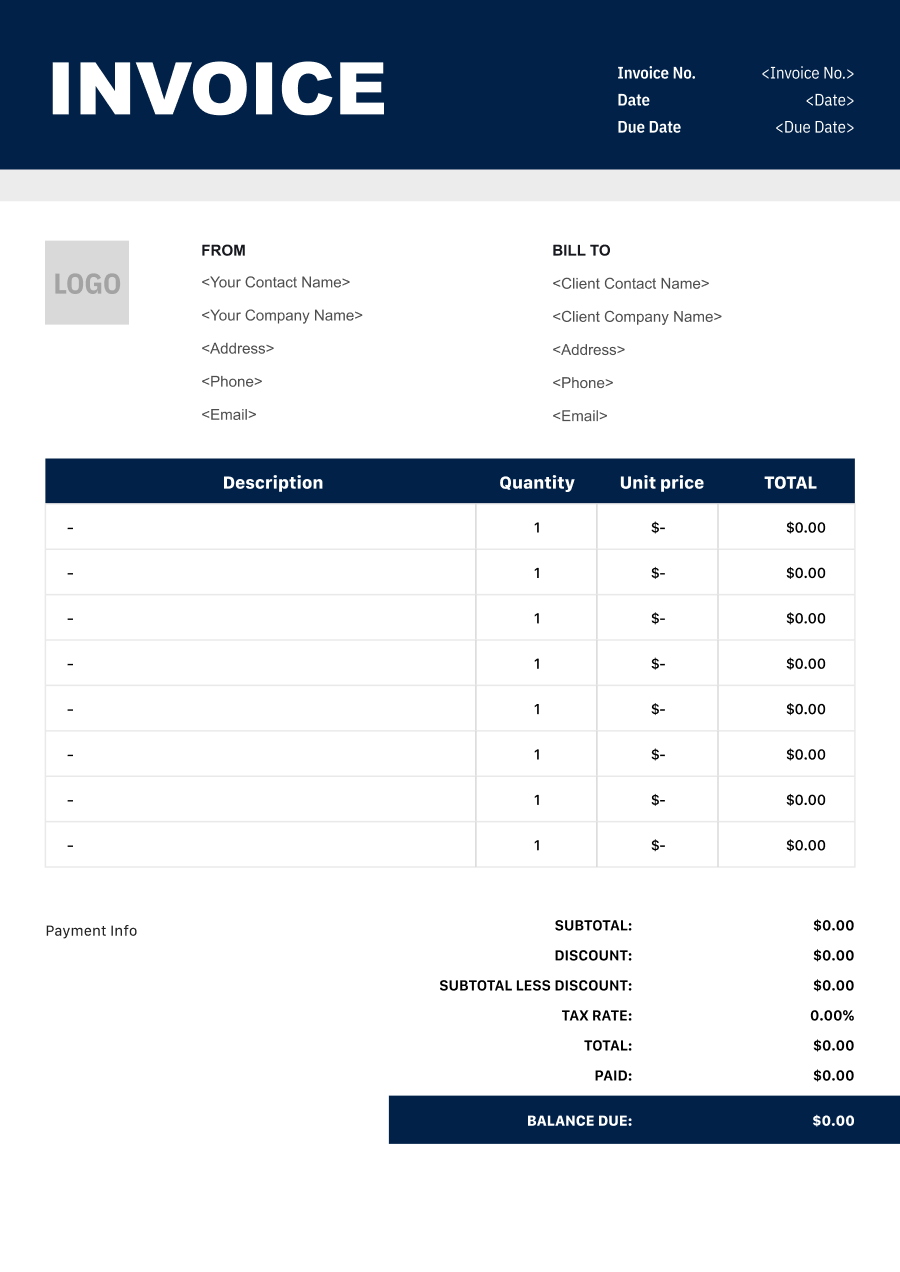
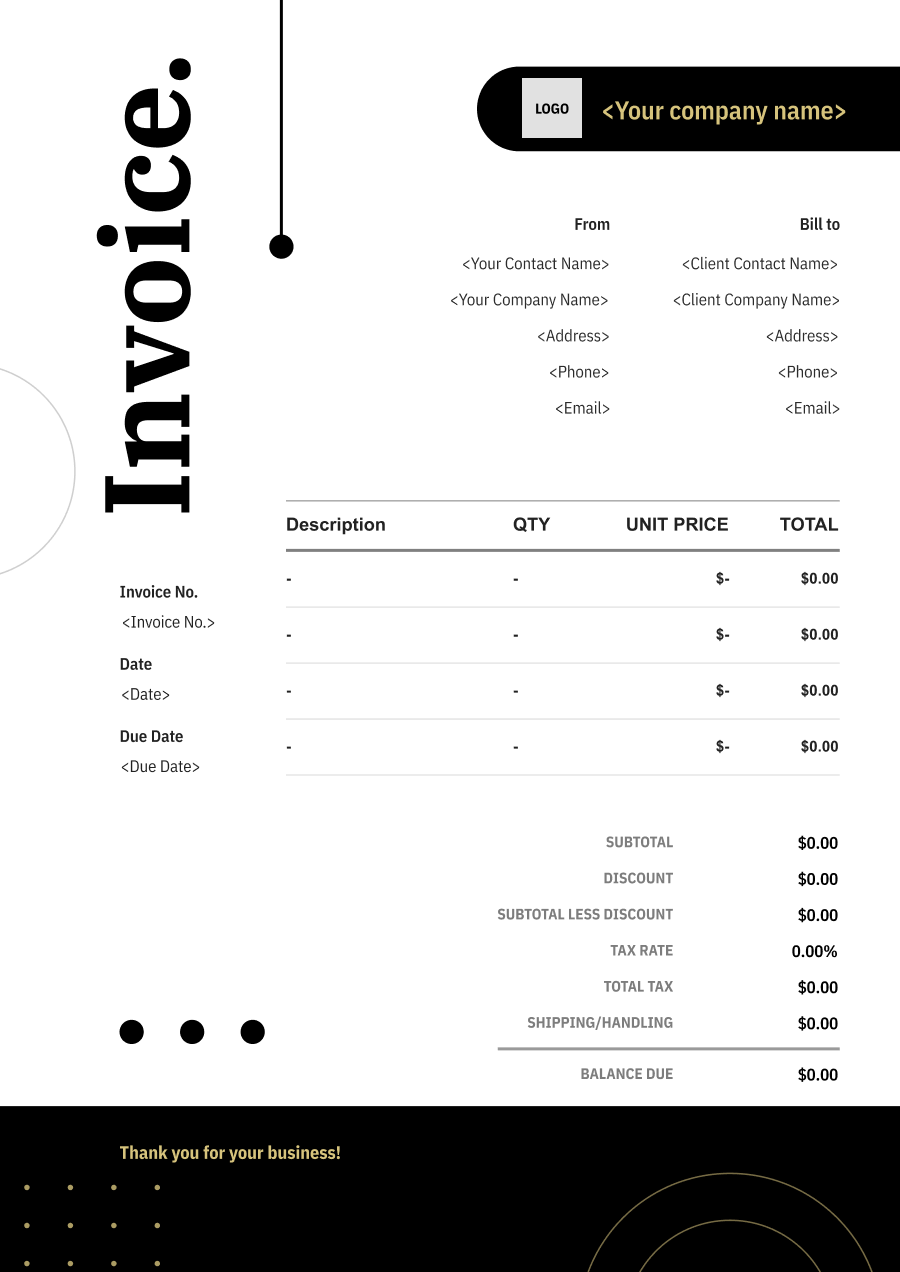
Create a professional auto transport invoice with editable invoice templates for vehicle transport, mileage, pickup and delivery, storage, and related charges.
Choose the Best Invoice Template for Your Auto Transport Business


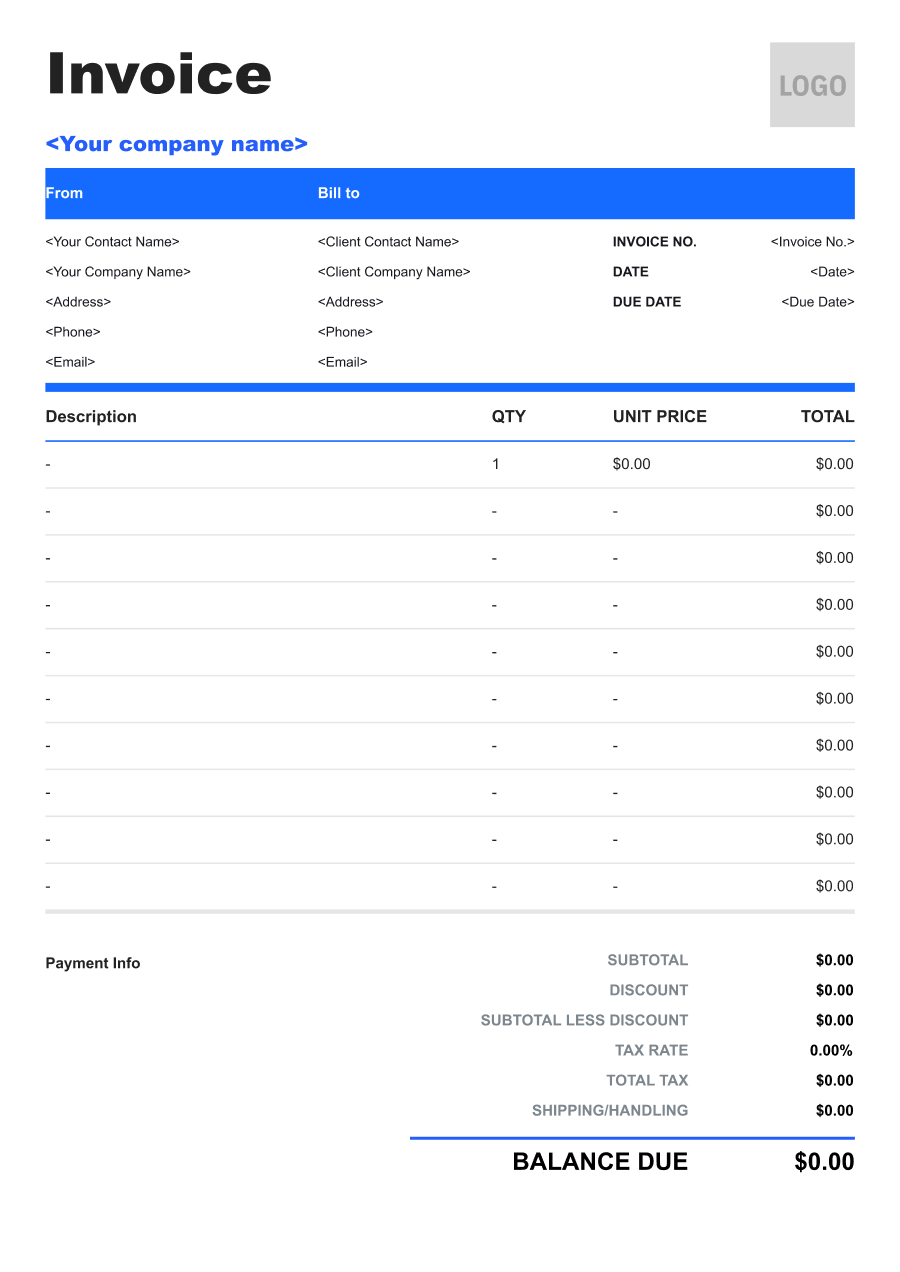
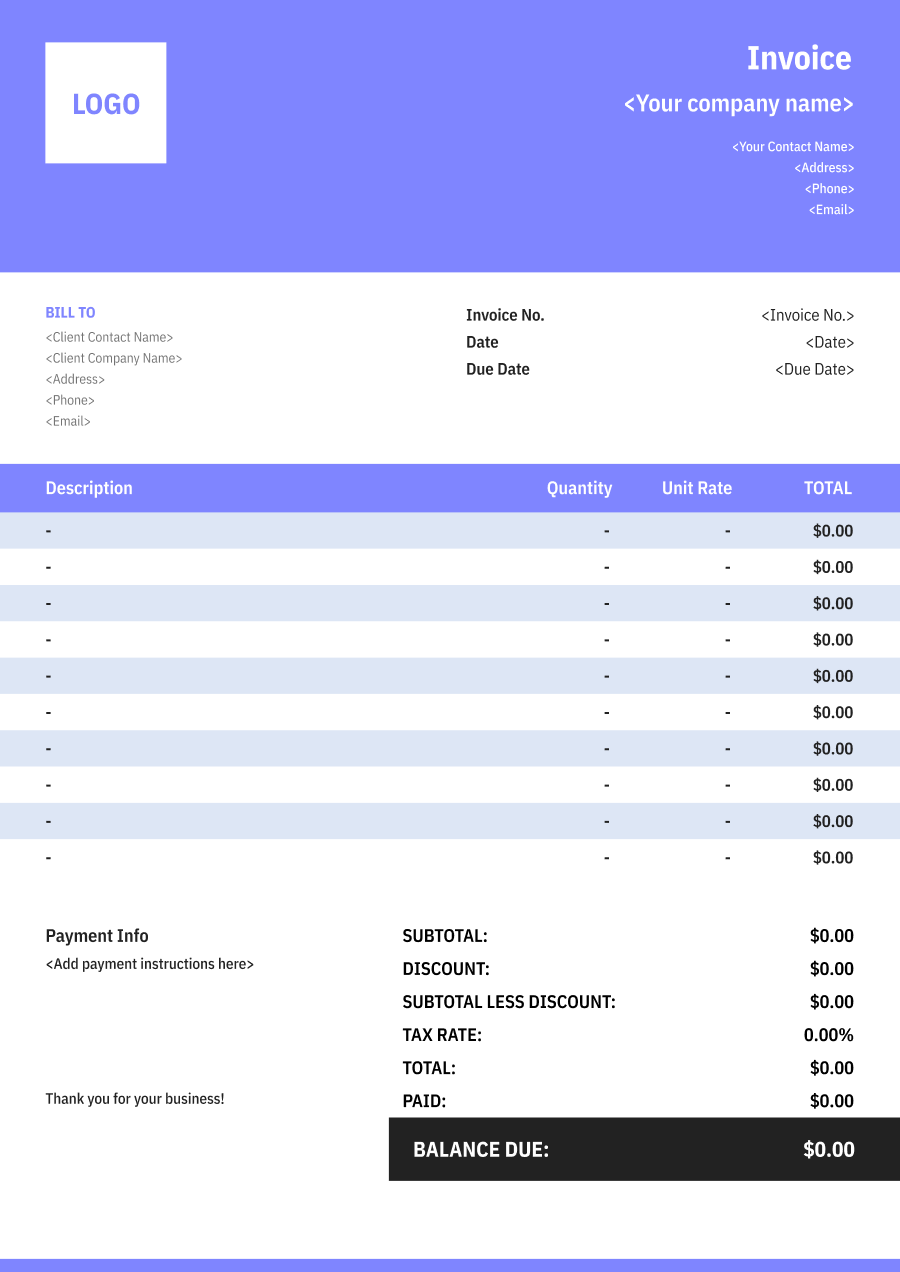
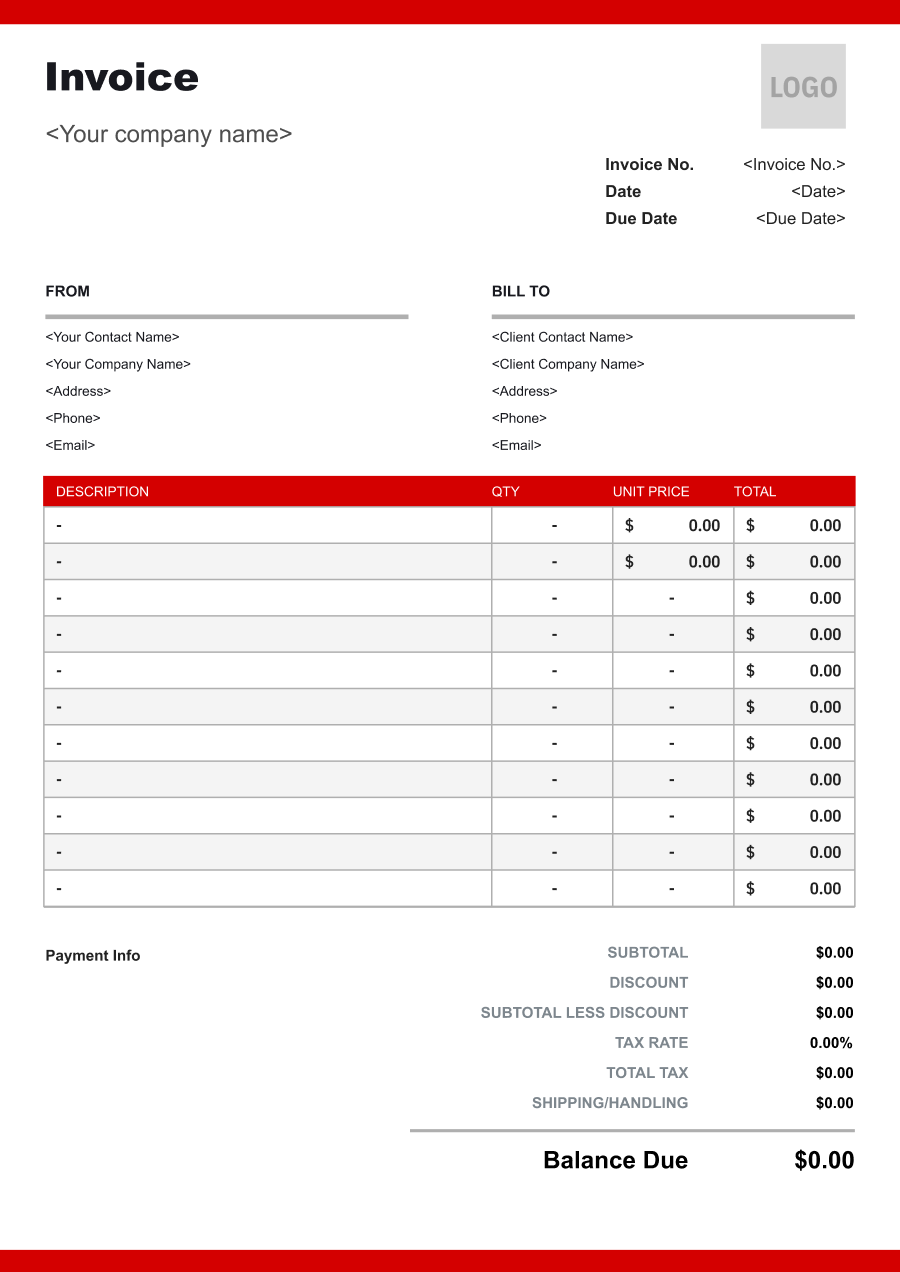
Create A Professional
Auto Transport Invoice in Minutes
Add your auto transport business and client details, itemize the products or services provided, and generate a professional invoice when you are ready.
1
Invoice details
Set the document identity, dates and currency.
Logo

Upload file
JPG, JPEG, PNG, less than 5 MB
Invoice number
Currency
USD
Issue date
Due date
2
Business & client
Add the details your client needs to identify both parties
From
Company Name
Contact name
Address
Email Address
Phone Number
Bill To
Client name
Address
Email Address
Phone Number
3
Products & services
Itemize what you’re charging for. Totals update automatically.
4
Totals & payment
Apply adjustments and tell your client how to pay.
Payment instructions
Notes
Sub Total
$0.00
Tax Rate
%
Discount
$
Total
$0.00
Amount paid
$
Balance Due
$0.00
What to include in Auto Transport Invoice
A clear auto transport invoice helps prevent disputes and ensures timely payment. Use this checklist to include the essential details.
- 1
Business Header & Contact
Company name, logo, phone number, email address, and physical business location.
- 2
Client Contact Information
Client's full name or business entity name, billing address, phone number, and email.
- 3
Invoice Metadata
Unique invoice number, invoice issue date, and payment due date (e.g., Net 15 / Due upon receipt).
- 4
Cost Summary & Taxes
Subtotal for services, local sales taxes (if applicable), applied discounts, and final bolded Total Due.
- 5
Deposit & Balance Tracking
Original estimate total, pre-paid deposit deductions (e.g., 'Less Deposit Received: -$500'), and remaining net balance due.
- 6
Payment Instructions
Accepted payment methods, including direct online payment links (Credit/ACH), check mailing address, or bank transfer details.
- 7
Vehicle Identification
Include the vehicle year, make, model, VIN, license plate when available, and any customer or dealer stock number needed to identify the vehicle being transported.
- 8
Pickup & Delivery Locations
Clearly state the origin and destination addresses or locations, along with pickup and delivery dates or scheduled windows when relevant.
- 9
Transport Type & Vehicle Condition
Identify open or enclosed transport and note relevant vehicle conditions, such as inoperable status, oversized dimensions, or special handling requirements that affect the price.
- 10
Accessorial & Additional Transport Charges
Separately identify expedited service, storage, terminal fees, additional pickup or delivery attempts, oversized-vehicle charges, winching, or other accessorial services.
Common Auto Transport Services & Billing Items
How Auto Transport charges are typically structured and billed.
Common Services
What's Included
Billing Items
Open Auto Transport
Transport date, Route or locations, Miles traveled, Travel route or locations, and Pickup and delivery locations
Transport FeesMileage
Enclosed Auto Transport
Transport date, Route or locations, Loading or unloading location, Items or quantity, and Pickup and delivery locations
Transport FeesLoading/Unloading
Door-to-Door Transport
Miles traveled, Travel route or locations, Loading or unloading location, Items or quantity, and Pickup and delivery locations
MileageLoading/Unloading
Terminal Transport
Transport date, Route or locations, Miles traveled, Travel route or locations, Insurance or additional charge type, and Coverage or service period
Transport FeesMileageInsurance/Additional Charges
Vehicle Pickup
Miles traveled, Travel route or locations, Insurance or additional charge type, Coverage or service period, and Pickup and delivery locations
MileageInsurance/Additional Charges
Vehicle Delivery
Transport date, Route or locations, Loading or unloading location, Items or quantity, Insurance or additional charge type, and Coverage or service period
Transport FeesLoading/UnloadingInsurance/Additional Charges
Expedited Vehicle Transport
Transport date, Route or locations, Miles traveled, Travel route or locations, Loading or unloading location, and Items or quantity
Transport FeesMileageLoading/Unloading
Transport Fees: Charges for transportation services provided.
Mileage: Distance-based towing or transportation charges.
Loading/Unloading: Charges for vehicle loading, unloading, securing, and handling.
Insurance/Additional Charges: Insurance, special handling, expedited service, or other approved transport charges.
Auto Transport Invoicing Tips
Auto Transport costs vary by service scope, pricing method, and additional requirements. A detailed invoice helps customers understand every charge and reduces payment disputes.
1
Match Every Charge to the Vehicle
Auto transport invoices need to be reconciled against specific vehicles. Best practice: include the VIN, stock number, or another unique identifier with each shipment charge, especially for dealer or fleet accounts.
2
Separate Base Transport from Accessorial Fees
Additional services can materially change the transport cost. Best practice: show the base transportation fee separately from storage, expedited service, inoperable-vehicle handling, and other accessorial charges.
3
Document Vehicle Condition at Pickup
Vehicle condition can become important if damage is disputed after delivery. Best practice: maintain inspection or condition records associated with the shipment and reference the vehicle identifier on the invoice.
4
Consolidate Dealer Shipments Clearly
Dealers may transport many vehicles during one billing period. Best practice: use a consolidated invoice with a vehicle-level breakdown showing origin, destination, transport charge, and any additional fees for each vehicle.


Reusable Billing Structure in Invoice Software
Use the items above to quickly create a Auto Transport Invoice Template in Invoice Zip.
FAQs about Auto Transport Invoicing
Q: How should an auto transport invoice distinguish open and enclosed vehicle shipping?
A: The invoice should identify the transport method because enclosed transport generally provides a different level of protection and pricing than open transport. The selected service can be listed separately from other transportation charges.
Q: How should auto transport invoices account for vehicle size or condition?
A: Vehicle type, size, operability, and loading requirements can affect the transport price. The invoice can identify applicable surcharges for oversized, inoperable, or specially handled vehicles.
Q: How should an auto transport company bill for pickup and delivery services?
A: Transportation charges can be based on the agreed route and service level, with pickup or delivery fees shown separately when applicable. The invoice should clearly identify the origin and destination of the shipment.
Q: How should an auto transport invoice document a vehicle deposit and remaining balance?
A: Show the total transportation charge, deposit already paid, and remaining balance separately. This is especially useful when a customer pays a deposit before the vehicle is picked up.
Q: How should an auto transport invoice handle additional charges caused by a changed pickup location?
A: A location-change fee or additional mileage can be listed separately when the change creates extra transportation costs. The invoice should briefly explain the reason for the additional charge.
Other Free Resources



Try Invoice Zip Today
Start Sending Invoices, Building Reports, Saving Office
Time and Get Paid Faster.
