


Invoice Templates
Create clear and professional invoices without starting from scratch. Simply download a blank invoice, fill in your business
details, services, payment terms, and your invoice is ready.
Popular Invoice Templates
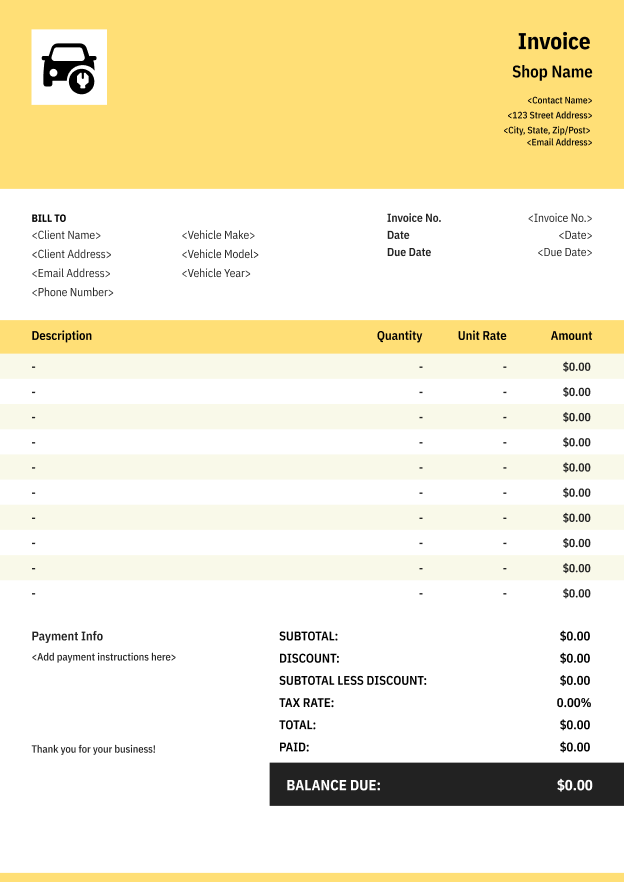
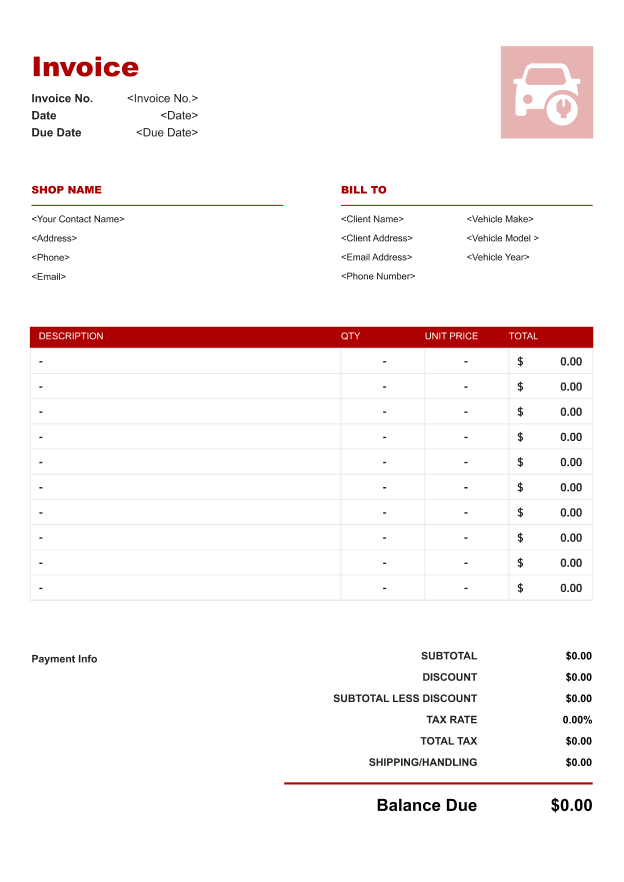
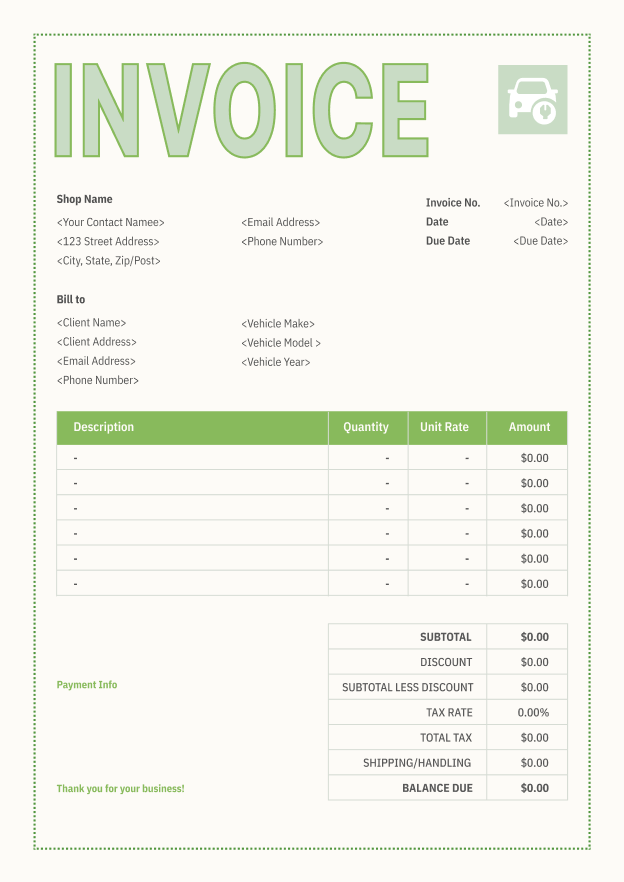
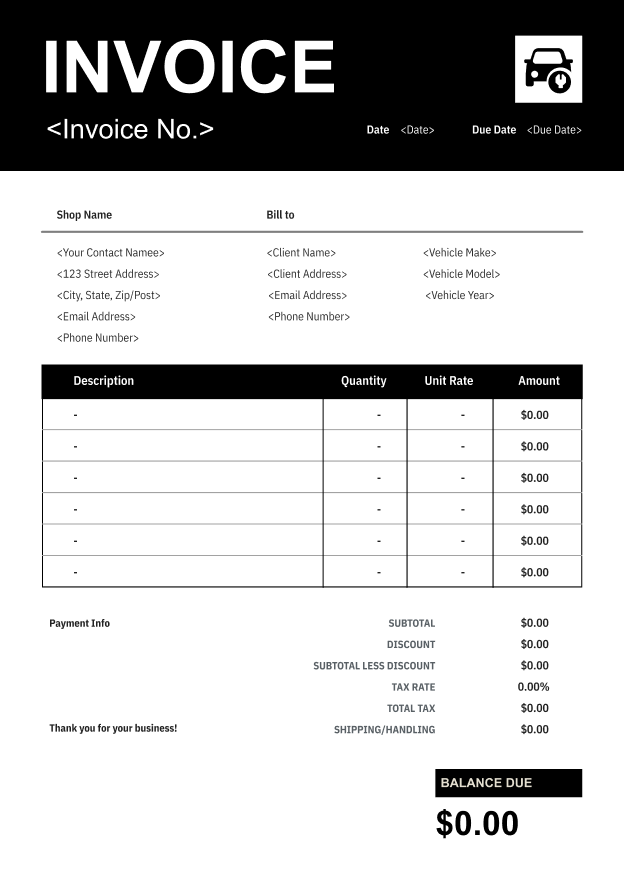
All templates are available as printable invoices for free and can be edited in common formats like Word invoice template, Excel, or PDF, making them flexible for everyday business use.



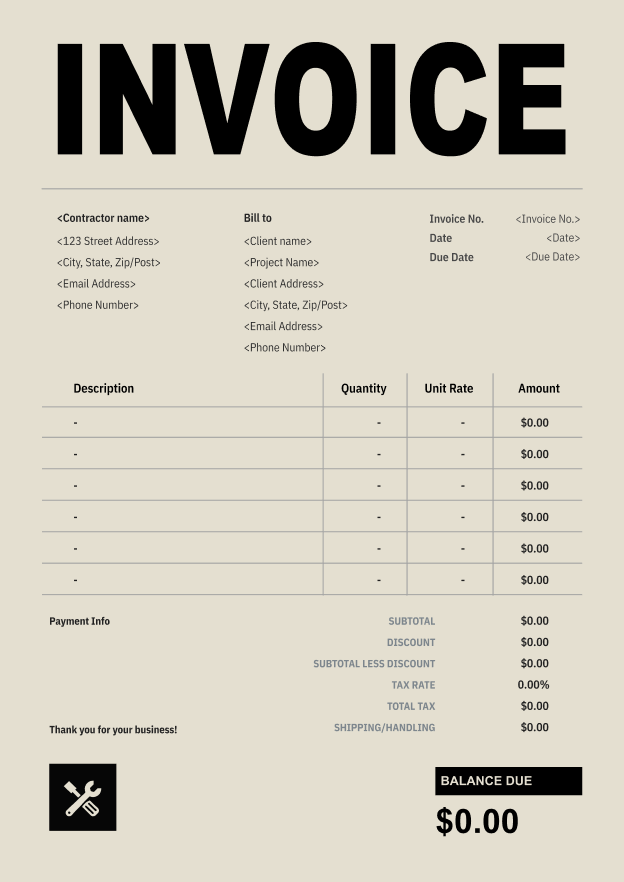
Professional Invoice Template
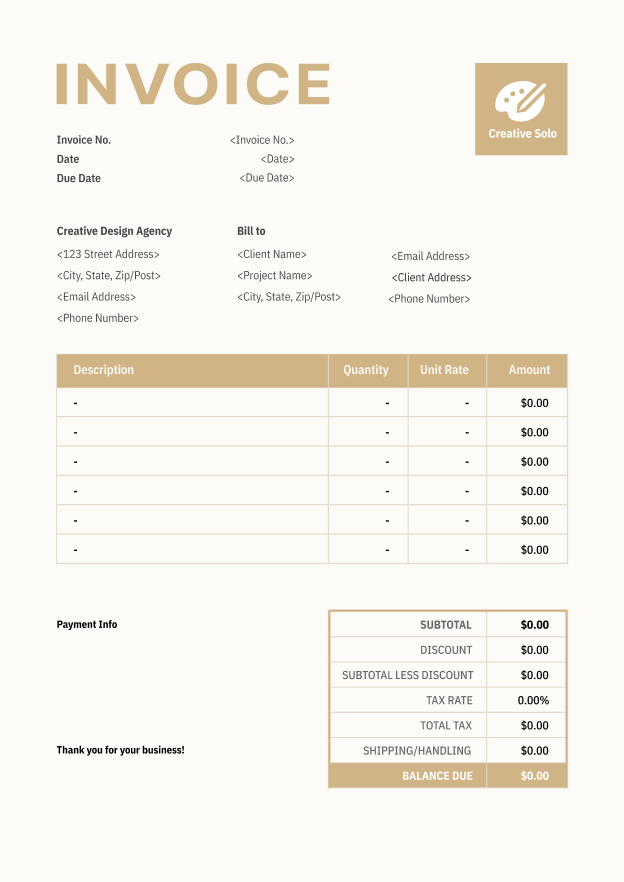
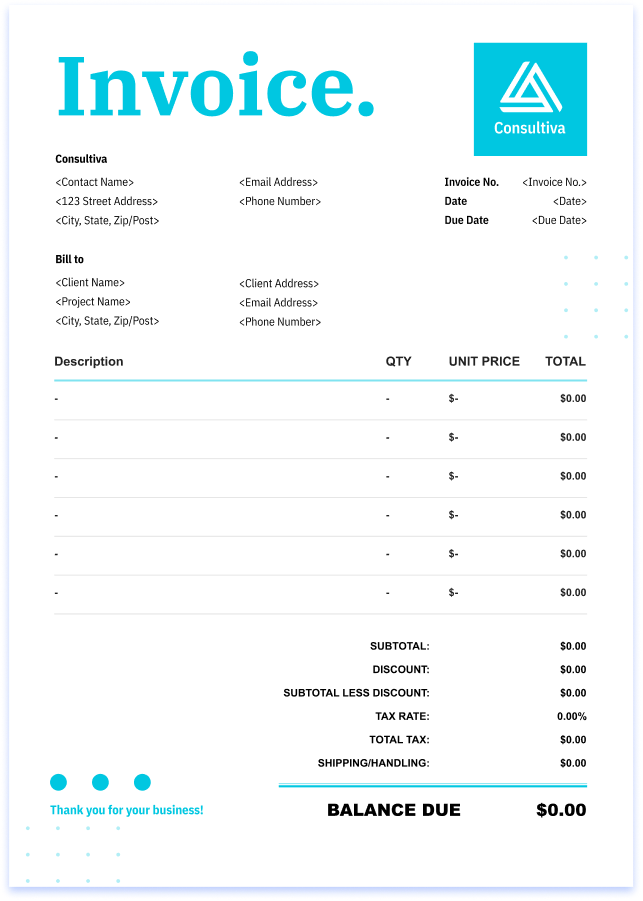
Clean Invoice Template
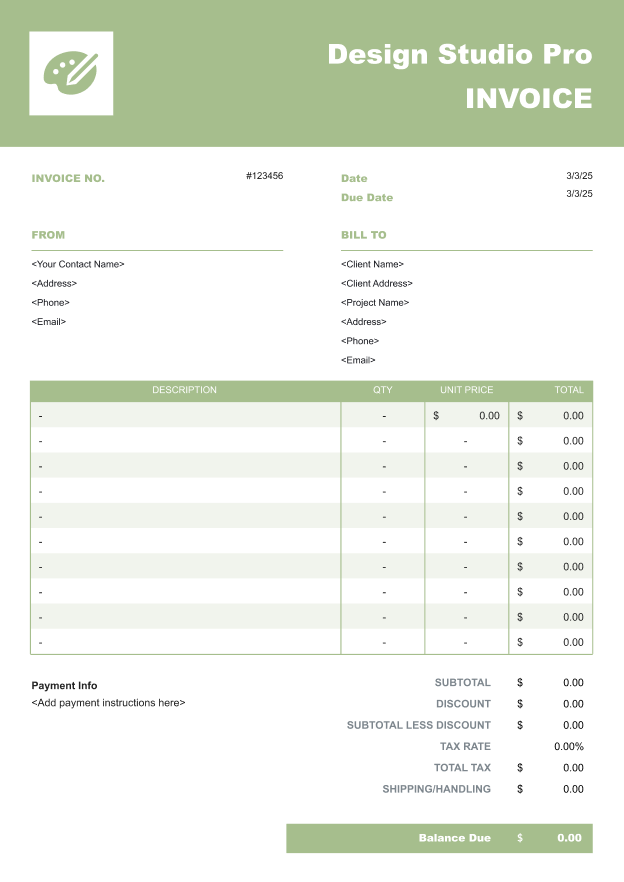
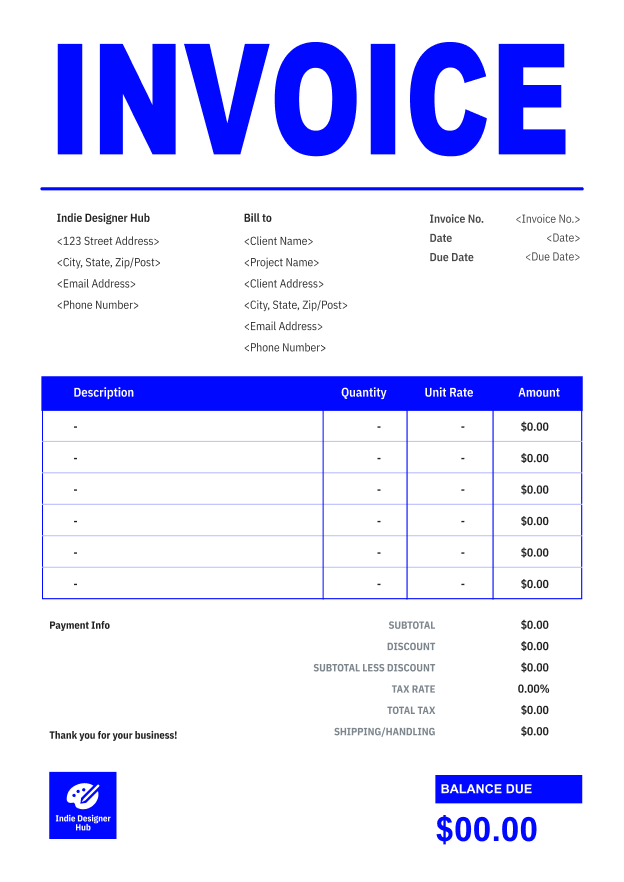
Basic Invoice Template
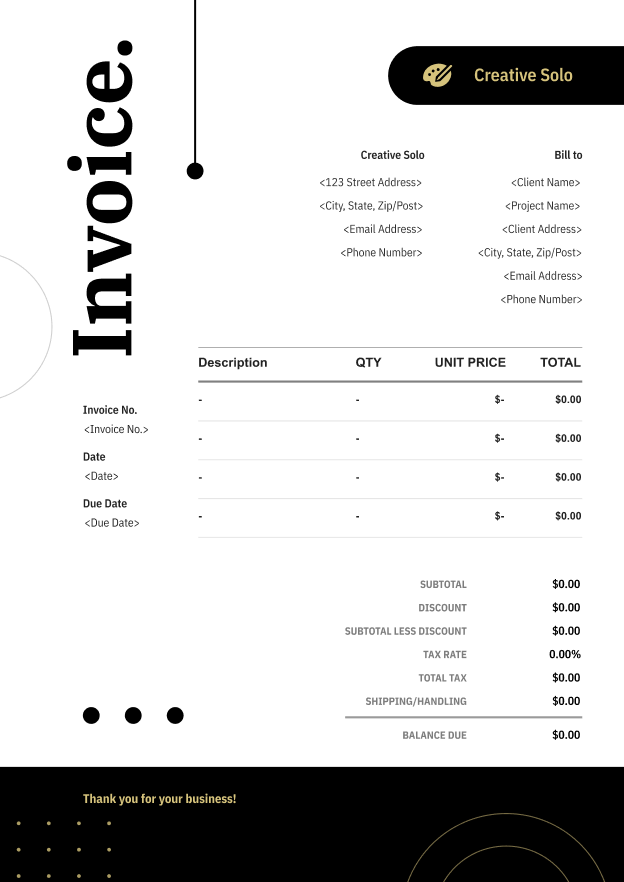
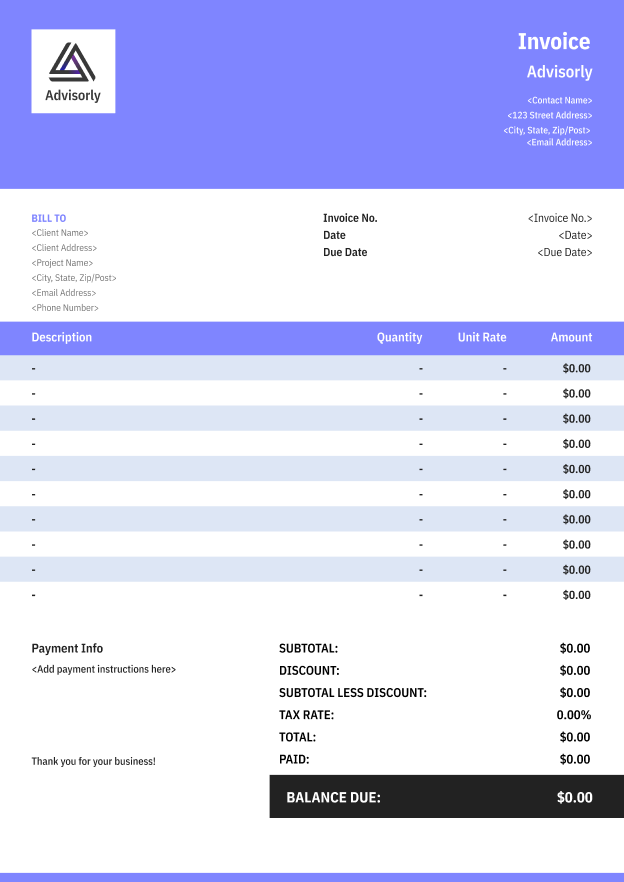
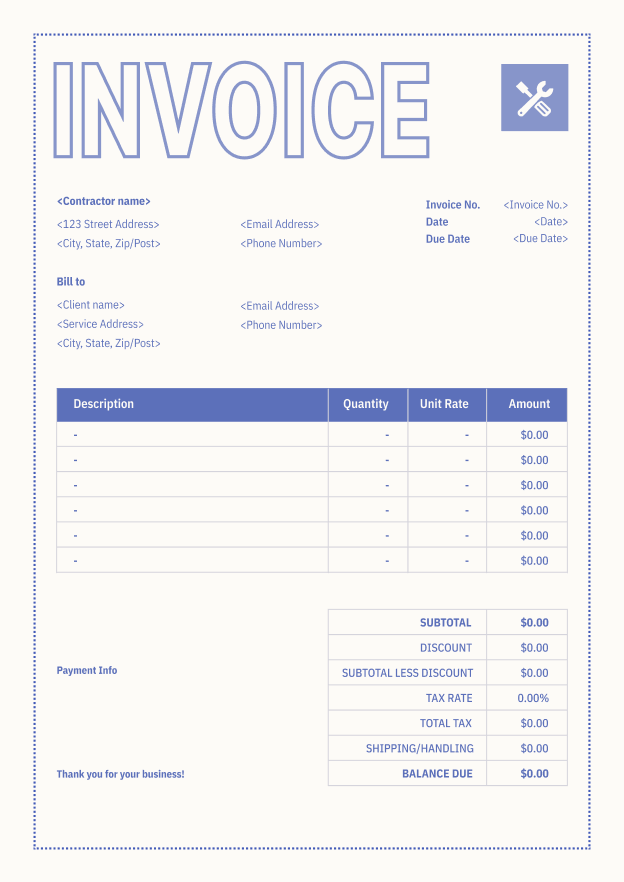
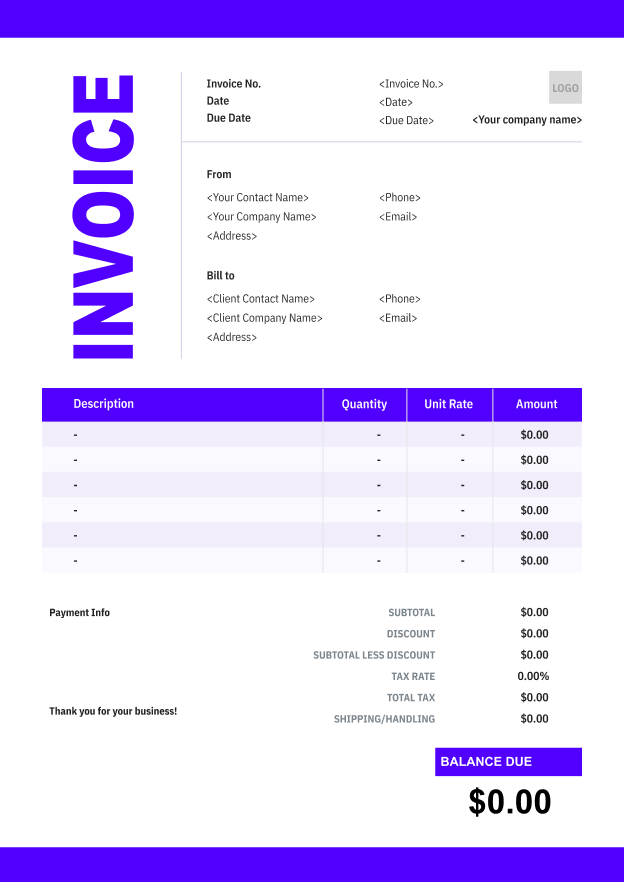
Elegant Invoice Template
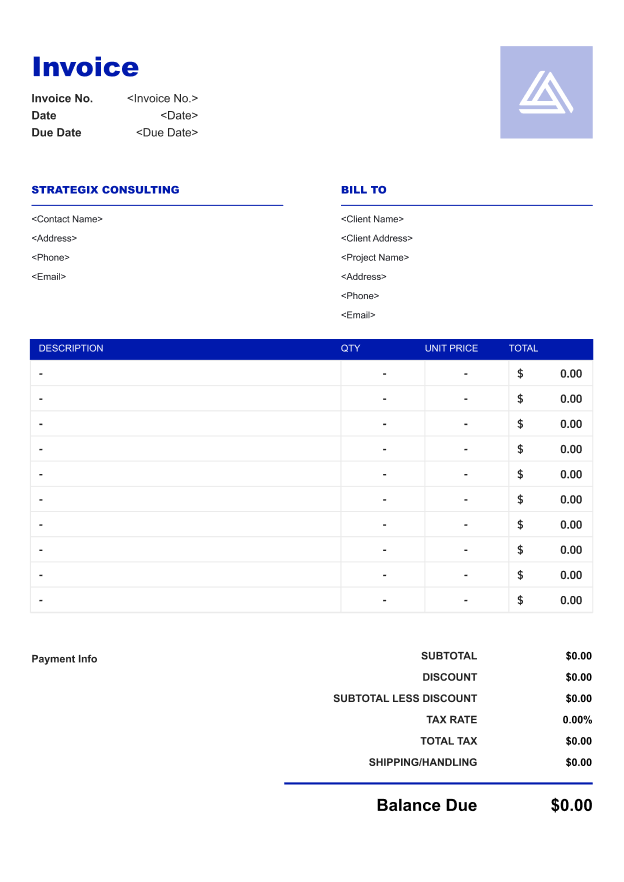
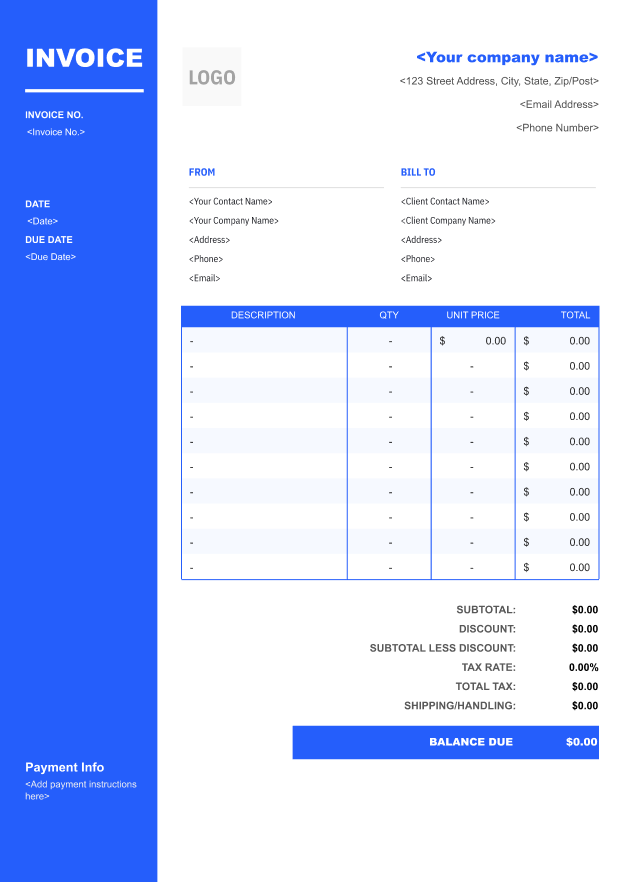
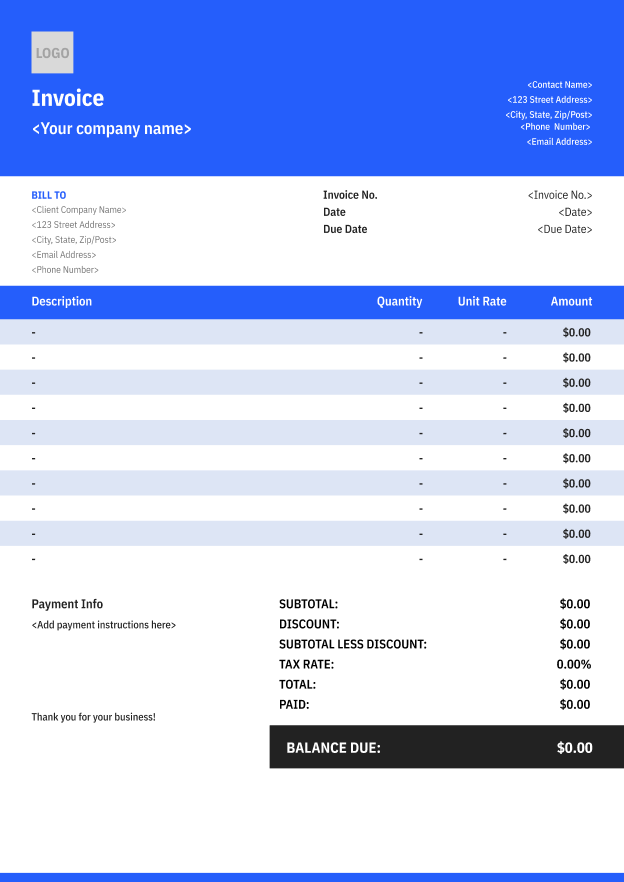
Simple Blue Invoice Template
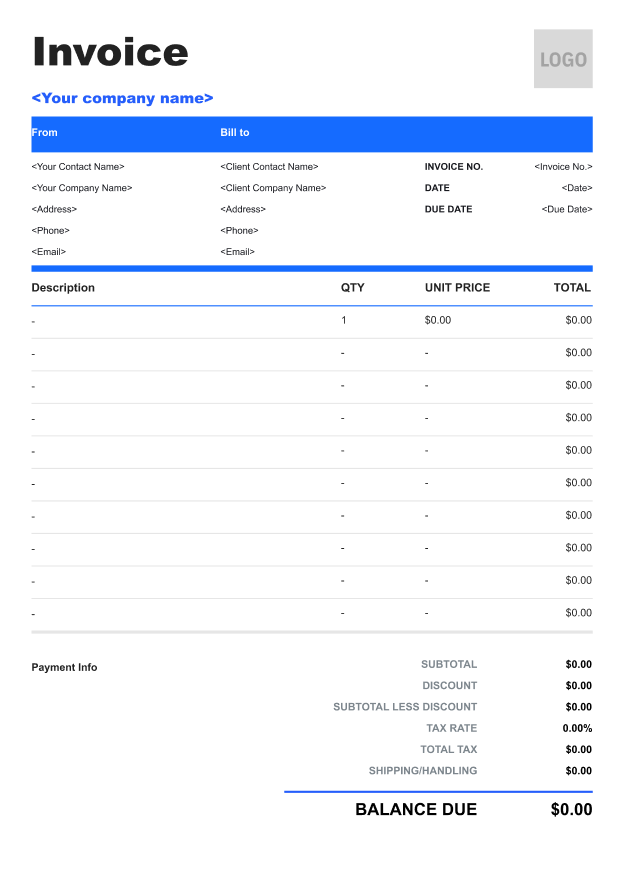
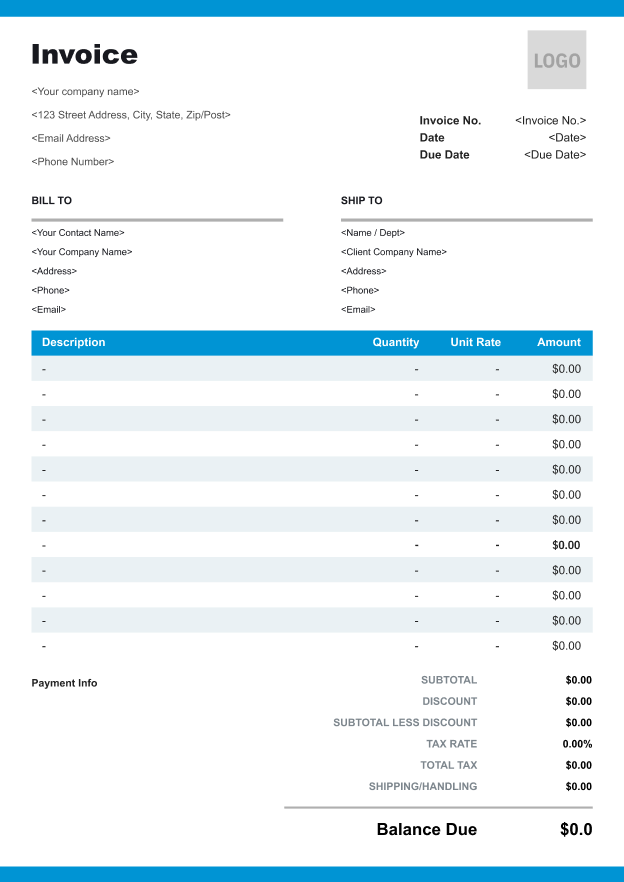
Classic Gray Invoice Template
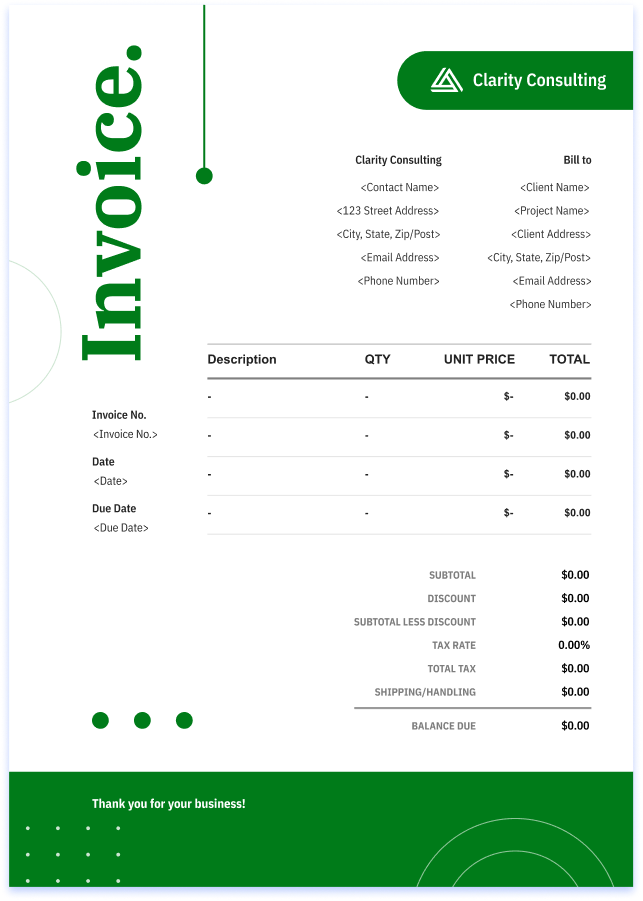
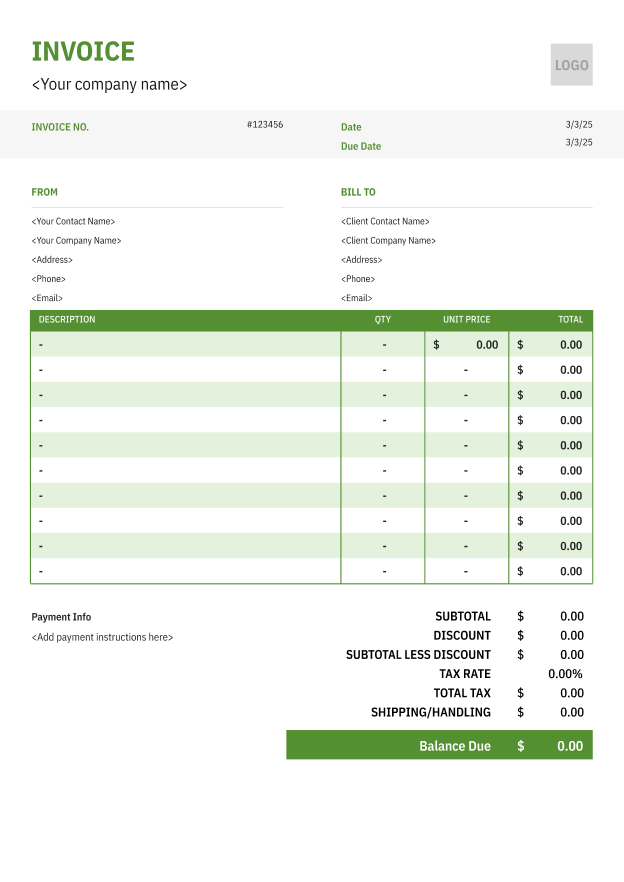
Clean Green Invoice Template
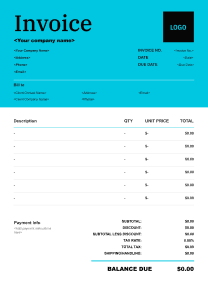
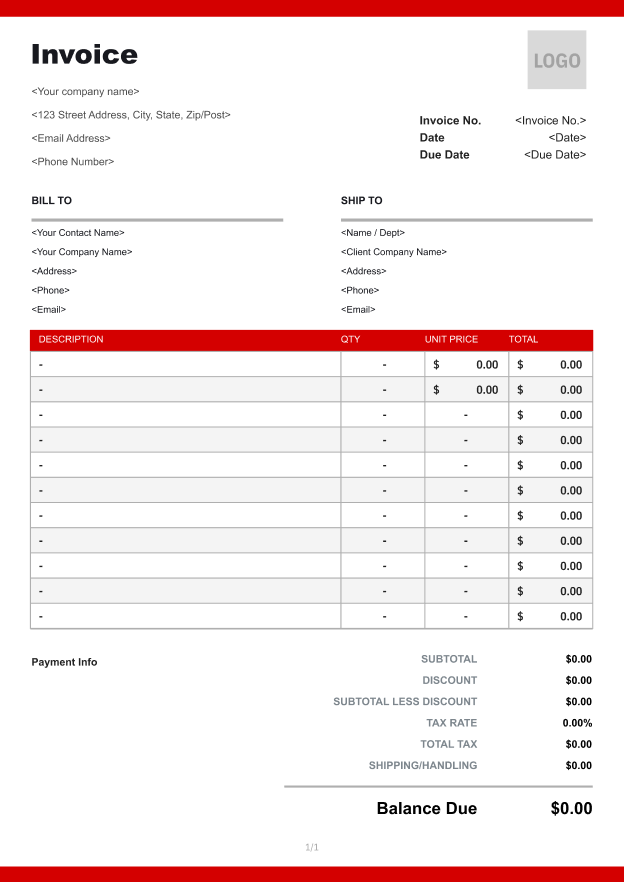
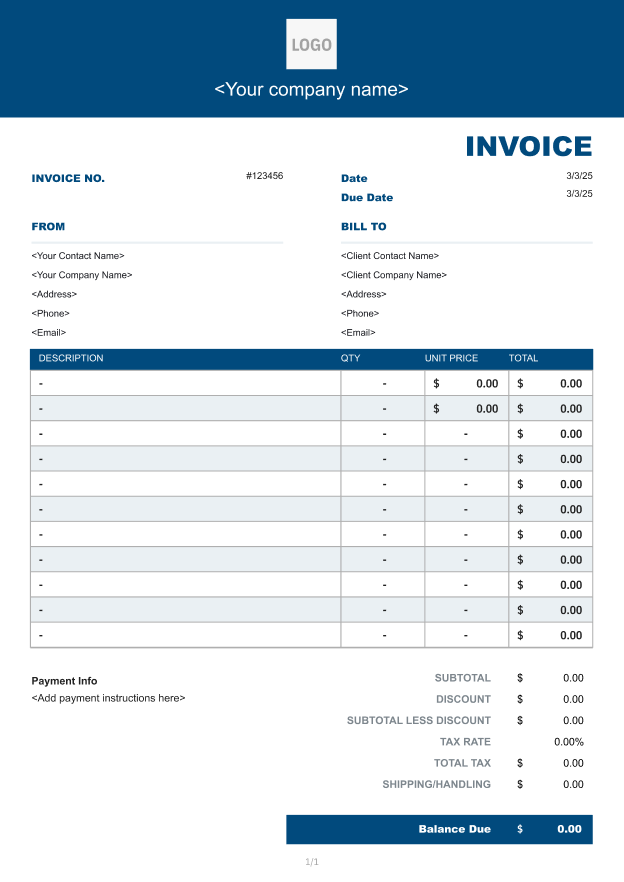
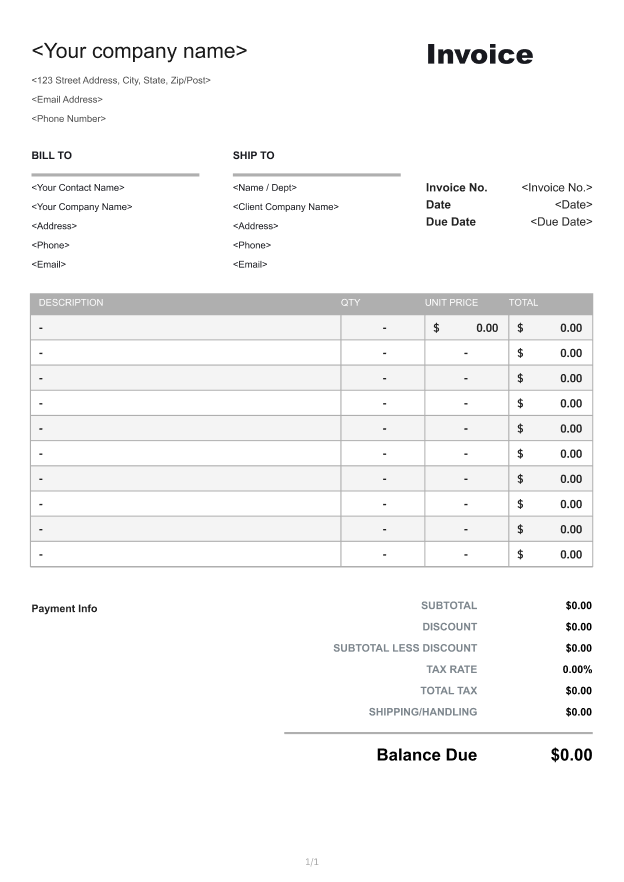
Find the Right Invoice Template for Your Industry
Browse invoice templates tailored to different industries and professions.
Search by industry, service, or use case to quickly find a template that fits your billing needs.
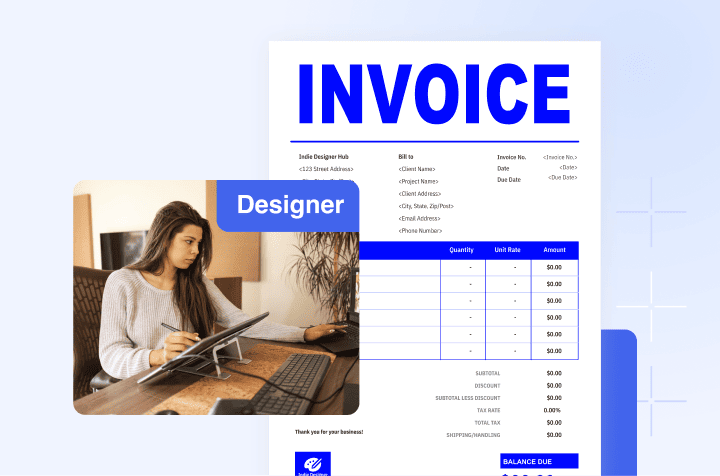
Designer Invoice Template
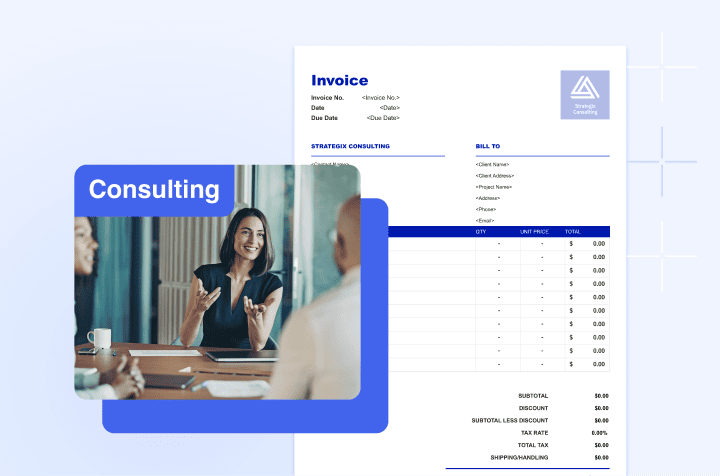
Consulting Invoice Template
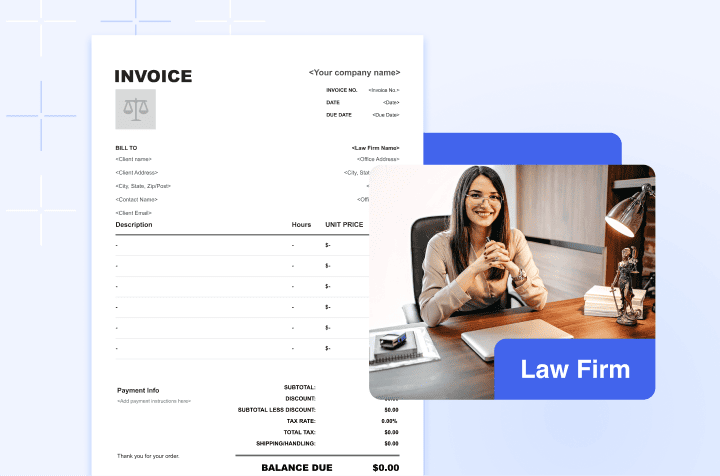
Law Firm Invoice Template
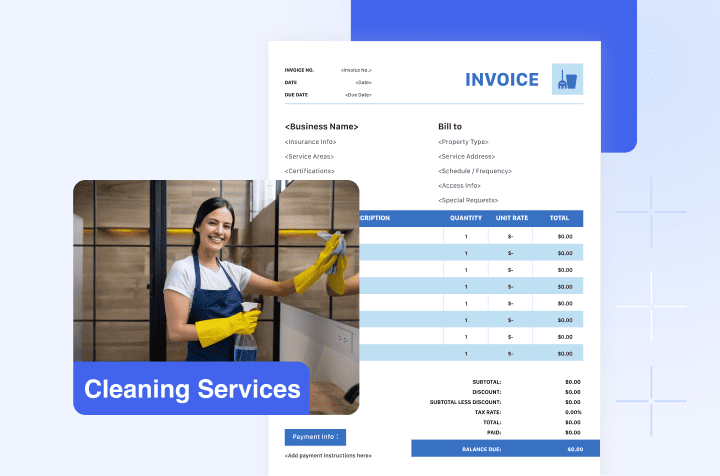
Cleaning Services Invoice Template
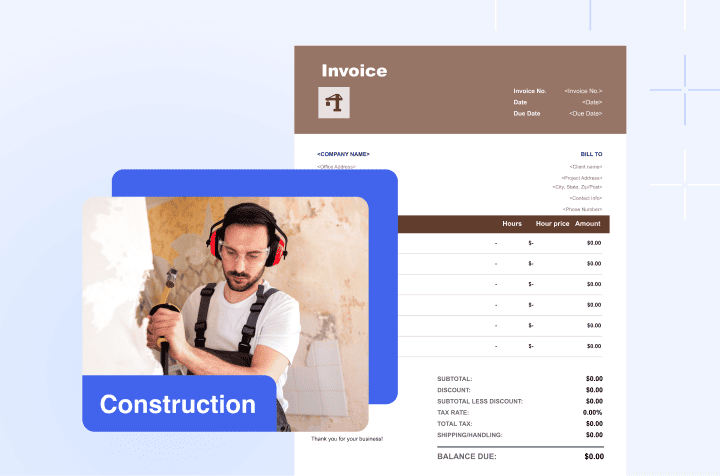
Construction Invoice Template
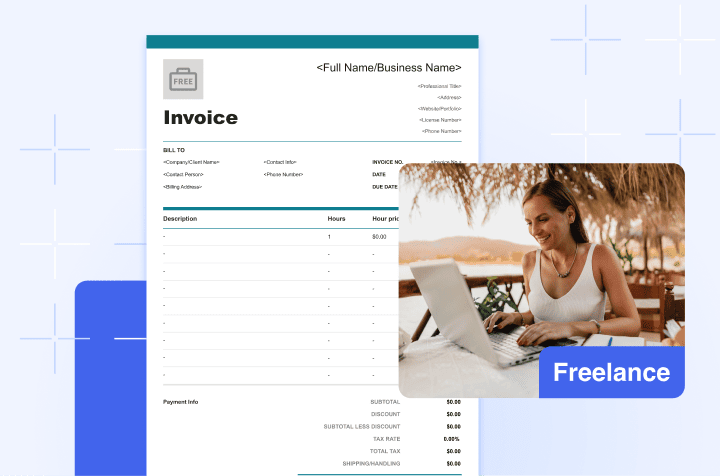
Freelance Invoice Template
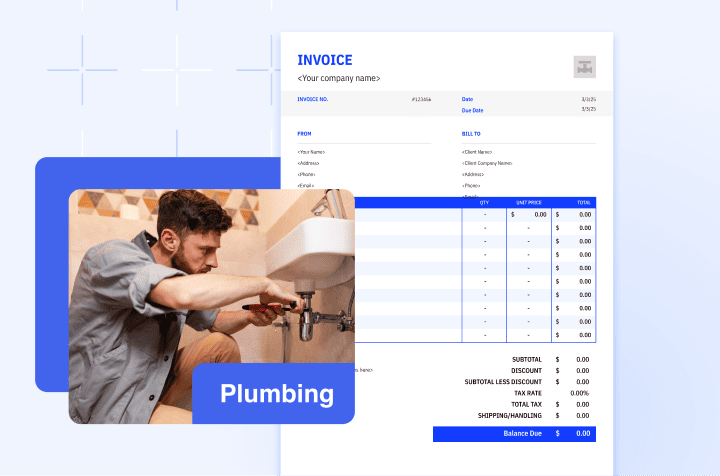
Plumbing Invoice Template
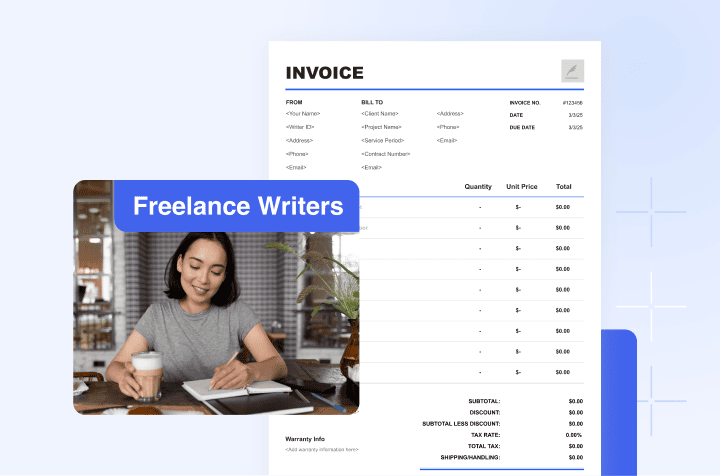
Freelance Writers Invoice Template
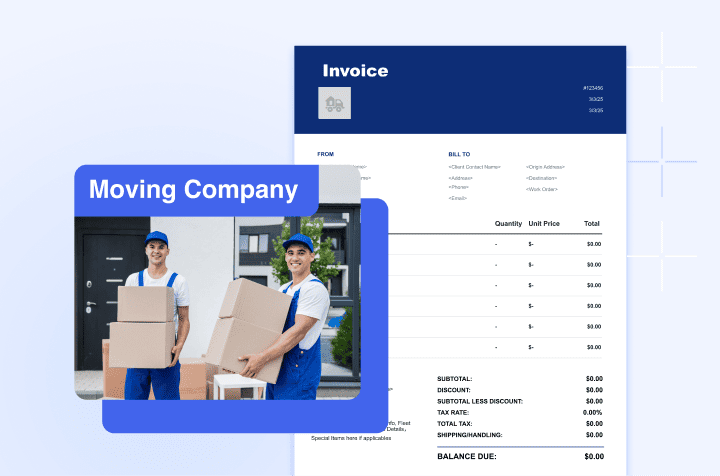
Moving Company Invoice Template
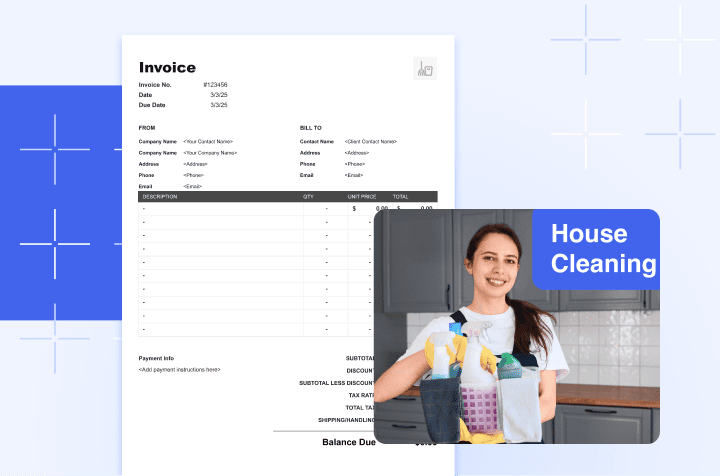
House Cleaning Invoice Template
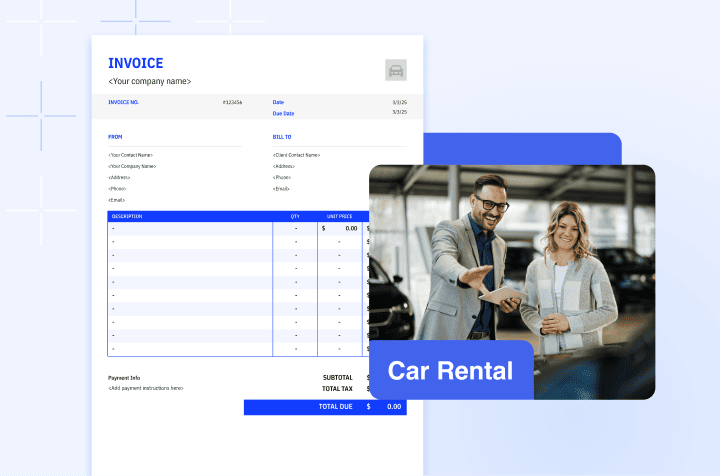
Car Rental Invoice Template
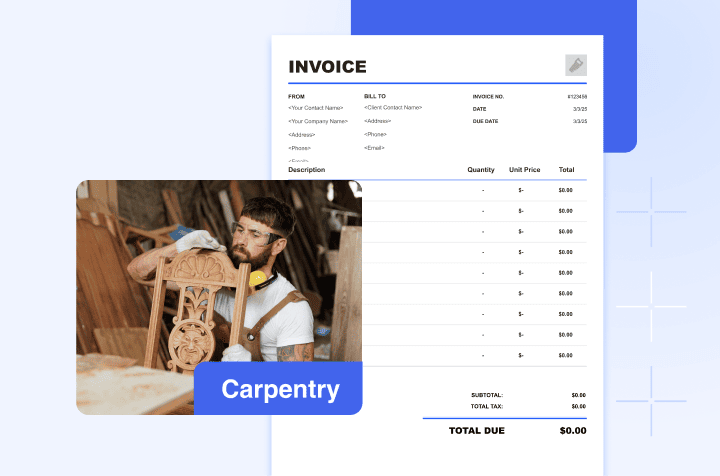
Carpentry Invoice Template
Restaurant Invoice TemplateLawn Care Invoice TemplateTree Removal Invoice TemplateJewelry Invoice TemplatePest Control Invoice TemplateFurniture Store Invoice TemplateCar Wash Invoice TemplateDrywall Invoice TemplateCopywriter Invoice TemplateParty Rental Invoice TemplateNanny Invoice TemplatePool Service Invoice TemplateHotel Invoice TemplateLandscaping Invoice TemplateCourier Invoice TemplateCommission Invoice TemplateInvoice Templates for Special Purpose
Explore invoice templates designed for specific billing needs, including commercial, deposit, pro forma, sales, service, tax, paid, and progress invoices. Choose the right template for your transaction and create a professional invoice in minutes.
- Commercial Invoice Template
- Deposit Invoice Template
- Pro Forma Invoice Template
- Sales Invoice Template
- Service Invoice Template
- Tax Invoice Template
- Paid Invoice Template
- Progress Invoice Template
8 special purpose invoice templates found.
Free Invoice Templates by Format
Choose the format that fits your workflow. Download a free PDF, Word, or Excel invoice template and customize it for your business.
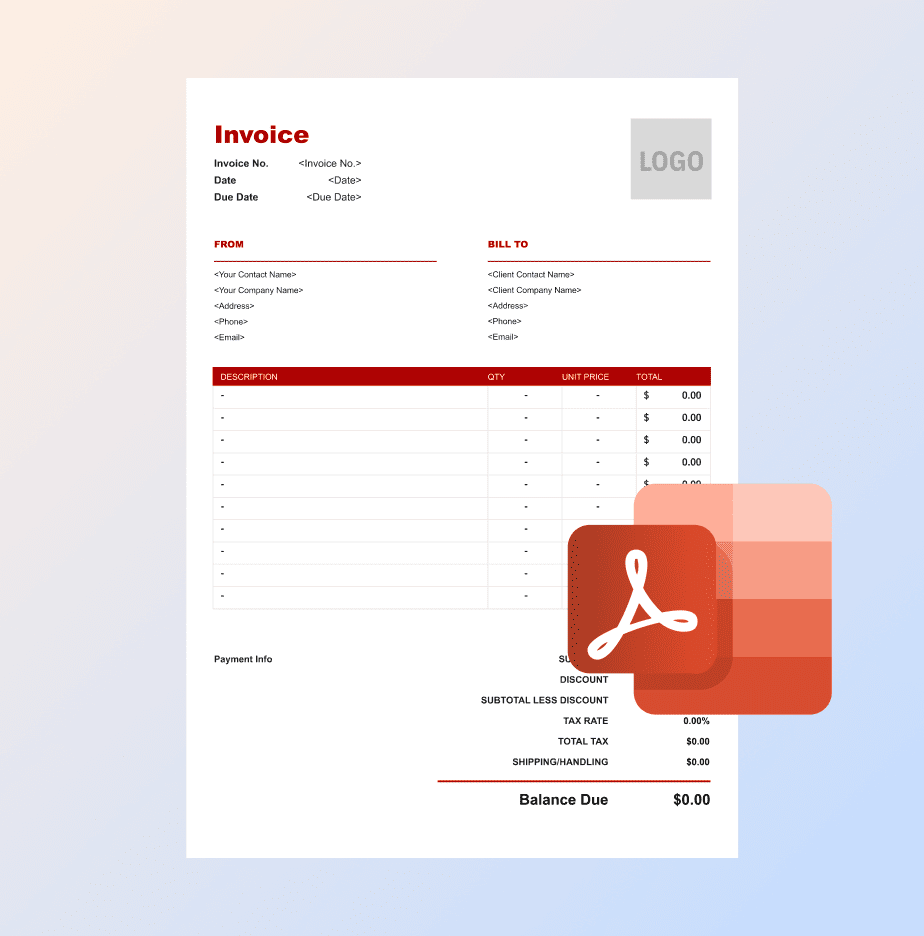
Download professional, print-ready invoice templates that maintain a consistent layout when shared, emailed, or printed.
View Free PDF Templates
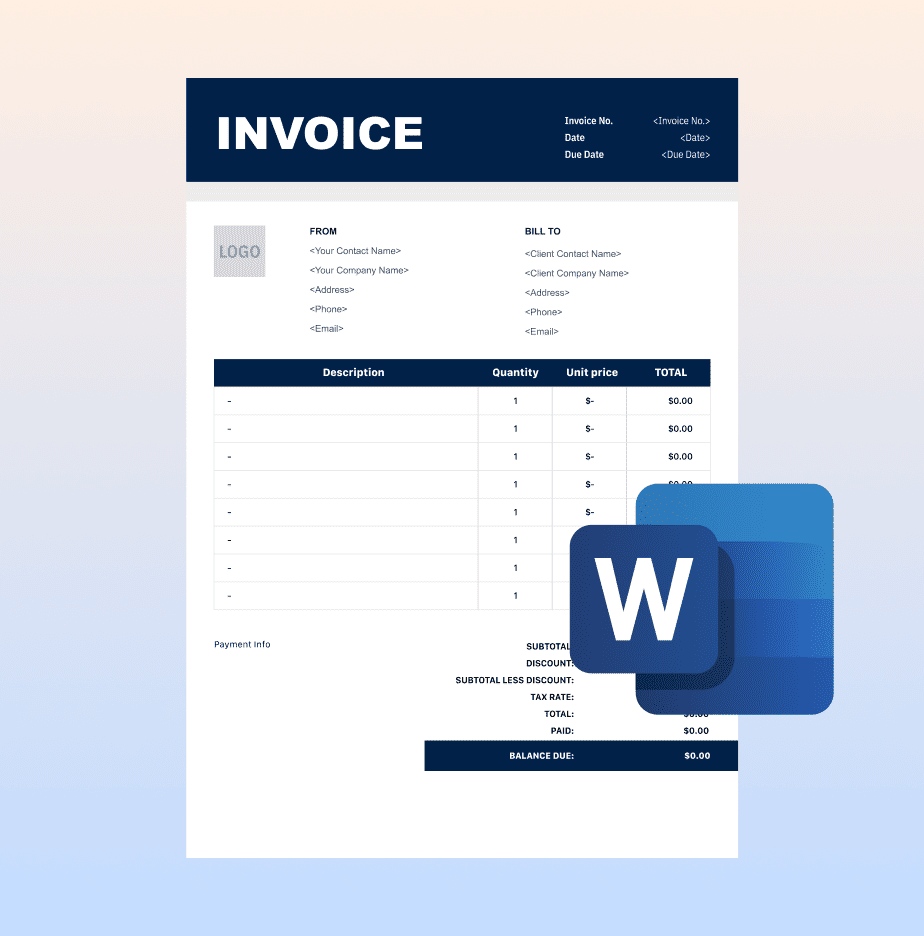
Word
Easily customize your business information, billing details, payment terms, and branding using editable Word templates.
View Free Word Templates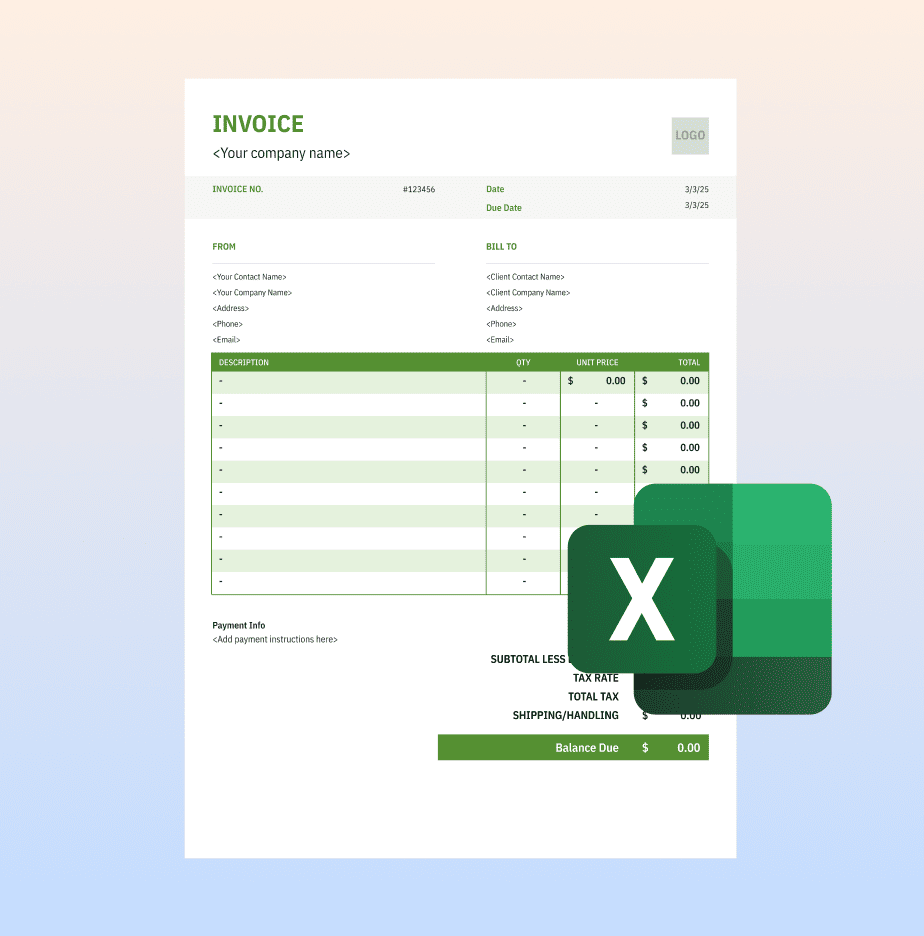
Excel
Organize itemized charges and calculate quantities, rates, taxes, and totals in a spreadsheet-friendly format.
10 Essential elements of an invoice
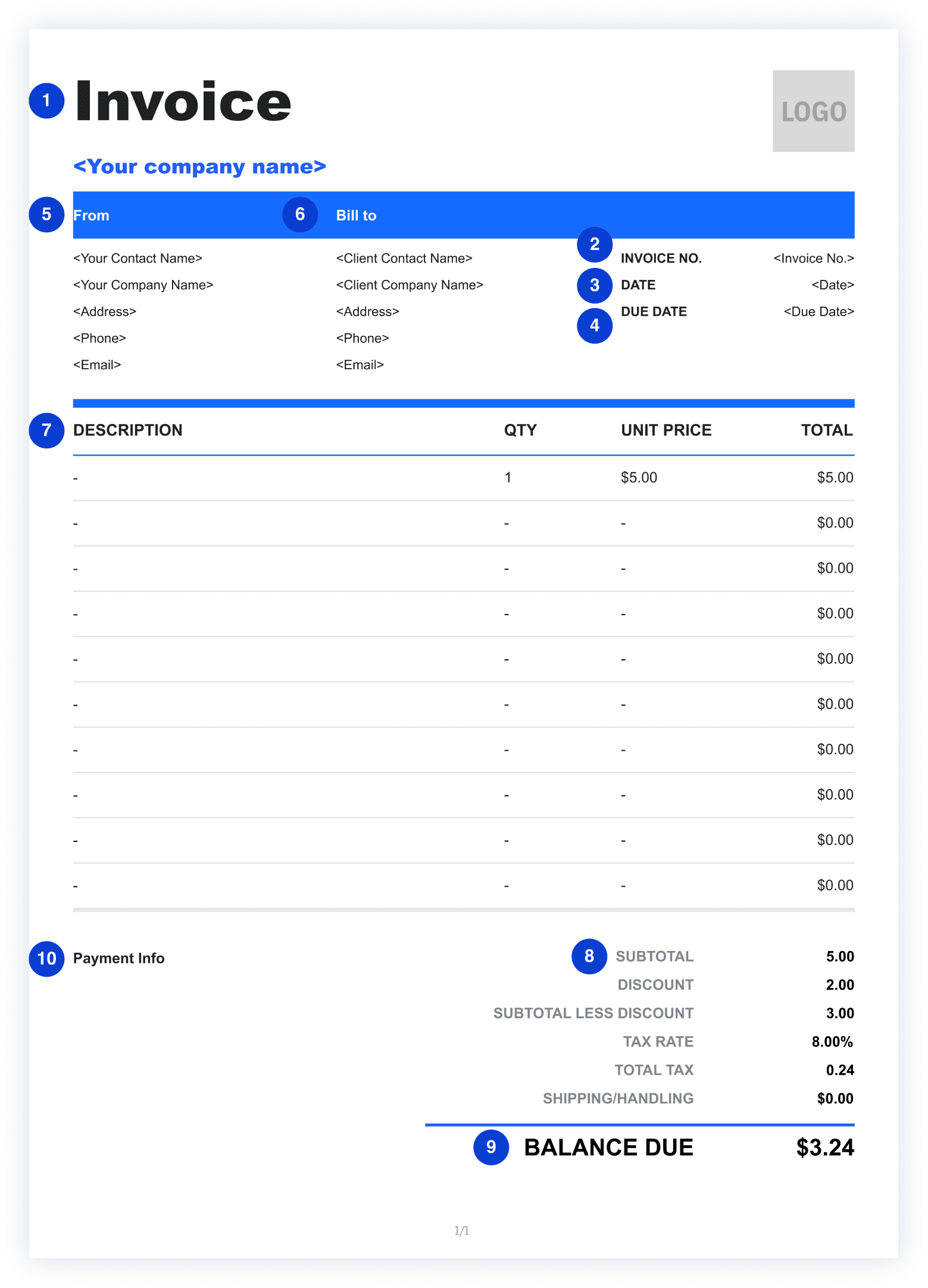
Your firm’s name, the attorney responsible for the matter, physical address, and contact information.
A unique invoice number helps both you and your client track payments, references, and accounting records.
The issue date shows when the invoice was created and serves as a reference point for payment terms.
The due date clearly indicates when payment is expected, helping prevent late or forgotten payments.
Including your business name, address, and contact details makes the invoice legitimate and professional.
Listing your client’s name and contact information ensures the invoice is correctly assigned and processed.
Clear, itemized descriptions explain exactly what the client is being charged for and reduce disputes.
Breaking down costs shows transparency and helps clients understand how the final amount is calculated.
The total amount due highlights the exact payment required, making it easy for clients to act quickly.
Payment terms explain how and how soon the client should pay, such as accepted methods and late fee policies.
How to Fill out A Professional Invoice
Complete the four sections below to create a professional invoice.
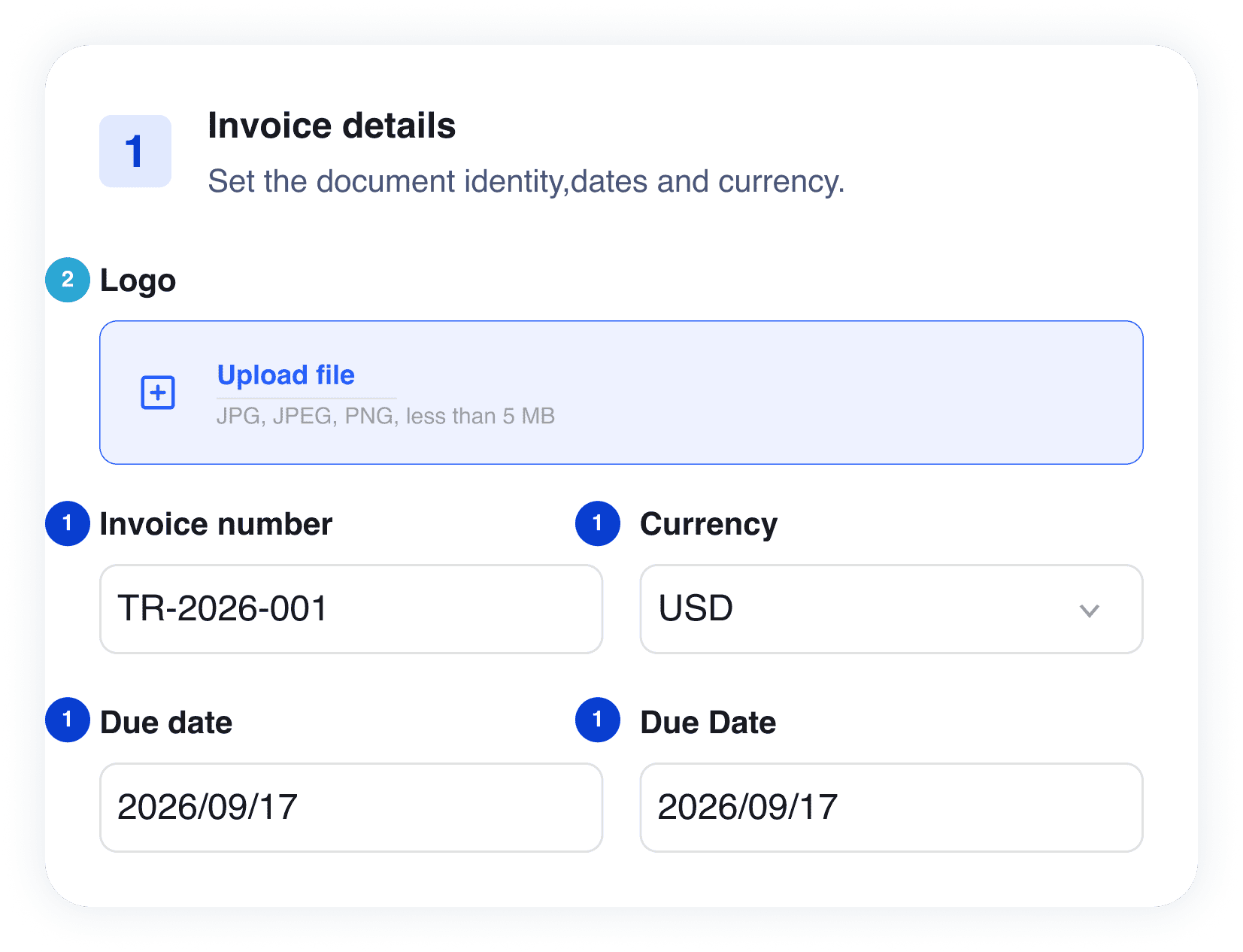
Step 1 — Invoice Details
Upload your logo and enter the invoice number, currency, date, and due date.
1
Must-have: Invoice Number, Currency, Date, Due Date
2
Optional: Logo
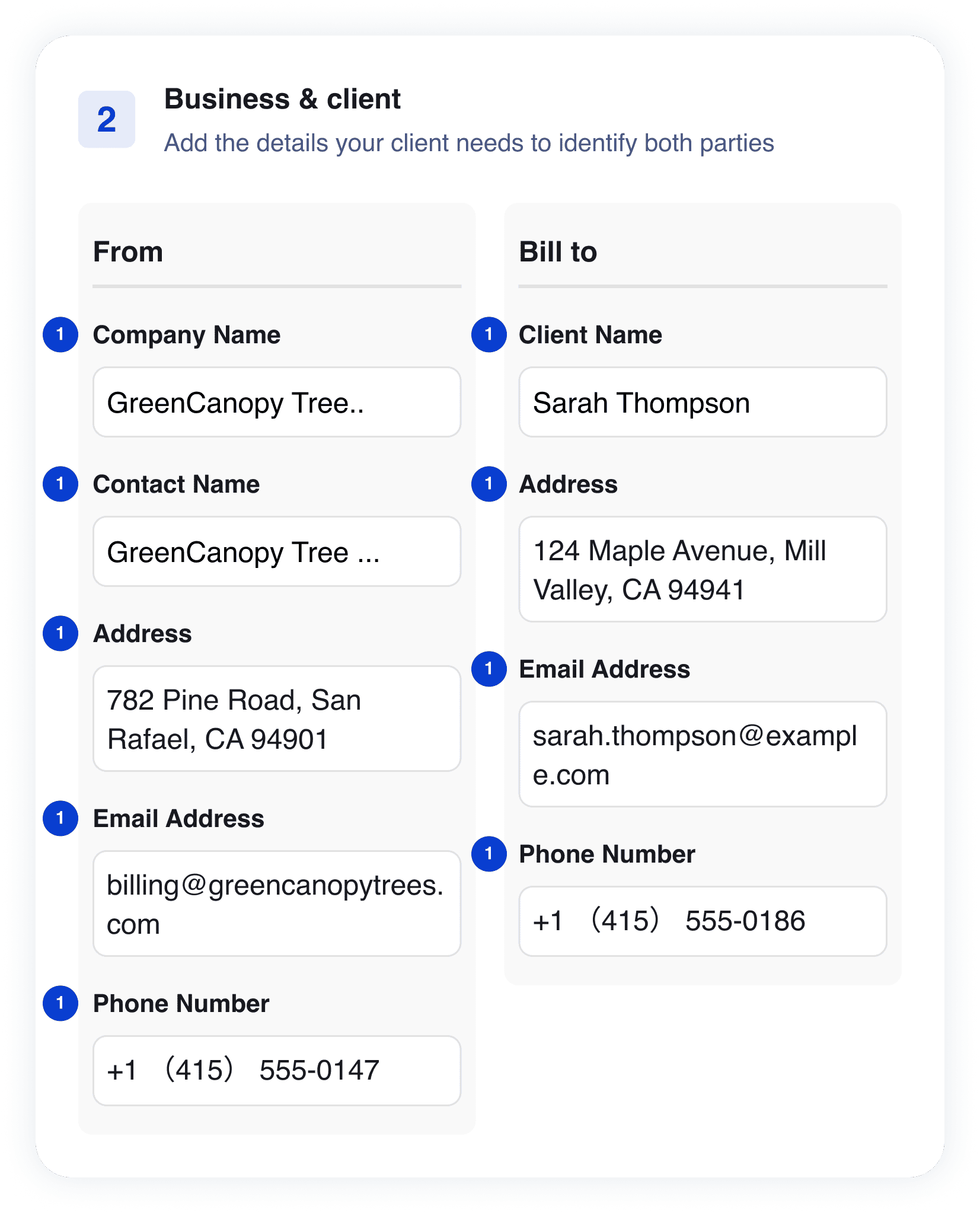
Step 2 — Business & Client
Add the contact information for your business and clients.
1
Must-have: Company Name, Contact Name, Business Address, Business Email, Business Phone, Client Name, Client Address, Client Email, Client Phone
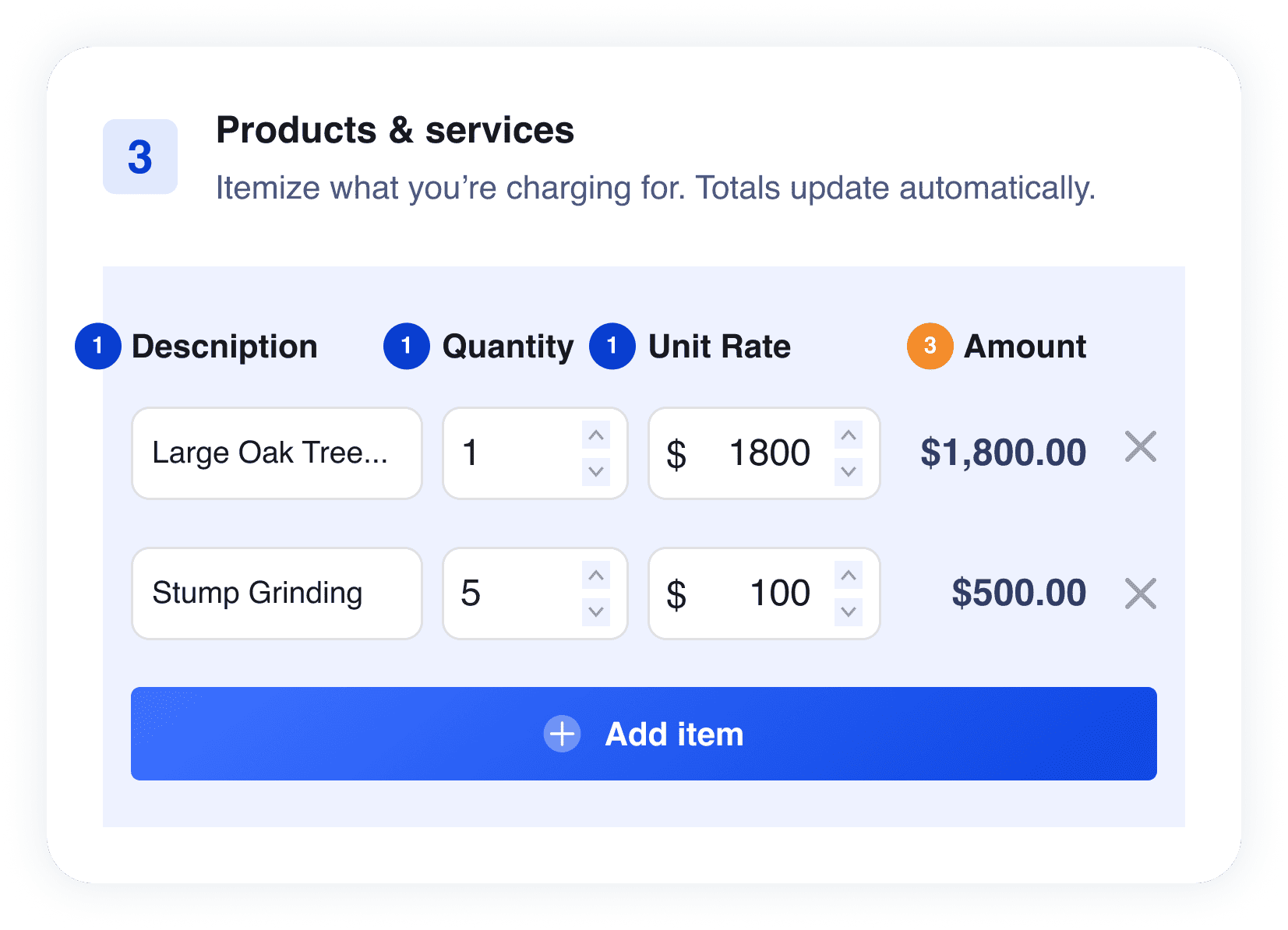
Step 3 — Products & Services
1
Must-have: Description, Quantity, Unit Rate
3
Auto-calculated: Amount
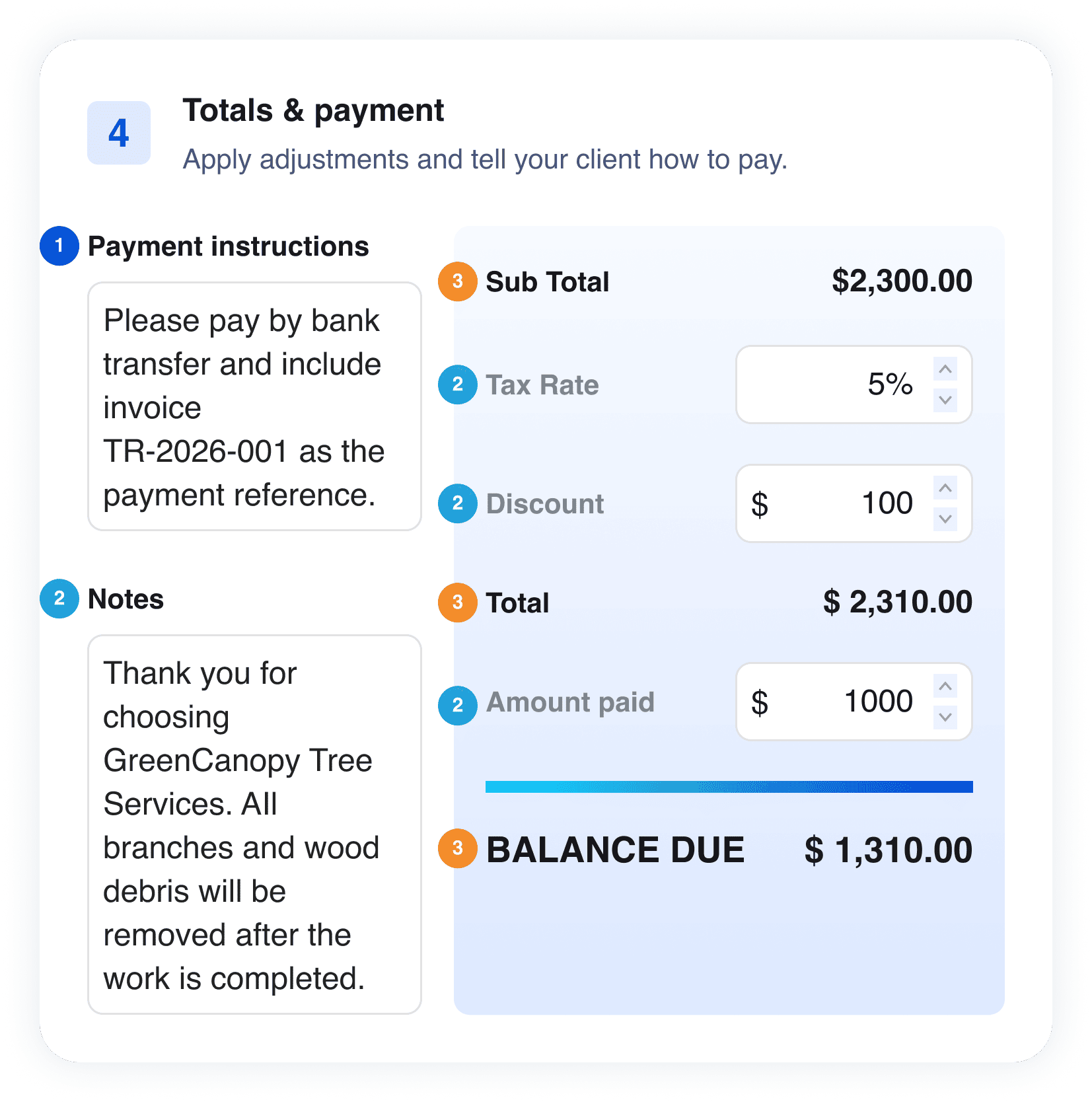
Step 4 — Totals & Payment
1
Must-have: Payment Instructions
2
Optional: Notes, Tax Rate, Discount, Payment Terms
3
Auto-calculated: Subtotal, Total, Balance Due
Invoice Template FAQs
Q: What information should an invoice template include?
Include your business and client details, invoice number, invoice and due dates, itemized products or services, payment instructions, and the final balance due.
Q: How should I number my invoices?
A: Use a unique and consistent numbering system so each invoice is easy to identify and track.
Example: NV-2026-001, INV-2026-002, INV-2026-003.
Q: How do I calculate the total and balance due?
A: Add all line-item amounts to calculate the subtotal, then apply taxes and discounts. Subtract any amount already paid to determine the balance due.
Q: Can I customize an invoice template for my business?
A: Yes. Add your logo, business information, preferred currency, products or services, payment instructions, and notes to match your billing needs.
Other Free Resources



Try Invoice Zip Today
Start Sending Invoices, Building Reports, Saving Office
Time and Get Paid Faster.
