


Free Credit Memo Templates
Document a reduction to a customer's existing invoice or account without erasing the original sale. State the reason, reference the affected invoice, calculate the approved credit, and show how it changes the customer's balance.
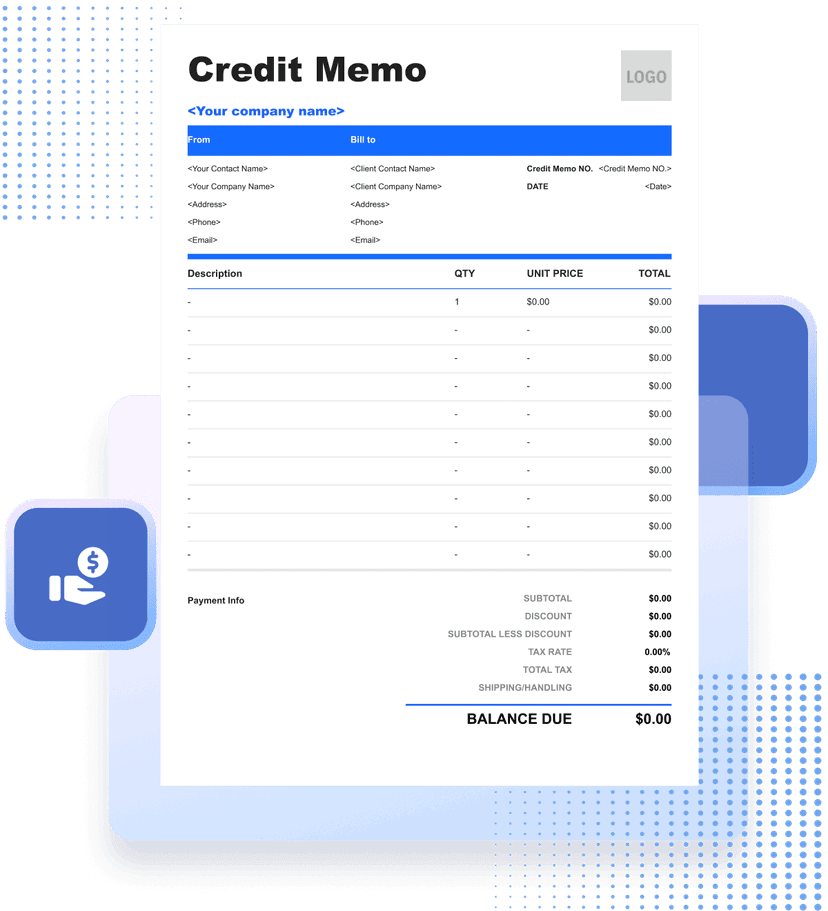


What Is a Credit Memo?
A credit memo is a document that reduces an amount previously billed to a customer. It can record an approved return, pricing error, damaged item, service adjustment, cancellation, or other authorized credit while preserving the original invoice history.
The document should reference the original invoice and identify the exact lines, quantities, tax, fees, or discounts being adjusted. A credit memo is not a new charge and should not be shown as a cash payment unless money was actually received.
Depending on the account, the credit may reduce an unpaid balance, remain available for a future purchase, or support a separate refund. State how the approved credit is being applied so the customer does not assume a refund has already been issued.
Tax adjustments, document requirements, and refund handling vary. Use verified transaction data and the business's authorized accounting process, retain approval evidence, and keep the credit linked to the original record.
- 01
Original transaction
Reference the invoice and customer account being adjusted.
- 02
Reason and calculation
Explain the authorized change and calculate the credit by line.
- 03
Account effect
Show whether the credit reduces a balance, remains open, or supports a refund.
What Should a Credit Memo Include?
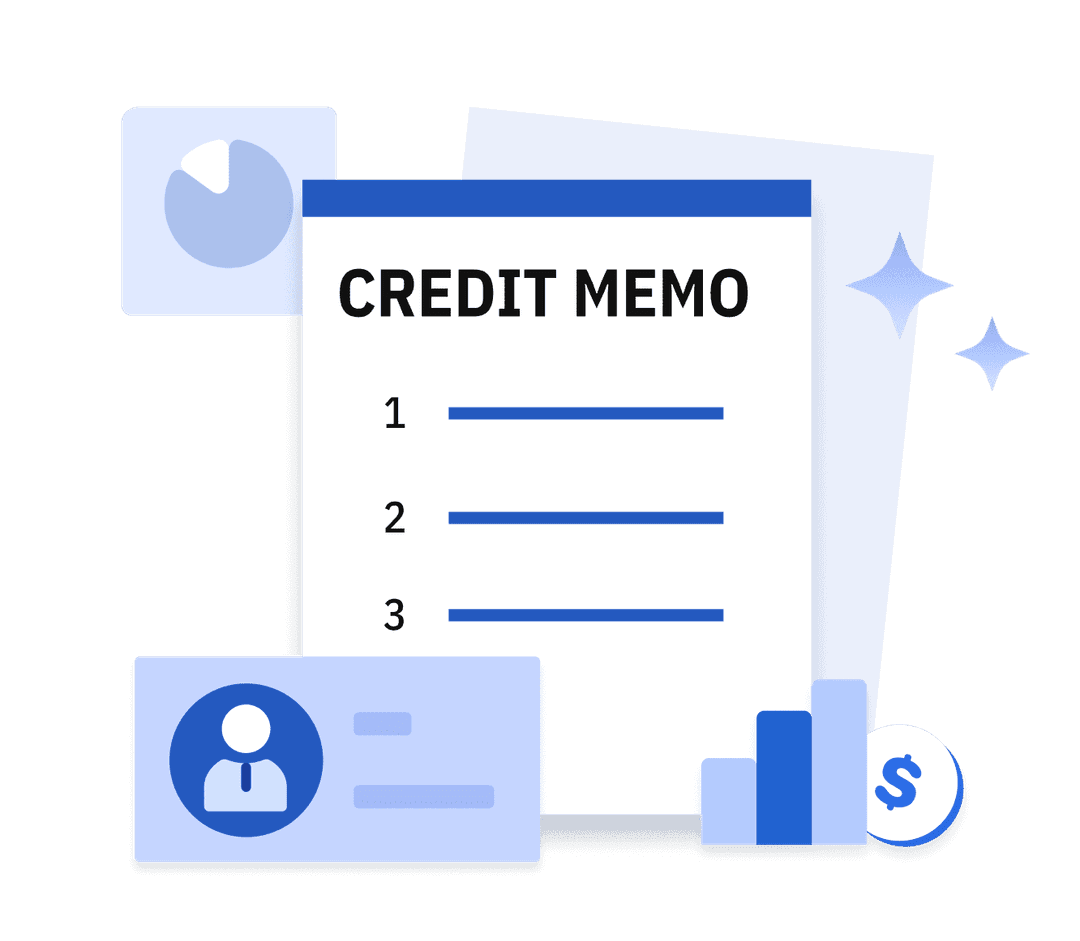
- 01
Customer and Original Invoice
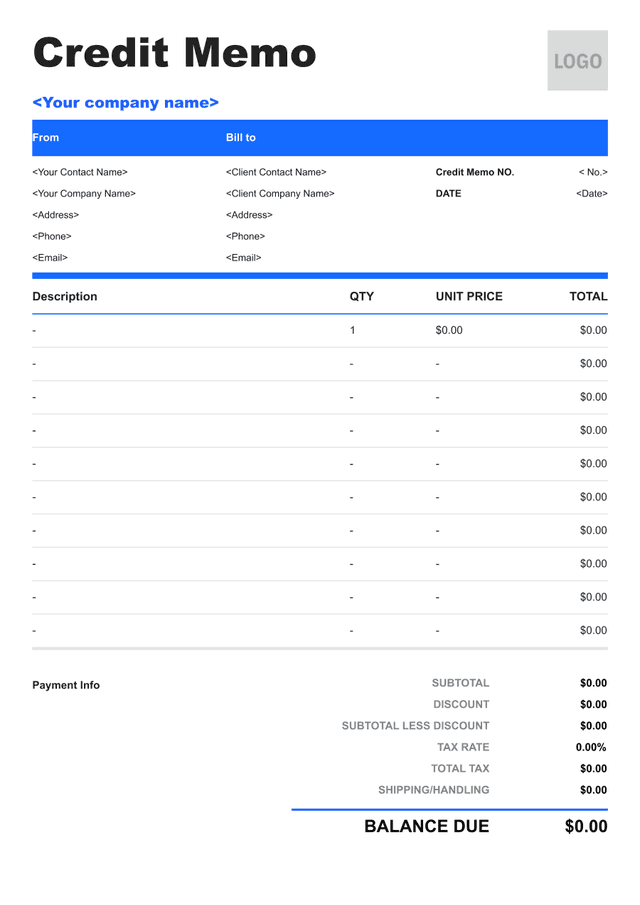
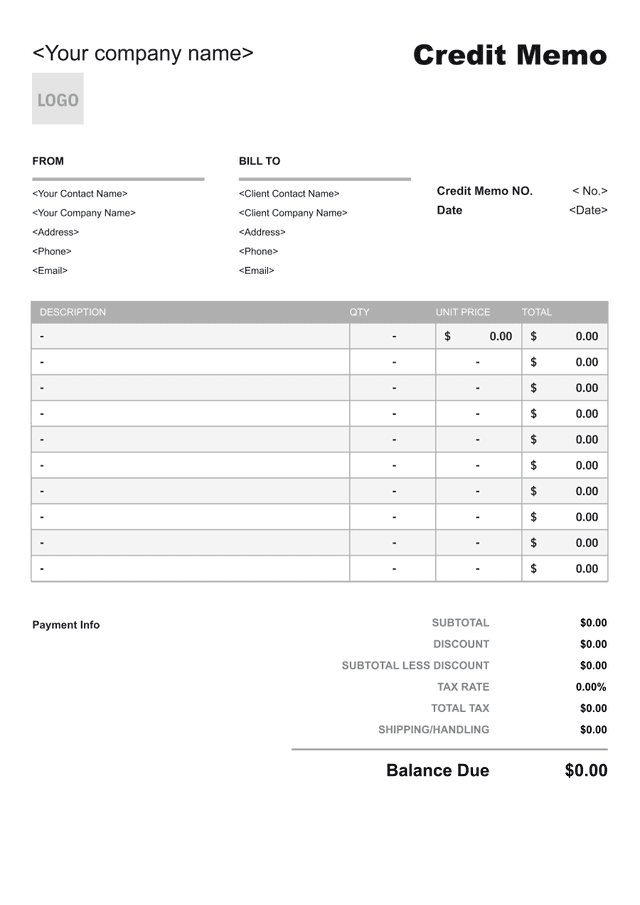
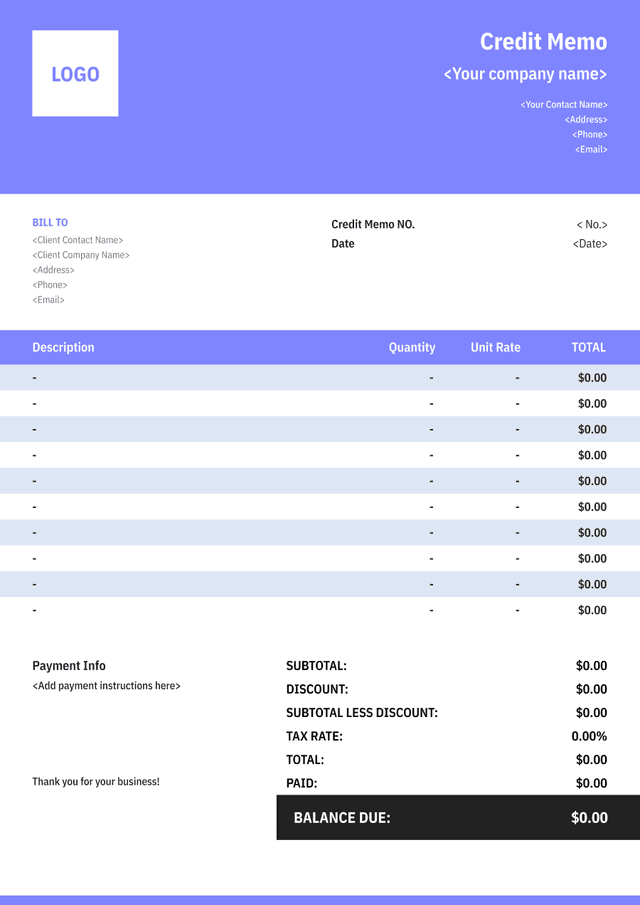
Identify the business, customer, credit memo number and date, original invoice number and date, and any return or approval reference.
- 02
Credited Items and Reason
List the affected product, service, quantity, unit amount, tax, and line credit. Use a clear reason such as approved return, price correction, or service adjustment.
- 03
Credit Total and Application
Show subtotal, tax adjustment, total credit, and how it will be applied—against an open invoice, to the account, or through a separately processed refund.
How to Create a Credit Memo Customers Can Reconcile

- 01
Reference the Original Record
Use the original invoice and customer account details, and preserve the issued invoice instead of rewriting its quantities or total.
- 02
Calculate Only the Approved Adjustment
Credit the authorized quantity, price difference, fee, or tax amount. Keep unrelated invoice lines unchanged and verify rounding.
- 03
State How the Credit Is Applied
Show the balance before and after the credit where useful, and distinguish an account credit from a refund or payment reversal.
How to Calculate a Credit Memo Amount
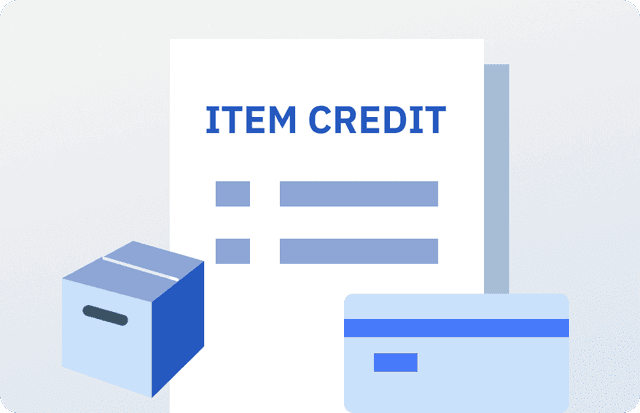
Calculate the Item Credit
Identify the approved returned or adjusted quantity and multiply it by the original unit amount. Use the original currency and preserve any line-level discount treatment.
Item credit
Approved quantity×Original unit amount
Worked example: 2 units × $45 = $90
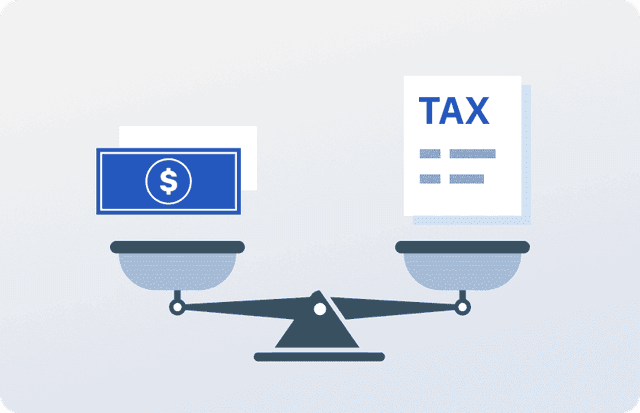
Calculate the Tax Adjustment
Recalculate tax only for the credited taxable amount using the verified treatment from the original transaction and the applicable correction rules.
Tax adjustment
Credited taxable base×Verified tax rate
Worked example: $90 × 8% = $7.20

Build the Total Credit
Combine approved item, fee, shipping, and tax adjustments, then subtract any authorized restocking or other retained amount when permitted and disclosed.
Total credit
Line credits + tax−Authorized deductions
Worked example: $90 + $7.20 − $5 = $92.20
How to Handle Common Credit Memo Adjustments
Returned Goods
Record the accepted quantity and condition, link any return authorization, and credit only items actually approved under the return terms.
Price Corrections
Show the original price, corrected price, affected quantity, and difference so the customer can verify the adjustment.
Service Adjustments
Describe the specific service issue or approved reduction rather than using a vague line such as “goodwill.”
Refund or Account Credit
State whether the credit remains on account, reduces an open balance, or has been separately approved for refund.
Common Credit Memo Mistakes to Avoid
Editing the Original Invoice
Preserve the issued invoice and use a linked credit memo so the change remains traceable.
Omitting the Reason
State the approved return, pricing correction, service adjustment, or other basis for the credit.
Crediting the Wrong Tax
Use the original transaction and applicable correction treatment instead of applying a current or guessed rate.
Calling a Credit a Refund
Do not say money was returned until the refund is actually processed and supported by a payment record.

Credit Memo Template FAQs
Is a credit memo the same as a refund?
No. A credit memo reduces the customer's account or an invoice. A refund is a separate transfer of money back to the customer and should be recorded when processed.
Should I delete the original invoice?
No. Preserve the original issued record and link the credit memo to it so the transaction history and adjustment can be audited.
Can a credit memo apply to part of an invoice?
Yes. Identify the exact lines, quantities, price differences, fees, and tax affected, and leave unrelated charges unchanged.
How should a customer use the credit?
State whether it reduces a named open invoice, remains on the account for future use, or supports a separately processed refund. Avoid leaving the application ambiguous.
Other Free Resources



Try Invoice Zip Today
Start Sending Invoices, Building Reports, Saving Office
Time and Get Paid Faster.
