


Free Credit Memo Generator
Create professional credit memos quickly with our free Credit Memo Generator. Add your business and customer details, enter the original invoice information, specify the credit amount or reason, and generate a clear credit memo to send to your customer. A credit memo is a document a business uses to reduce the amount a customer owes. It can be issued when a customer returns goods, is overcharged, receives a pricing adjustment, cancels part of a service, or needs another adjustment to an existing invoice.
Business Info
Logo

Upload file
JPG, JPEG, PNG, less than 5 MB
Company Name
Credit Memo Number
Currency
Date
From
For
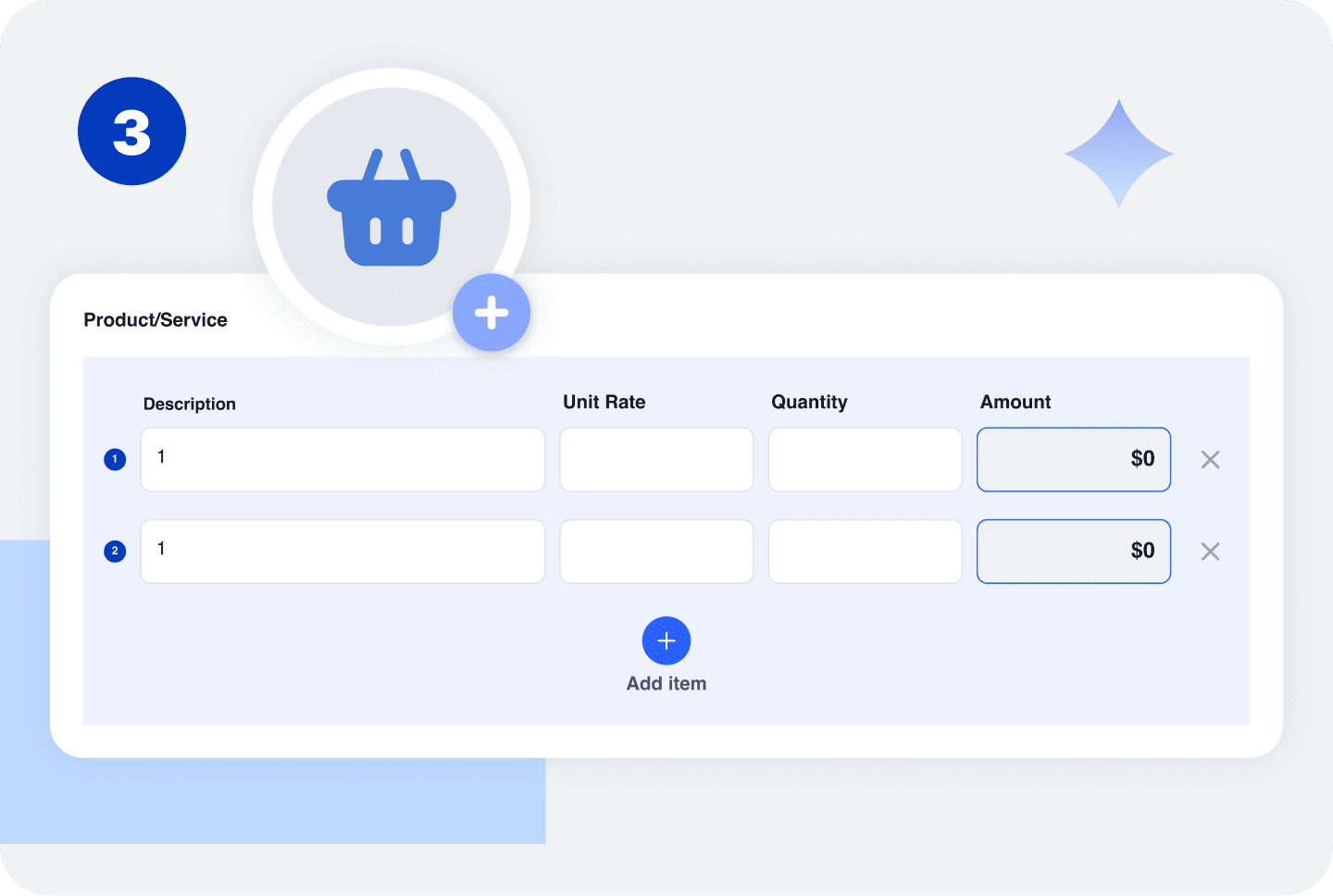
Product/Service
| Description | Unit Rate | Quantity | Amount | ||
|---|---|---|---|---|---|
1 | 1 | Unit Rate $ | Quantity | Amount $ |
 Add item
Notes
How to Use the Free Credit Memo Generator
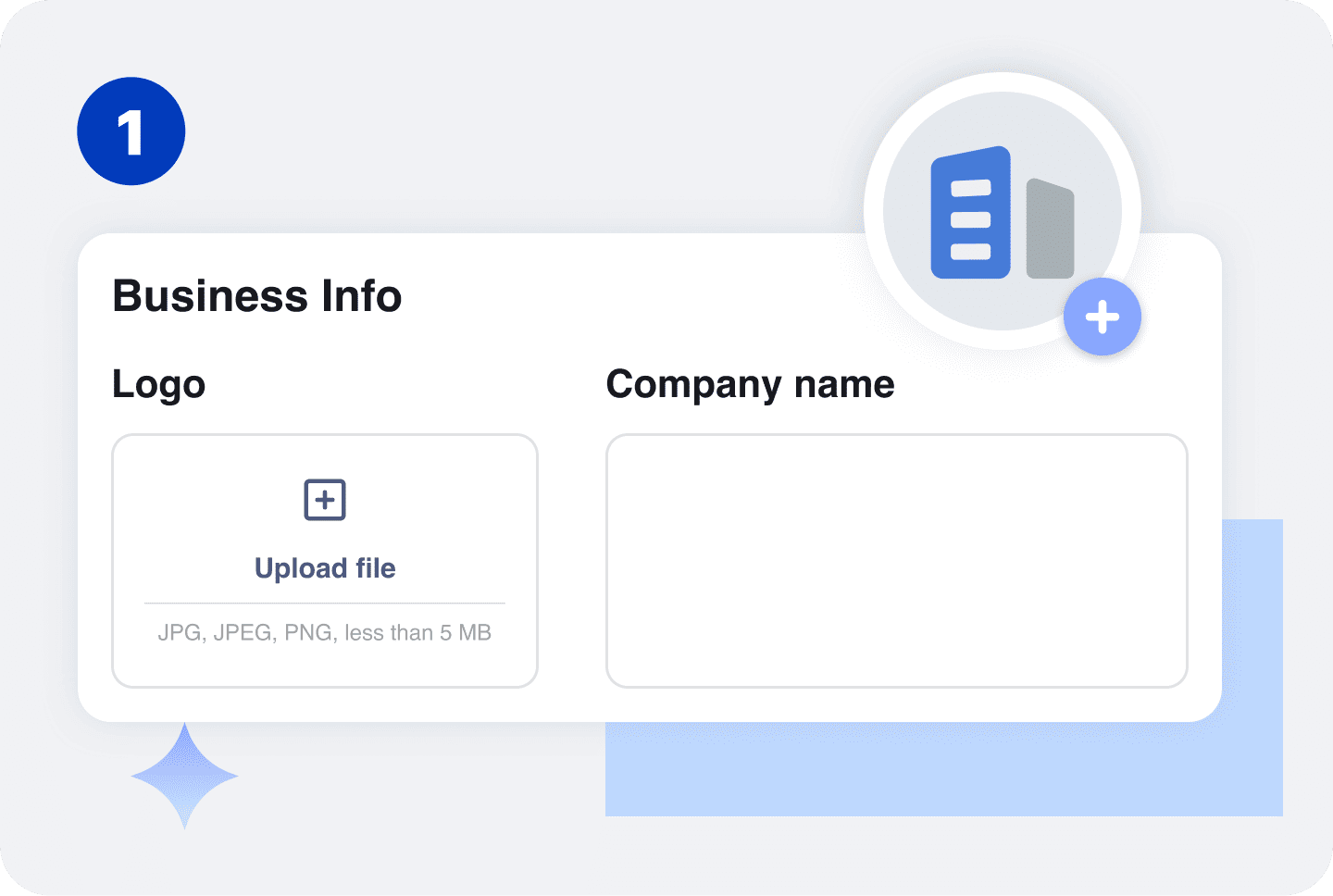
Enter your business name and contact information. Include the details your customer needs to identify and contact your business.

Add the customer's name, company, and contact information. You can also include the customer's billing or service address when relevant.
Enter the invoice number and date associated with the credit. Referencing the original invoice helps both you and your customer understand which charge is being adjusted.
Add the products or services being credited, along with the quantity, amount, and reason for the adjustment.
For example, you might issue a credit for returned products, an incorrect charge, a canceled service, or a partial refund.

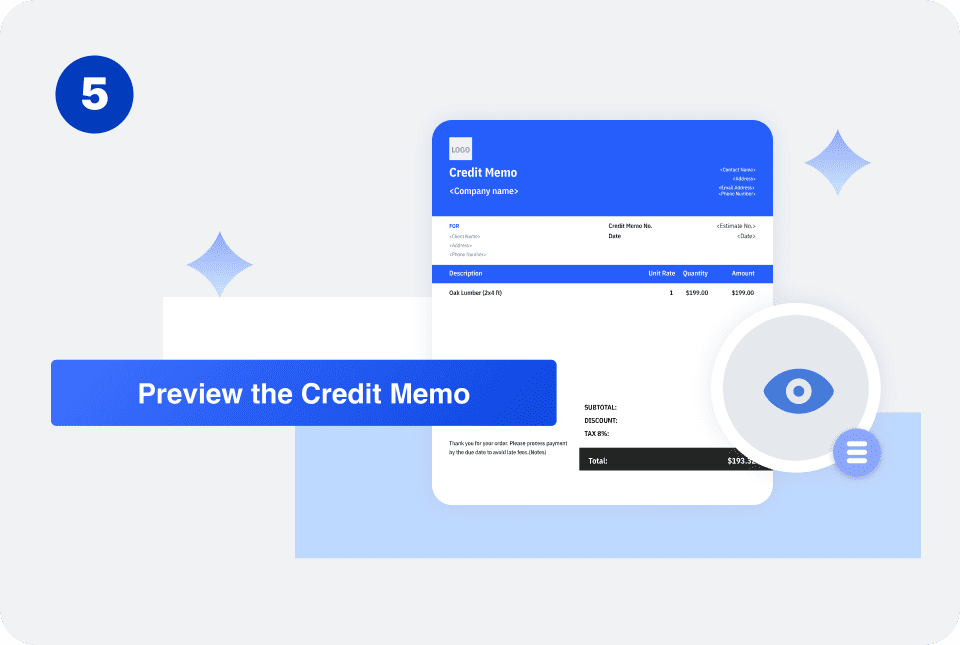
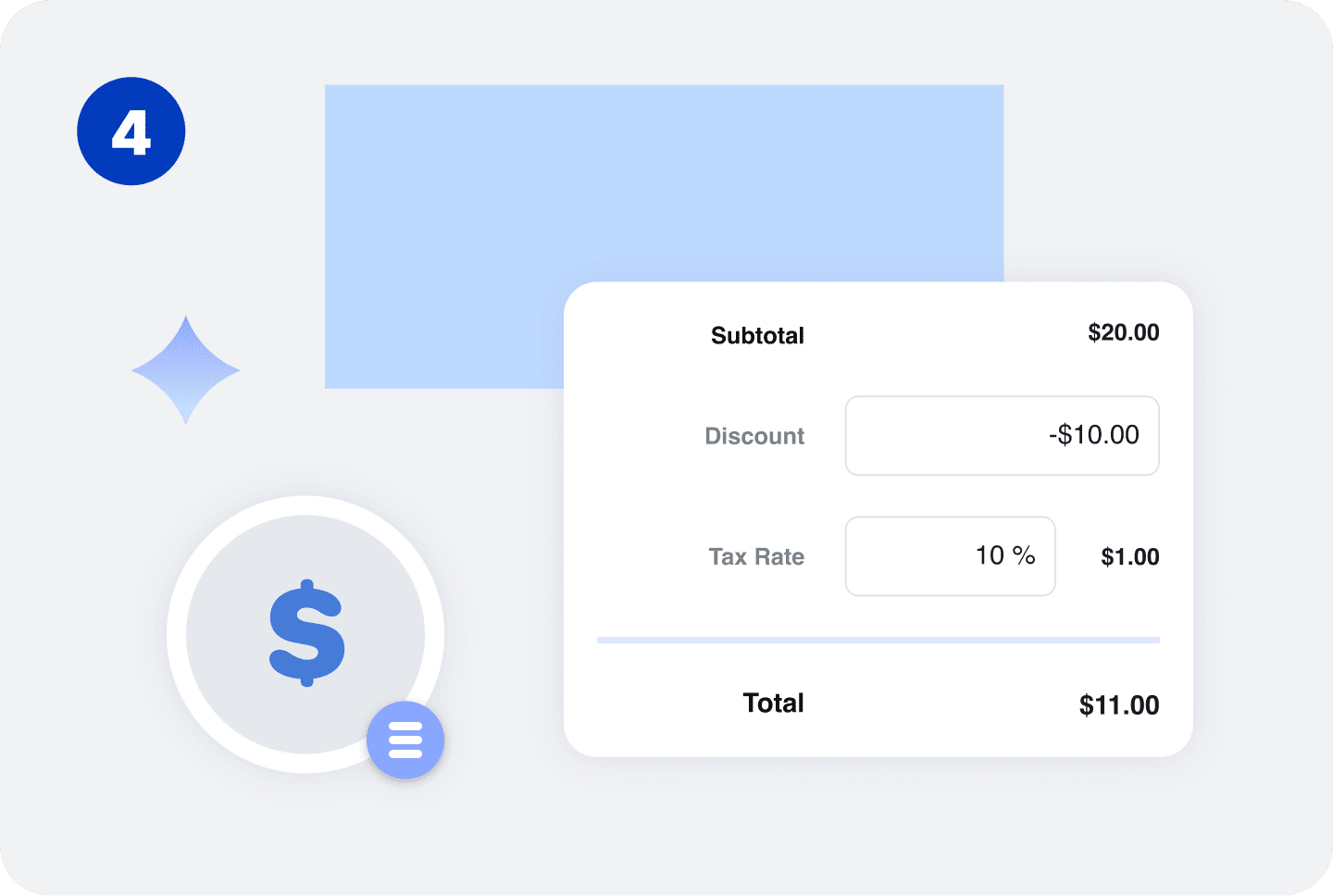
Check the customer information, original invoice details, credit amount, and reason before generating your credit memo. Make sure the adjustment accurately reflects the amount being credited.
What to Include in a Credit Memo
Common details include:

The most important part of a credit memo is clarity. The customer should be able to understand which charge is being adjusted, why the credit was issued, and how much it reduces their balance.
Credit Memo vs. Invoice vs. Refund
Although credit memos, invoices, and refunds can all affect a customer's balance, they serve different purposes.
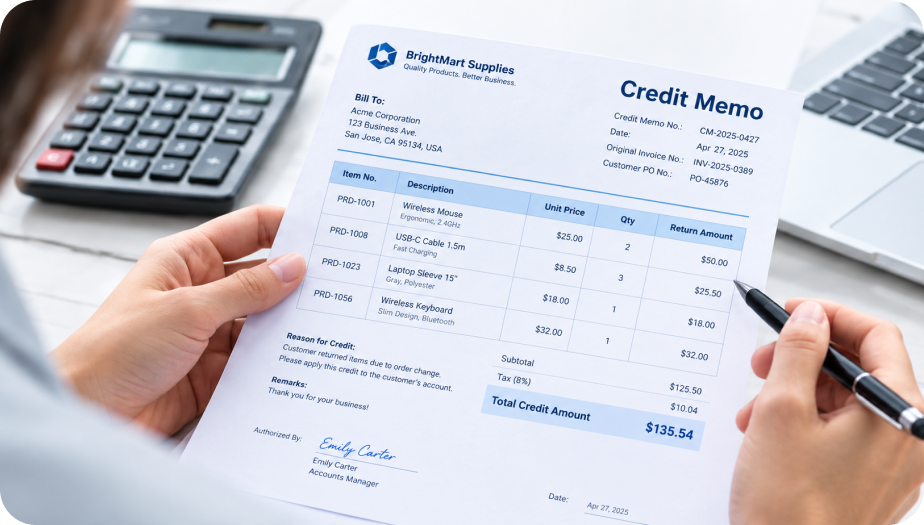
Credit Memo
A credit memo reduces the amount a customer owes on an existing invoice or account. It can be used for returns, overcharges, pricing adjustments, canceled services, or other billing corrections.
For example, if a customer was originally invoiced $2,000 but receives a $300 credit, the remaining balance can be reduced to $1,700.
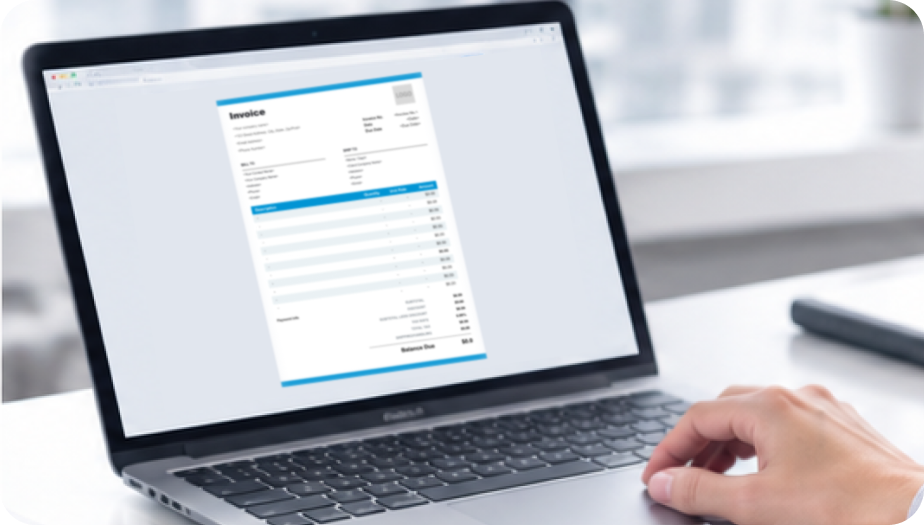
Invoice
An invoice requests payment for products or services that have been delivered or are ready to be billed.
For example, a business may issue a $2,000 invoice after completing a project.

Refund
A refund returns money to a customer after they have already made a payment. A credit memo, on the other hand, can reduce an outstanding balance or leave a credit on the customer's account, depending on the business's billing process.
For example, if a customer has already paid a $2,000 invoice and the business owes them $300, the business may issue a refund rather than simply reducing the outstanding balance.
A billing workflow may look like:



If the customer has already paid, the workflow may instead be:
The appropriate process depends on the reason for the credit and the business's accounting procedures.
Credit Memo Examples
| Item | Qty. | Unit Price | Credit |
|---|---|---|---|
| Product A | 2 | $150 | $300 |
| Product B | 1 | $100 | $100 |
| Total Credit: $400 | |||
Product Return Credit
A business can issue a credit when a customer returns products.
The credit memo can reference the original invoice and explain that the credit was issued for returned products.
| Item | Original Amount | Credit |
|---|---|---|
| Service Fee | $500 | $100 |
| Delivery Charge | $150 | $50 |
| Total Credit: $150 | ||
Billing Adjustment Credit
A business can issue a credit when a customer was charged more than the agreed amount.
The credit memo provides a clear record of the billing adjustment and the amount removed from the customer's balance.
| Service | Original Amount | Credit |
|---|---|---|
| Monthly Service | $600 | $200 |
| Support Package | $300 | $100 |
| Estimated Total: $300 | ||
Service Cancellation Credit
A service business can issue a partial credit when a customer cancels part of a service.
Listing each adjustment separately makes it easier for the customer to understand how the credit was calculated.


Reuse Saved Information in Invoice Zip
Use saved items and client information to create a Credit Memo in just a few taps.
Frequently Asked Questions
When should I issue a credit memo?
Issue a credit memo when you need to reduce a customer's outstanding balance because of a return, overcharge, pricing adjustment, canceled service, or another billing correction.
Can I issue a credit memo for a partial amount?
Yes. A credit memo can reduce part of an invoice rather than the entire amount. Clearly identify the products, services, or charges being adjusted.
Should a credit memo reference the original invoice?
Yes. Including the original invoice number and date helps connect the credit to the transaction being adjusted and makes your billing records easier to track.
Does a credit memo mean the customer gets a refund?
Not necessarily. A credit memo can reduce an outstanding invoice or leave a credit on the customer's account. If the customer has already paid, you may issue a separate refund depending on your business process.
Can I use a credit memo for returned products?
Yes. A credit memo is commonly used to record credits for products that a customer returns, especially when the original invoice has already been issued.
Can a credit memo include tax adjustments?
Yes. When applicable, a credit memo can include a tax adjustment associated with the credited products or services. Tax treatment can depend on your location and circumstances.
Should credit memos have unique numbers?
Yes. Using a unique credit memo number helps you organize your billing records and distinguish each credit from other transactions.
What happens after I issue a credit memo?
The credit can reduce the customer's outstanding balance or remain as a credit on the customer's account, depending on your billing process. If the customer has already paid, you may need to process a refund separately.
Other Free Resources



Try Invoice Zip Today
Start Sending Invoices, Building Reports, Saving Office
Time and Get Paid Faster.
