


Free Purchase Order Generator
Create professional purchase orders quickly with our free Purchase Order Generator. Add your buyer and supplier details, list the products or services you want to order, set quantities and prices, and generate a clear purchase order. A purchase order, or PO, is a document a buyer sends to a supplier to specify the products or services they want to purchase. It provides a written record of the order, including what is being purchased, how much is needed, and the agreed purchasing details.
Business Info
Logo

Upload file
JPG, JPEG, PNG, less than 5 MB
Company Name
Purchase Order number
Currency
Date
From
For
Product/Service
| Description | Unit Rate | Quantity | Amount | ||
|---|---|---|---|---|---|
1 | 1 | Unit Rate $ | Quantity | Amount $ |
 Add item
Notes
How to Use the Purchase Order Generator
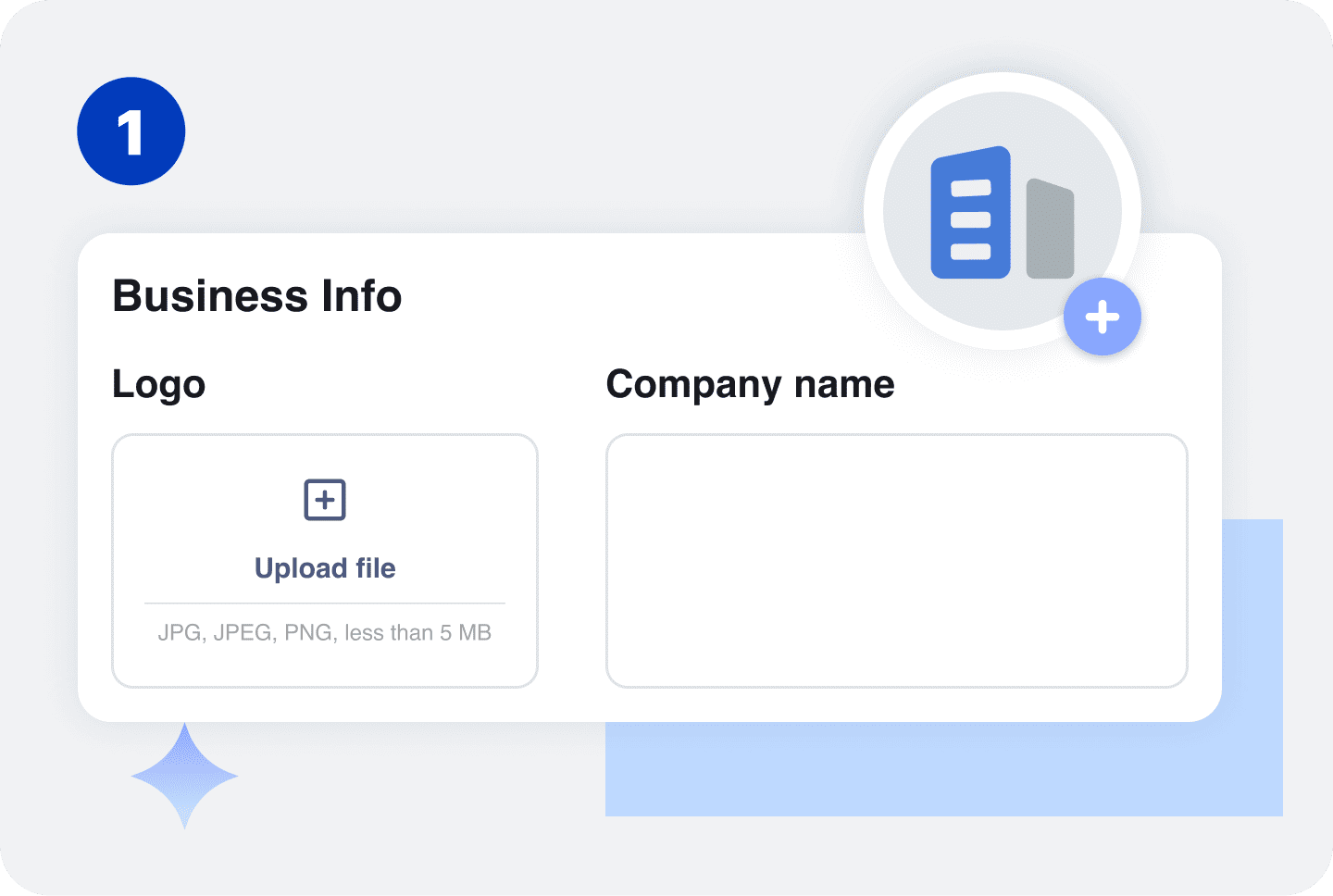
Enter your business name and contact information. Include the details your customer needs to identify and contact your business.
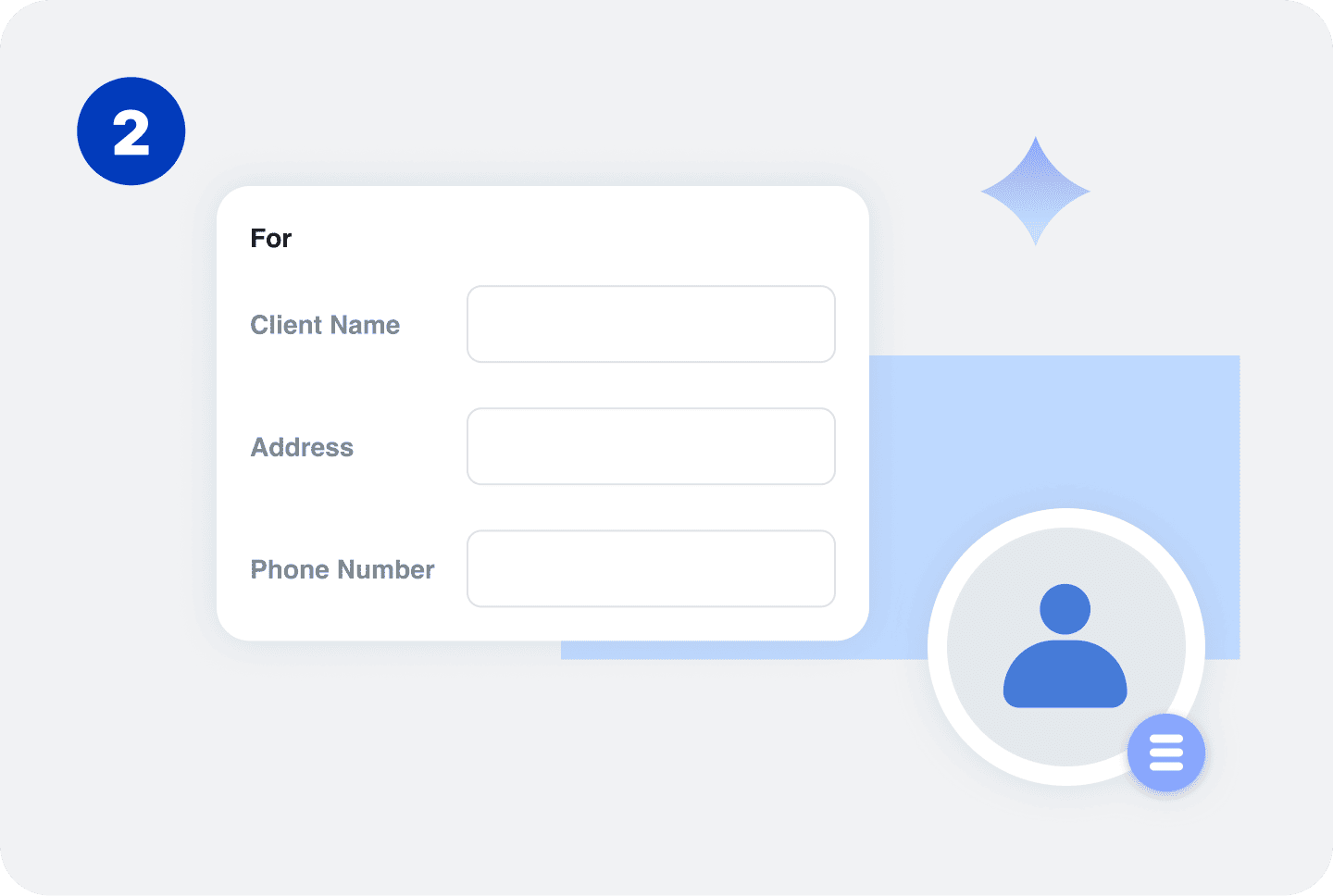
Enter the supplier's name and contact information. For a business supplier, you can include the company name, address, and primary contact.
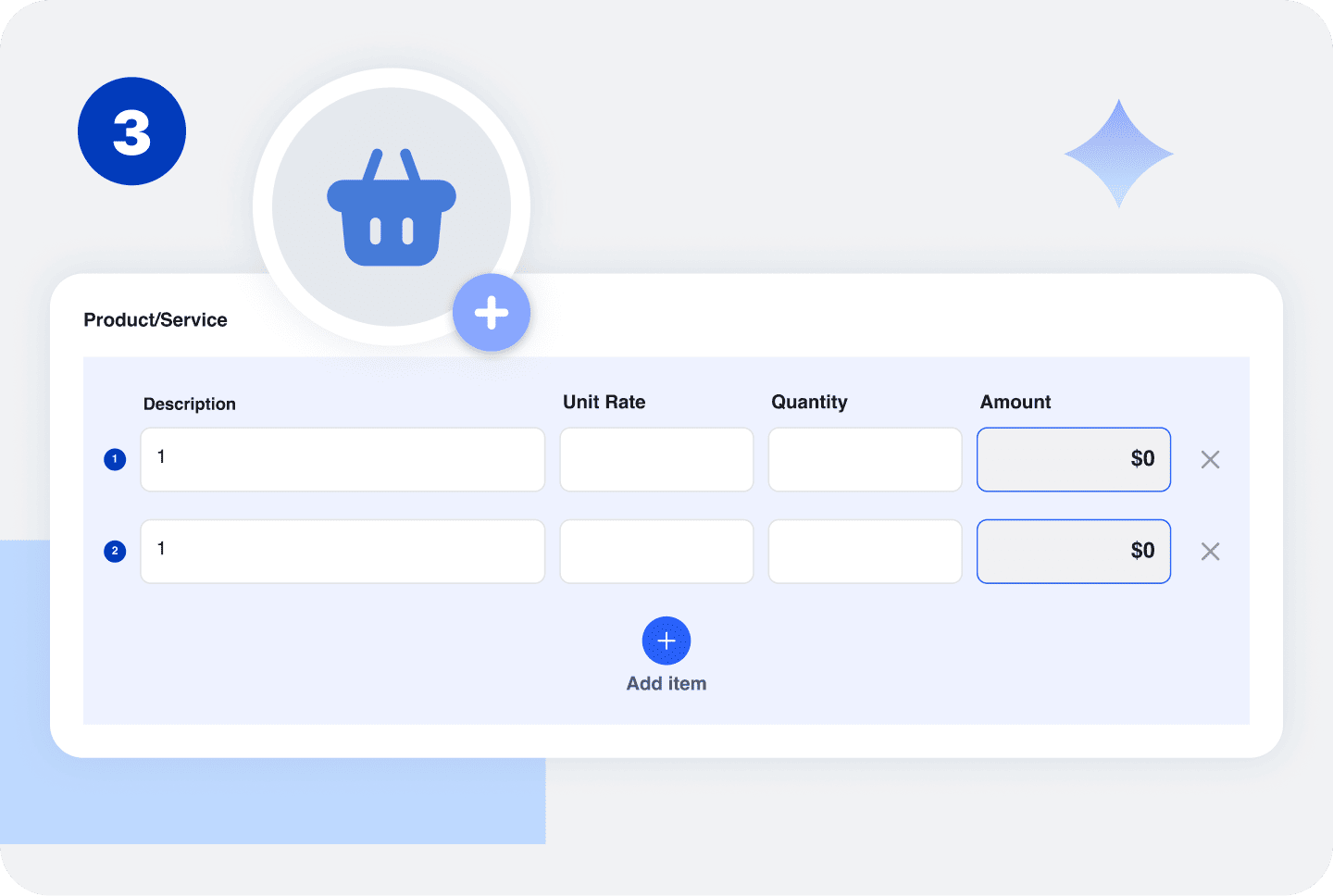
List the products or services you want to purchase. Include descriptions, quantities, unit prices, and other relevant item details.
For example, a contractor might order building materials, while a retail business might use a purchase order to order inventory from a supplier.
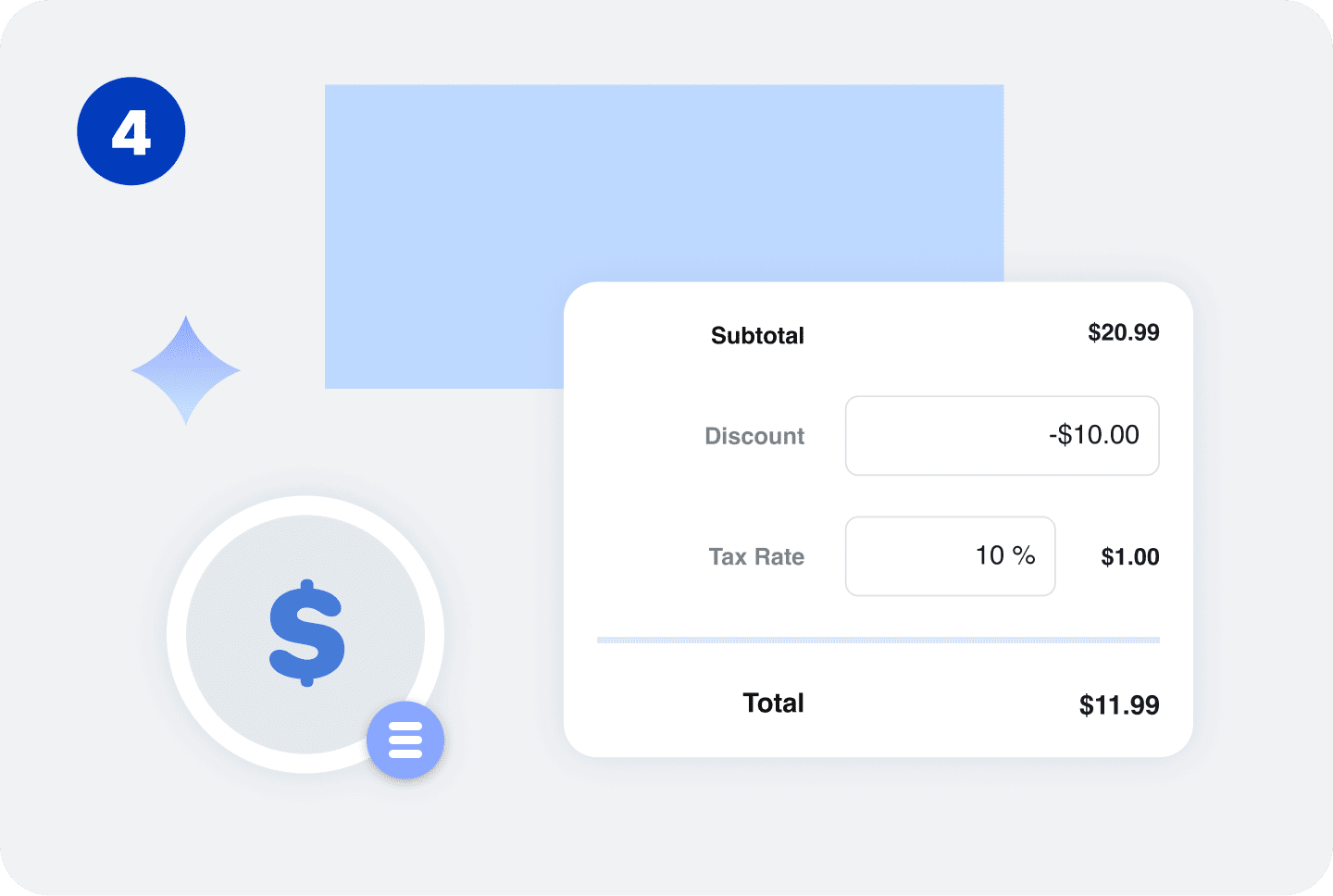
Enter the purchase order number, order date, requested delivery date, shipping information, and applicable payment terms.
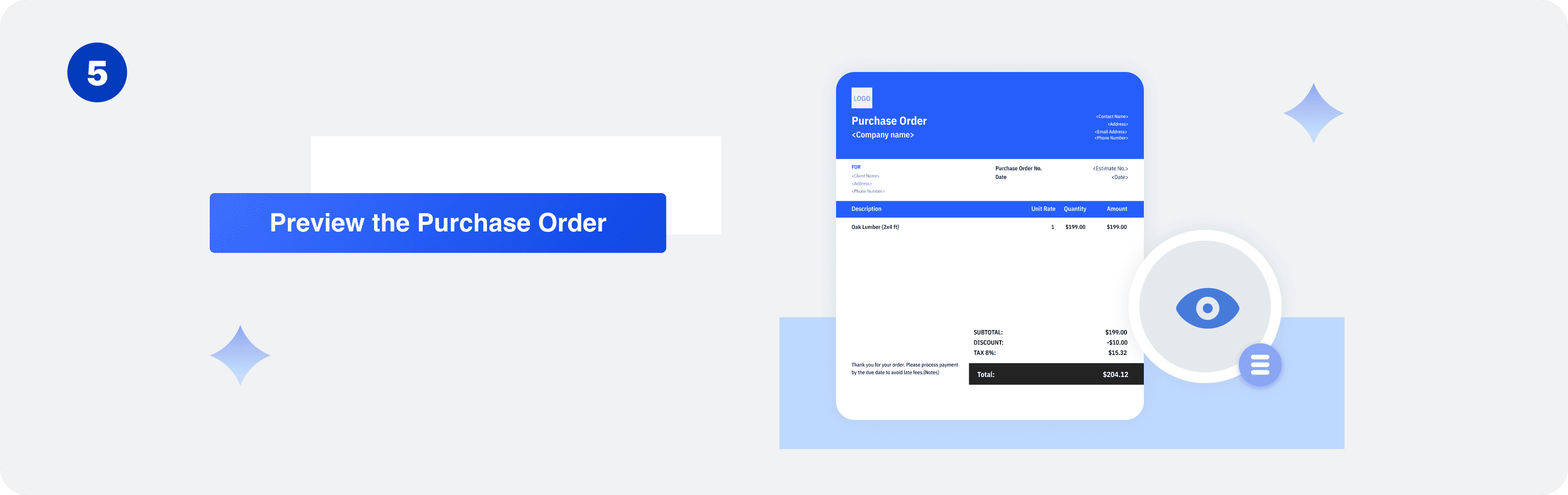
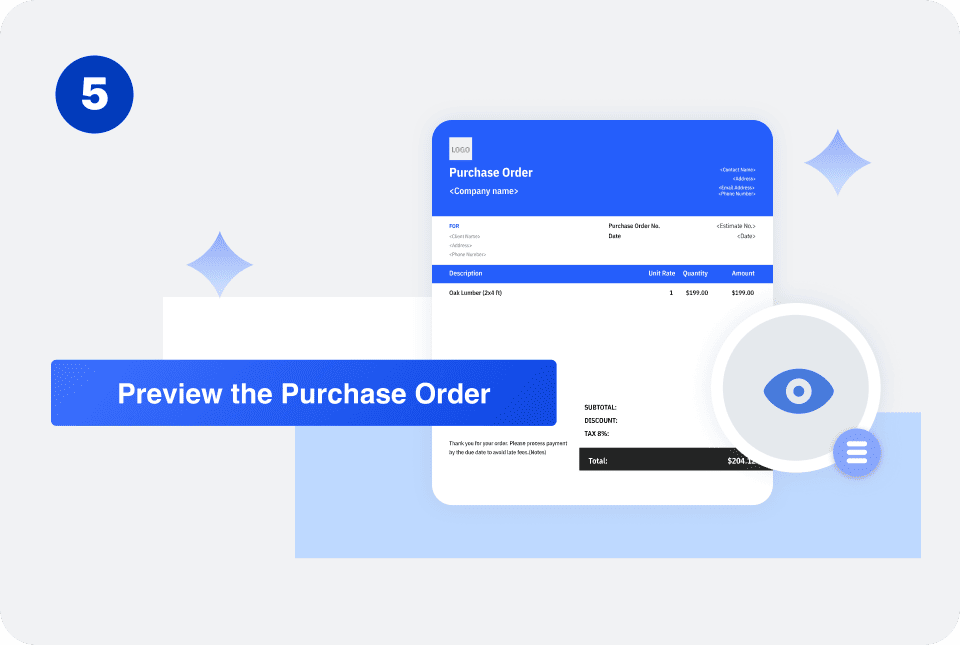
Review the items, quantities, prices, supplier details, and delivery information. Generate your purchase order once the information is correct.
What to Include in a Purchase Order
Common details include:

The exact information can vary depending on the type of purchase and the requirements of the buyer and supplier.
Purchase Order vs. Invoice
A purchase order and an invoice are used by different parties and serve different purposes.
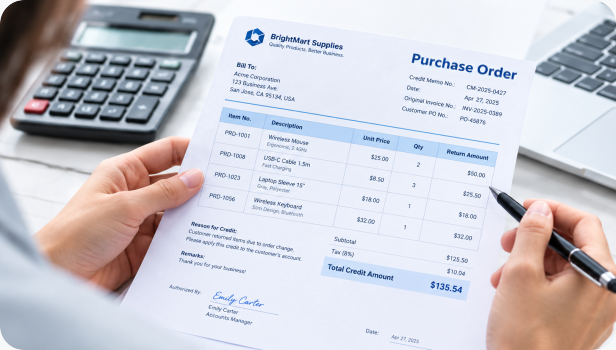
Purchase Order
A credit memo reduces the amount a customer owes on an existing invoice or account. It can be used for returns, overcharges, pricing adjustments, canceled services, or other billing corrections.
For example, if a customer was originally invoiced $2,000 but receives a $300 credit, the remaining balance can be reduced to $1,700.
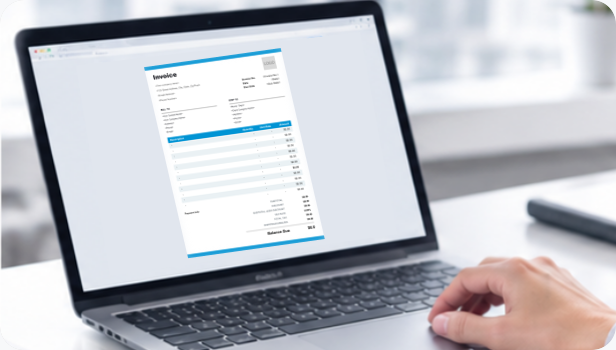
Invoice
A credit memo reduces the amount a customer owes on an existing invoice or account. It can be used for returns, overcharges, pricing adjustments, canceled services, or other billing corrections.
or example, if a customer was originally invoiced $2,000 but receives a $300 credit, the remaining balance can be reduced to $1,700.
A typical purchasing process may look like:
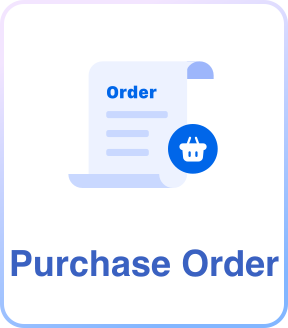

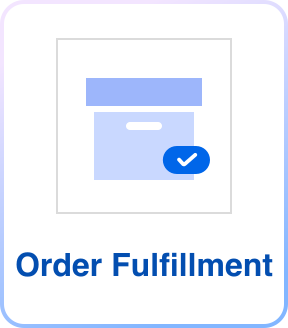
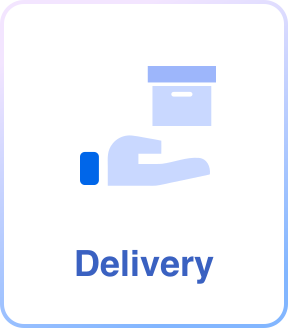
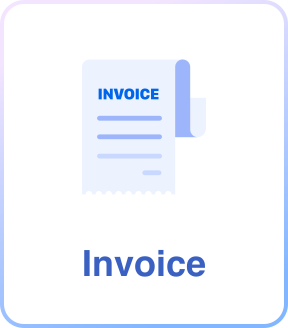
The purchase order documents what was ordered, while the invoice documents what the seller is billing the buyer for.
Purchase Order Examples
| Product | Qty. | Unit Price | Amount |
|---|---|---|---|
| Office Chairs | 10 | $150 | $1,500 |
| Desks | 5 | $300 | $1,500 |
| Filing Cabinets | 4 | $125 | $500 |
| Order Total: $3,500 | |||
Product Purchase Order
A business purchasing products from a supplier might use a PO like this:
The PO can also include the supplier's information, delivery address, requested delivery date, and payment terms.
| Material | Qty. | Unit Price | Amount |
|---|---|---|---|
| Lumber | 50 | $12 | $600 |
| Drywall Panels | 30 | $18 | $540 |
| Construction Adhesive | 10 | $15 | $150 |
| Order Total: $1,290 | |||
Contractor Purchase Order
A contractor can use a PO to order materials for a project.
Including specific quantities and product descriptions helps the supplier understand exactly what is being ordered.
| Service | Qty. | Unit Price | Credit |
|---|---|---|---|
| Equipment Maintenance | 1 | 500 | $250 |
| Safety Inspection | 1 | 500 | $250 |
| Order Total: $750 | |||
Service Cancellation Credit
Purchase orders can also be used when purchasing services.
For example, a company might create a PO for: The PO can include the expected service date, location, scope, and other instructions.


Reuse Saved Information in Invoice Zip
Use saved items and client information to create a Purchase Order in just a few taps.
Frequently Asked Questions
Who creates a purchase order?
A purchase order is generally created by the buyer or the buyer's purchasing department and sent to the supplier.
Does a purchase order mean the order has been paid?
No. A purchase order documents the buyer's order. Payment typically happens later according to the agreed payment terms, often after the goods or services are delivered and an invoice is issued.
Does every business need a purchase order?
No. Purchase orders are more common when businesses need formal approval and tracking for purchases. Small businesses may use them only for certain suppliers or larger orders.
Can a purchase order be canceled?
A purchase order may be canceled depending on its status and the agreement between the buyer and supplier. Cancellation terms can vary by business and transaction.
Can a purchase order be used for services?
Yes. A PO can be used to authorize or document the purchase of services, such as consulting, maintenance, marketing, or professional services.
Is a purchase order the same as a receipt?
No. A purchase order documents what the buyer intends to purchase, while a receipt generally provides evidence that a payment or purchase has been completed.
What happens if the supplier delivers something different from the purchase order?
The buyer can compare the delivered goods or services with the purchase order and address discrepancies with the supplier. Keeping accurate PO records makes it easier to identify differences in quantities, products, or pricing.
Can a purchase order have multiple line items?
Yes. A single PO can include multiple products or services, each with its own description, quantity, and price.
Do purchase orders need a unique number?
Using a unique PO number makes it easier to track orders, match deliveries and invoices, and maintain purchasing records.
Other Free Resources



Try Invoice Zip Today
Start Sending Invoices, Building Reports, Saving Office
Time and Get Paid Faster.
