


Consulting Invoice Templates
Designed for freelance consultants, business advisors, and professional service providers.
Choose the Free Invoice Template
Right for You
Alternative Sources for Consulting Invoicing
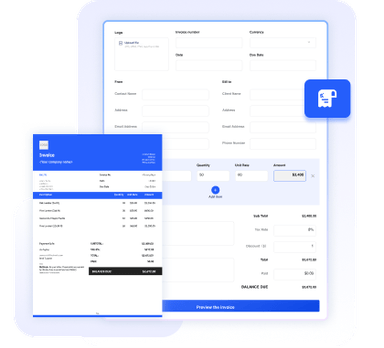
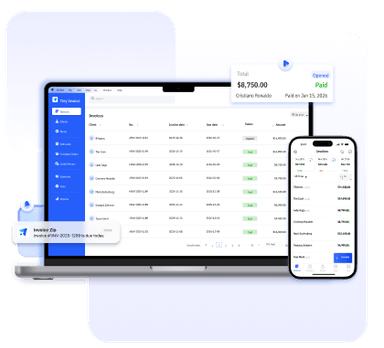
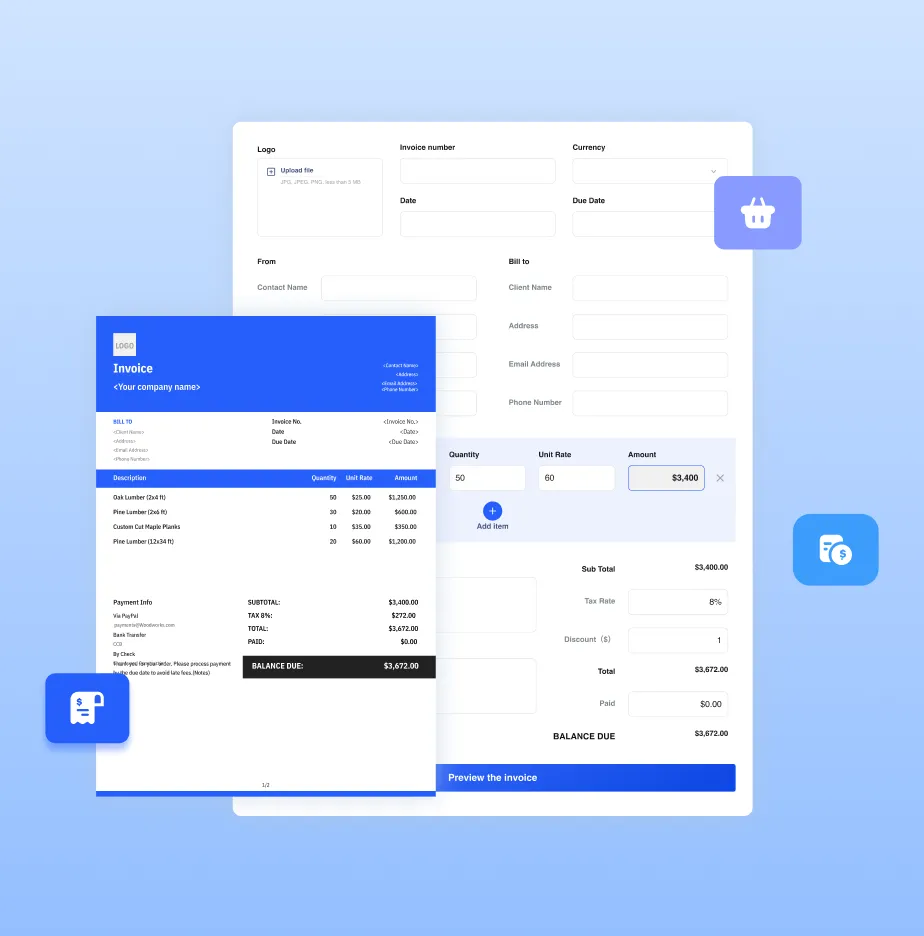
Need more than a template? Try our online invoice generator or full-featured invoice software for even more convenience and advanced features.



Essential Info for Consulting Invoices
Consultants typically provide professional advice, strategy planning, or project management services. Invoices
should clearly show the services rendered, time spent, and any additional expenses. A well-structured invoice helps
ensure timely payments and avoids disputes.
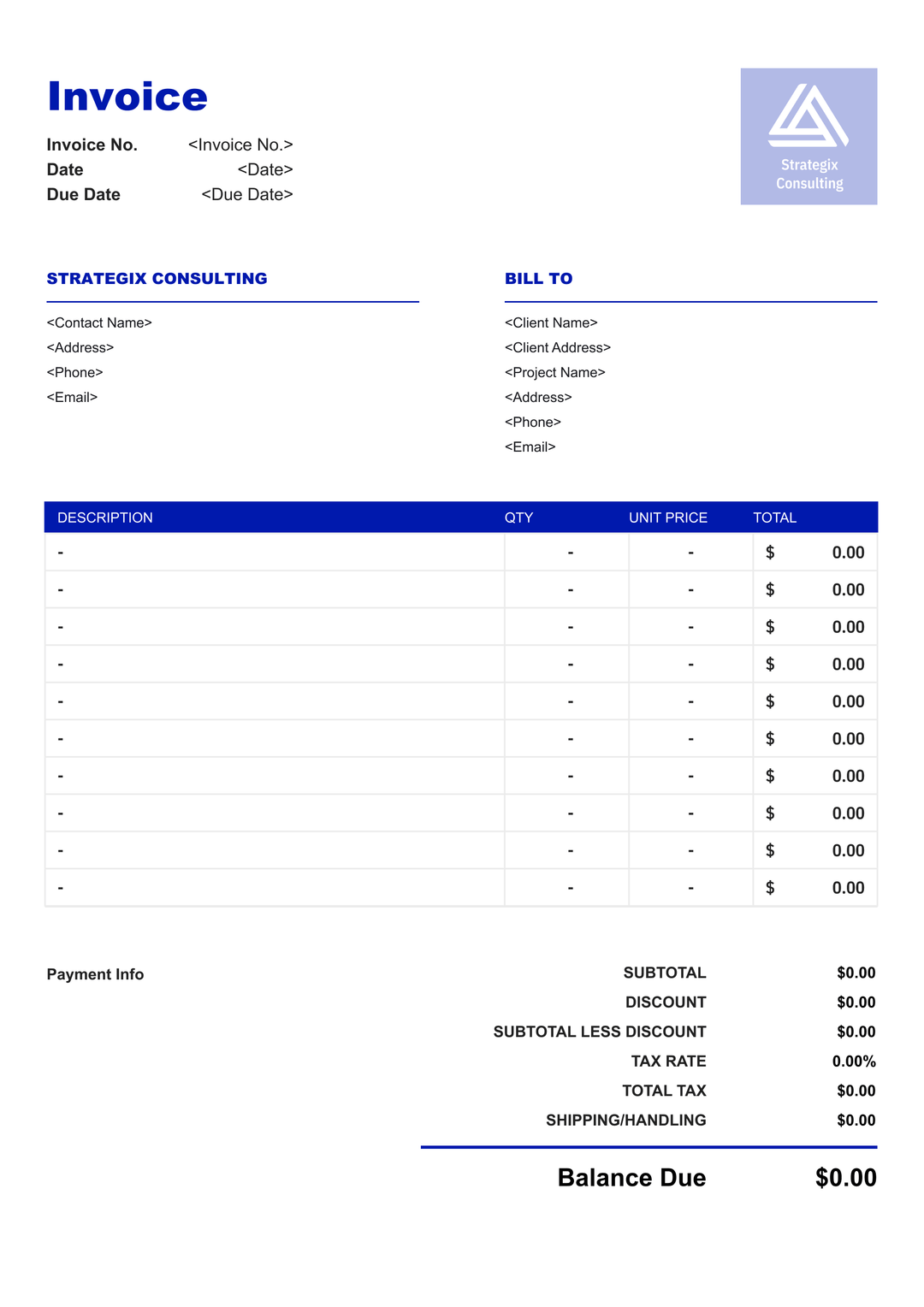
Business name, logo, contact info, portfolio, website, and business address.
Client name, company, billing address, and main contact person.
Project name, Contract Period; Practice Area.
A unique number used to track the invoice.
The date when payment is expected. You can determine your invoice due date based on your payment terms.
Breakdown of consulting hours, workshops, reports, or additional services provided. Specify hourly rates or project fees clearly.
Subtotal, tax, discount (if any), and the final amount due. You can calculate the sales tax based on the applicable rate.
Payment methods, terms, and any additional notes for the client.
Benefits of Using Our Templates
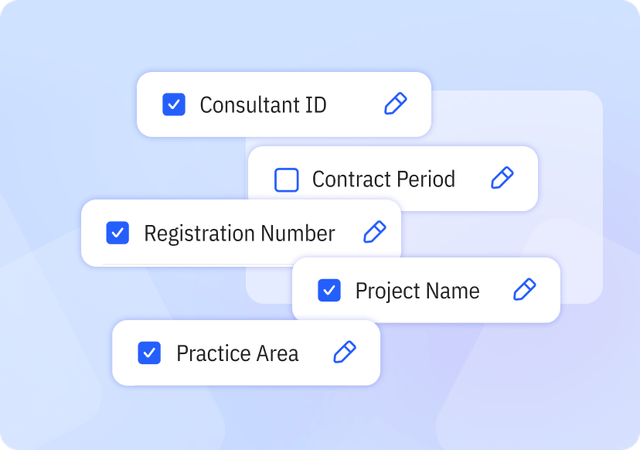
Complete & Customizable Fields
Includes essential and industry-specific fields designed for consulting workflows, with the flexibility to add or remove fields as needed.
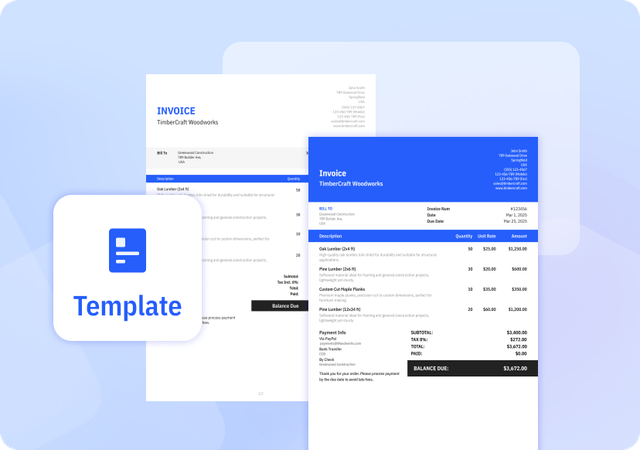
Consistently Formatted Templates
Professional, uniform layouts that make your invoices easy to read, look credible, and print perfectly every time.
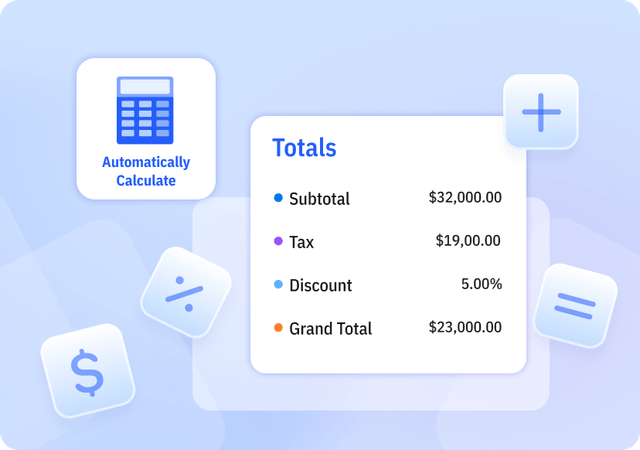
Automatically Calculate Totals
We offer Templates in Excel that automatically calculate subtotal, tax, discount, and grand total amounts to reduce errors.
Helpful Resources for Consultants




FAQ about Consulting Invoice Templates
Table of Contents
Should I attach timesheets or detailed work logs?
For hourly or milestone-based billing, documenting your time is essential. You can attach a summary timesheet or include a brief breakdown of hours directly in the invoice, showing tasks performed, hours spent, and dates. This practice builds client confidence, especially for projects with multiple phases or team members. Accurate time tracking also helps you evaluate project profitability and prevents underbilling.
What billing methods do consultants commonly use?
Consultants can charge clients in multiple ways depending on the project and engagement type. Hourly billing is common for short-term advice, coaching sessions, or tasks with variable time requirements. Fixed project fees are usually applied to well-defined deliverables, like a strategy report, market analysis, or implementation plan. For long-term relationships, retainer agreements allow clients ongoing access to your services, billed weekly or monthly. Clearly indicating the billing method on the invoice, including rates, total hours, or milestones, helps clients understand the charges and reduces disputes.
How do consultants handle additional services or out-of-scope work?
Clients often request services outside the original agreement. To manage this, include a policy for additional work in your invoice or contract. List extra hours, tasks, or deliverables as separate line items and apply your standard hourly or project rates. Clearly communicating these charges prevents disputes and ensures you are compensated fairly. Keeping a written record of scope changes and approvals also protects both parties if disagreements arise.
Can I customize your Invoice Templates?
Yes. We provide invoice templates in both Excel and Word formats, which you can download and edit as needed. Our invoice templates allow you to customize invoice details and appearance to suit your business needs. You can easily adjust invoice information and branding elements to keep your invoices professional and consistent.
Pros and Cons of Invoice Templates
Pros
- Saves time compared to creating invoices manually
- Provides a consistent invoice structure
- Often includes built-in formulas for calculations
Cons
- Does not support client or product management
- Limited flexibility compared to invoice generators or software
- Higher risk of errors if information is entered incorrectly
Other Free Resources

Try Invoice Zip Today
Start Sending Invoices, Building Reports, Saving Office
Time and Get Paid Faster.