


Free Receipt Templates
Confirm a customer payment with a clear record of what was received, when it was received, and which sale or invoice it settled. Show the payment method, purchased items or purpose, taxes, total, and any remaining balance.
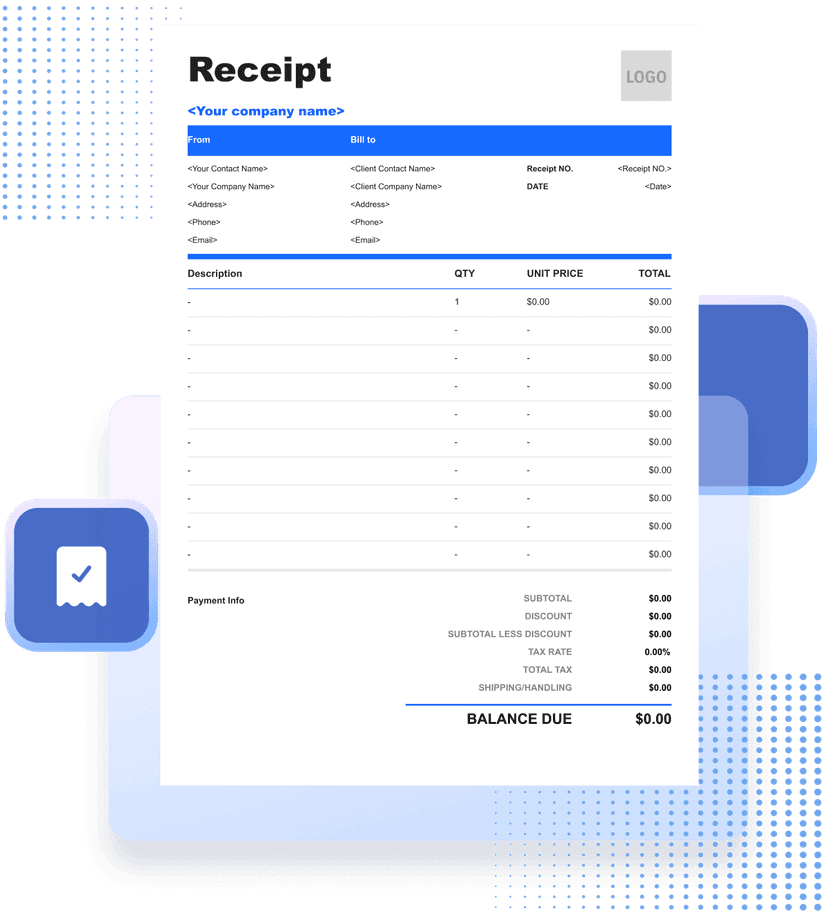
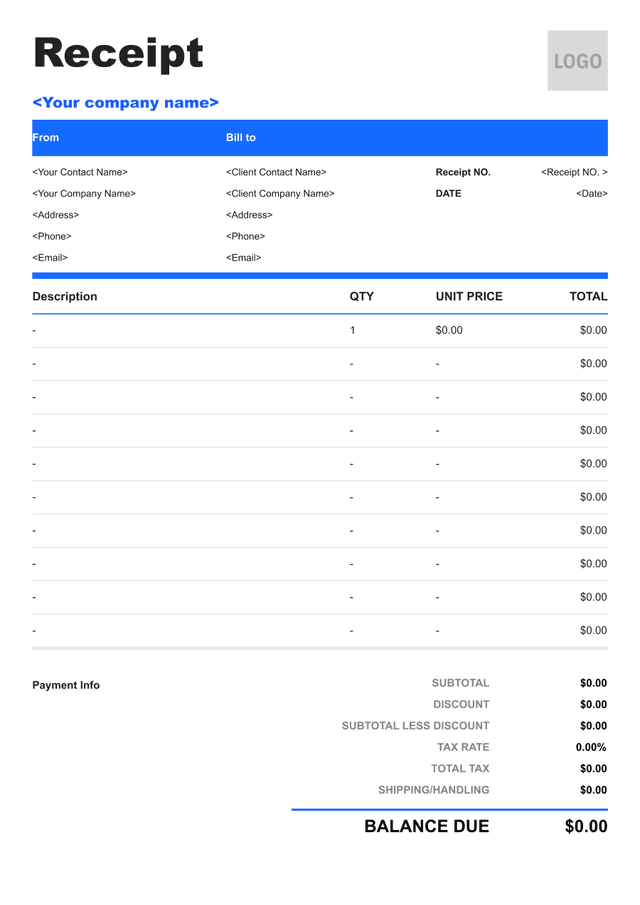


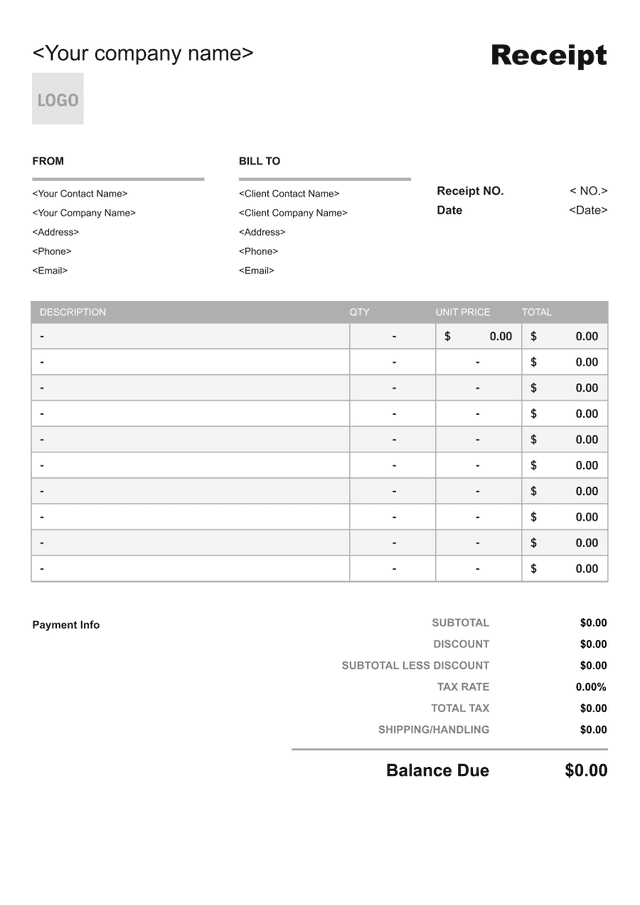
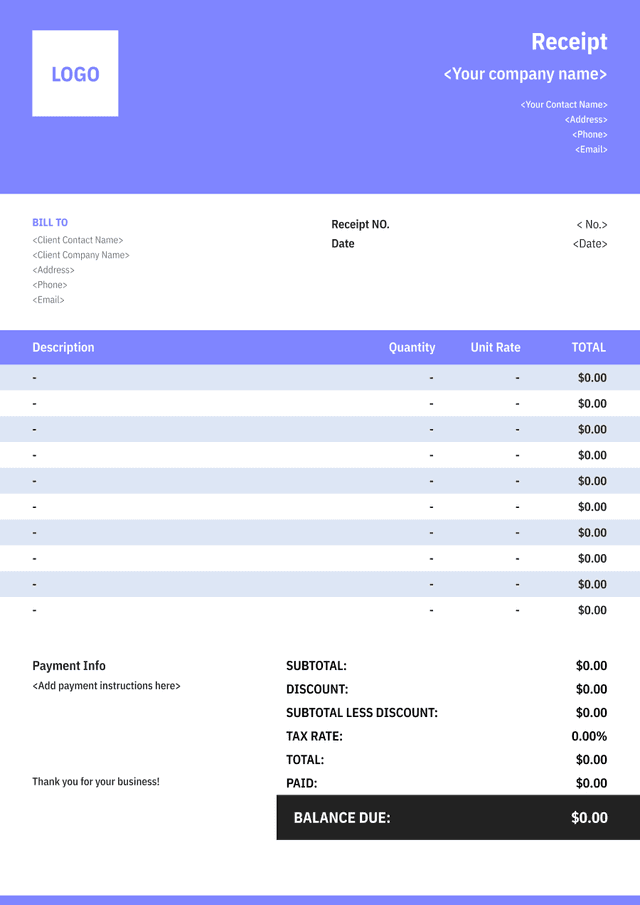
What Is a Receipt?
A receipt confirms that a business received a specified payment from a customer. It records the date, amount, payment method, seller, customer where relevant, and the products, services, invoice, or account to which the payment applies.
A receipt is different from an invoice: the invoice requests or records an amount due, while the receipt confirms money received. If a payment covers an invoice, reference that invoice and show whether the payment settles it fully or leaves a balance.
The receipt should reflect the actual transaction. For cash, record the amount tendered and change where useful. For electronic payment, use a safe transaction reference without displaying full card or bank details.
Tax and recordkeeping requirements differ by location and business type. Use verified seller details and payment data, preserve supporting records, and avoid marking a pending or reversed transaction as completed.
- 01
Payment received
State the verified amount, date, method, and safe reference.
- 02
Transaction detail
Describe the purchase, service, invoice, or account being settled.
- 03
Balance and status
Show whether payment is full, partial, refunded, or otherwise adjusted.
What Should a Receipt Include?

- 01
Seller, Customer, and Receipt Reference
Show the business name and contact details, receipt number, payment date, customer where needed, and cashier or location reference.
- 02
Purchased Items or Payment Purpose
List products or services, quantities, prices, discounts, tax, tips, fees, or the invoice number to which the payment applies.
- 03
Payment and Balance Details
State the amount received, method, safe transaction reference, change or remaining balance, and clear payment status.
How to Create a Receipt Customers Can Verify

- 01
Start With the Actual Transaction
Use the confirmed sale or invoice lines, date, currency, and customer details instead of reconstructing the payment from memory.
- 02
Record the Payment Safely
Show the amount and method received plus a safe transaction reference. Never expose complete card numbers, bank details, or security codes.
- 03
Reconcile the Result
Confirm change, partial balance, tip, refund, or invoice allocation and keep the receipt tied to the accounting or payment-system record.
How to Calculate Receipt Totals and Payments
Calculate the Purchase Subtotal
Multiply each quantity by its unit price and combine the line amounts. Apply item discounts consistently and check the currency and rounding.
Purchase subtotal
Quantity×Unit price
Worked example: 3 items × $24 = $72
Calculate the Final Total
Add verified tax, service charges, delivery, or tips and subtract approved discounts or credits. Keep each adjustment visible.
Final total
Subtotal + additions−Discounts
Worked example: $72 + $6 tax − $3 discount = $75
Calculate Change or Balance
Compare the amount received with the total. For over-tendered cash show change; for a partial payment show the remaining balance instead.
Payment difference
Amount received−Amount due
Worked example: $80 received − $75 due = $5 change
How to Handle Special Payment Situations
Partial Payments
Show the amount received, the invoice or account allocation, and the balance still due without marking the transaction paid in full.
Split Payment Methods
List the amount applied through each method and verify that their combined amount equals the payment total.
Refunds and Reversals
Use a linked refund or reversal record and preserve the original receipt instead of deleting the payment history.
Tips, Fees, and Change
Keep voluntary tips, mandatory fees, cash tendered, and change separate so the customer can verify each amount.
Common Receipt Mistakes to Avoid
Issuing Before Payment Settles
Do not confirm a pending or failed transaction as received; use the verified payment status.
Missing the Payment Purpose
Describe the purchase or reference the invoice so the customer knows what the payment settled.
Exposing Sensitive Details
Use masked or shortened transaction references and never print full card or bank credentials.
Hiding a Remaining Balance
For partial payment, show the amount applied and true balance instead of using a paid-in-full label.

Receipt Template FAQs
Is a receipt the same as an invoice?
No. An invoice requests or records payment due, while a receipt confirms the amount actually received. A receipt can reference the invoice it settles.
Can I issue a receipt for a partial payment?
Yes. State the amount received, where it was applied, and the remaining balance. Do not mark the invoice paid in full until it is settled.
What payment details are safe to show?
Show the method and a masked or shortened transaction reference. Do not display complete card numbers, bank account details, or security codes.
How do I correct a receipt?
Preserve the original record and use the business's void, correction, refund, or replacement process with a traceable reference and reason.
Other Free Resources



Try Invoice Zip Today
Start Sending Invoices, Building Reports, Saving Office
Time and Get Paid Faster.
