


Free Purchase Order Templates
Send suppliers a controlled order that identifies what your business authorizes them to provide. List products or services, quantities, prices, delivery instructions, terms, and approval details so fulfillment and supplier invoices can be matched to the order.
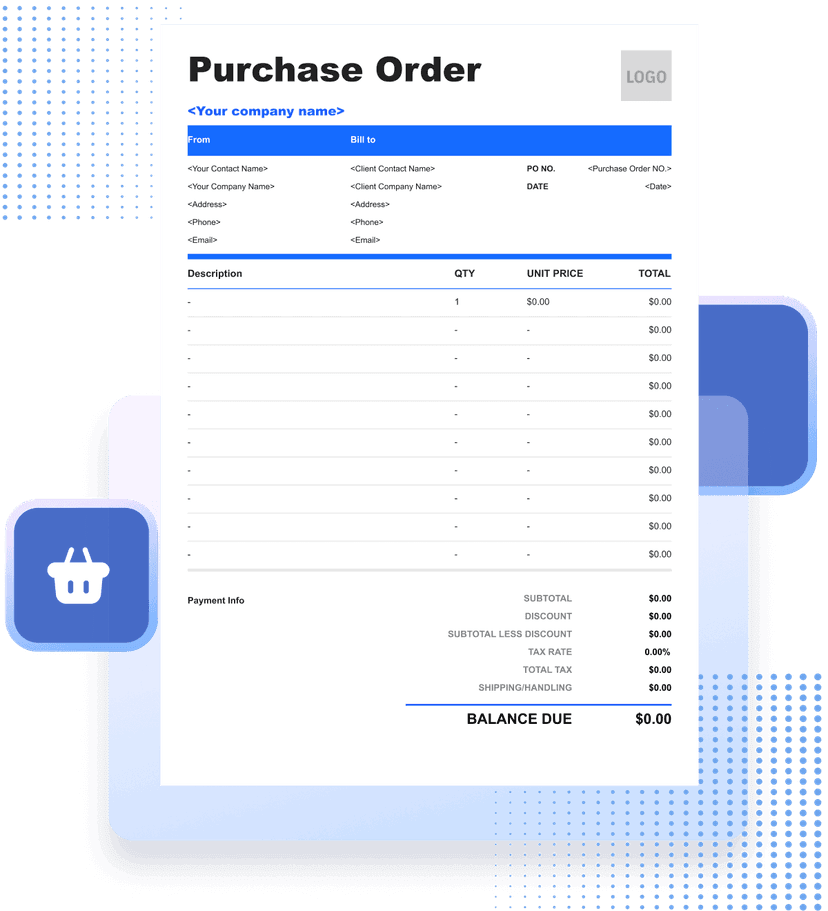
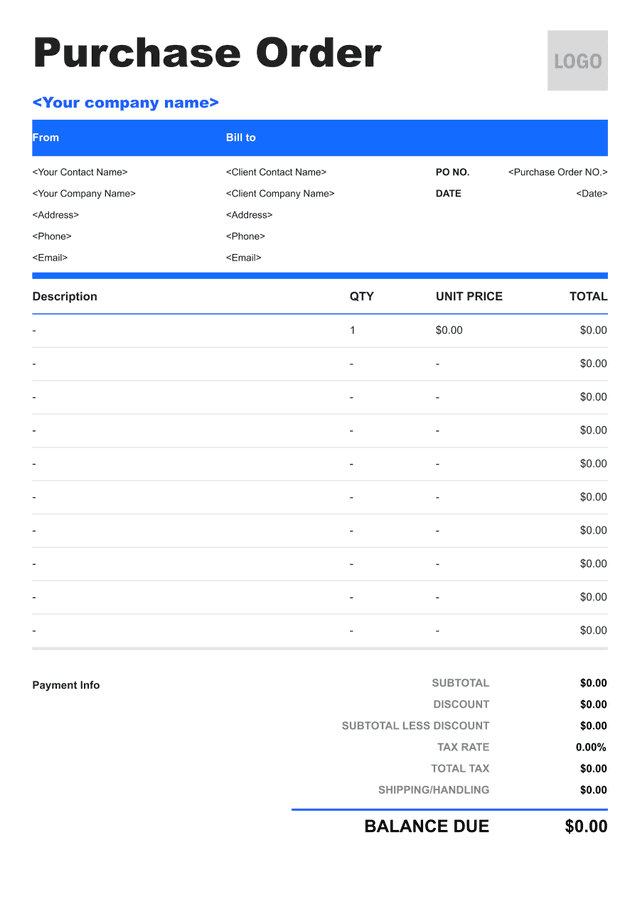


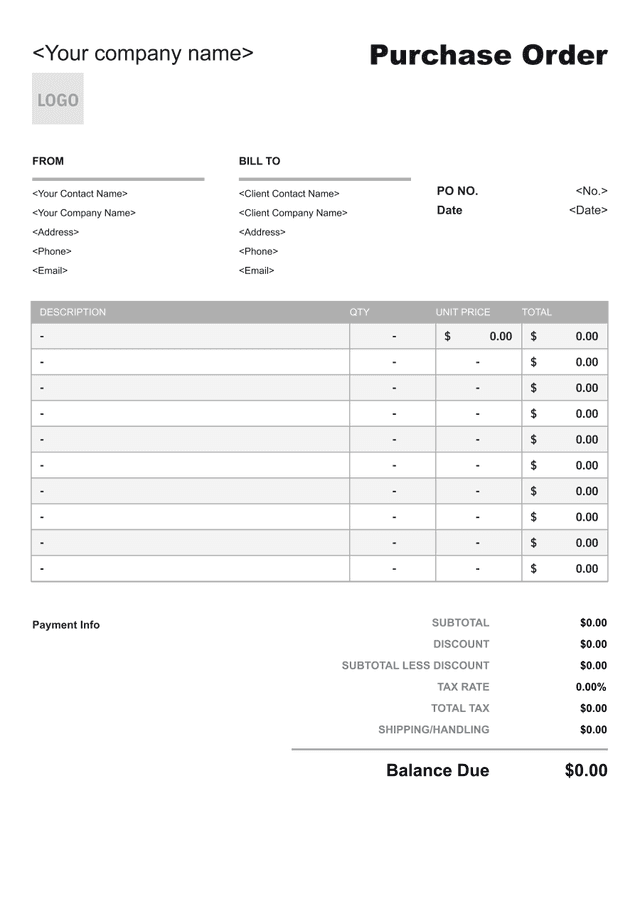
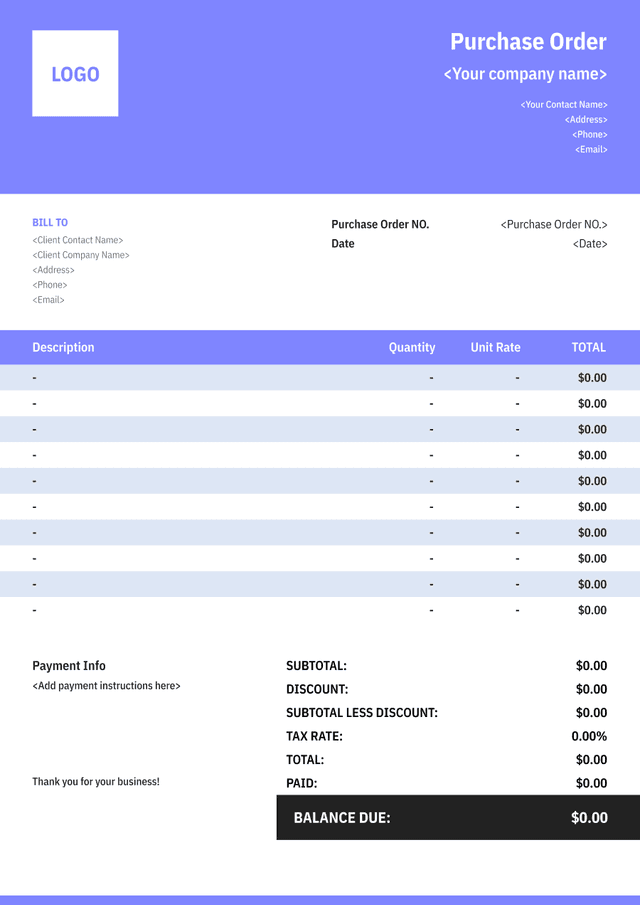
What Is a Purchase Order?
A purchase order, or PO, is a buyer-issued document authorizing a supplier to provide specified goods or services under stated terms. It records what the buyer intends to purchase, the agreed prices, delivery details, and the people or departments responsible.
A useful PO gives the supplier enough detail to fulfill the order without guessing. It identifies product or service specifications, quantities, units, delivery location and date, billing instructions, taxes, freight terms, and the approved total or limit.
The supplier's invoice should reference the PO so the buyer can match the order, receipt of goods or services, and bill. Differences in quantity, price, or scope should be reviewed instead of being silently accepted.
The contractual effect of a PO depends on the agreement, wording, and applicable law. Use authorized approval, preserve revisions, and do not treat an internal requisition or draft as a supplier-ready order.
- 01
Buyer and supplier
Identify both parties, contacts, and the authorized PO reference.
- 02
Ordered scope
Specify goods or services, quantities, prices, and delivery requirements.
- 03
Matching record
Connect fulfillment and supplier invoices back to the approved order.
What Should a Purchase Order Include?
- 01
Buyer, Supplier, and PO Reference
Show the buyer and supplier names, contacts, PO number, issue date, department, requester, and authorized approver.
- 02
Ordered Items and Delivery
List product or service descriptions, specifications, quantities, units, prices, delivery address, required date, and shipping instructions.
- 03
Totals, Terms, and Instructions
Show subtotal, discounts, tax treatment, freight, order total or limit, payment terms, invoice-submission instructions, and change requirements.
How to Create a Purchase Order Suppliers Can Fulfill

- 01
Use Complete Item Specifications
Include product codes, models, sizes, materials, service deliverables, quantities, units, and acceptable substitutions so the supplier knows exactly what is authorized.
- 02
Set Delivery and Billing Instructions
State the ship-to or service location, required date, delivery contact, freight terms, and where the supplier must send an invoice with the PO reference.
- 03
Complete Approval Before Sending
Confirm budget and authority, assign a unique PO number, retain the approved version, and require written approval for price, quantity, or scope changes.
How to Calculate a Purchase Order Total
Calculate Ordered Items
Multiply each approved quantity by its agreed unit price. Keep items, services, discounts, and optional lines distinct and check pack sizes or measurement units.
Line amount
Ordered quantity×Unit price
Worked example: 25 units × $32 = $800
Calculate Freight and Charges
Add agreed freight, handling, setup, or other authorized charges separately. Do not include an estimate as a fixed charge unless the PO states how it will be handled.
Added charges
Freight+Authorized fees
Worked example: $60 freight + $20 handling = $80
Build the Purchase Order Total
Combine line amounts and authorized charges, apply discounts and verified tax treatment, and compare the total with the approved spending limit.
PO total
Item subtotal + charges−Discounts
Worked example: $800 + $80 − $40 = $840
How to Handle Changes to a Purchase Order
Supplier Substitutions
Require approval before replacing a specified product, material, model, or service resource, and document any price or schedule effect.
Partial Deliveries
Record delivered and outstanding quantities against the same PO lines so neither receipt nor invoice is counted twice.
Quantity or Price Changes
Issue an approved PO revision or change order with the changed line, reason, amount, and date before accepting the difference.
Cancellation and Closeout
Document cancelled quantities, final deliveries, invoice matching, and the remaining commitment before closing the PO.
Common Purchase Order Mistakes to Avoid
Using Vague Item Descriptions
Include specifications and units so the supplier cannot reasonably fulfill the order with the wrong product or scope.
Sending an Unapproved PO
Complete budget and authority checks before the document reaches the supplier.
Missing Delivery Instructions
State the location, required date, contact, shipping terms, and receiving requirements.
Accepting Unrecorded Changes
Use an approved revision for quantity, price, substitution, or scope differences and keep the prior version.

Purchase Order Template FAQs
Who creates a purchase order?
The buyer creates and authorizes the PO before sending it to the supplier. The supplier later references it when fulfilling and invoicing the order.
Is a purchase order the same as an invoice?
No. A PO authorizes a purchase; an invoice requests payment for goods or services supplied. Matching the two helps identify unauthorized differences.
Can a purchase order be changed?
Yes through the buyer's approved revision or change process. Identify changed lines, amounts, dates, and authorization, and keep prior versions.
What if the supplier delivers only part of the order?
Record the received and outstanding quantities by PO line. Match each supplier invoice only to the goods or services actually accepted under the applicable terms.
Other Free Resources



Try Invoice Zip Today
Start Sending Invoices, Building Reports, Saving Office
Time and Get Paid Faster.
