


Free Work Order Templates
Turn an approved request into a clear operational document for the people performing the work. Define the customer, location, tasks, materials, schedule, safety notes, authorization, and completion record in one traceable work order.
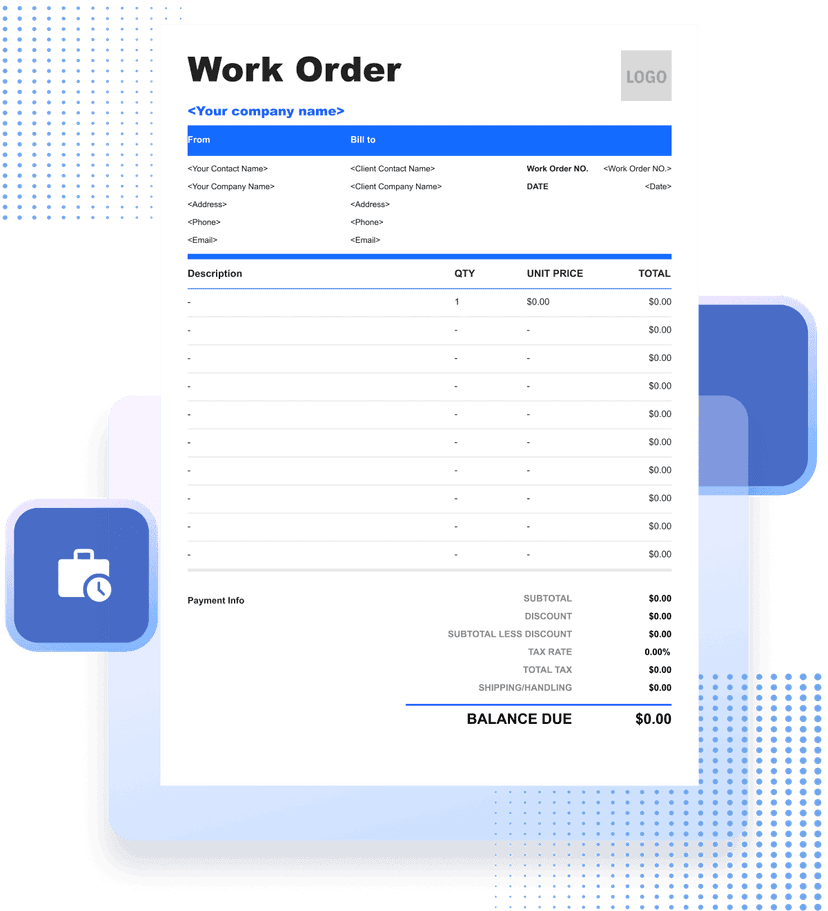
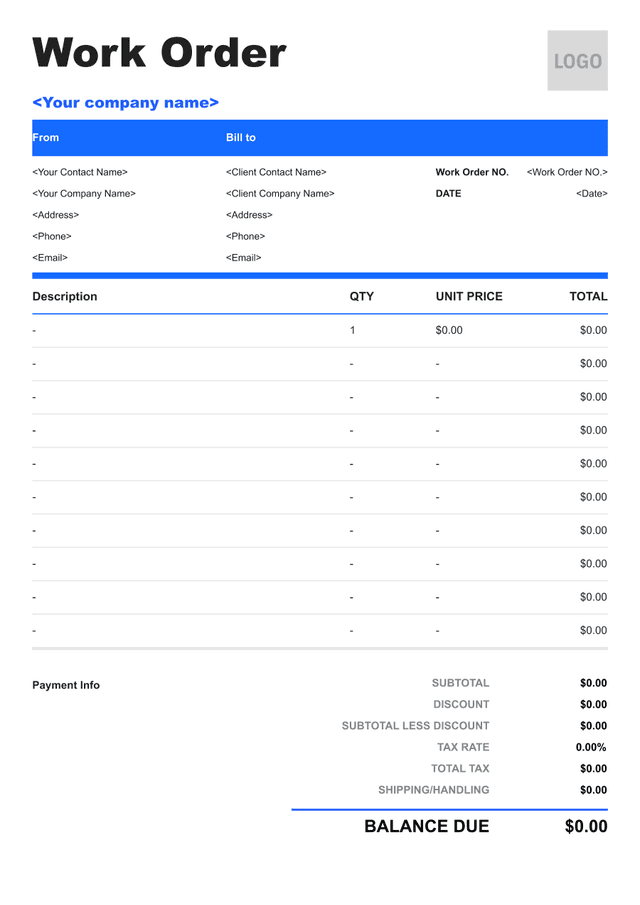


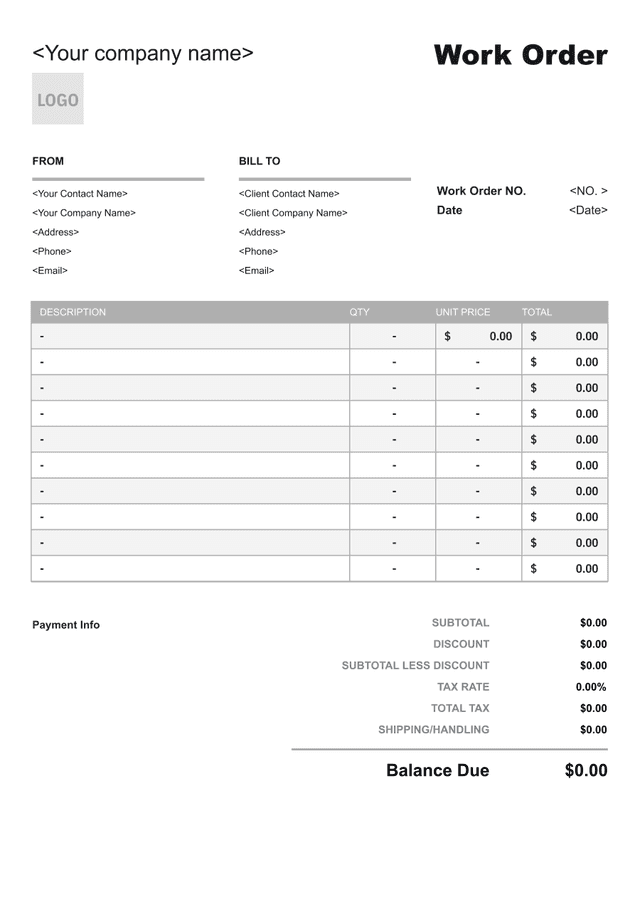
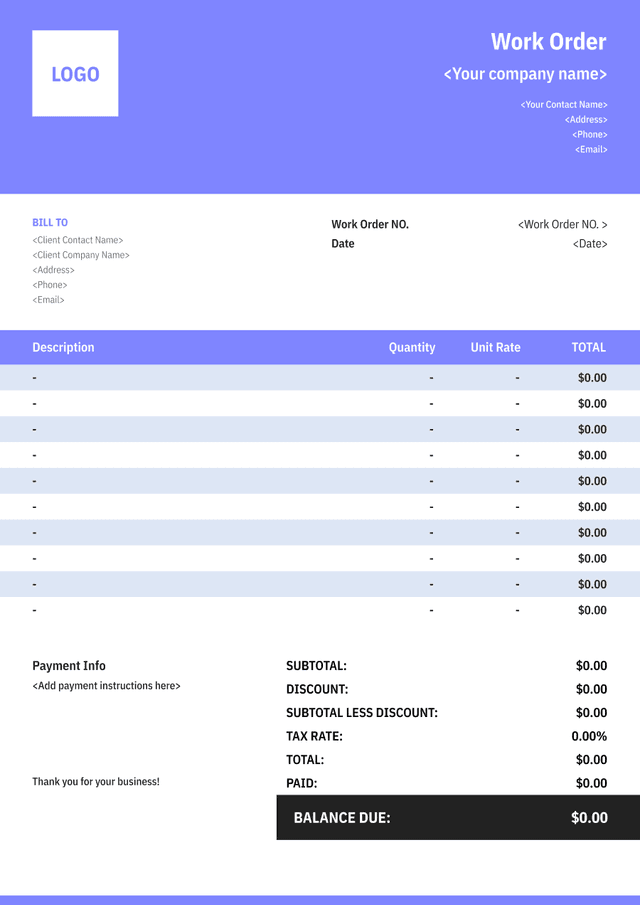
What Is a Work Order?
A work order authorizes and organizes a specific job, repair, service visit, production task, or maintenance activity. It tells the assigned team what to do, where and when to do it, and which customer, asset, contract, or request the work belongs to.
A useful work order combines scope, priority, schedule, location, asset or equipment details, assigned personnel, materials, instructions, safety information, and approval. It should be specific enough for the work to be performed without relying on an informal conversation.
The document can also capture actual hours, parts used, findings, customer sign-off, and completion status. Those records help the business create an accurate invoice, update maintenance history, or identify follow-up work.
A work order is not automatically an invoice or customer approval for extra charges. Connect it to the accepted quote, contract, service request, or internal authorization, and document scope changes before treating them as billable.
- 01
Authorized job
Identify the customer, asset, location, scope, priority, and approval.
- 02
Execution details
Provide schedule, assignment, materials, instructions, and safety notes.
- 03
Completion record
Capture actual work, time, parts, findings, sign-off, and follow-up.
What Should a Work Order Include?

- 01
Customer, Site, Asset, and Reference
Identify the customer or department, service location, asset or equipment, work order number, request source, and related quote, contract, or purchase order.
- 02
Scope, Schedule, and Assignment
Describe the authorized tasks, priority, planned date and time, assigned technician or team, expected duration, access, materials, and safety requirements.
- 03
Actual Work and Completion
Record labor, parts, findings, changes, photos or attachments, completion status, customer or supervisor sign-off, and required follow-up.
How to Create a Work Order Teams Can Complete

- 01
Translate the Request Into Tasks
Convert the approved request into specific actions, locations, assets, quantities, and completion criteria so the assigned team knows the job boundary.
- 02
Plan Resources and Constraints
Assign people, skills, time, materials, tools, permits, access, shutdowns, and safety steps needed to perform the work.
- 03
Define Closeout and Change Control
State what must be recorded at completion and who signs off. Require approval when findings change the scope, price, or schedule.
How to Calculate Work Order Labor and Materials

Calculate Actual Labor
Record time by technician, task, or rate category and distinguish travel, standard time, overtime, and non-billable activity as the agreement requires.
Labor amount
Actual hours×Approved rate
Worked example: 4.5 hours × $85 = $382.50

Calculate Materials Used
Record actual parts and consumables by item, quantity, and approved unit amount. Distinguish customer-supplied, returned, warranty, and non-billable materials.
Material amount
Used quantity×Unit amount
Worked example: 3 parts × $42 = $126

Build the Work Order Total
Combine billable labor, materials, equipment, service charges, and approved additions. Keep taxes, discounts, warranty credits, and prior deposits visible for later invoicing.
Work order total
Labor + materials+Approved charges
Worked example: $382.50 + $126 + $45 = $553.50
How to Handle Changes During a Work Order
Unexpected Findings
Record the condition, evidence, risk, and recommended action before expanding the original job scope.
Customer-Requested Changes
Describe the added or removed work, price and schedule effect, and authorized person before proceeding.
Parts and Scheduling Delays
Update status, outstanding parts, revised visit date, temporary measures, and customer communication.
Incomplete or Follow-Up Work
State what was completed, what remains, why the job is open, and the owner and due date for the next action.
Common Work Order Mistakes to Avoid
Using a Vague Job Description
Name the asset, location, symptoms, authorized tasks, and completion criteria instead of writing only “repair needed.”
Missing Access or Safety Details
Record access contacts, permits, hazards, isolation steps, protective equipment, and site restrictions before dispatch.
Failing to Record Actuals
Capture real labor, materials, findings, and completion status instead of leaving only the planned figures.
Performing Unapproved Extra Work
Document the changed scope and authorization before treating additional work or materials as billable.

Work Order Template FAQs
Is a work order the same as an invoice?
No. A work order authorizes and records the job. An invoice requests payment for billable work or materials under the relevant agreement.
Who should approve a work order?
Use the person with authority under the customer's contract or the business's internal process. Record who approved, when, and the scope covered.
Can technicians add work to an open work order?
They can record findings, but added billable scope should follow the agreed authorization process before work proceeds except where an applicable emergency procedure permits otherwise.
What should happen when work is incomplete?
Record completed tasks, remaining work, reason, status, parts or access needed, responsible owner, and the planned follow-up date instead of marking the job complete.
Other Free Resources



Try Invoice Zip Today
Start Sending Invoices, Building Reports, Saving Office
Time and Get Paid Faster.
