


Free Estimate Generator
Create professional estimates quickly with our free Estimate Generator. Add your business and customer details, list services or products, set quantities and prices, and generate a clear estimate for your next project.An estimate helps you communicate the expected cost of a project before work begins. It gives customers a clear overview of the services, products, and pricing involved so they can review the details before deciding to move forward.
Business Information
Logo

Upload file
JPG, JPEG, PNG, less than 5 MB
Company Name
Invoice number
Currency
Date
From
Bill to
Product/Service
| Description | Unit Rate | Quantity | Amount | ||
|---|---|---|---|---|---|
1 | 1 | Unit Rate $ | Quantity | Amount $ |
 Add item
Notes
How to Use the Free Estimate Generator
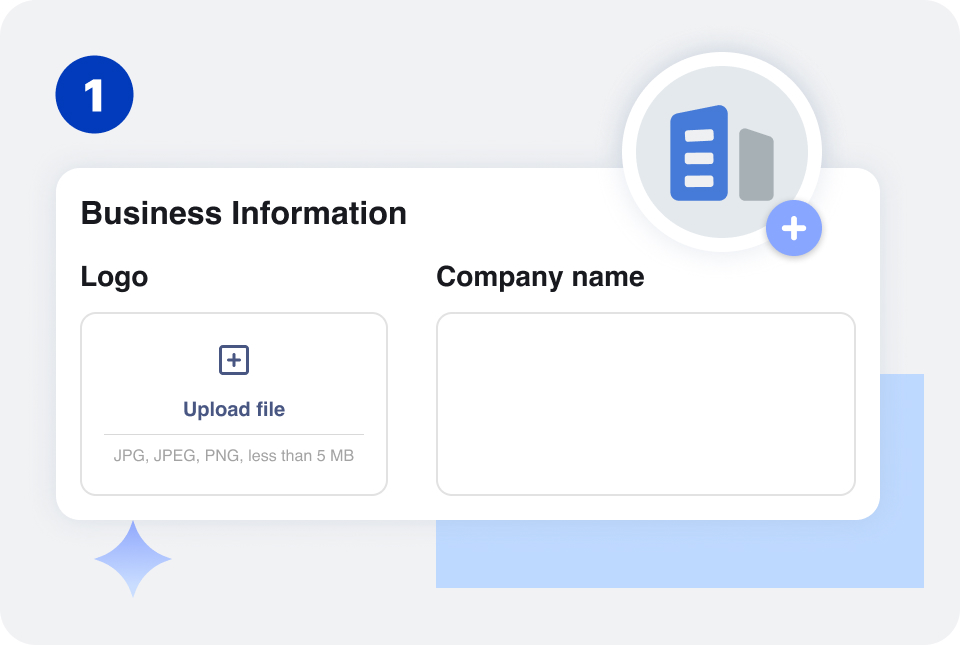
Add your business name and contact details. You can include your address, phone number, email, and other information you want your customer to see.
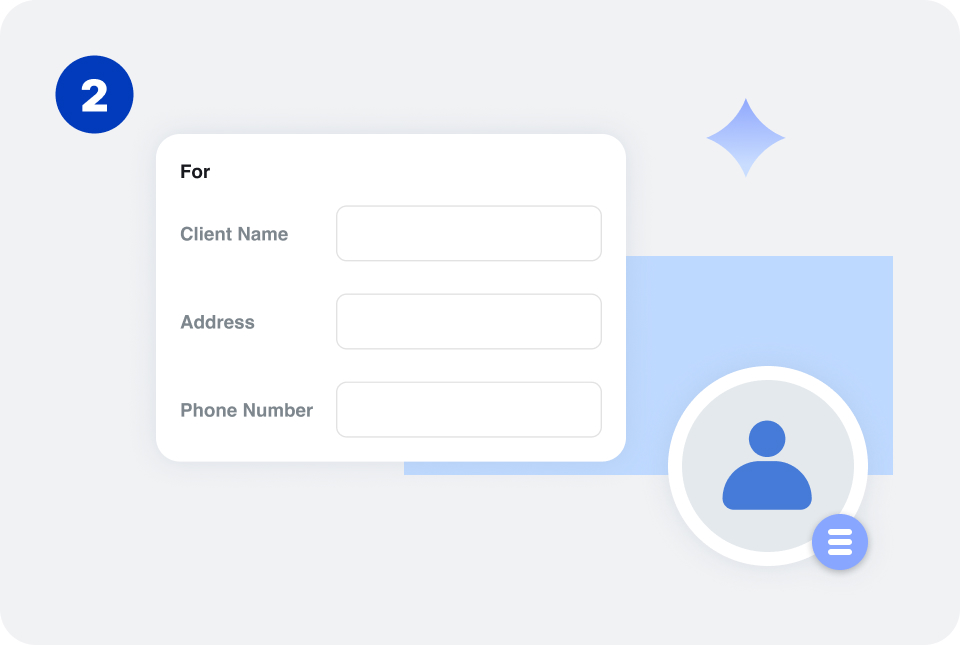
Enter your customer's name and contact information. For business customers, you can also add their company name and project or billing address.
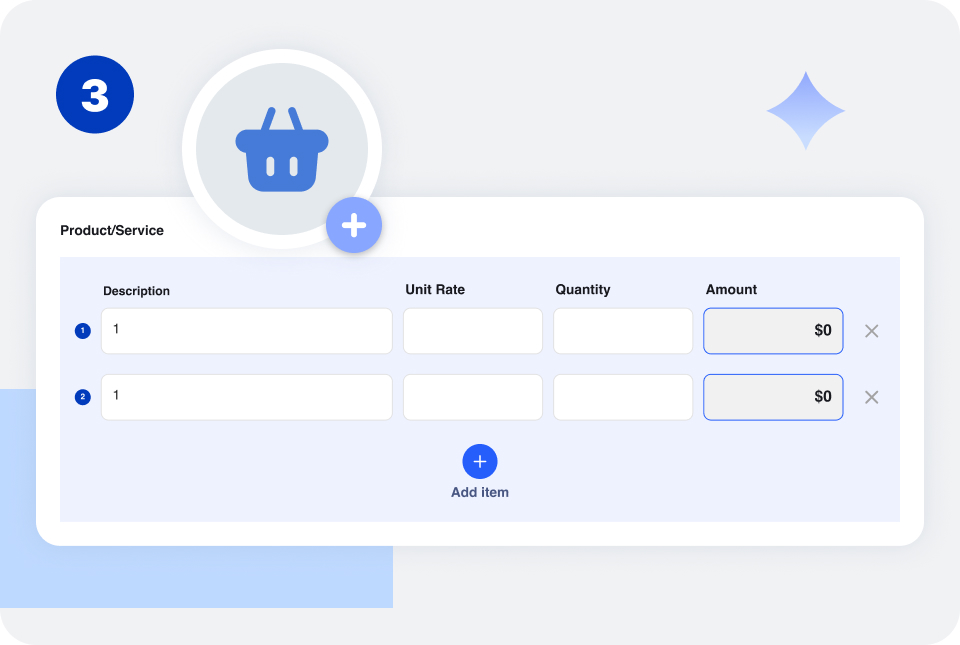
Add the products or services included in the project. Enter a description, quantity, rate, and amount for each item.
For example, a contractor might add labor, materials, and equipment, while a freelancer might list design or consulting services.
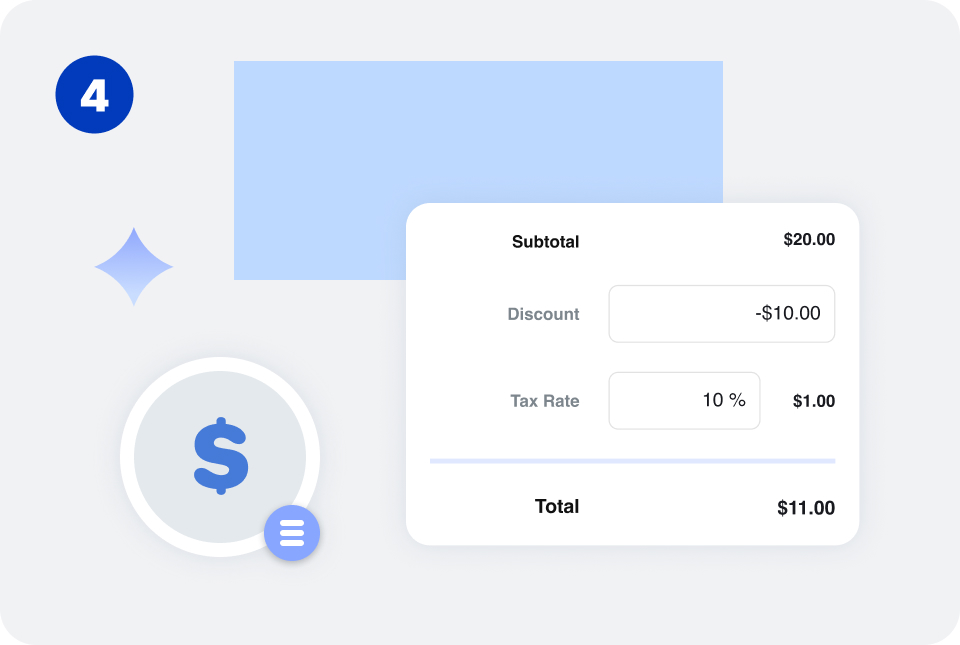
Enter your prices and any applicable discounts, taxes, deposits, or additional charges. You can also add payment terms, an estimate expiration date, or project notes.
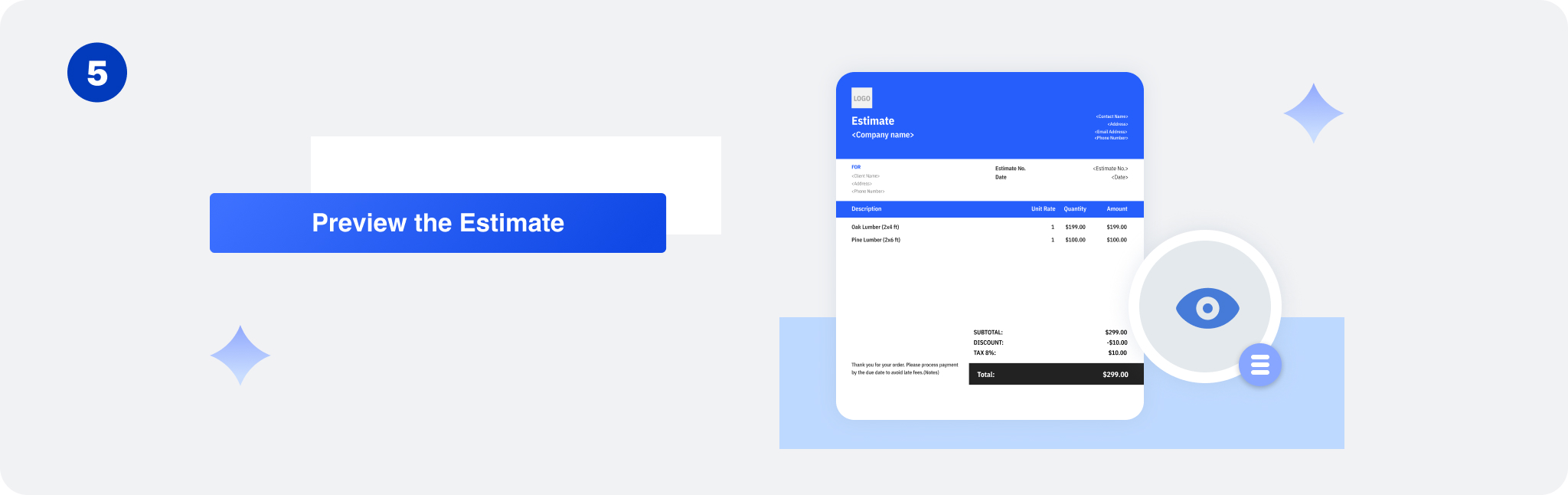
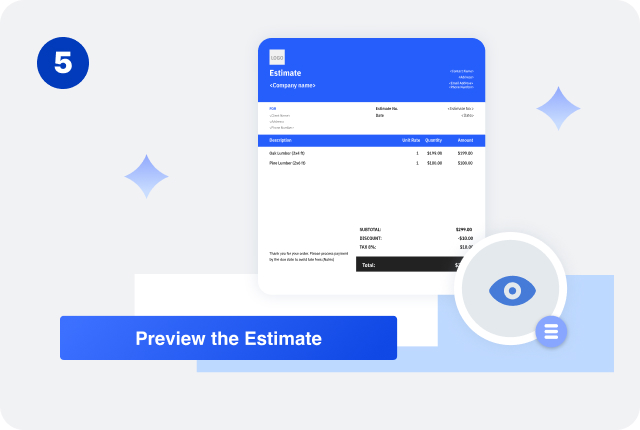
Review your customer information, line items, pricing, and total. Generate your estimate once everything is correct.
What to Include in an Estimate
Common details include:

You don't need to include every possible field on every estimate. The information you need depends on your business and the type of work you are estimating.
Estimate vs. Invoice
An estimate communicates the expected cost of products or services before the work is completed. It helps a customer review the proposed scope and pricing before deciding whether to proceed.
An invoice is a request for payment for products or services that have been provided or are otherwise ready to be billed.
For example:




The final invoice may be different from the original estimate if the project scope, quantities, materials, or other costs change.
An estimate is therefore primarily used for planning and approval, while an invoice is used for billing and collecting payment.
Estimate Examples
| Service | Qty. | Rate | Amount | |
|---|---|---|---|---|
| Interior Cleaning | 3 | $150 | $450 | |
| Window Cleaning | 1 | $100 | $100 | |
| Supply Fee | 1 | $50 | $50 | |
| Estimated Total: $600 | ||||
Service Estimate
A service business can list individual services with their quantities and rates.
Breaking the work into separate line items lets the customer see what is included in the estimated price.
| Service | Qty. | Rate | Amount | |
|---|---|---|---|---|
| Labor | 20 hrs | $75 | $1,500 | |
| Materials | 1 | $800 | $800 | |
| Equipment | 1 | $250 | $250 | |
| Estimated Total: $2,550 | ||||
Contractor Estimate
Contractors may separate labor, materials, and equipment.
For larger projects, detailed descriptions can help clarify what each estimated cost covers.
| Service | Qty. | Rate | Amount | |
|---|---|---|---|---|
| Website Design | 15 hrs | $60 | $900 | |
| Content Setup | 5 hrs | $50 | $250 | |
| Supply Fee | 1 | $50 | $50 | |
| Estimated Total: $1,150 | ||||
Freelance Estimate
Freelancers can use estimates to show the expected cost of a project based on hours, deliverables, or fixed project fees.
The estimate can also include the expected project timeline, deliverables, or other terms when relevant.


Reuse Saved Information in Invoice Zip
Use saved items and client information to create an estimate in just a few taps.
Frequently Asked Questions
Can I use an estimate for any type of business?
Yes. Estimates can be used by many types of businesses, including contractors, freelancers, consultants, cleaning companies, landscapers, repair businesses, designers, and other service providers.
How detailed should an estimate be?
The level of detail depends on the project. A simple service may only need a few line items, while a larger project may benefit from separate labor, materials, products, and other costs.
Should an estimate have an expiration date?
An expiration date can be useful when prices, material costs, or availability may change. It tells the customer how long the estimated pricing is intended to remain valid.
Can I include a deposit on an estimate?
Yes. If your business requires a deposit before starting work, you can show the deposit amount or percentage and explain when it is due.
Can an estimate include taxes?
Yes. If taxes apply to the products or services, you can include the estimated tax amount or rate so the customer can see how the total is calculated. You can also calculate sales tax when preparing the estimate.
Can I change the estimate after sending it?
f project details change, you may need to update the estimate. Keep a record of the version you originally provided and clearly communicate significant changes to the customer.
Does an estimate need a unique number?
Using a unique estimate number makes it easier to organize estimates and refer to a specific estimate when communicating with customers.
Can I convert an estimate into an invoice?
An estimate can be used as a reference when preparing an invoice after the customer approves the project and the work becomes billable. The invoice should reflect the actual products or services being billed.
Other Free Resources



Try Invoice Zip Today
Start Sending Invoices, Building Reports, Saving Office
Time and Get Paid Faster.
