

Construction Invoice Templates
Professional billing solutions for general contractors, specialty trades, and heavy construction projects.
Choose the Free Invoice Template
Right for You
Alternative Sources for Construction Invoicing
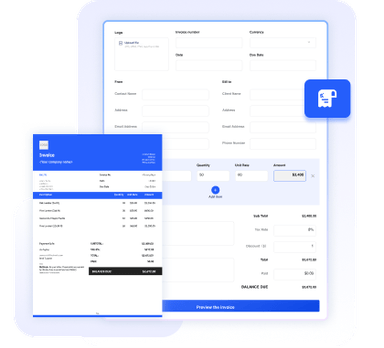
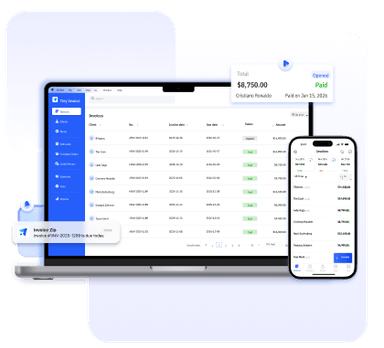
Need more than a template? Try our online invoice generator or full-featured invoice software for even more convenience and advanced features.



Essential Info for Construction Invoices
To avoid payment delays and clarify the scope of work, your construction invoice example should always feature:
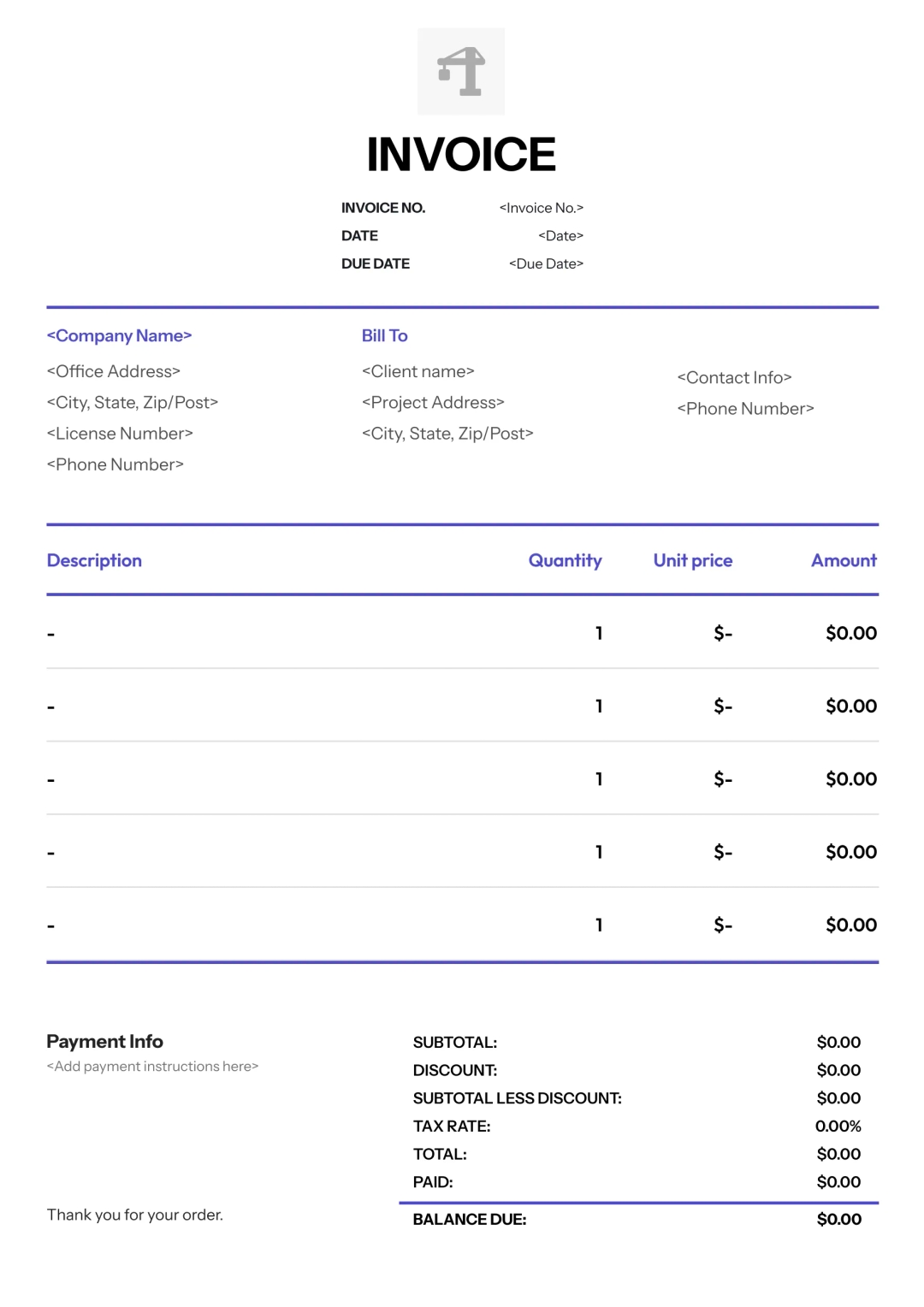
Your company name, logo, and professional license number (required for compliance in most jurisdictions) to establish credibility and trust.
The client's billing information alongside the specific work site address to ensure the invoice is applied to the correct property or phase.
A unique invoice number and the specific contract or project ID to help general contractors and developers match the billing to their internal budget.
A comprehensive list of services provided and materials delivered, clearly separating workforce hours from physical supply costs for full transparency.
The specific dates covered by the invoice, which is essential for progress billing and tracking what percentage of the total project is complete.
The calculated subtotal including taxes, with a dedicated section for retainage (the portion of payment held back until final project sign-off).
Defined payment deadlines, accepted methods (e.g., ACH, Wire, Check), and explicit late fee policies to protect your business's cash flow.
A professional certification line for an authorized representative to sign, confirming that the work was performed according to code and contract terms.
Benefits of Using Our Templates
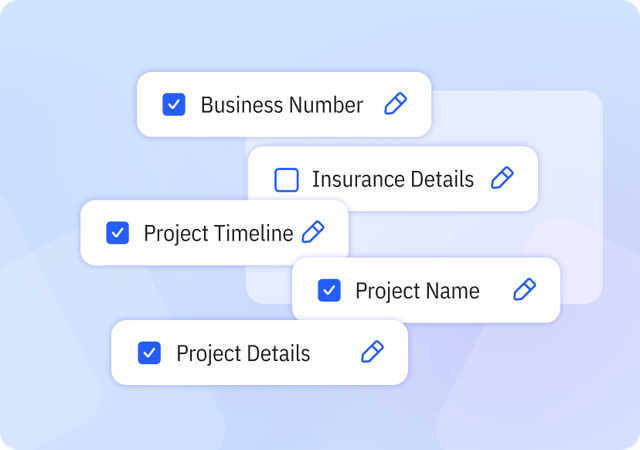
Complete & Customizable Fields
Includes essential and industry-specific fields designed for construction workflows, with the flexibility to add or remove fields as needed.
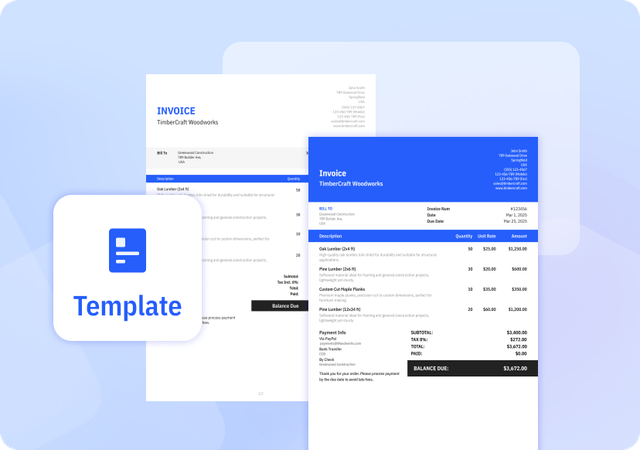
Consistently Formatted Templates
Professional, uniform layouts that make your invoices easy to read, look credible, and print perfectly every time.
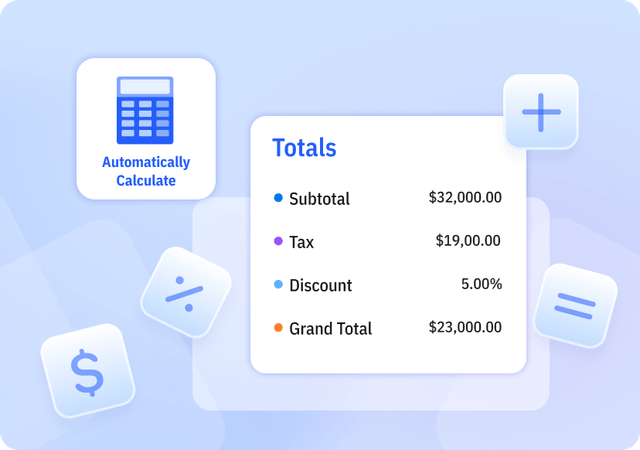
Automatically Calculate Totals
We offer Templates in Excel that automatically calculate subtotal, tax, discount, and grand total amounts to reduce errors.
Helpful Resources for Construction Businesses




FAQ about Construction Invoice Templates
Table of Contents
How do I write an invoice for construction work that involves multiple subcontractors?
When billing as a general contractor, your invoice should summarize the total work but include an itemized breakdown of each trade's contribution. Ensure you attach lien waivers from your subcontractors to prove they've been paid, which protects the client and speeds up your own payment.
What is "Retainage" and how should I show it on my invoice?
Retainage is a standard industry practice where the client holds back a percentage of each payment until the project is finished. On your construction invoice sample, list the total amount earned, subtract the retainage percentage (e.g., 10%), and show the "Net Amount Due" for the current period.
When should I consider construction invoice software over a template?
If you are managing more than three active job sites or have a team of five or more, it's time to move from a construction invoice template to software. Software handles the complexities of tax calculations across different jurisdictions and automates reminders for late-paying clients.
Can I customize your Invoice Templates?
Yes. We provide invoice templates in both Excel and Word formats, which you can download and edit as needed. Our invoice templates allow you to customize invoice details and appearance to suit your business needs. You can easily adjust invoice information and branding elements to keep your invoices professional and consistent.
Pros and Cons of Invoice Templates
Pros
- Saves time compared to creating invoices manually
- Provides a consistent invoice structure
- Often includes built-in formulas for calculations
Cons
- Does not support client or product management
- Limited flexibility compared to invoice generators or software
- Higher risk of errors if information is entered incorrectly
Other Free Resources
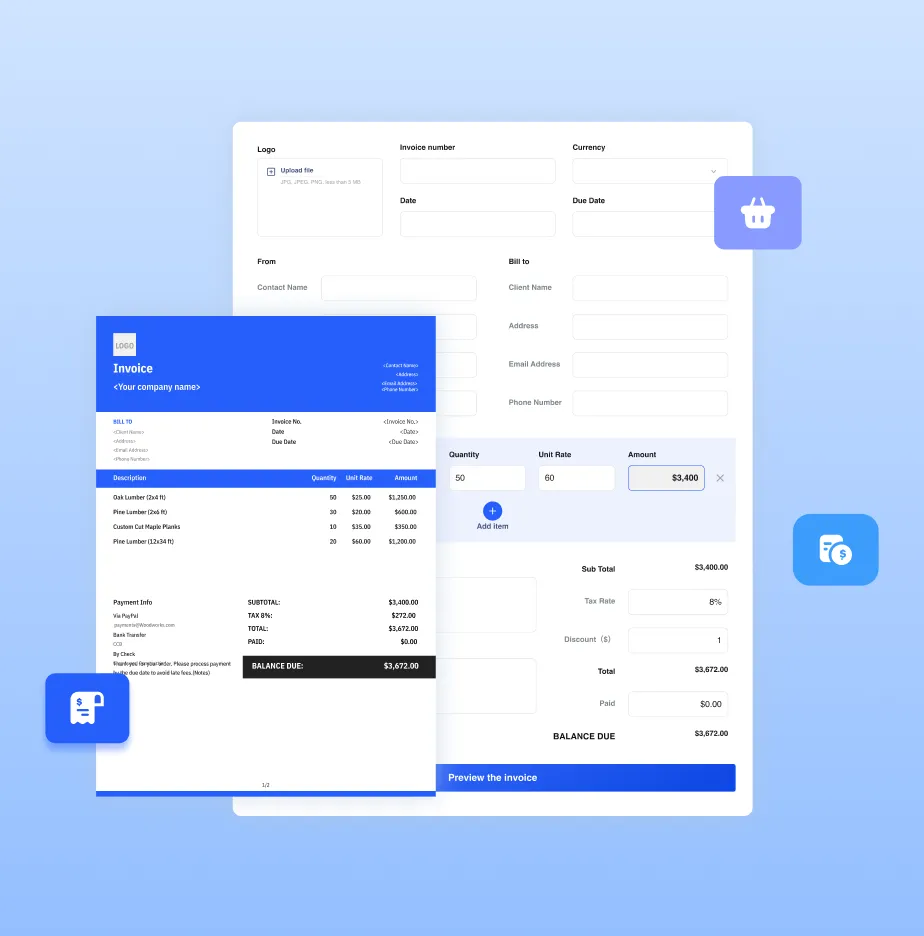

Try Invoice Zip Today
Start Sending Invoices, Building Reports, Saving Office
Time and Get Paid Faster.