


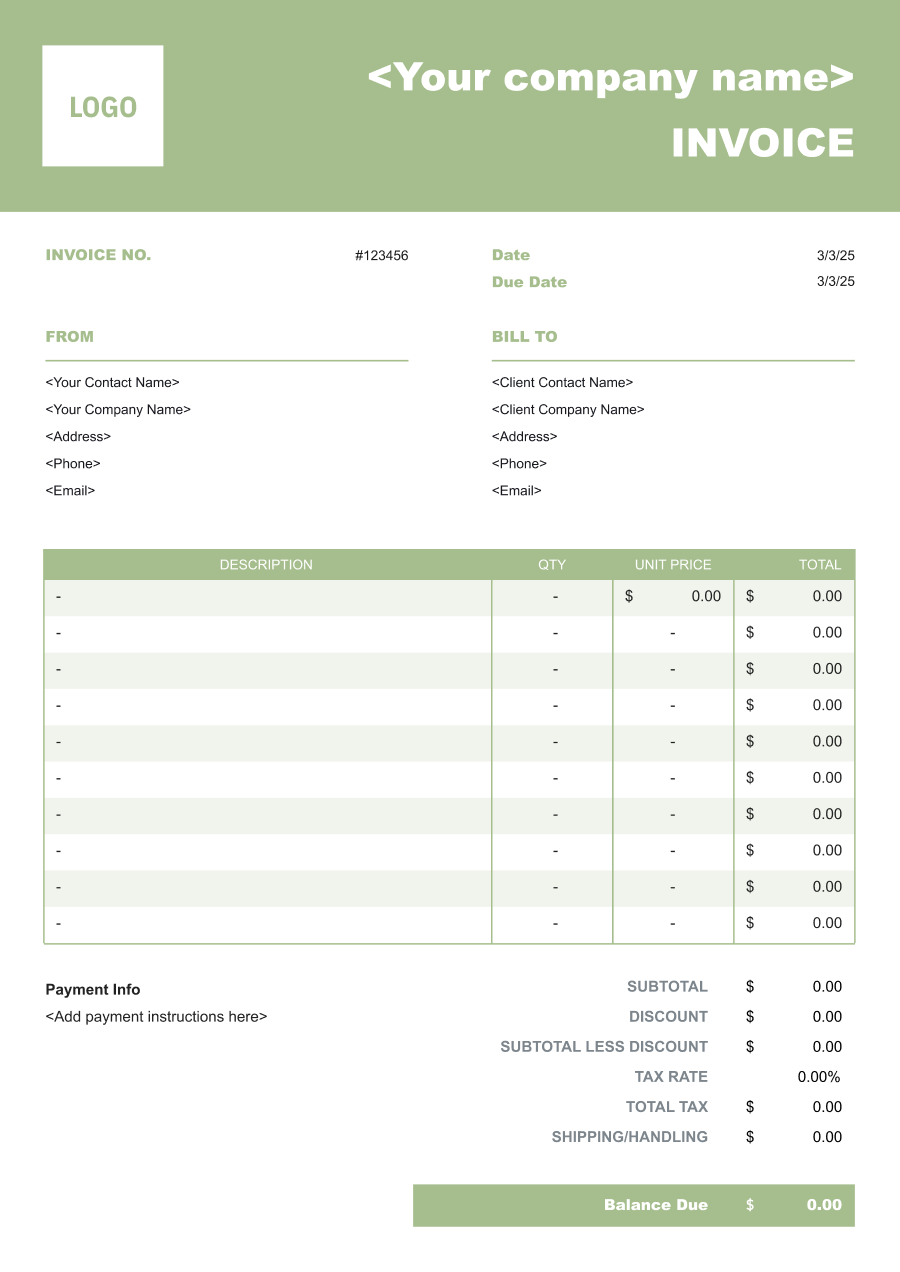
Equipment Rental Invoice Template
Create a professional equipment rental invoice with editable invoice templates for equipment, rental periods, delivery, pickup, usage fees, and damage charges.
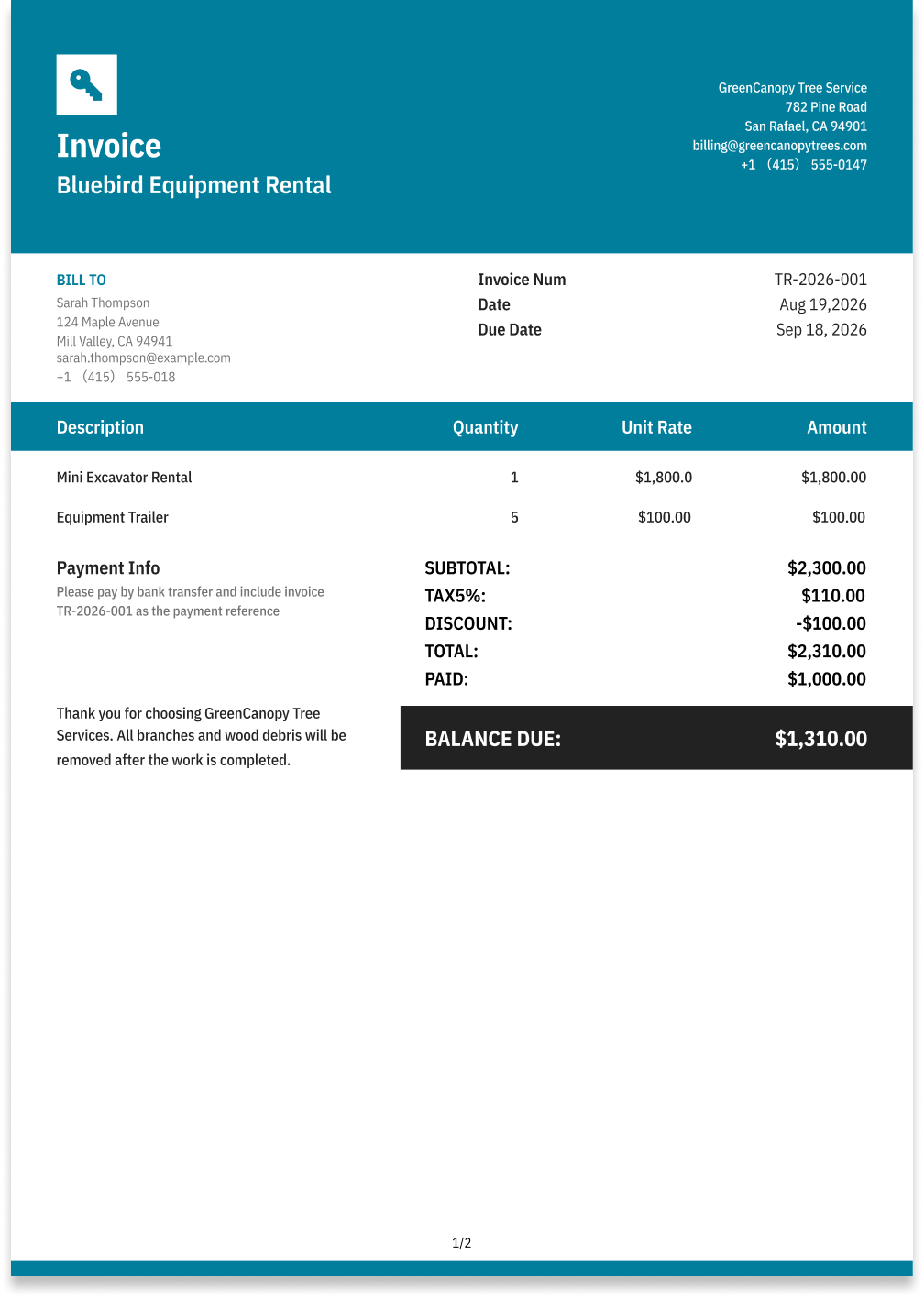
Choose the Best Invoice Template for Your Equipment Rental Business


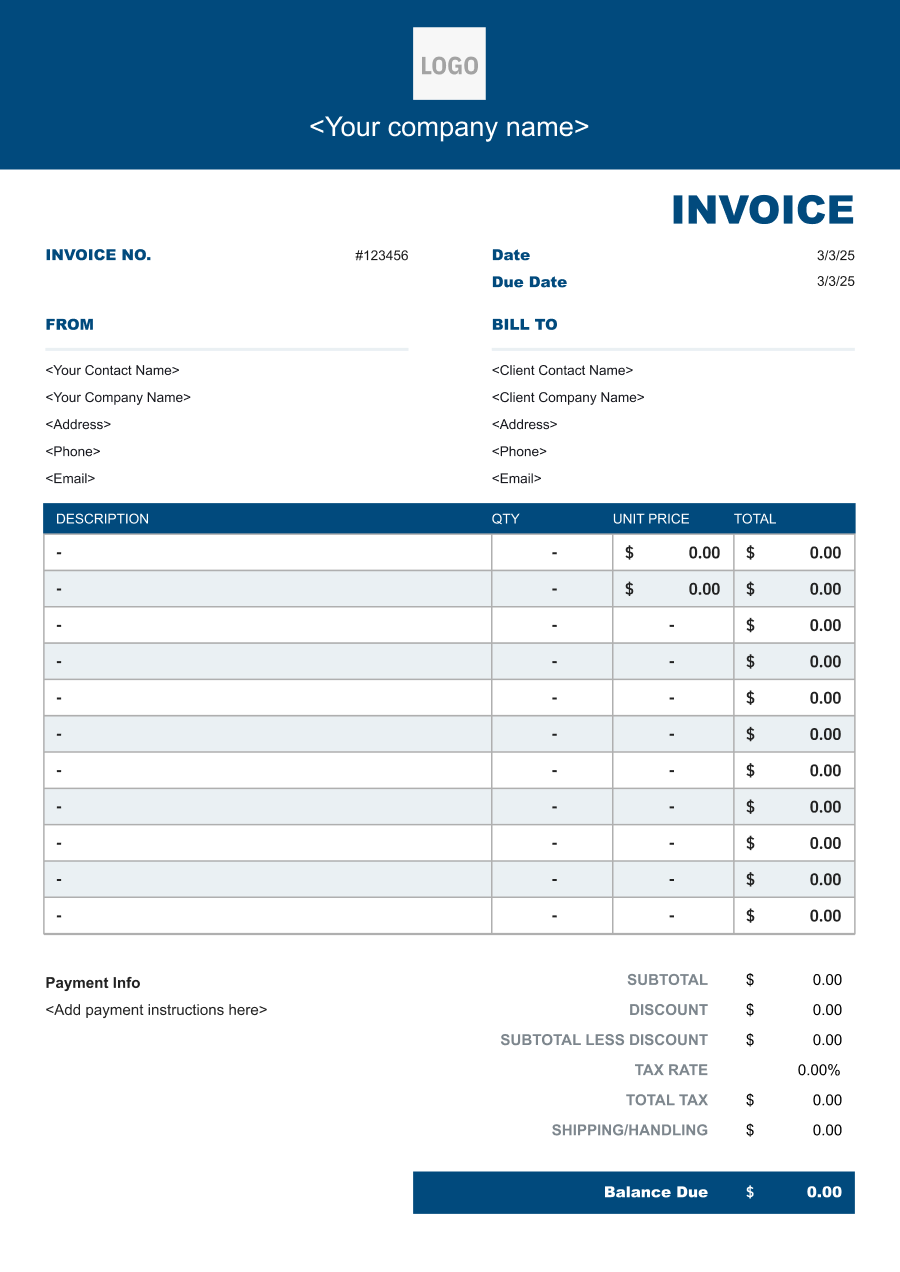
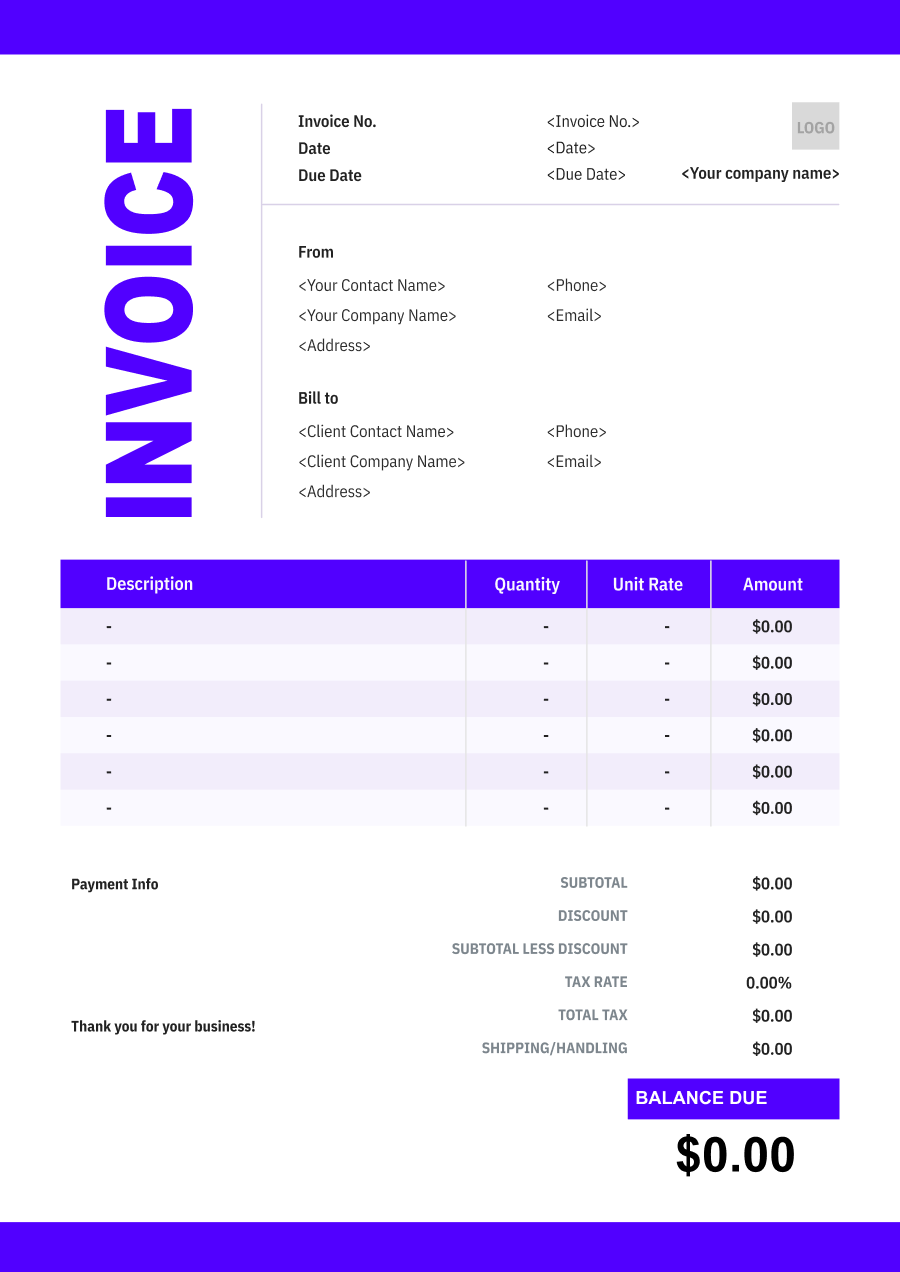
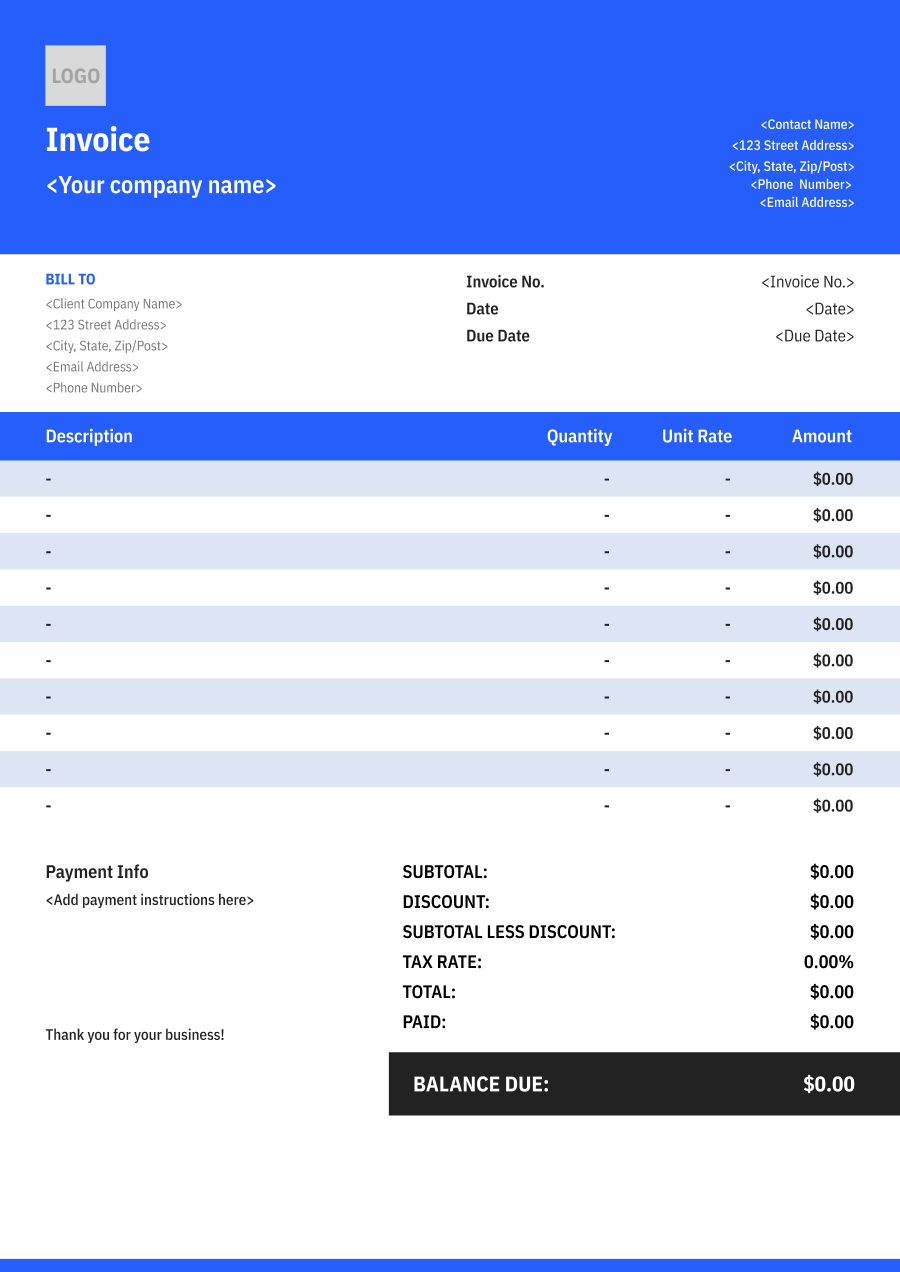
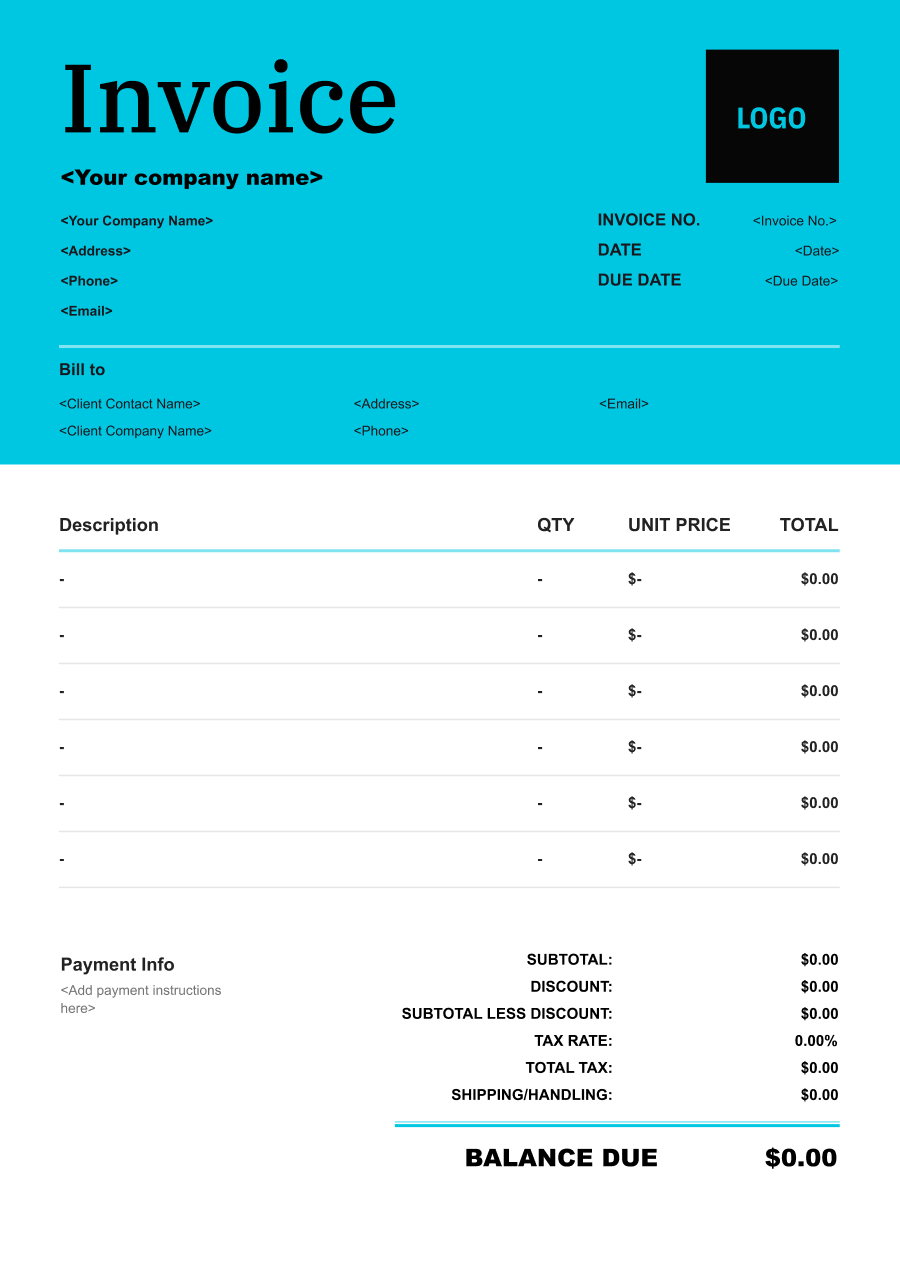
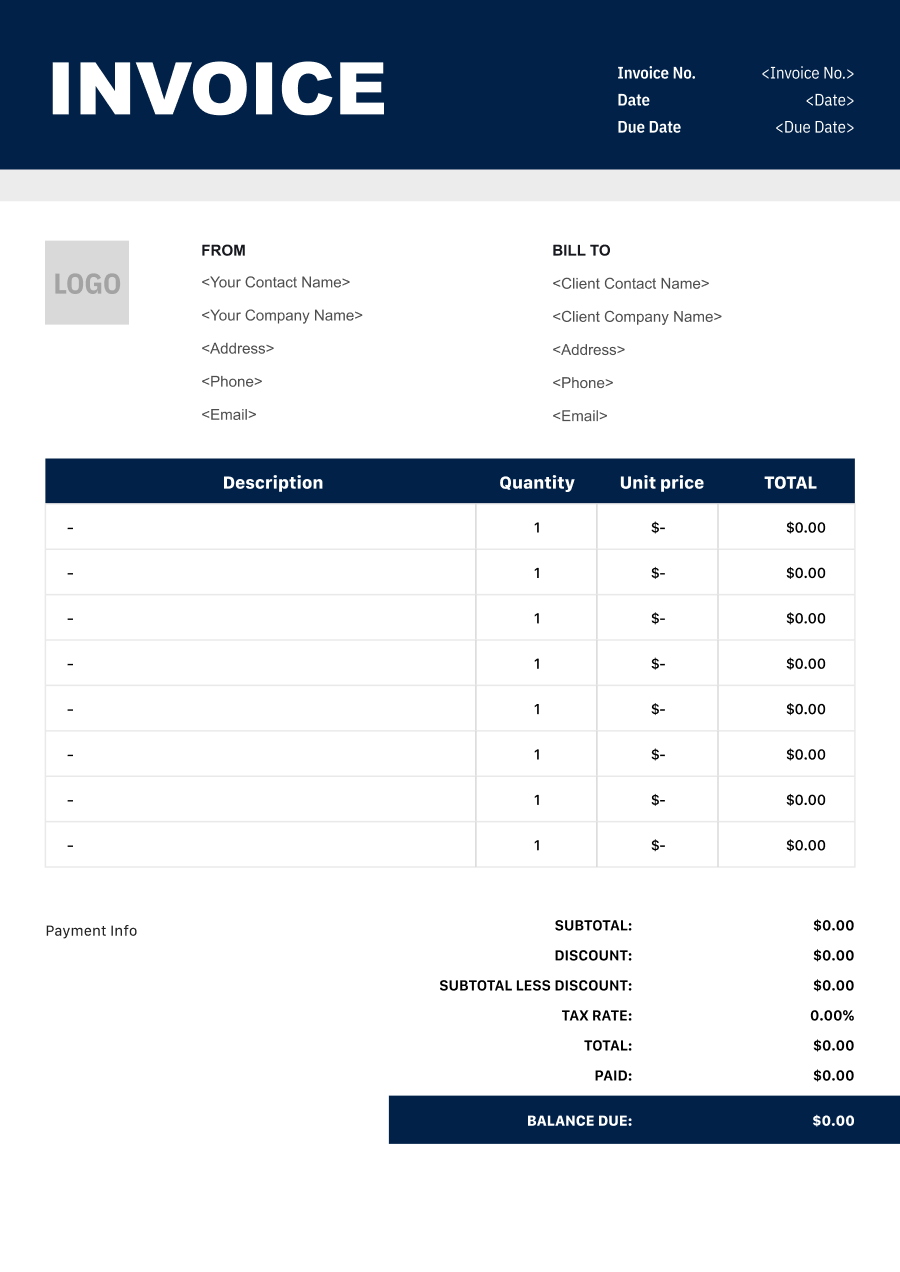
Create A Professional
Equipment Rental Invoice in Minutes
Add your equipment rental business and client details, itemize the products or services provided, and generate a professional invoice when you are ready.
1
Invoice details
Set the document identity, dates and currency.
Logo

Upload file
JPG, JPEG, PNG, less than 5 MB
Invoice number
Currency
USD
Issue date
Due date
2
Business & client
Add the details your client needs to identify both parties
From
Company Name
Contact name
Address
Email Address
Phone Number
Bill To
Client name
Address
Email Address
Phone Number
3
Products & services
Itemize what you’re charging for. Totals update automatically.
4
Totals & payment
Apply adjustments and tell your client how to pay.
Payment instructions
Notes
Sub Total
$0.00
Tax Rate
%
Discount
$
Total
$0.00
Amount paid
$
Balance Due
$0.00
What to include in Equipment Rental Invoice
A clear equipment rental invoice helps prevent disputes and ensures timely payment. Use this checklist to include the essential details.
- 1
Business Header & Contact
Company name, logo, phone number, email address, and physical business location.
- 2
Client Contact Information
Client's full name or business entity name, billing address, phone number, and email.
- 3
Invoice Metadata
Unique invoice number, invoice issue date, and payment due date (e.g., Net 15 / Due upon receipt).
- 4
Cost Summary & Taxes
Subtotal for services, local sales taxes (if applicable), applied discounts, and final bolded Total Due.
- 5
Deposit & Balance Tracking
Original estimate total, pre-paid deposit deductions (e.g., 'Less Deposit Received: -$500'), and remaining net balance due.
- 6
Payment Instructions
Accepted payment methods, including direct online payment links (Credit/ACH), check mailing address, or bank transfer details.
- 7
Equipment Identification
Include the equipment type, make or model when relevant, asset number, serial number, or other identifier needed to distinguish the rented item.
- 8
Rental Period & Rate
State the pickup and return dates or rental period and identify the daily, weekly, monthly, or project-based rental rate.
- 9
Usage, Delivery & Pickup Charges
When applicable, record equipment hours, mileage, delivery, pickup, setup, transportation, or mobilization charges.
- 10
Damage, Cleaning & Consumable Charges
Separately identify approved damage repairs, excessive cleaning, fuel or consumables, missing accessories, or other end-of-rental charges.
Common Equipment Rental Services & Billing Items
How Equipment Rental charges are typically structured and billed.
Common Services
What's Included
Billing Items
Construction Equipment Rental
Rented item or equipment, Rental period, Pickup and delivery locations, Items or quantity, and Item or equipment rented
Rental FeesDelivery/Pickup
Tool Rental
Rented item or equipment, Rental period, Setup date and location, Setup scope, and Item or equipment rented
Rental FeesSetup
Generator Rental
Pickup and delivery locations, Items or quantity, Setup date and location, Setup scope, and Item or equipment rented
Delivery/PickupSetup
Lifting Equipment Rental
Rented item or equipment, Rental period, Pickup and delivery locations, Items or quantity, Damage or cleaning issue, and Item or area affected
Rental FeesDelivery/PickupDamage/Cleaning Fees
Event Equipment Rental
Pickup and delivery locations, Items or quantity, Damage or cleaning issue, Item or area affected, and Item or equipment rented
Delivery/PickupDamage/Cleaning Fees
Equipment Delivery
Rented item or equipment, Rental period, Setup date and location, Setup scope, Damage or cleaning issue, and Item or area affected
Rental FeesSetupDamage/Cleaning Fees
Equipment Pickup
Rented item or equipment, Rental period, Pickup and delivery locations, Items or quantity, Setup date and location, and Setup scope
Rental FeesDelivery/PickupSetup
Rental Fees: Charges for the agreed rental period.
Delivery/Pickup: Charges for equipment delivery, pickup, loading, and unloading.
Setup: Charges for installation, assembly, configuration, or setup.
Damage/Cleaning Fees: Charges for damage repair, excessive cleaning, or missing rental items.
Equipment Rental Invoicing Tips
Equipment Rental costs vary by service scope, pricing method, and additional requirements. A detailed invoice helps customers understand every charge and reduces payment disputes.
1
Identify the Exact Equipment
Rental companies may have several similar machines or tools. Best practice: include the asset or serial number and equipment description so the invoice is tied to the correct rental unit.
2
Show the Rental Period Clearly
Rental duration directly affects the price. Best practice: list the rental start and end dates and the applicable rate rather than using a generic equipment-rental charge.
3
Separate Rental from Delivery and Setup
Heavy or specialized equipment may require delivery, pickup, setup, or mobilization. Best practice: list these logistics charges separately from the equipment rental rate.
4
Document End-of-Rental Charges
Damage, missing accessories, excess cleaning, and fuel charges may be assessed after equipment is returned. Best practice: identify each additional charge separately and reference the equipment condition or rental record when appropriate.


Reusable Billing Structure in Invoice Software
Use the items above to quickly create a Equipment Rental Invoice Template in Invoice Zip.
FAQs about Equipment Rental Invoicing
Q: How should an equipment rental invoice calculate charges based on daily, weekly, or monthly rental periods?
A: The invoice should identify the rental period, equipment, quantity, and applicable rate. When the rental crosses multiple billing periods, each period can be shown separately if the rates differ.
Q: How should an equipment rental invoice handle delivery and pickup charges?
A: Delivery and pickup fees can be listed separately from the equipment rental rate. This makes it clear which portion of the invoice relates to transporting the equipment to and from the job site.
Q: How should a rental company document a refundable security deposit?
A: The security deposit should be shown separately from the actual rental charges. Once the equipment is returned and inspected, the deposit can be refunded or applied toward approved damage or missing-item charges.
Q: How should an equipment rental invoice handle late returns or extended rental periods?
A: Additional rental time can be added as a separate charge based on the agreed daily, weekly, or other applicable rate. The invoice should identify the extended rental period so the extra amount is easy to understand.
Q: How should an equipment rental company bill for damaged or missing equipment after the rental ends?
A: Repair, replacement, or missing-equipment charges should be listed separately from the original rental fee. The invoice can identify the affected equipment and applicable charge according to the rental agreement.
Other Free Resources



Try Invoice Zip Today
Start Sending Invoices, Building Reports, Saving Office
Time and Get Paid Faster.
