


Pest Control Invoice Template
Use a pest control invoice template to clearly bill inspections, treatments, recurring visits, and treatment materials for residential or commercial customers.
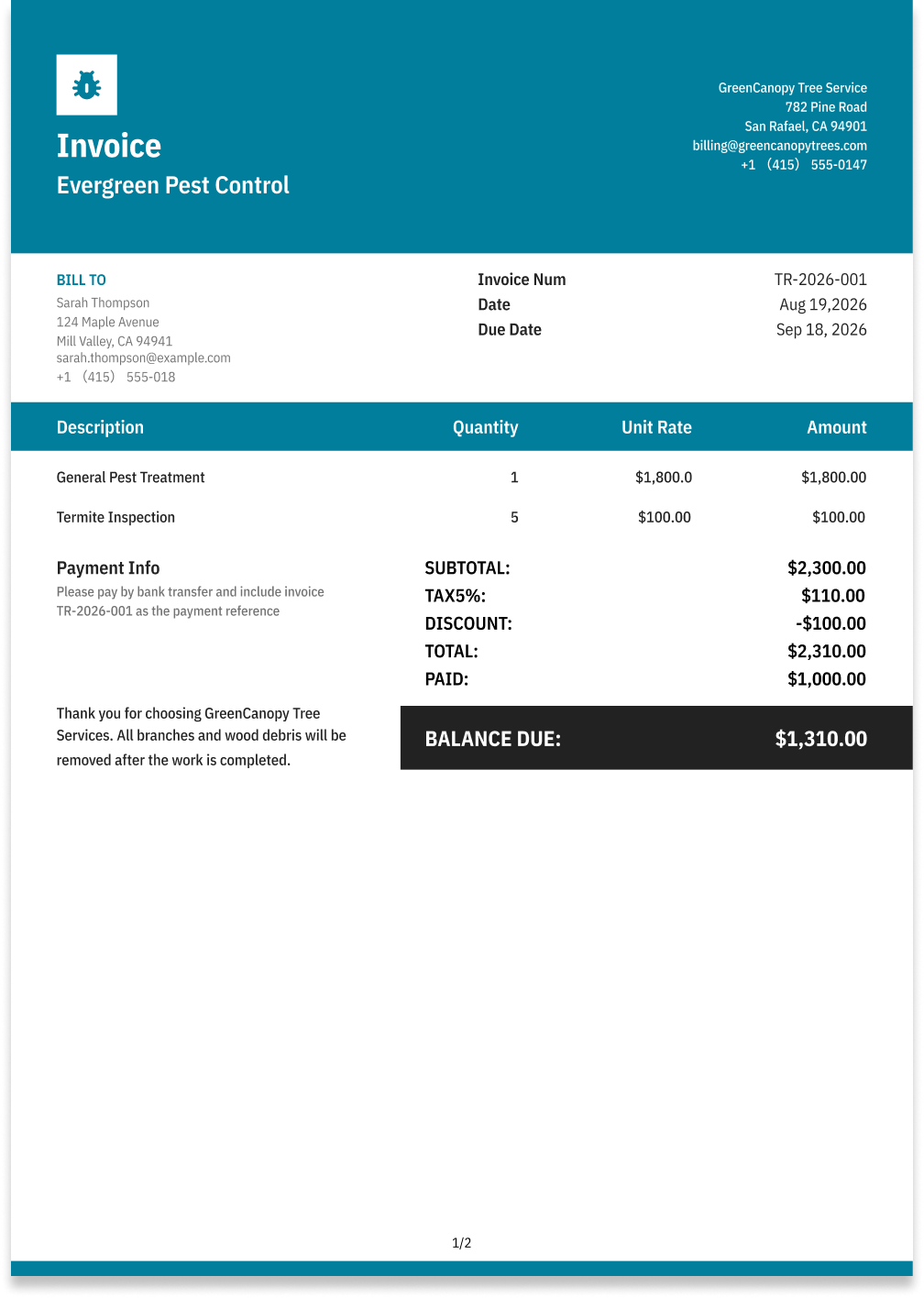
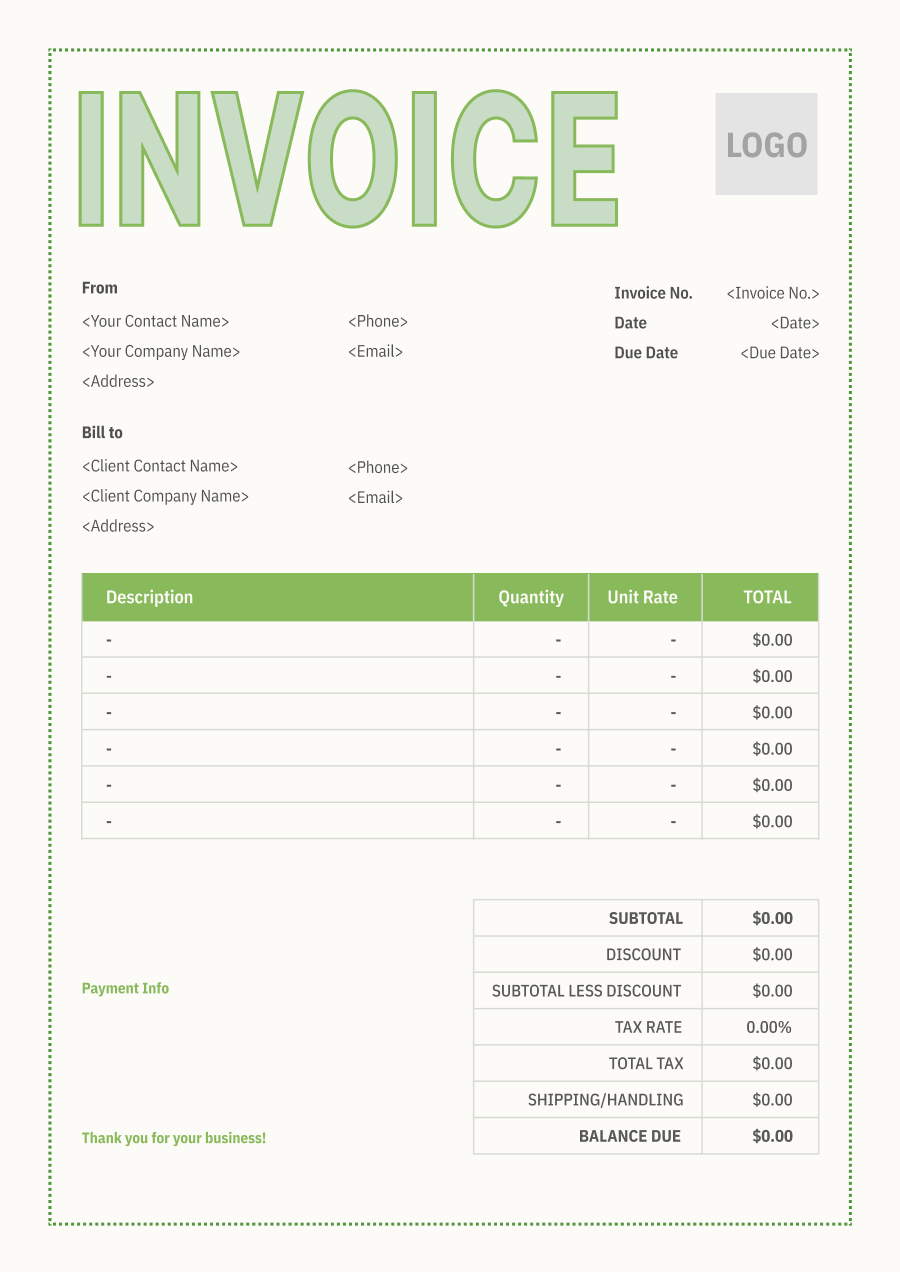
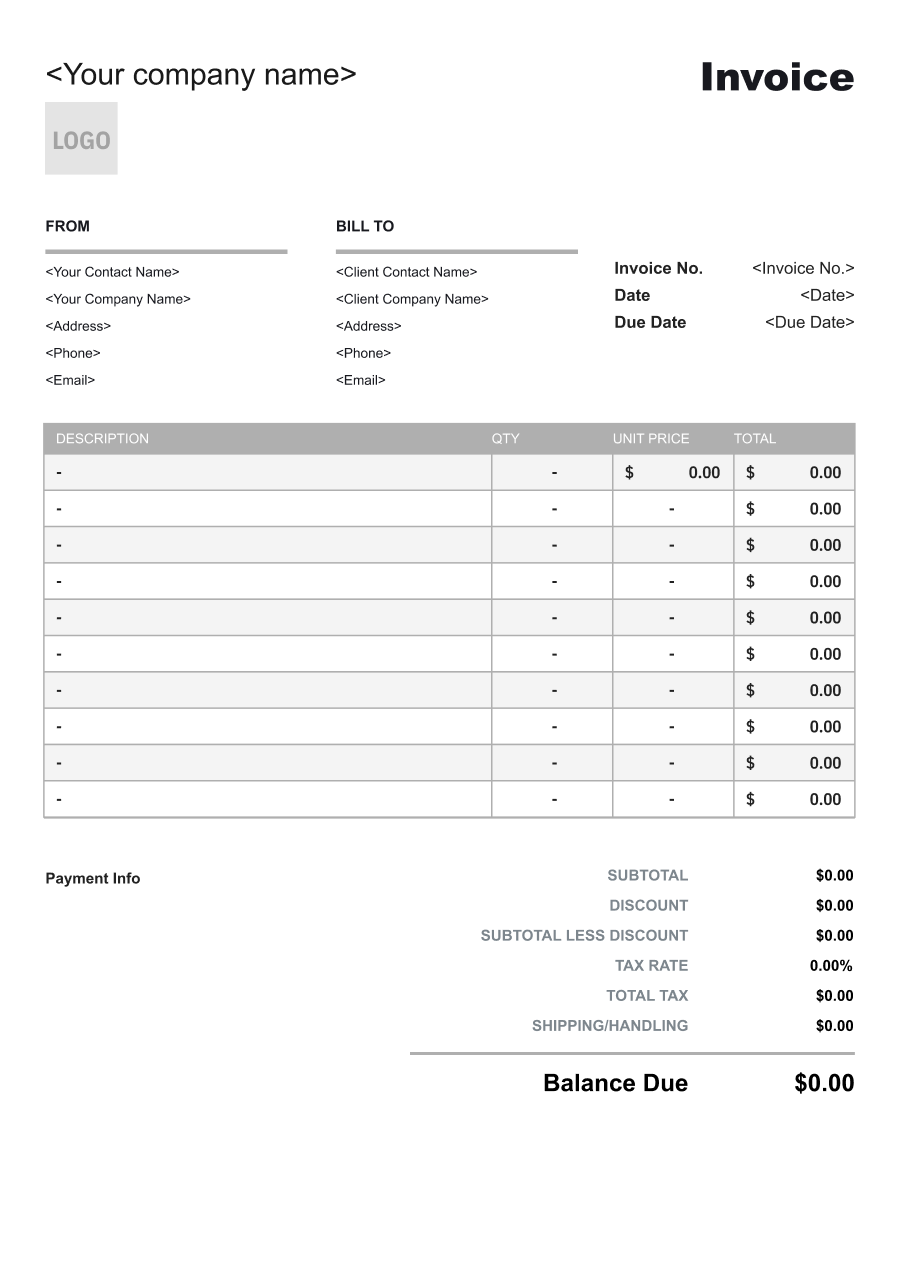
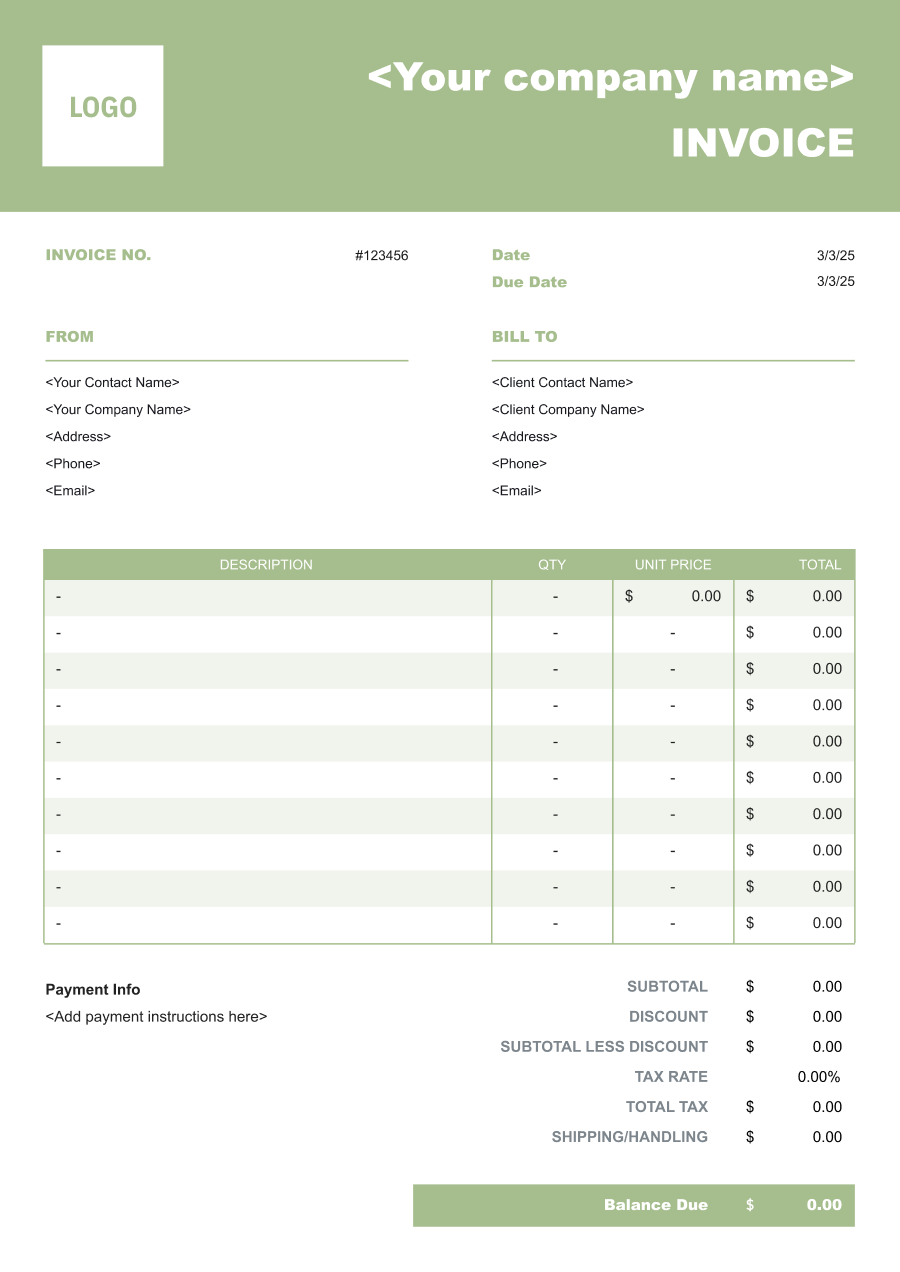
Choose the Best Invoice Template for Your Pest Control Business


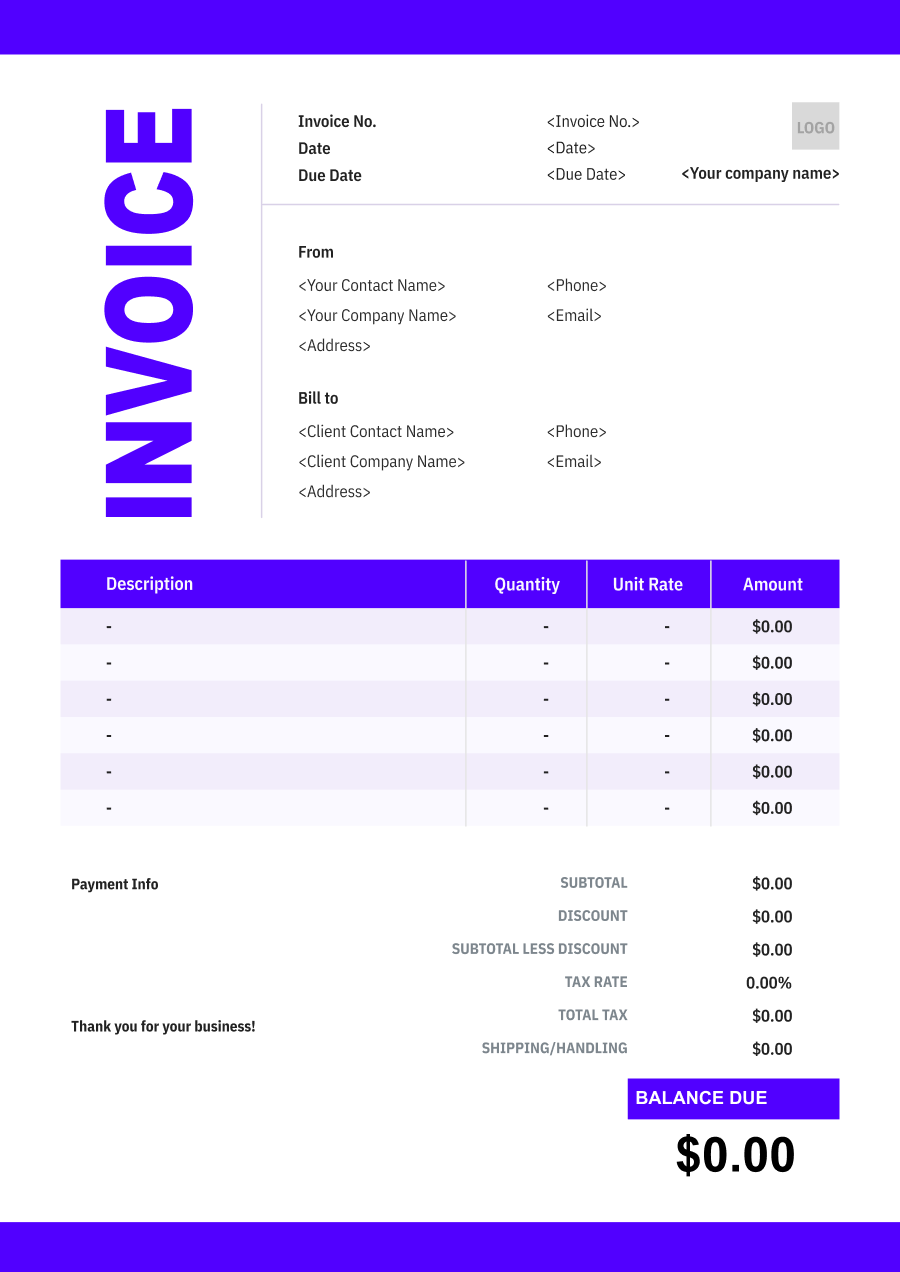
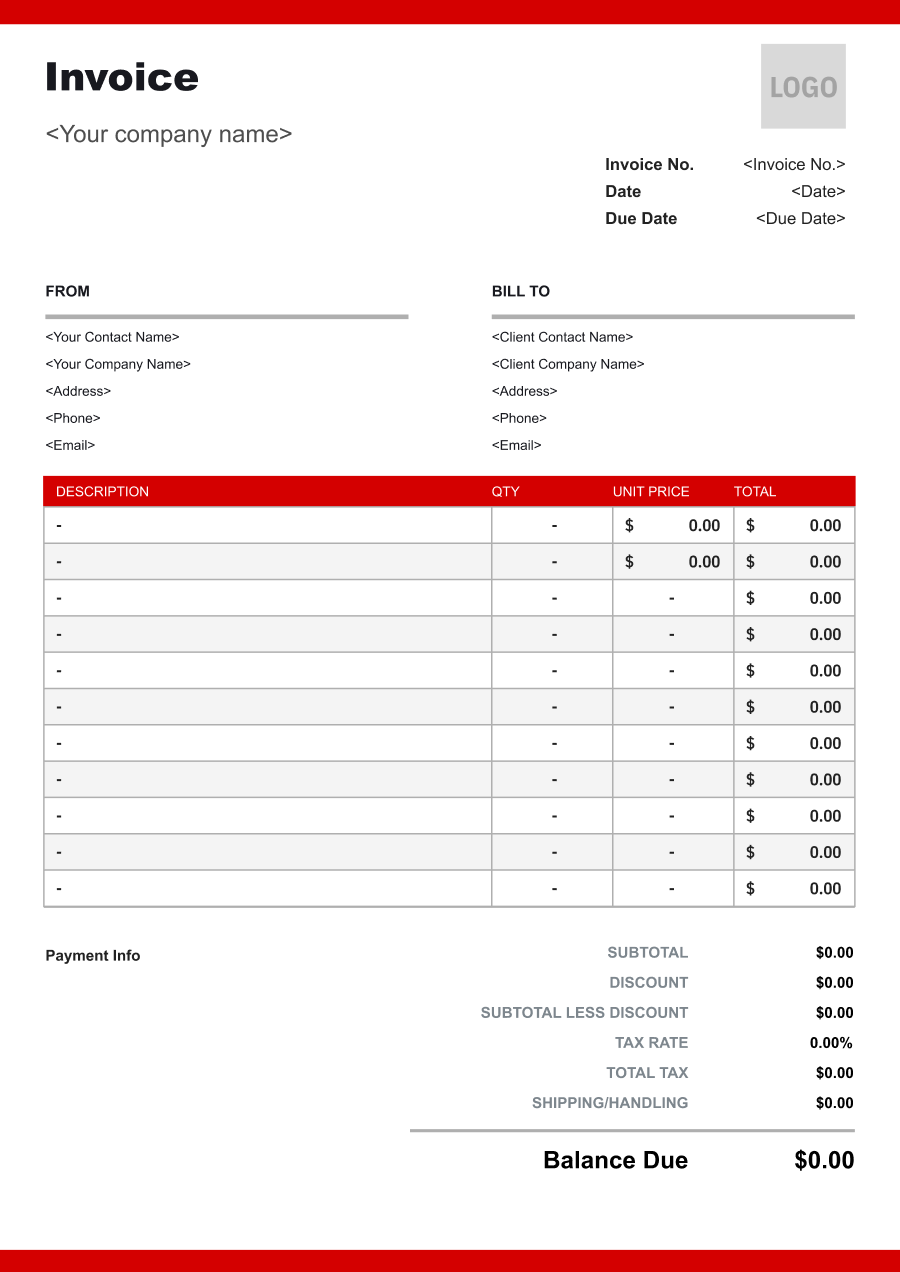
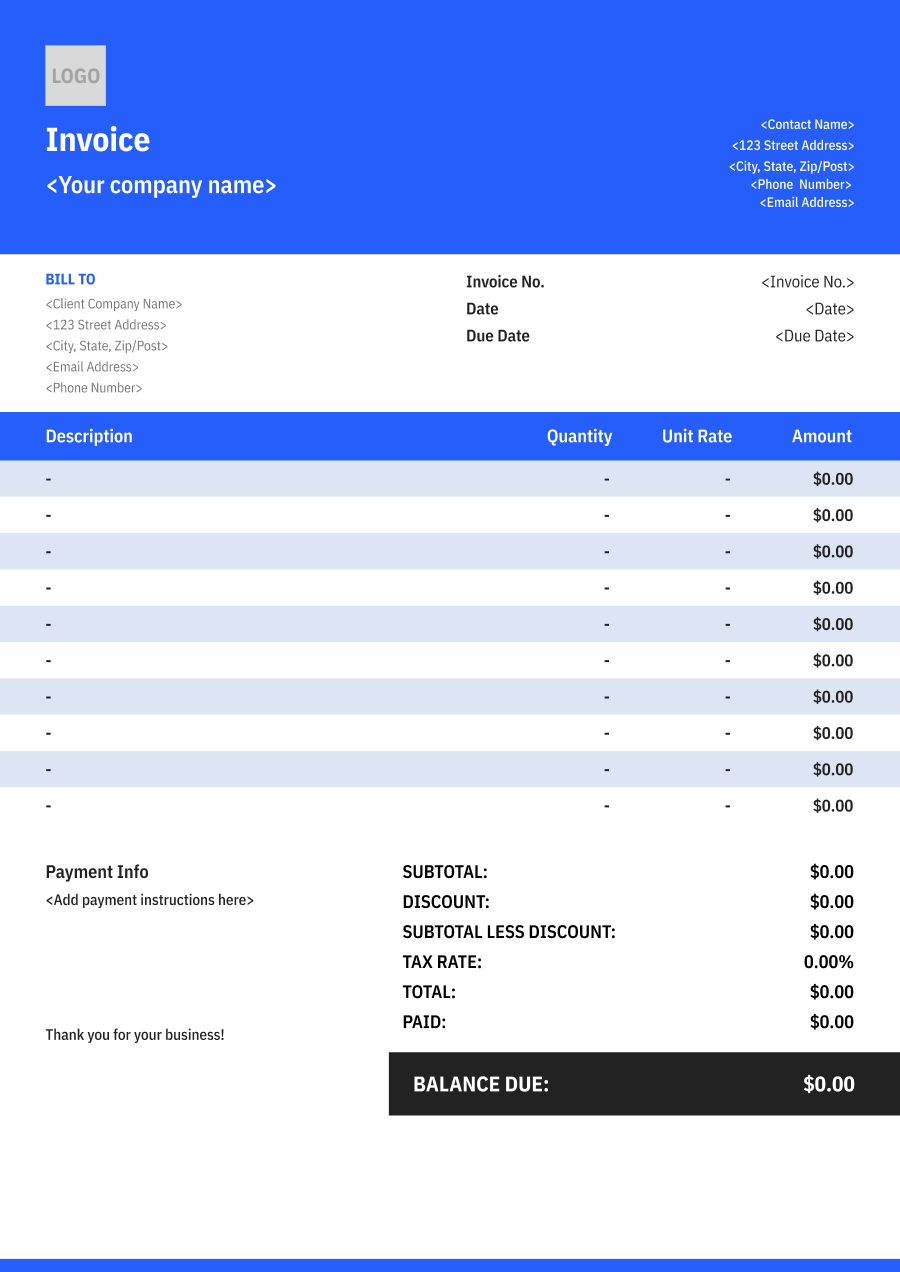
Create A Professional
Pest Control Invoice in Minutes
Add your pest control business and client details, itemize the products or services provided, and generate a professional invoice when you are ready.
1
Invoice details
Set the document identity, dates and currency.
Logo

Upload file
JPG, JPEG, PNG, less than 5 MB
Invoice number
Currency
USD
Issue date
Due date
2
Business & client
Add the details your client needs to identify both parties
From
Company Name
Contact name
Address
Email Address
Phone Number
Bill To
Client name
Address
Email Address
Phone Number
3
Products & services
Itemize what you’re charging for. Totals update automatically.
4
Totals & payment
Apply adjustments and tell your client how to pay.
Payment instructions
Notes
Sub Total
$0.00
Tax Rate
%
Discount
$
Total
$0.00
Amount paid
$
Balance Due
$0.00
What to include in Pest Control Invoice
A clear pest control invoice helps prevent disputes and ensures timely payment. Use this checklist to include the essential details.
- 1
Business Header & Contact
Company name, logo, phone number, email address, website, and physical business location.
- 2
Client Contact Information
Customer's full name or business name, service address, billing address when different, phone number, and email address.
- 3
Invoice Metadata
Unique invoice number, invoice issue date, and payment due date (e.g., Net 15 / Due upon receipt).
- 4
Cost Summary & Taxes
Subtotal for pest control services, applicable sales taxes, discounts, credits, and final Total Due.
- 5
Deposit & Balance Tracking
Original service agreement or treatment total, deposit or prepayment received, previous payments, and remaining balance due.
- 6
Payment Instructions
Accepted payment methods, including credit card, ACH, check, bank transfer, or online payment options.
- 7
Pest & Infestation Details
Identify the pest being treated, such as termites, ants, rodents, bed bugs, cockroaches, or wasps. For recurring services, identify the pest-control program or treatment type rather than using a generic "pest service" description.
- 8
Treatment Areas & Property Details
Specify the property or areas treated, such as exterior perimeter, attic, crawl space, kitchen, garage, individual rooms, or commercial units. This is especially important when only part of a larger property receives treatment.
- 9
Treatment Method & Materials
Describe the treatment performed and relevant application or control method. When appropriate, include product or material information required for the customer's service records and distinguish treatment charges from inspection or follow-up services.
- 10
Service Agreement & Follow-Up
Reference the applicable recurring service agreement, warranty, inspection, or follow-up schedule when relevant. Include the service date and next scheduled treatment when the invoice is part of an ongoing pest management program.
Common Pest Control Services & Billing Items
How Pest Control charges are typically structured and billed.
Common Services
What's Included
Billing Items
Pest Inspection
Service performed, Labor hours or crew size, Treatment product, Quantity applied, and Service location
Service/LaborTreatment Materials
General Pest Treatment
Service performed, Labor hours or crew size, Inspection date, Property or item inspected, and Service date
Service/LaborInspection
Termite Treatment
Treatment product, Quantity applied, Inspection date, Property or item inspected, and Service date
Treatment MaterialsInspection
Rodent Control
Service performed, Labor hours or crew size, Treatment product, Quantity applied, Follow-up date, and Issue or service addressed
Service/LaborTreatment MaterialsFollow-Up Services
Mosquito Treatment
Treatment product, Quantity applied, Follow-up date, Issue or service addressed, and Service date
Treatment MaterialsFollow-Up Services
Follow-Up Treatment
Service performed, Labor hours or crew size, Inspection date, Property or item inspected, Follow-up date, and Issue or service addressed
Service/LaborInspectionFollow-Up Services
Bed Bug Treatment
Service performed, Labor hours or crew size, Treatment product, Quantity applied, Inspection date, and Property or item inspected
Service/LaborTreatment MaterialsInspection
Service/Labor: Charges for the technician or service professional's time and work performed.
Treatment Materials: Charges for pesticides, treatments, chemicals, baits, or other products applied during service.
Inspection: Charges for inspection, testing, assessment, or diagnostic evaluation.
Follow-Up Services: Charges for return visits, monitoring, warranty visits, or additional treatment after the initial service.
Pest Control Invoicing Tips
Pest Control costs vary by service scope, pricing method, and additional requirements. A detailed invoice helps customers understand every charge and reduces payment disputes.
1
Separate Inspection from Treatment Charges
Pest control work may begin with an inspection before any treatment is performed. Best practice: list inspection, initial treatment, follow-up treatment, and recurring service as separate line items when they have different prices so customers understand what each charge covers.
2
Itemize Specialized Pest Treatments
Termite control, bed bug treatment, rodent exclusion, and other specialized services can require very different labor, materials, and equipment. Best practice: identify each specialized treatment separately rather than combining all work under a generic pest control fee.
3
Use Recurring Billing for Maintenance Programs
Many pest control companies rely on scheduled monthly, quarterly, or other recurring treatments. Best practice: identify the service period and recurring program on each invoice while separately billing emergency visits, additional treatments, or services outside the agreement.
4
Keep Service Records with the Invoice
Property owners, landlords, property managers, and commercial customers may need documentation of pest treatment history. Best practice: retain the pest treated, service date, treated area, work performed, and relevant agreement or treatment reference so the invoice also serves as a useful service record.


Reusable Billing Structure in Invoice Software
Use the items above to quickly create a Pest Control Invoice Template in Invoice Zip.
FAQs about Pest Control Invoicing
Q: How should a pest control company invoice for an initial inspection versus treatment?
A: If the inspection and treatment are separate services, list them separately. The inspection can cover property assessment and pest identification, while treatment charges describe the actual control service performed.
Q: How should recurring mosquito, termite, or rodent control plans be billed?
A: Recurring services can be invoiced by service period, such as monthly, quarterly, or annually. Include the coverage period and type of treatment so the customer knows which service cycle the invoice represents.
Q: Should a pest control invoice identify the areas of a property that were treated?
A: It can be helpful, particularly for larger properties or targeted treatments. Describing areas such as the kitchen, attic, crawl space, exterior perimeter, or garage gives the customer a record of where the service was performed.
Q: How should termite inspections and preventative treatments be charged?
A: Separate the inspection from preventative treatment when both are provided. The invoice can also describe the treatment method or affected areas without becoming a lengthy technical report.
Q: How should a pest control company bill for additional treatments when the original service does not resolve the infestation?
A: If additional visits are outside the original service agreement or warranty, list them as follow-up treatments with the date and reason for the visit. If they are covered by a service guarantee, make that clear rather than charging the customer unexpectedly.
Other Free Resources



Try Invoice Zip Today
Start Sending Invoices, Building Reports, Saving Office
Time and Get Paid Faster.
