


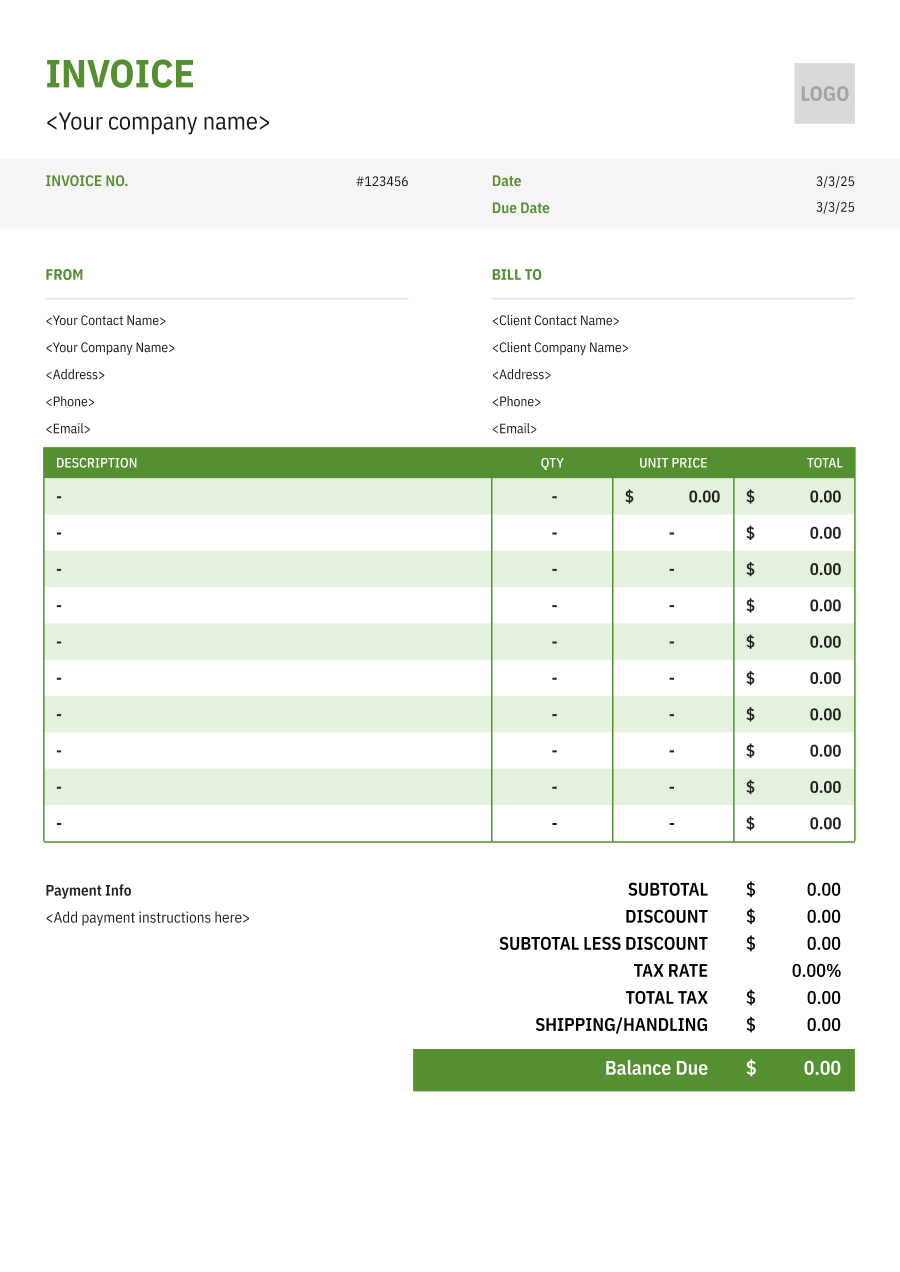
Tree Removal Invoice Template
Choose an editable tree removal invoice template to document tree work, equipment, hauling, and cleanup clearly from the initial quote through final payment.
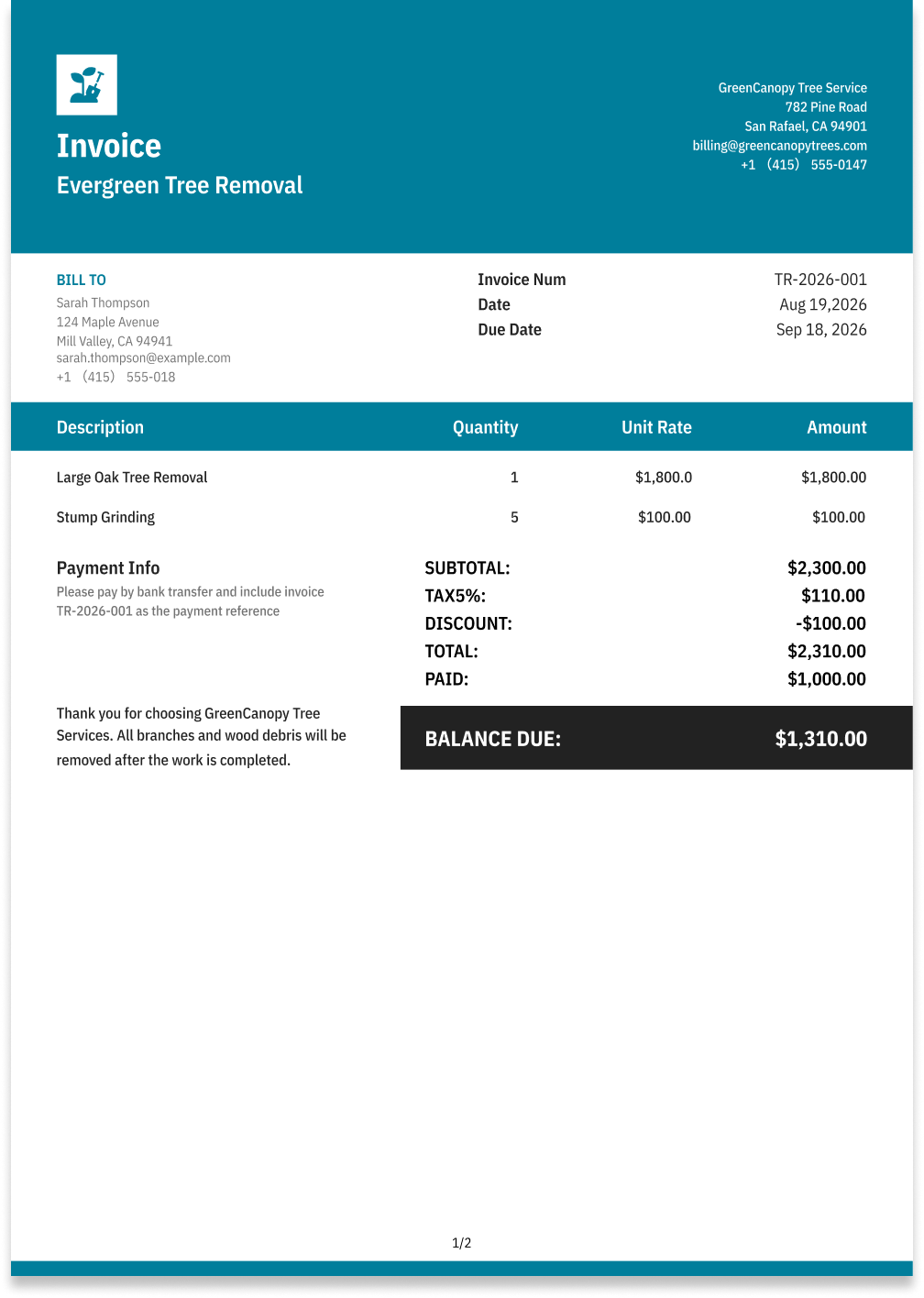
Choose the Best Invoice Template for Your Tree Removal Business


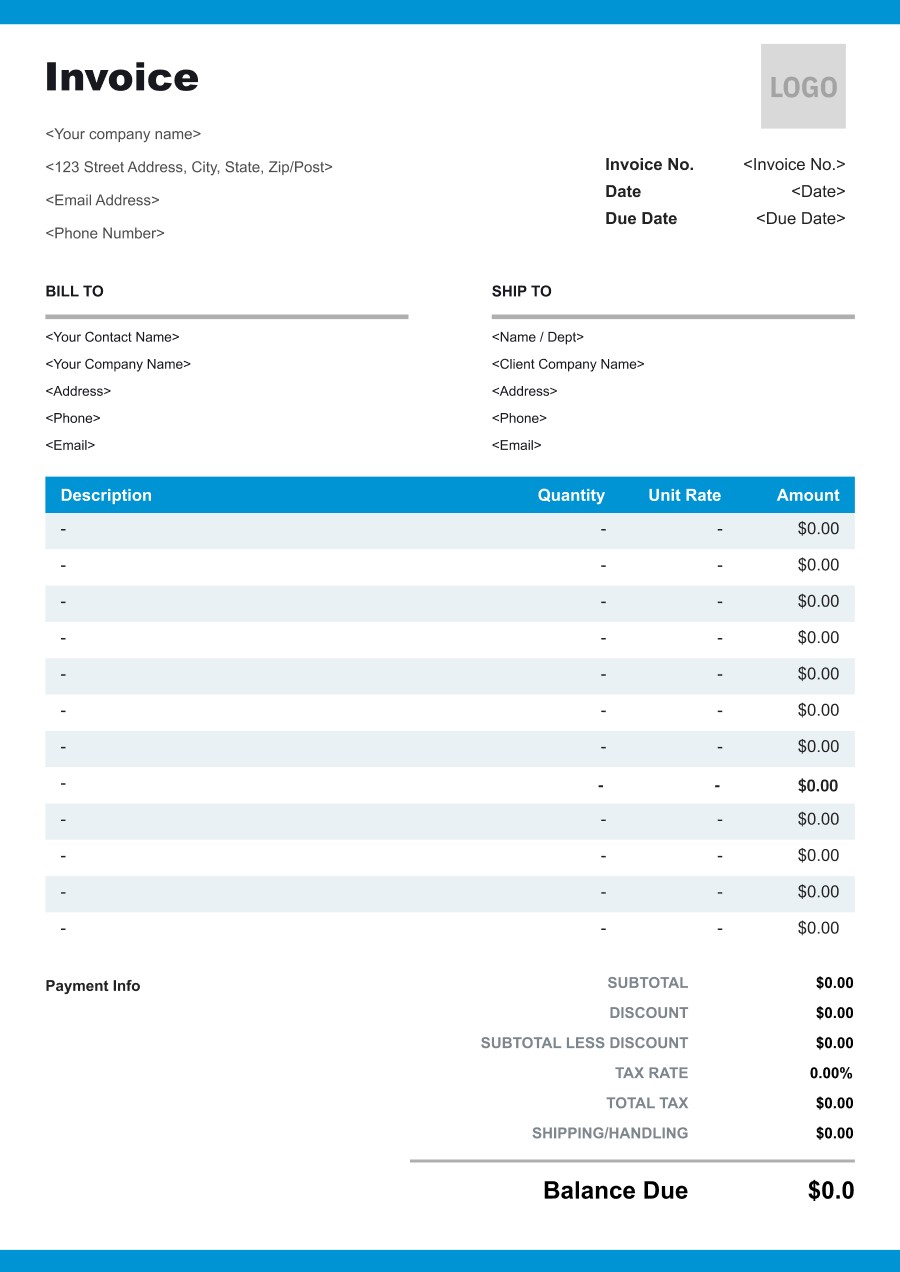
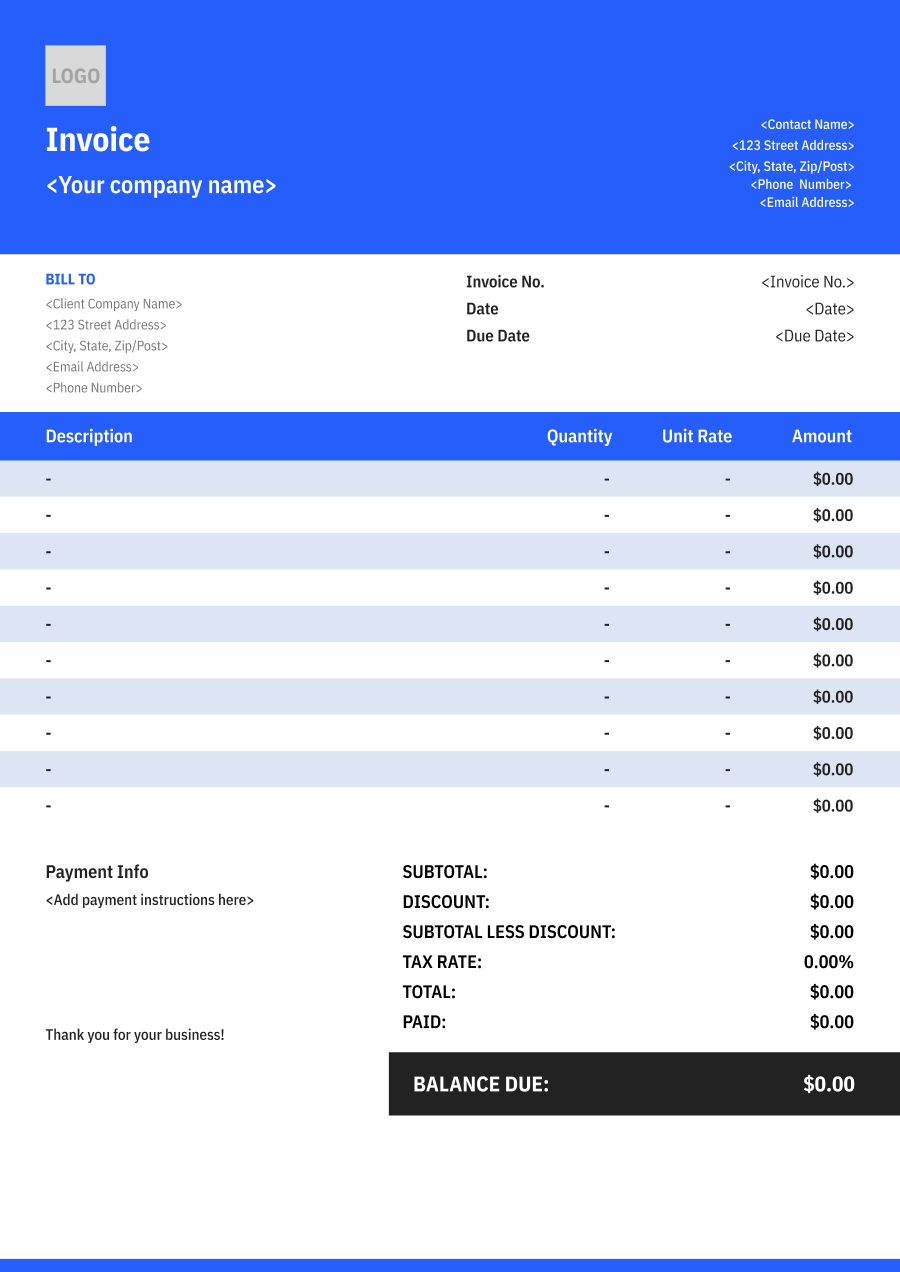
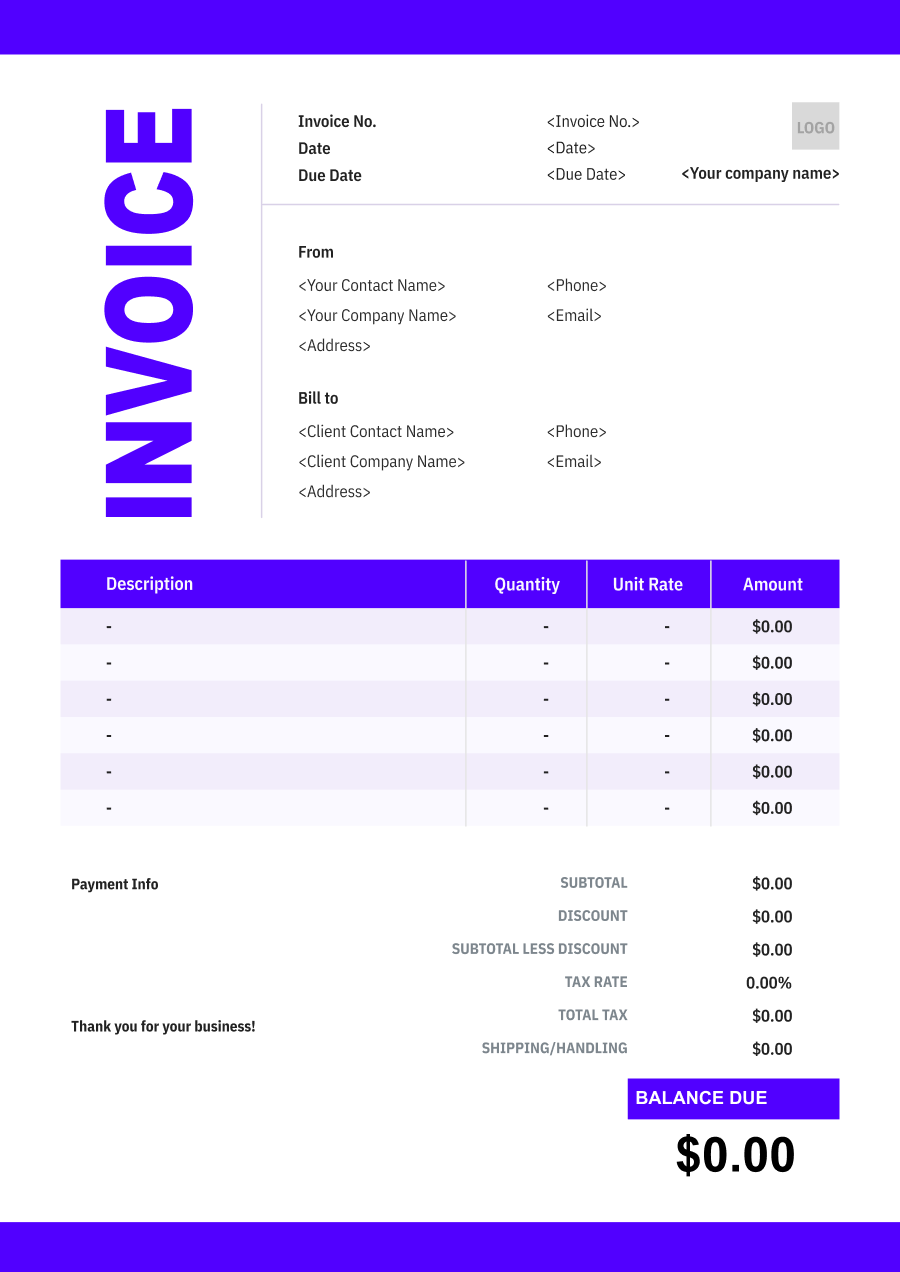
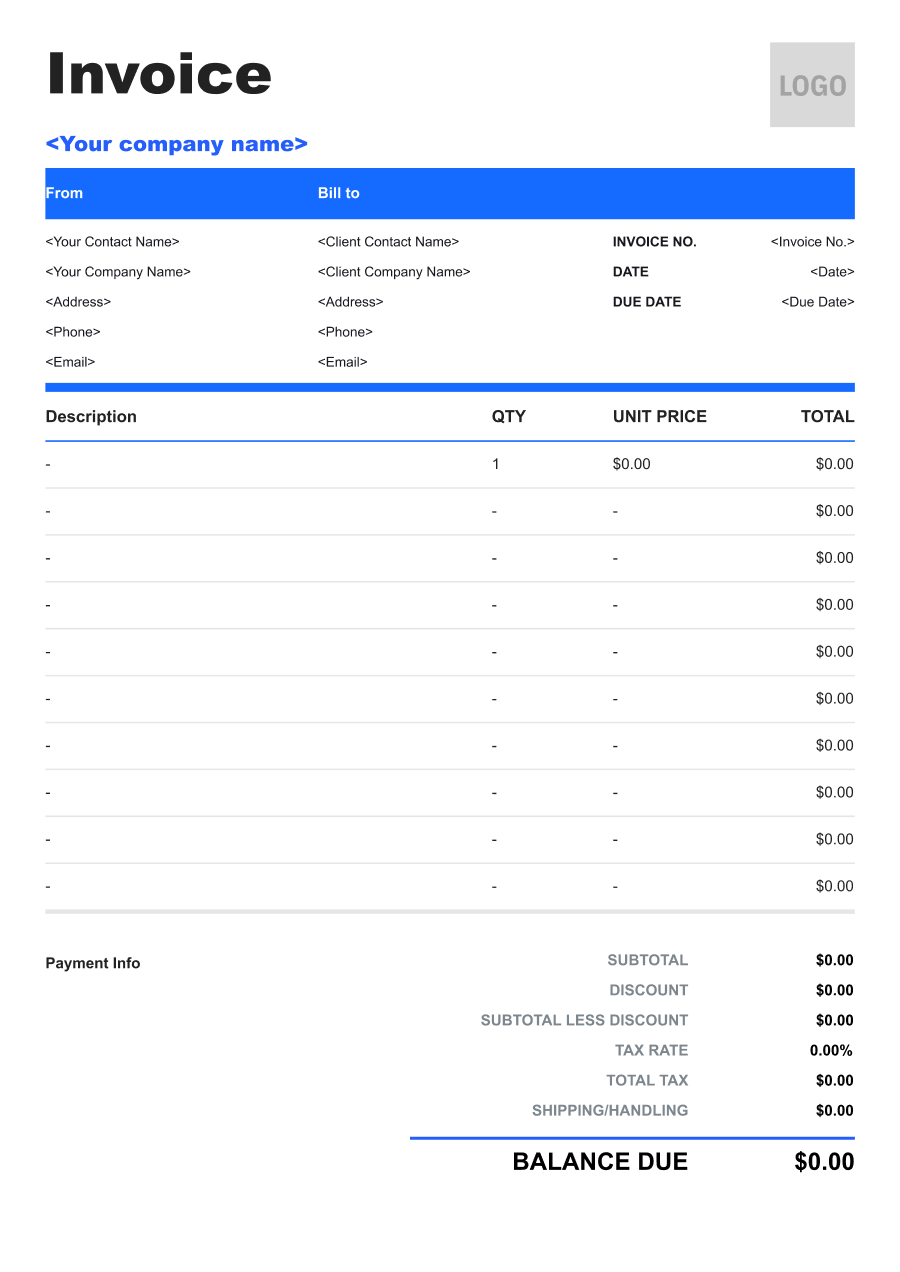
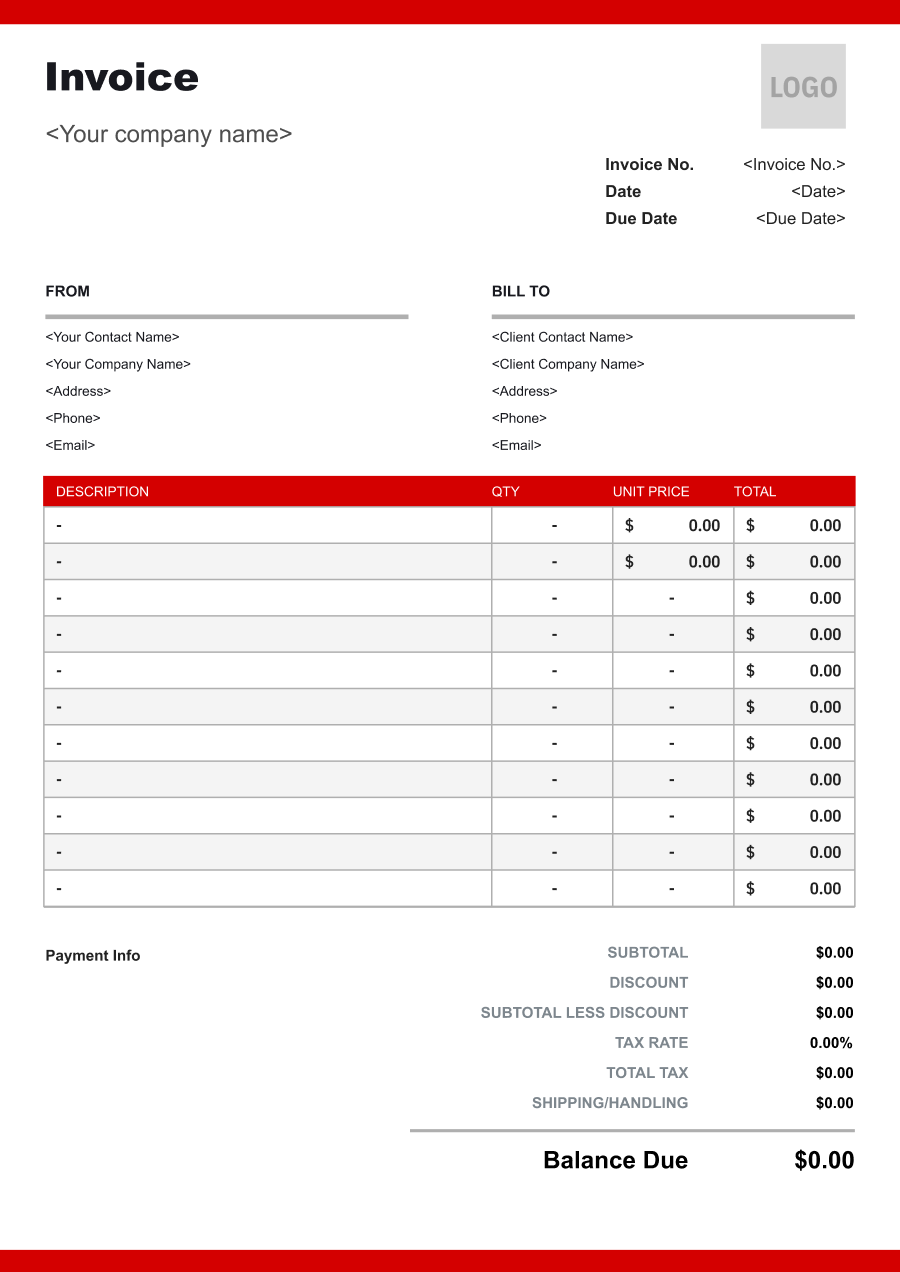
Create A Professional
Tree Removal Invoice in Minutes
Add your tree removal business and client details, itemize the products or services provided, and generate a professional invoice when you are ready.
1
Invoice details
Set the document identity, dates and currency.
Logo

Upload file
JPG, JPEG, PNG, less than 5 MB
Invoice number
Currency
USD
Issue date
Due date
2
Business & client
Add the details your client needs to identify both parties
From
Company Name
Contact name
Address
Email Address
Phone Number
Bill To
Client name
Address
Email Address
Phone Number
3
Products & services
Itemize what you’re charging for. Totals update automatically.
4
Totals & payment
Apply adjustments and tell your client how to pay.
Payment instructions
Notes
Sub Total
$0.00
Tax Rate
%
Discount
$
Total
$0.00
Amount paid
$
Balance Due
$0.00
What to include in Tree Removal Invoice
A clear tree removal invoice helps prevent disputes and ensures timely payment. Use this checklist to include the essential details.
- 1
Business Header & Contact
Company name, logo, phone number, email address, and physical business location.
- 2
Client Contact Information
Client's full name or business entity name, billing address, phone number, and email.
- 3
Invoice Metadata
Unique invoice number, invoice issue date, and payment due date (e.g., Net 15 / Due upon receipt).
- 4
Cost Summary & Taxes
Subtotal for services, local sales taxes (if applicable), applied discounts, and final bolded Total Due.
- 5
Deposit & Balance Tracking
Original estimate total, pre-paid deposit deductions (e.g., 'Less Deposit Received: -$500'), and remaining net balance due.
- 6
Payment Instructions
Accepted payment methods, including direct online payment links (Credit/ACH), check mailing address, or bank transfer details.
- 7
Credentials & Licensing
Mandatory display of State License #, ISA Certified Arborist Credential #, and active General Liability & Workers' Comp Insurance policy numbers to build immediate trust and compliance credibility.
- 8
Job Site Location
Specific physical address where the work was performed (essential when the work site differs from the client's primary billing address).
- 9
Tree Specs & Unbundled Scope
Detailed breakdown avoiding vague terms like 'Tree Work'. Must specify tree count, species (e.g., Oak, Pine), height/diameter (DBH), and unbundled line items: Tree Felling, Stump Grinding (with depth), Debris Hauling, or Emergency Hazard Response.
- 10
Property & Utility Disclaimers
Fine-print liability waivers regarding 811 utility marking compliance, non-liability for unmarked private underground lines (irrigation, lighting), and minor lawn/turf indentations caused by heavy equipment.
Common Tree Removal Services & Billing Items
How Tree Removal charges are typically structured and billed.
Common Services
What's Included
Billing Items
Tree Removal
Crew size, Hours worked, Equipment type, Usage hours or rental period, and Service area or property address
LaborEquipment
Tree Trimming
Crew size, Hours worked, Material or supply type, Quantity used, and Service area or property address
LaborMaterials/Supplies
Stump Grinding
Equipment type, Usage hours or rental period, Material or supply type, Quantity used, and Service area or property address
EquipmentMaterials/Supplies
Emergency Tree Removal
Crew size, Hours worked, Equipment type, Usage hours or rental period, Items or debris hauled, and Load or quantity
LaborEquipmentDisposal/Hauling
Tree Debris Removal
Equipment type, Usage hours or rental period, Items or debris hauled, Load or quantity, and Service area or property address
EquipmentDisposal/Hauling
Tree Inspection
Crew size, Hours worked, Material or supply type, Quantity used, Items or debris hauled, and Load or quantity
LaborMaterials/SuppliesDisposal/Hauling
Lot Clearing
Crew size, Hours worked, Equipment type, Usage hours or rental period, Material or supply type, and Quantity used
LaborEquipmentMaterials/Supplies
Labor: Charges for hands-on work, technician time, crew time, or professional service hours.
Equipment: Charges for radios, monitoring devices, protective equipment, or other security equipment.
Materials/Supplies: Charges for consumable materials, supplies, and job-specific items used during the service.
Disposal/Hauling: Charges for removing, transporting, dumping, recycling, or disposing of job-related materials.
Tree Removal Invoicing Tips
Tree removal costs vary by tree size, site access, equipment, and cleanup needs. A detailed invoice helps customers understand every charge and reduces payment disputes.
1
Itemize Base Work vs. Add-ons
Clients often assume 'tree removal' automatically includes stump grinding, wood splitting, and debris hauling. A single lump sum (e.g., '$1,800') frequently leads to payment withholding if stumps or wood chips remain on site. Best practice: Unbundle items on the invoice into separate line items for Removal, Stump Grinding (specifying depth, e.g., 6" below grade), and Hauling. If the client opts out of hauling to save costs, explicitly note: 'Client requested wood chips left on-site; debris hauling excluded.'
2
Include Property & Utility Disclaimers
Heavy equipment (cranes, bucket trucks, stump grinders) can cause lawn ruts or accidentally strike unmarked private underground utilities (irrigation, invisible fences, landscape lighting). Best practice: Include standard fine-print waivers on every invoice: 'Company is not liable for damage to unmarked private underground utilities or minor lawn impressions caused by heavy equipment.' Additionally, note compliance with local public utility marking services (e.g., 811) directly on the document.
3
Enforce Deposits & Hazard Billing
Tree care carries high upfront operational expenses in labor, fuel, and specialized gear rentals (e.g., cranes). Payment defaults on large jobs or emergency storm cleanups can jeopardize cash flow. Best practice: Collect a 30%–50% non-refundable deposit before scheduling any project exceeding $1,000. For storm response, clearly mark emergency line items as 'Emergency Hazard Response Rate' and issue digital invoices immediately upon securing the site.
4
Invoice Emergency and Storm Work Separately
Tree removal businesses may handle routine jobs alongside urgent work after storms or hazardous tree incidents. Best practice: identify emergency or storm-response services separately on the invoice and apply the agreed emergency rate or additional charges clearly. This helps customers understand why the price differs from a standard tree removal job.


Reusable Billing Structure in Invoice Software
Use the items above to quickly create a Tree Removal Invoice Template in Invoice Zip.
FAQs about Tree Removal Invoicing
Q: Should a tree removal invoice distinguish between tree size, height, and removal difficulty?
A: Yes. Tree removal costs can vary based on the tree's height, trunk diameter, location, and accessibility. Listing these factors helps explain why one removal job costs more than another, especially when climbing, rigging, or specialized equipment is required.
Q: How should crane rental or specialized tree removal equipment be charged?
A: List crane rental, bucket trucks, chippers, or other specialized equipment as separate charges when they add to the job cost. This keeps equipment expenses distinct from tree removal labor.
Q: How do you bill for hauling logs, branches, and wood chips after tree removal?
A: Debris removal can be listed as a separate line item based on the amount of material, number of loads, or agreed hauling fee. This is useful when the customer wants the property completely cleared after the tree is removed.
Q: Should an invoice include separate charges for stump grinding and root removal?
A: Yes. Stump grinding and root removal are often separate services from cutting down the tree. Listing them individually makes it clear which services were performed.
Q: How should storm-damaged or hazardous tree removal be documented on an invoice?
A: Describe the work as emergency or hazardous tree removal and briefly note the condition that required special handling. Additional charges for emergency response, difficult access, traffic control, or specialized equipment can be listed separately.
Other Free Resources



Try Invoice Zip Today
Start Sending Invoices, Building Reports, Saving Office
Time and Get Paid Faster.
