


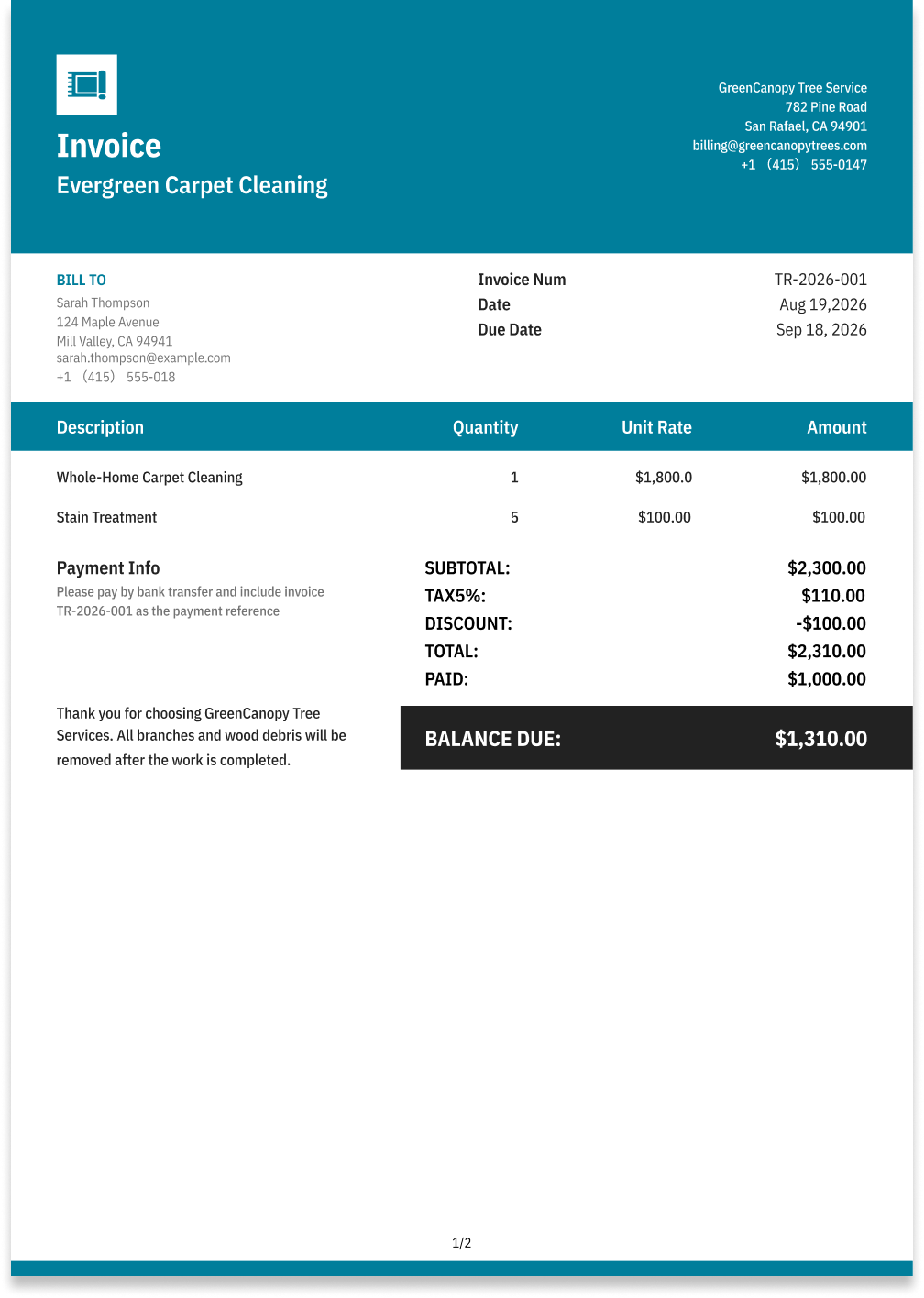
Carpet Cleaning Invoice Template
Create a professional carpet cleaning invoice with editable invoice templates for cleaning services, rooms or areas, stain treatment, materials, and additional charges.
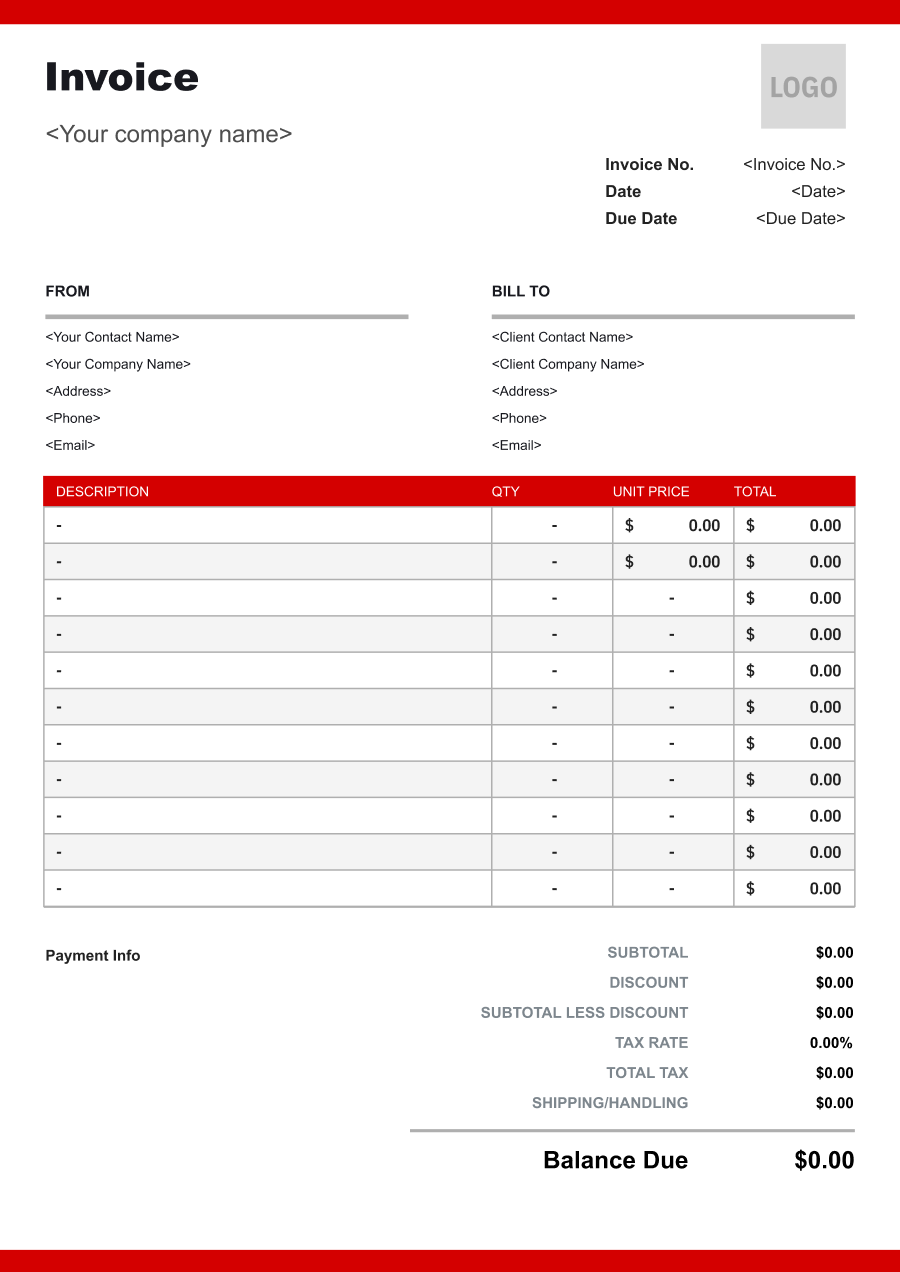
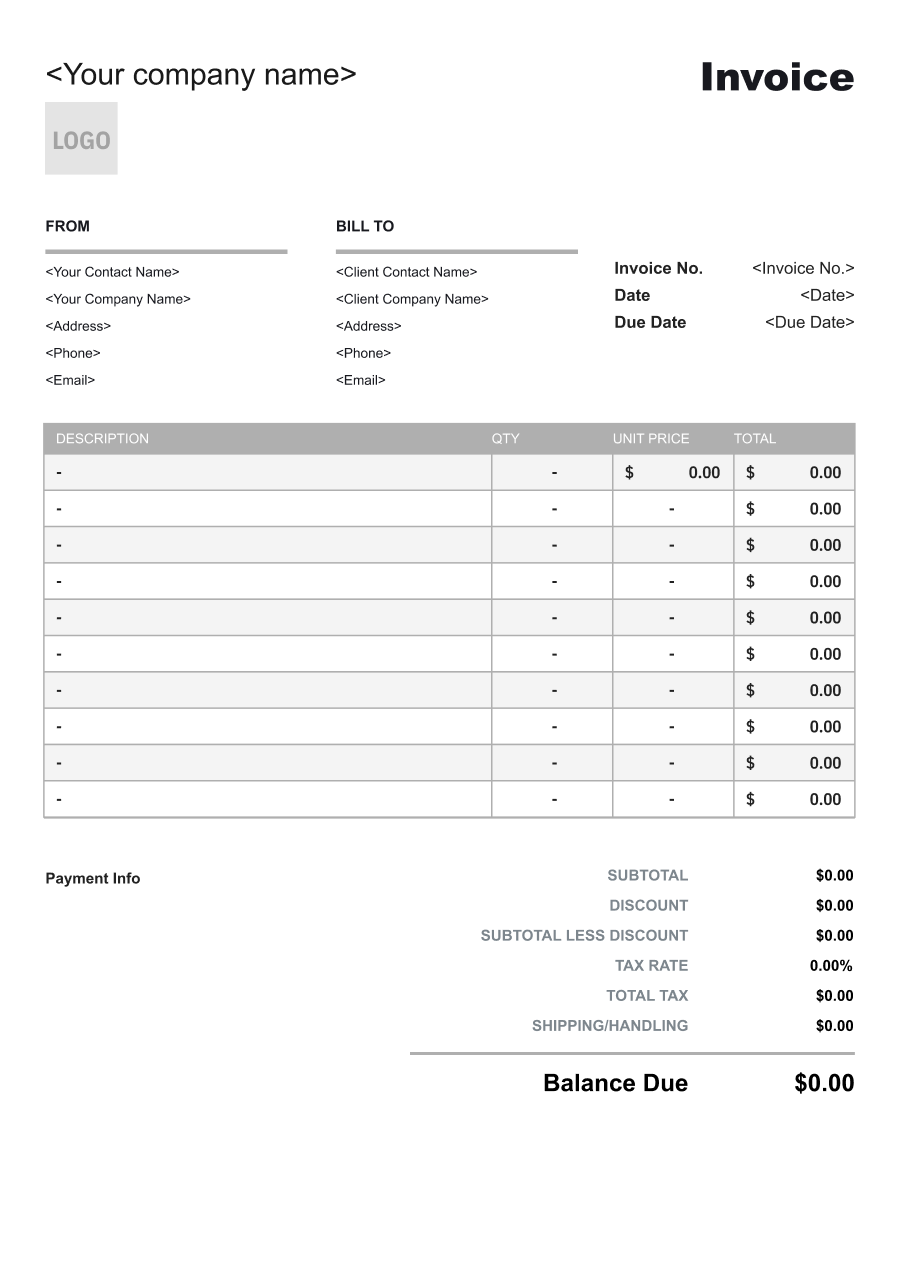
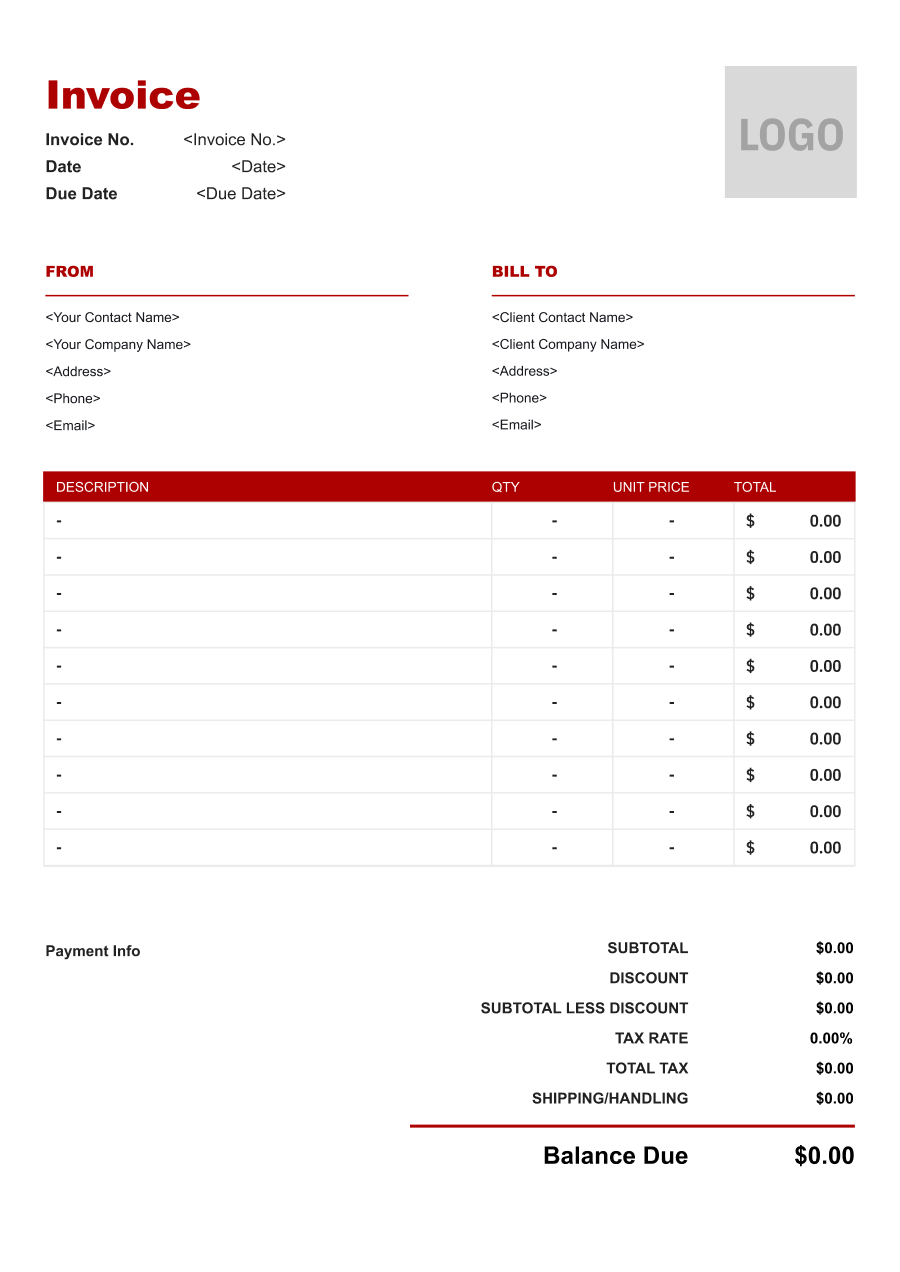
Choose the Best Invoice Template for Your Carpet Cleaning Business


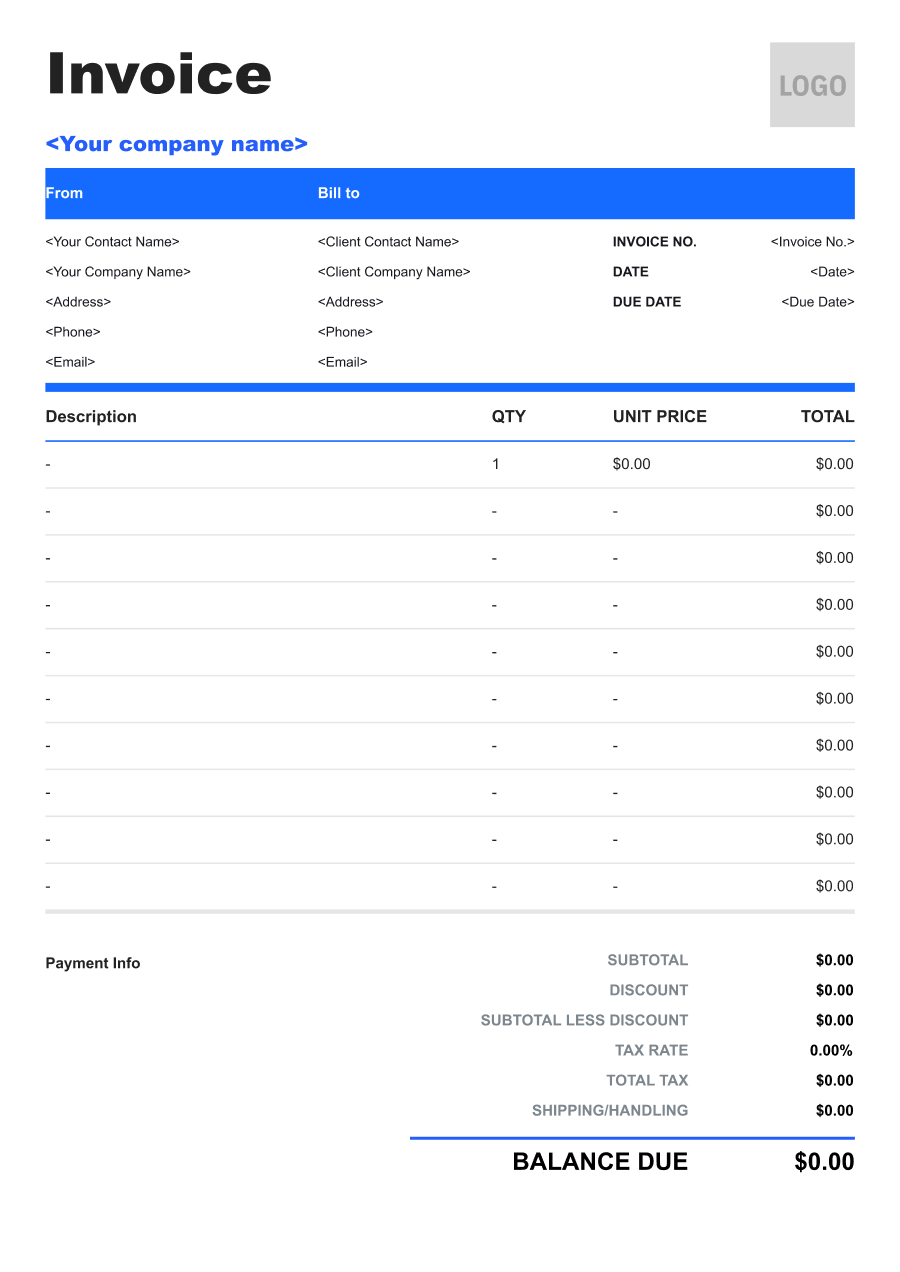
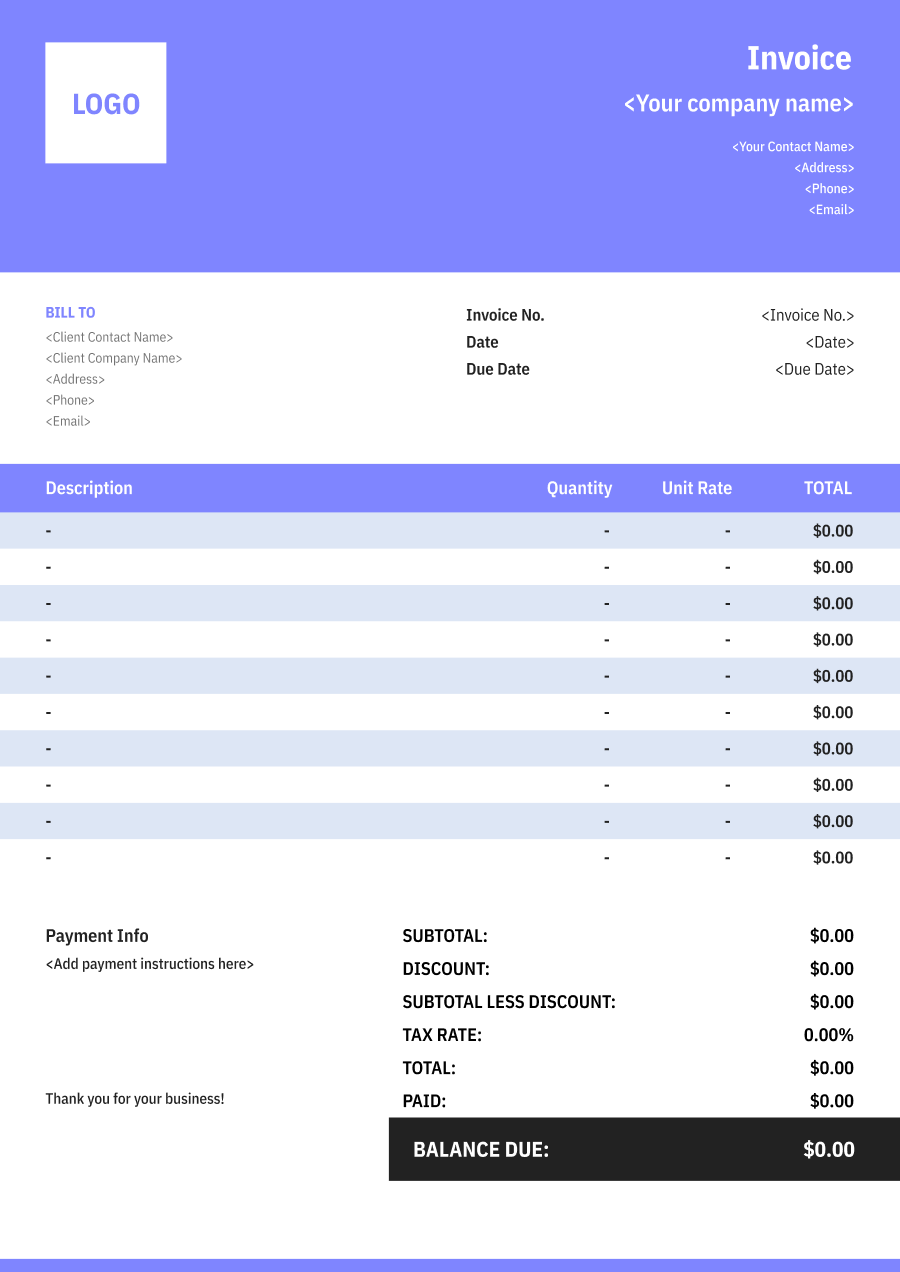
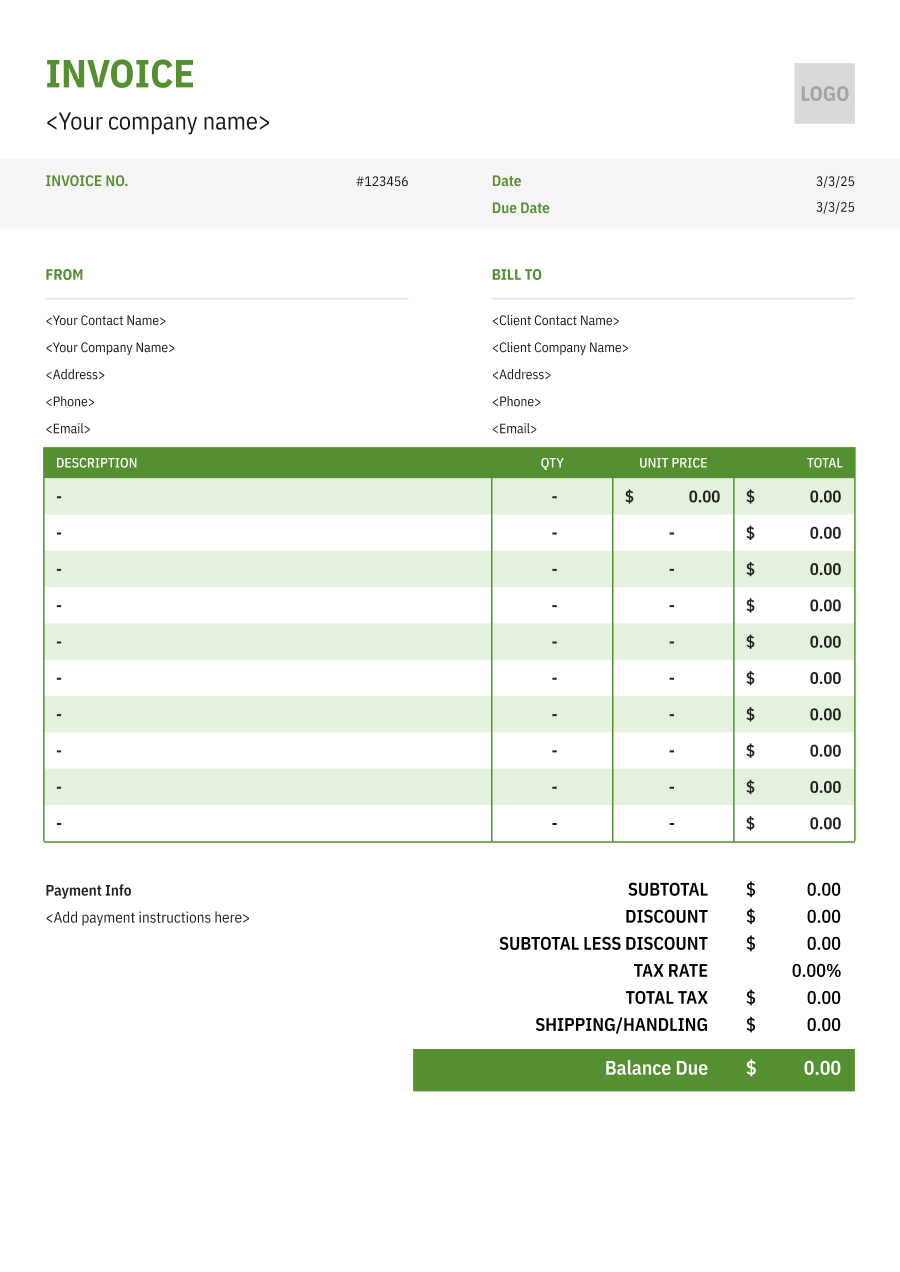
Create A Professional
Carpet Cleaning Invoice in Minutes
Add your carpet cleaning business and client details, itemize the products or services provided, and generate a professional invoice when you are ready.
1
Invoice details
Set the document identity, dates and currency.
Logo

Upload file
JPG, JPEG, PNG, less than 5 MB
Invoice number
Currency
USD
Issue date
Due date
2
Business & client
Add the details your client needs to identify both parties
From
Company Name
Contact name
Address
Email Address
Phone Number
Bill To
Client name
Address
Email Address
Phone Number
3
Products & services
Itemize what you’re charging for. Totals update automatically.
4
Totals & payment
Apply adjustments and tell your client how to pay.
Payment instructions
Notes
Sub Total
$0.00
Tax Rate
%
Discount
$
Total
$0.00
Amount paid
$
Balance Due
$0.00
What to include in Carpet Cleaning Invoice
A clear carpet cleaning invoice helps prevent disputes and ensures timely payment. Use this checklist to include the essential details.
- 1
Business Header & Contact
Company name, logo, phone number, email address, and physical business location.
- 2
Client Contact Information
Client's full name or business entity name, billing address, phone number, and email.
- 3
Invoice Metadata
Unique invoice number, invoice issue date, and payment due date (e.g., Net 15 / Due upon receipt).
- 4
Cost Summary & Taxes
Subtotal for services, local sales taxes (if applicable), applied discounts, and final bolded Total Due.
- 5
Deposit & Balance Tracking
Original estimate total, pre-paid deposit deductions (e.g., 'Less Deposit Received: -$500'), and remaining net balance due.
- 6
Payment Instructions
Accepted payment methods, including direct online payment links (Credit/ACH), check mailing address, or bank transfer details.
- 7
Carpeted Areas & Square Footage
Identify the rooms or areas cleaned and, when pricing is based on size, include the approximate square footage or other measurement used to calculate the service charge.
- 8
Cleaning Method & Service Level
Describe the cleaning method or service performed, such as hot water extraction, steam cleaning, low-moisture cleaning, deep cleaning, or spot treatment, when relevant to the service agreement.
- 9
Stain & Specialty Treatment
Separately identify stain removal, pet odor treatment, deodorizing, sanitizing, upholstery cleaning, carpet protection, or other specialty treatments when these services carry additional charges.
- 10
Furniture Moving & Additional Labor
Identify furniture moving, heavy-furniture charges, stairs, difficult-access areas, minimum service charges, or other labor adjustments when they affect the final price.
Common Carpet Cleaning Services & Billing Items
How Carpet Cleaning charges are typically structured and billed.
Common Services
What's Included
Billing Items
Carpet Cleaning
Service type, Service date, Crew size, Hours worked, and Areas or items cleaned
Service FeesLabor
Deep Carpet Cleaning
Service type, Service date, Cleaning material or product, Quantity used, and Areas or items cleaned
Service FeesCleaning Materials
Stain Removal
Crew size, Hours worked, Cleaning material or product, Quantity used, and Service area or property address
LaborCleaning Materials
Upholstery Cleaning
Service type, Service date, Crew size, Hours worked, Equipment type, and Usage hours or rental period
Service FeesLaborEquipment
Pet Odor Treatment
Crew size, Hours worked, Equipment type, Usage hours or rental period, and Service date
LaborEquipment
Commercial Carpet Cleaning
Service type, Service date, Cleaning material or product, Quantity used, Equipment type, and Usage hours or rental period
Service FeesCleaning MaterialsEquipment
Carpet Protection
Service type, Service date, Crew size, Hours worked, Cleaning material or product, and Quantity used
Service FeesLaborCleaning Materials
Service Fees: Charges for guest or property services.
Labor: Charges for hands-on work, technician time, crew time, or professional service hours.
Cleaning Materials: Charges for detergents, chemicals, degreasers, and other cleaning consumables.
Equipment: Charges for radios, monitoring devices, protective equipment, or other security equipment.
Carpet Cleaning Invoicing Tips
Carpet Cleaning costs vary by service scope, pricing method, and additional requirements. A detailed invoice helps customers understand every charge and reduces payment disputes.
1
Separate Standard Cleaning from Specialty Treatments
A basic carpet cleaning and a stain or odor treatment may require different products and labor. Best practice: list specialty treatments separately so customers can see why the invoice exceeds the standard cleaning rate.
2
Base Pricing on Measured Service Areas
When pricing depends on square footage, room count, or another measurement, include the relevant quantity and rate. This makes the invoice easier to verify and reduces disputes about the final service price.
3
Document Pre-Existing Carpet Conditions
Severe stains, damaged fibers, permanent discoloration, or other pre-existing conditions can affect customer expectations. Best practice: record notable conditions before cleaning and avoid implying that every stain or damage can be completely removed.
4
Use Recurring Billing for Commercial Accounts
Offices, hotels, property managers, and other commercial customers may require scheduled carpet cleaning. Best practice: identify the serviced locations and billing period while separately listing one-time spot treatments, emergency cleanups, or additional areas.


Reusable Billing Structure in Invoice Software
Use the items above to quickly create a Carpet Cleaning Invoice Template in Invoice Zip.
FAQs about Carpet Cleaning Invoicing
Q: How should a carpet cleaner price different areas of a property?
A: Rooms or service areas can be listed separately with their approximate size or agreed service rate. This works well when bedrooms, hallways, stairs, and larger common areas have different cleaning requirements.
Q: How should carpet cleaning invoices handle heavily soiled or stained areas?
A: Extra treatment can be listed separately when significant staining, odors, or buildup requires additional work. The invoice can identify the specialized treatment without including an unsupported charge in the basic cleaning price.
Q: How should a carpet cleaner bill for stairs and other difficult-to-clean areas?
A: Stairs can be billed by step, flight, or an agreed flat rate depending on the pricing model. Listing stair cleaning separately prevents it from being confused with the square-footage charge for carpeted floors.
Q: How should commercial carpet cleaning contracts be invoiced?
A: A commercial invoice can identify the property, service period, areas cleaned, and agreed recurring rate. For large buildings, charges can also be organized by floor, department, or service area.
Q: How should additional services such as upholstery or odor treatment appear on a carpet cleaning invoice?
A: Additional services should be listed separately from the carpet cleaning charge. This lets customers see which treatments were included in the standard service and which were requested as add-ons.
Other Free Resources



Try Invoice Zip Today
Start Sending Invoices, Building Reports, Saving Office
Time and Get Paid Faster.
