


Law Firm Invoice Templates
Designed for solo attorneys, small law firms, and legal professionals.
Choose the Free Invoice Template
Right for You
Alternative Sources for Law Firm Invoicing
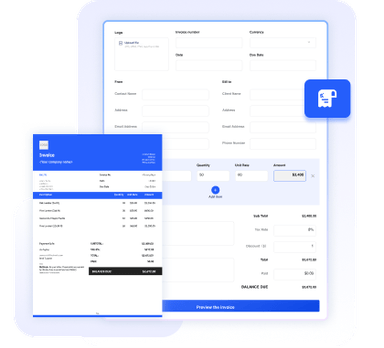
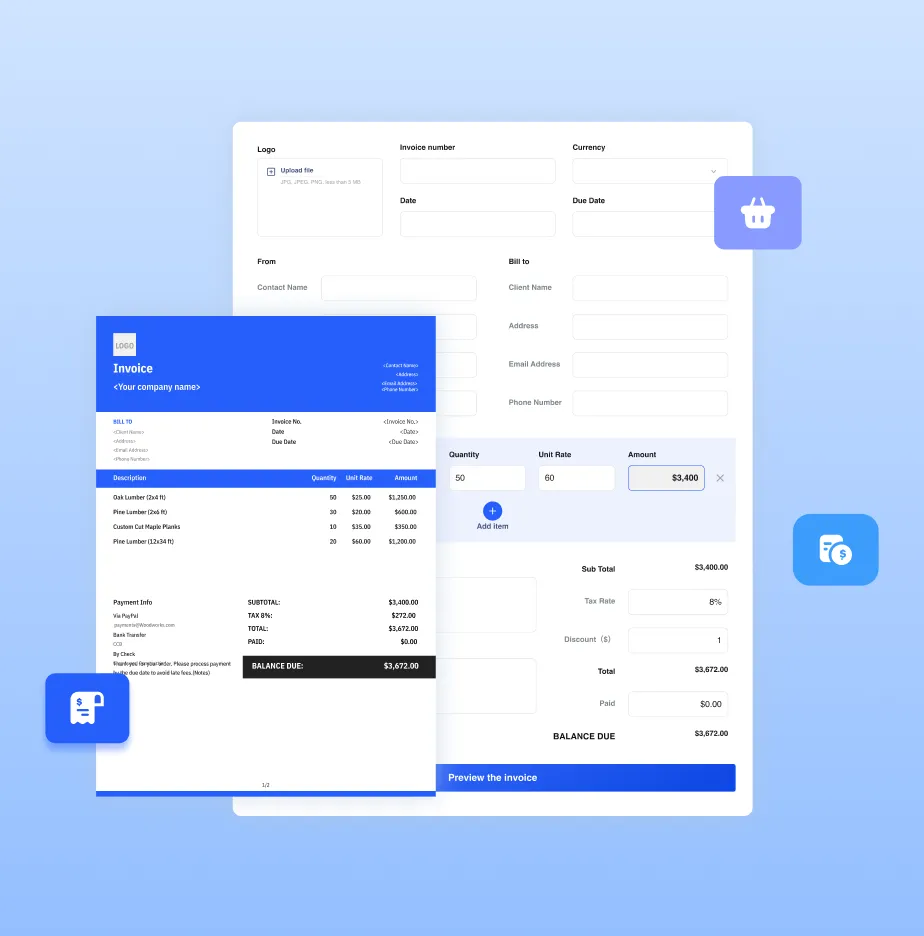
Need more than a template? Try our online invoice generator or full-featured invoice software for even more convenience and advanced features.




Essential Info for Law Firm Invoices
A legal invoice is more than a bill; it's a record of professional service. To ensure prompt payment and avoid fee disputes, your invoice should include:
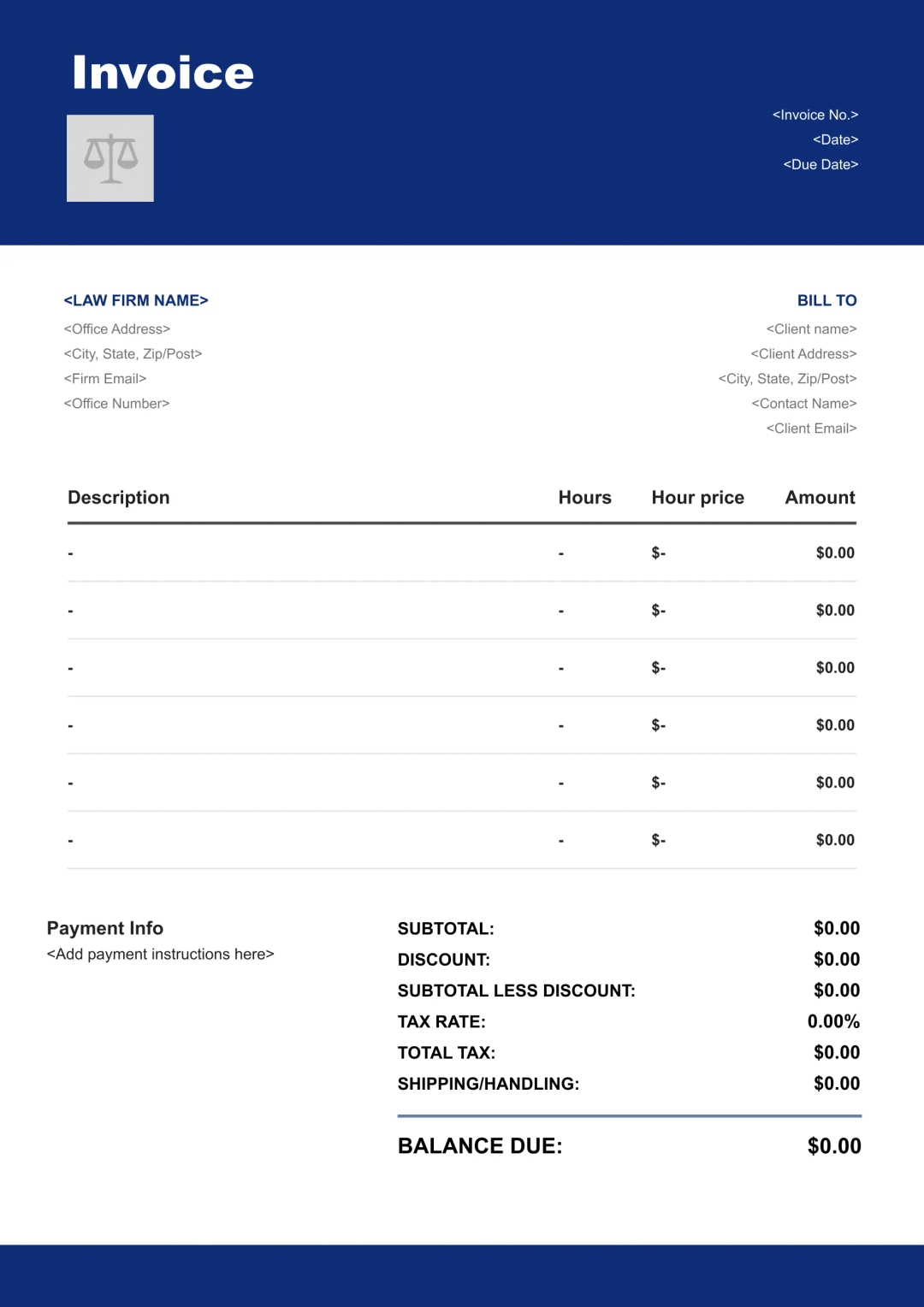
Your firm's name, the attorney responsible for the matter, physical address, and contact information.
The client's billing name and address, along with the specific case or matter number for accurate filing.
The date the invoice is issued and the specific date range for the legal services performed.
A clear breakdown of tasks, such as legal research, drafting motions, or court appearances.
The time spent on each task (typically in 1/10th increments) and the agreed-upon hourly rate.
Any out-of-pocket costs incurred, such as court filing fees, travel, or process server charges.
If applicable, show the amount deducted from the retainer and the remaining balance in the trust account.
Define the payment deadline and accepted payment methods. If you offer a payment plan, clearly outline the installment schedule, payments made to date, and the outstanding balance.
The final sum of all fees and expenses, including the payment deadline and accepted methods.
Benefits of Using Our Templates

Complete & Customizable Fields
Includes essential and industry-specific fields designed for law firm workflows, with the flexibility to add or remove fields as needed.
Consistently Formatted Templates
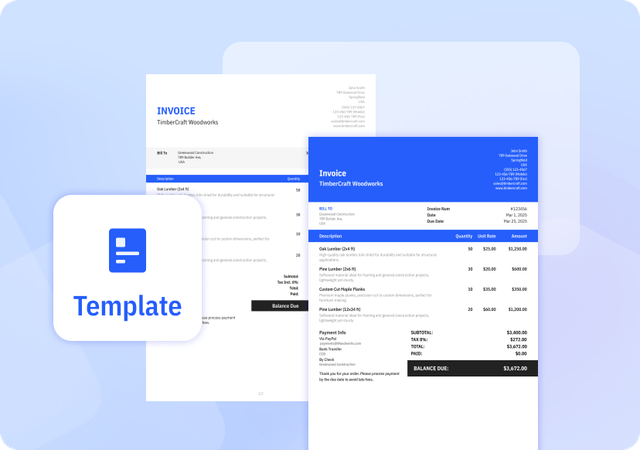
Professional, uniform layouts that make your invoices easy to read, look credible, and print perfectly every time.
Automatically Calculate Totals
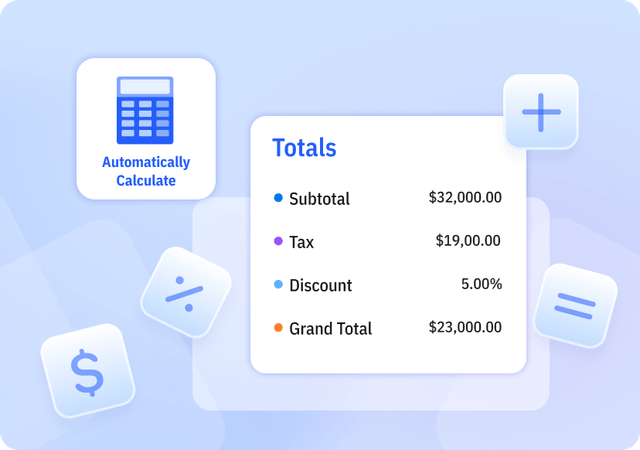
We offer Templates in Excel that automatically calculate subtotal, tax, discount, and grand total amounts to reduce errors.
Helpful Resources for Law Firms




FAQ about Law Firm Invoice Templates
Table of Contents
Which invoice format is recommended for law firms: Excel, Word, or PDF?
PDF is generally recommended for finalized invoices because it preserves formatting, prevents accidental edits, and is widely accepted by clients. However, PDF does not include built-in calculations, so totals must be calculated beforehand.
Excel is the only format that includes automatic calculation features, making it useful for internal tracking or generating invoices with calculated totals.
Word is flexible for designing templates and editing text but does not support automatic calculations.
In practice, many firms prepare invoices in Excel or Word for calculation and editing, then export to PDF for sharing with clients to ensure consistency and professionalism.
How to use a professional legal invoice for my small firm?
You do not need specialized accounting expertise to produce professional invoices. Simply follow these steps:
- Select a template: Choose a legal-specific layout from our library that fits your practice area.
- Input details: Enter your firm's information, the client's billing data, and your professional logo for a tailored look.
- Itemize services: List the specific legal tasks performed, including hours worked and any reimbursable expenses.
- Send and track: Deliver the invoice directly to your client. To accelerate your cash flow, you can integrate payment solutions like Stripe or PayPal, allowing clients to pay instantly via a "Pay Now" link.
Why do we recommend law firms show retainer and trust balances on invoices?
We recommend this practice because it helps maintain transparency for clients and aligns with industry best practices for managing client funds. Following professional guidelines, such as the ABA Model Rule 1.15 on Safekeeping Property and ABA Formal Opinion 505 on Retainers and Fees Paid in Advance, helps support compliance and client confidence.
Can I customize your Invoice Templates?
Yes. We provide invoice templates in both Excel and Word formats, which you can download and edit as needed. Our invoice templates allow you to customize invoice details and appearance to suit your business needs. You can easily adjust invoice information and branding elements to keep your invoices professional and consistent.
Pros and Cons of Invoice Templates
Pros
- Saves time compared to creating invoices manually
- Provides a consistent invoice structure
- Often includes built-in formulas for calculations
Cons
- Does not support client or product management
- Limited flexibility compared to invoice generators or software
- Higher risk of errors if information is entered incorrectly
Other Free Resources

Try Invoice Zip Today
Start Sending Invoices, Building Reports, Saving Office
Time and Get Paid Faster.