


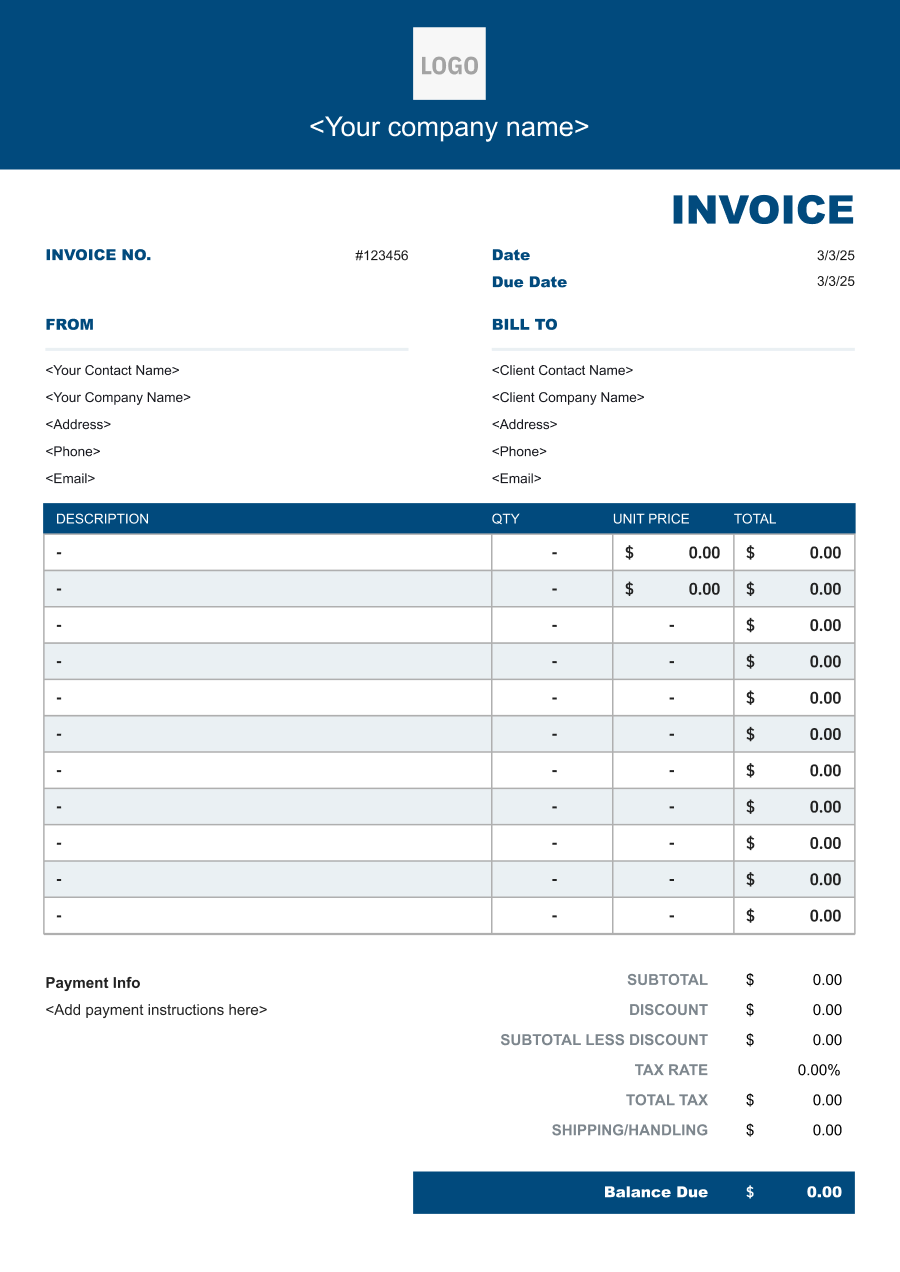
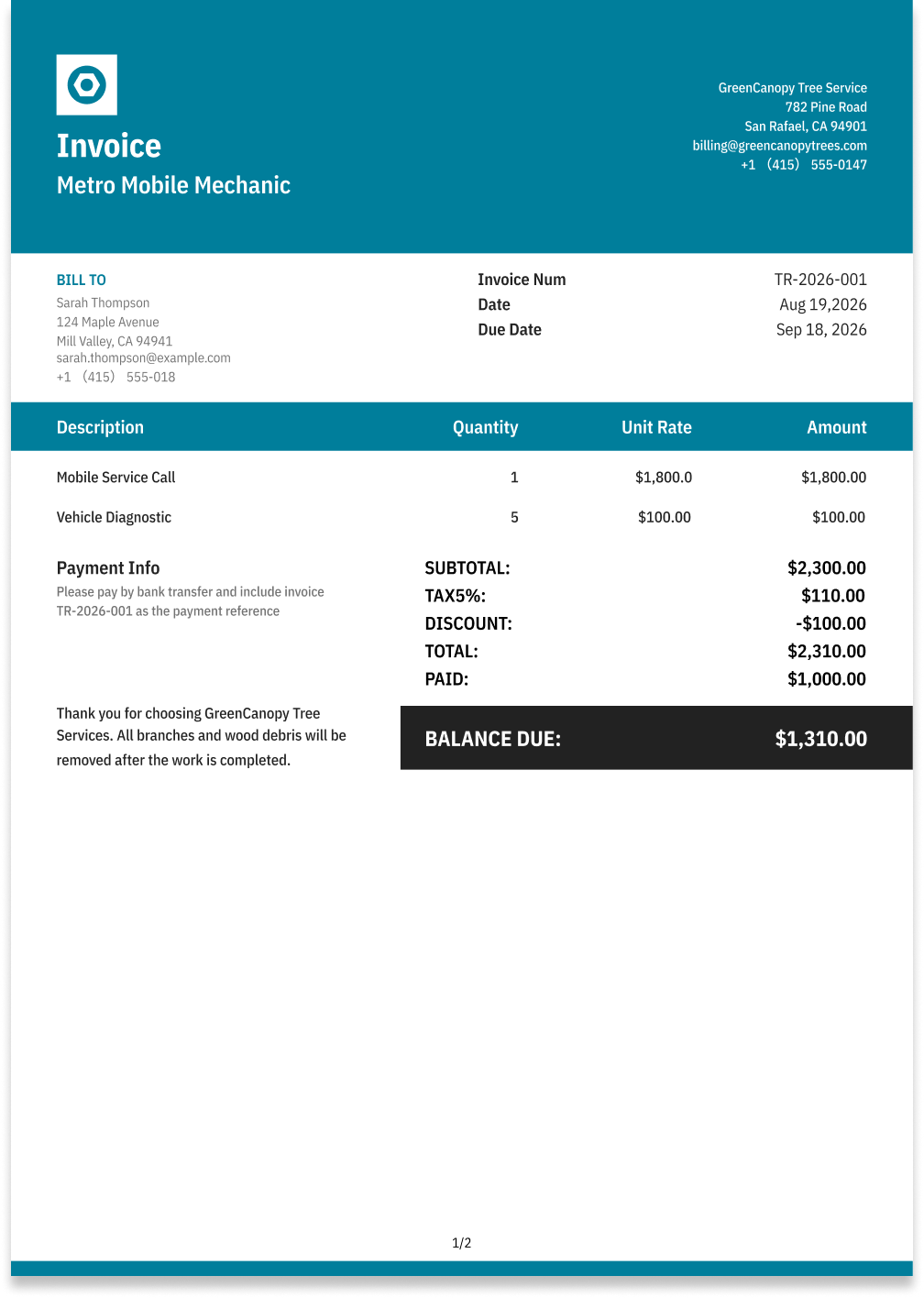
Mobile Mechanic Invoice Template
Create a professional mobile mechanic invoice with editable invoice templates for service calls, labor, parts, travel, diagnostics, and on-site repairs.
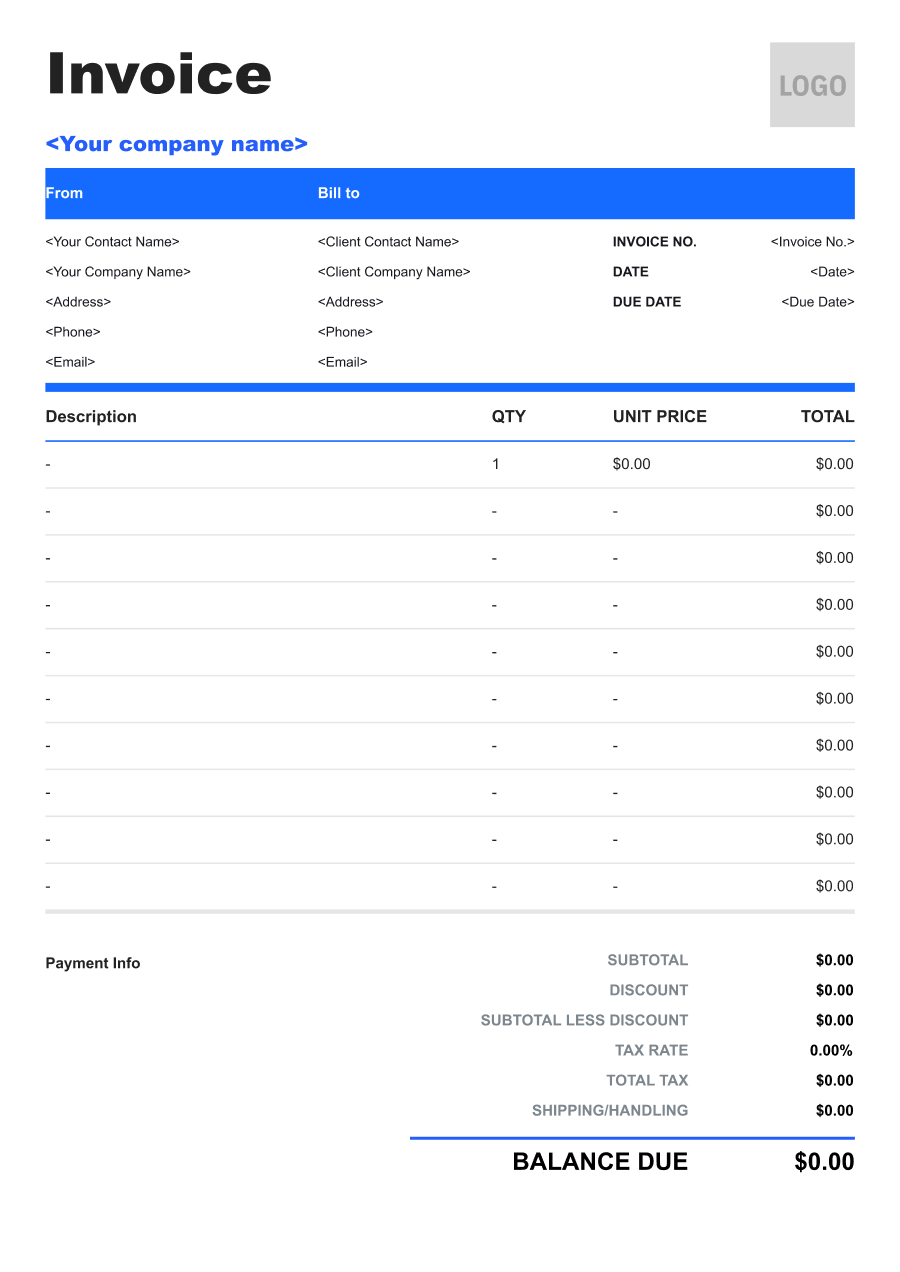
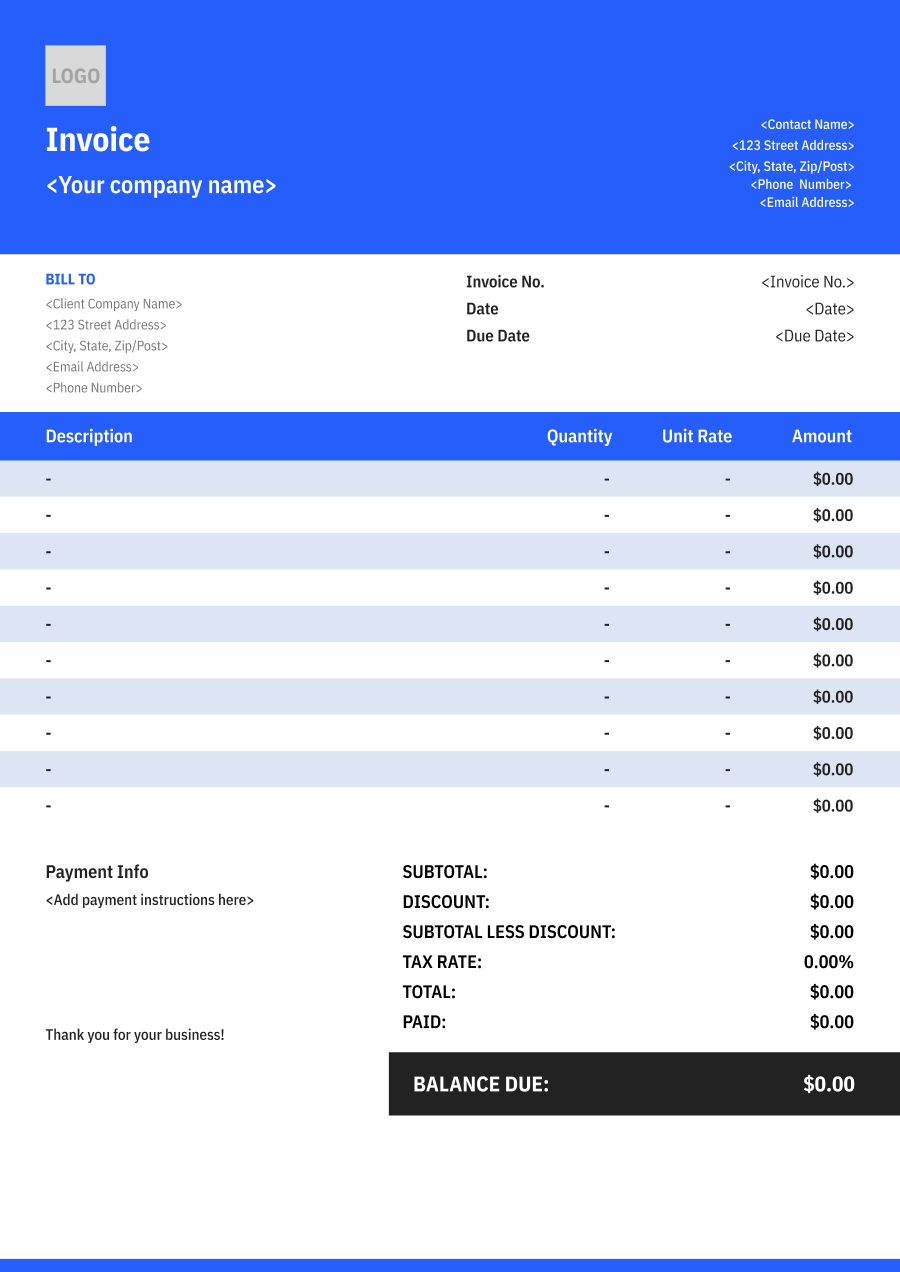
Choose the Best Invoice Template for Your Mobile Mechanic Business


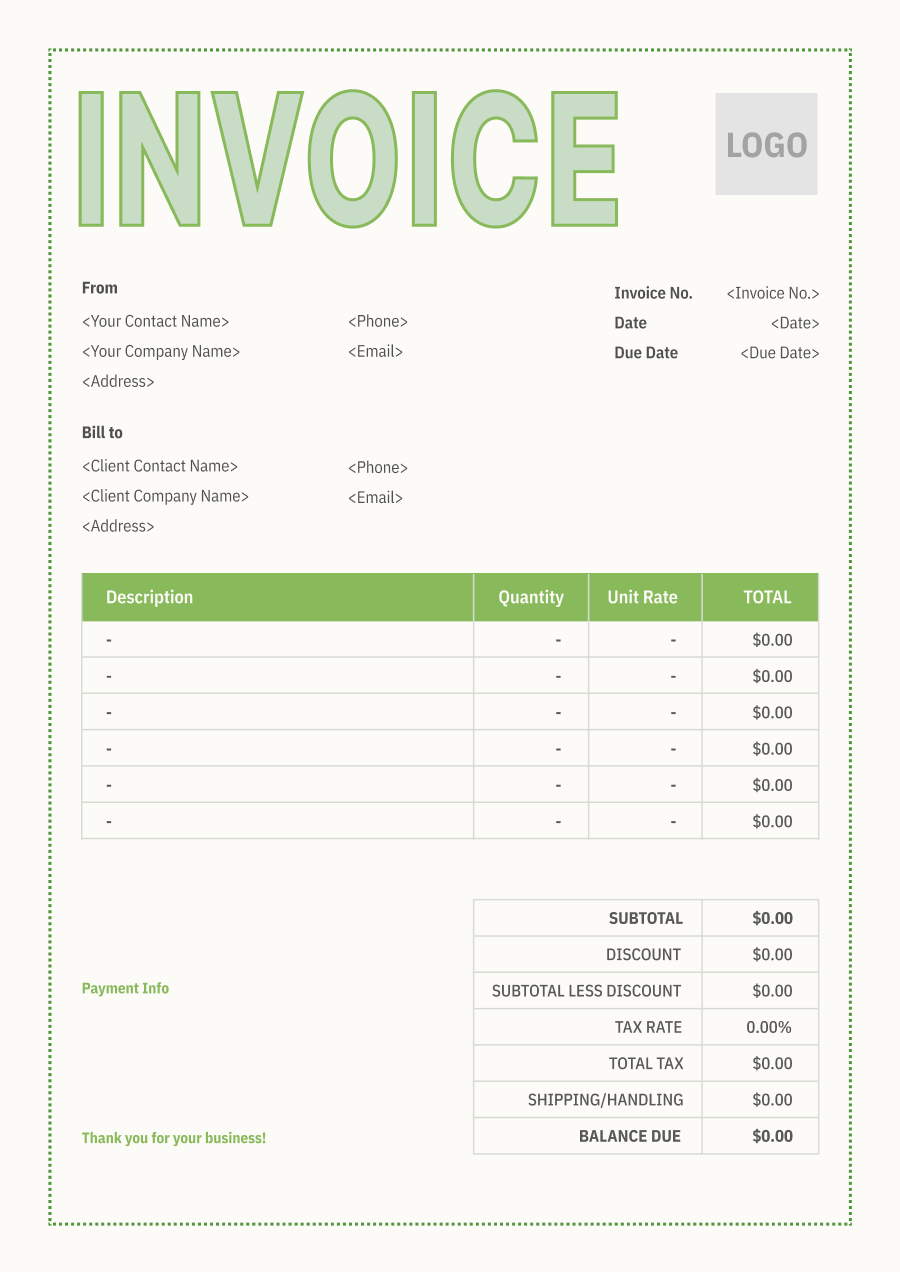
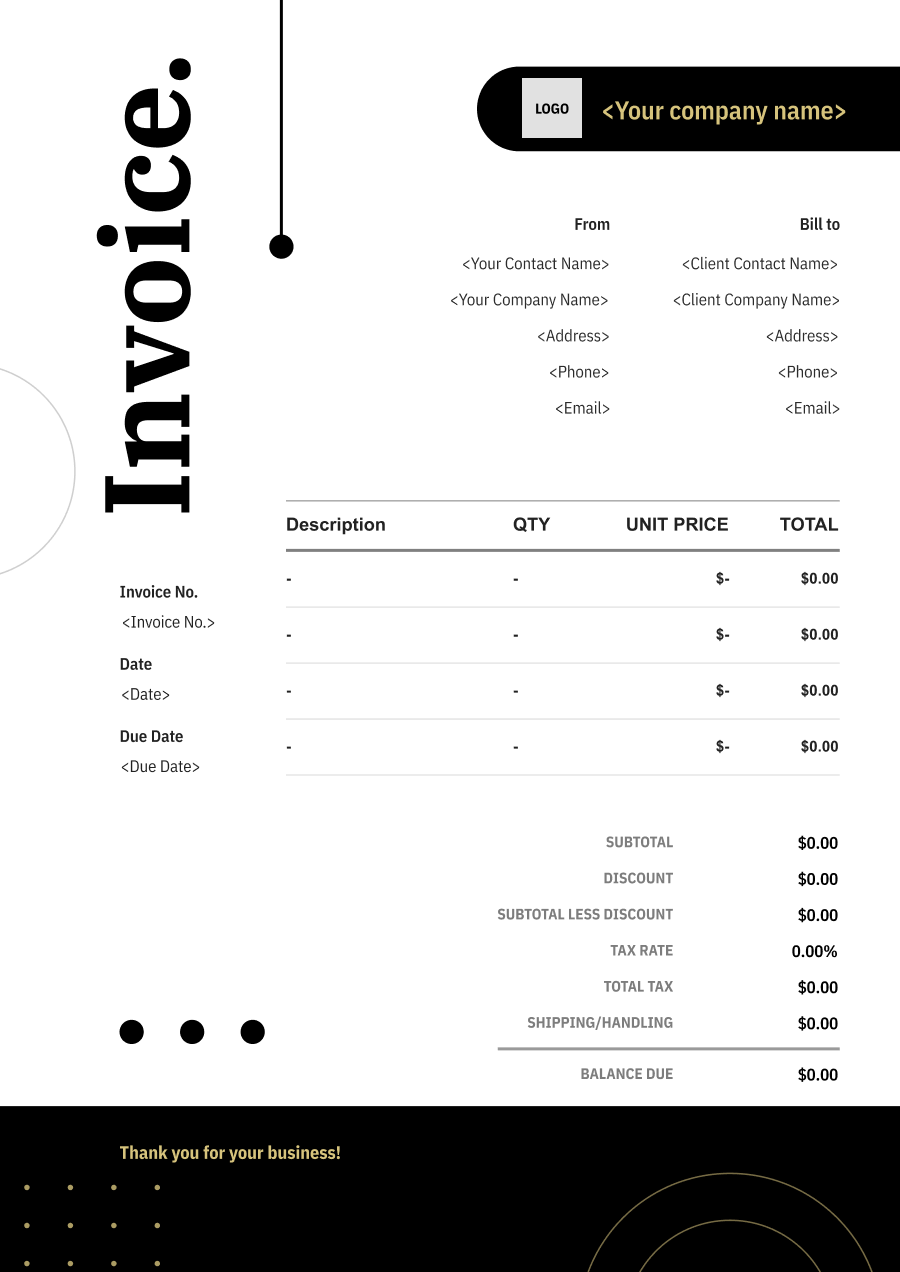
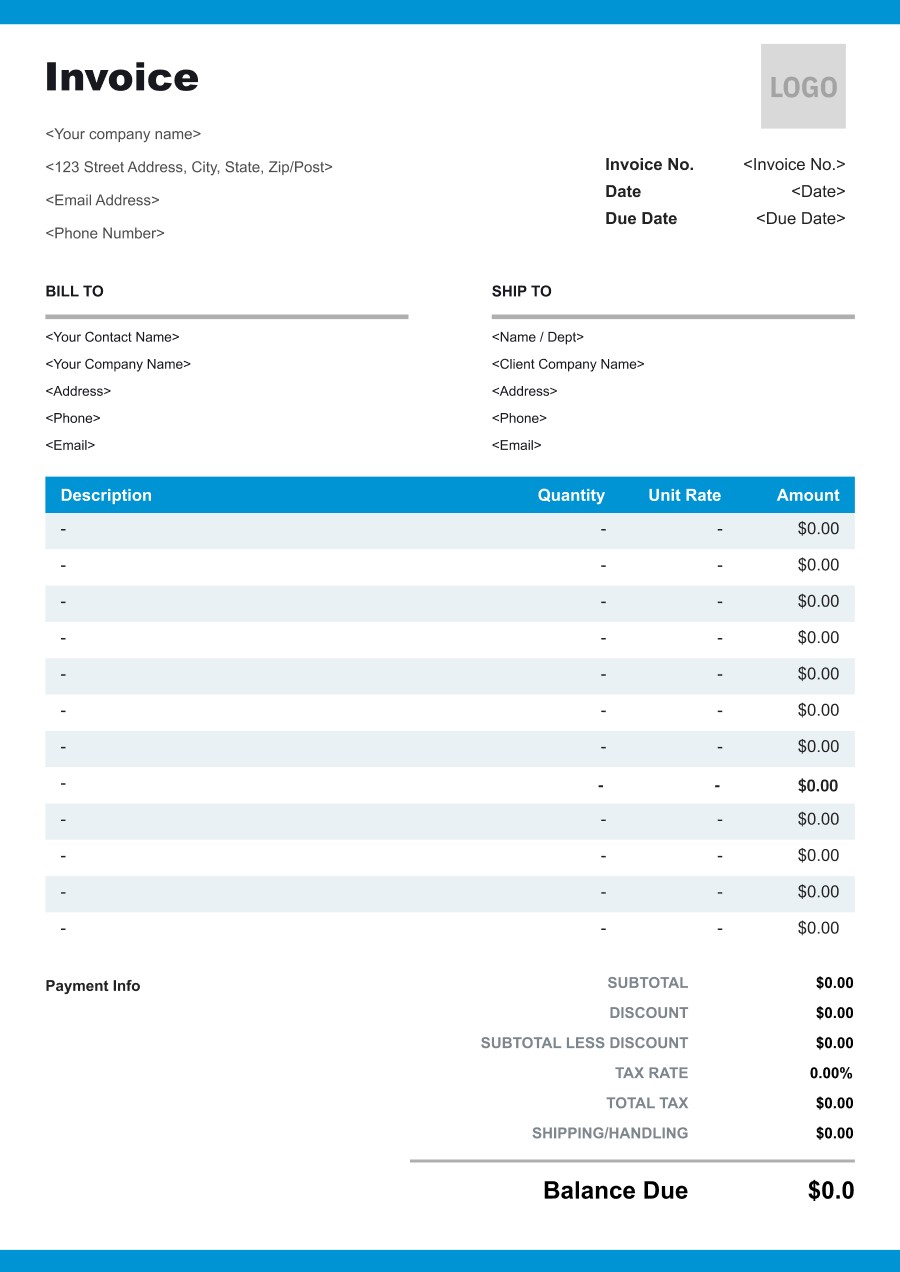
Create A Professional
Mobile Mechanic Invoice in Minutes
Add your mobile mechanic business and client details, itemize the products or services provided, and generate a professional invoice when you are ready.
1
Invoice details
Set the document identity, dates and currency.
Logo

Upload file
JPG, JPEG, PNG, less than 5 MB
Invoice number
Currency
USD
Issue date
Due date
2
Business & client
Add the details your client needs to identify both parties
From
Company Name
Contact name
Address
Email Address
Phone Number
Bill To
Client name
Address
Email Address
Phone Number
3
Products & services
Itemize what you’re charging for. Totals update automatically.
4
Totals & payment
Apply adjustments and tell your client how to pay.
Payment instructions
Notes
Sub Total
$0.00
Tax Rate
%
Discount
$
Total
$0.00
Amount paid
$
Balance Due
$0.00
What to include in Mobile Mechanic Invoice
A clear mobile mechanic invoice helps prevent disputes and ensures timely payment. Use this checklist to include the essential details.
- 1
Business Header & Contact
Company name, logo, phone number, email address, and physical business location.
- 2
Client Contact Information
Client's full name or business entity name, billing address, phone number, and email.
- 3
Invoice Metadata
Unique invoice number, invoice issue date, and payment due date (e.g., Net 15 / Due upon receipt).
- 4
Cost Summary & Taxes
Subtotal for services, local sales taxes (if applicable), applied discounts, and final bolded Total Due.
- 5
Deposit & Balance Tracking
Original estimate total, pre-paid deposit deductions (e.g., 'Less Deposit Received: -$500'), and remaining net balance due.
- 6
Payment Instructions
Accepted payment methods, including direct online payment links (Credit/ACH), check mailing address, or bank transfer details.
- 7
Vehicle & Service Location
Include the vehicle year, make, model, VIN or license plate when appropriate, and the location where the mobile repair was performed.
- 8
Diagnostic & Repair Work
Describe the diagnostic and repair services performed, such as battery replacement, brake repair, electrical troubleshooting, roadside repair, or scheduled maintenance.
- 9
Parts & Fluids
Itemize replacement parts, batteries, filters, fluids, belts, sensors, or other materials supplied during the mobile service.
- 10
Mobile Service & Travel Charges
Separately identify the mobile dispatch fee, travel or mileage charge, emergency service premium, after-hours fee, or other location-related charges when applicable.
Common Mobile Mechanic Services & Billing Items
How Mobile Mechanic charges are typically structured and billed.
Common Services
What's Included
Billing Items
Mobile Diagnostics
Crew size, Hours worked, Part name or number, Quantity used, and Service location
LaborParts
Brake Repair
Crew size, Hours worked, Service call date, Location or travel route, and Service location
LaborService Call/Travel
Battery Replacement
Part name or number, Quantity used, Service call date, Location or travel route, and Service location
PartsService Call/Travel
Oil Change
Crew size, Hours worked, Part name or number, Quantity used, Diagnostic service, and Date
LaborPartsDiagnostic Fees
Engine Repair
Part name or number, Quantity used, Diagnostic service, Date, and Service location
PartsDiagnostic Fees
Emergency Roadside Repair
Crew size, Hours worked, Service call date, Location or travel route, Diagnostic service, and Date
LaborService Call/TravelDiagnostic Fees
Tire Service
Crew size, Hours worked, Part name or number, Quantity used, Service call date, and Location or travel route
LaborPartsService Call/Travel
Labor: Charges for hands-on work, technician time, crew time, or professional service hours.
Parts: Charges for vehicle replacement parts installed during repair.
Service Call/Travel: Charges for service call/travel associated with the service or project.
Diagnostic Fees: Charges for testing, troubleshooting, fault finding, or system diagnosis.
Mobile Mechanic Invoicing Tips
Mobile Mechanic costs vary by service scope, pricing method, and additional requirements. A detailed invoice helps customers understand every charge and reduces payment disputes.
1
Separate Mobile Dispatch from Repair Labor
A mobile repair includes the convenience of bringing the service to the vehicle. Best practice: distinguish the dispatch or travel charge from the actual diagnostic and repair labor.
2
Identify the Vehicle Clearly
A mechanic may service multiple vehicles for one customer or fleet. Best practice: include the VIN, license plate, mileage, or another vehicle identifier on every invoice.
3
Itemize Parts and Labor
Customers need to distinguish replacement components from technician work. Best practice: list major parts separately and show the corresponding labor or service charge.
4
Record Emergency or After-Hours Work
Roadside repairs may occur outside normal business hours. Best practice: identify emergency, after-hours, or expedited service premiums separately from standard repair charges.


Reusable Billing Structure in Invoice Software
Use the items above to quickly create a Mobile Mechanic Invoice Template in Invoice Zip.
FAQs about Mobile Mechanic Invoicing
Q: How should a mobile mechanic separate the travel or service-call fee from repair labor?
A: The mobile service call or travel fee can be listed separately from diagnostic and repair labor. This makes it clear that the customer is paying both for bringing the mechanic to the vehicle and for the work performed.
Q: How should a mobile mechanic invoice repairs performed at a customer's location?
A: The invoice can identify the vehicle, service location in general terms, work performed, parts used, and labor. This creates a service record without requiring the customer to visit a repair shop.
Q: How should a mobile mechanic bill for parts sourced during an emergency repair?
A: Replacement parts can be listed separately from mobile labor and emergency service charges. This is particularly useful when the mechanic must obtain a part specifically to complete an on-site repair.
Q: How should a mobile mechanic invoice after diagnosing a problem but the customer declines the repair?
A: If a diagnostic fee applies, it can be listed separately even when no repair is performed. The invoice can describe the diagnostic service without adding labor or parts for work that was not completed.
Q: How should a mobile mechanic handle repairs that require a follow-up visit?
A: Each visit can be documented separately, showing the work completed and parts used during that visit. This is useful when a replacement part must be ordered before the repair can be finished.
Other Free Resources



Try Invoice Zip Today
Start Sending Invoices, Building Reports, Saving Office
Time and Get Paid Faster.
