


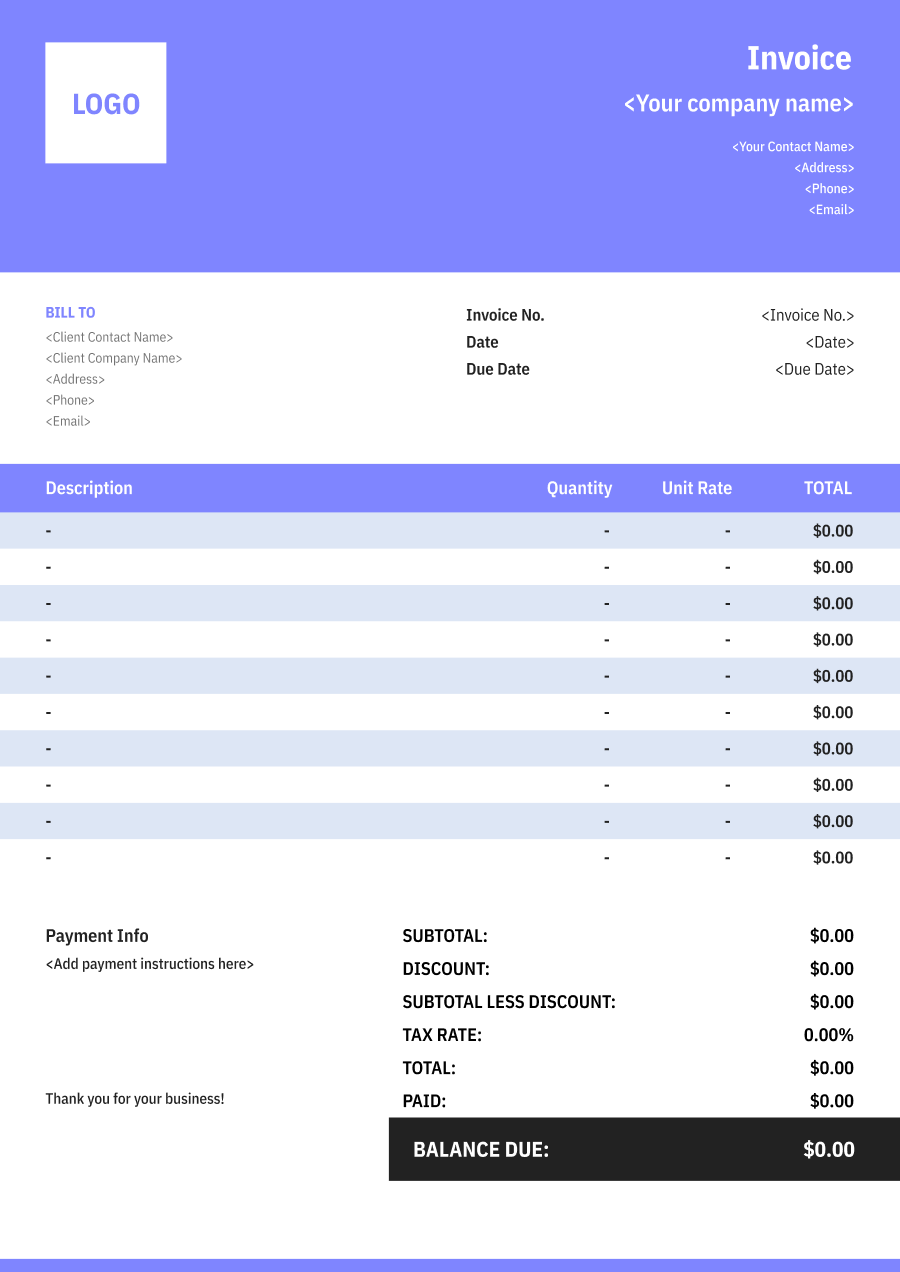
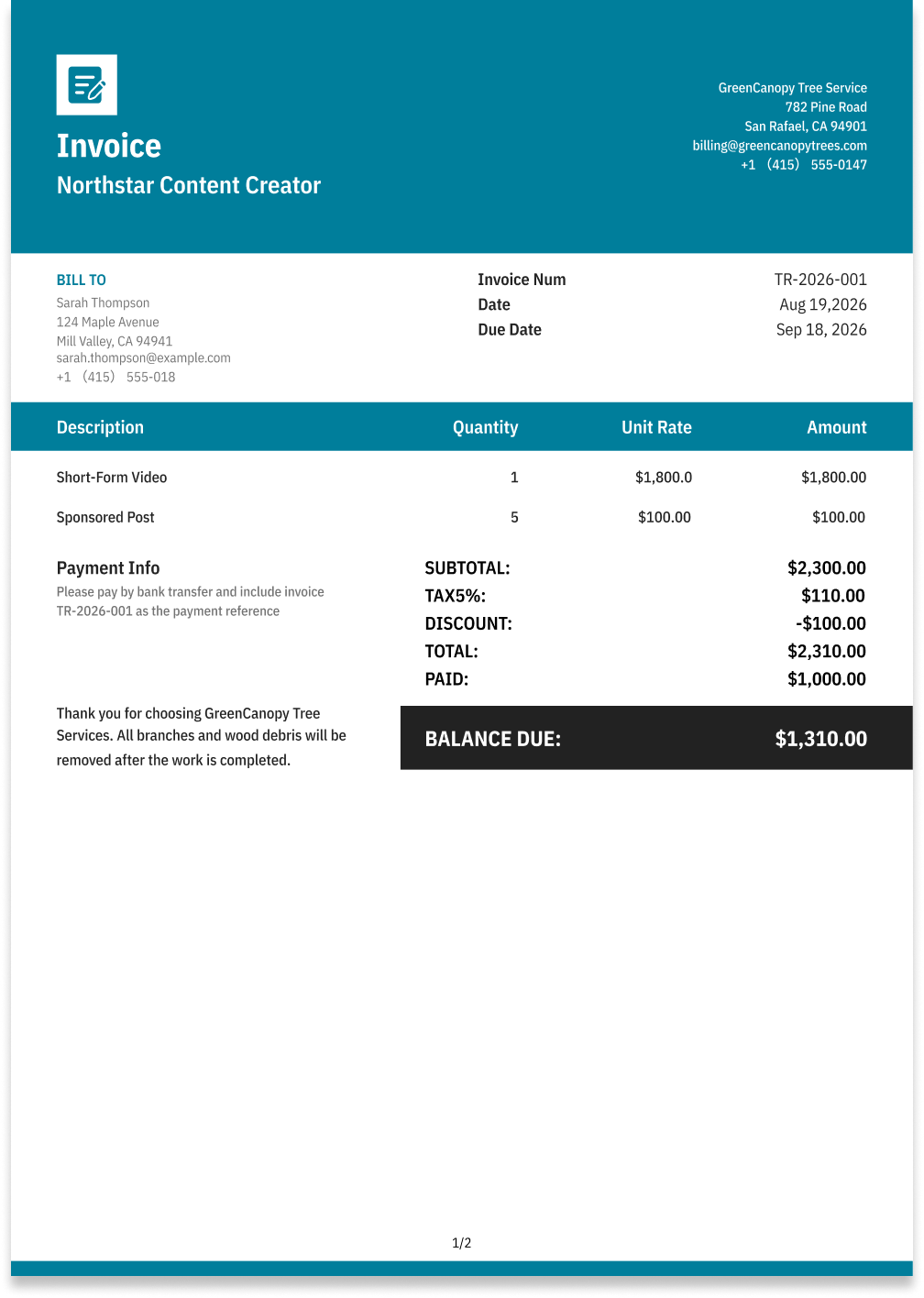
Content Creator Invoice Template
Create a professional content creator invoice with editable invoice templates for content production, revisions, usage rights, platforms, and project expenses.
Choose the Best Invoice Template for Your Content Creator Business


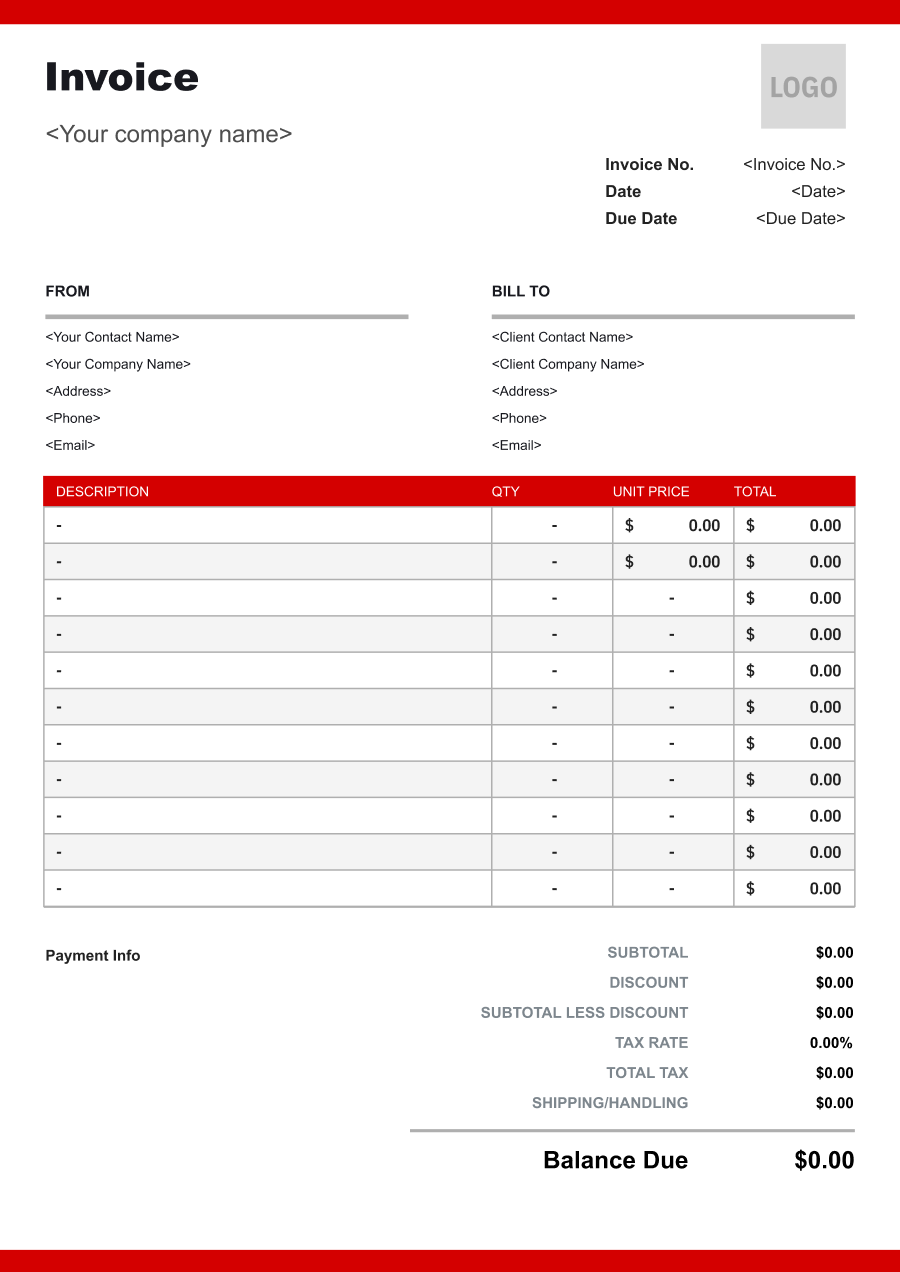
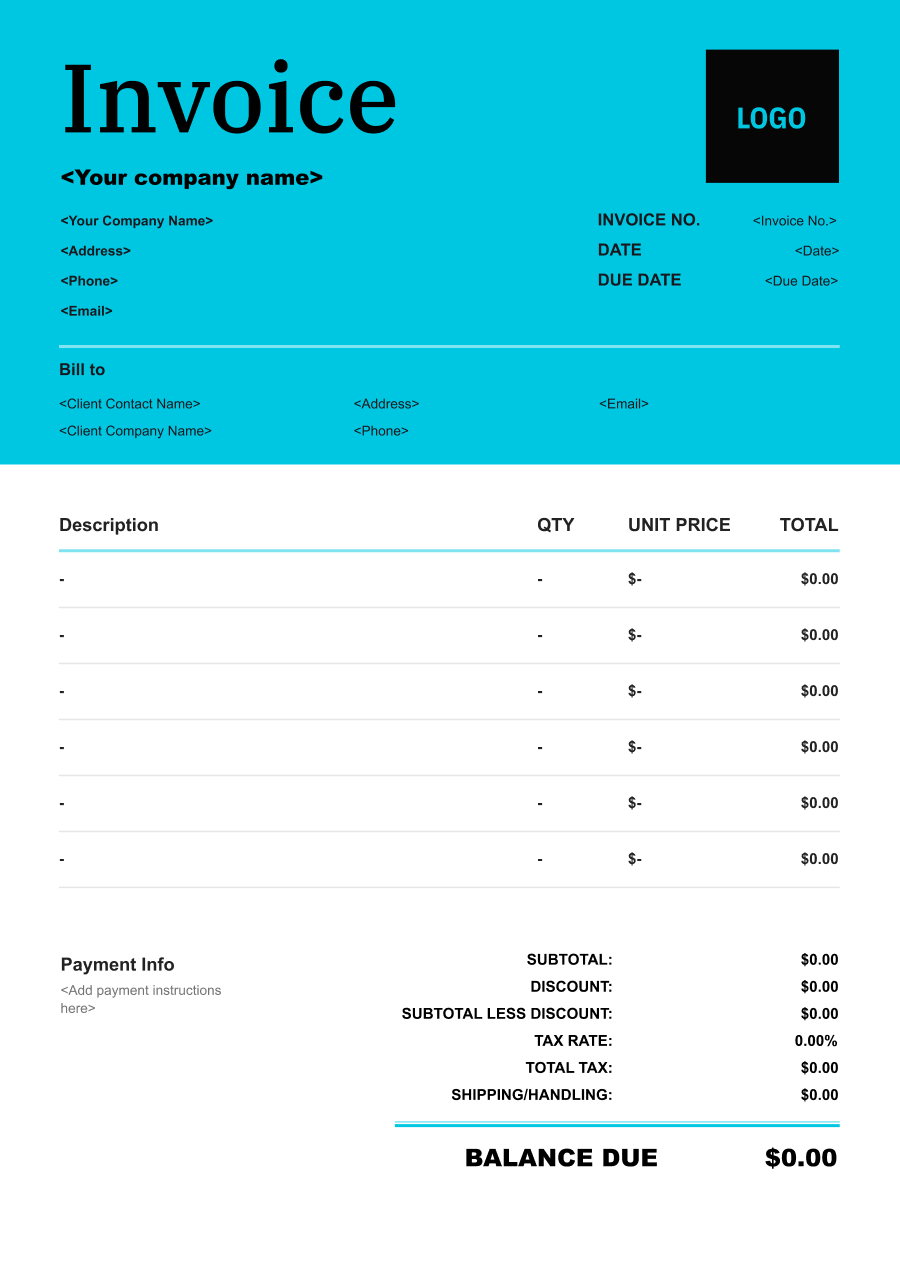
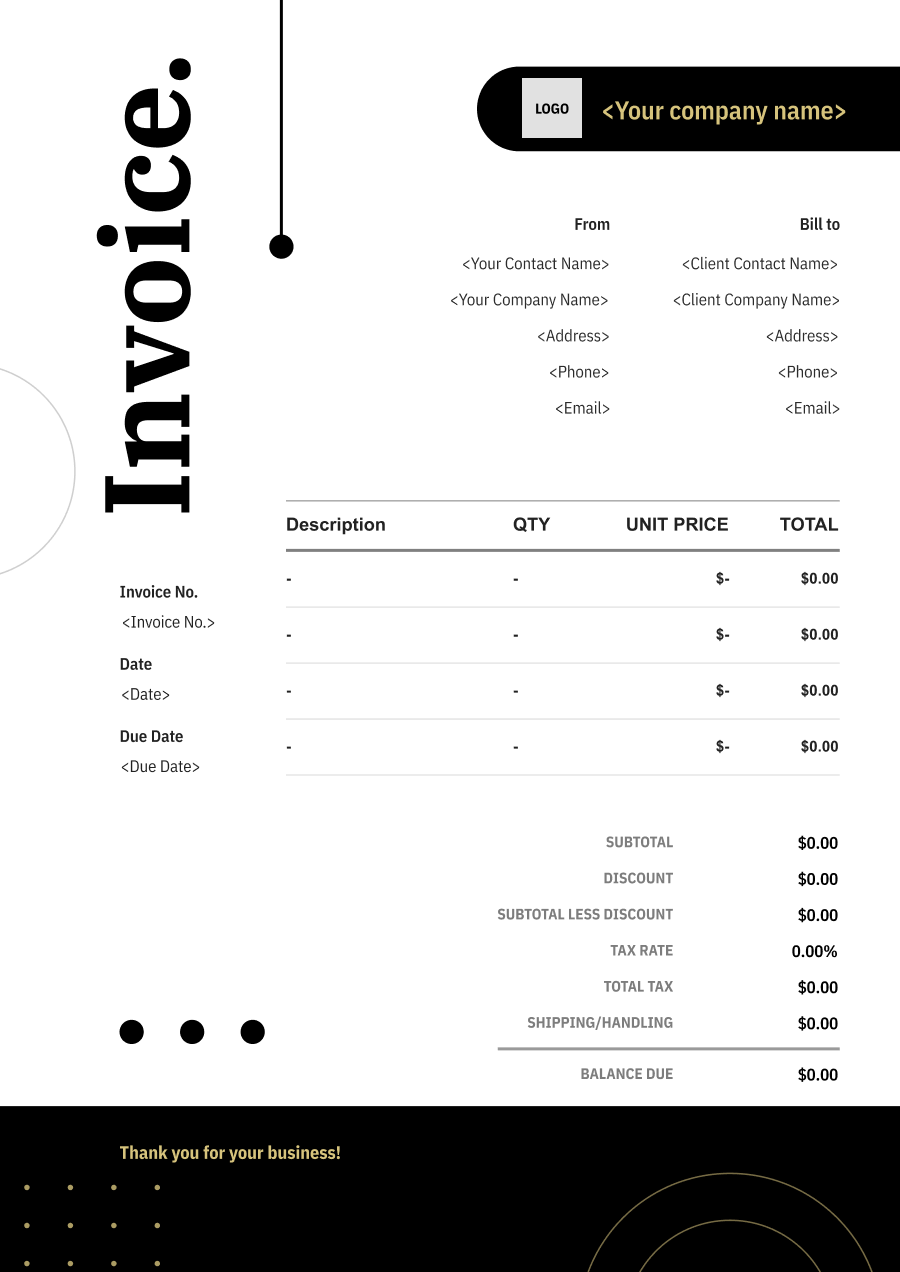
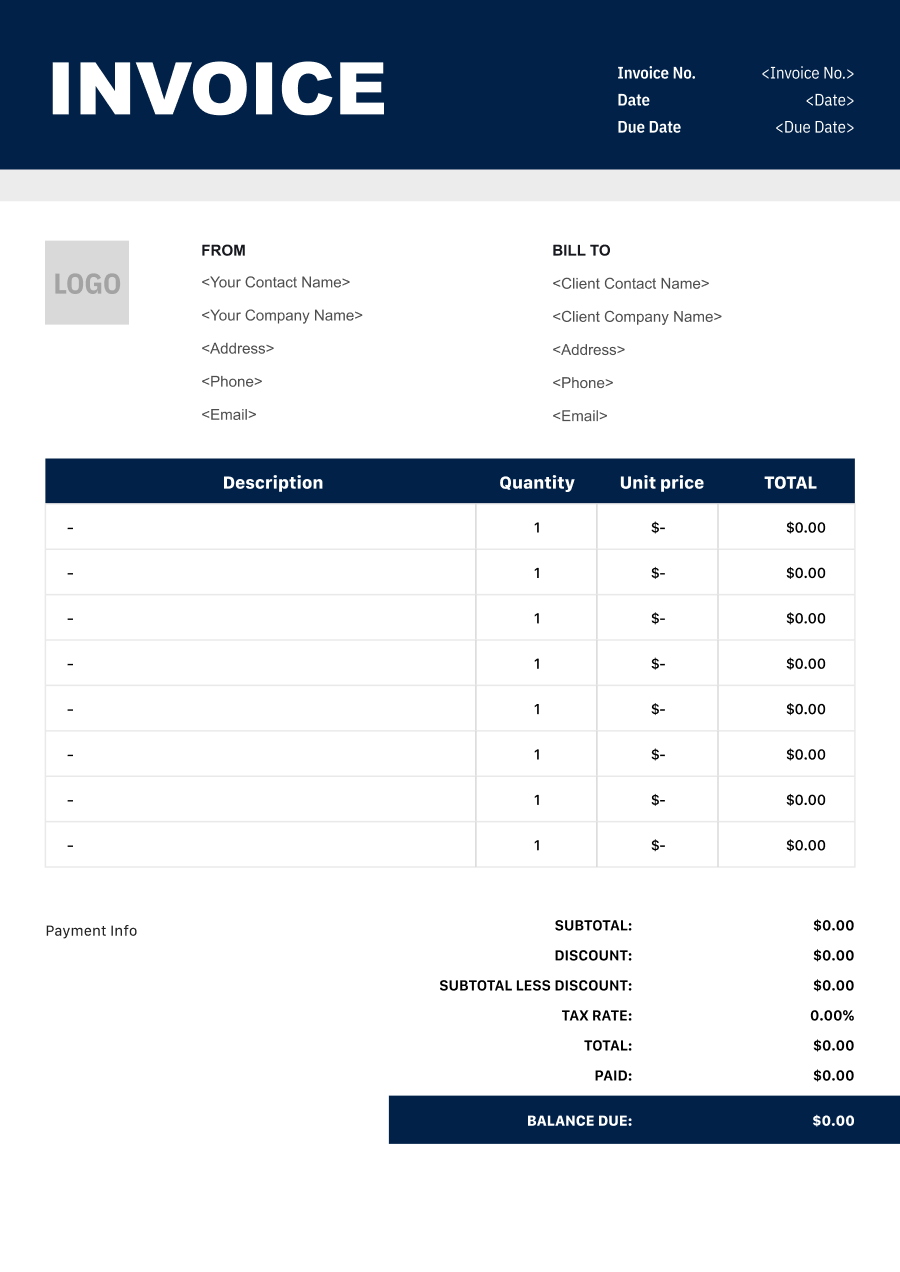
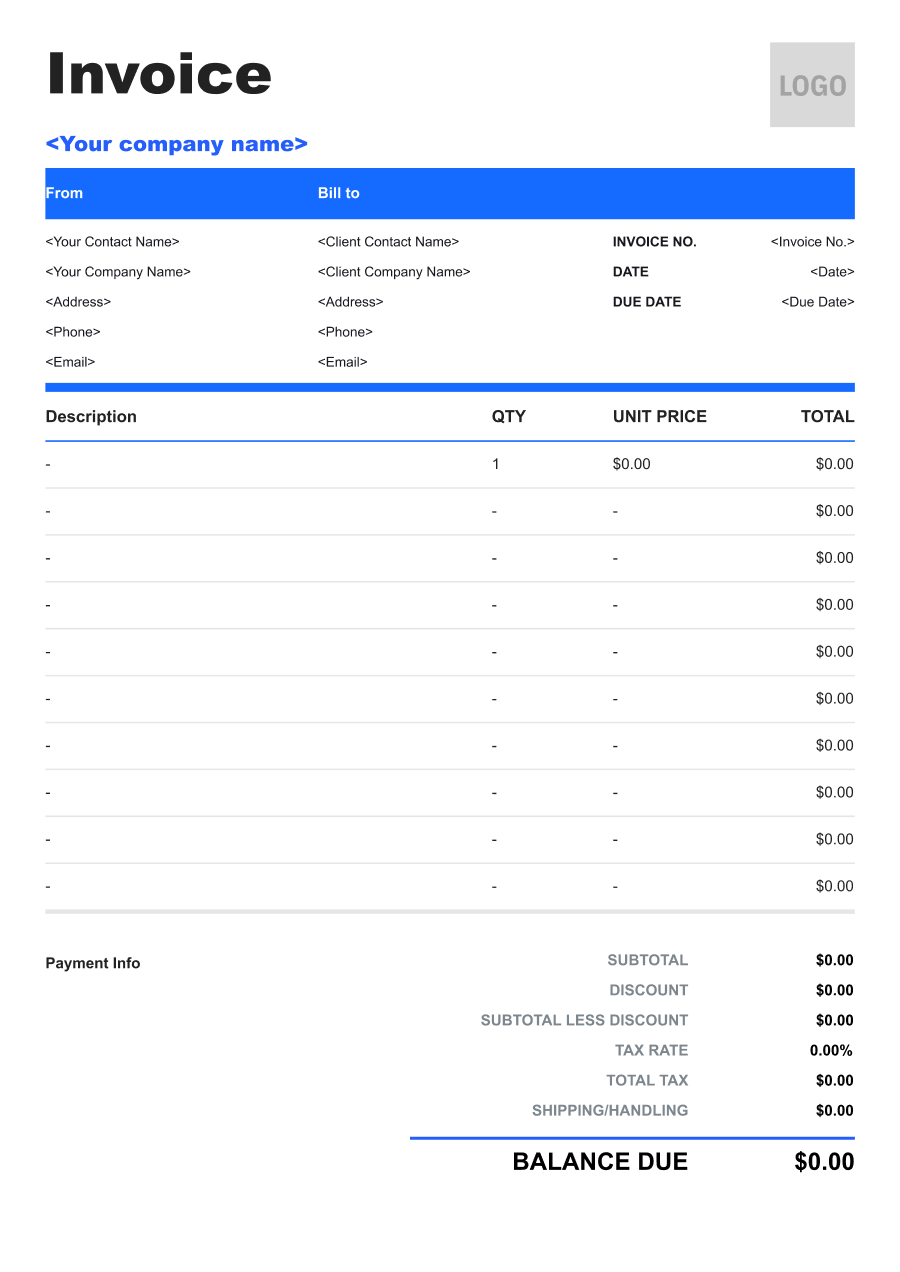
Create A Professional
Content Creator Invoice in Minutes
Add your content creator business and client details, itemize the products or services provided, and generate a professional invoice when you are ready.
1
Invoice details
Set the document identity, dates and currency.
Logo

Upload file
JPG, JPEG, PNG, less than 5 MB
Invoice number
Currency
USD
Issue date
Due date
2
Business & client
Add the details your client needs to identify both parties
From
Company Name
Contact name
Address
Email Address
Phone Number
Bill To
Client name
Address
Email Address
Phone Number
3
Products & services
Itemize what you’re charging for. Totals update automatically.
4
Totals & payment
Apply adjustments and tell your client how to pay.
Payment instructions
Notes
Sub Total
$0.00
Tax Rate
%
Discount
$
Total
$0.00
Amount paid
$
Balance Due
$0.00
What to include in Content Creator Invoice
A clear content creator invoice helps prevent disputes and ensures timely payment. Use this checklist to include the essential details.
- 1
Business Header & Contact
Company name, logo, phone number, email address, and physical business location.
- 2
Client Contact Information
Client's full name or business entity name, billing address, phone number, and email.
- 3
Invoice Metadata
Unique invoice number, invoice issue date, and payment due date (e.g., Net 15 / Due upon receipt).
- 4
Cost Summary & Taxes
Subtotal for services, local sales taxes (if applicable), applied discounts, and final bolded Total Due.
- 5
Deposit & Balance Tracking
Original estimate total, pre-paid deposit deductions (e.g., 'Less Deposit Received: -$500'), and remaining net balance due.
- 6
Payment Instructions
Accepted payment methods, including direct online payment links (Credit/ACH), check mailing address, or bank transfer details.
- 7
Content Type & Campaign
Identify the campaign, client, platform, and type of content delivered, such as videos, articles, photography, social posts, or sponsored content.
- 8
Deliverables & Quantity
Specify the number and type of deliverables, such as short-form videos, posts, photos, blog articles, or other agreed content.
- 9
Creation, Editing & Usage Rights
Separately identify content production, editing, revisions, licensing, usage rights, or other services when independently priced.
- 10
Production Expenses
List approved props, travel, location fees, equipment rental, stock assets, or other production expenses separately.
Common Content Creator Services & Billing Items
How Content Creator charges are typically structured and billed.
Common Services
What's Included
Billing Items
Social Media Content
Content type or deliverable, Quantity or scope, Production hours, Project or deliverable, and Service date
Content Creation FeesProduction Hours
Video Content
Content type or deliverable, Quantity or scope, Document or deliverable, Editing scope, and Event date and location
Content Creation FeesEditing
Blog Content
Production hours, Project or deliverable, Document or deliverable, Editing scope, and Service date
Production HoursEditing
Photography Content
Content type or deliverable, Quantity or scope, Production hours, Project or deliverable, Licensed item or service, and Usage period or units
Content Creation FeesProduction HoursUsage/Licensing
Sponsored Content
Production hours, Project or deliverable, Licensed item or service, Usage period or units, and Service date
Production HoursUsage/Licensing
Content Editing
Content type or deliverable, Quantity or scope, Document or deliverable, Editing scope, Licensed item or service, and Usage period or units
Content Creation FeesEditingUsage/Licensing
Brand Content Package
Content type or deliverable, Quantity or scope, Production hours, Project or deliverable, Document or deliverable, and Editing scope
Content Creation FeesProduction HoursEditing
Content Creation Fees: Charges for creating contracted content deliverables.
Production Hours: Charges for time spent producing, filming, photographing, or developing content.
Editing: Charges for editing and revising content deliverables.
Usage/Licensing: Charges for usage rights, licensing, or extended content rights.
Content Creator Invoicing Tips
Content Creator costs vary by service scope, pricing method, and additional requirements. A detailed invoice helps customers understand every charge and reduces payment disputes.
1
Tie Charges to Deliverables
Content campaigns may contain several pieces of media. Best practice: identify the content type and quantity so the client can verify what was delivered.
2
Separate Creation from Usage Rights
A client may pay for both producing content and obtaining specific usage rights. Best practice: distinguish production fees from licensing or usage charges when separately negotiated.
3
Document Revision Limits
Additional revisions can increase production time. Best practice: identify extra revision rounds separately when they fall outside the agreed deliverables.
4
Track Campaign-Specific Expenses
Sponsored content can involve travel, props, locations, and other production costs. Best practice: list significant approved expenses separately from the creator's content fee.


Reusable Billing Structure in Invoice Software
Use the items above to quickly create a Content Creator Invoice Template in Invoice Zip.
FAQs about Content Creator Invoicing
Q: How should a content creator invoice different deliverables such as videos, photos, and social posts?
A: Each content type can be listed separately with the agreed quantity and rate. This makes it easier for the client to verify that the invoice matches the campaign deliverables.
Q: How should a content creator invoice brand collaborations with multiple deliverables?
A: The invoice can break the collaboration into deliverables such as short-form videos, posts, stories, photography, or other agreed content. Each item can have its own fee when pricing differs.
Q: How should a content creator charge for usage rights or extended content licensing?
A: Content creation fees and additional usage rights can be listed separately. The invoice can identify the type or duration of the additional usage when it affects the agreed price.
Q: How should a content creator invoice travel or production expenses for a brand campaign?
A: Approved travel, accommodation, props, production materials, or other campaign expenses can be listed separately from the creator's service fee. This keeps production costs distinct from creative compensation.
Q: How should a content creator invoice a deposit before starting a sponsored campaign?
A: The invoice can show the campaign fee, deposit received, and remaining balance. The campaign name or agreed deliverables can also be included to connect the payment to the specific collaboration.
Other Free Resources



Try Invoice Zip Today
Start Sending Invoices, Building Reports, Saving Office
Time and Get Paid Faster.
