


UNITED KINGDOM INVOICE TEMPLATES · GBP · A4
Free UK Invoice Template
VAT Ready
No email required · No watermark · PDF, Excel & Word formats
Create Invoice Online
Enter your business, customer and line items. Apply one VAT rate to the whole invoice, or switch it off. Review your invoice as you type.
Create an Invoice
Fill in the fields — totals calculate as you type
1YOUR BUSINESS
2BILL TO
3ITEMS
4VAT
5DISCOUNT

6PAYMENT
Amount already received from the client
7NOTES & TERMS
One VAT rate applies to all items and is calculated on the subtotal after discount. Use an editable template when different items need different tax rates or treatments.
Your data stays in this browser — nothing is uploaded.
Sample details are fictional. Replace them with your own before sending.
Choose the Right Template for Your Situation
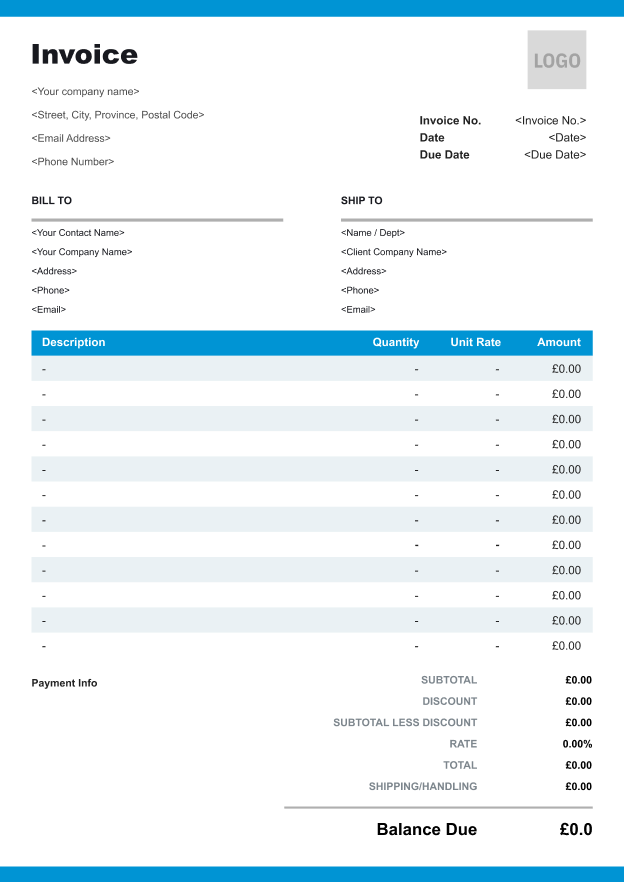


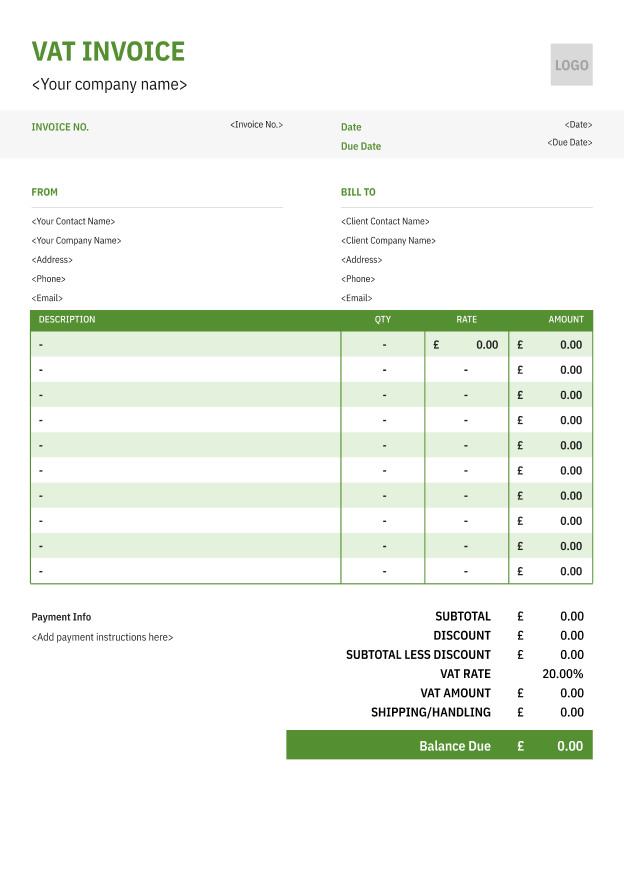
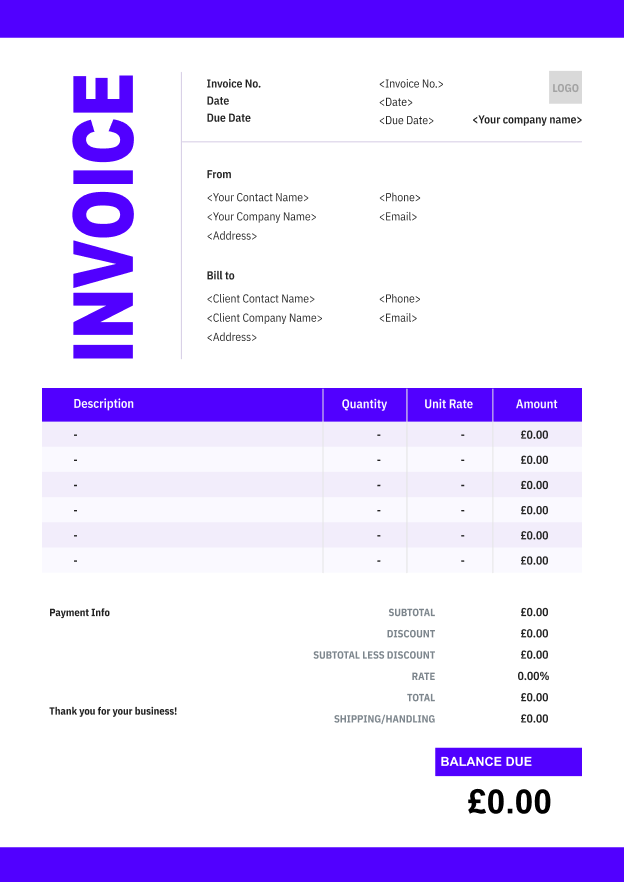
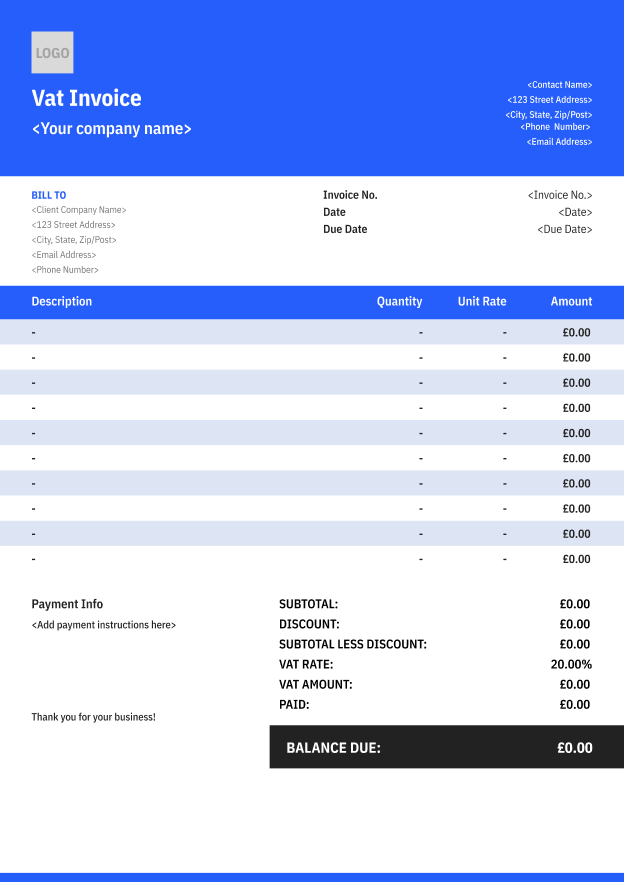
Fill It in Once. Reuse It Every Month.
What a UK Invoice Should Include
- 1
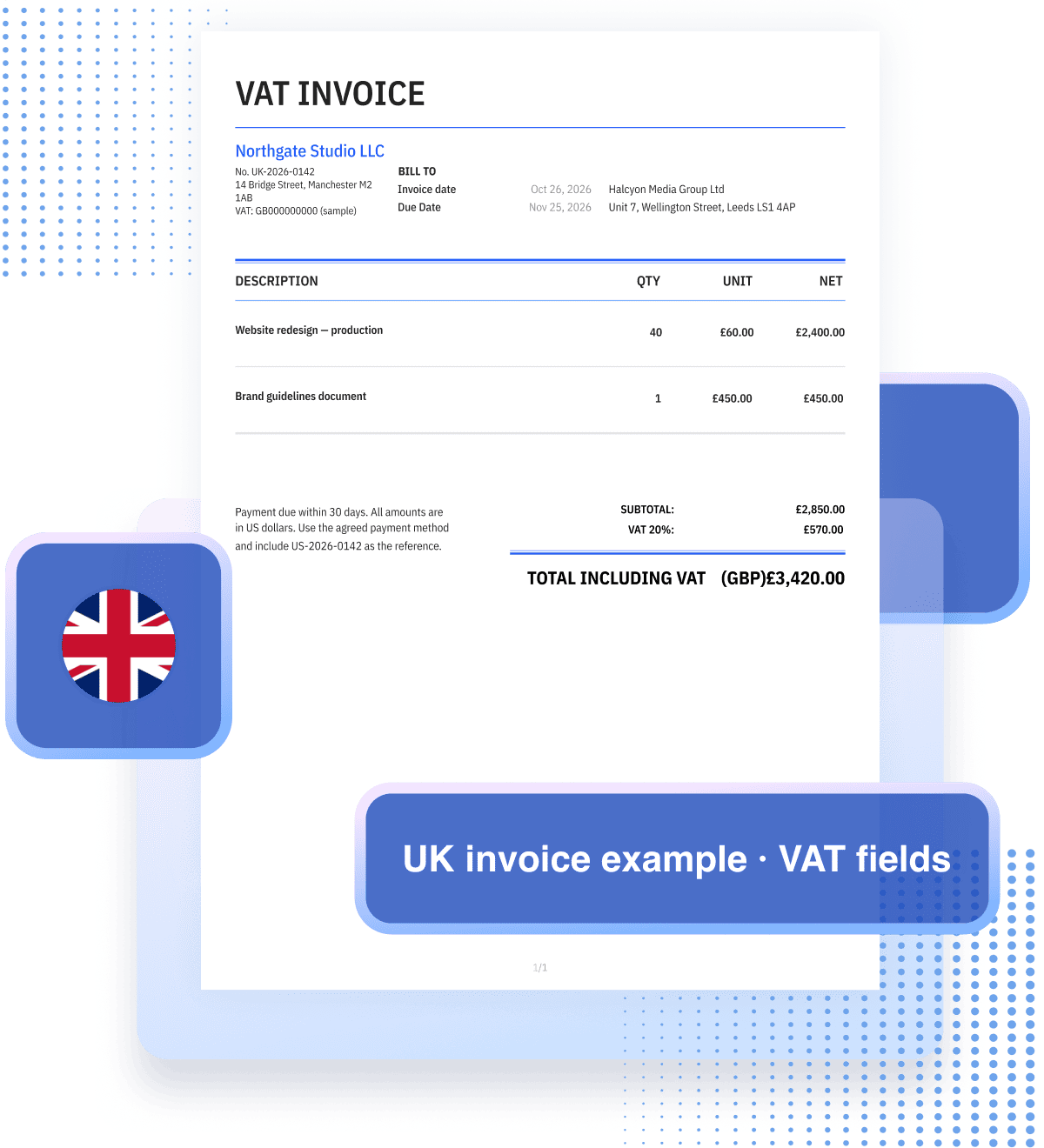
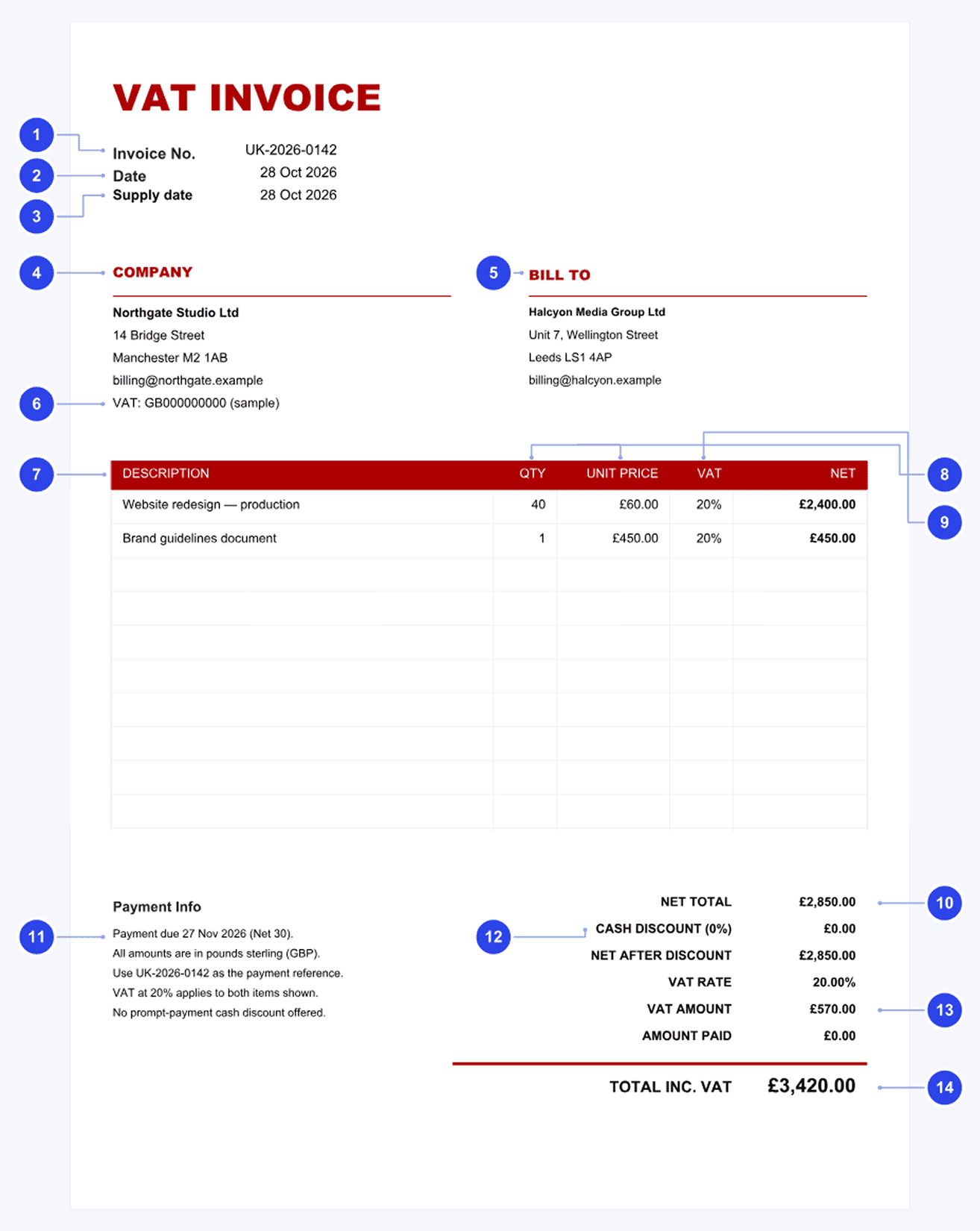
Unique Invoice Number
Use a sequential number from one or more series that uniquely identifies the invoice, such as UK-2026-0142. Do not reuse a reference; keep a record of voids and corrections. - 2
Invoice Date
The date you issue the document. Show it separately where it differs from the time of supply. Keep the issue date distinct from the payment deadline. - 3
Time of Supply
Show the supply date or tax point. The basic tax point usually follows delivery or completion, but advance invoices or payments and the 14-day invoicing rule can change the actual tax point. Do not assume it always equals the completion date. - 4
Seller Name and Address
Use the supplier name and address associated with your VAT registration. A limited company uses its full registered name. A sole trader includes their own name and any business name, with an address for legal documents when using a business name. - 5
Customer Name and Address
Identify the person or business receiving the goods or services. Use the customer’s name and address, rather than only an individual contact at a business. - 6
Your VAT Number
Show the supplier’s correct VAT registration number. A common format is GB followed by nine digits; use the actual registration details and the prefix required for your transaction. GB000000000 here is a sample placeholder, not a valid registration. - 7
Description of Goods or Services
Use enough detail to identify the supply. For example, “Website redesign — production” is clearer than a single unexplained entry reading “Services”. - 8
Quantity and Unit Price
Show the quantity of goods or extent of services, and the unit price excluding VAT. Hours, days or a clearly described project scope can be used where appropriate. - 9
VAT Rate Charged
Identify the applicable VAT rate for each description. Standard, reduced and zero rates are 20%, 5% and 0%. Separate rates clearly and do not blend them; distinguish exempt or outside-scope items from zero-rated supplies. - 10
Net Total
Show the total amount before VAT, taking account of any actual price reductions. The line amounts and the total should reconcile with the quantities, prices and discounts. - 11
Payment Terms and Details
Add the agreed due date, payment method and a reference to quote. In this example, payment is due on 27 Nov 2026. Check bank details before sending; these instructions help the customer pay the correct bill. - 12
Cash Discount Terms
If a cash or prompt-payment discount is offered, show its rate and the relevant terms, including the payment deadline. The example offers no cash discount. Do not confuse a future conditional discount with a price reduction already taken. - 13
VAT Amount
Show VAT separately from the net charges and display the total VAT chargeable in pounds sterling. Keep any rate breakdown clear, especially where more than one rate applies. - 14
Total Including VAT
Make the final amount owed clear. For this example, £2,850 net plus £570 VAT gives £3,420 including VAT. Show any payment already received separately from the invoice total.
UK VAT Rates and Tax Numbers
Check Your VAT Registration and Tax Point
Use your VAT registration details on a VAT invoice. If you are not registered, issue a regular invoice without VAT. A receipt acknowledges payment; it only supports a VAT claim if it also meets the relevant VAT-invoice requirements.
- 01
Check the registration threshold
Registration is generally required when taxable turnover in the previous 12 months exceeds £90,000, or when you expect it to exceed £90,000 in the next 30 days alone. Special cases and voluntary registration can apply.
- 02
Identify the tax point
Delivery or completion normally gives the basic tax point. An advance invoice or payment can create an earlier tax point, and a VAT invoice issued within 14 days can move it. Use the rules that fit the supply.
- 03
Keep VAT records
VAT records are generally kept for at least six years. Making Tax Digital for VAT applies to VAT-registered businesses unless exempt. Returns are usually quarterly, with other periods and schemes available.
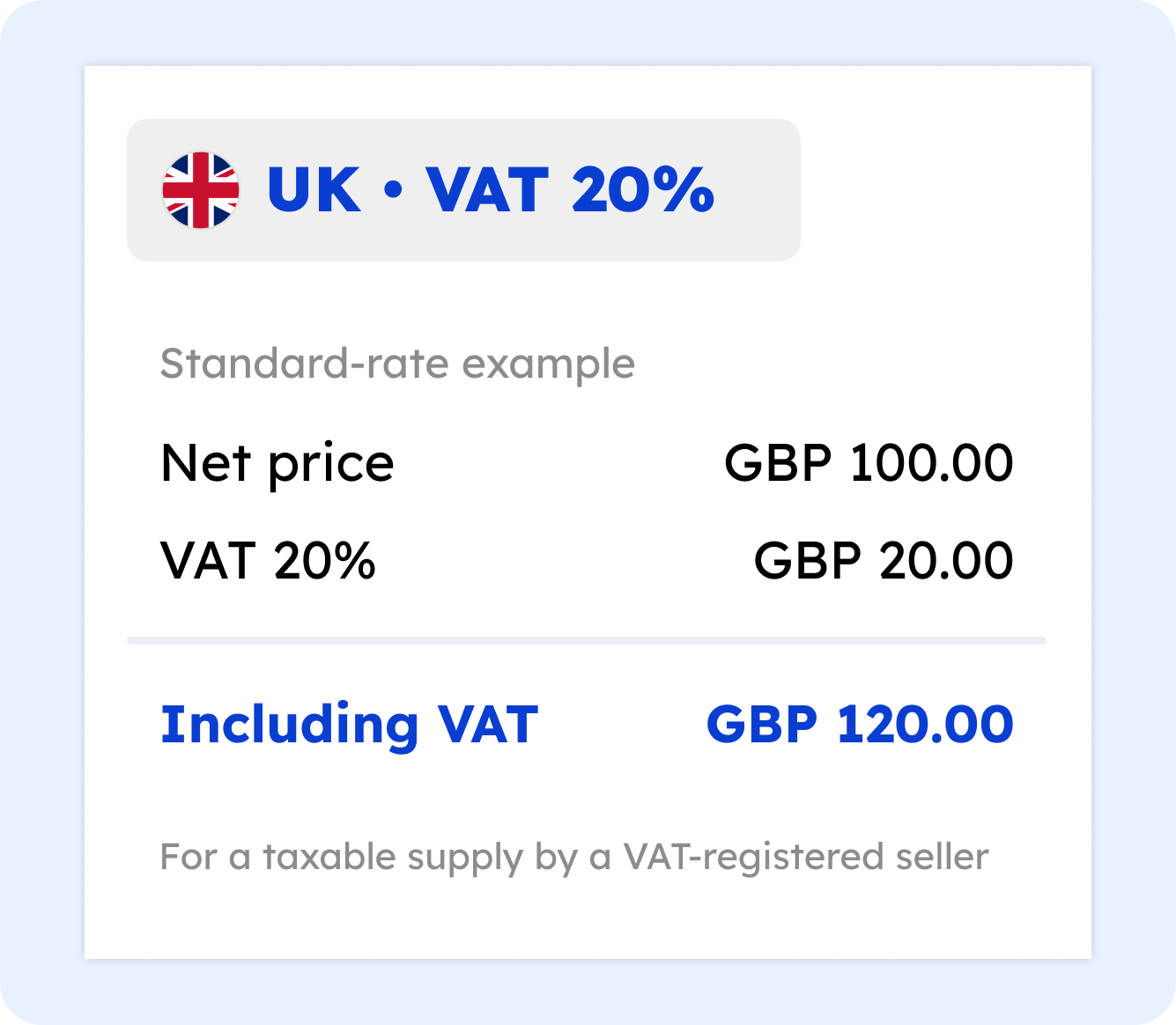
VAT Rate Reference
| Rate | Category | Typical supplies | Notes |
|---|---|---|---|
| 20% | Standard | Most goods and services, including many consulting and software supplies | The usual rate unless another treatment applies. |
| 5% | Reduced | Domestic fuel and power, children’s car seats | Only specified goods and circumstances qualify. |
| 0% | Zero-rated | Many basic food items, books and children’s clothing; qualifying exports | Still taxable; related input VAT may be recoverable under the normal rules. |
| No VAT | Exempt | Many insurance, finance, health and education supplies | Related input VAT is generally restricted, with exceptions. |
| No UK VAT | Outside scope | Transactions that fall outside UK VAT under the applicable rules | Different from exemption; check place-of-supply and other rules. |
Check the official guidance:

Common Mistakes to Avoid
A Quick Review Can Prevent a Follow-Up

WRONG
 Assuming an invoice must always be dated after delivery
- Reusing an invoice number for a new bill
- Description reads “Services” or “Consulting”
- Rounding VAT by hand to whole pounds
- Customer listed only as a contact name
- Missing or incorrect supplier VAT number
RIGHT
 Show the issue date and the appropriate supply date or tax point; advance invoices can create a tax point.
- Use a unique sequential reference and retain records of voids and corrections.
- Describe the work clearly, with the quantity or extent of services and the unit price.
- Calculate VAT consistently using the applicable HMRC rounding rules and show the separate amount.
- Identify the customer receiving the supply and include their name and address.
- Include the correct VAT registration details on the VAT invoice; the number need not be in one prescribed position.
Three UK Invoice Checks
- 01
Check the Construction Reverse Charge
For qualifying CIS construction supplies between VAT-registered businesses, the customer may account for VAT instead of the supplier charging it. Check end-user status and the other conditions and exceptions. Where it applies, include reverse-charge wording and the VAT rate or amount the customer accounts for.
- 02
Keep Mixed VAT Rates Clear
Identify the VAT rate and net amount for each description. Distinguish 20%, 5% and 0% items, and show the total VAT separately in sterling. Exempt and outside-scope supplies must not be treated as ordinary zero-rated items.
- 03
Only VAT-Registered Sellers Issue VAT Invoices
Being below the registration threshold does not automatically mean you are unregistered; voluntary registration is possible. If you are not VAT registered, use a regular invoice and do not charge VAT. A template title alone does not establish compliance.