


Commercial Invoice Template
Prepare a commercial invoice that connects your sale, shipment, and customs details in one clear document. Choose a layout, record each product and its value, then review the invoice before you send goods across a border.
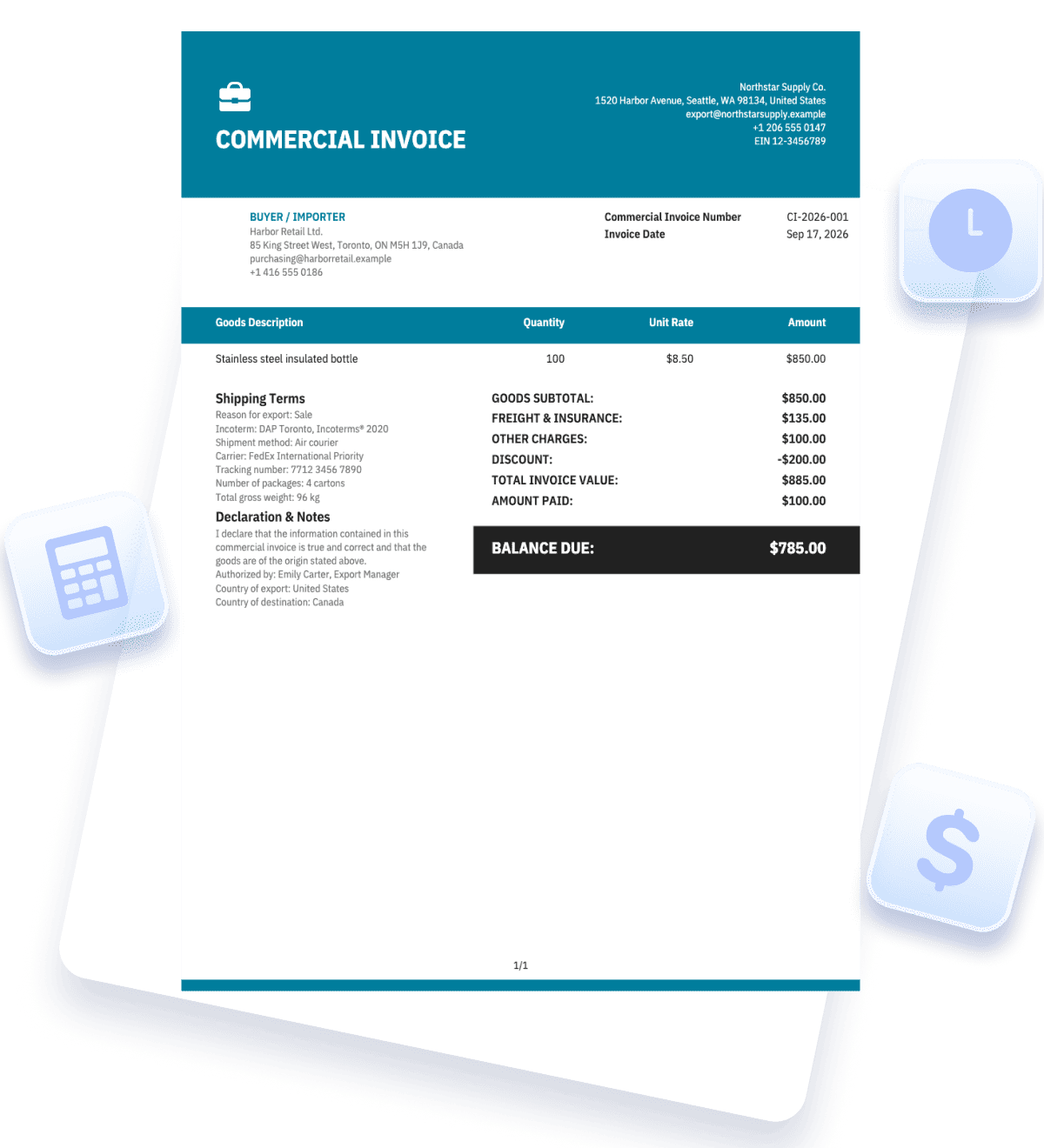
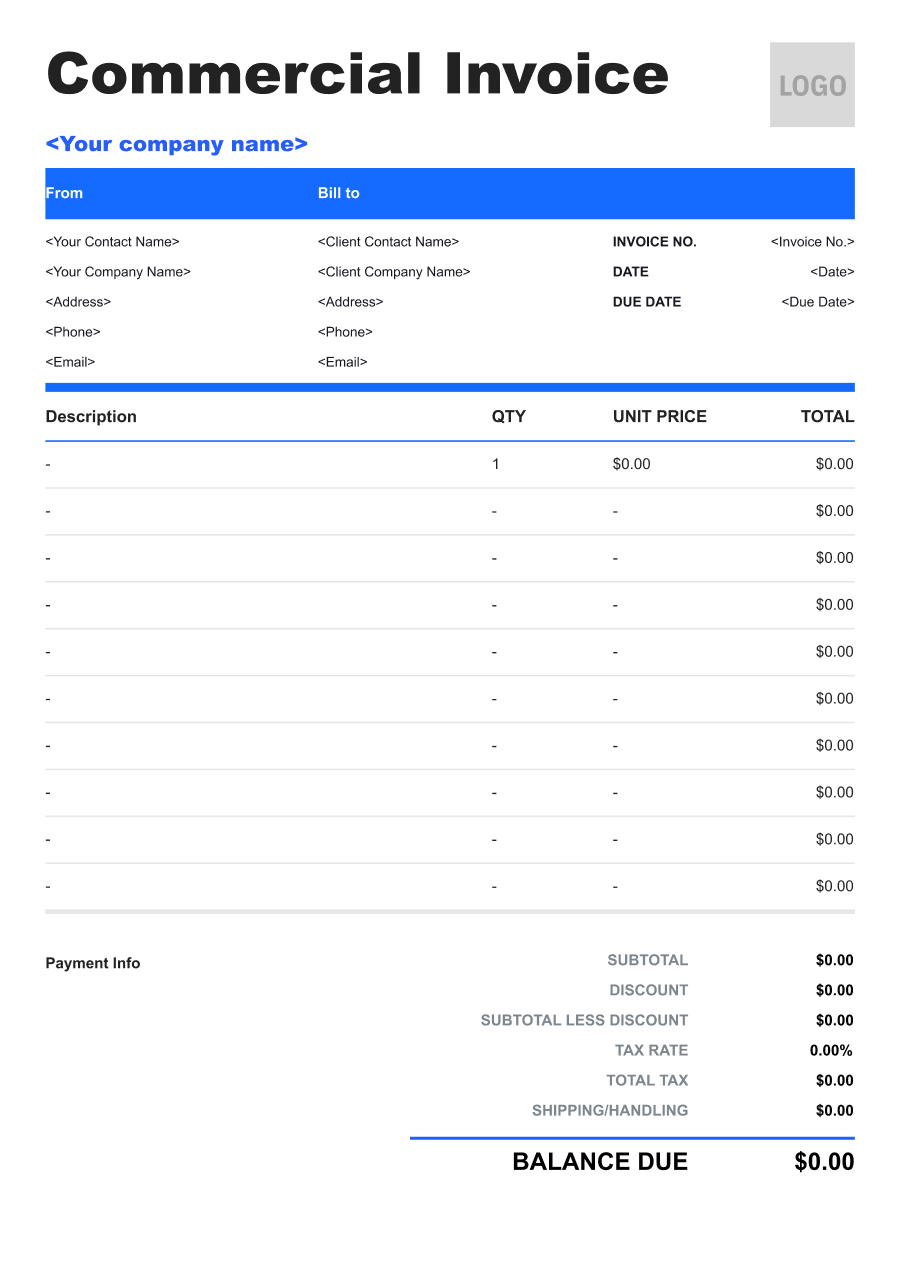


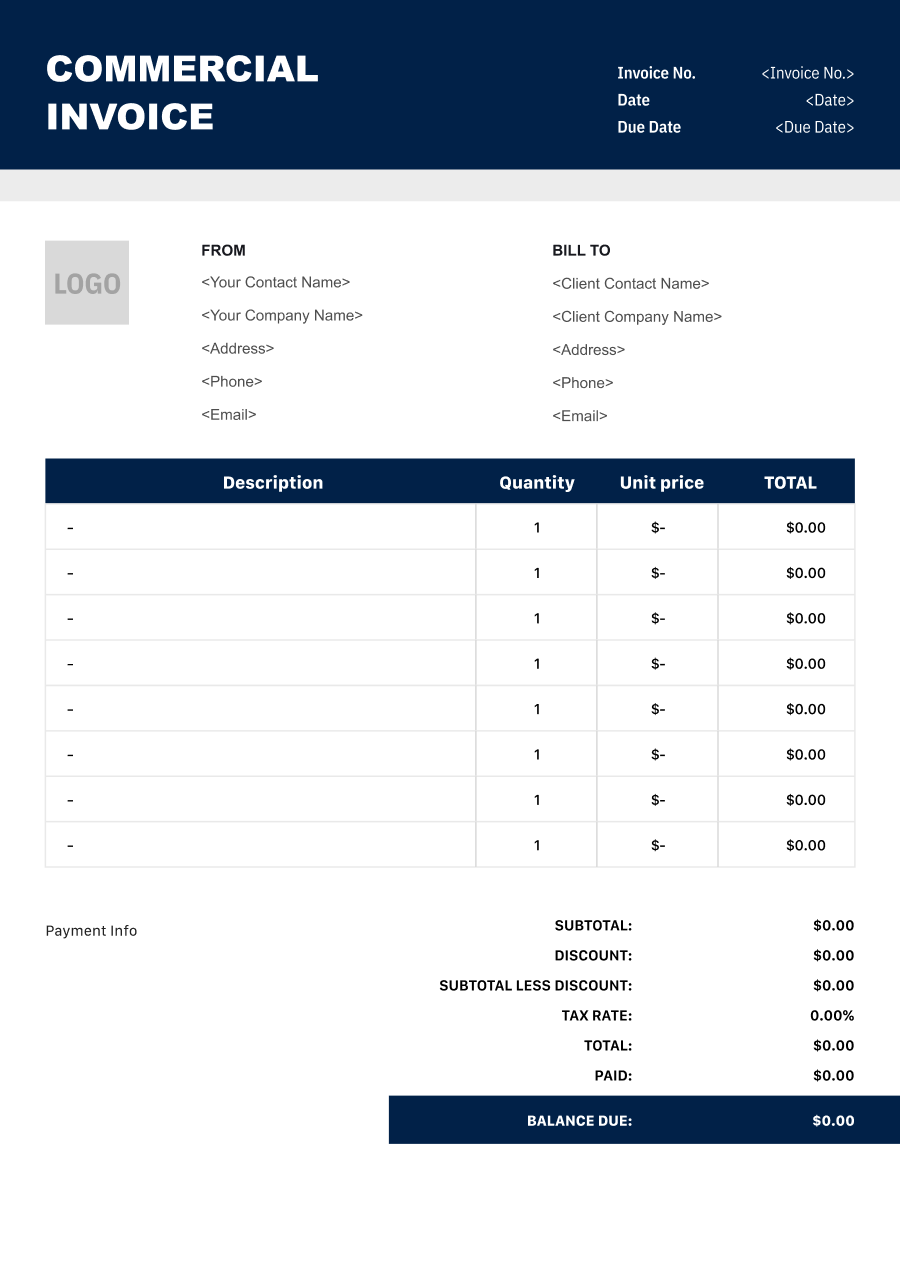
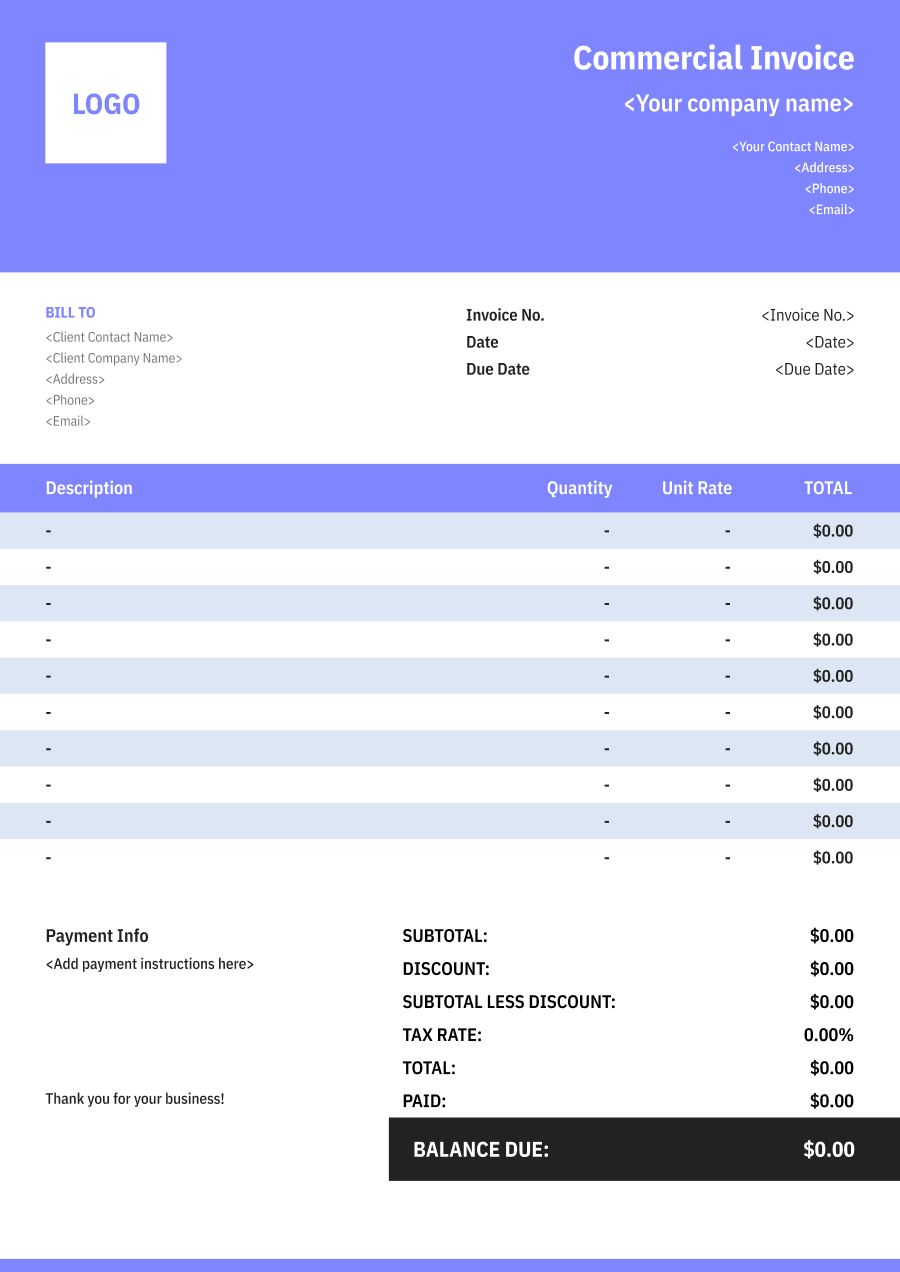
Create a Commercial Invoicewith a Live Preview
Enter the sale and shipment details you know, review the itemized invoice, and confirm route-specific fields with your carrier or customs adviser before sending it.
Invoice Details
Add the document details used to identify this commercial invoice.

JPG, JPEG, PNG, less than 5 MB
Exporter & Buyer
Add the exporter and buyer details required to identify both trading parties.
From
Bill to
Goods Details
Describe the shipped goods and enter their declared customs value.
Value & Shipping
Confirm the declared invoice value and add the shipment and export information.


Reuse Saved Information in Invoice Zip
Use saved items and client information to create an invoice in just a few taps.
What Is a Commercial Invoice?
A commercial invoice records the goods in a cross-border commercial transaction: who sold them, who receives them, what was shipped, and the value of each product line. It gives the buyer a clear transaction record and supplies information often used in customs clearance.
Unlike a simple domestic sales invoice, it needs to connect the billing record with the shipment. Product descriptions, quantities, origin, classification, currency, and trade terms should be consistent with the goods and other shipping documents. A commercial invoice is not a receipt; receiving payment should be recorded separately.
Think of it as the bridge between an order and the physical shipment. A buyer may use it to check the agreed price, while a carrier or customs reviewer may use the goods and party details to identify the consignment. If the order changes before dispatch, revise the invoice lines so the document describes the goods that actually leave.
There is no single field list that fits every route. The destination, goods, carrier, and transaction determine which supporting details and documents are needed. Use this template as a structured starting point, then confirm the shipment-specific requirements before dispatch.
- 01
Sale and parties
Identify seller, buyer, invoice, and agreed terms.
- 02
Goods and values
Describe each shipped item, quantity, origin, and value.
- 03
Shipment record
Match references and check customs documentation.
What to Include on a Commercial Invoice
Use a precise item-by-item checklist rather than a single line such as “merchandise.” A complete description and a consistent value make the document easier for the buyer, carrier, and customs reviewer to understand.
- 1
Exporter and Consignee
Give the seller/exporter and receiver/importer names, physical addresses, and contacts. If the buyer and consignee differ, identify each party by its role rather than assuming they are the same.
- 2
Invoice and Shipment References
Include the invoice number and date, order or purchase-order reference, and shipping reference where available. Use the same identifiers on related documents so the shipment can be matched to the sale.
- 3
Specific Goods Description
Name each product in plain language, with relevant material, model, or intended use. “Stainless steel water bottles, 750 ml” is more informative than “bottles” or “samples.”
- 4
Quantity, Unit, and Value
Show quantity, measurement unit, unit value, line value, currency, and total goods value. The declared transaction figures should reflect the actual shipment rather than a convenient rounded estimate.
- 5
Origin and Classification
State where each product was made or produced, and enter the verified HS or tariff classification used for the destination. Country of origin is not simply the country from which the parcel was shipped.
- 6
Trade Terms and Charges
Record the agreed trade term and named place where applicable. Show freight, insurance, packaging, or other transaction charges distinctly when they are part of the agreed invoice.
- 7
Reason and Shipment Details
Identify whether the goods are sold, sampled, returned, or sent for repair. Add package count, weights, and other shipment details when your carrier or destination requires them.
- 8
Payment and Supporting Notes
For a sale, make the payable amount and agreed payment instructions clear. Do not mark an invoice as paid merely because it accompanies a shipment; keep payment confirmation separate.
Common Uses of a Commercial Invoice
The same template can support different international sales, provided the invoice reflects the real transaction and goods in that shipment.
- 01
Cross-border retail sale
An online seller ships purchased goods to a customer in another country. The invoice connects the order, buyer, products, currency, and price.
- 02
Wholesale purchase
A distributor sends multiple product lines to a foreign business buyer. Itemized quantities and values help the buyer reconcile the delivery with the purchase order.
- 03
Manufacturer shipment
A manufacturer sends finished goods to an importer. Origin, product descriptions, classification, and trade terms need to match the actual consignment.
- 04
Partial order fulfillment
Only part of an order ships now. The commercial invoice should list the items and amounts in this shipment, not the full order as though everything shipped.
- 05
Replacement sale
A seller ships a paid replacement item across a border. Record the actual transaction and purpose; do not reuse an earlier product line if the replacement differs.
Free samples, gifts, repairs, and returns may call for a different type of customs invoice or additional documentation. Confirm what the carrier and destination accept for those cases. When several parcels leave under one order, prepare each shipment record around the items in that parcel and keep the order reference consistent. This helps the buyer distinguish delivered goods from goods still due.
Commercial Invoice vs. Pro Forma Invoice
Both can describe the parties and goods, but they serve different stages or types of shipment. Use the document that matches the actual transaction.
| Question | Commercial invoice | Pro forma invoice |
|---|---|---|
| When is it prepared? | For the actual sale and goods being shipped. | Before a sale is finalized, or for certain no-sale shipments where accepted. |
| What value does it show? | The actual transaction and item values used for that shipment. | An anticipated price or a value supplied for a preliminary or no-sale purpose. |
| Does it request payment? | It may state the sale amount due under the agreed terms; payment status must be recorded separately. | Usually communicates an expected transaction or shipment value rather than final billing. |
| How is it used for customs? | Commonly supplies details for goods sold across borders. | May be accepted for samples, gifts, or other no-sale cases, depending on route and carrier. |
A pro forma invoice is not simply a commercial invoice with a different heading. Before changing document type, confirm whether the shipment is a sale, what value and purpose should be declared, and which document the destination accepts. If a pro forma document was sent earlier as a quotation, compare it with the final order and shipment before issuing the commercial invoice. Prices, quantities, and product descriptions may have changed, and the final document should reflect those changes.
Commercial Invoice Tips for Cross-Border Shipments
Small inconsistencies can turn a clear sale into a difficult document trail. These checks make the invoice easier to reconcile with the goods and shipping paperwork.
- 01
Describe the goods precisely
Write what each item is, what it is made of, and how it will be used when relevant. Generic terms like “parts” or “merchandise” do not help a reviewer identify the product.
- 02
Match the packed quantity
Check that the product lines, quantities, units, and package information reflect what is actually leaving. For a partial shipment, do not bill the unshipped portion as though it is in the box.
- 03
Separate product value and charges
List unit and line values clearly. Show freight, insurance, or other agreed charges separately so the buyer can see how the invoice total is built and the shipment value is not obscured.
- 04
Review route-specific details
Confirm origin, classification, trade term, any identifiers, and additional paperwork with the information available for this route. A template cannot determine those facts for the shipper.
Commercial Invoice FAQs
Do I need a commercial invoice for every international shipment?
Not every shipment uses the same paperwork. A commercial invoice is commonly used for non-document goods sold across borders. Document shipments, no-sale items, and destination-specific cases may be treated differently. Check the requirements for the goods, route, and carrier before dispatch.
Is a commercial invoice proof that the buyer has paid?
No. It records the transaction and may show an amount due, but it does not by itself prove payment was received. If the buyer has paid, keep a separate payment record or receipt and ensure the invoice status matches that record.
What is the country of origin on a commercial invoice?
It identifies where the product was made or produced, not merely the country from which the shipment leaves. Different products in one shipment can have different origins. Use the verified origin for each item line where that detail is needed.
Should I include freight and insurance in the invoice total?
Show those charges clearly when they are part of the agreed transaction. Keep goods value and additional charges separate so the calculation can be reviewed. The value used for customs purposes can depend on the applicable rules; verify the treatment for the shipment rather than assuming one total fits every country.
Can I replace a commercial invoice with a pro forma invoice?
A pro forma document may be suitable for a preliminary transaction or certain no-sale shipments where the carrier and destination accept it. It should not replace the actual sale record just to avoid completing final item and value details. Confirm the correct document type for the shipment. If goods have already been sold and the commercial invoice is part of the agreed paperwork, complete the final document with the real buyer, item lines, terms, and amounts.
Other Free Resources



Try Invoice Zip Today
Start Sending Invoices, Building Reports, Saving Office
Time and Get Paid Faster.
