


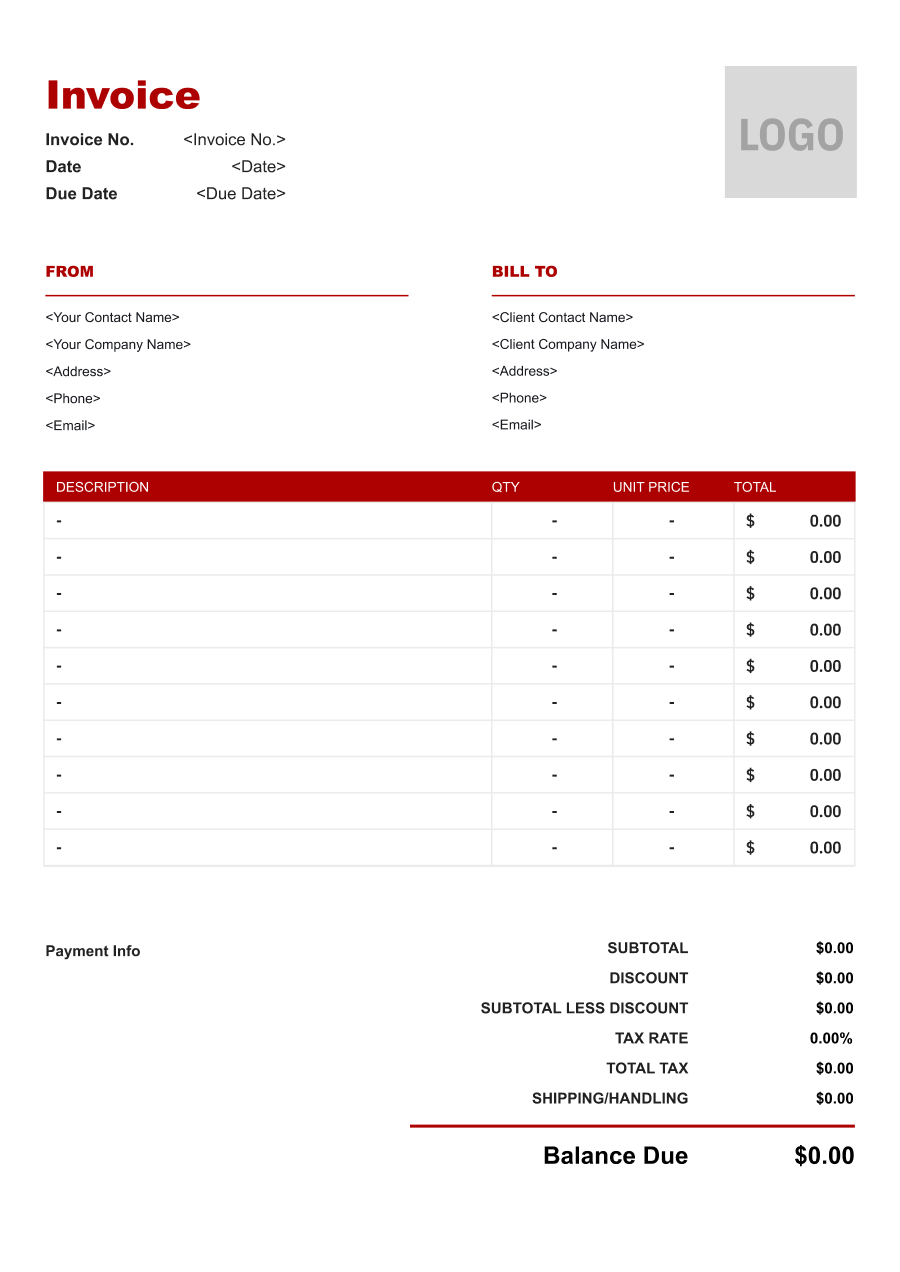
Translation Invoice Template
Create a professional translation invoice with editable invoice templates for language pairs, word counts, editing, proofreading, localization, and other translation services.
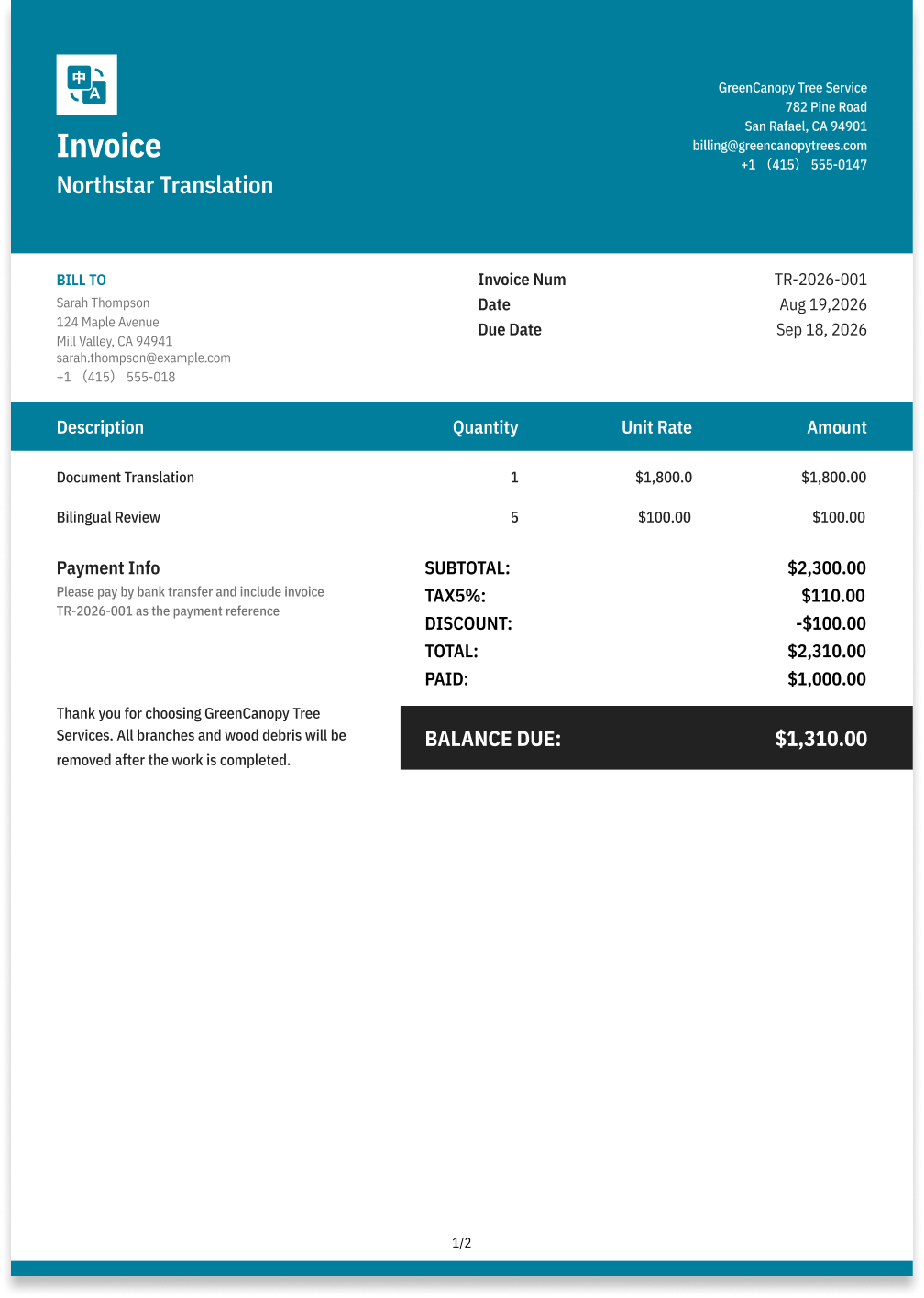
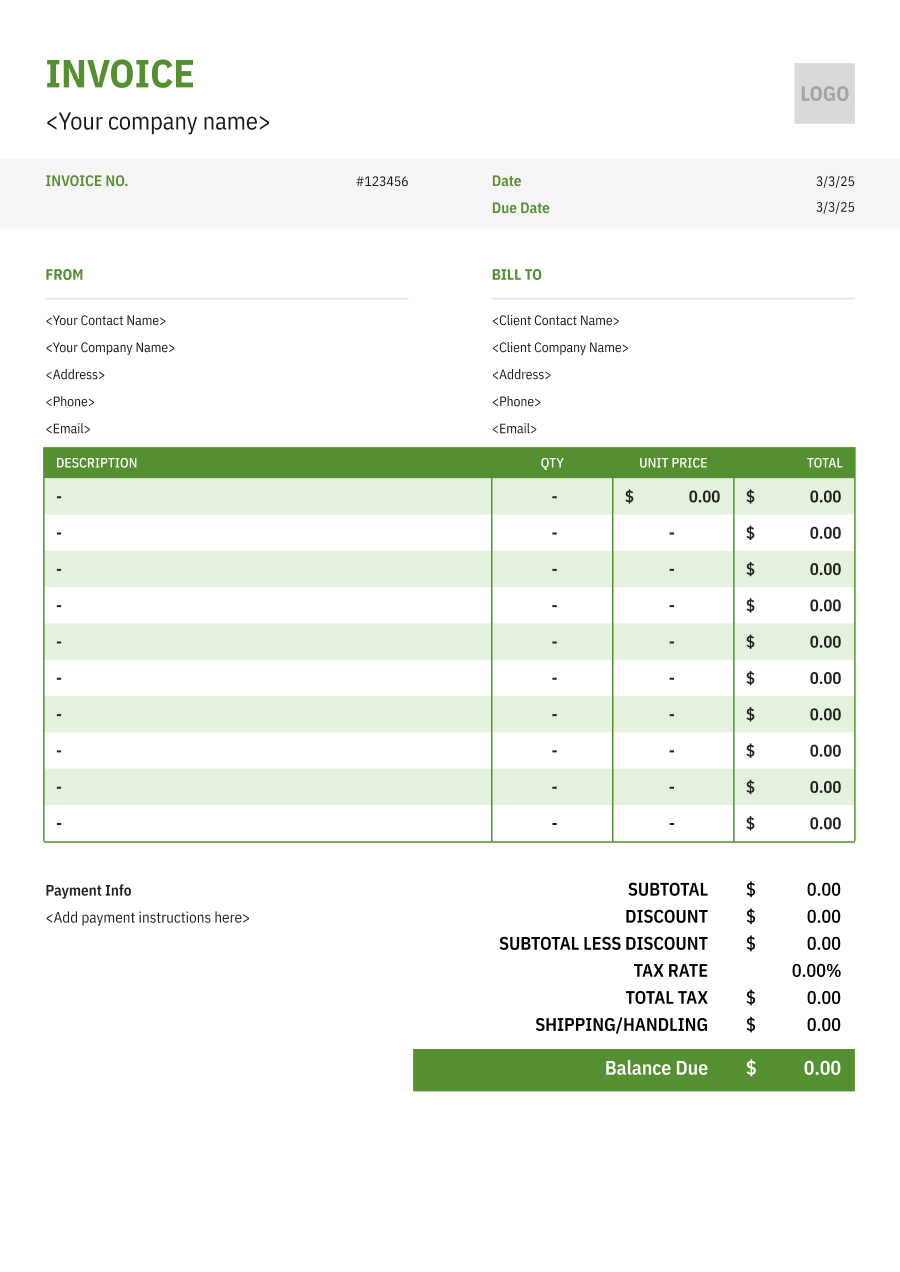
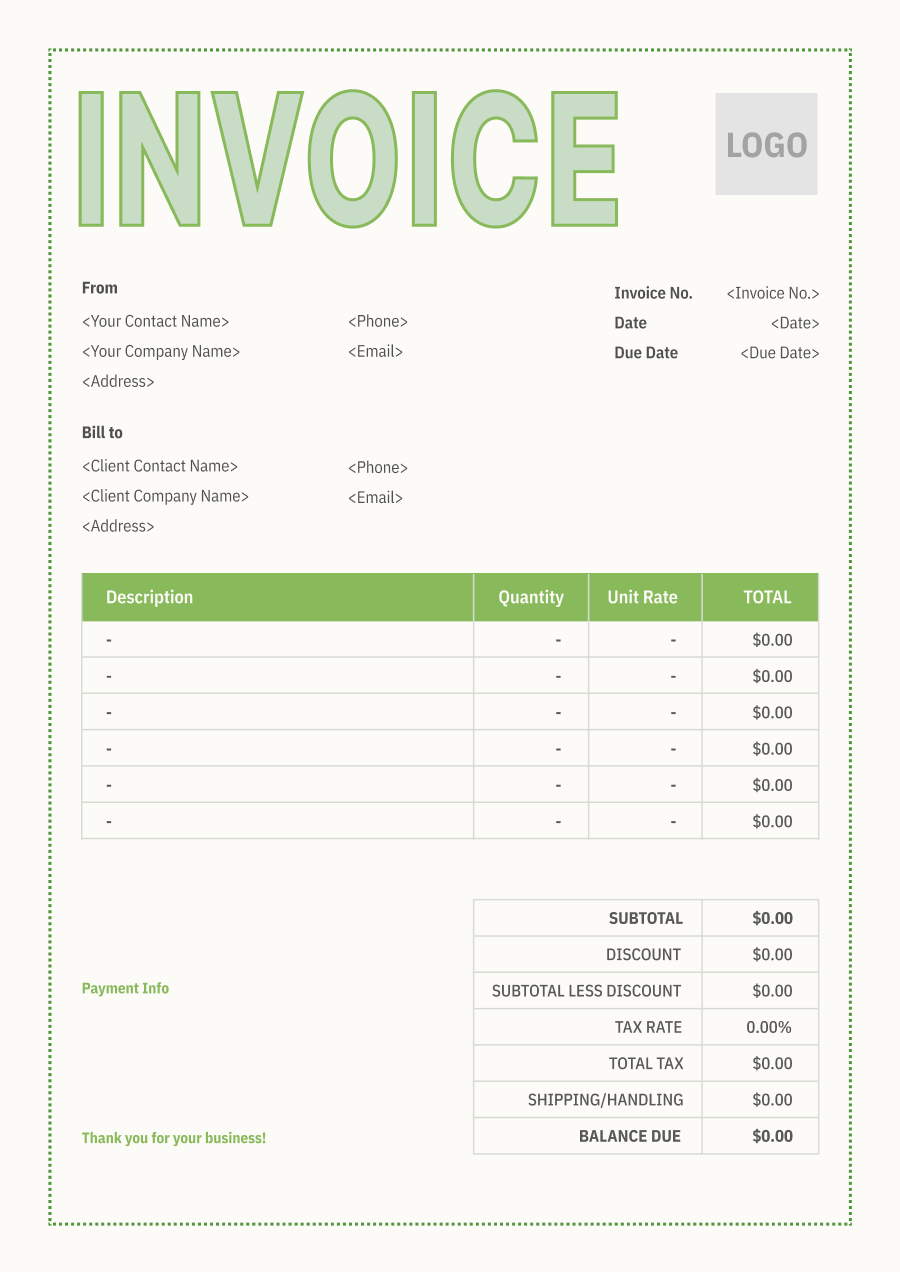
Choose the Best Invoice Template for Your Translation Business


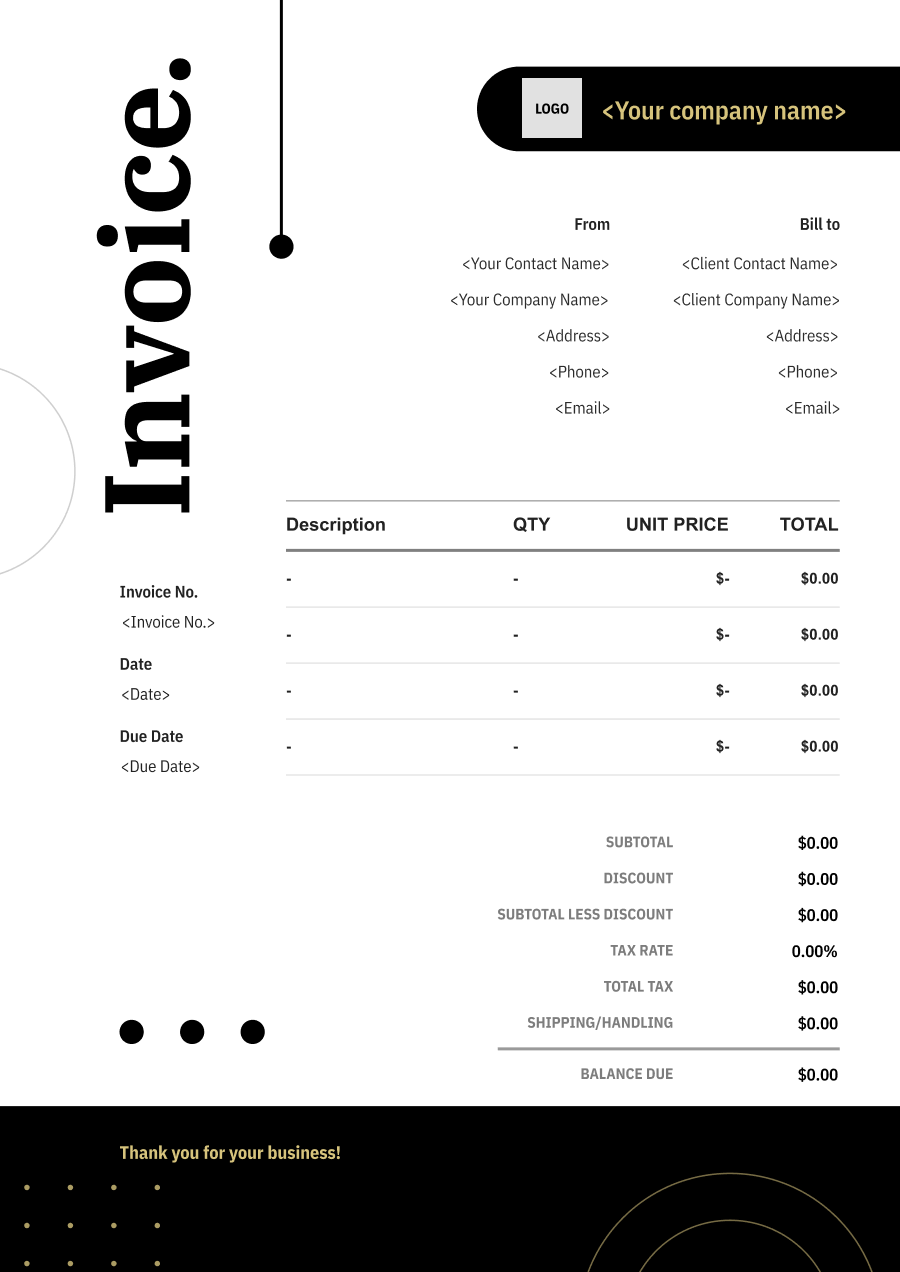
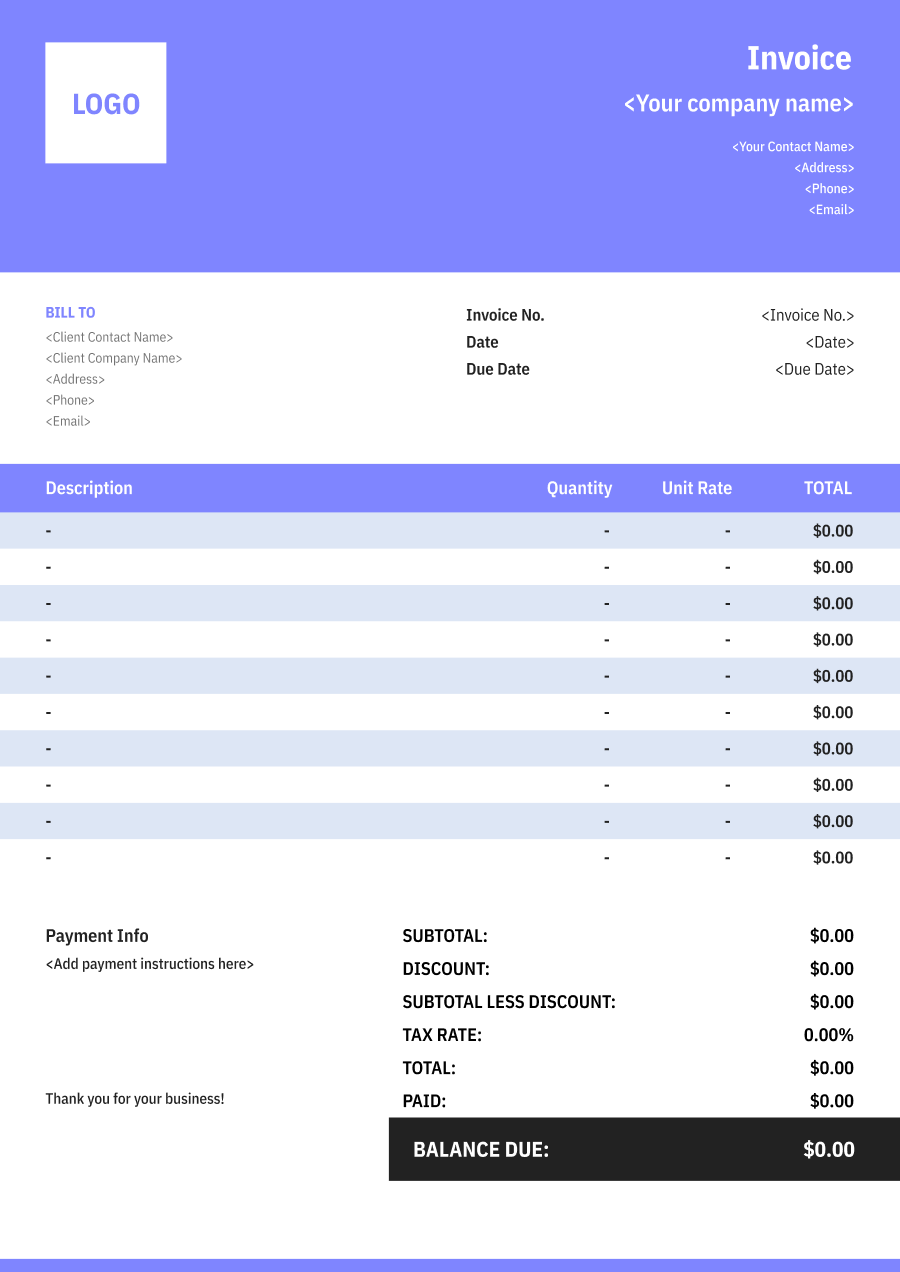
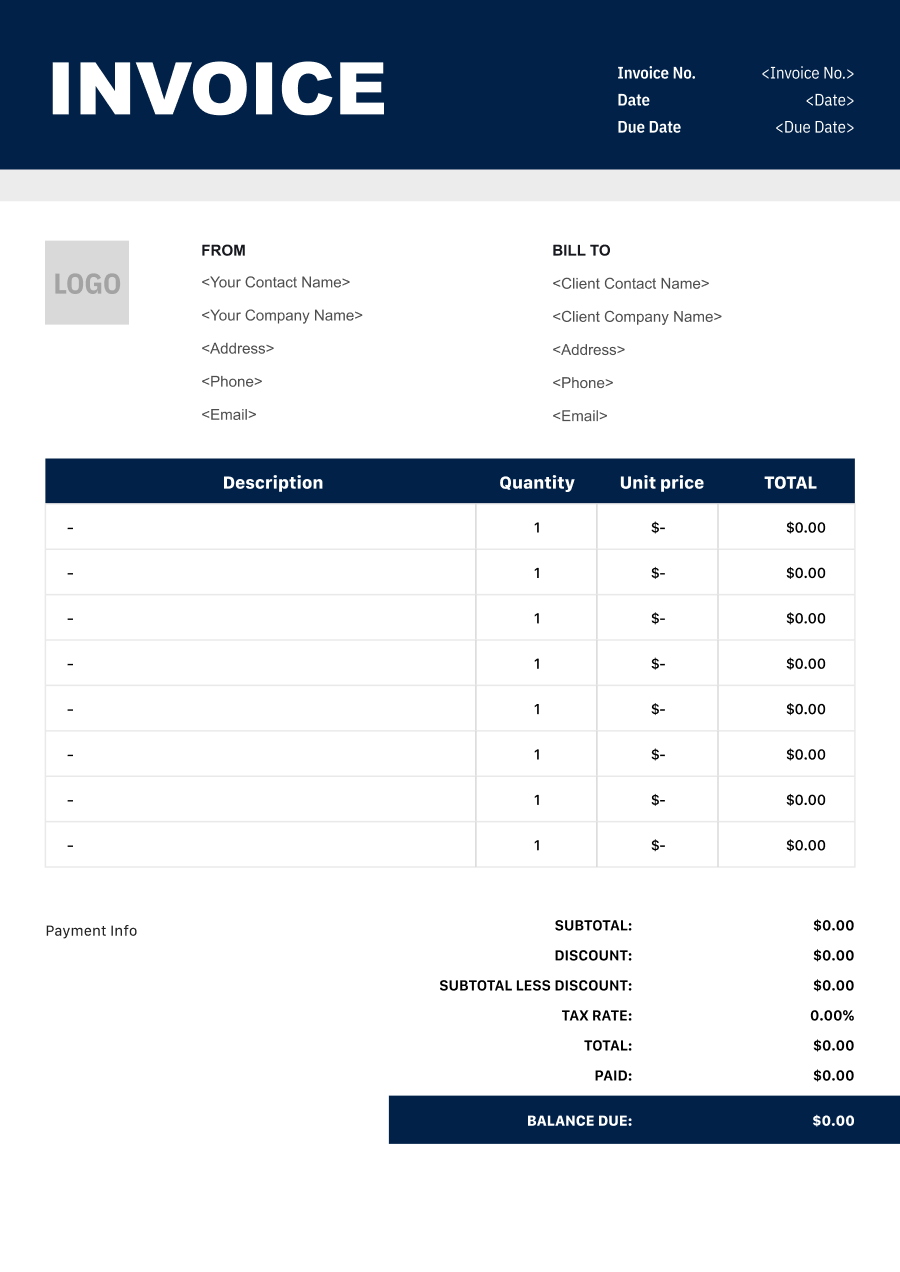
Create A Professional
Translation Invoice in Minutes
Add your translation business and client details, itemize the products or services provided, and generate a professional invoice when you are ready.
1
Invoice details
Set the document identity, dates and currency.
Logo

Upload file
JPG, JPEG, PNG, less than 5 MB
Invoice number
Currency
USD
Issue date
Due date
2
Business & client
Add the details your client needs to identify both parties
From
Company Name
Contact name
Address
Email Address
Phone Number
Bill To
Client name
Address
Email Address
Phone Number
3
Products & services
Itemize what you’re charging for. Totals update automatically.
4
Totals & payment
Apply adjustments and tell your client how to pay.
Payment instructions
Notes
Sub Total
$0.00
Tax Rate
%
Discount
$
Total
$0.00
Amount paid
$
Balance Due
$0.00
What to include in Translation Invoice
A clear translation invoice helps prevent disputes and ensures timely payment. Use this checklist to include the essential details.
- 1
Business Header & Contact
Company name, logo, phone number, email address, and physical business location.
- 2
Client Contact Information
Client's full name or business entity name, billing address, phone number, and email.
- 3
Invoice Metadata
Unique invoice number, invoice issue date, and payment due date (e.g., Net 15 / Due upon receipt).
- 4
Cost Summary & Taxes
Subtotal for services, local sales taxes (if applicable), applied discounts, and final bolded Total Due.
- 5
Deposit & Balance Tracking
Original estimate total, pre-paid deposit deductions (e.g., 'Less Deposit Received: -$500'), and remaining net balance due.
- 6
Payment Instructions
Accepted payment methods, including direct online payment links (Credit/ACH), check mailing address, or bank transfer details.
- 7
Languages & Translation Scope
Identify the source and target languages and describe the documents, content, or materials translated.
- 8
Word Count, Pages or Units
State the word count, page count, audio minutes, document quantity, or other unit used to calculate the translation fee.
- 9
Translation, Editing & Proofreading
Separately identify translation, editing, proofreading, localization, formatting, or other language services when billed independently.
- 10
Certification & Rush Charges
List certified translation, notarization coordination, rush delivery, specialized formatting, or other additional services separately.
Common Translation Services & Billing Items
How Translation charges are typically structured and billed.
Common Services
What's Included
Billing Items
Document Translation
Language pair, Word/page count, Word or page count, Document or language, and Service date
Translation FeesWord/Page Charges
Website Translation
Language pair, Word/page count, Document or content, Word count or scope, and Service date
Translation FeesEditing/Proofreading
Legal Translation
Word or page count, Document or language, Document or content, Word count or scope, and Client or project name
Word/Page ChargesEditing/Proofreading
Technical Translation
Language pair, Word/page count, Word or page count, Document or language, Rush service or deliverable, and Requested deadline
Translation FeesWord/Page ChargesRush Fees
Certified Translation
Word or page count, Document or language, Rush service or deliverable, Requested deadline, and Service date
Word/Page ChargesRush Fees
Proofreading
Language pair, Word/page count, Document or content, Word count or scope, Rush service or deliverable, and Requested deadline
Translation FeesEditing/ProofreadingRush Fees
Rush Translation
Language pair, Word/page count, Word or page count, Document or language, Document or content, and Word count or scope
Translation FeesWord/Page ChargesEditing/Proofreading
Translation Fees: Charges for translation fees associated with the service or project.
Word/Page Charges: Translation charges calculated by word count, page count, or source volume.
Editing/Proofreading: Charges for proofreading, editing, and quality review.
Rush Fees: Additional charges for expedited turnaround.
Translation Invoicing Tips
Translation costs vary by service scope, pricing method, and additional requirements. A detailed invoice helps customers understand every charge and reduces payment disputes.
1
State the Language Pair
A translation project may involve several languages. Best practice: identify each source-to-target language pair so the client can match the charge to the requested work.
2
Bill Using a Clear Unit
Translation providers may charge by word, page, character, audio minute, or project. Best practice: state the quantity, unit rate, and total so the calculation is transparent.
3
Separate Translation from Editing
A project may involve translation plus proofreading or localization. Best practice: itemize these services separately when they have different rates or scopes.
4
Identify Rush or Certified Work
Urgent or certified translations often require additional work. Best practice: list rush premiums, certification, or related services separately from the standard translation fee.


Reusable Billing Structure in Invoice Software
Use the items above to quickly create a Translation Invoice Template in Invoice Zip.
FAQs about Translation Invoicing
Q: How should a translator invoice work based on word count?
A: The invoice can show the number of words translated, per-word rate, and resulting translation fee. Different rates can be listed separately for different languages or document types when applicable.
Q: How should a translation invoice handle certified or specialized translations?
A: Certified, legal, technical, or other specialized translation services can be listed separately when they use different rates or require additional work. The invoice can identify the type of translation provided.
Q: How should a translator charge for proofreading or editing in addition to translation?
A: Proofreading, editing, and translation can be listed as separate services. This allows the client to distinguish the cost of creating the translation from reviewing or refining the final text.
Q: How should a translation invoice handle rush delivery?
A: Rush translation can be shown as an additional expedited-service charge when agreed upon. The invoice can distinguish the rush premium from the normal translation fee.
Q: How should a translator invoice multilingual projects involving several languages?
A: Each language pair can be listed separately with its word count and applicable rate. This is especially useful when one project requires translations into several target languages.
Other Free Resources



Try Invoice Zip Today
Start Sending Invoices, Building Reports, Saving Office
Time and Get Paid Faster.
