


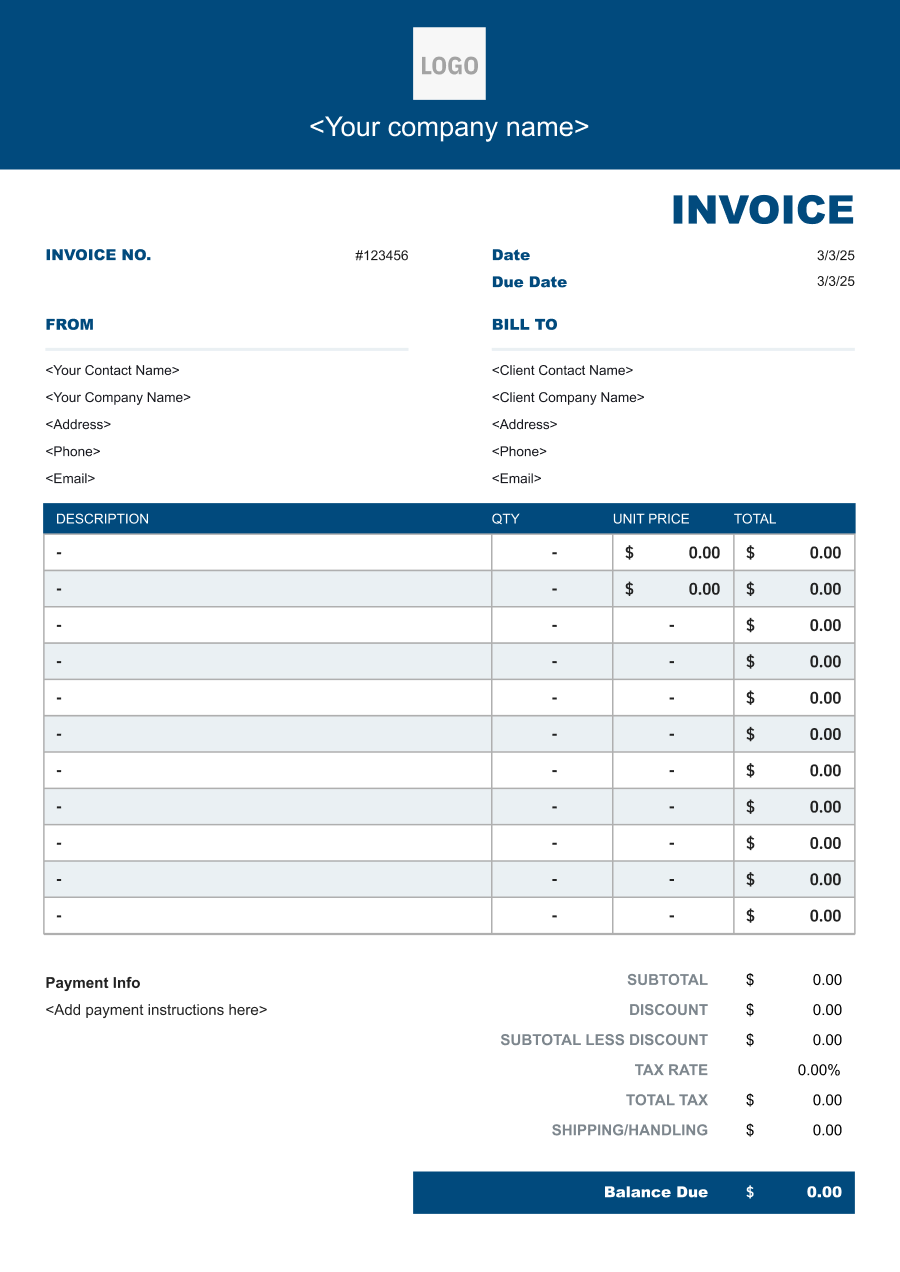
Training Invoice Template
Create a professional training invoice with editable invoice templates for sessions, attendees, course materials, preparation, travel, and other training charges.
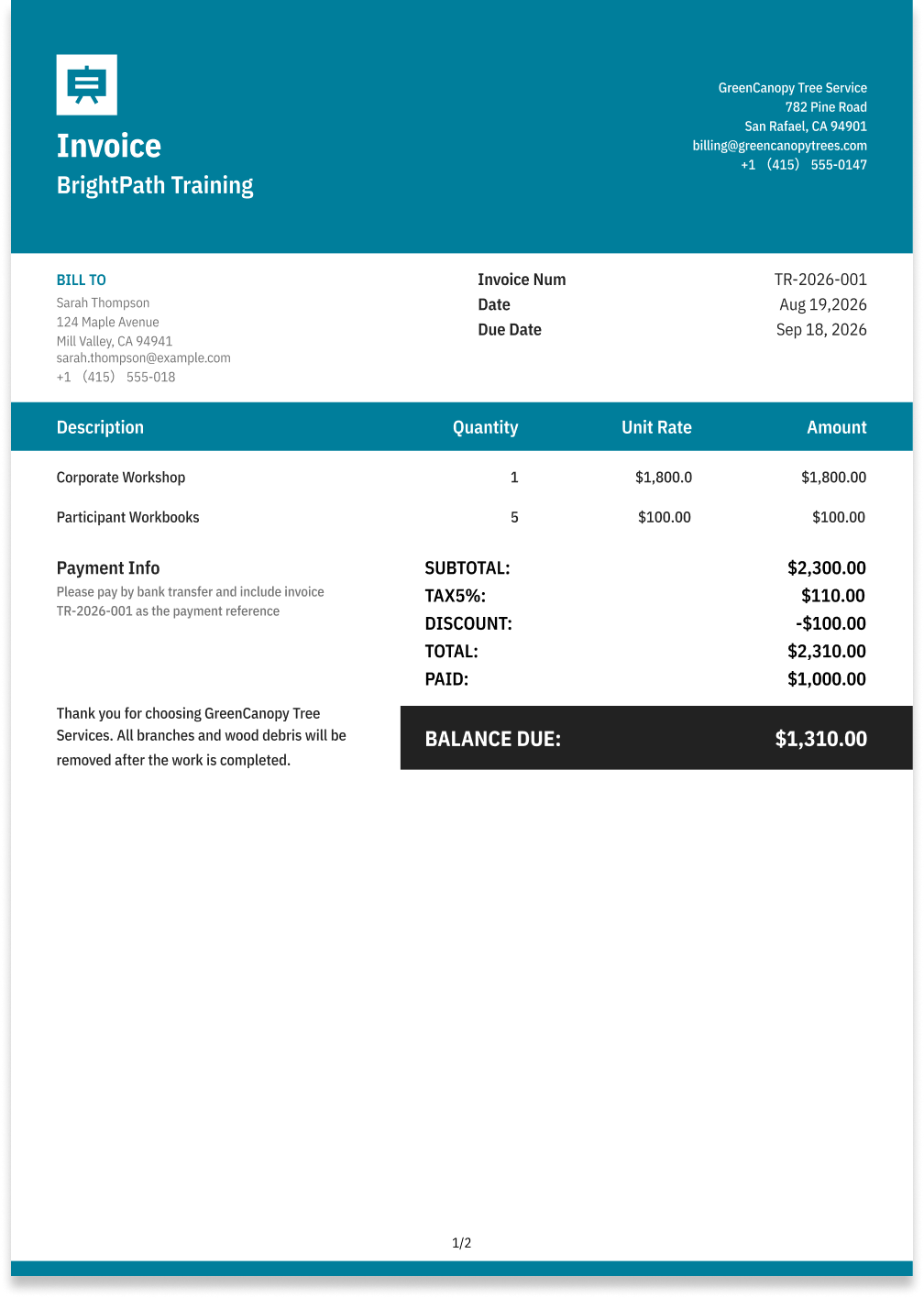
Choose the Best Invoice Template for Your Training Business


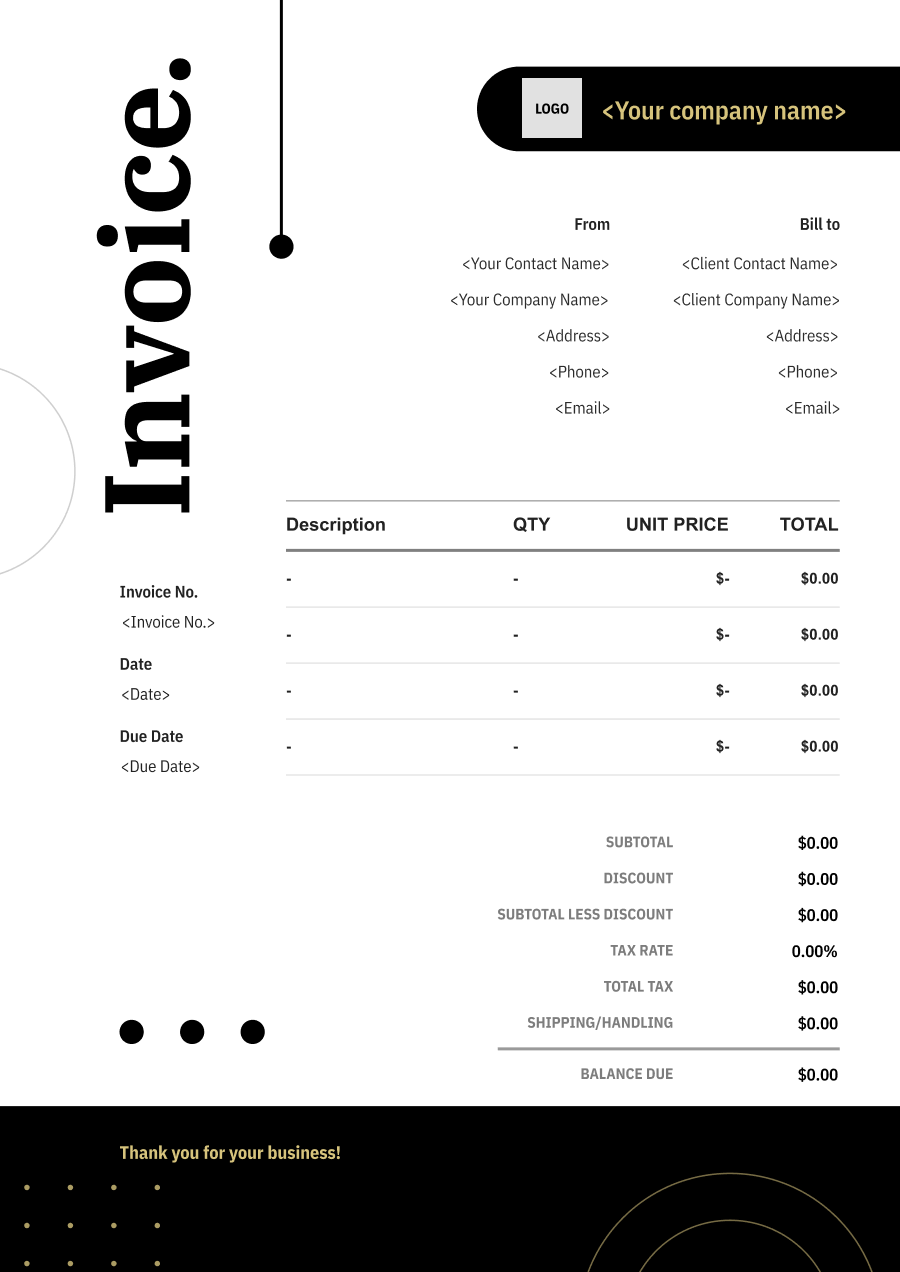
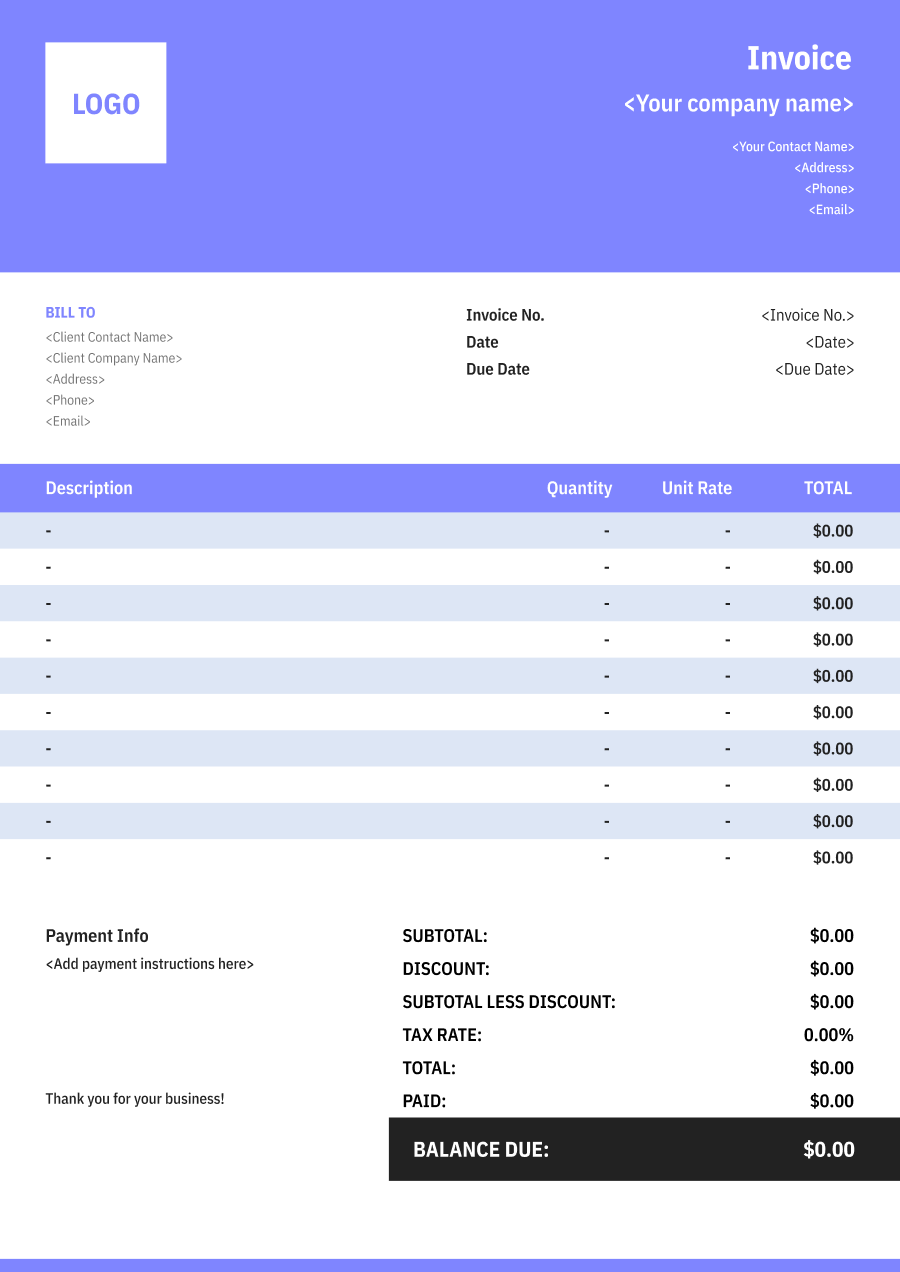
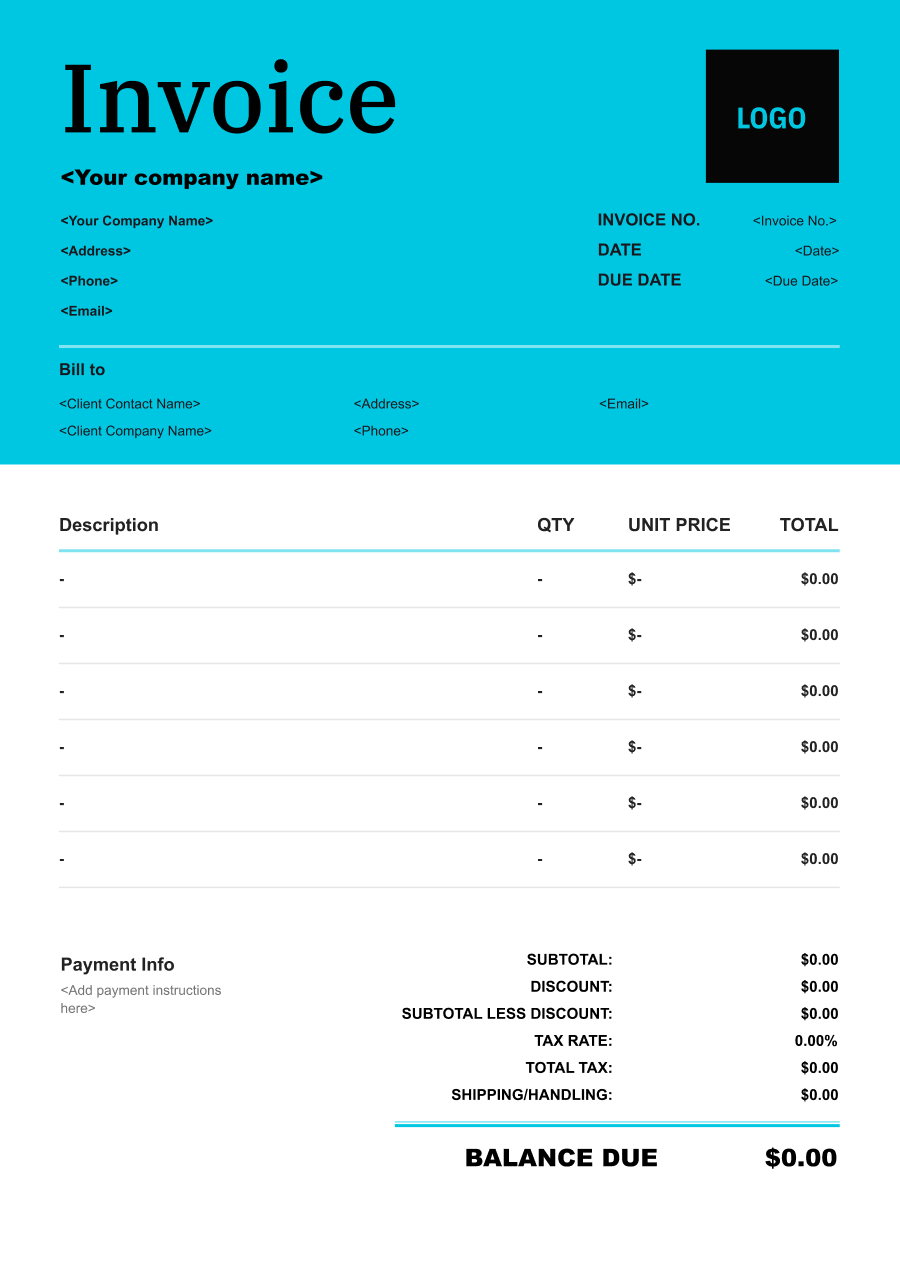
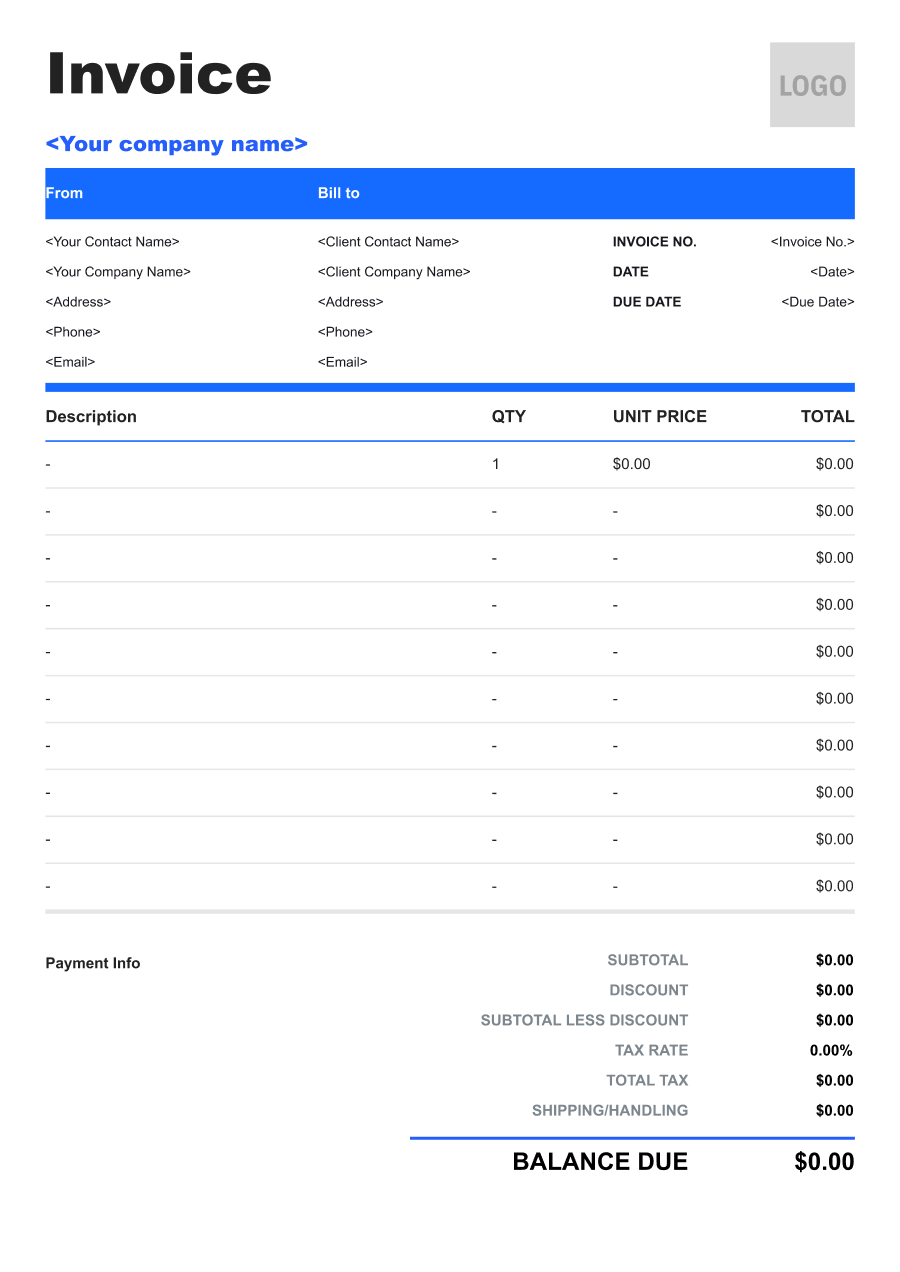
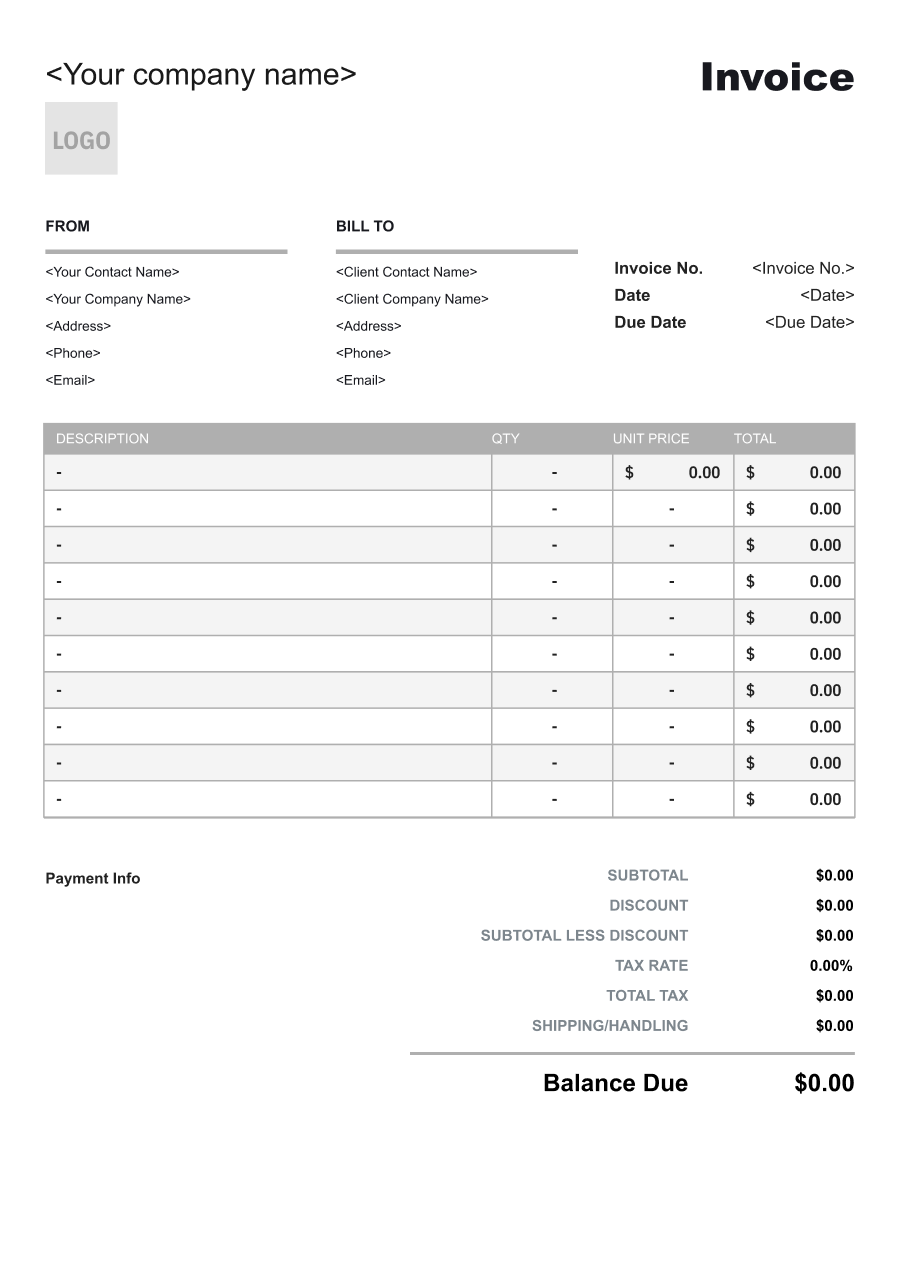
Create A Professional
Training Invoice in Minutes
Add your training business and client details, itemize the products or services provided, and generate a professional invoice when you are ready.
1
Invoice details
Set the document identity, dates and currency.
Logo

Upload file
JPG, JPEG, PNG, less than 5 MB
Invoice number
Currency
USD
Issue date
Due date
2
Business & client
Add the details your client needs to identify both parties
From
Company Name
Contact name
Address
Email Address
Phone Number
Bill To
Client name
Address
Email Address
Phone Number
3
Products & services
Itemize what you’re charging for. Totals update automatically.
4
Totals & payment
Apply adjustments and tell your client how to pay.
Payment instructions
Notes
Sub Total
$0.00
Tax Rate
%
Discount
$
Total
$0.00
Amount paid
$
Balance Due
$0.00
What to include in Training Invoice
A clear training invoice helps prevent disputes and ensures timely payment. Use this checklist to include the essential details.
- 1
Business Header & Contact
Company name, logo, phone number, email address, and physical business location.
- 2
Client Contact Information
Client's full name or business entity name, billing address, phone number, and email.
- 3
Invoice Metadata
Unique invoice number, invoice issue date, and payment due date (e.g., Net 15 / Due upon receipt).
- 4
Cost Summary & Taxes
Subtotal for services, local sales taxes (if applicable), applied discounts, and final bolded Total Due.
- 5
Deposit & Balance Tracking
Original estimate total, pre-paid deposit deductions (e.g., 'Less Deposit Received: -$500'), and remaining net balance due.
- 6
Payment Instructions
Accepted payment methods, including direct online payment links (Credit/ACH), check mailing address, or bank transfer details.
- 7
Training Program & Course Details
Identify the course, workshop, seminar, or training program delivered, including the subject, training date or dates, and relevant program or session reference.
- 8
Participants & Attendance
For group training, include the number of participants or attendees and, when relevant, the department, team, or participant list covered by the engagement.
- 9
Training Delivery Format
Specify whether training was delivered on-site, remotely, at a training facility, or through a hybrid format. Include location details when they affect the agreed price.
- 10
Materials & Additional Services
Separately identify training materials, course development, assessments, certifications, travel, accommodation, facility rental, or other services that are billed in addition to the core training fee.
Common Training Services & Billing Items
How Training charges are typically structured and billed.
Common Services
What's Included
Billing Items
On-Site Training
Training program, Participants or sessions, Instruction hours, Session or course, and Session date
Training FeesInstructor Time
Online Training
Training program, Participants or sessions, Material type, Quantity used, and Session date
Training FeesMaterials
Employee Training
Instruction hours, Session or course, Material type, Quantity used, and Session date
Instructor TimeMaterials
Safety Training
Training program, Participants or sessions, Instruction hours, Session or course, Additional session date, and Duration
Training FeesInstructor TimeAdditional Sessions
Technical Training
Instruction hours, Session or course, Additional session date, Duration, and Session date
Instructor TimeAdditional Sessions
Workshop Training
Training program, Participants or sessions, Material type, Quantity used, Additional session date, and Duration
Training FeesMaterialsAdditional Sessions
One-on-One Training
Training program, Participants or sessions, Instruction hours, Session or course, Material type, and Quantity used
Training FeesInstructor TimeMaterials
Training Fees: Charges for the training program, course, workshop, or instruction delivered.
Instructor Time: Charges based on trainer preparation, teaching hours, or instructional time.
Materials: Charges for job materials supplied by the contractor or handyman.
Additional Sessions: Charges for extra sessions, follow-up training, or additional instruction.
Training Invoicing Tips
Training costs vary by service scope, pricing method, and additional requirements. A detailed invoice helps customers understand every charge and reduces payment disputes.
1
Separate Training Fees from Expenses
Training engagements can involve travel, lodging, printed materials, and facility costs. Best practice: list these expenses separately from the instructor or course fee so the client can understand the total cost of the engagement.
2
Bill Group Training by Agreed Pricing Model
Training may be priced per participant, per session, per day, or as a fixed project fee. Best practice: show the quantity and applicable unit rate when the contract uses participant- or session-based pricing.
3
Tie Milestone Billing to Course Delivery
Larger training engagements may include program development, multiple sessions, and final assessments. Best practice: use agreed milestones for billing and identify which sessions or deliverables have been completed before invoicing.
4
Document Cancellations and Rescheduled Sessions
Training schedules can change after instructors and facilities have been reserved. Best practice: separately identify applicable cancellation, rescheduling, or additional-session charges and reference the agreed terms that support them.


Reusable Billing Structure in Invoice Software
Use the items above to quickly create a Training Invoice Template in Invoice Zip.
FAQs about Training Invoicing
Q: How should a trainer invoice for a multi-session training program?
A: Each session can be listed by date, topic, or duration, or the entire program can be billed as a package. For longer programs, showing completed sessions can help the client track the services covered by the invoice.
Q: How should corporate training invoices handle different participant counts?
A: If pricing depends on attendance, the invoice can state the number of participants and the agreed per-person rate. Alternatively, a fixed group training fee can be listed when the client purchased the program as a package.
Q: How should a trainer charge separately for course materials or training workbooks?
A: Materials can be listed separately when they are not included in the training fee. This can include printed workbooks, manuals, certification materials, or other resources supplied to participants.
Q: How should an invoice document a training cancellation or rescheduling fee?
A: A cancellation or rescheduling fee can be listed separately and tied to the applicable session or booking. This makes it clear that the charge relates to a change in the scheduled training rather than additional training time.
Q: How should a trainer invoice for customized course development?
A: Custom curriculum design can be billed as a separate project or development fee. The invoice can describe work such as course planning, adapting materials, creating exercises, or developing assessments.
Other Free Resources



Try Invoice Zip Today
Start Sending Invoices, Building Reports, Saving Office
Time and Get Paid Faster.
