


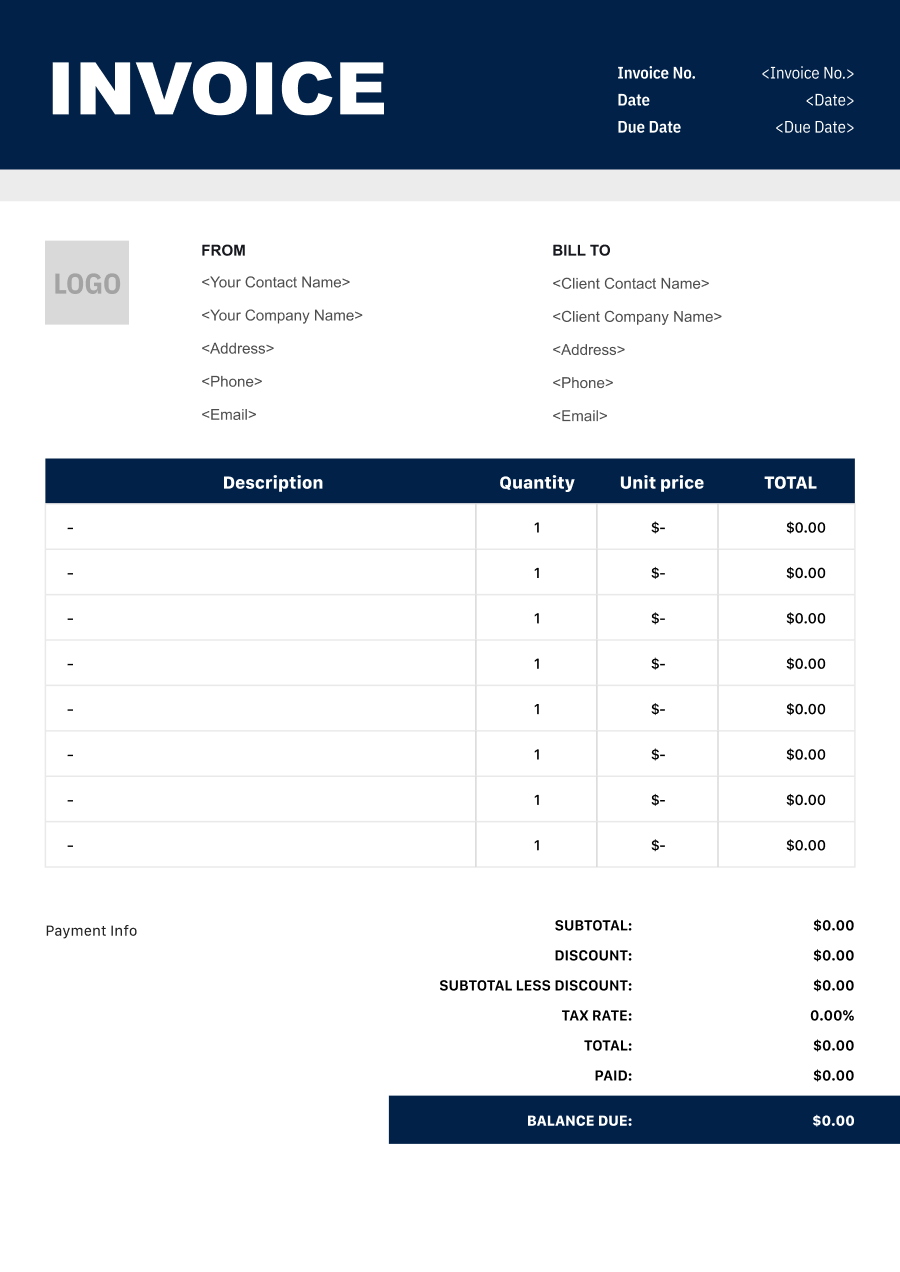
Retail Store Invoice Template
Create a professional retail store invoice with editable invoice templates for products, quantities, discounts, taxes, delivery, and other customer charges.
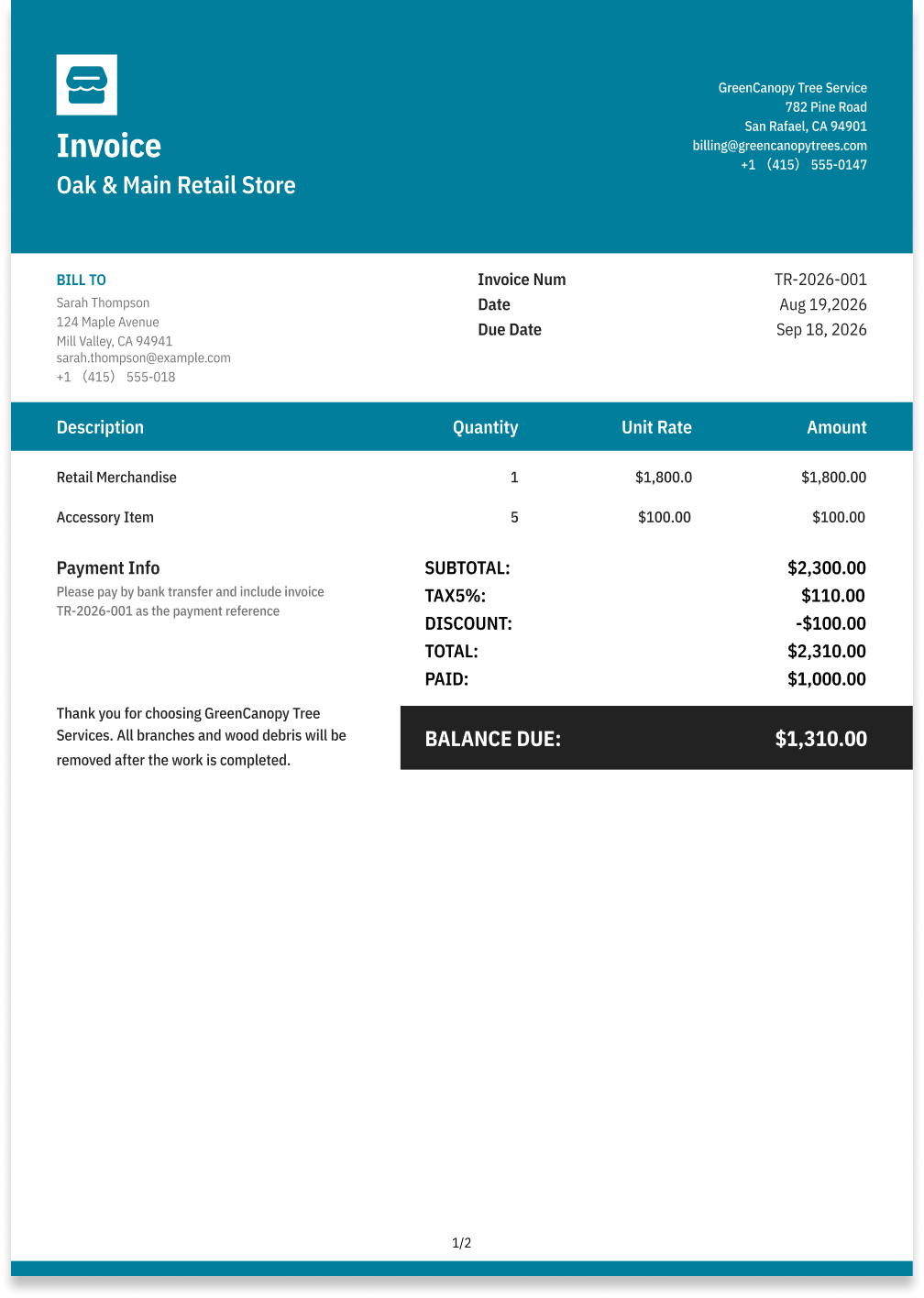
Choose the Best Invoice Template for Your Retail Store Business


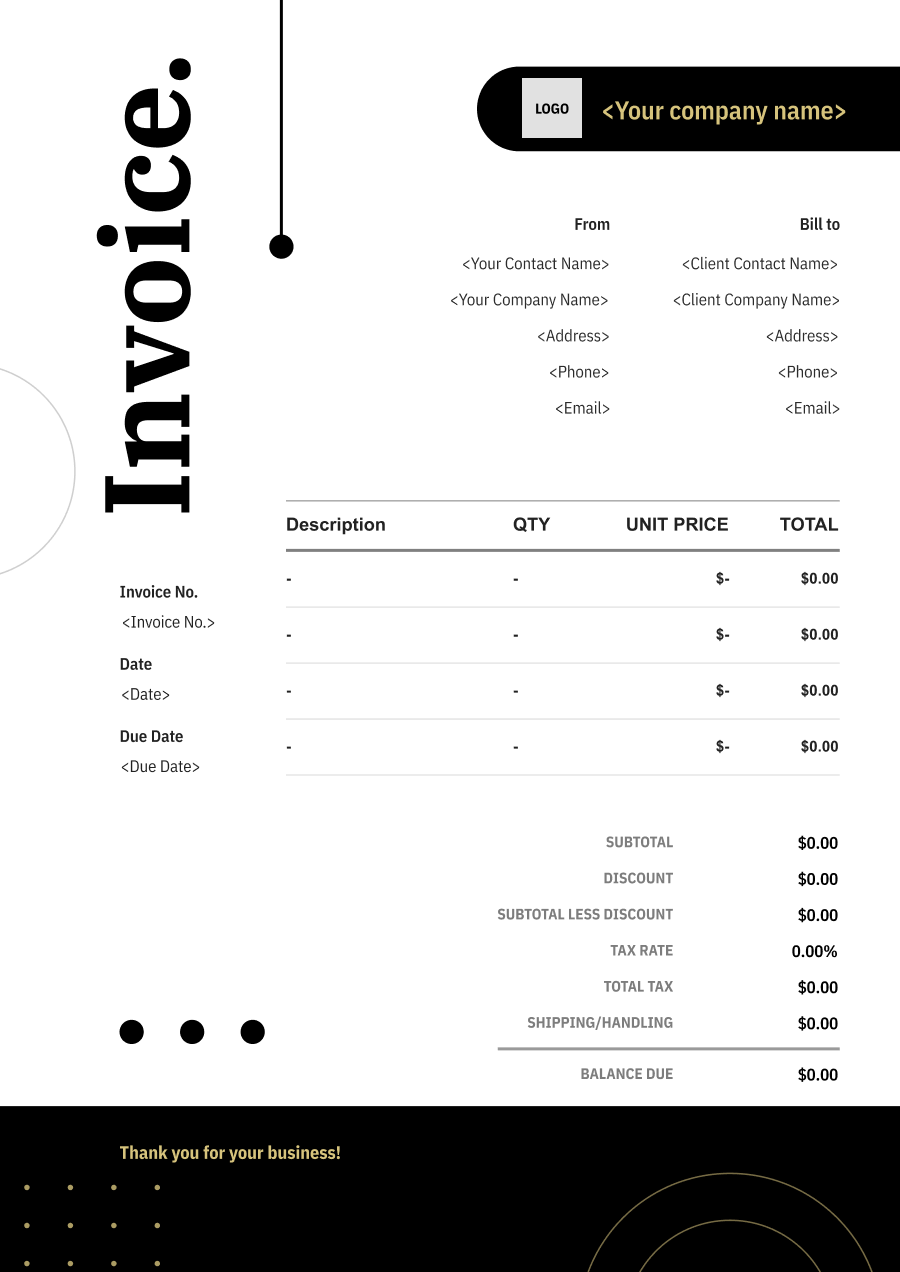
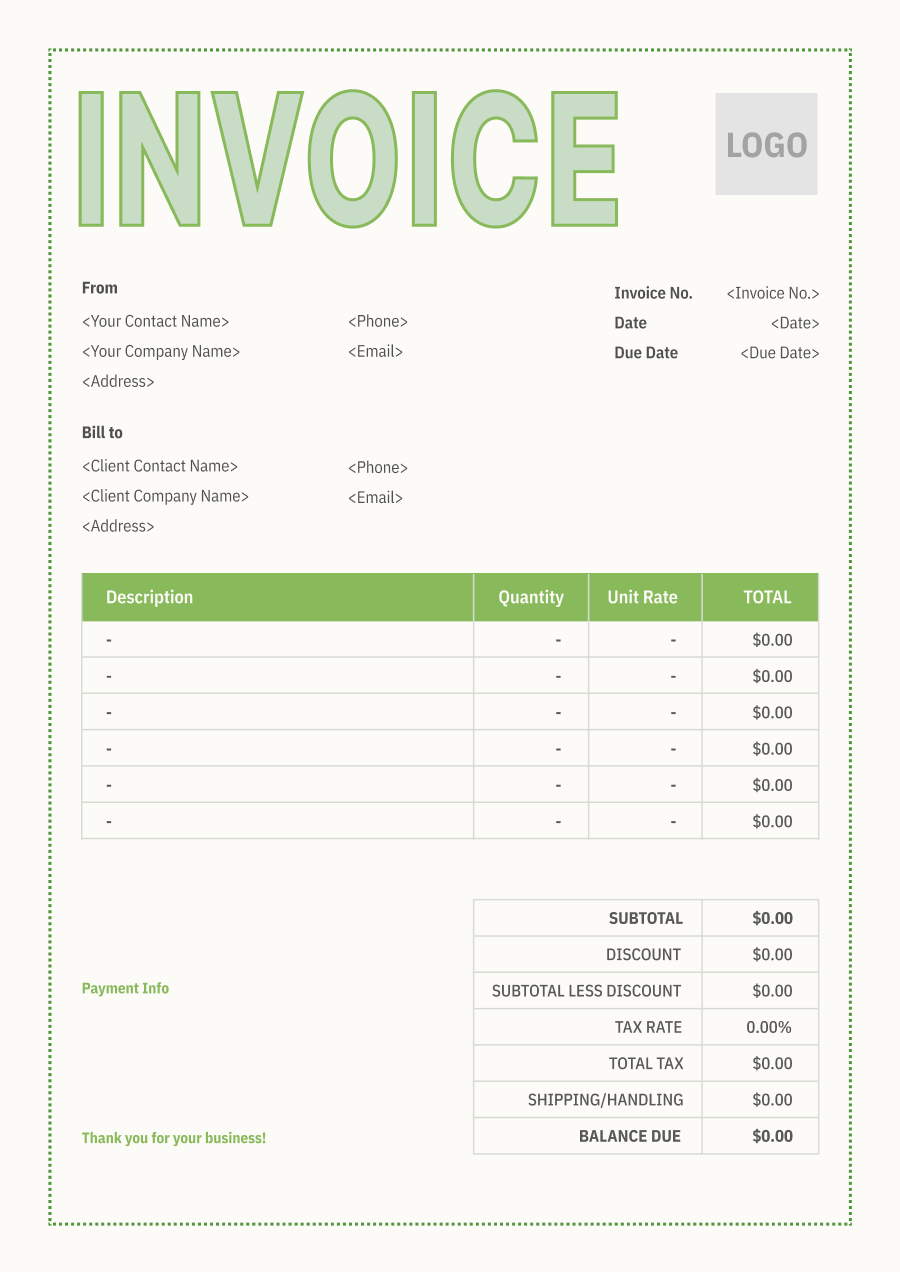
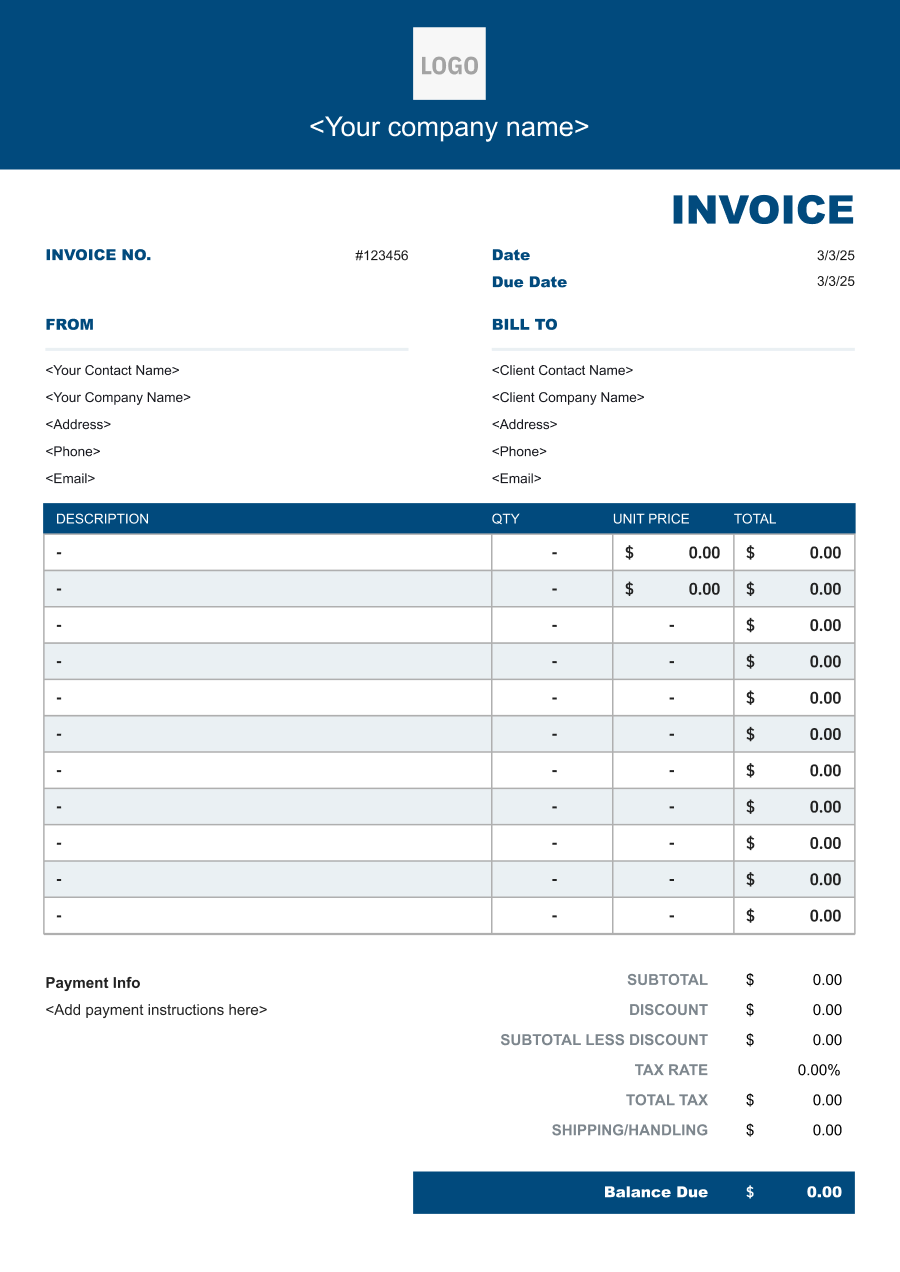
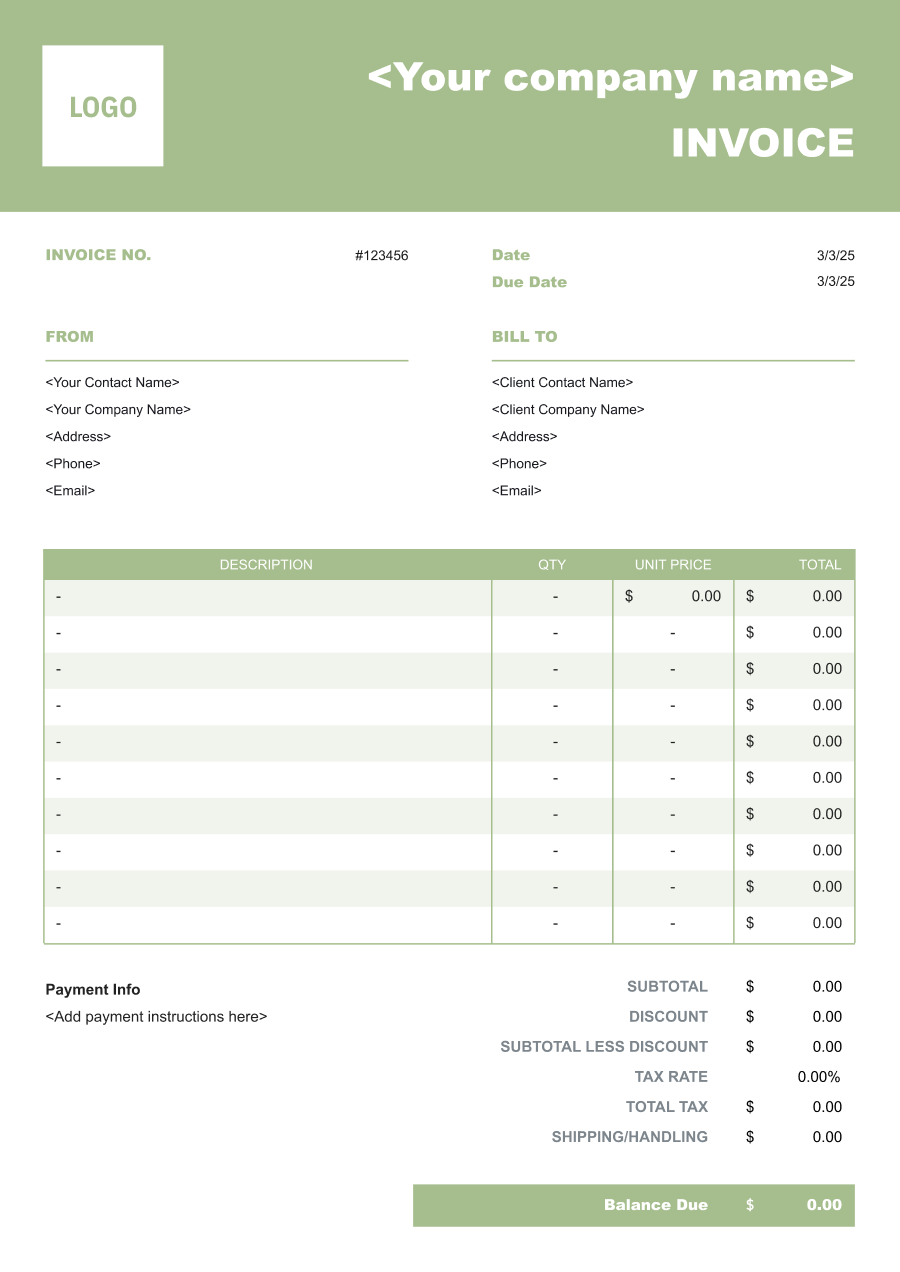
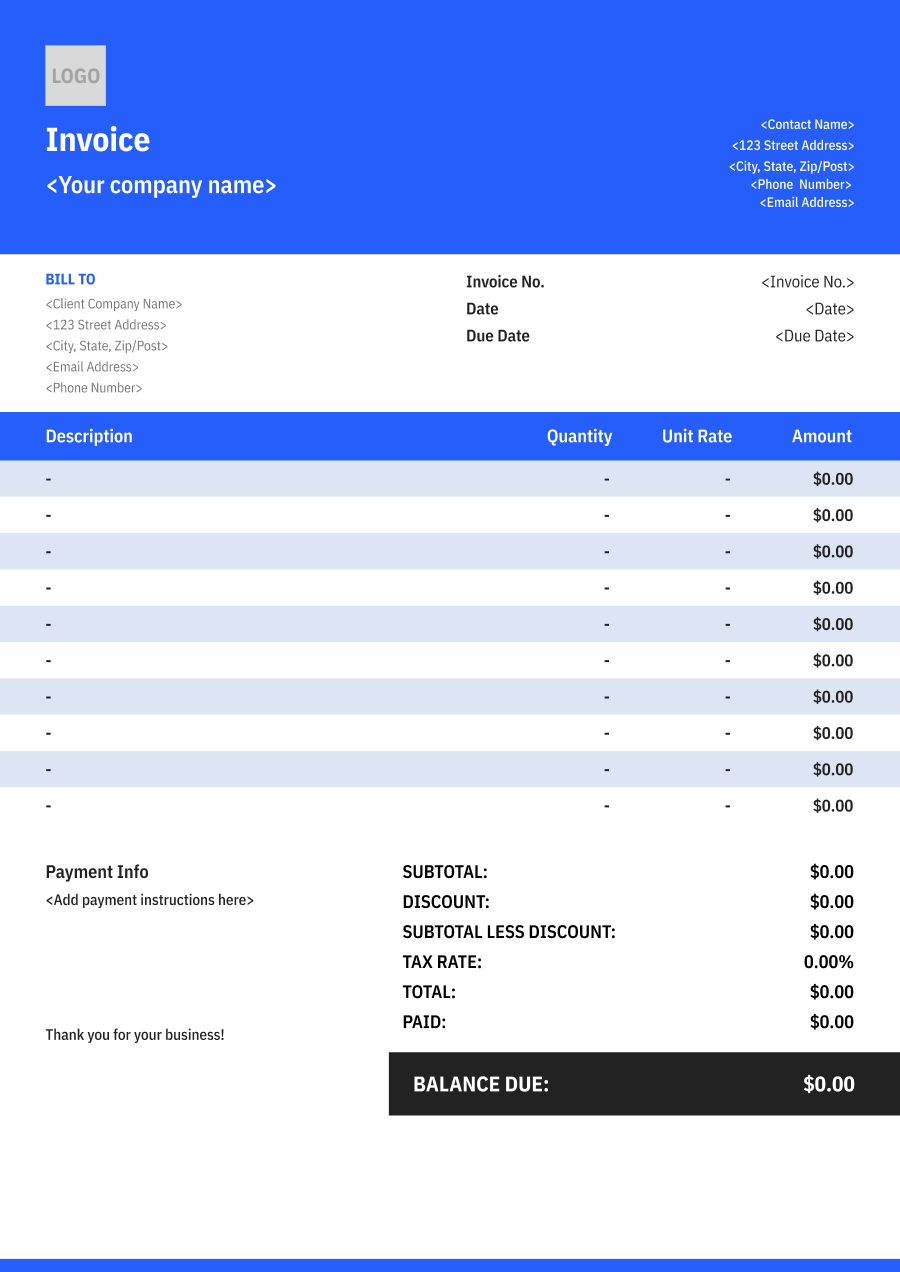
Create A Professional
Retail Store Invoice in Minutes
Add your retail store business and client details, itemize the products or services provided, and generate a professional invoice when you are ready.
1
Invoice details
Set the document identity, dates and currency.
Logo

Upload file
JPG, JPEG, PNG, less than 5 MB
Invoice number
Currency
USD
Issue date
Due date
2
Business & client
Add the details your client needs to identify both parties
From
Company Name
Contact name
Address
Email Address
Phone Number
Bill To
Client name
Address
Email Address
Phone Number
3
Products & services
Itemize what you’re charging for. Totals update automatically.
4
Totals & payment
Apply adjustments and tell your client how to pay.
Payment instructions
Notes
Sub Total
$0.00
Tax Rate
%
Discount
$
Total
$0.00
Amount paid
$
Balance Due
$0.00
What to include in Retail Store Invoice
A clear retail store invoice helps prevent disputes and ensures timely payment. Use this checklist to include the essential details.
- 1
Business Header & Contact
Company name, logo, phone number, email address, and physical business location.
- 2
Client Contact Information
Client's full name or business entity name, billing address, phone number, and email.
- 3
Invoice Metadata
Unique invoice number, invoice issue date, and payment due date (e.g., Net 15 / Due upon receipt).
- 4
Cost Summary & Taxes
Subtotal for services, local sales taxes (if applicable), applied discounts, and final bolded Total Due.
- 5
Deposit & Balance Tracking
Original estimate total, pre-paid deposit deductions (e.g., 'Less Deposit Received: -$500'), and remaining net balance due.
- 6
Payment Instructions
Accepted payment methods, including direct online payment links (Credit/ACH), check mailing address, or bank transfer details.
- 7
Product & SKU Details
Identify each product by name, SKU, item number, quantity, and unit price so the customer can verify the purchase.
- 8
Customer & Transaction Information
Include the customer name when required, transaction or order number, purchase date, and billing or delivery details when applicable.
- 9
Discounts & Sales Tax
Separately show promotional discounts, coupons, applicable sales tax, and other price adjustments.
- 10
Shipping, Delivery & Special Orders
Identify delivery, shipping, installation, special-order fees, gift services, or other charges that are not included in the product price.
Common Retail Store Services & Billing Items
How Retail Store charges are typically structured and billed.
Common Services
What's Included
Billing Items
Retail Sales
Product name or description, Quantity, Crew size, Hours worked, and Service date
Product ChargesLabor
Special Orders
Product name or description, Quantity, Delivery or handling details, Quantity or items handled, and Service date
Product ChargesDelivery/Handling
Product Delivery
Crew size, Hours worked, Delivery or handling details, Quantity or items handled, and Pickup and delivery locations
LaborDelivery/Handling
Gift Wrapping
Product name or description, Quantity, Crew size, Hours worked, Taxable charge, and Applicable tax or fee
Product ChargesLaborTaxes/Fees
Product Assembly
Crew size, Hours worked, Taxable charge, Applicable tax or fee, and Service date
LaborTaxes/Fees
Returns/Restocking
Product name or description, Quantity, Delivery or handling details, Quantity or items handled, Taxable charge, and Applicable tax or fee
Product ChargesDelivery/HandlingTaxes/Fees
Product Installation
Product name or description, Quantity, Crew size, Hours worked, Delivery or handling details, and Quantity or items handled
Product ChargesLaborDelivery/Handling
Product Charges: Charges for merchandise or products sold.
Labor: Charges for hands-on work, technician time, crew time, or professional service hours.
Delivery/Handling: Charges for delivery, transportation, loading, unloading, or handling of goods.
Taxes/Fees: Applicable taxes and separately assessed transaction or administrative fees.
Retail Store Invoicing Tips
Retail Store costs vary by service scope, pricing method, and additional requirements. A detailed invoice helps customers understand every charge and reduces payment disputes.
1
Use SKU-Level Itemization
Retail customers may purchase several similar products in one transaction. Best practice: include product names, SKUs, quantities, and unit prices rather than grouping products into a single merchandise charge.
2
Separate Discounts from Product Prices
Promotions can affect individual products or the entire order. Best practice: display discounts and coupons as separate adjustments so the original pricing remains clear.
3
Keep Invoices Consistent with POS Records
Retail transactions are usually recorded through a point-of-sale system. Best practice: ensure the invoice transaction number, products, quantities, prices, taxes, and discounts match the corresponding POS record.
4
Handle Returns and Exchanges Clearly
Returns can modify a customer's original purchase. Best practice: reference the original transaction and identify returned items, credits, refunds, or exchange adjustments separately.


Reusable Billing Structure in Invoice Software
Use the items above to quickly create a Retail Store Invoice Template in Invoice Zip.
FAQs about Retail Store Invoicing
Q: How should a retail store invoice list multiple products purchased in one transaction?
A: Each product can be listed with its description, quantity, unit price, and line total. This creates a detailed record that the customer can use to verify the purchase.
Q: How should a retail invoice handle bulk purchases with quantity discounts?
A: The standard unit price and applicable quantity discount can be shown separately. This makes it clear how the order qualified for the reduced price.
Q: How should a retail store invoice document returned or exchanged merchandise?
A: Returned merchandise can be shown as a credit or negative line item, while replacement products can be listed as new charges. This creates a clear record of the adjustment.
Q: How should a retail invoice show sales tax and other transaction charges?
A: Sales tax or other applicable transaction charges should be shown separately from the product subtotal. This allows the customer to see how the final purchase amount was calculated.
Q: How should a retail store invoice handle special orders or items that are not immediately available?
A: Special-order products can be identified separately with the applicable quantity and price. If a deposit or partial payment is collected before the item arrives, the invoice can show the payment and remaining balance.
Other Free Resources



Try Invoice Zip Today
Start Sending Invoices, Building Reports, Saving Office
Time and Get Paid Faster.
