


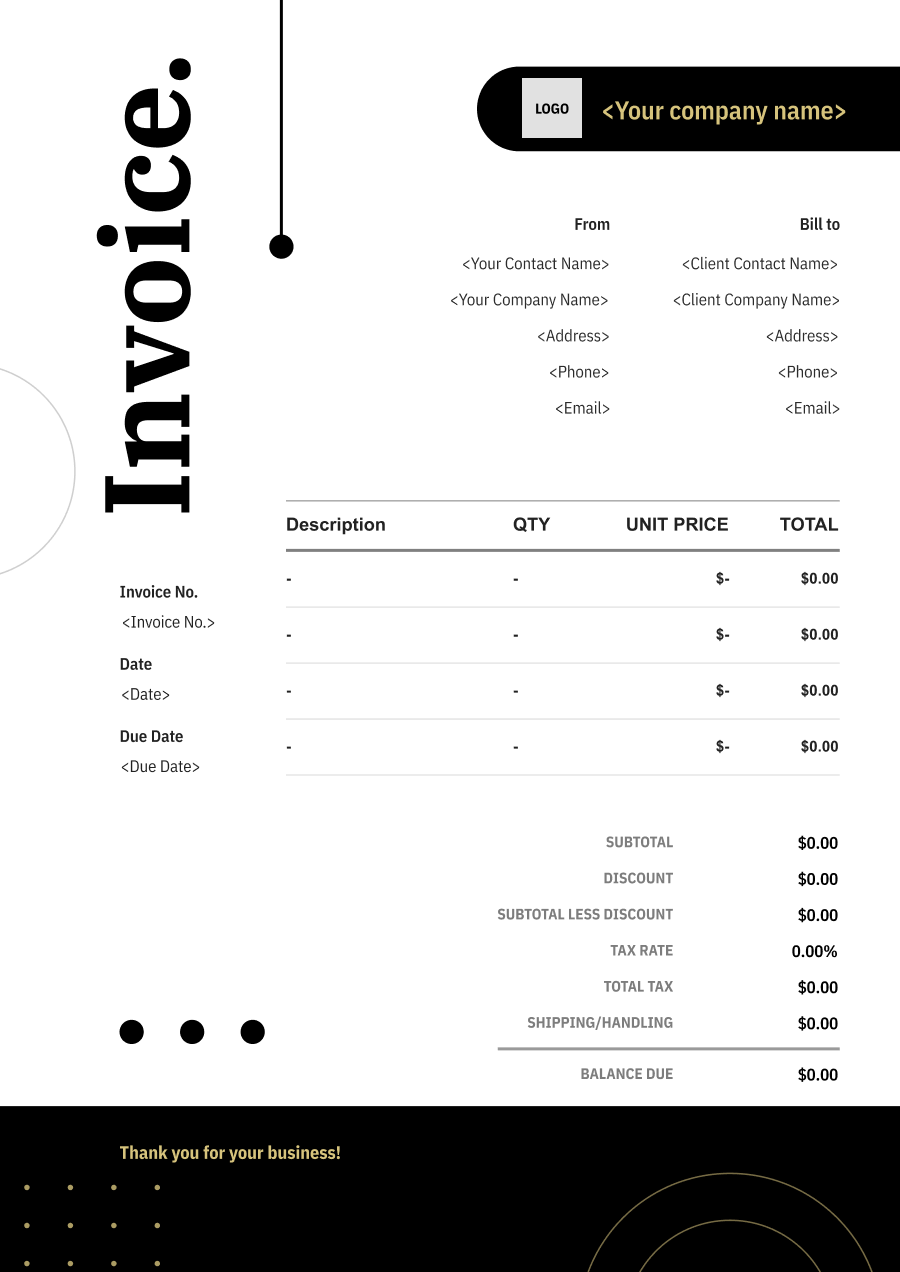
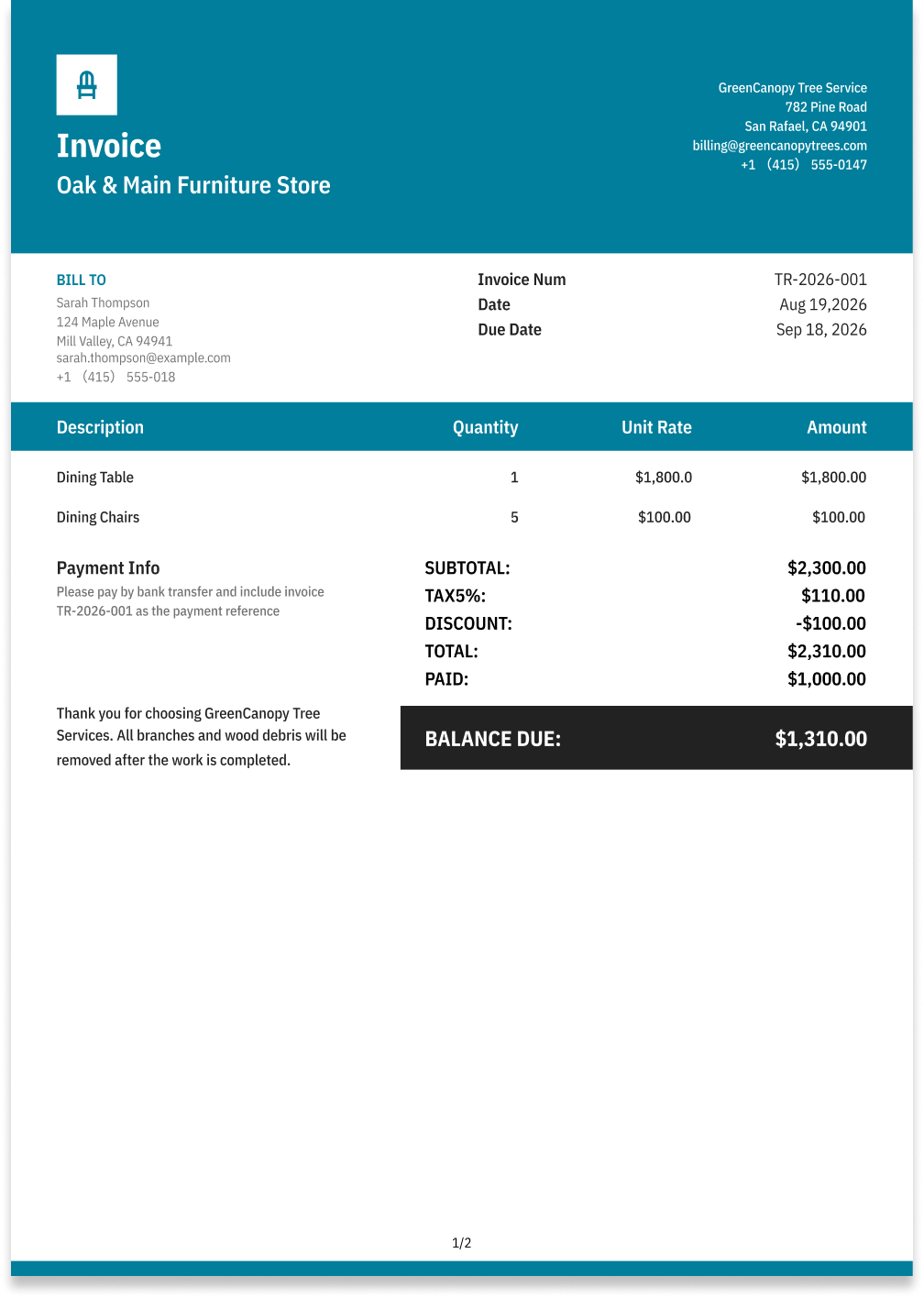
Furniture Store Invoice Template
Make furniture sales and service billing easier with invoice templates designed for products, delivery, assembly, repairs, and related charges.
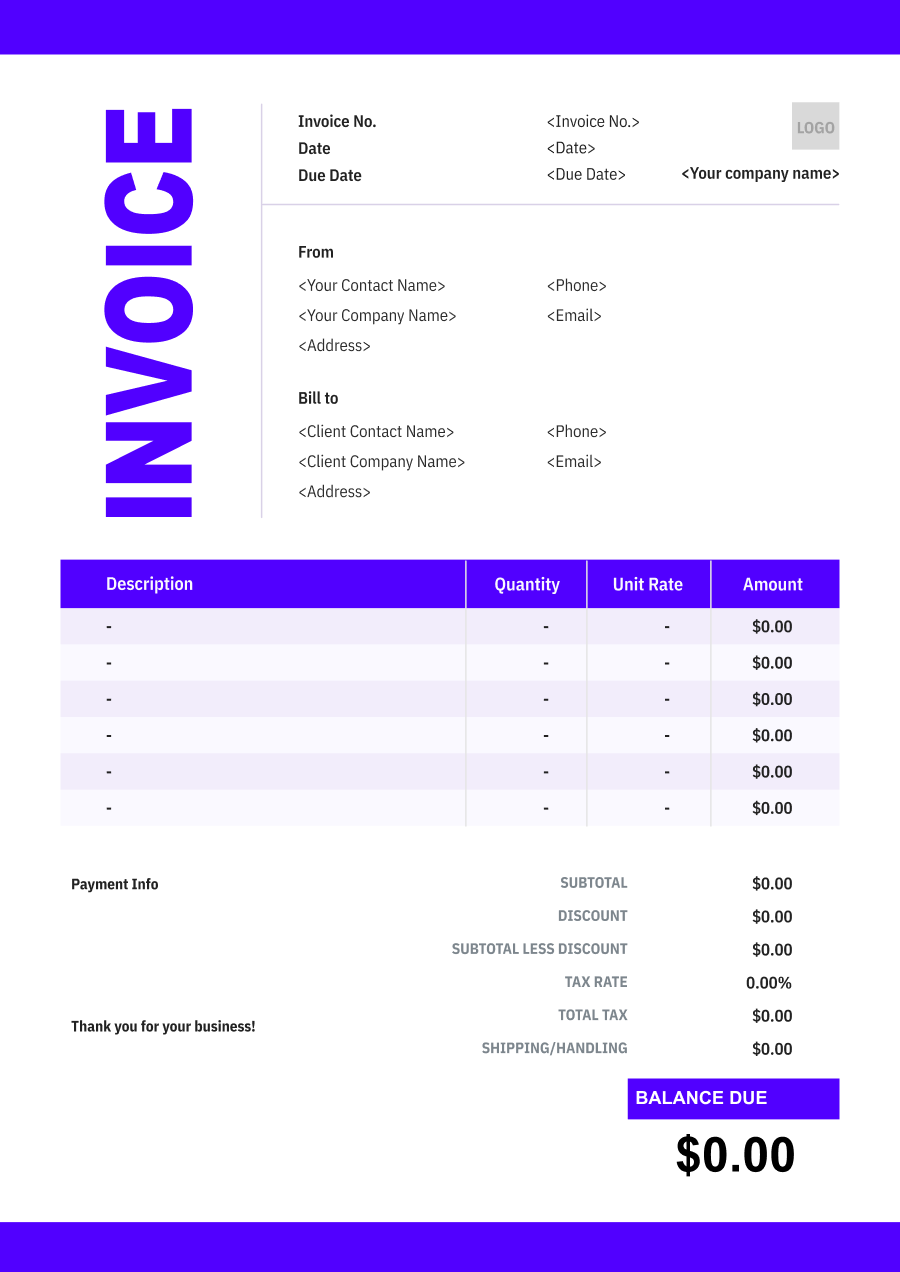
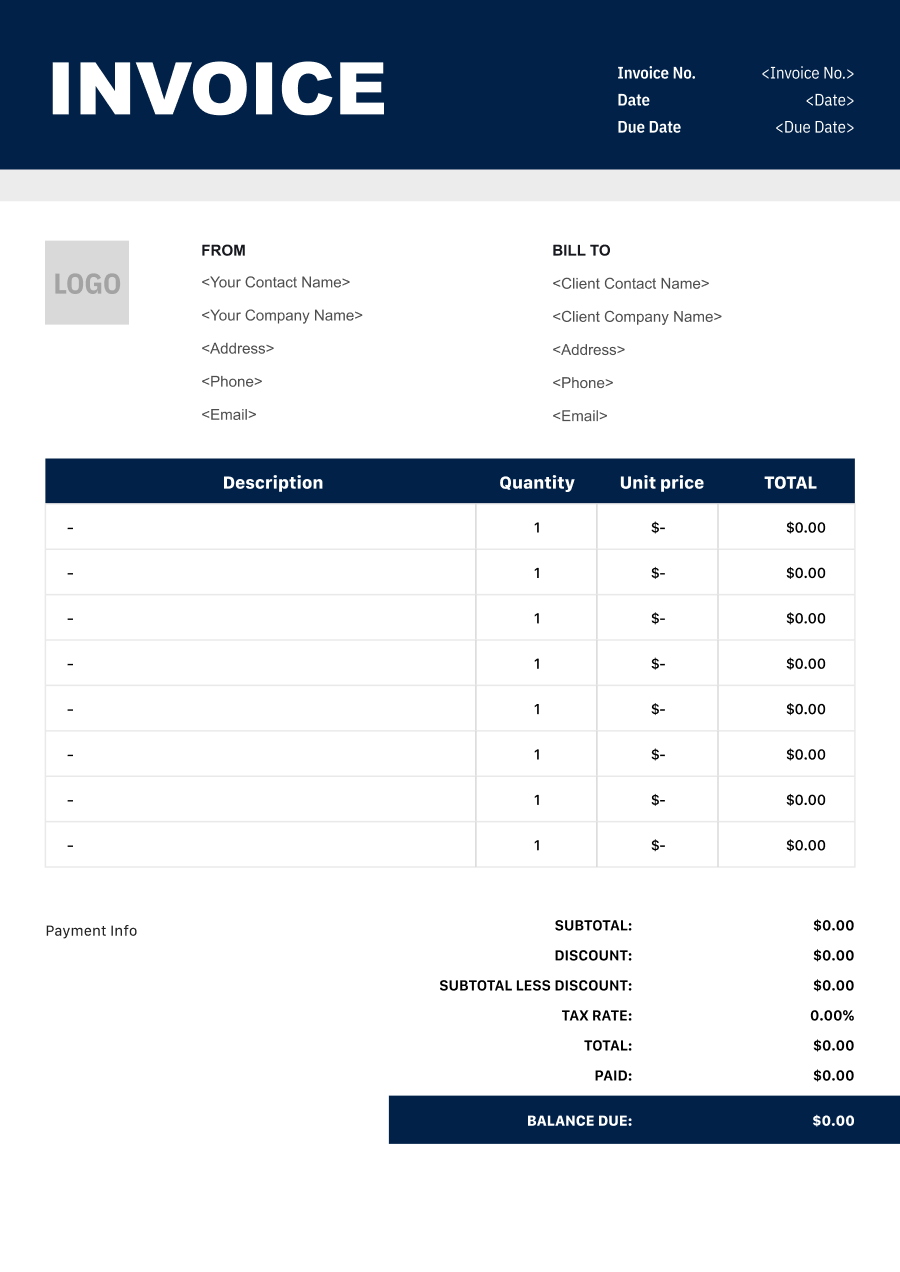
Choose the Best Invoice Template for Your Furniture Store Business


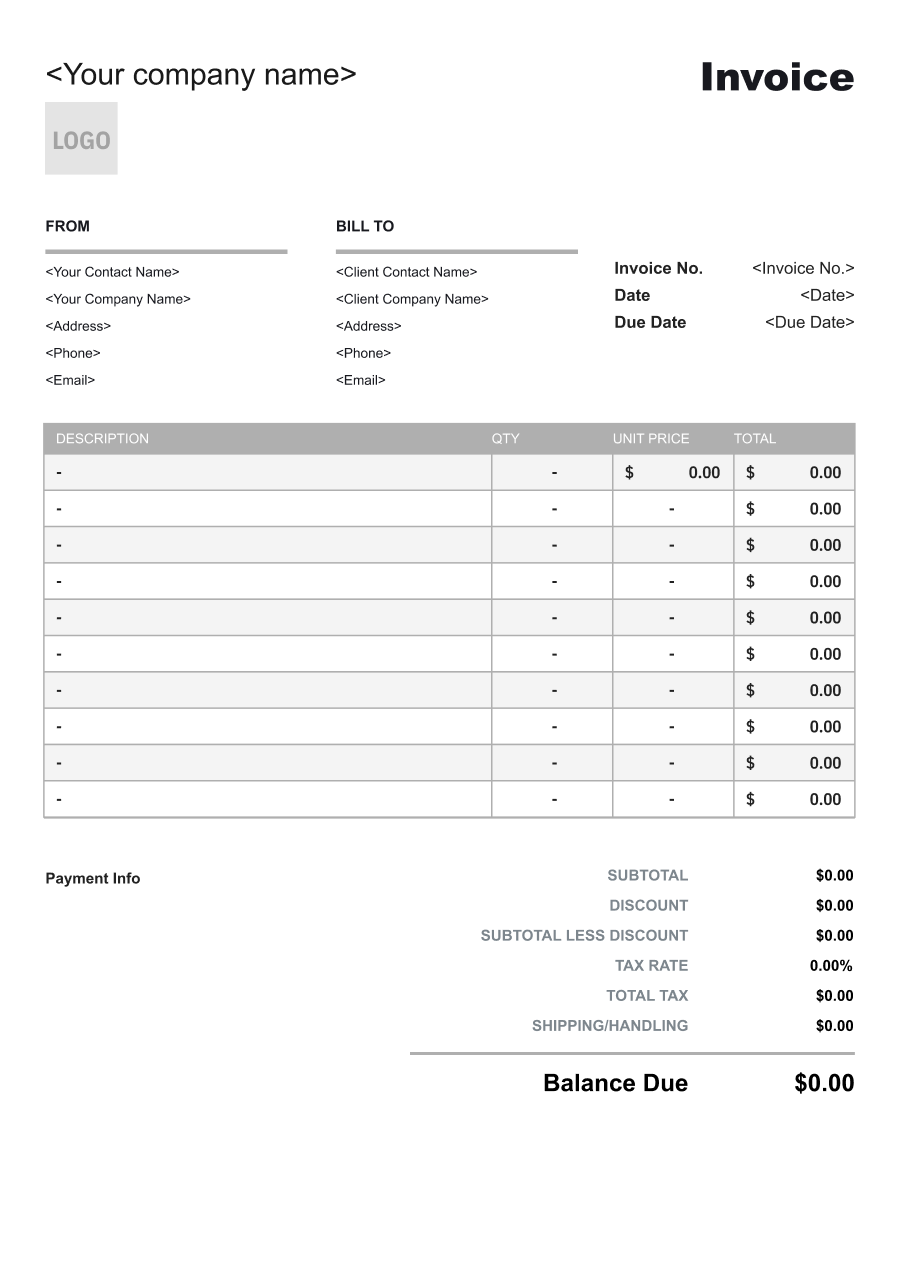
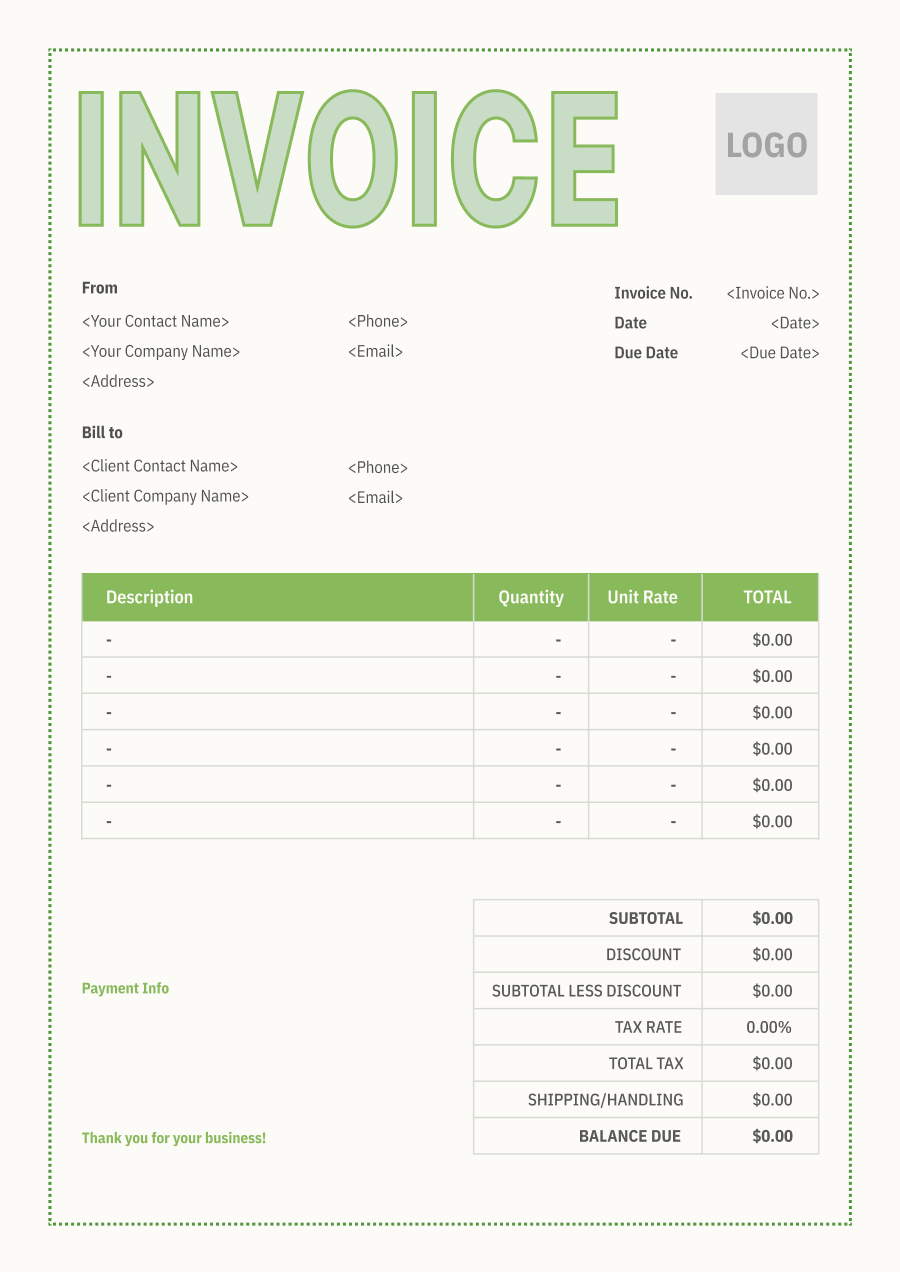
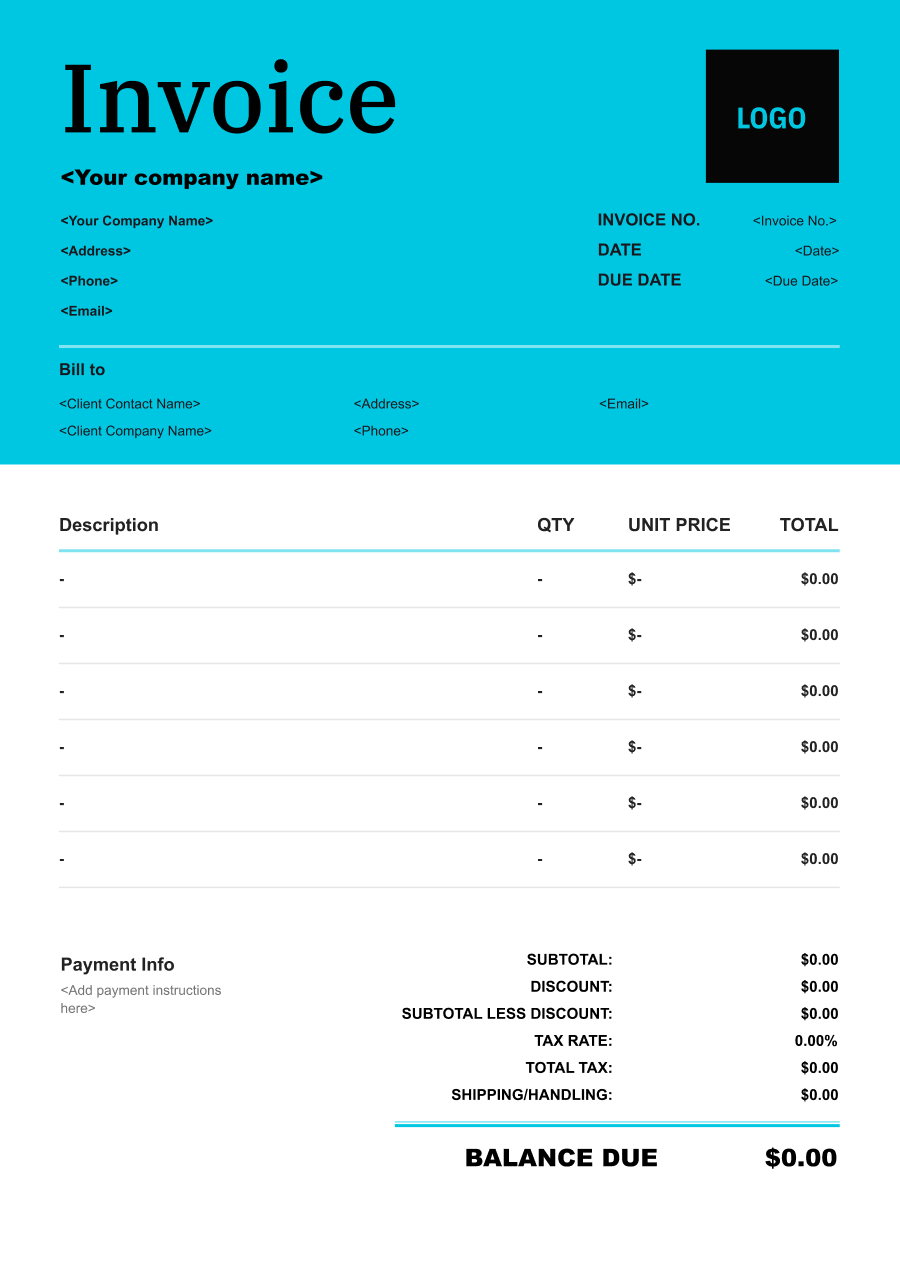
Create A Professional
Furniture Store Invoice in Minutes
Add your furniture store business and client details, itemize the products or services provided, and generate a professional invoice when you are ready.
1
Invoice details
Set the document identity, dates and currency.
Logo

Upload file
JPG, JPEG, PNG, less than 5 MB
Invoice number
Currency
USD
Issue date
Due date
2
Business & client
Add the details your client needs to identify both parties
From
Company Name
Contact name
Address
Email Address
Phone Number
Bill To
Client name
Address
Email Address
Phone Number
3
Products & services
Itemize what you’re charging for. Totals update automatically.
4
Totals & payment
Apply adjustments and tell your client how to pay.
Payment instructions
Notes
Sub Total
$0.00
Tax Rate
%
Discount
$
Total
$0.00
Amount paid
$
Balance Due
$0.00
What to include in Furniture Store Invoice
A clear furniture store invoice helps prevent disputes and ensures timely payment. Use this checklist to include the essential details.
- 1
Business Header & Contact
Store name, logo, phone number, email address, website, and physical store or business location.
- 2
Client Contact Information
Customer's full name or business name, billing address, delivery address when different, phone number, and email address.
- 3
Invoice Metadata
Unique invoice number, invoice date, sales or order number, and payment due date or payment terms.
- 4
Cost Summary & Taxes
Merchandise subtotal, applicable sales tax, delivery or service charges, discounts, credits, and final Total Due.
- 5
Deposit & Balance Tracking
Total order value, deposit or down payment received, previous payments, and remaining balance due.
- 6
Payment Instructions
Accepted payment methods, including credit card, ACH, check, financing arrangements, bank transfer, or available online payment options.
- 7
Product & SKU Identification
Identify each furniture item by product name, SKU, model number, collection, material, finish, or other inventory identifier. Avoid generic descriptions such as "sofa" or "table" when a product number can provide a more precise reference.
- 8
Dimensions & Configuration
Include relevant dimensions, quantity, configuration, and component details. This is particularly useful for sectional sofas, dining sets, modular furniture, bedroom sets, and other products sold in multiple pieces.
- 9
Delivery & Assembly Services
List delivery, assembly, installation, room-of-choice delivery, stair carry, or other fulfillment services separately when they are not included in the merchandise price.
- 10
Custom & Special-Order Specifications
For custom or special-order furniture, document specifications that determine the final product and price, such as fabric, finish, dimensions, configuration, color, and customization options.
Common Furniture Store Services & Billing Items
How Furniture Store charges are typically structured and billed.
Common Services
What's Included
Billing Items
Furniture Sales
Product name or description, Quantity, Crew size, Hours worked, and Service date
Product ChargesLabor
Custom Furniture
Product name or description, Quantity, Delivery or handling details, Quantity or items handled, and Project or deliverable name
Product ChargesDelivery/Handling
Furniture Delivery
Crew size, Hours worked, Delivery or handling details, Quantity or items handled, and Pickup and delivery locations
LaborDelivery/Handling
Furniture Assembly
Product name or description, Quantity, Crew size, Hours worked, Service type, and Service date
Product ChargesLaborService Fees
Furniture Repair
Crew size, Hours worked, Service type, Service date, and Service location
LaborService Fees
Furniture Installation
Product name or description, Quantity, Delivery or handling details, Quantity or items handled, Service type, and Service date
Product ChargesDelivery/HandlingService Fees
Furniture Protection Treatment
Product name or description, Quantity, Crew size, Hours worked, Delivery or handling details, and Quantity or items handled
Product ChargesLaborDelivery/Handling
Product Charges: Charges for merchandise or products sold.
Labor: Charges for hands-on work, technician time, crew time, or professional service hours.
Delivery/Handling: Charges for delivery, transportation, loading, unloading, or handling of goods.
Service Fees: Charges for guest or property services.
Furniture Store Invoicing Tips
Furniture Store costs vary by service scope, pricing method, and additional requirements. A detailed invoice helps customers understand every charge and reduces payment disputes.
1
Separate Merchandise from Fulfillment Charges
Customers may assume delivery or assembly is included in the furniture price. Best practice: itemize delivery, assembly, installation, and other fulfillment services separately when they carry additional charges so the customer can see exactly what increased the total.
2
Use SKUs to Prevent Product Confusion
Furniture products may have several versions with different sizes, materials, colors, or finishes. Best practice: include the SKU or model number on the invoice so customers can match each item with the original order and delivery documentation.
3
Track Deposits on Custom Orders
Custom and special-order furniture often requires payment before production or ordering begins. Best practice: show the total order value, deposit received, and remaining balance clearly, while making cancellation and refund terms consistent with the sales agreement and applicable requirements.
4
Handle Partial Deliveries Clearly
Furniture orders may arrive in multiple shipments because some items are ready before others. Best practice: identify delivered, backordered, and remaining items separately and clearly show payments and outstanding balances so customers are not confused about what has already been fulfilled.


Reusable Billing Structure in Invoice Software
Use the items above to quickly create a Furniture Store Invoice Template in Invoice Zip.
FAQs about Furniture Store Invoicing
Q: How should a furniture invoice handle items that are ordered now but delivered weeks later?
A: Include the furniture item, order details, expected delivery information, and payment status. For made-to-order or backordered products, noting the expected fulfillment date can help distinguish the invoice from a standard in-stock purchase.
Q: How should furniture delivery fees vary by distance, floor, or delivery difficulty?
A: Delivery charges can be listed separately from the furniture price. If stairs, long-distance delivery, or difficult access creates additional costs, those services can be identified as separate delivery or handling charges.
Q: How should deposits for custom or made-to-order furniture be recorded?
A: Show the full order value, the deposit already paid, and the remaining balance. This is especially useful for custom pieces where production begins after the customer makes an initial payment.
Q: How should furniture assembly or installation charges be separated from the product price?
A: List assembly or installation as its own service rather than including it in the furniture price. This allows customers to see whether they are paying for delivery only or for additional setup.
Q: How should a furniture store document partial deliveries when some items in an order are backordered?
A: Identify which items have been delivered and which remain outstanding. The invoice or updated billing record should clearly show any amount already paid and any balance associated with the remaining items.
Other Free Resources



Try Invoice Zip Today
Start Sending Invoices, Building Reports, Saving Office
Time and Get Paid Faster.
