

Freelance Invoice Templates
Professional billing for designers, writers, developers, and independent consultants.
Choose the Free Invoice Template
Right for You
Alternative Sources for Freelance Invoicing
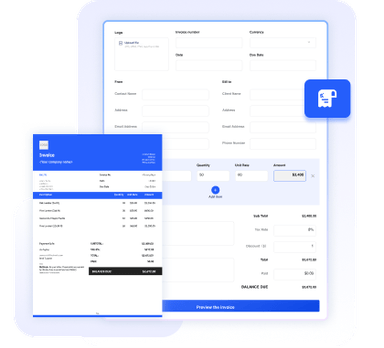
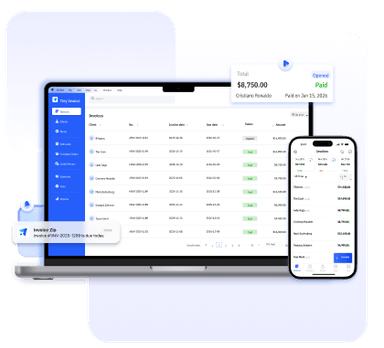
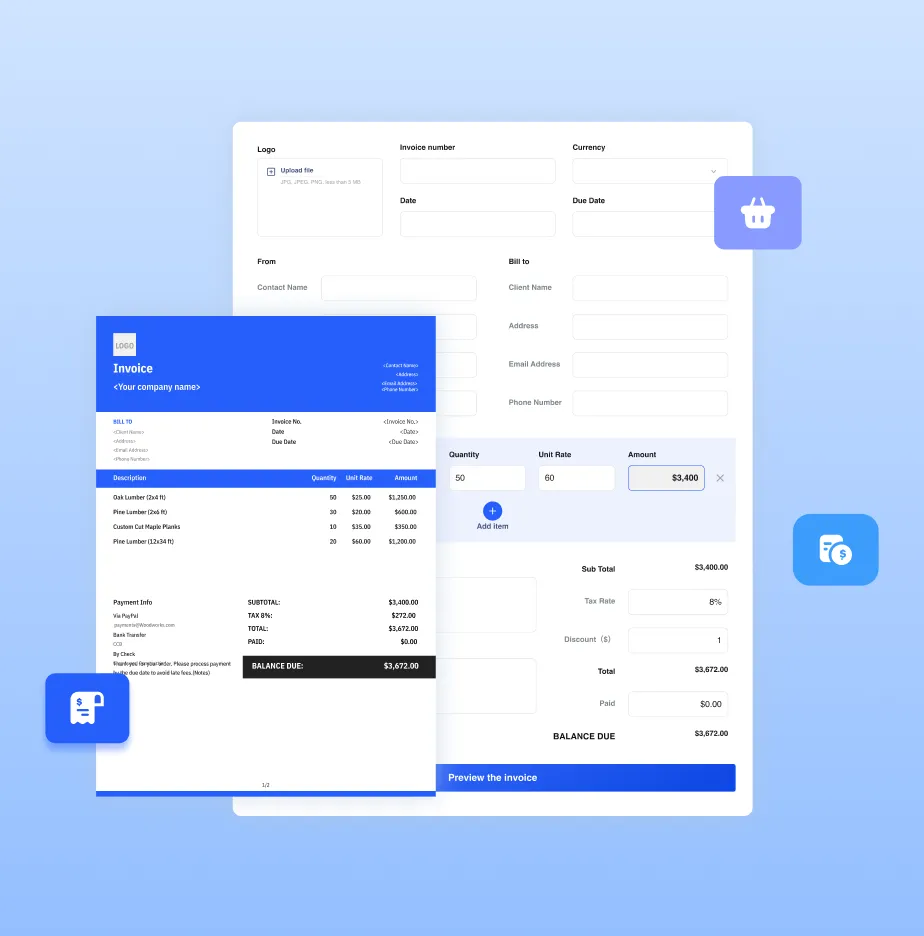
Need more than a template? Try our online invoice generator or full-featured invoice software for even more convenience and advanced features.



Essential Info for Freelance Invoices
To establish professional boundaries and ensure you receive timely payment for your services, your freelance invoice example should always feature:
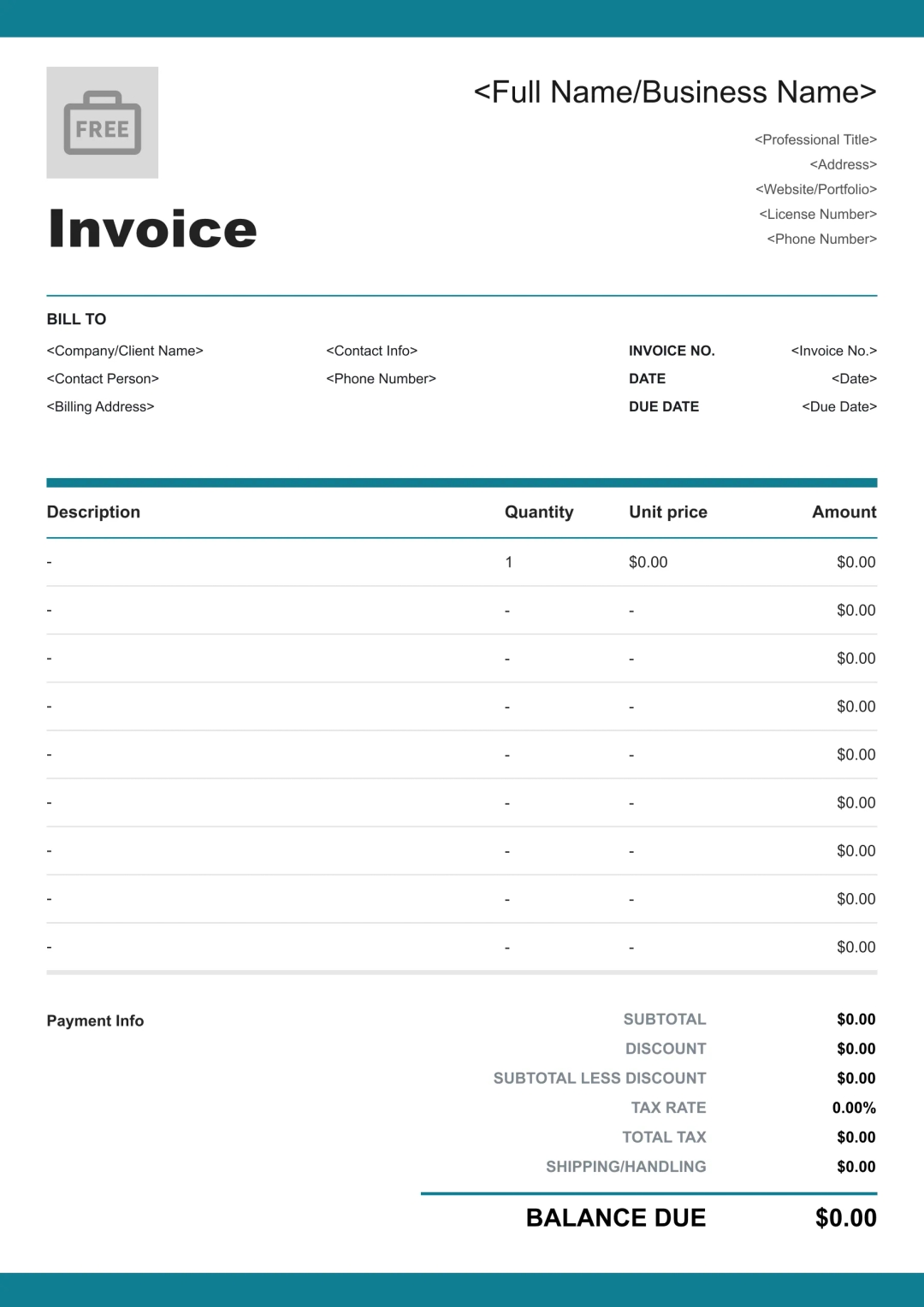
Your professional name or brand, logo, and contact information to ensure clients can immediately identify the sender.
The client's point of contact and billing address, crucial for corporate accounting departments.
A unique invoice number for organization, the date issued, and a clear payment due date.
A detailed breakdown of individual tasks (e.g., Logo Design or SEO Copywriting) including quantities, unit rates, and subtotals.
The total cost before taxes and any legally required tax rates applied based on your jurisdiction or the client's location.
The final sum of all services, taxes, and fees, prominently displayed as the primary figure for the client to pay.
Your accepted payment methods (e.g., Stripe, PayPal), late fee policies, and any project-specific notes or terms of service.
Benefits of Using Our Templates
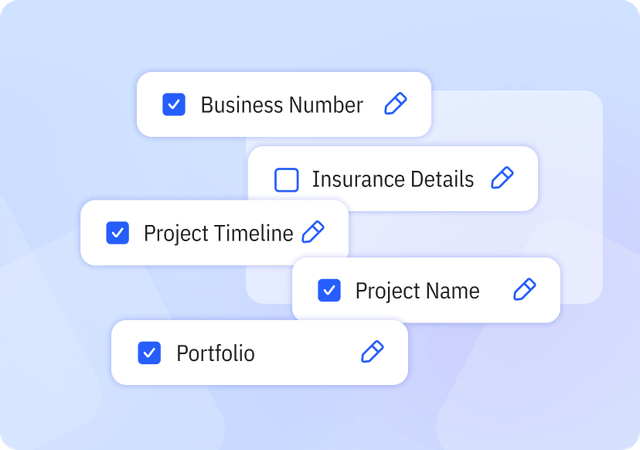
Complete & Customizable Fields
Includes essential and industry-specific fields designed for freelance workflows, with the flexibility to add or remove fields as needed.
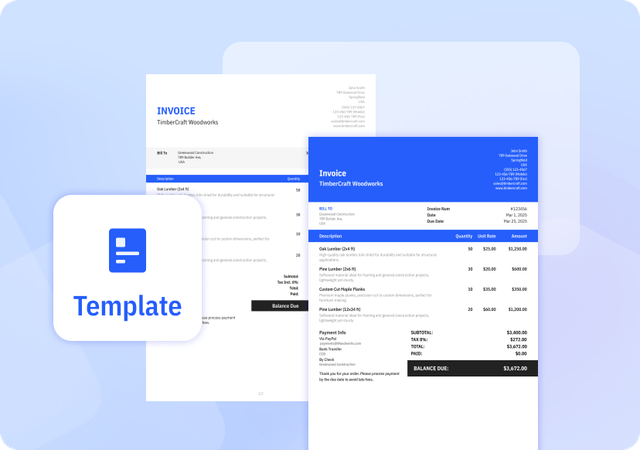
Consistently Formatted Templates
Professional, uniform layouts that make your invoices easy to read, look credible, and print perfectly every time.
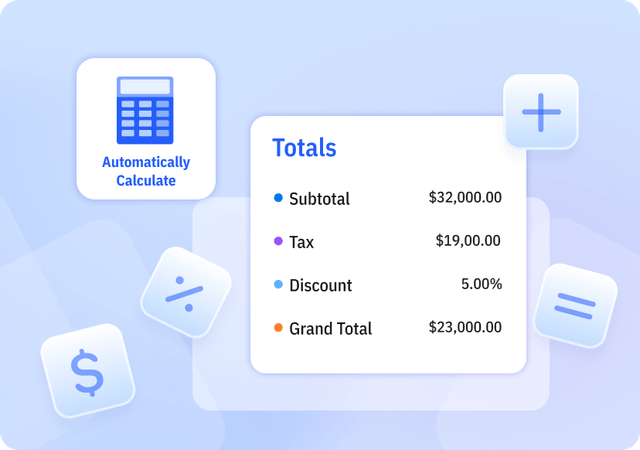
Automatically Calculate Totals
We offer Templates in Excel that automatically calculate subtotal, tax, discount, and grand total amounts to reduce errors.
Helpful Resources for Freelancers



FAQ about Freelance Invoice Templates
Table of Contents
When is the best time to send an invoice as a freelancer?
For new clients, it's best practice to invoice a 50% deposit upfront. For ongoing work, send your invoice
immediately upon project completion or at the end of each month. Prompt invoicing signals professionalism and keeps your cash flow steady.
Should I include a late fee policy on my freelance invoice?
Yes. Clearly stating a late fee policy (e.g., 2% after 30 days) in the Payment Terms section encourages clients to prioritize your payment. Most freelancers find that simply having the clause is enough to ensure on-time delivery.
How do I handle "Scope Creep" on my invoice?
If a project expands beyond the original agreement, add those extra tasks as new line items in your Detailed Service Breakdown. Use the notes section to explain the additional work to ensure the client understands the price adjustment.
Can I customize your Invoice Templates?
Yes. We provide invoice templates in both Excel and Word formats, which you can download and edit as needed. Our invoice templates allow you to customize invoice details and appearance to suit your business needs. You can easily adjust invoice information and branding elements to keep your invoices professional and consistent.
Pros and Cons of Invoice Templates
Pros
- Saves time compared to creating invoices manually
- Provides a consistent invoice structure
- Often includes built-in formulas for calculations
Cons
- Does not support client or product management
- Limited flexibility compared to invoice generators or software
- Higher risk of errors if information is entered incorrectly
Other Free Resources

Try Invoice Zip Today
Start Sending Invoices, Building Reports, Saving Office
Time and Get Paid Faster.