


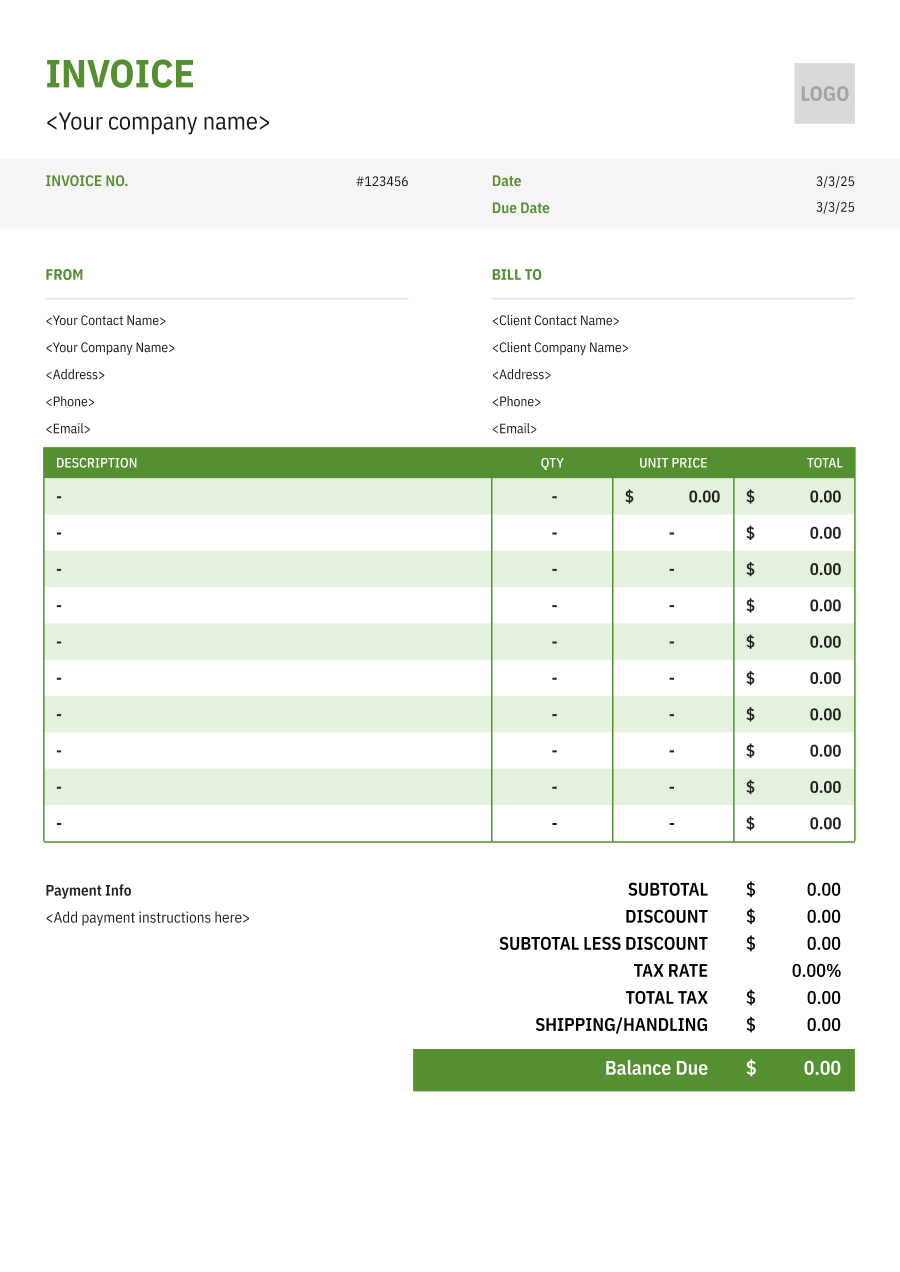
Travel Agency Invoice Template
Create a professional travel agency invoice with editable invoice templates for bookings, transportation, accommodations, planning fees, and other travel expenses.
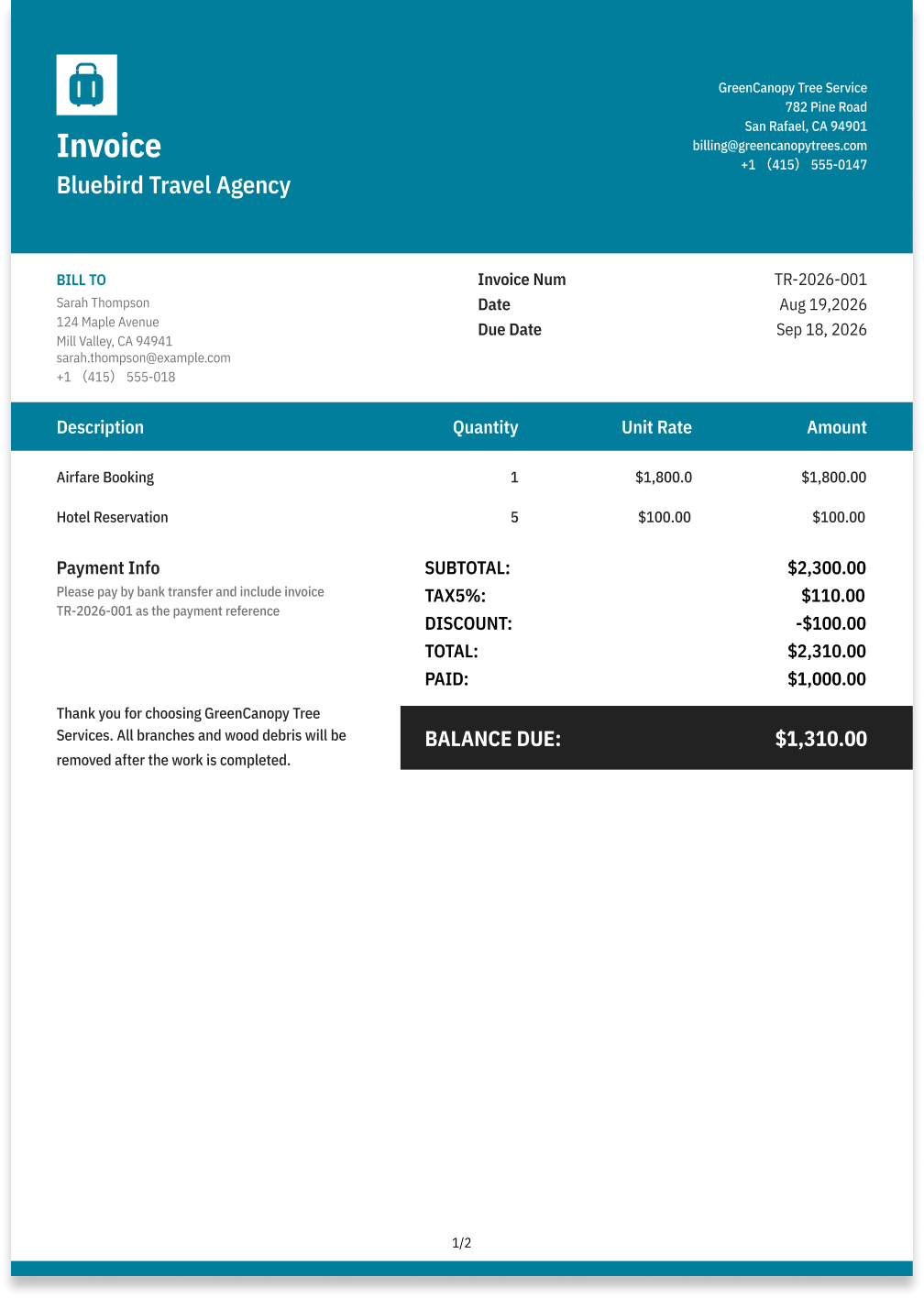
Choose the Best Invoice Template for Your Travel Agency Business


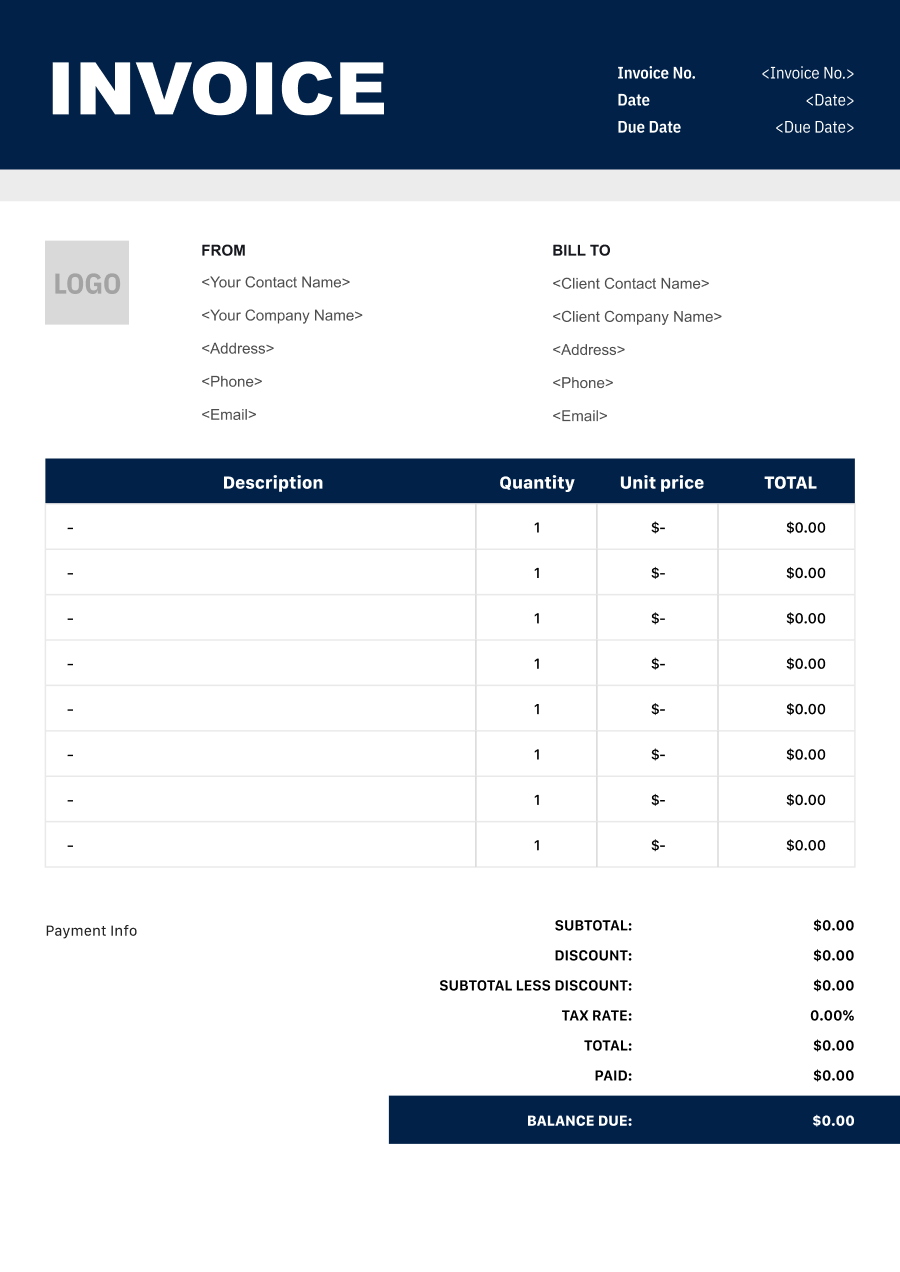
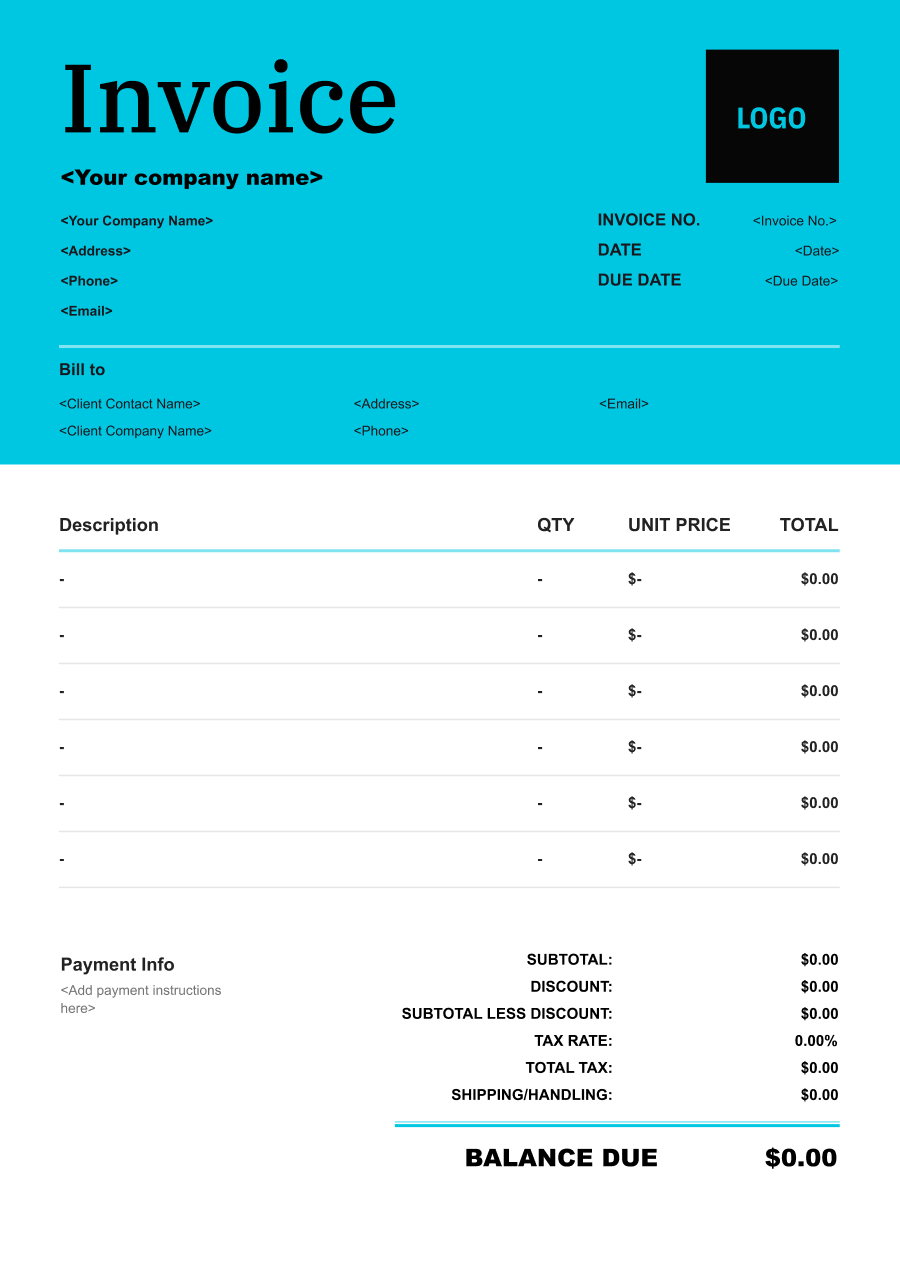
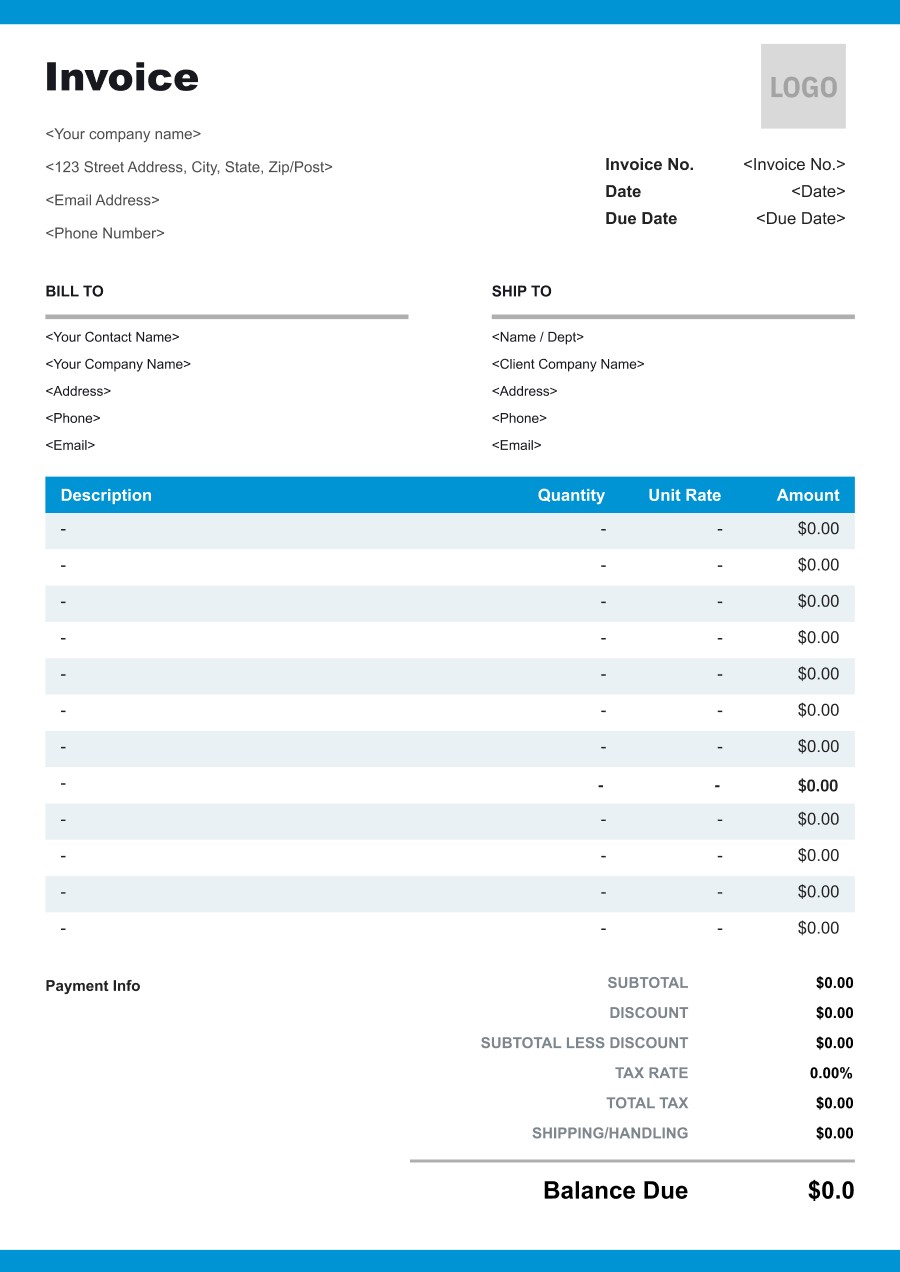
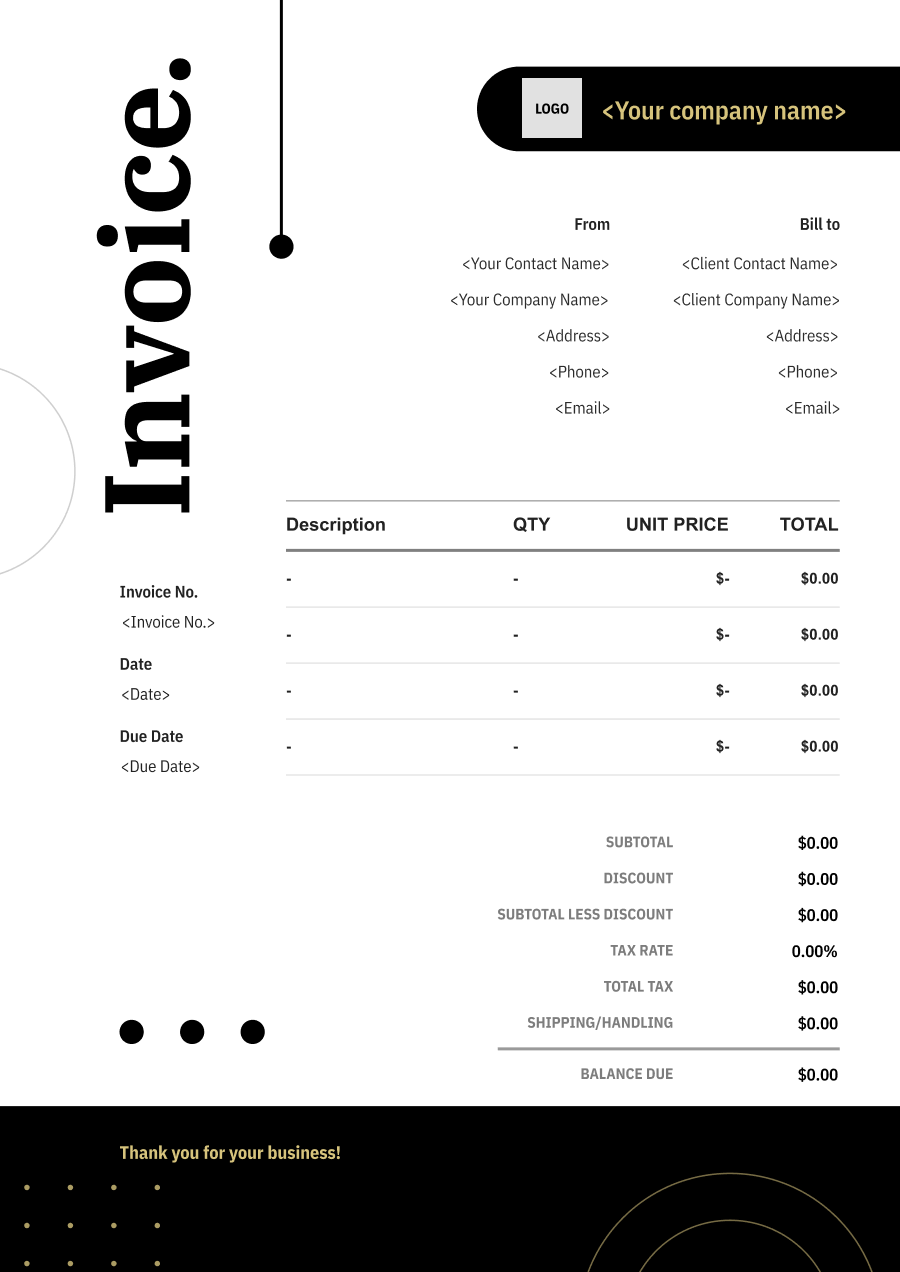
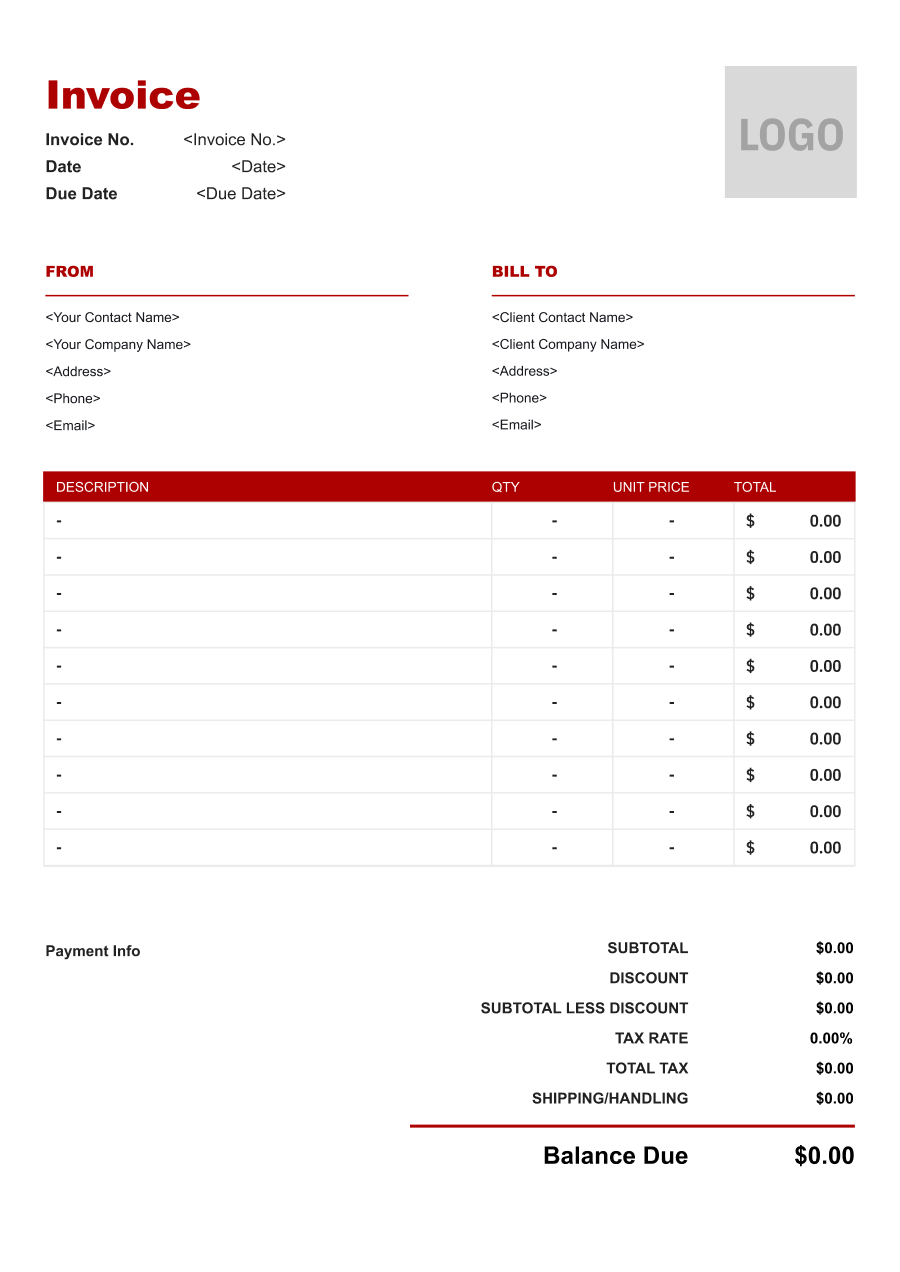
Create A Professional
Travel Agency Invoice in Minutes
Add your travel agency business and client details, itemize the products or services provided, and generate a professional invoice when you are ready.
1
Invoice details
Set the document identity, dates and currency.
Logo

Upload file
JPG, JPEG, PNG, less than 5 MB
Invoice number
Currency
USD
Issue date
Due date
2
Business & client
Add the details your client needs to identify both parties
From
Company Name
Contact name
Address
Email Address
Phone Number
Bill To
Client name
Address
Email Address
Phone Number
3
Products & services
Itemize what you’re charging for. Totals update automatically.
4
Totals & payment
Apply adjustments and tell your client how to pay.
Payment instructions
Notes
Sub Total
$0.00
Tax Rate
%
Discount
$
Total
$0.00
Amount paid
$
Balance Due
$0.00
What to include in Travel Agency Invoice
A clear travel agency invoice helps prevent disputes and ensures timely payment. Use this checklist to include the essential details.
- 1
Business Header & Contact
Company name, logo, phone number, email address, and physical business location.
- 2
Client Contact Information
Client's full name or business entity name, billing address, phone number, and email.
- 3
Invoice Metadata
Unique invoice number, invoice issue date, and payment due date (e.g., Net 15 / Due upon receipt).
- 4
Cost Summary & Taxes
Subtotal for services, local sales taxes (if applicable), applied discounts, and final bolded Total Due.
- 5
Deposit & Balance Tracking
Original estimate total, pre-paid deposit deductions (e.g., 'Less Deposit Received: -$500'), and remaining net balance due.
- 6
Payment Instructions
Accepted payment methods, including direct online payment links (Credit/ACH), check mailing address, or bank transfer details.
- 7
Traveler & Booking Details
Include the traveler or group name, booking reference, travel dates, and relevant itinerary information needed to identify the trip.
- 8
Travel Components & Supplier Charges
Itemize flights, hotels, tours, cruises, transfers, car rentals, activities, or other travel components purchased through the agency. Include supplier or booking references when useful.
- 9
Agency Fees & Service Charges
Clearly separate agency service fees, planning fees, booking fees, change fees, or consultation charges from the underlying travel costs.
- 10
Deposits, Credits & Cancellations
Show travel deposits, payments already received, supplier credits, cancellation adjustments, or other amounts that affect the customer's remaining balance.
Common Travel Agency Services & Billing Items
How Travel Agency charges are typically structured and billed.
Common Services
What's Included
Billing Items
Trip Planning
Travel date, Route or service location, Booking or reservation, Booking date, and Client or project name
Travel Service FeesBooking Charges
Flight Booking
Travel date, Route or service location, Origin and destination, and Service date
Travel Service FeesTravel Costs
Hotel Booking
Booking or reservation, Booking date, Travel date, Origin and destination, and Stay or service dates
Booking ChargesTravel Costs
Tour Booking
Travel date, Route or service location, Booking or reservation, Booking date, Additional service provided, and Date or duration
Travel Service FeesBooking ChargesAdditional Services
Travel Insurance Assistance
Booking or reservation, Booking date, Additional service provided, Date or duration, and Service date
Booking ChargesAdditional Services
Itinerary Management
Travel date, Route or service location, Origin and destination, Additional service provided, Date or duration, and Service date
Travel Service FeesTravel CostsAdditional Services
Visa Assistance
Travel date, Route or service location, Booking or reservation, Booking date, Origin and destination, and Service date
Travel Service FeesBooking ChargesTravel Costs
Travel Service Fees: Charges for itinerary planning, trip management, consultation, or travel-agent services.
Booking Charges: Charges for arranging flights, hotels, tours, tickets, or other reservations.
Travel Costs: Pass-through or reimbursable costs related to transportation, lodging, or travel arrangements.
Additional Services: Optional maintenance or inspection services performed with the primary service.
Travel Agency Invoicing Tips
Travel Agency costs vary by service scope, pricing method, and additional requirements. A detailed invoice helps customers understand every charge and reduces payment disputes.
1
Separate Travel Costs from Agency Fees
A travel invoice can contain both third-party travel charges and the agency's own service fees. Best practice: itemize these categories separately so customers understand what they are paying to suppliers versus what they are paying for agency services.
2
Group Charges by Trip Component
Complex itineraries may include many bookings. Best practice: organize charges by flight, accommodation, transportation, activities, and other trip components so travelers can reconcile the invoice with their itinerary.
3
Track Deposits and Supplier Payments
Travel bookings often require deposits before the trip and additional payments later. Best practice: show amounts already paid, deposits applied, credits, and the remaining balance clearly to avoid confusion about what is still owed.
4
Document Changes and Cancellation Charges
Changes to flights, hotels, tours, or other reservations can create additional supplier and agency fees. Best practice: list change or cancellation charges separately and identify the booking affected so the customer can understand the source of the adjustment.


Reusable Billing Structure in Invoice Software
Use the items above to quickly create a Travel Agency Invoice Template in Invoice Zip.
FAQs about Travel Agency Invoicing
Q: How should a travel agency invoice combine flights, hotels, and other trip arrangements?
A: Each major travel component should be identified separately, such as airfare, accommodation, transfers, tours, or agency service fees. This gives the traveler or corporate client a clearer view of the total trip cost.
Q: How should a travel agency invoice a package trip with multiple services included?
A: A package can be shown as one main charge with the included services described underneath, or individual components can be itemized when transparency is more important. The approach should match how the trip was sold to the customer.
Q: How should cancellation or change fees be shown on a travel invoice?
A: Cancellation, rebooking, or change fees should be identified separately from the original travel charges. This makes it clear that the additional amount resulted from a change to the original booking.
Q: How should travel agency invoices handle deposits and remaining trip balances?
A: Show the total trip cost, deposit already paid, and remaining balance separately. For trips paid in stages, the invoice can also identify the payment deadline for the next installment.
Q: How should a travel agency invoice business travel booked for multiple employees?
A: The invoice can group charges by traveler, trip, or department while keeping the overall corporate billing information together. This makes it easier for the company to allocate travel expenses internally.
Other Free Resources



Try Invoice Zip Today
Start Sending Invoices, Building Reports, Saving Office
Time and Get Paid Faster.
