


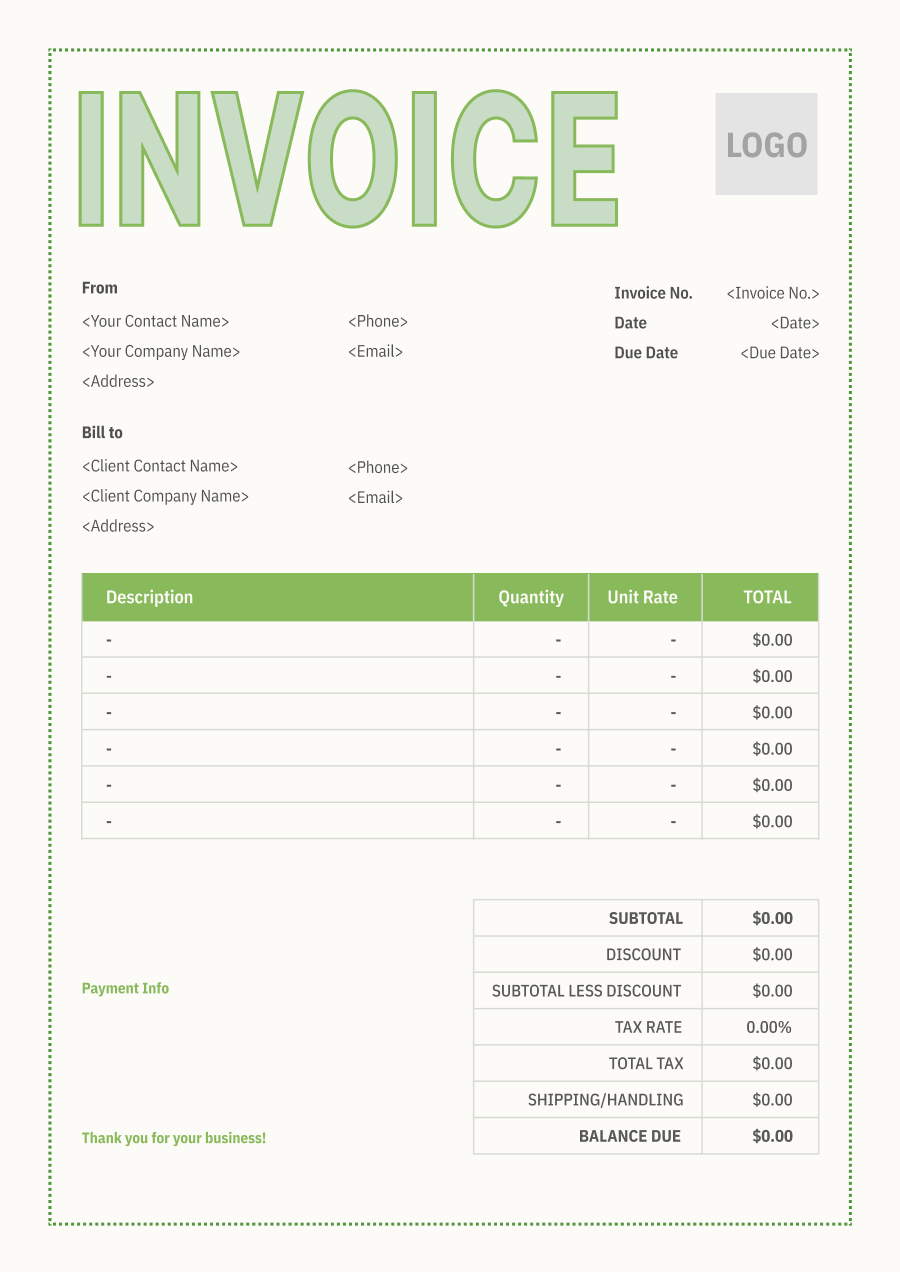
Web Developer Invoice Template
Create a professional web developer invoice with editable invoice templates for development, design, maintenance, integrations, revisions, and other project charges.
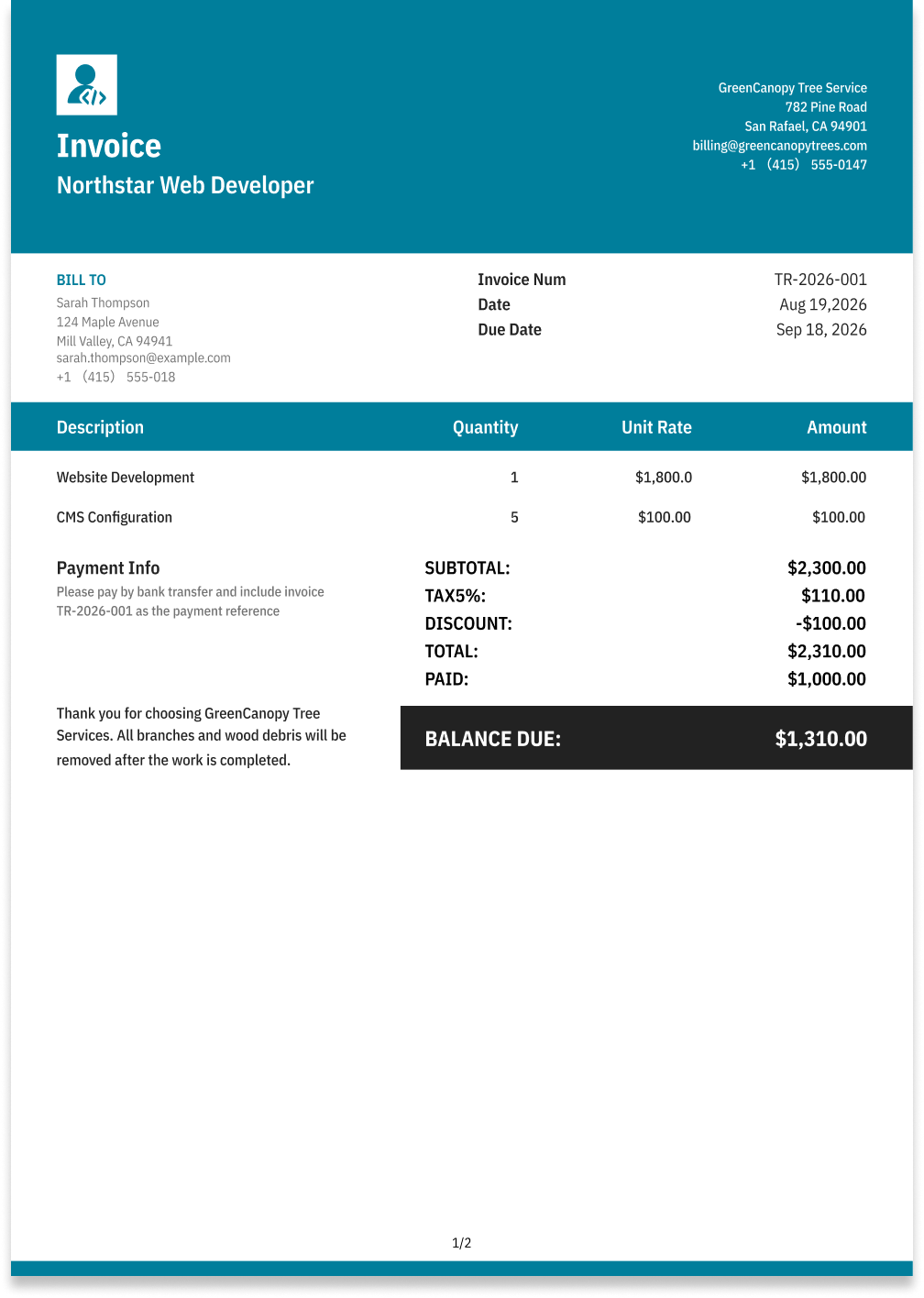
Choose the Best Invoice Template for Your Web Developer Business


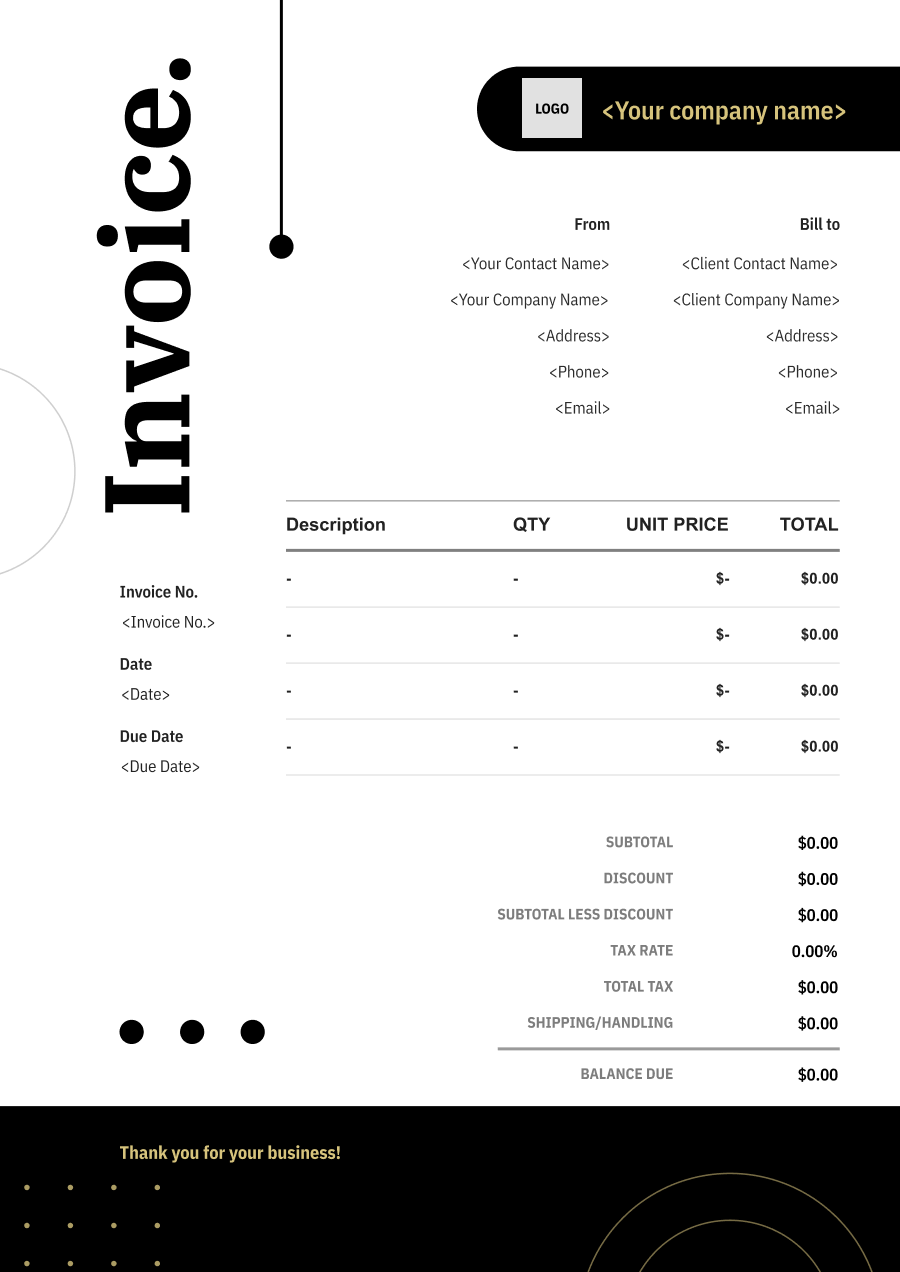
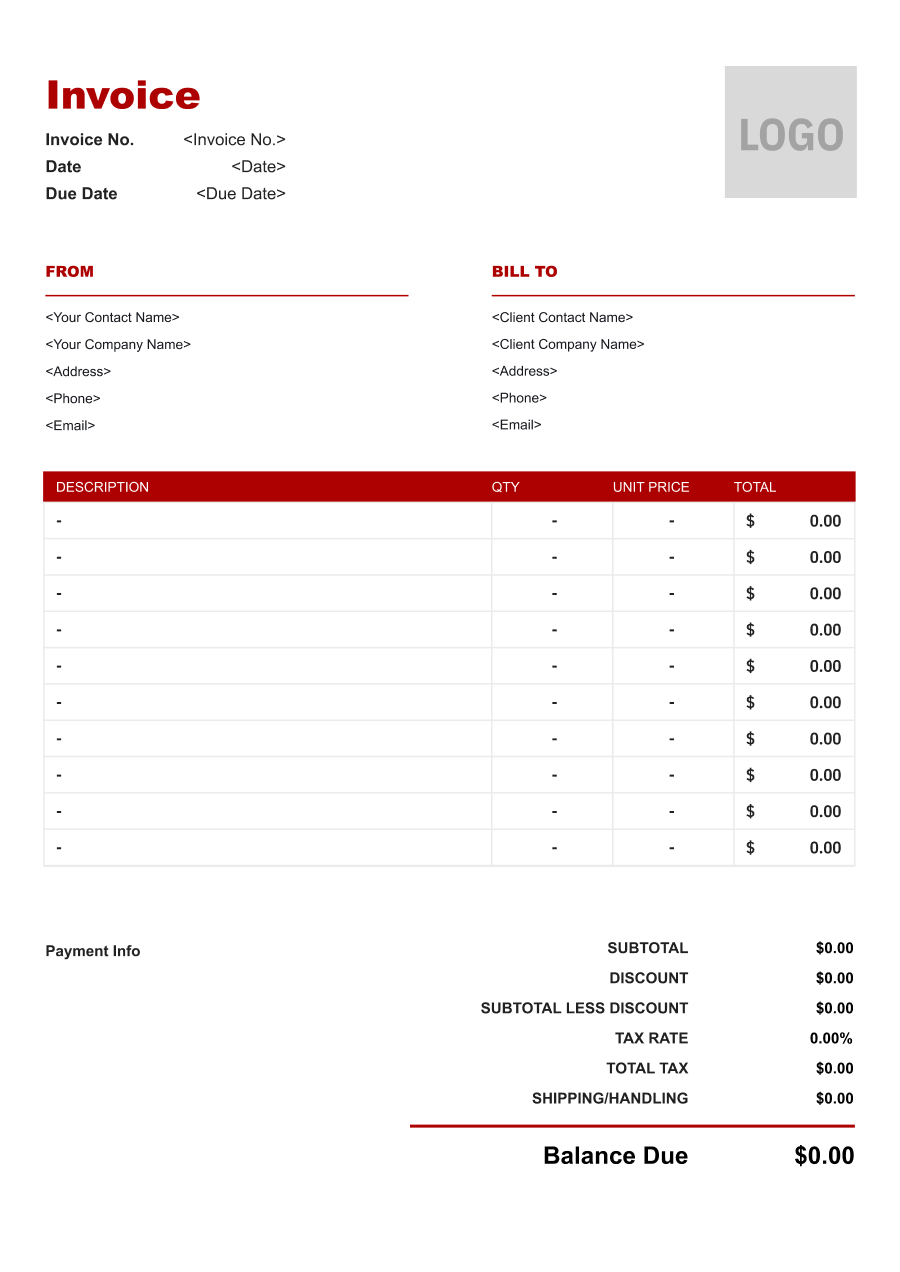
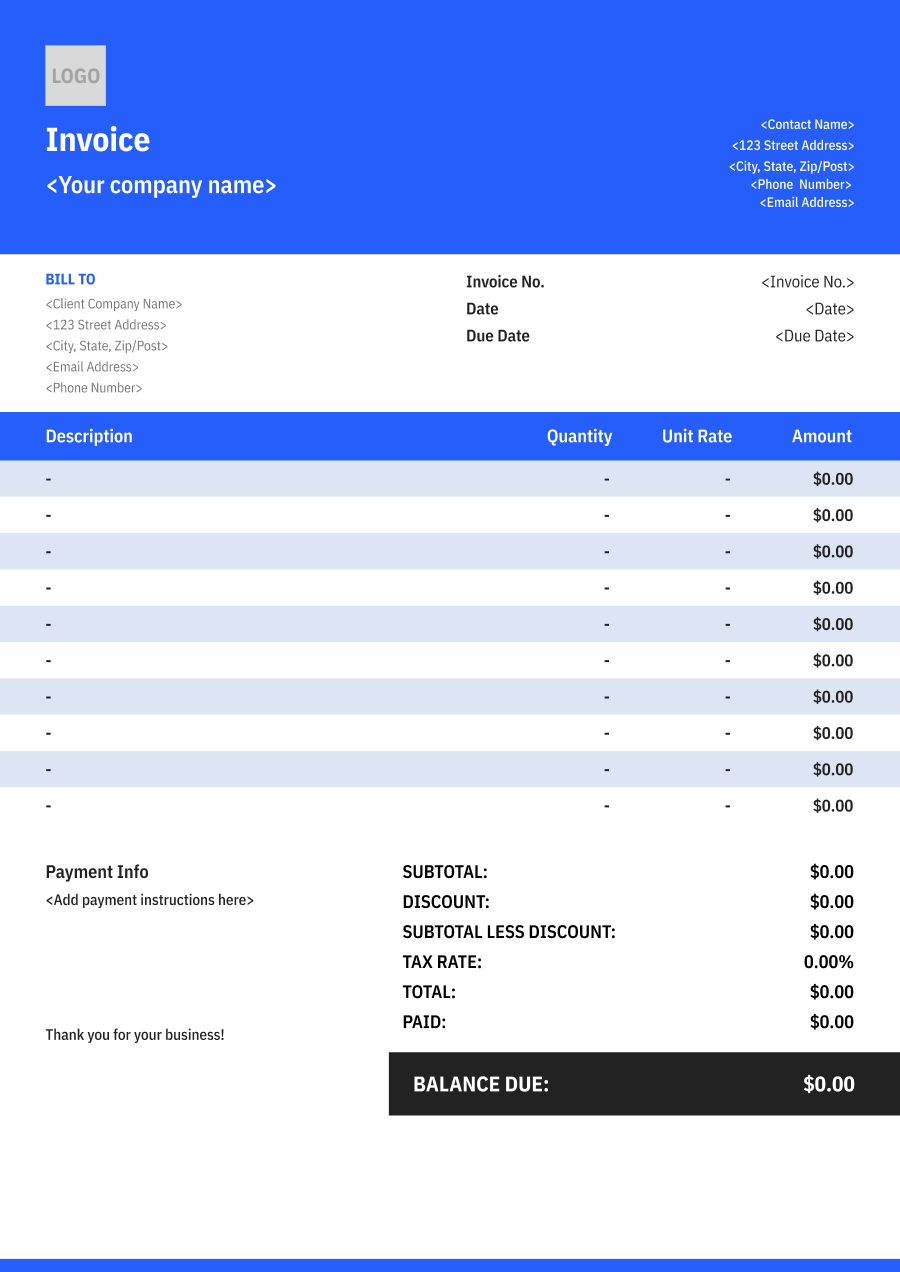
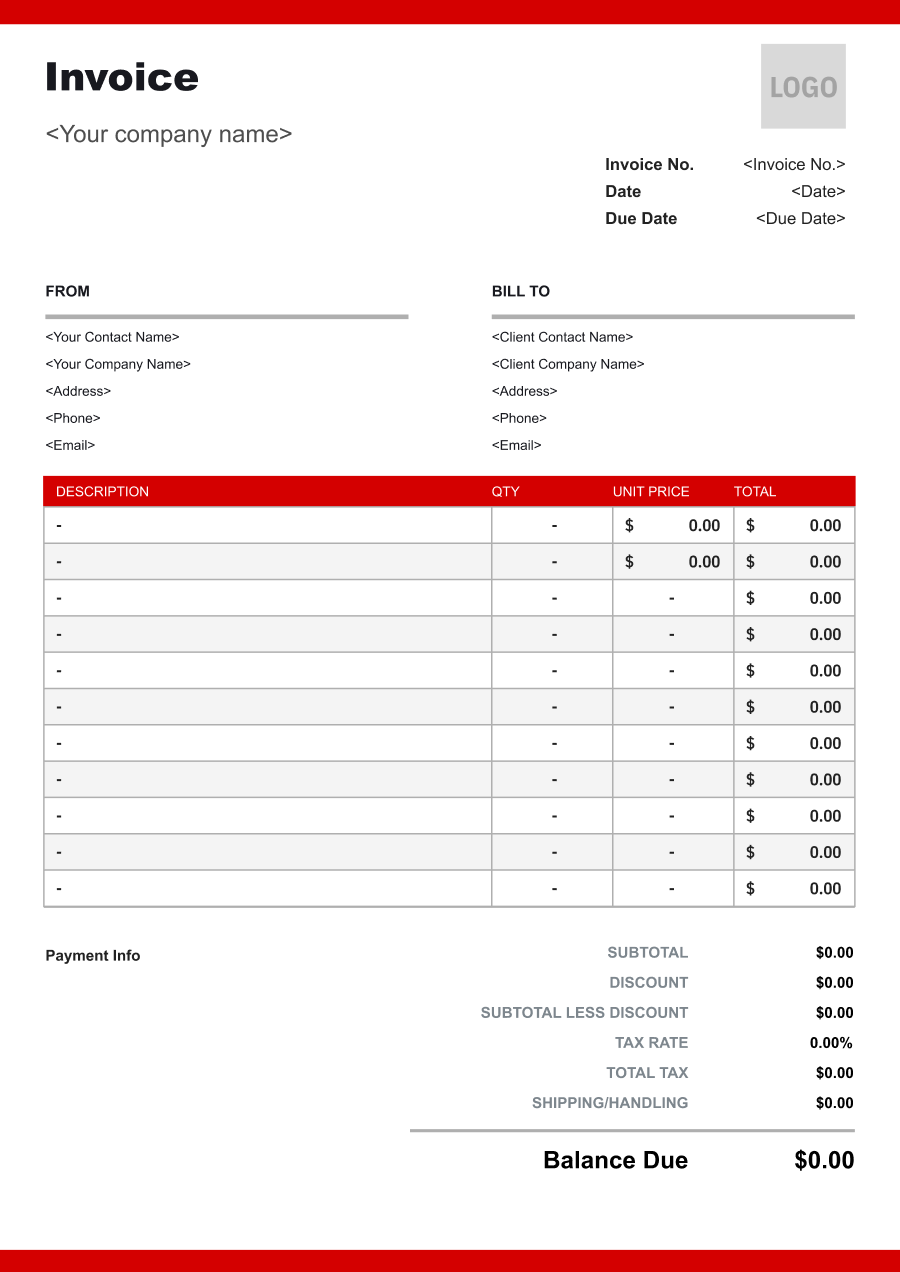
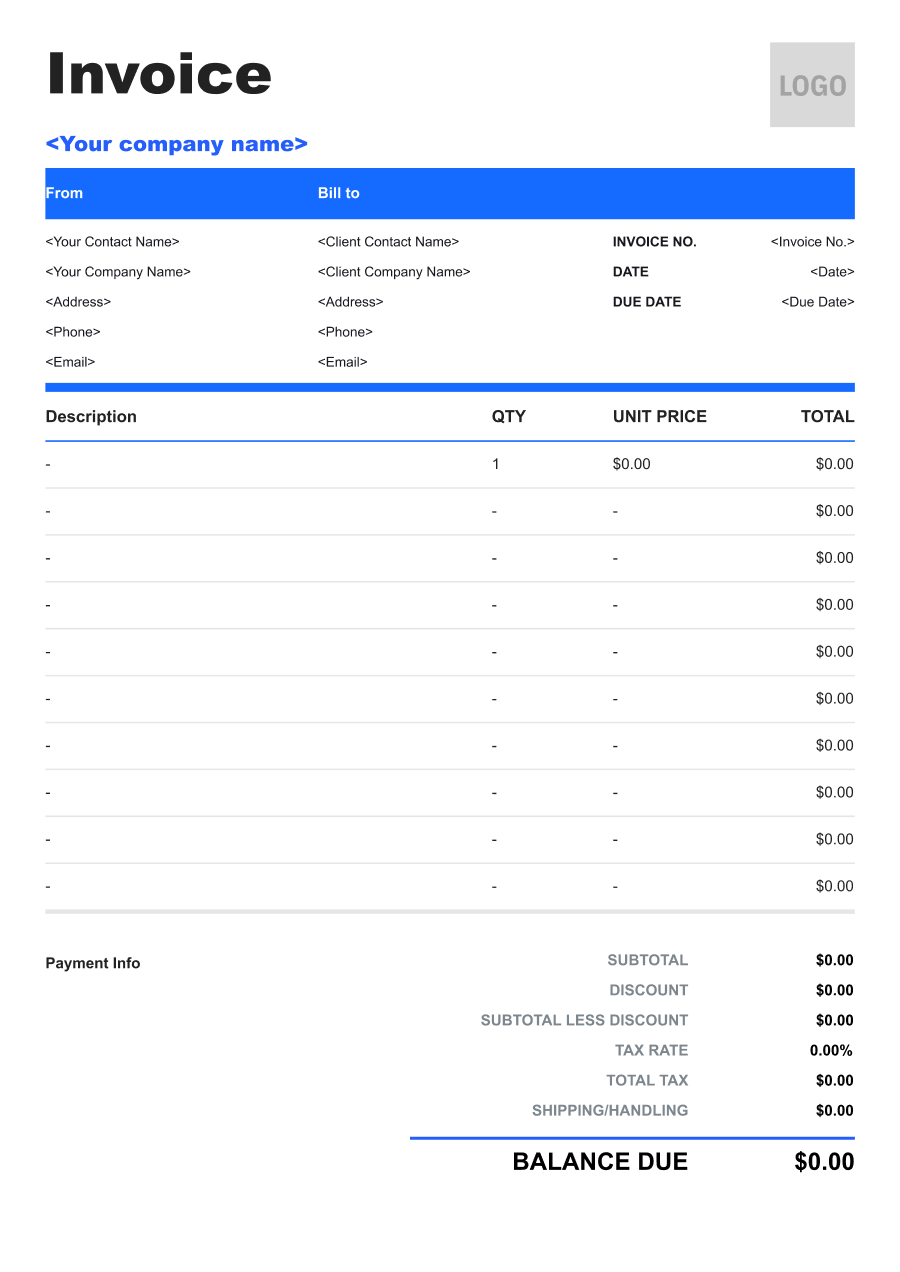
Create A Professional
Web Developer Invoice in Minutes
Add your web developer business and client details, itemize the products or services provided, and generate a professional invoice when you are ready.
1
Invoice details
Set the document identity, dates and currency.
Logo

Upload file
JPG, JPEG, PNG, less than 5 MB
Invoice number
Currency
USD
Issue date
Due date
2
Business & client
Add the details your client needs to identify both parties
From
Company Name
Contact name
Address
Email Address
Phone Number
Bill To
Client name
Address
Email Address
Phone Number
3
Products & services
Itemize what you’re charging for. Totals update automatically.
4
Totals & payment
Apply adjustments and tell your client how to pay.
Payment instructions
Notes
Sub Total
$0.00
Tax Rate
%
Discount
$
Total
$0.00
Amount paid
$
Balance Due
$0.00
What to include in Web Developer Invoice
A clear web developer invoice helps prevent disputes and ensures timely payment. Use this checklist to include the essential details.
- 1
Business Header & Contact
Company name, logo, phone number, email address, and physical business location.
- 2
Client Contact Information
Client's full name or business entity name, billing address, phone number, and email.
- 3
Invoice Metadata
Unique invoice number, invoice issue date, and payment due date (e.g., Net 15 / Due upon receipt).
- 4
Cost Summary & Taxes
Subtotal for services, local sales taxes (if applicable), applied discounts, and final bolded Total Due.
- 5
Deposit & Balance Tracking
Original estimate total, pre-paid deposit deductions (e.g., 'Less Deposit Received: -$500'), and remaining net balance due.
- 6
Payment Instructions
Accepted payment methods, including direct online payment links (Credit/ACH), check mailing address, or bank transfer details.
- 7
Development Work & Deliverables
Identify the specific work completed, such as website development, feature implementation, bug fixes, API integration, database work, or CMS configuration. Reference the relevant project or page when useful.
- 8
Hours, Milestones or Fixed-Price Scope
State the pricing basis used for the project, such as development hours, hourly rate, completed milestone, or fixed project fee.
- 9
Hosting, Domain & Third-Party Services
Separately identify hosting, domain registration, software licenses, plugins, APIs, or other third-party services that the developer purchases or manages on the client's behalf.
- 10
Maintenance & Support Period
For ongoing support, identify the covered maintenance period and services such as updates, monitoring, backups, troubleshooting, or support hours included in the charge.
Common Web Developer Services & Billing Items
How Web Developer charges are typically structured and billed.
Common Services
What's Included
Billing Items
Website Development
Development deliverable, Scope or hours, Hours worked, Work performed, and Service date
Development ServicesBillable Hours
Ecommerce Development
Development deliverable, Scope or hours, Vendor or third-party service, Date, and Service date
Development ServicesThird-Party Costs
Website Maintenance
Hours worked, Work performed, Vendor or third-party service, Date, and Service location
Billable HoursThird-Party Costs
Bug Fixing
Development deliverable, Scope or hours, Hours worked, Work performed, Support or maintenance task, and Date or hours
Development ServicesBillable HoursMaintenance/Support
API Integration
Hours worked, Work performed, Support or maintenance task, Date or hours, and Service date
Billable HoursMaintenance/Support
Website Migration
Development deliverable, Scope or hours, Vendor or third-party service, Date, Support or maintenance task, and Date or hours
Development ServicesThird-Party CostsMaintenance/Support
Website Performance Optimization
Development deliverable, Scope or hours, Hours worked, Work performed, Vendor or third-party service, and Date
Development ServicesBillable HoursThird-Party Costs
Development Services: Charges for programming, implementation, or development work delivered.
Billable Hours: Time-based charges for work performed.
Third-Party Costs: Pass-through charges for hosting, APIs, plugins, software, or other external services.
Maintenance/Support: Charges for ongoing maintenance, updates, troubleshooting, and technical support.
Web Developer Invoicing Tips
Web Developer costs vary by service scope, pricing method, and additional requirements. A detailed invoice helps customers understand every charge and reduces payment disputes.
1
Separate Development from Third-Party Costs
Web projects often include both developer labor and external services. Best practice: itemize hosting, domains, plugins, licenses, API usage, and other third-party costs separately from development fees.
2
Tie Milestone Billing to Completed Work
Larger websites may involve design, development, testing, and launch stages. Best practice: connect milestone invoices to clearly defined deliverables so the customer can see what portion of the project the payment covers.
3
Separate Maintenance from New Development
Ongoing maintenance and new feature development have different scopes. Best practice: keep recurring support or maintenance fees separate from new development work so clients can distinguish predictable costs from project-based charges.
4
Track Out-of-Scope Requests
Clients may request additional pages, features, integrations, or revisions after development begins. Best practice: document approved scope changes and invoice them separately from the original project fee to reduce disputes over additional work.


Reusable Billing Structure in Invoice Software
Use the items above to quickly create a Web Developer Invoice Template in Invoice Zip.
FAQs about Web Developer Invoicing
Q: How should a web developer invoice for a project with multiple development milestones?
A: Each milestone can be listed separately, such as design implementation, front-end development, back-end development, testing, and launch. This works well when payment is tied to project progress rather than one final delivery.
Q: How should a web developer bill for website maintenance after the original project is completed?
A: Ongoing maintenance can be invoiced separately from the original development project. The invoice can describe updates, bug fixes, content changes, or other maintenance work performed during the billing period.
Q: How should hosting, domain, and third-party service costs appear on a web development invoice?
A: Recurring hosting, domain registration, plugins, APIs, or other third-party costs can be listed separately from development labor. This makes it clear which charges are for the developer's work and which are external service expenses.
Q: How should a developer invoice for additional features requested after the original scope is approved?
A: New features should be listed as additional development work or change-order items. A short description of the requested functionality helps connect the additional charge to the expanded project scope.
Q: How should a web developer bill for hourly troubleshooting or bug fixes?
A: The invoice can show the number of hours spent, hourly rate, and a brief description of the troubleshooting work. This is useful when the issue cannot be priced accurately as a fixed project before investigation.
Other Free Resources



Try Invoice Zip Today
Start Sending Invoices, Building Reports, Saving Office
Time and Get Paid Faster.
