


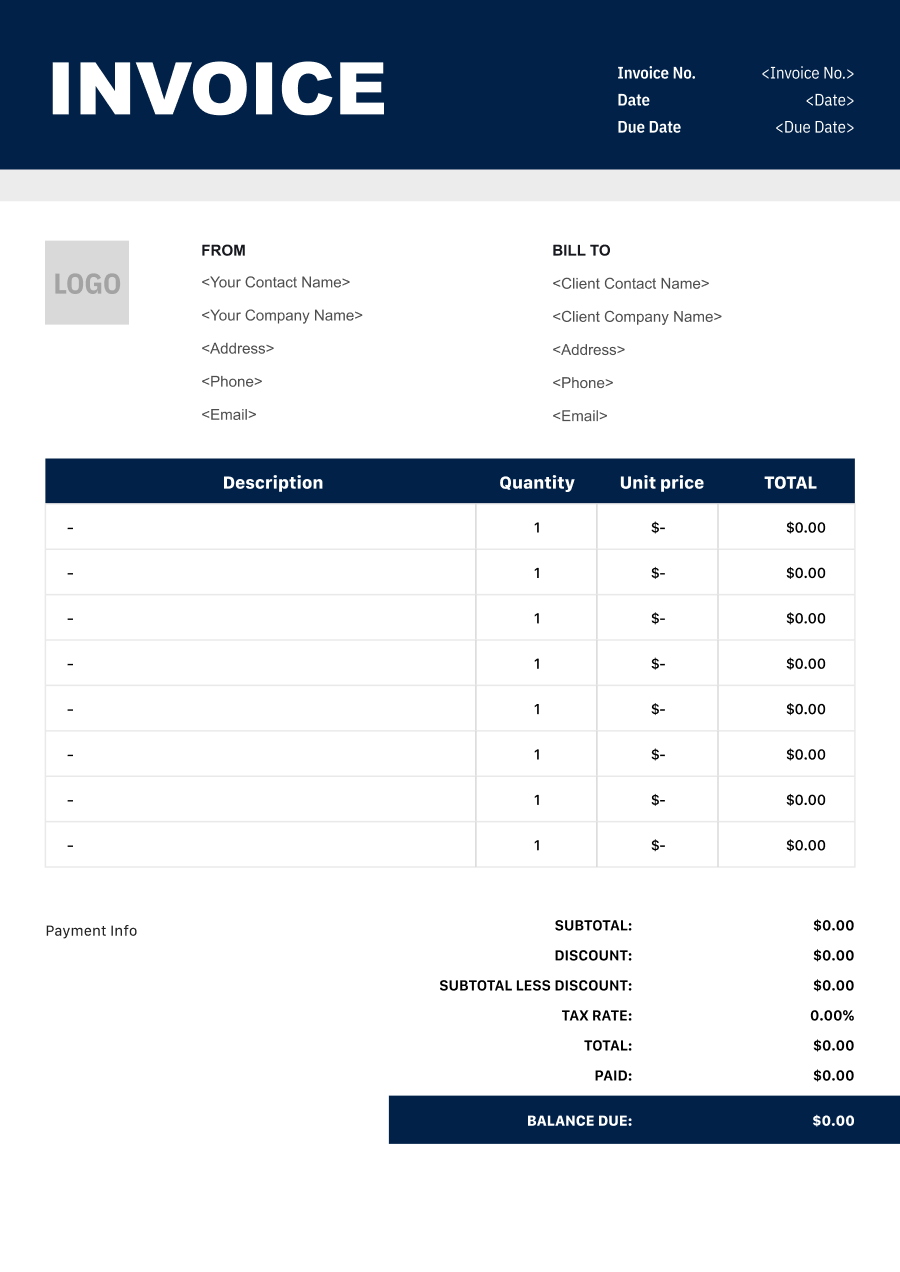
Insurance Agent Invoice Template
Create a professional insurance agent invoice with editable invoice templates for commissions, policy services, consulting, administrative fees, and other billable charges.
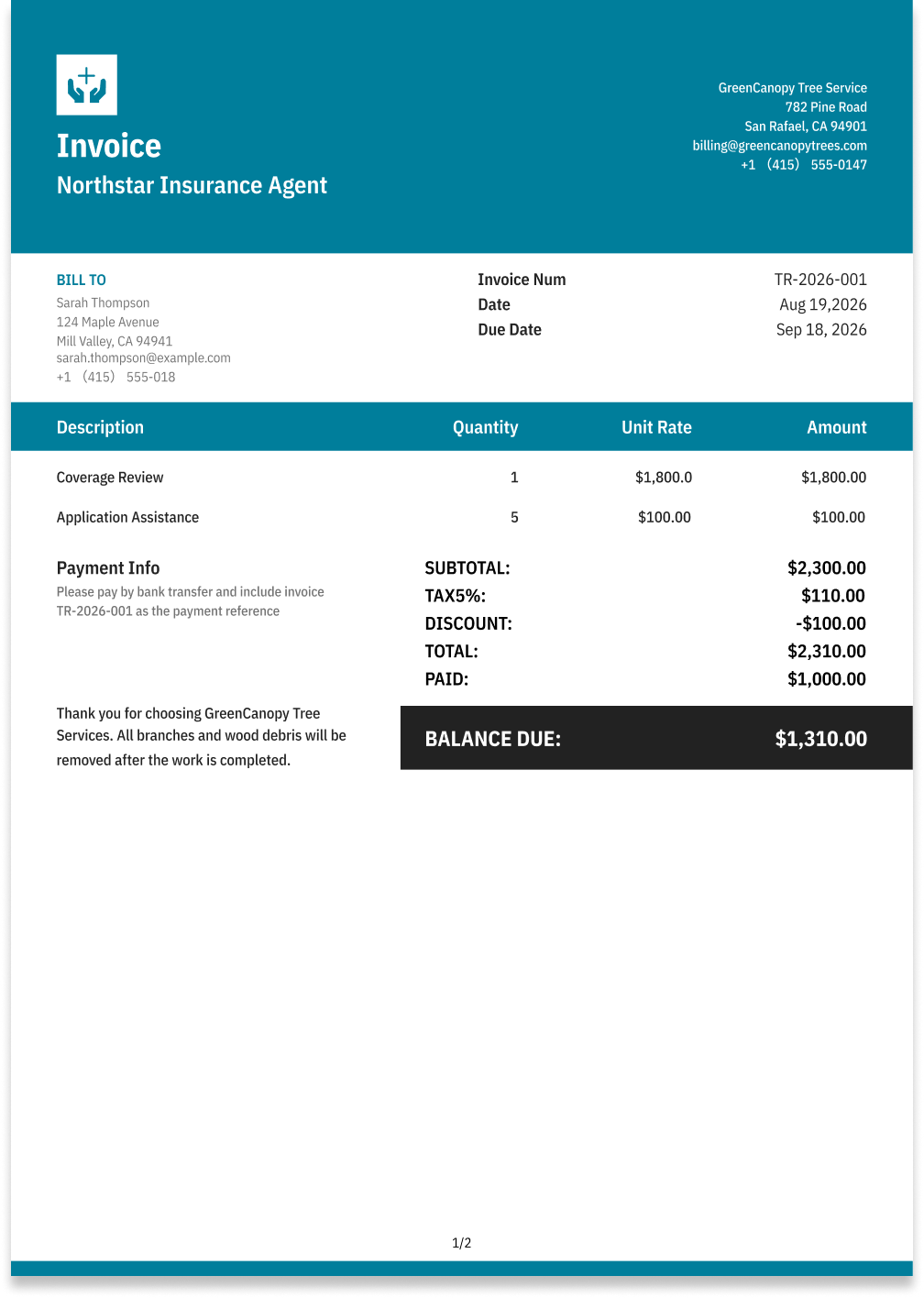
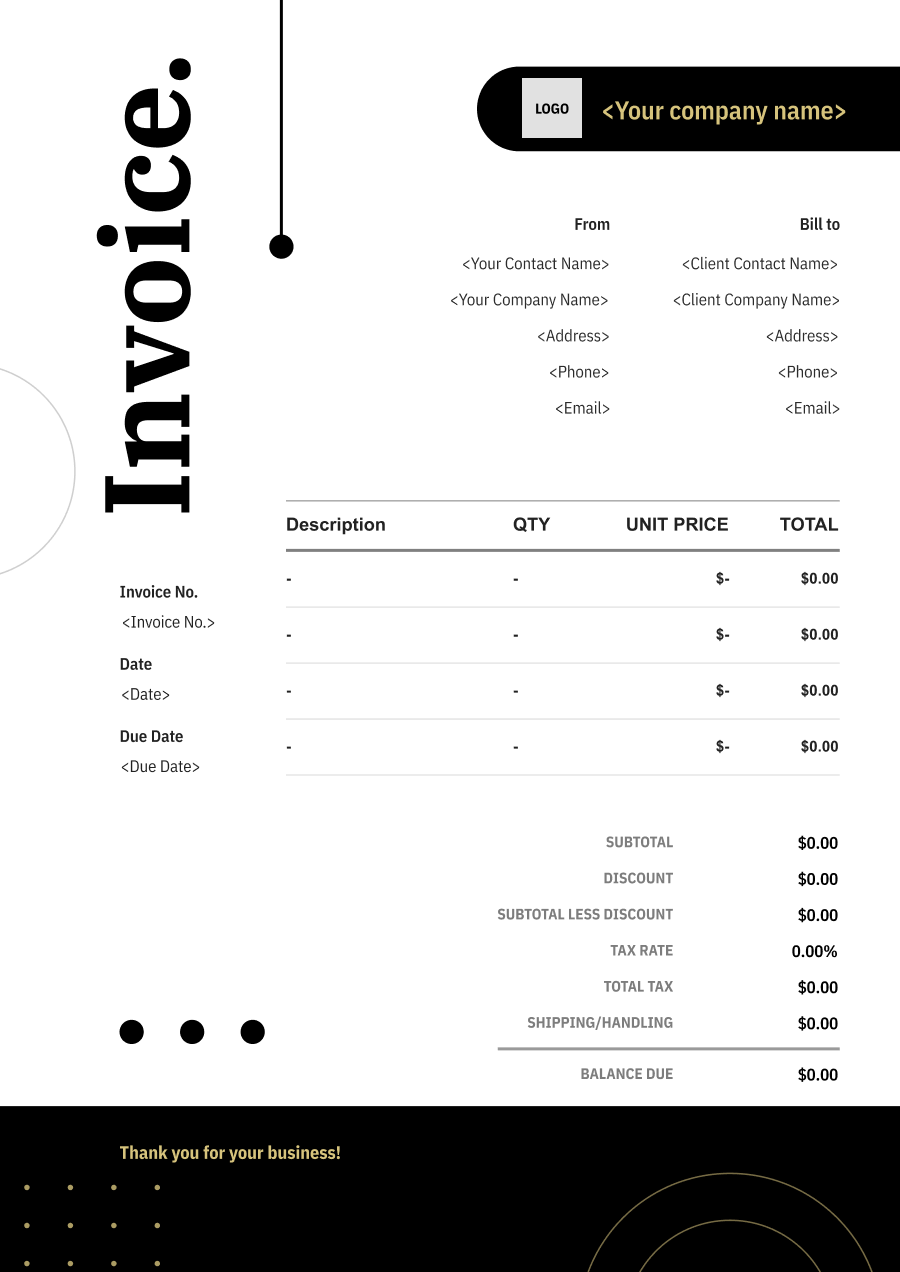
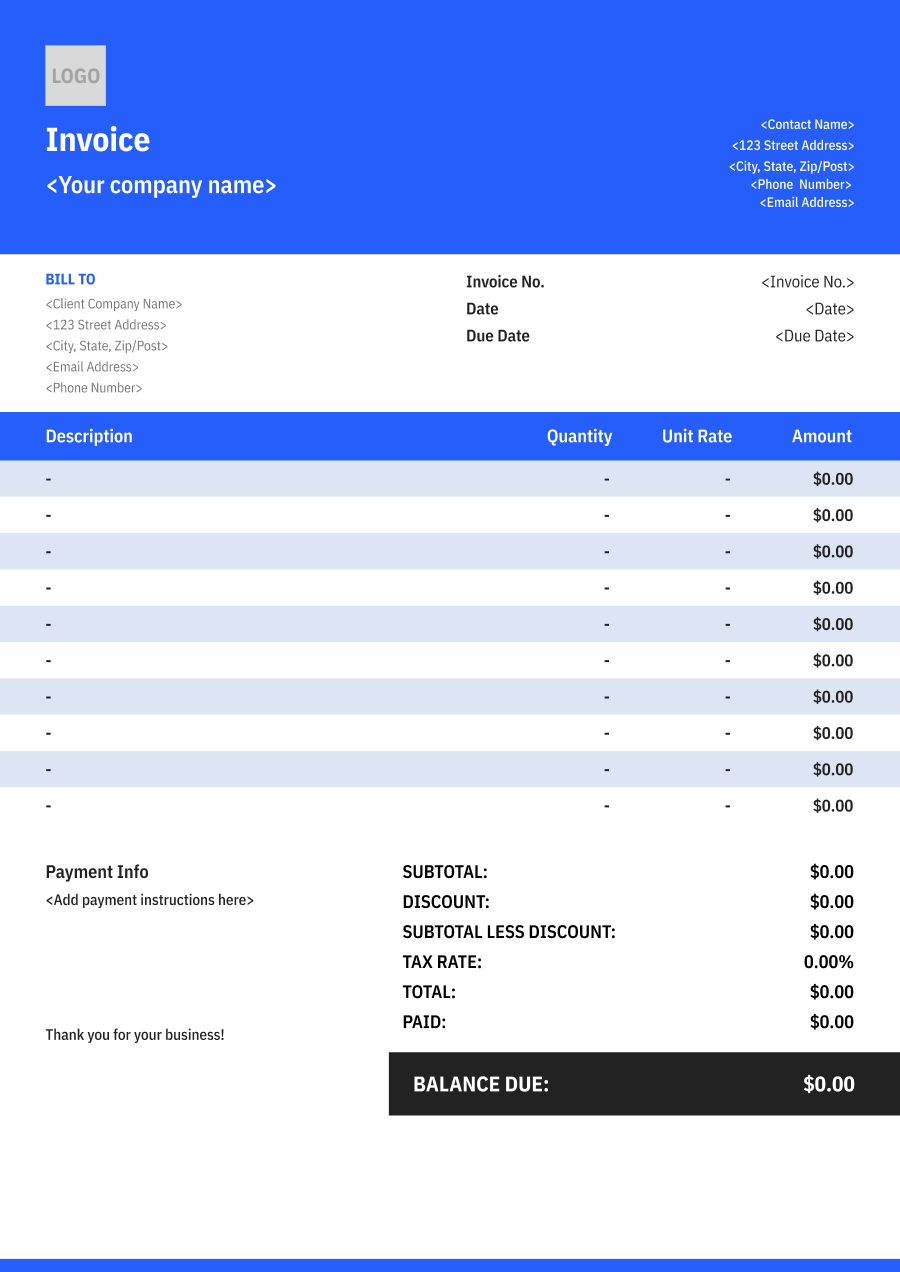
Choose the Best Invoice Template for Your Insurance Agent Business


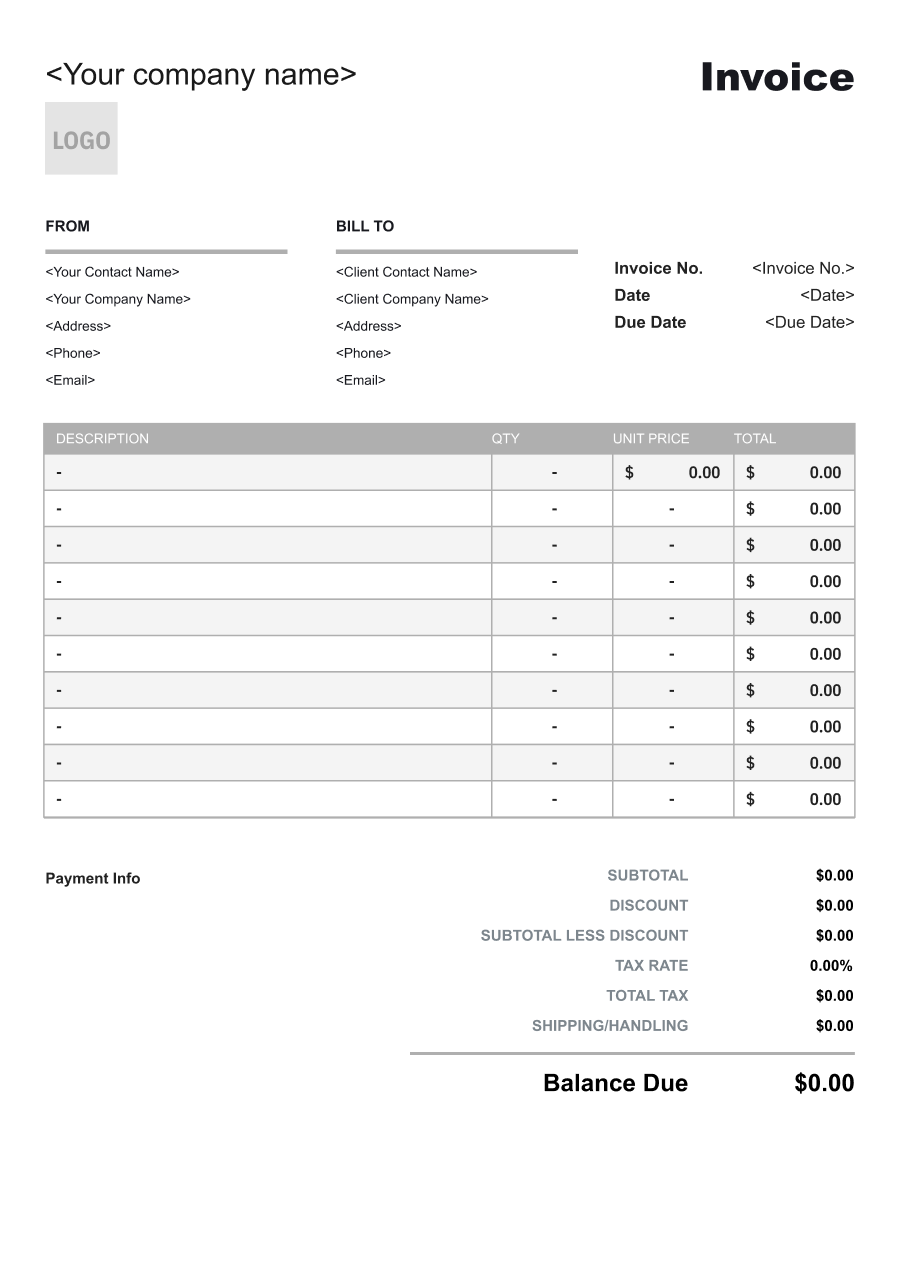
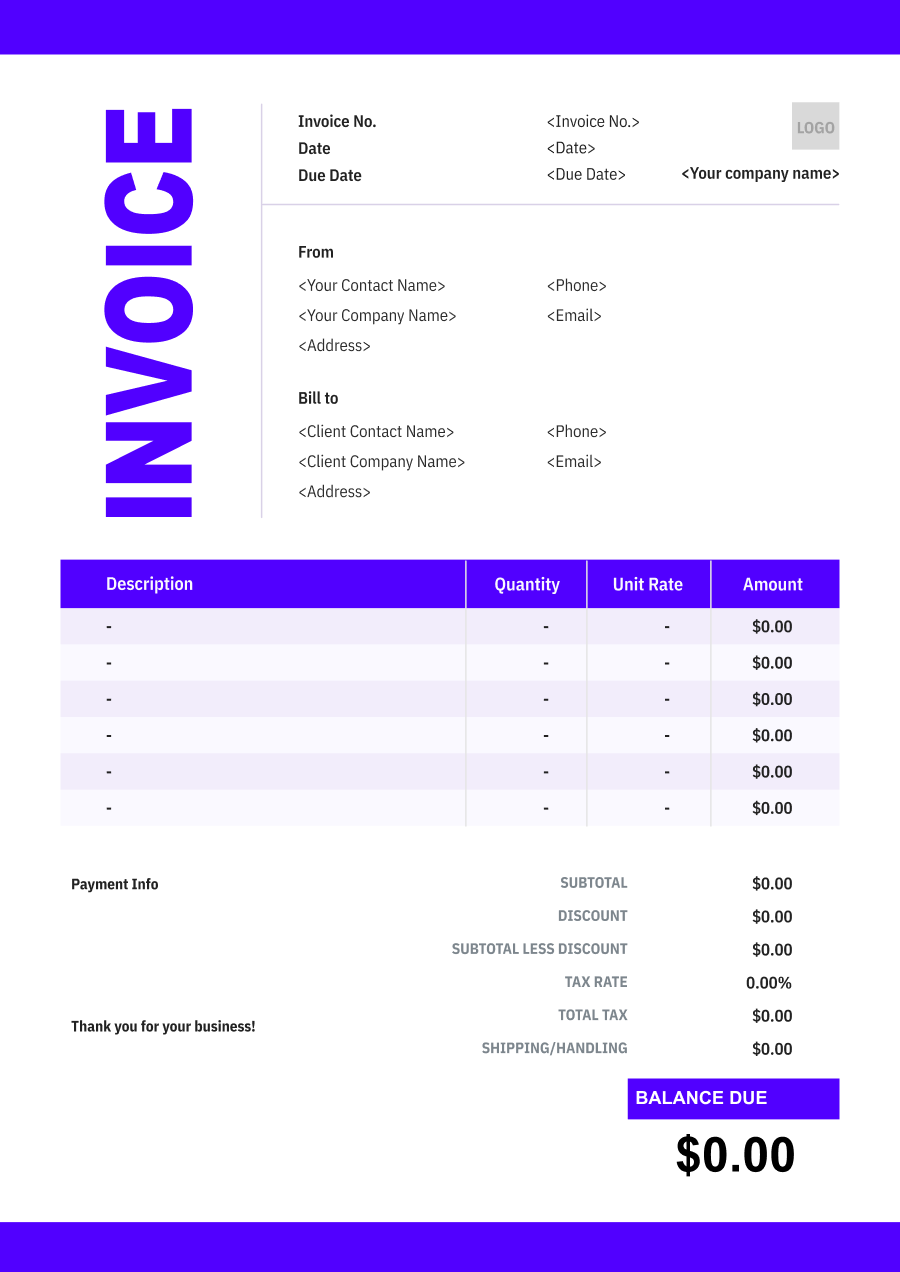
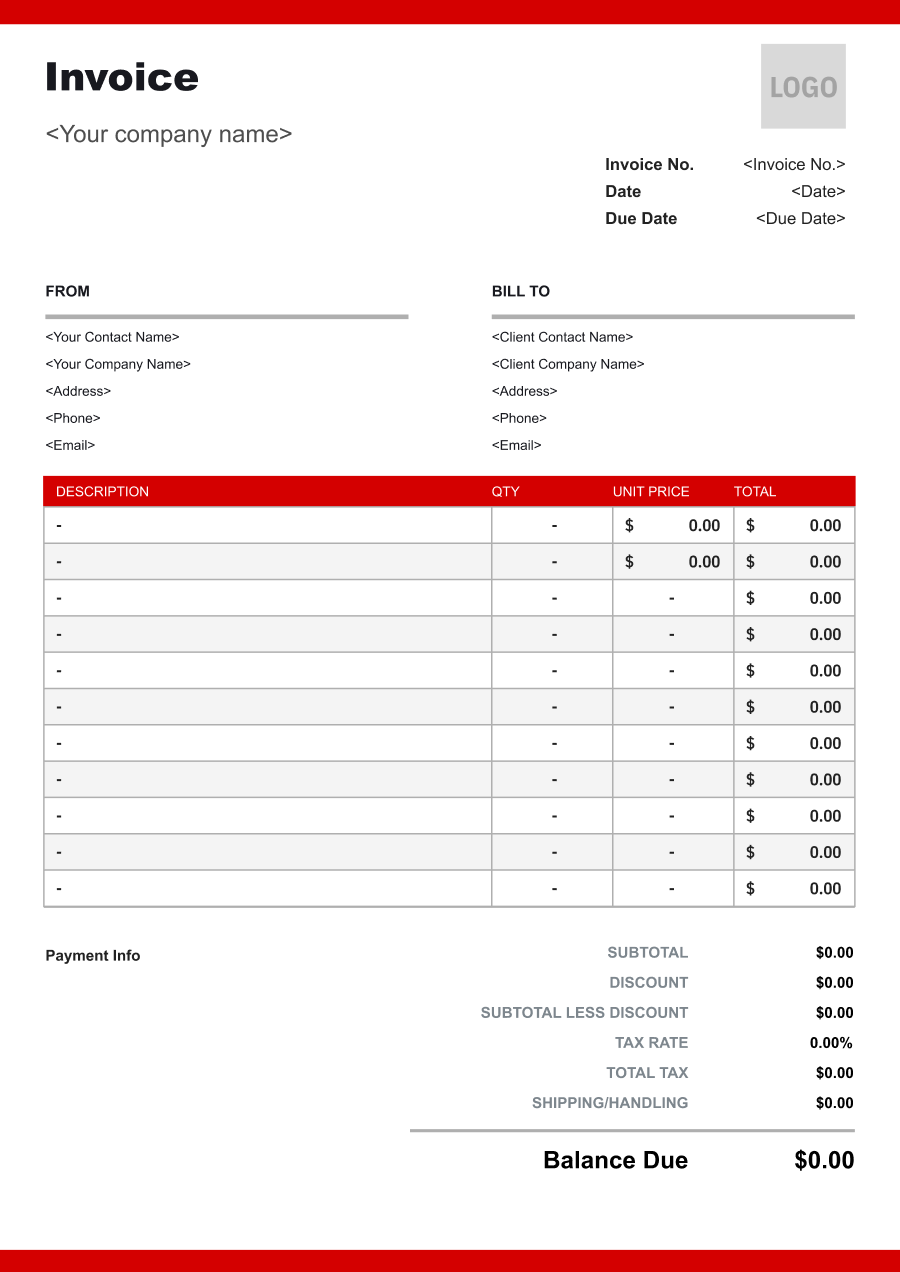
Create A Professional
Insurance Agent Invoice in Minutes
Add your insurance agent business and client details, itemize the products or services provided, and generate a professional invoice when you are ready.
1
Invoice details
Set the document identity, dates and currency.
Logo

Upload file
JPG, JPEG, PNG, less than 5 MB
Invoice number
Currency
USD
Issue date
Due date
2
Business & client
Add the details your client needs to identify both parties
From
Company Name
Contact name
Address
Email Address
Phone Number
Bill To
Client name
Address
Email Address
Phone Number
3
Products & services
Itemize what you’re charging for. Totals update automatically.
4
Totals & payment
Apply adjustments and tell your client how to pay.
Payment instructions
Notes
Sub Total
$0.00
Tax Rate
%
Discount
$
Total
$0.00
Amount paid
$
Balance Due
$0.00
What to include in Insurance Agent Invoice
A clear insurance agent invoice helps prevent disputes and ensures timely payment. Use this checklist to include the essential details.
- 1
Business Header & Contact
Company name, logo, phone number, email address, and physical business location.
- 2
Client Contact Information
Client's full name or business entity name, billing address, phone number, and email.
- 3
Invoice Metadata
Unique invoice number, invoice issue date, and payment due date (e.g., Net 15 / Due upon receipt).
- 4
Cost Summary & Taxes
Subtotal for services, local sales taxes (if applicable), applied discounts, and final bolded Total Due.
- 5
Deposit & Balance Tracking
Original estimate total, pre-paid deposit deductions (e.g., 'Less Deposit Received: -$500'), and remaining net balance due.
- 6
Payment Instructions
Accepted payment methods, including direct online payment links (Credit/ACH), check mailing address, or bank transfer details.
- 7
Policy & Account Reference
Identify the policy number, insurance product or coverage type, insured customer, and account reference associated with the charge. Avoid relying only on a generic description such as "insurance services."
- 8
Premium & Commission-Related Charges
Clearly distinguish insurance premiums, agency fees, service fees, commissions, or other amounts billed through the agency. The invoice should reflect the actual billing arrangement between the agency and customer.
- 9
Coverage Period
State the effective coverage period or billing period associated with the amount due, particularly when the invoice covers a policy premium or installment payment.
- 10
Policy Changes & Service Fees
When applicable, separately identify charges for policy changes, endorsements, certificates, administrative services, or other agency services rather than combining them with the underlying premium.
Common Insurance Agent Services & Billing Items
How Insurance Agent charges are typically structured and billed.
Common Services
What's Included
Billing Items
Policy Placement
Professional service provided, Hours or scope billed, Sale or transaction amount, Commission rate, and Service date
Professional FeesCommission
Insurance Consultation
Professional service provided, Hours or scope billed, Policy or service rule, Date or period, and Client or project name
Professional FeesPolicy Charges
Policy Renewal
Sale or transaction amount, Commission rate, Policy or service rule, Date or period, and Service date
CommissionPolicy Charges
Claims Assistance
Professional service provided, Hours or scope billed, Sale or transaction amount, Commission rate, Administrative service, and Date or period
Professional FeesCommissionAdministrative Fees
Coverage Review
Sale or transaction amount, Commission rate, Administrative service, Date or period, and Service date
CommissionAdministrative Fees
Policy Administration
Professional service provided, Hours or scope billed, Policy or service rule, Date or period, Administrative service, and Service date
Professional FeesPolicy ChargesAdministrative Fees
Policy Change Service
Professional service provided, Hours or scope billed, Sale or transaction amount, Commission rate, Policy or service rule, and Date or period
Professional FeesCommissionPolicy Charges
Professional Fees: Charges for specialized professional expertise, consultation, review, or advisory work.
Commission: Compensation earned for placing or servicing an insurance policy or other covered transaction.
Policy Charges: Charges associated with the policy, coverage, premium-related services, or policy administration.
Administrative Fees: Charges for reports, notices, accounting, paperwork, or management administration.
Insurance Agent Invoicing Tips
Insurance Agent costs vary by service scope, pricing method, and additional requirements. A detailed invoice helps customers understand every charge and reduces payment disputes.
1
Separate Premiums from Agency Fees
Customers may assume every charge on an insurance invoice is part of the insurance premium. Best practice: clearly distinguish premiums from agency service fees, administrative charges, or other separately billed services.
2
Reference the Exact Policy Being Billed
Customers may hold multiple policies through the same agency. Best practice: include the policy number, coverage type, and applicable billing period so the payment can be allocated correctly.
3
Show Installment Payments Clearly
Insurance premiums are often paid in installments rather than in one amount. Best practice: identify the total premium, payments already received, current installment amount, and remaining balance when applicable.
4
Keep Invoice Details Consistent with Policy Records
Differences between an invoice and policy documents can create payment and coverage confusion. Best practice: verify names, policy numbers, coverage periods, and amounts against the agency's records before issuing the invoice.


Reusable Billing Structure in Invoice Software
Use the items above to quickly create a Insurance Agent Invoice Template in Invoice Zip.
FAQs about Insurance Agent Invoicing
Q: How should an insurance agent invoice for policy-related services?
A: The invoice should identify the specific service or fee being billed, such as consulting, administrative work, or another agreed service. Policy details can be referenced where appropriate without making the invoice unnecessarily complicated.
Q: How should an insurance agent distinguish a commission from a fee charged directly to a client?
A: Commissions and client-paid fees should be shown as different amounts when both apply. This makes it clear whether the customer is paying the agent directly or the amount represents compensation associated with an insurance transaction.
Q: How should an insurance invoice handle policy changes or administrative services?
A: Services such as policy changes, documentation, or other administrative work can be listed separately when they carry a fee. The invoice should briefly describe the service and the relevant policy or account reference.
Q: How should recurring insurance consulting services be billed?
A: A recurring invoice can identify the billing period and describe the consulting services covered during that period. A fixed monthly or quarterly fee can be used when the client has an ongoing service agreement.
Q: How should an insurance agent document reimbursement for approved client-related expenses?
A: Reimbursable expenses should be separated from the agent's service fee. The invoice can describe the expense and amount so the client can distinguish reimbursed costs from professional services.
Other Free Resources



Try Invoice Zip Today
Start Sending Invoices, Building Reports, Saving Office
Time and Get Paid Faster.
