


Sales Invoice Template
Create a clear record of goods sold and the amount the customer must pay. Itemize products, quantities, prices, taxes, discounts, and delivery charges so both sides can reconcile the sale.
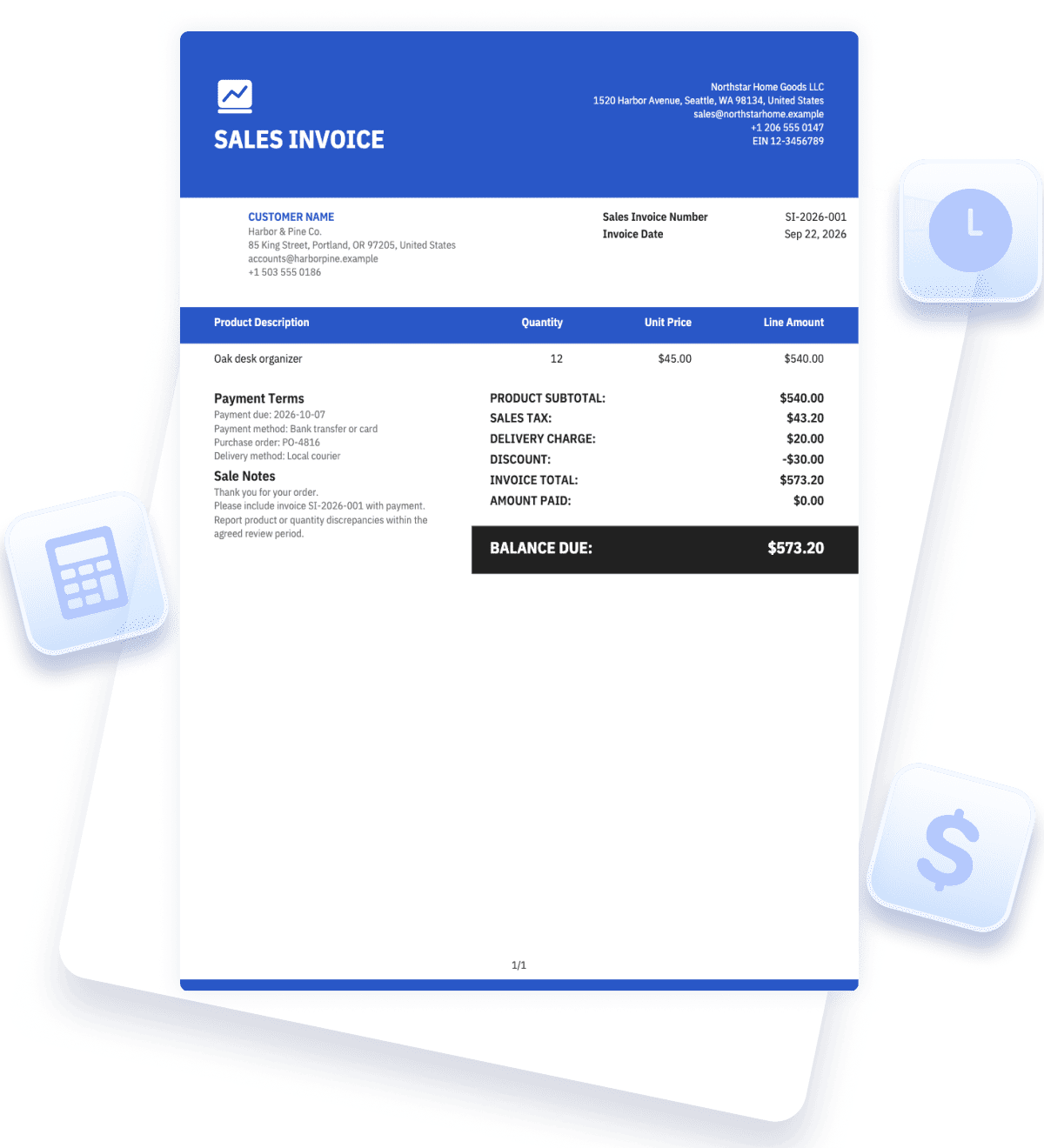
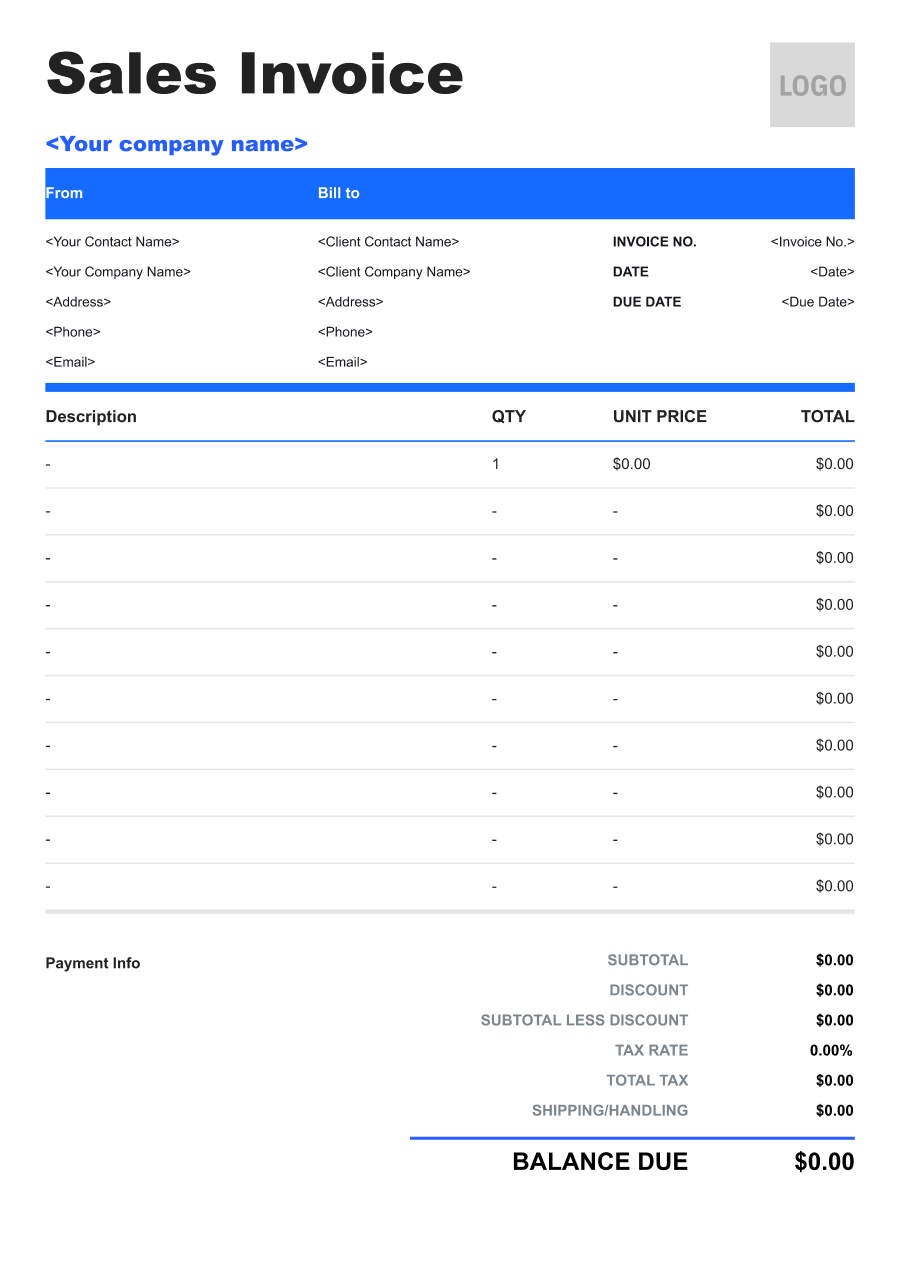


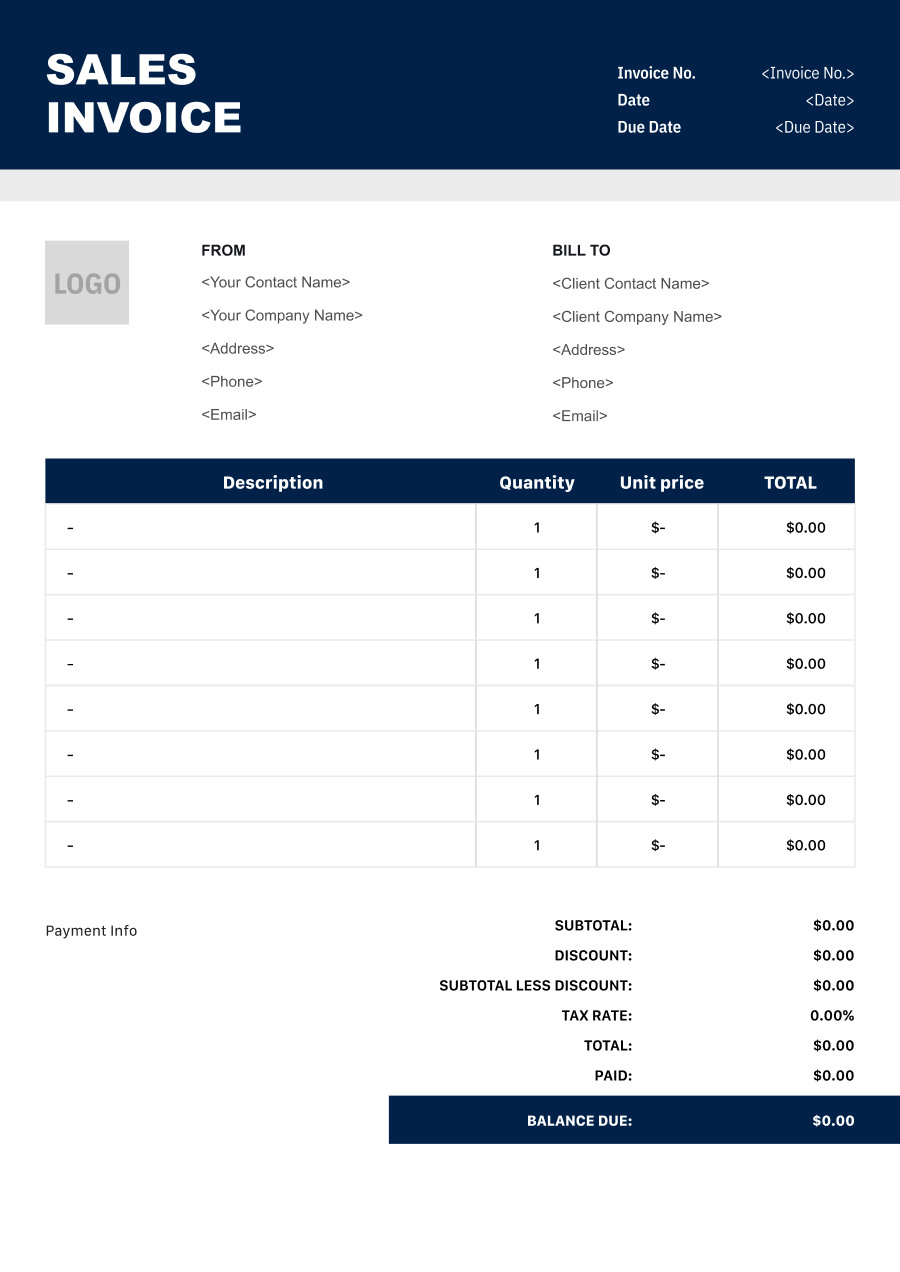
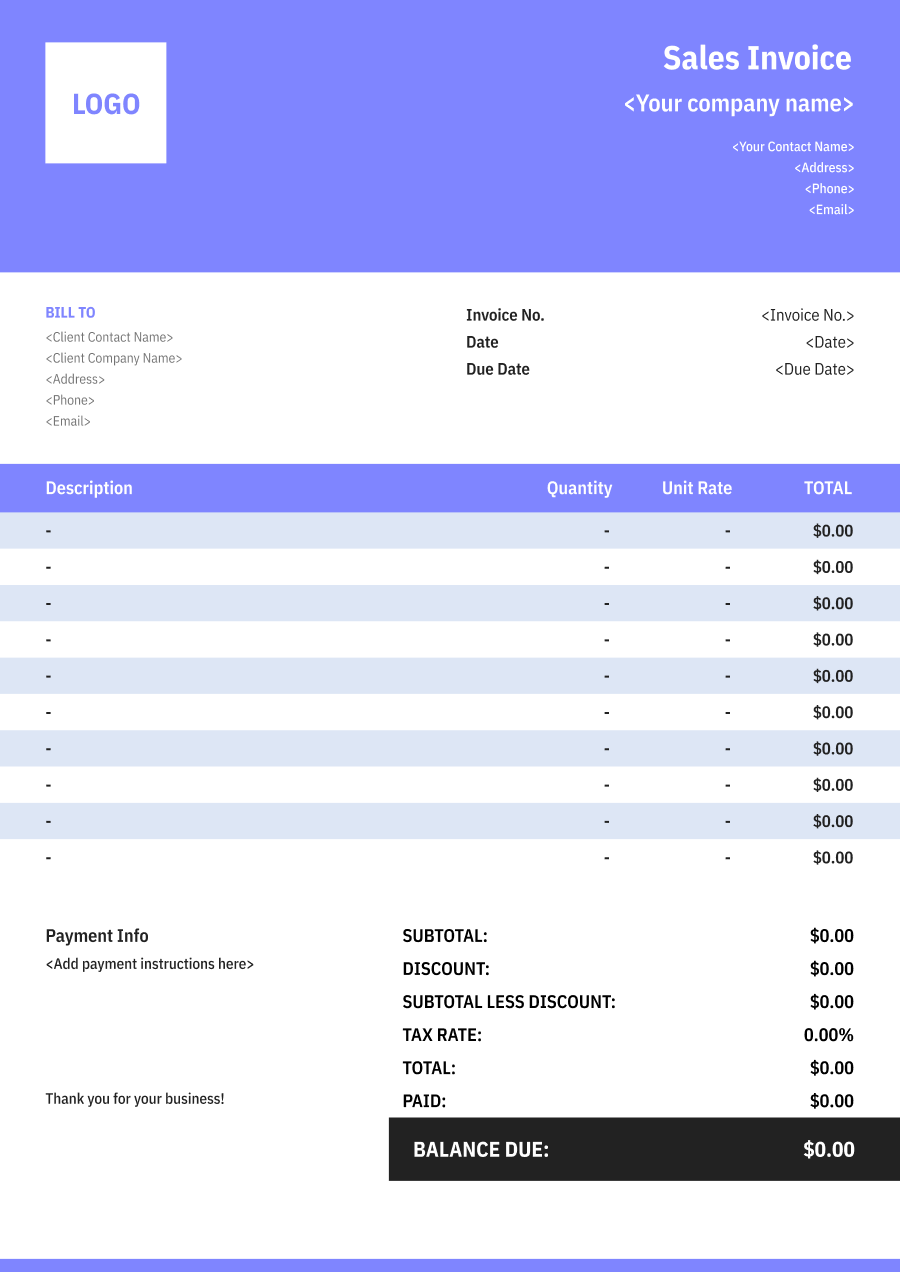
Create a Sales Invoicewith a Live Preview
Enter the seller, customer, products, and agreed charges, then verify the totals and payment terms before sending the invoice.
Invoice Details
Add the identifiers and dates for this sale.

JPG, JPEG, PNG, less than 5 MB
Seller & Customer
Identify the business making the sale and the customer being billed.
From
Bill to
Products Sold
Itemize the goods, quantities, and agreed unit prices.
Totals & Payment
Calculate taxes and charges, then state the balance and payment terms.


Reuse Saved Information in Invoice Zip
Use saved items and client information to create an invoice in just a few taps.
What Is a Sales Invoice?
A sales invoice records a sale of goods from a seller to a customer. It identifies the products, quantities, agreed prices, taxes and other charges, payment terms, and total amount due.
It differs from an order confirmation because it states the billable transaction, and it differs from a receipt because it does not by itself prove the customer paid. If payment has already been received, show that amount and preserve the separate payment record.
A useful sales invoice connects the customer's purchase order or order number with the items actually supplied. When an order ships in parts, bill only the goods covered by that invoice and keep the remaining order separate.
Sales tax, invoicing, and recordkeeping requirements vary by location and transaction. Use verified rates and seller details, and have jurisdiction-specific treatment confirmed through the business's normal tax and accounting process.
- 01
Products and quantities
Describe exactly what was sold and in what amount.
- 02
Price and charges
Show unit prices, discounts, tax, delivery, and the total.
- 03
Payment record
State the balance and keep later payment confirmation linked.
What to Include on a Sales Invoice
Itemize the sale so the customer can match the invoice to the order and verify every component of the total.
- 1
Seller and Customer Details
List the legal or trading names, addresses, and contact information used for the sale and billing account.
- 2
Invoice and Order References
Include a unique invoice number, invoice date, purchase-order or order number, and delivery reference where available.
- 3
Specific Product Descriptions
Name the product, model, size, or variation needed to distinguish it from similar items.
- 4
Quantity and Unit Price
Show the number of units, the measurement unit, the agreed price per unit, and the calculated line amount.
- 5
Discounts and Credits
Display order-level or line-level discounts clearly and apply approved credits only once.
- 6
Taxes
Identify each tax included or added, the relevant rate where appropriate, and the calculated amount using verified transaction data.
- 7
Delivery and Other Charges
List freight, handling, or other agreed charges separately so the customer can see how the total was built.
- 8
Payment Terms and Balance
State the due date, accepted payment method, payment reference, amount already received, and remaining balance.
Common Uses of a Sales Invoice
Sales invoices support product transactions ranging from a single retail order to recurring wholesale deliveries.
- 01
Retail account sale
A store supplies goods now and bills an approved customer account under agreed payment terms.
- 02
Wholesale order
A distributor invoices several product lines against a buyer's purchase order.
- 03
Ecommerce fulfillment
An online seller connects the invoice to the order, shipped items, taxes, and delivery charge.
- 04
Partial shipment
A seller invoices only the quantities dispatched now and preserves the unshipped balance for later fulfillment.
- 05
Replacement or adjusted sale
A seller documents approved replacement goods, price differences, or credits with a traceable reference.
Match the invoice to what was actually supplied. If a customer returns goods or the order changes after invoicing, use the business's approved correction or credit process rather than silently overwriting the original record. For recurring buyers, consistent product descriptions and purchase-order references make reconciliation much easier.
Sales Invoice vs. Receipt
A sales invoice explains what the customer owes for the sale; a receipt confirms what the seller has received.
| Question | Sales invoice | Receipt |
|---|---|---|
| Primary purpose | Records the sale and requests or states payment due. | Confirms that a specified payment was received. |
| When is it issued? | When the sale becomes billable under the agreed terms. | After the customer makes payment. |
| What amount appears? | The sale total, prior payments, and remaining balance. | The amount and method actually paid. |
| What should be tracked next? | Payment status and any approved adjustments. | Allocation of the payment to the correct invoice. |
An invoice marked paid can show that its balance has been settled, but the underlying payment should still be supported by a payment record. If one payment covers several invoices, allocate it explicitly. If a customer pays only part of the sales invoice, show the payment and remaining balance instead of issuing a receipt for the full invoice total.
Sales Invoice Tips for Accurate Product Billing
Consistent order references and item-level detail help the customer verify the sale quickly.
- 01
Match the fulfilled order
Confirm products and quantities against the dispatch or pickup record before invoicing.
- 02
Use precise item names
Include the model, size, color, unit, or other variation that affects the customer's order.
- 03
Check tax and discounts
Use verified treatment and show discounts, credits, and tax calculations as separate, reviewable amounts.
- 04
Preserve corrections
Handle returns or price changes through a traceable credit, adjustment, or replacement document instead of erasing history.
Sales Invoice FAQs
Is a sales invoice proof of payment?
No. It records the sale and amount due. A payment confirmation, receipt, or transaction record shows that money was received.
Can I invoice only part of an order?
Yes. List only the goods covered by that invoice, identify the partial shipment or delivery, and avoid billing the remaining quantity twice.
Should delivery charges appear separately?
Yes when they are charged to the customer. A separate line makes the product subtotal and final total easier to review.
How should I handle a returned product?
Follow the business's approved return and credit process, reference the original invoice, and keep the adjustment traceable instead of deleting the original sale.
What if the customer provides a purchase order?
Include its reference and verify that the billed items, quantities, prices, and delivery details match the authorized order or approved change.
Other Free Resources



Try Invoice Zip Today
Start Sending Invoices, Building Reports, Saving Office
Time and Get Paid Faster.
