


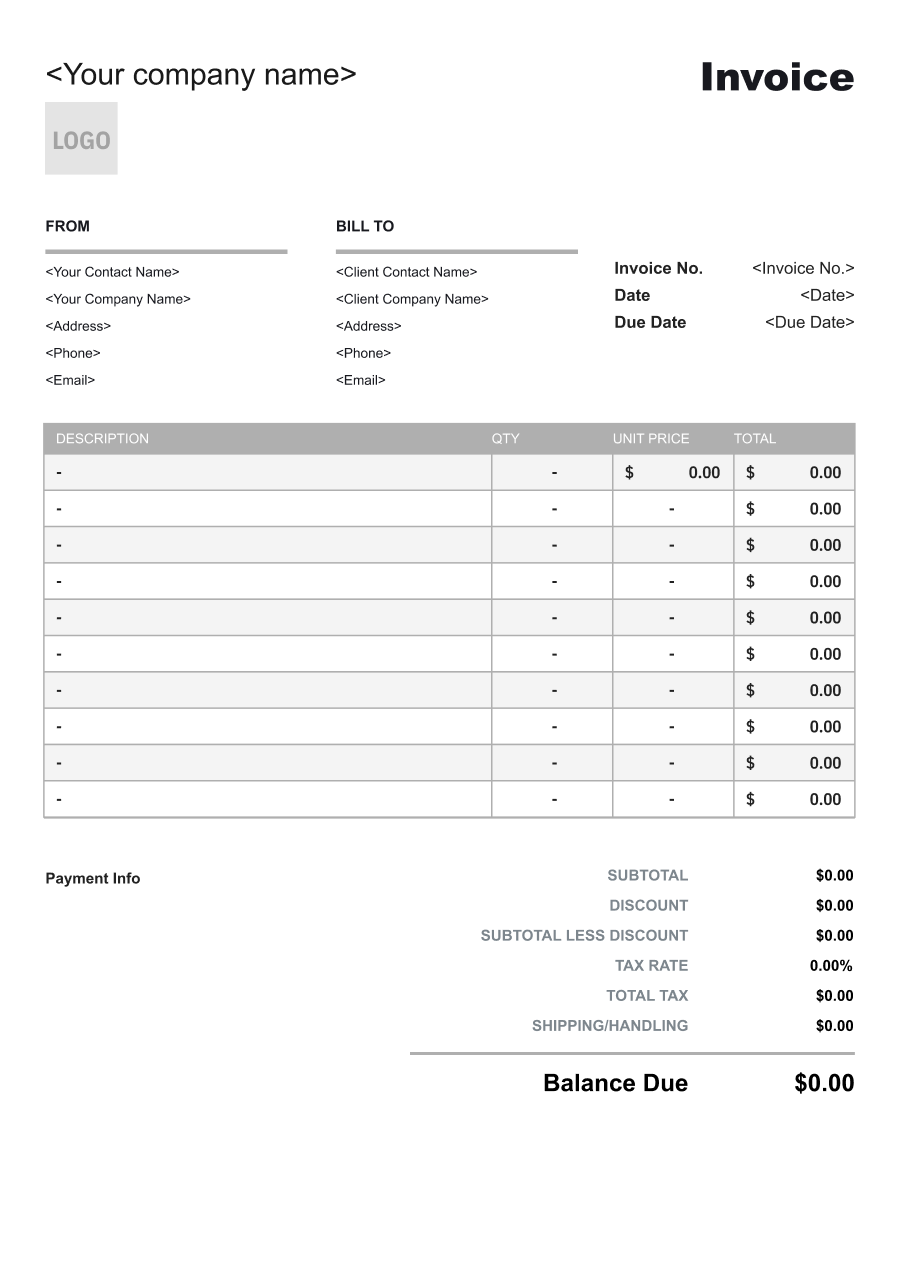
Interior Designer Invoice Template
Create a professional interior designer invoice with editable invoice templates for design services, consultations, sourcing, materials, revisions, and project expenses.
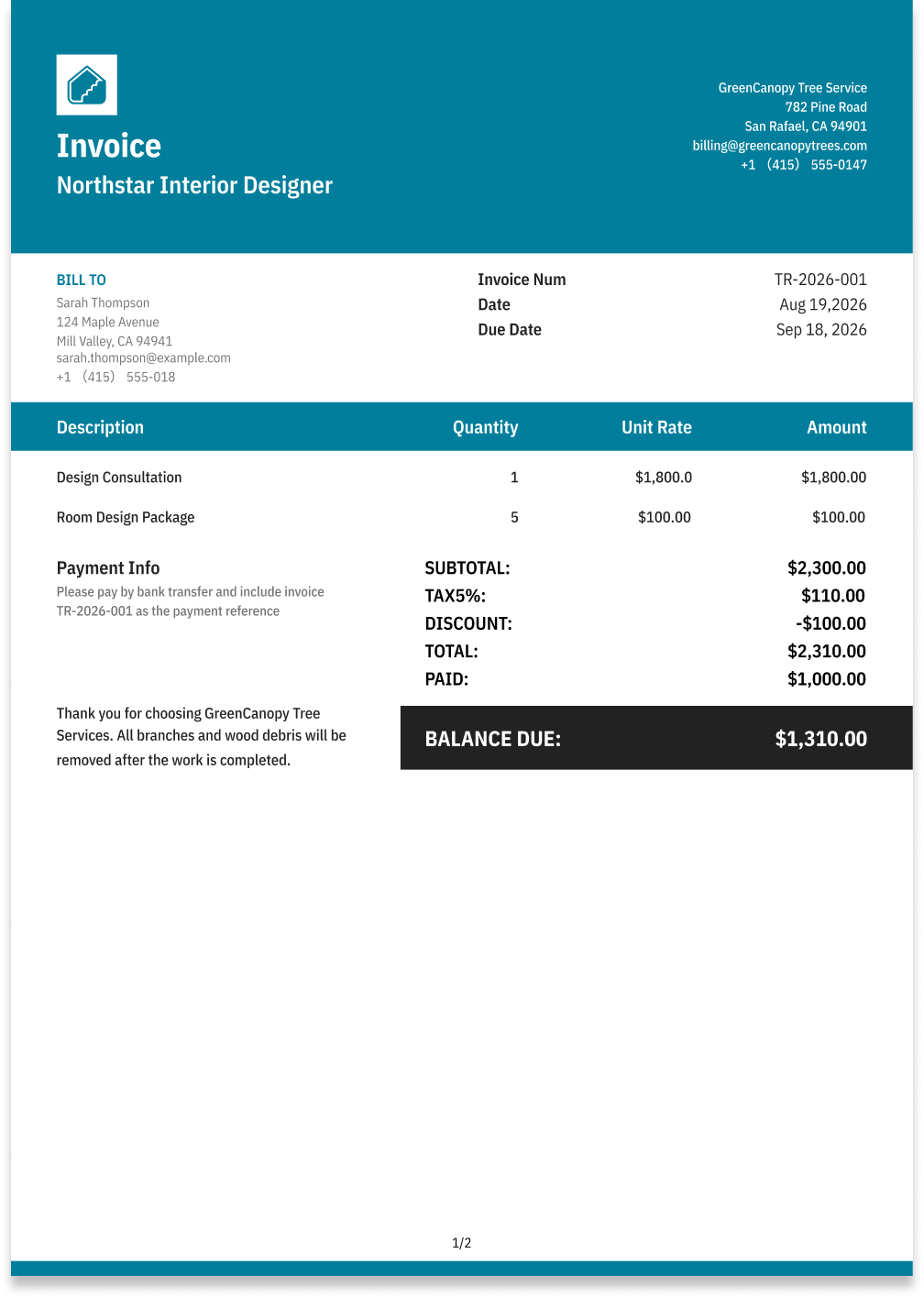
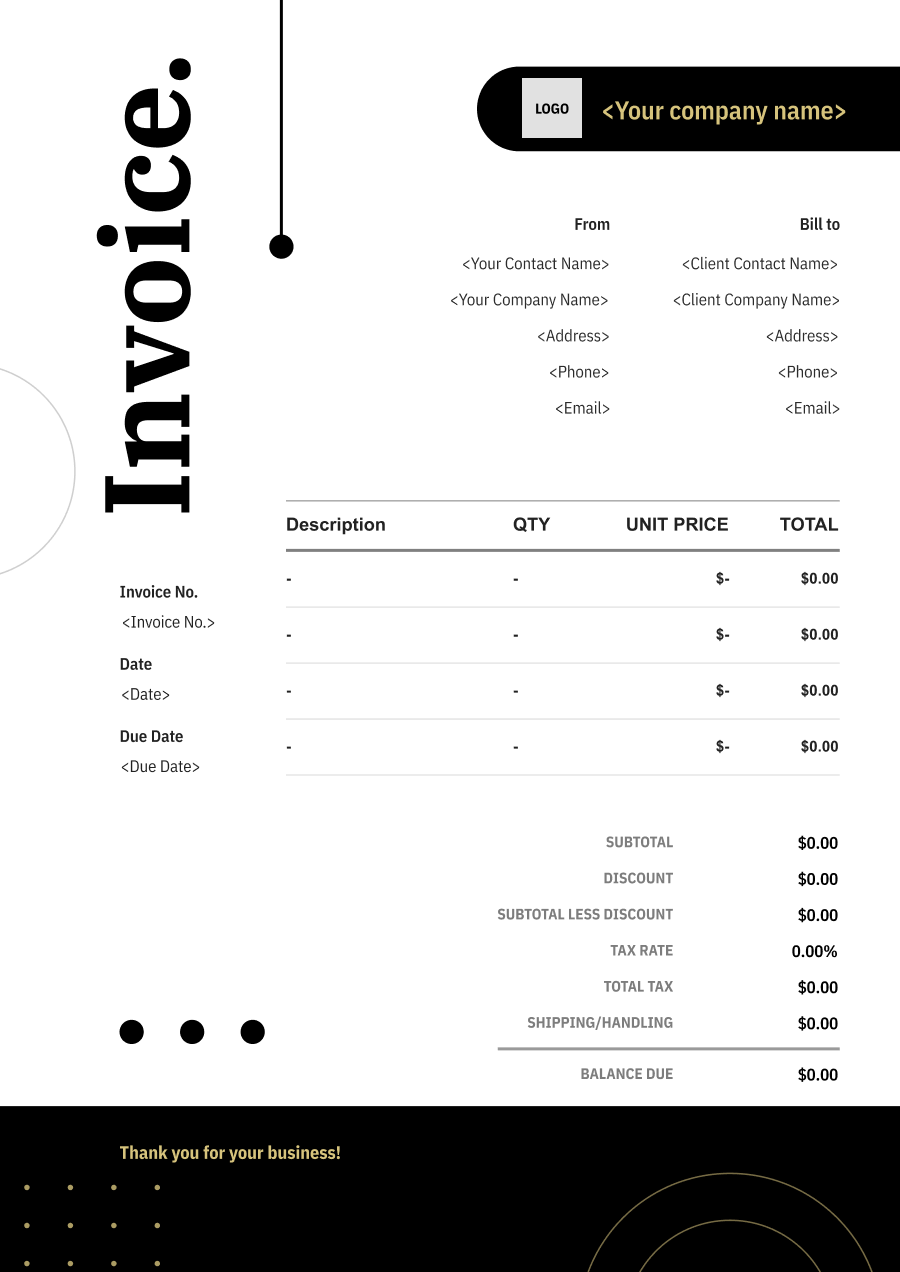
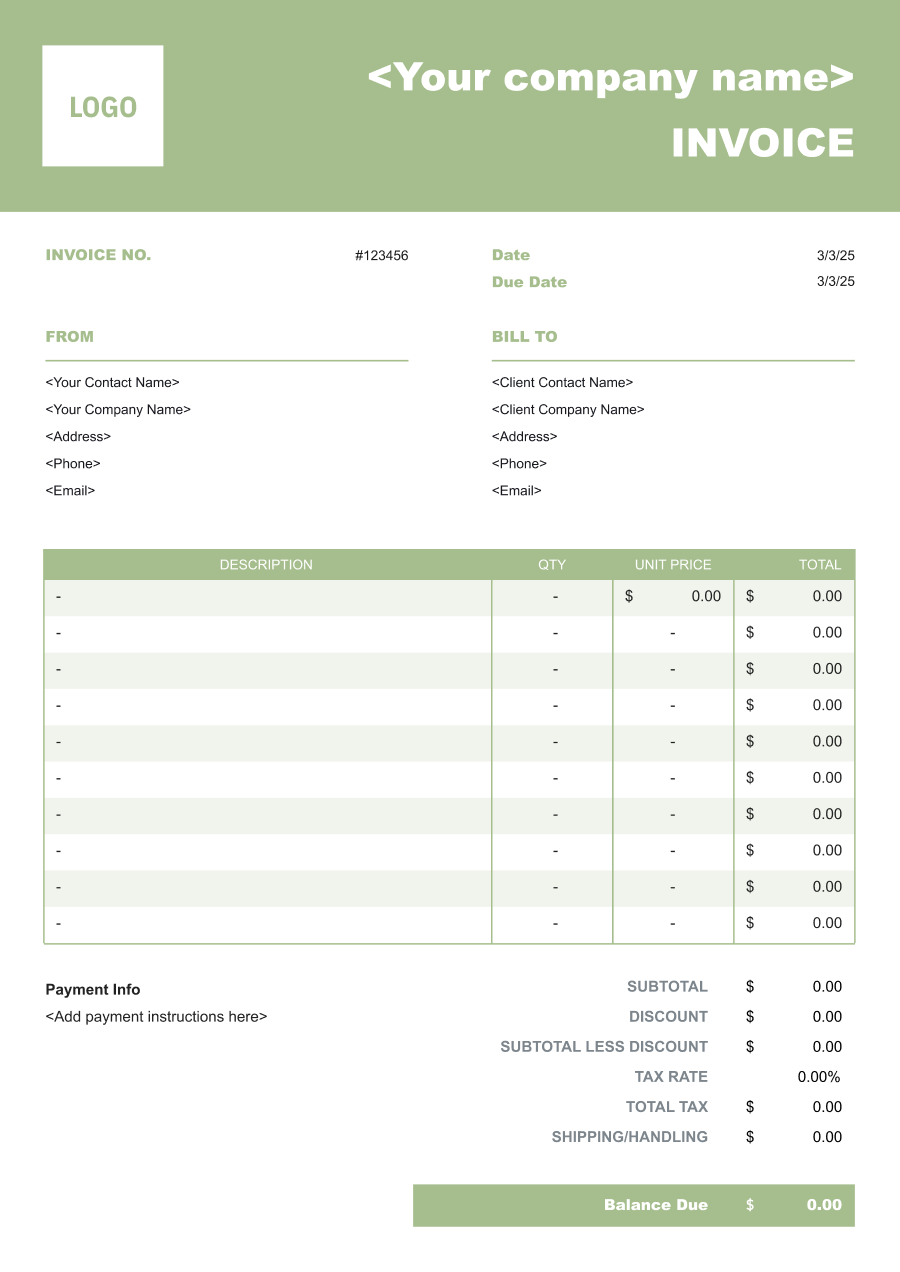
Choose the Best Invoice Template for Your Interior Designer Business


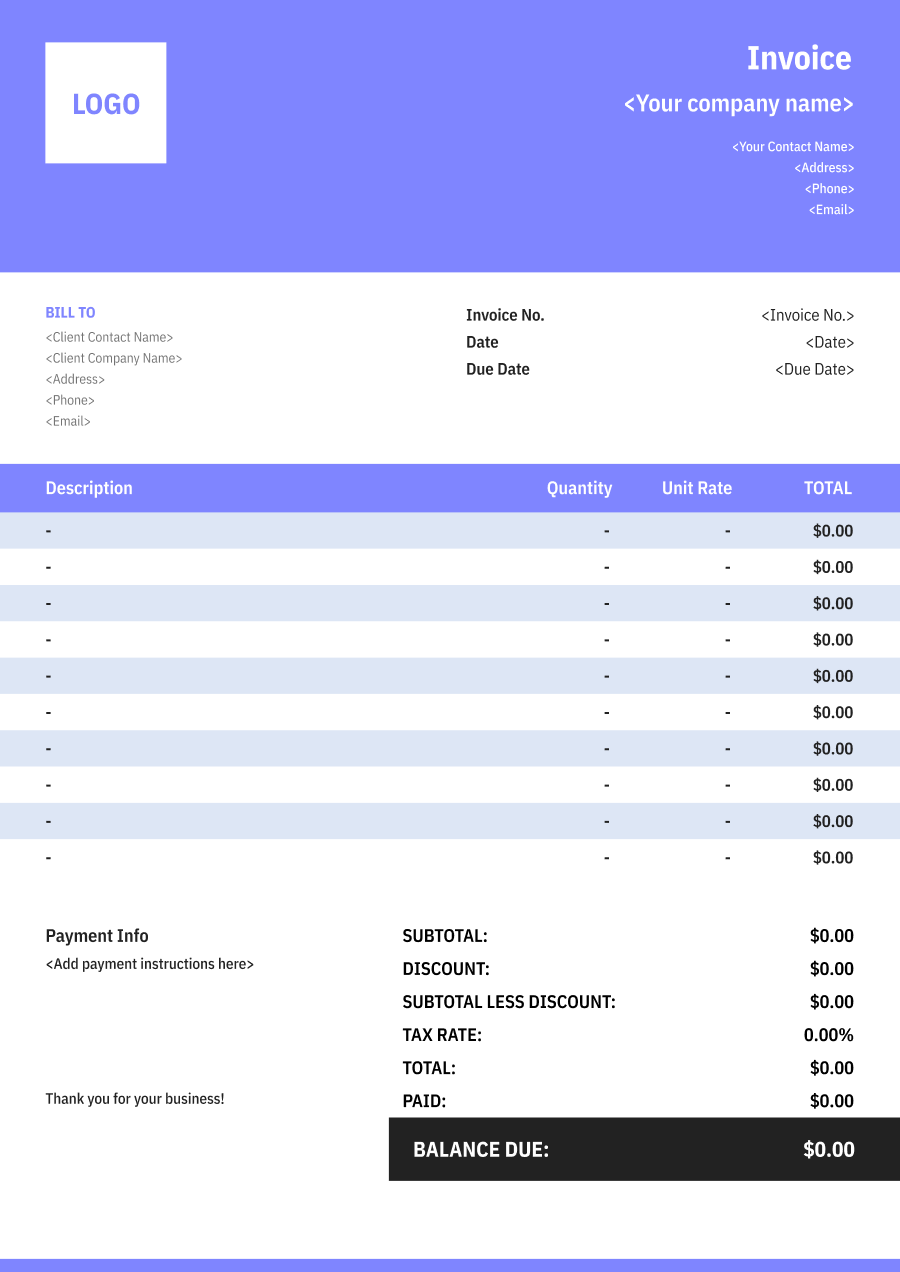
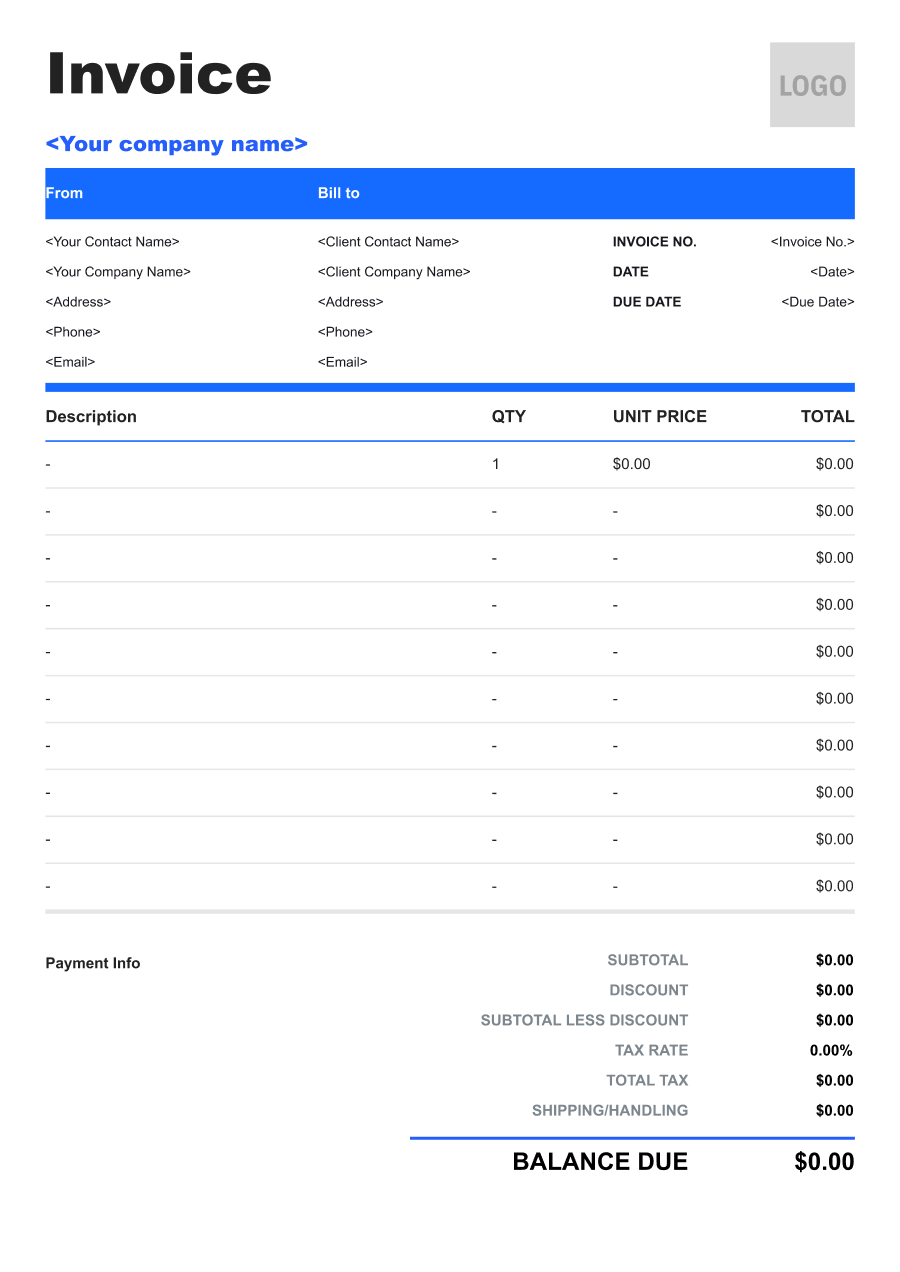
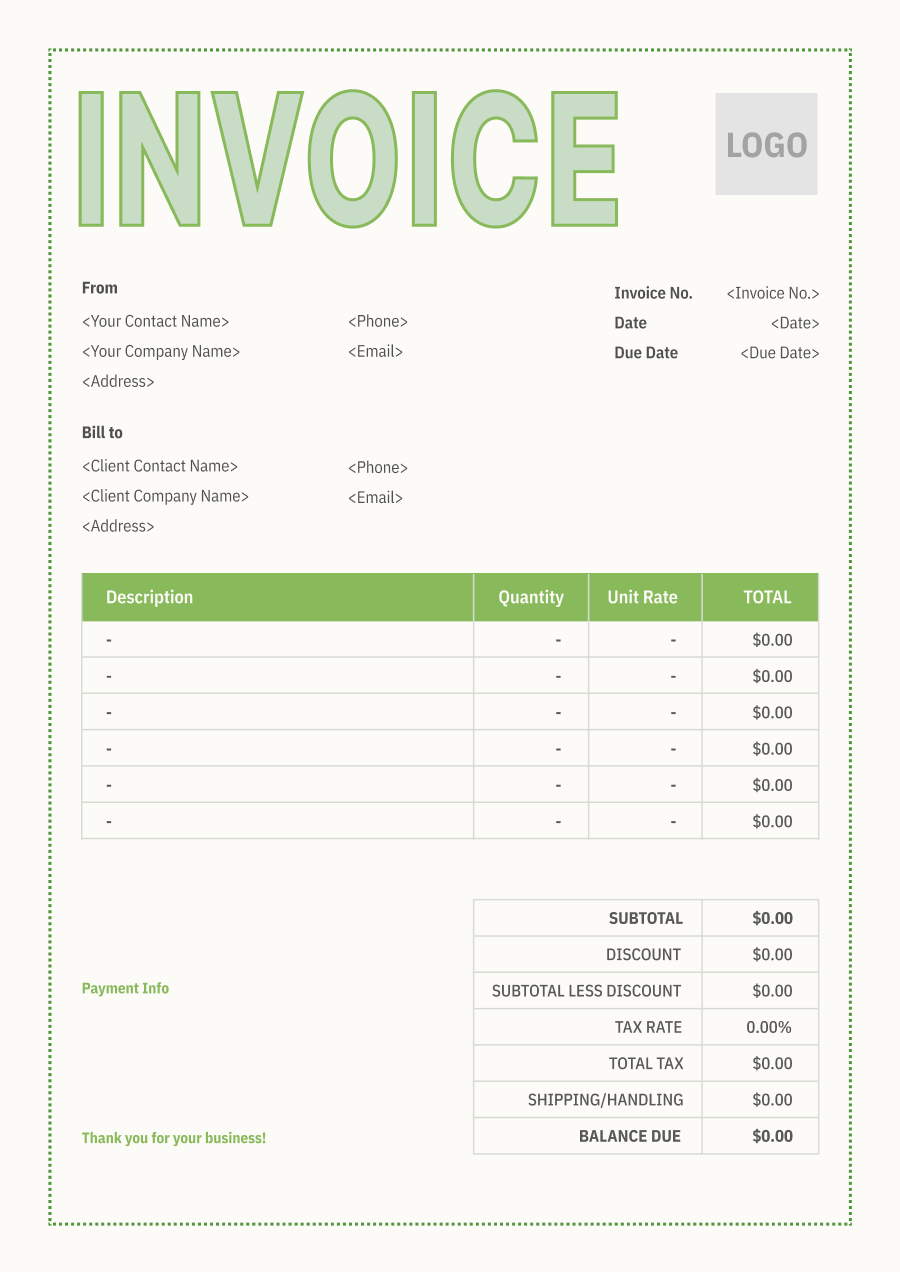
Create A Professional
Interior Designer Invoice in Minutes
Add your interior designer business and client details, itemize the products or services provided, and generate a professional invoice when you are ready.
1
Invoice details
Set the document identity, dates and currency.
Logo

Upload file
JPG, JPEG, PNG, less than 5 MB
Invoice number
Currency
USD
Issue date
Due date
2
Business & client
Add the details your client needs to identify both parties
From
Company Name
Contact name
Address
Email Address
Phone Number
Bill To
Client name
Address
Email Address
Phone Number
3
Products & services
Itemize what you’re charging for. Totals update automatically.
4
Totals & payment
Apply adjustments and tell your client how to pay.
Payment instructions
Notes
Sub Total
$0.00
Tax Rate
%
Discount
$
Total
$0.00
Amount paid
$
Balance Due
$0.00
What to include in Interior Designer Invoice
A clear interior designer invoice helps prevent disputes and ensures timely payment. Use this checklist to include the essential details.
- 1
Business Header & Contact
Company name, logo, phone number, email address, and physical business location.
- 2
Client Contact Information
Client's full name or business entity name, billing address, phone number, and email.
- 3
Invoice Metadata
Unique invoice number, invoice issue date, and payment due date (e.g., Net 15 / Due upon receipt).
- 4
Cost Summary & Taxes
Subtotal for services, local sales taxes (if applicable), applied discounts, and final bolded Total Due.
- 5
Deposit & Balance Tracking
Original estimate total, pre-paid deposit deductions (e.g., 'Less Deposit Received: -$500'), and remaining net balance due.
- 6
Payment Instructions
Accepted payment methods, including direct online payment links (Credit/ACH), check mailing address, or bank transfer details.
- 7
Design Services & Project Phase
Identify the project and design services provided, such as concept development, space planning, material selection, sourcing, or design revisions.
- 8
Rooms & Design Scope
Identify the rooms or areas covered, such as kitchen, living room, bedroom, office, retail space, or other project areas.
- 9
Design Fees & Procurement Charges
Separately identify hourly design fees, fixed design fees, procurement fees, project management charges, or other agreed professional services.
- 10
Furniture, Materials & Vendor Costs
List furniture, fixtures, fabrics, finishes, accessories, shipping, installation, or vendor purchases made on the client's behalf when applicable.
Common Interior Designer Services & Billing Items
How Interior Designer charges are typically structured and billed.
Common Services
What's Included
Billing Items
Interior Design
Design deliverable, Scope or revisions, Consultation date, Hours or duration, and Project or deliverable name
Design FeesConsultation Hours
Space Planning
Design deliverable, Scope or revisions, Material or item procured, Quantity, and Client or project name
Design FeesMaterials/Procurement
Furniture Selection
Consultation date, Hours or duration, Material or item procured, Quantity, and Service date
Consultation HoursMaterials/Procurement
Color Consultation
Design deliverable, Scope or revisions, Consultation date, Hours or duration, Expense type, and Date and vendor
Design FeesConsultation HoursReimbursable Expenses
Design Documentation
Consultation date, Hours or duration, Expense type, Date and vendor, and Project or deliverable name
Consultation HoursReimbursable Expenses
Project Coordination
Design deliverable, Scope or revisions, Material or item procured, Quantity, Expense type, and Date and vendor
Design FeesMaterials/ProcurementReimbursable Expenses
Procurement Management
Design deliverable, Scope or revisions, Consultation date, Hours or duration, Material or item procured, and Quantity
Design FeesConsultation HoursMaterials/Procurement
Design Fees: Charges for design services, concepts, plans, and creative direction.
Consultation Hours: Time-based charges for design consultations and client meetings.
Materials/Procurement: Charges for sourced furnishings, finishes, samples, or procurement services.
Reimbursable Expenses: Approved out-of-pocket project costs billed back to the customer.
Interior Designer Invoicing Tips
Interior Designer costs vary by service scope, pricing method, and additional requirements. A detailed invoice helps customers understand every charge and reduces payment disputes.
1
Separate Design from Procurement
Interior design projects may combine professional services with products purchased for the space. Best practice: distinguish design fees from furniture, fixtures, materials, and procurement-related costs.
2
Bill by Project Phase
Projects can move through concept, selection, purchasing, installation, and final styling stages. Best practice: identify the phase or milestone covered by each invoice.
3
Track Client-Approved Purchases
Furniture and materials can represent a large portion of project spending. Best practice: identify major purchases and vendor costs clearly and retain approval records for client-funded items.
4
Document Design Revisions
Multiple rounds of revisions can expand the original scope. Best practice: identify additional design work separately when it exceeds the agreed number of revisions or project scope.


Reusable Billing Structure in Invoice Software
Use the items above to quickly create a Interior Designer Invoice Template in Invoice Zip.
FAQs about Interior Designer Invoicing
Q: How should an interior designer separate design fees from furniture and decor purchases?
A: Professional design services should be distinguished from furniture, fixtures, artwork, and decor purchased for the project. This allows the client to see what they are paying for design expertise versus physical items.
Q: How should an interior designer bill for design work across multiple project phases?
A: Services can be divided into phases such as concept development, space planning, material selection, sourcing, and installation coordination. Each phase can have its own fee or milestone payment.
Q: How should an interior designer invoice for furniture sourcing and procurement?
A: Sourcing and procurement services can be listed separately from the cost of the furniture itself. If the designer charges a procurement fee or markup, that amount should be clearly distinguishable from the product price.
Q: How should an interior design invoice handle client-requested revisions or additional rooms?
A: Work added beyond the original scope can be listed as additional design services. The invoice can identify the new room, revision, or project requirement that created the additional charge.
Q: How should an interior designer bill for installation coordination and project management?
A: Installation coordination, vendor management, and project oversight can be listed separately when they are billed independently from design services. This helps clients understand the cost of managing the implementation of the design.
Other Free Resources



Try Invoice Zip Today
Start Sending Invoices, Building Reports, Saving Office
Time and Get Paid Faster.
