


Designer Invoice Templates
Designed for freelance designers, creative professionals, and design studios.
Choose the Free Invoice Template
Right for You
Alternative Sources for Designer Invoicing
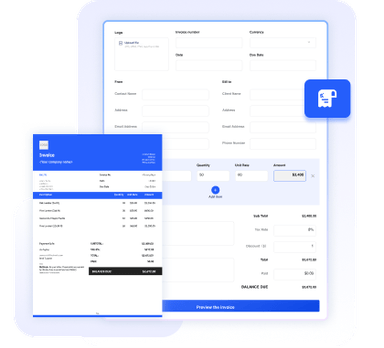
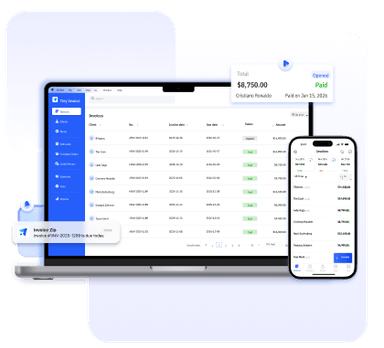
Need more than a template? Try our online invoice generator or full-featured invoice software for even more convenience and advanced features.



Essential Info for Designer Invoices
Designers typically bill clients for creative services such as branding, logo design, UI/UX design, illustrations, or marketing assets. Because design work often involves multiple deliverables, revisions, and project phases, invoices should clearly show what work was completed and how the pricing is structured. A clear invoice helps avoid misunderstandings about scope, pricing, and usage rights.
Our templates include the most common fields used in freelance design invoices, and you can easily customize them to match your workflow.
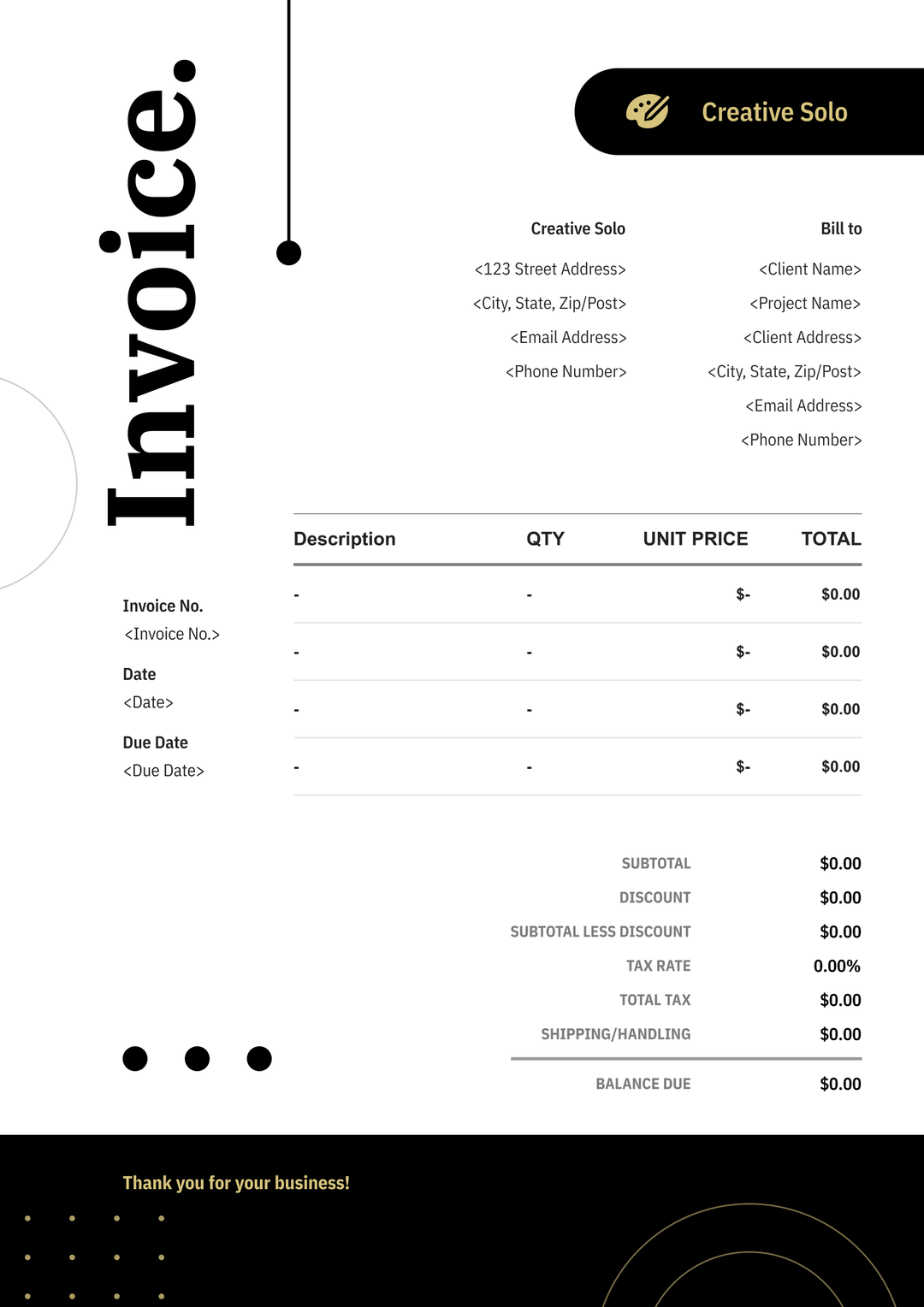
Business name, logo, contact info, portfolio website, and business address.
Client name, company (if applicable), and contact information.
Project name, project description, and design deliverables. You may also include the project timeline or service period.
A unique number used to track the invoice.
The date when payment is expected. You can calculate your invoice due date based on your payment terms.
Final deliverables (e.g., vector files, source files), pricing or project fees, and licensing or usage rights granted to the client.
Subtotal, tax, discount (if any), and the final amount due.
Payment methods, terms, and additional notes for the client.
Benefits of Using Our Templates
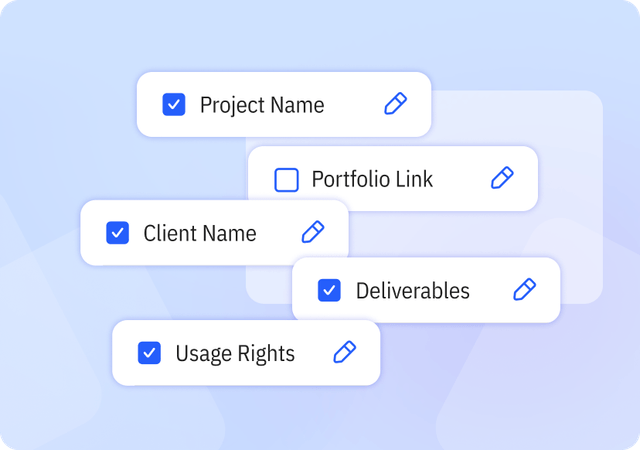
Complete & Customizable Fields
Includes essential and industry-specific fields designed for design workflows, with the flexibility to add or remove fields as needed.
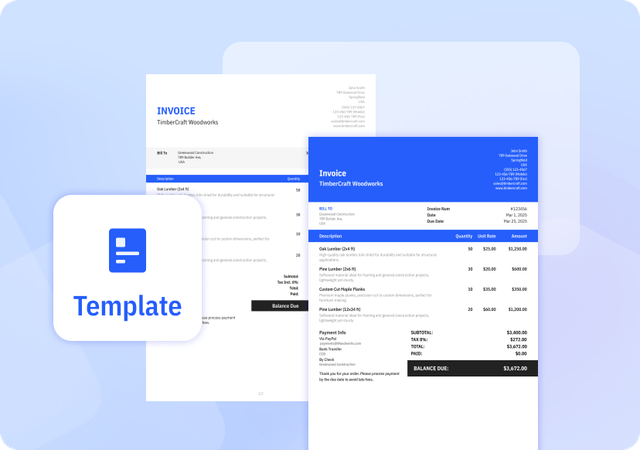
Consistently Formatted Templates
Professional, uniform layouts that make your invoices easy to read, look credible, and print perfectly every time.
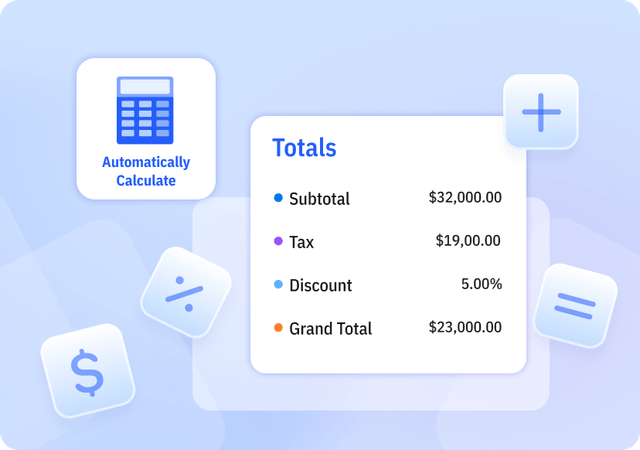
Automatically Calculate Totals
We offer Templates in Excel that automatically calculate subtotal, tax, discount, and grand total amounts to reduce errors.
Helpful Resources for Designers



FAQ about Designer Invoice Templates
Table of Contents
Should designers require a deposit before starting a project?
Many freelance designers request a deposit before beginning a project. A common practice is asking for 30–50% of the project price upfront, with the remaining balance paid after the work is completed or before final files are delivered.
Requiring a deposit helps protect designers from unpaid work and confirms the client’s commitment to the project. The deposit can be listed clearly on the invoice, showing the total project price, the amount already paid, and the remaining balance due.
How should designers structure pricing on an invoice?
Designers typically structure pricing in one of three ways: hourly rates, fixed project pricing, or milestone payments.
Hourly pricing is common for ongoing work or revisions. You can calculate your hourly rate to set a consistent rate for your services. Fixed project pricing is often used for services such as logo design, branding packages, or website layouts. Larger projects may be divided into milestones, where separate invoices are issued after stages such as concept development, revisions, or final delivery.
Clear line items and descriptions help clients understand exactly what services they are paying for.
How do designers charge for revisions or additional work?
Most designers include a limited number of revision rounds in the original project price. For example, a branding project may include two rounds of revisions.
If a client requests additional changes beyond the agreed scope, designers often charge an hourly rate or add extra line items on the invoice for additional revisions or design work. Clearly defining revision policies in the project agreement helps avoid misunderstandings later.
Can I customize your Invoice Templates?
Yes. We provide invoice templates in both Excel and Word formats, which you can download and edit as needed. Our invoice templates allow you to customize invoice details and appearance to suit your business needs. You can easily adjust invoice information and branding elements to keep your invoices professional and consistent.
Pros and Cons of Invoice Templates
Pros
- Saves time compared to creating invoices manually
- Provides a consistent invoice structure
- Often includes built-in formulas for calculations
Cons
- Does not support client or product management
- Limited flexibility compared to invoice generators or software
- Higher risk of errors if information is entered incorrectly
Other Free Resources
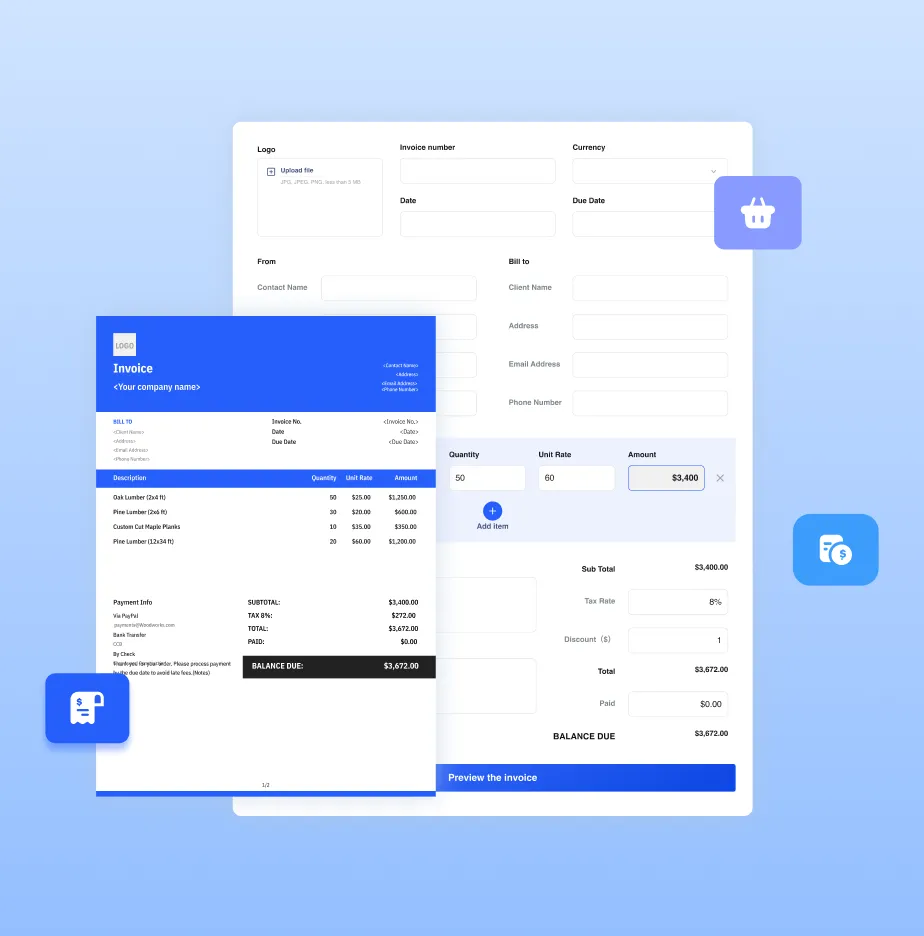

Try Invoice Zip Today
Start Sending Invoices, Building Reports, Saving Office
Time and Get Paid Faster.