


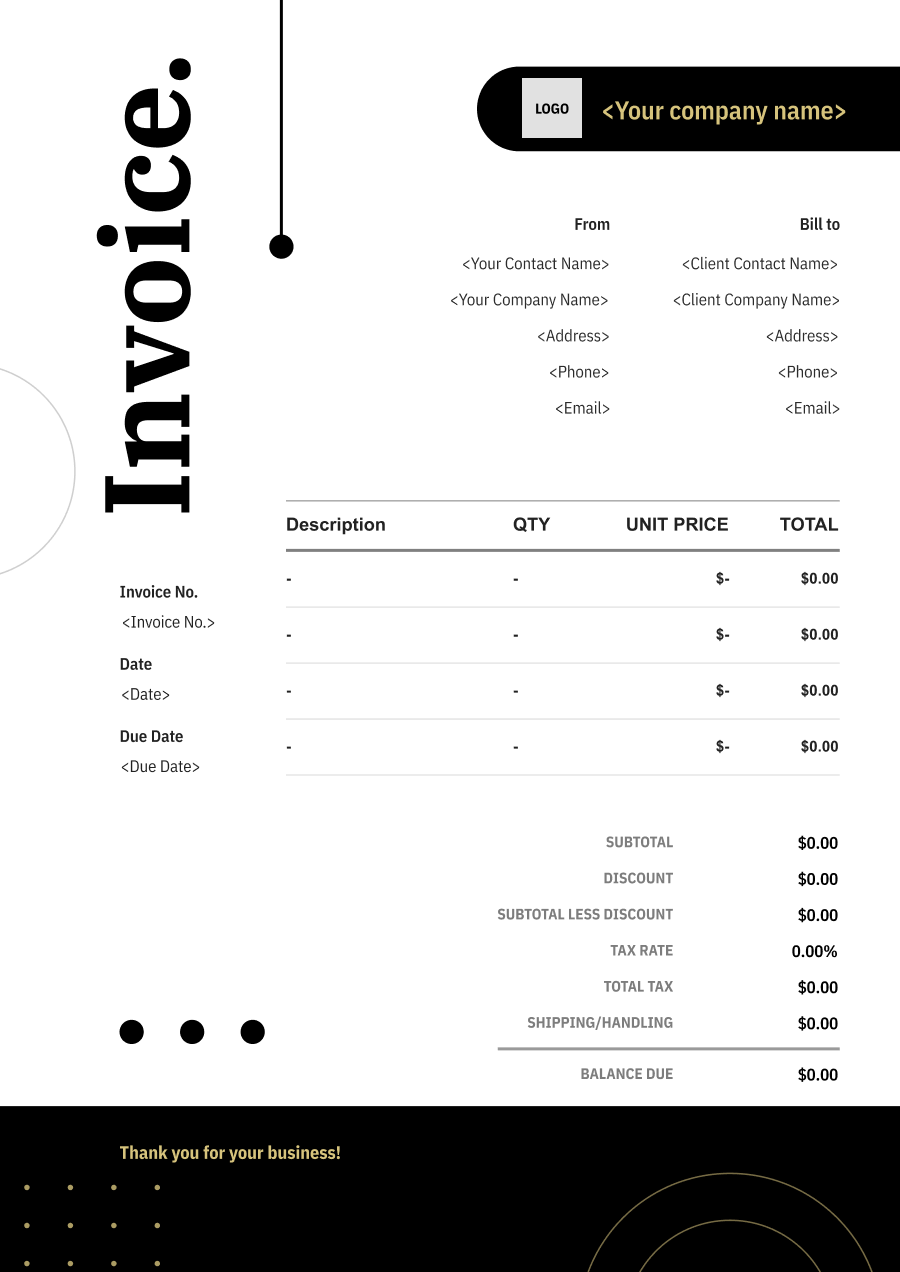
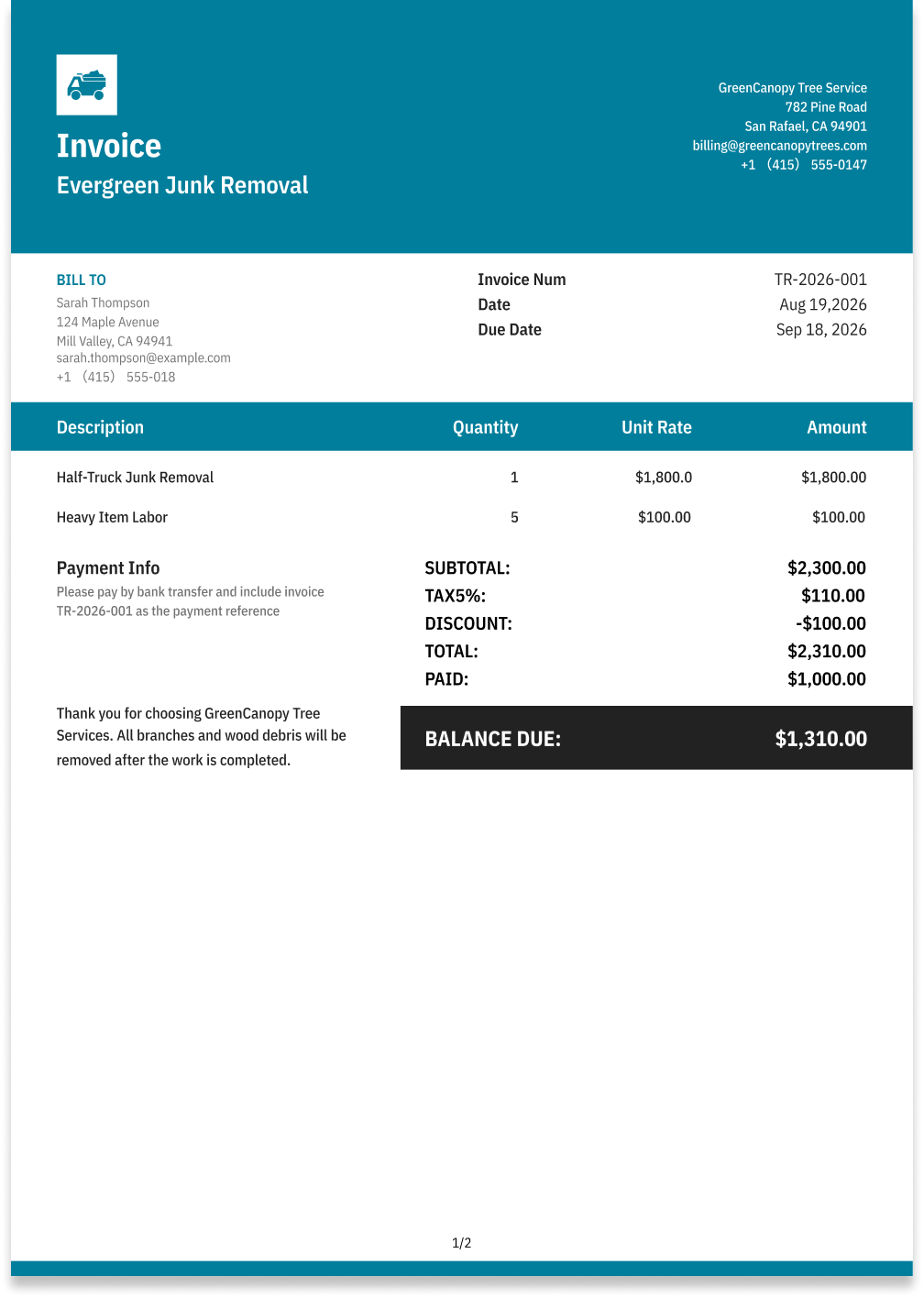
Junk Removal Invoice Template
Create a professional junk removal invoice with editable invoice templates for labor, load size, hauling, disposal fees, equipment, and additional charges.
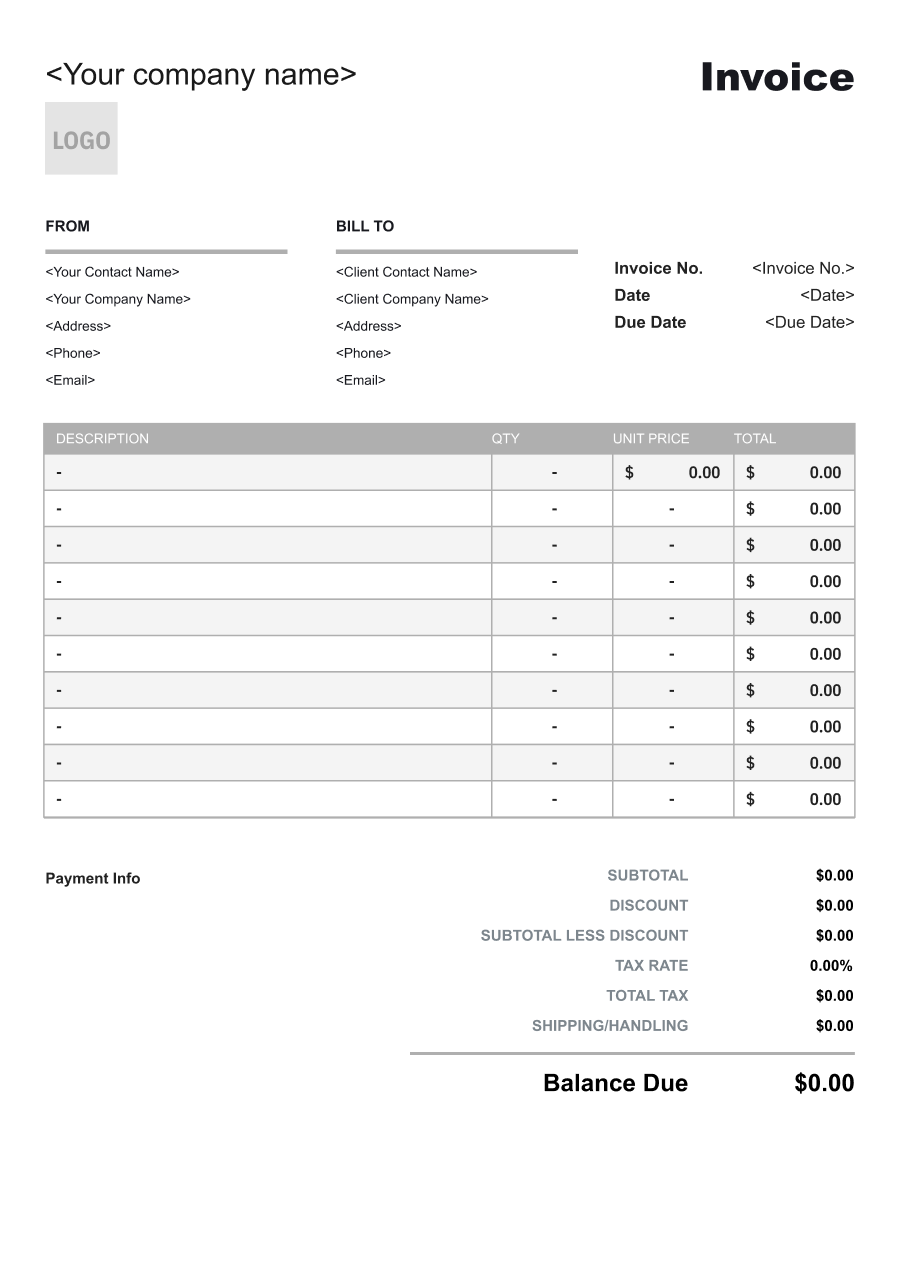
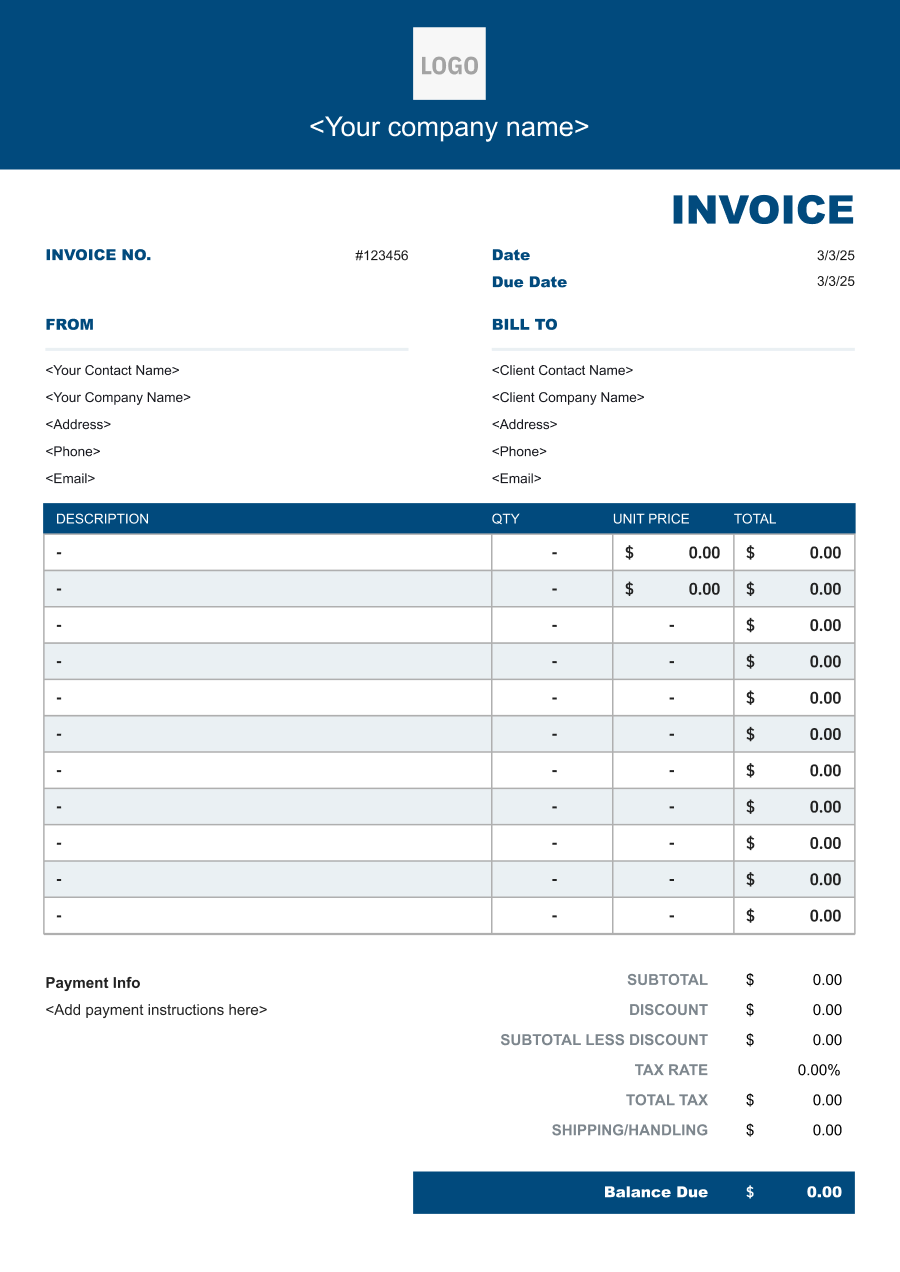
Choose the Best Invoice Template for Your Junk Removal Business


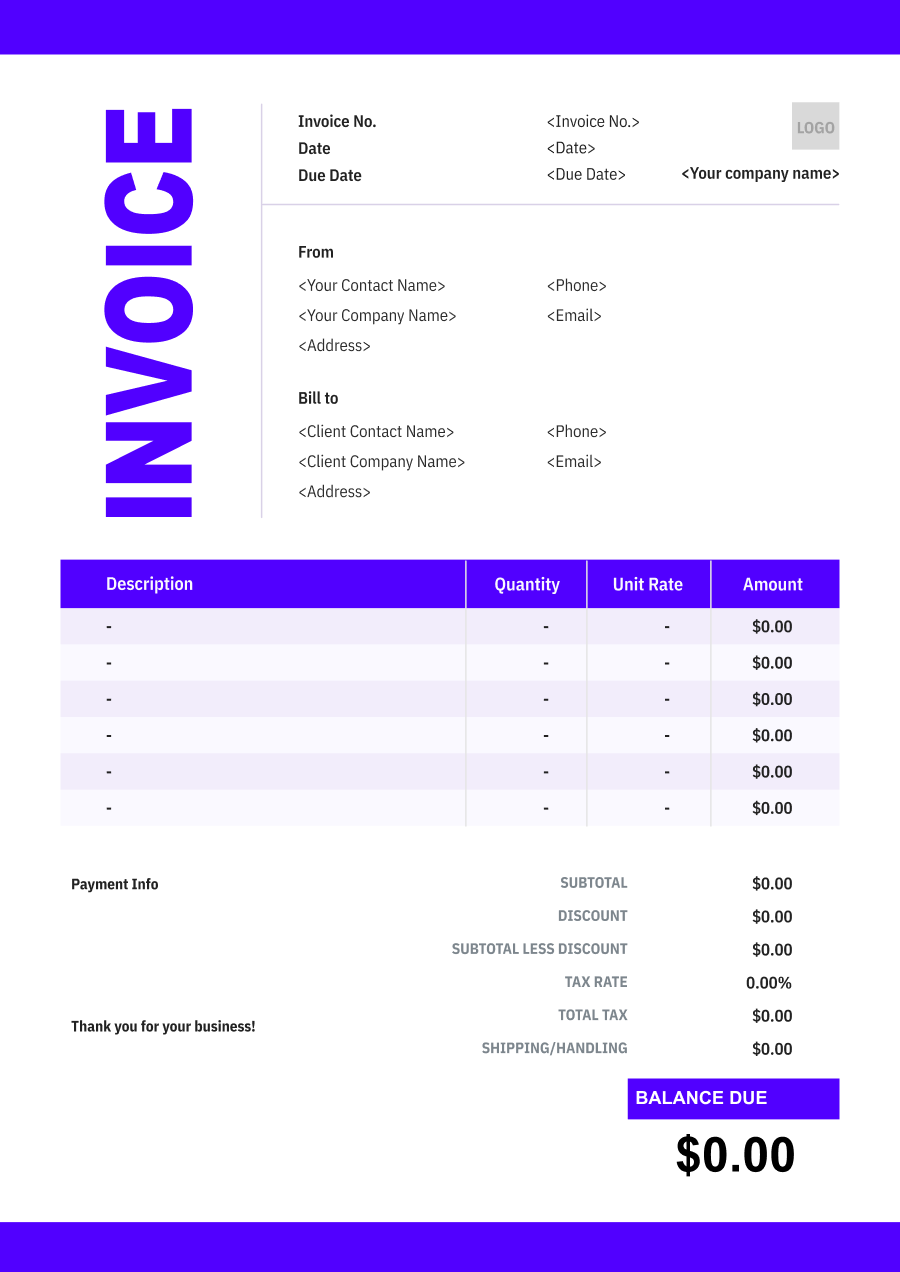
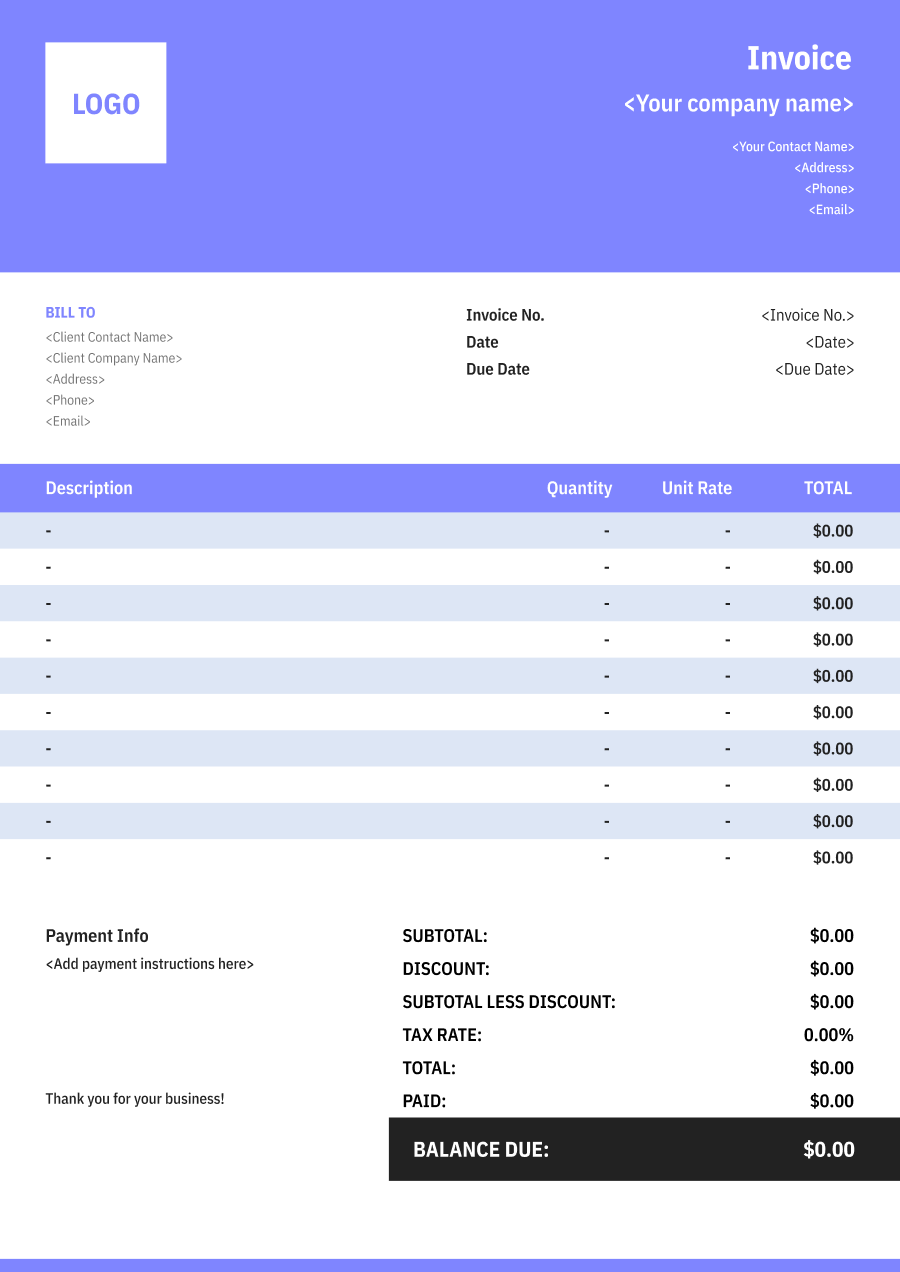
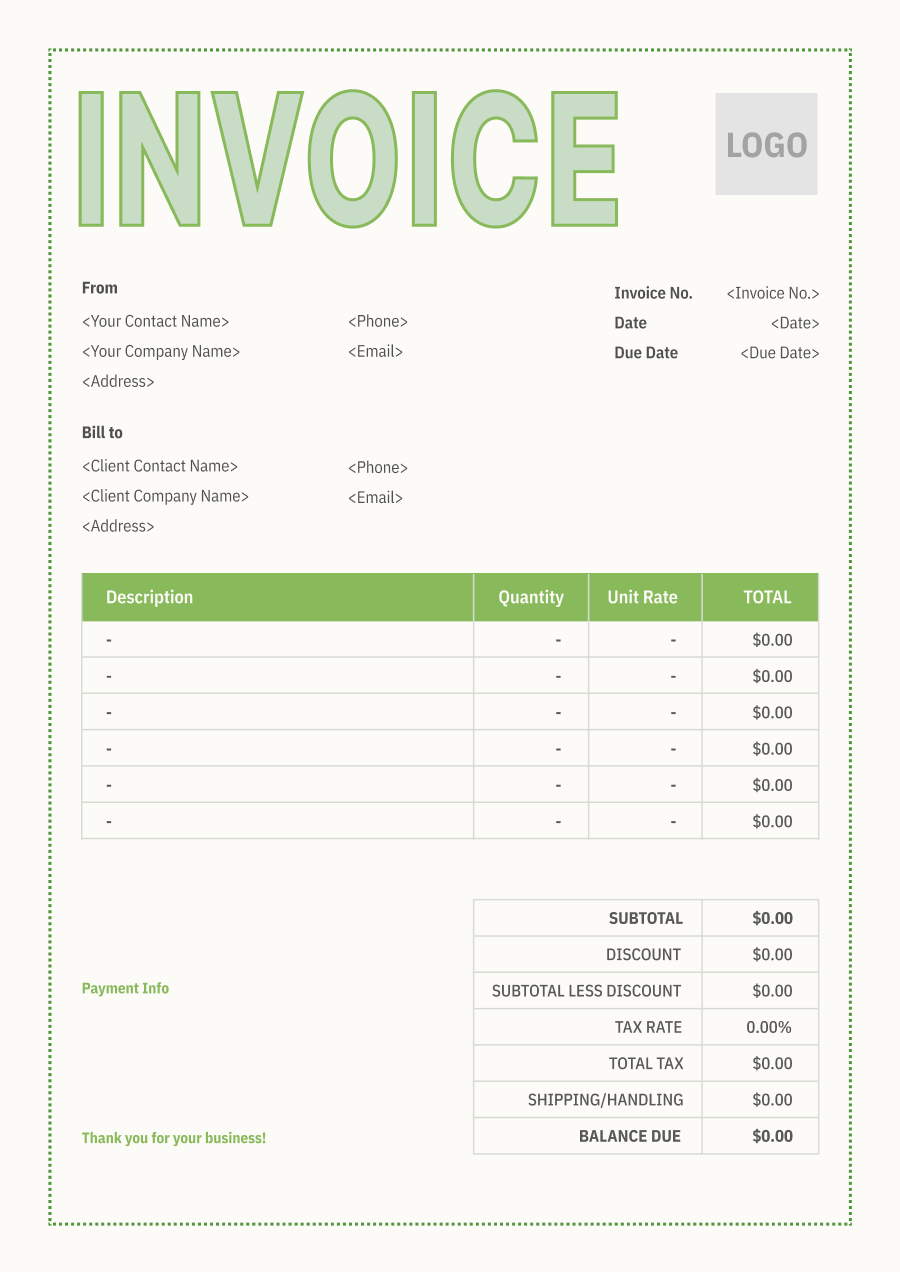
Create A Professional
Junk Removal Invoice in Minutes
Add your junk removal business and client details, itemize the products or services provided, and generate a professional invoice when you are ready.
1
Invoice details
Set the document identity, dates and currency.
Logo

Upload file
JPG, JPEG, PNG, less than 5 MB
Invoice number
Currency
USD
Issue date
Due date
2
Business & client
Add the details your client needs to identify both parties
From
Company Name
Contact name
Address
Email Address
Phone Number
Bill To
Client name
Address
Email Address
Phone Number
3
Products & services
Itemize what you’re charging for. Totals update automatically.
4
Totals & payment
Apply adjustments and tell your client how to pay.
Payment instructions
Notes
Sub Total
$0.00
Tax Rate
%
Discount
$
Total
$0.00
Amount paid
$
Balance Due
$0.00
What to include in Junk Removal Invoice
A clear junk removal invoice helps prevent disputes and ensures timely payment. Use this checklist to include the essential details.
- 1
Business Header & Contact
Company name, logo, phone number, email address, and physical business location.
- 2
Client Contact Information
Client's full name or business entity name, billing address, phone number, and email.
- 3
Invoice Metadata
Unique invoice number, invoice issue date, and payment due date (e.g., Net 15 / Due upon receipt).
- 4
Cost Summary & Taxes
Subtotal for services, local sales taxes (if applicable), applied discounts, and final bolded Total Due.
- 5
Deposit & Balance Tracking
Original estimate total, pre-paid deposit deductions (e.g., 'Less Deposit Received: -$500'), and remaining net balance due.
- 6
Payment Instructions
Accepted payment methods, including direct online payment links (Credit/ACH), check mailing address, or bank transfer details.
- 7
Items & Materials Removed
Describe the types of materials removed, such as furniture, appliances, construction debris, yard waste, or general household junk. For larger jobs, identify significant item categories rather than using only "junk removal."
- 8
Volume, Weight or Load Size
Include the pricing basis used for the job, such as truckload percentage, cubic yards, weight, number of items, or another agreed measurement.
- 9
Pickup Location & Access Conditions
Identify the service address and, when relevant, access conditions such as stairs, basement removal, long carry distance, elevator access, or restricted loading areas that affect labor.
- 10
Disposal, Recycling & Special Handling
Separately identify disposal, recycling, landfill, transfer-station, hazardous-material handling, appliance, or other special processing charges when applicable.
Common Junk Removal Services & Billing Items
How Junk Removal charges are typically structured and billed.
Common Services
What's Included
Billing Items
Household Junk Removal
Crew size, Hours worked, Items or materials hauled, Load or quantity, and Service area or property address
LaborHauling
Construction Debris Removal
Crew size, Hours worked, Items or waste disposed, Quantity or load, and Service area or property address
LaborDisposal Fees
Appliance Removal
Items or materials hauled, Load or quantity, Items or waste disposed, Quantity or load, and Service area or property address
HaulingDisposal Fees
Furniture Removal
Crew size, Hours worked, Items or materials hauled, Load or quantity, Equipment type, and Usage hours or rental period
LaborHaulingEquipment
Yard Waste Removal
Items or materials hauled, Load or quantity, Equipment type, Usage hours or rental period, and Service area or property address
HaulingEquipment
Commercial Junk Removal
Crew size, Hours worked, Items or waste disposed, Quantity or load, Equipment type, and Usage hours or rental period
LaborDisposal FeesEquipment
Estate Cleanout
Crew size, Hours worked, Items or materials hauled, Load or quantity, Items or waste disposed, and Quantity or load
LaborHaulingDisposal Fees
Labor: Charges for hands-on work, technician time, crew time, or professional service hours.
Hauling: Charges for loading, transporting, and hauling removed materials or items.
Disposal Fees: Charges for handling and disposing of used oil, filters, debris, or regulated waste.
Equipment: Charges for radios, monitoring devices, protective equipment, or other security equipment.
Junk Removal Invoicing Tips
Junk Removal costs vary by service scope, pricing method, and additional requirements. A detailed invoice helps customers understand every charge and reduces payment disputes.
1
Explain Volume-Based Pricing
Customers may not know how much space their items occupy in a truck. Best practice: identify the load size, cubic-yard estimate, weight, or other pricing basis used so the customer can understand how the removal charge was calculated.
2
Separate Labor from Disposal Fees
Disposal costs can vary significantly depending on the materials removed. Best practice: distinguish removal labor from disposal, recycling, and special handling charges when these costs are billed independently.
3
Document Additional Items Added On-Site
Customers may add furniture, debris, or other materials after the original quote. Best practice: identify additional items or volume added during the job and show any resulting price adjustment separately.
4
Record Restricted or Special Materials
Some materials require special disposal procedures or may not be accepted under standard junk removal service. Best practice: identify special-handling charges and document the materials involved rather than hiding them within a generic disposal fee.


Reusable Billing Structure in Invoice Software
Use the items above to quickly create a Junk Removal Invoice Template in Invoice Zip.
FAQs about Junk Removal Invoicing
Q: How should a junk removal company charge for different volumes of items?
A: Junk removal can be priced by truck volume, cubic yardage, weight, or a flat load rate. The invoice should identify the pricing method and, when applicable, the approximate amount of material removed.
Q: How should junk removal invoices handle heavy materials such as concrete or appliances?
A: Heavy or difficult-to-handle materials can be listed separately when they require special disposal, equipment, or labor. This prevents unusual disposal costs from being hidden within the standard removal charge.
Q: How should a junk removal company bill for labor when items must be removed from inside a property?
A: Loading and removal labor can be included in the main service or shown separately when the job requires significant additional work. The invoice can describe services such as basement, attic, garage, or interior removal.
Q: How should junk removal invoices account for disposal or recycling fees?
A: Disposal, landfill, recycling, or specialty waste fees can be listed separately when they are passed on to the customer. This makes the difference between removal labor and disposal costs clear.
Q: How should a junk removal company invoice an estate cleanout or large property cleanup?
A: Large cleanouts can be organized by service area or type of work, such as furniture removal, garage cleanup, and general debris hauling. This provides a more useful record than listing the entire job simply as “junk removal.”
Other Free Resources



Try Invoice Zip Today
Start Sending Invoices, Building Reports, Saving Office
Time and Get Paid Faster.
