


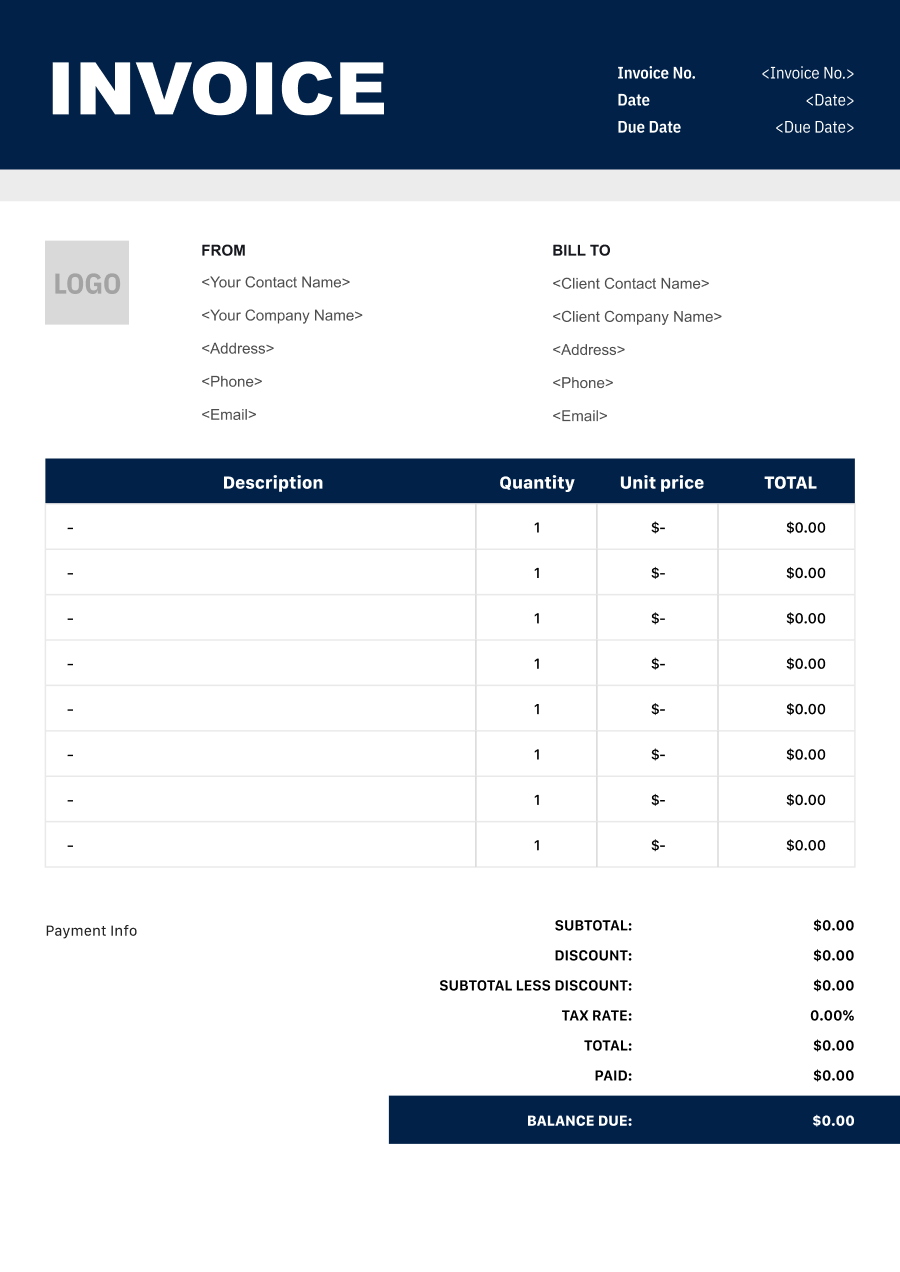
Computer Repair Invoice Template
Create a professional computer repair invoice with editable invoice templates for diagnostics, labor, parts, software services, data work, and other repairs.
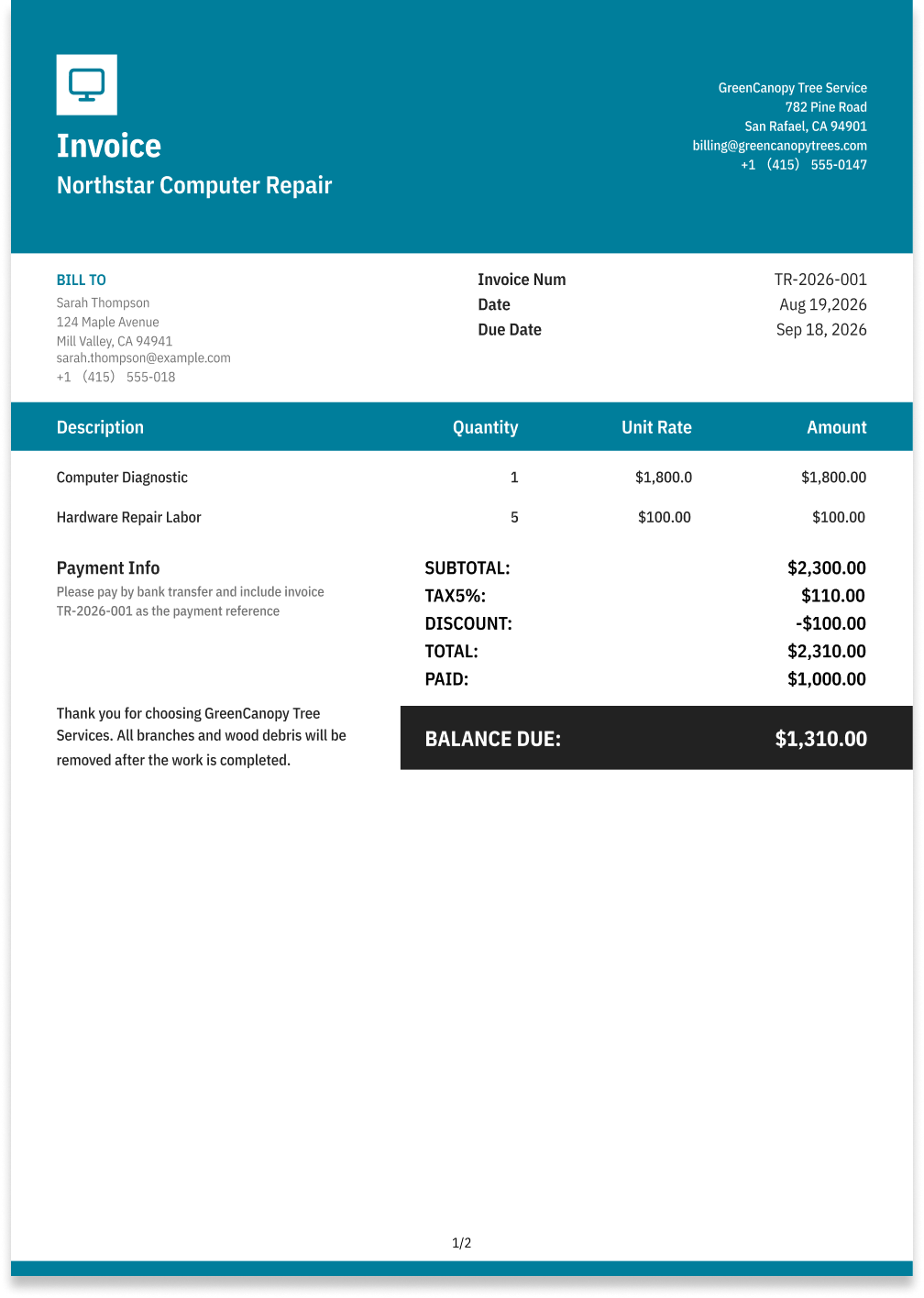
Choose the Best Invoice Template for Your Computer Repair Business


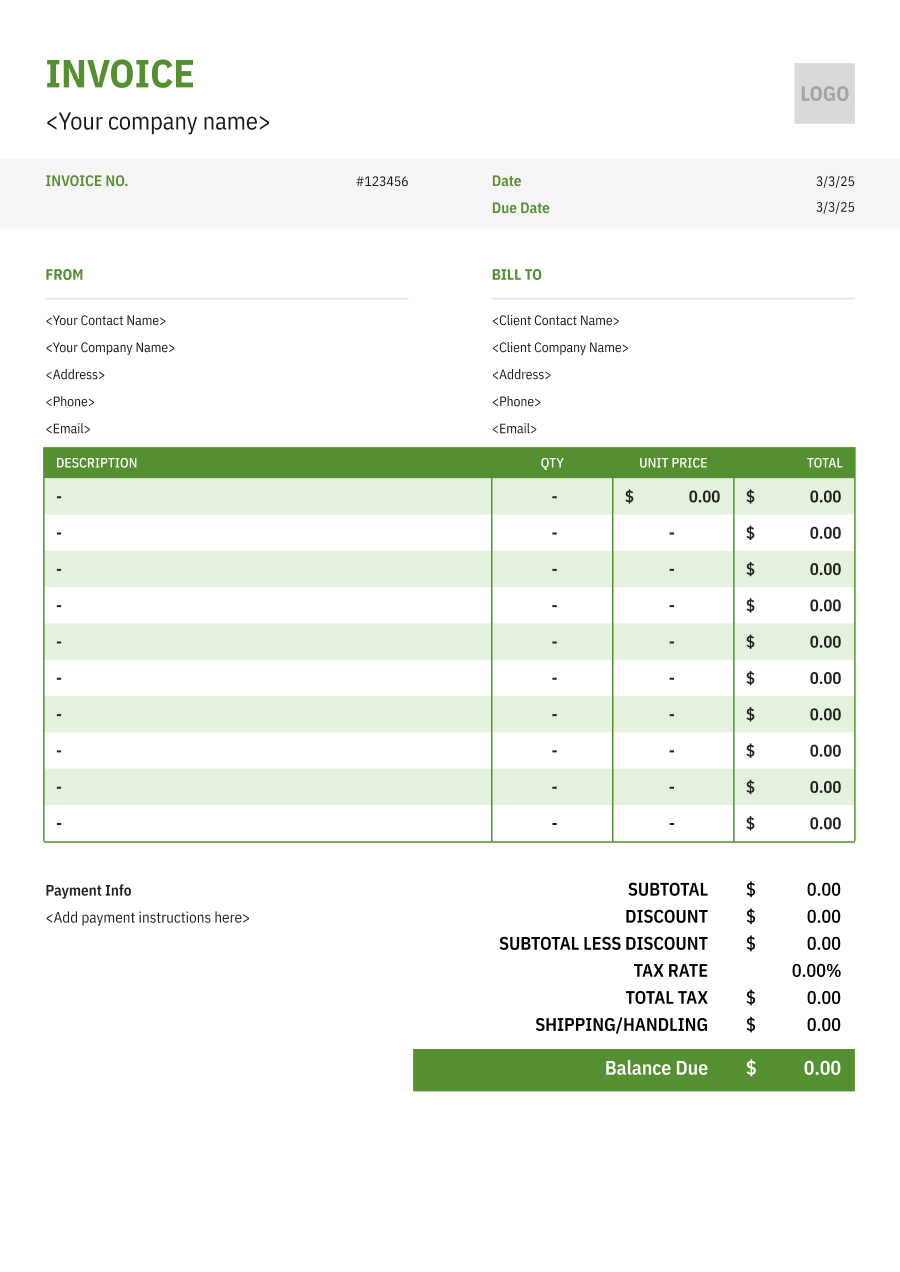
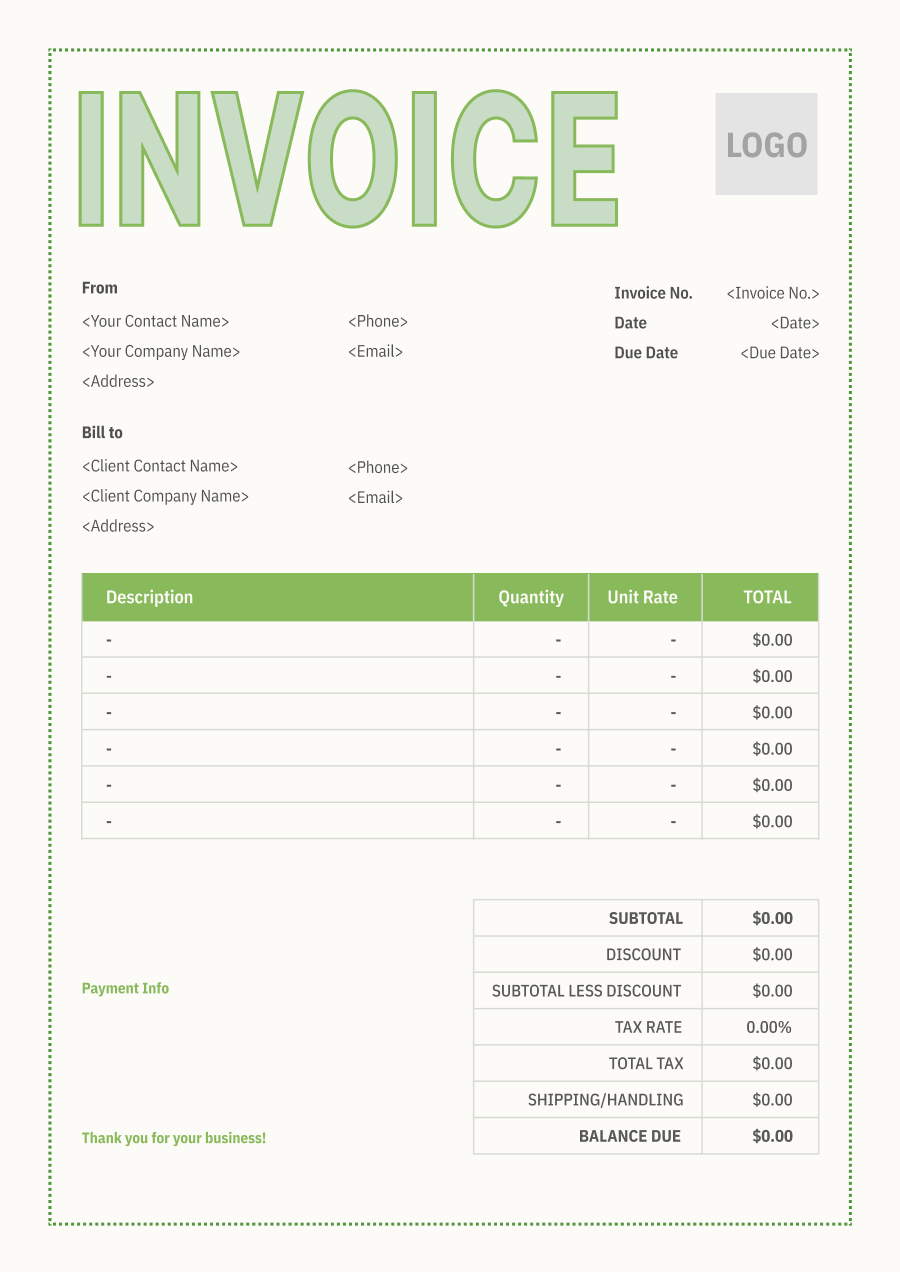
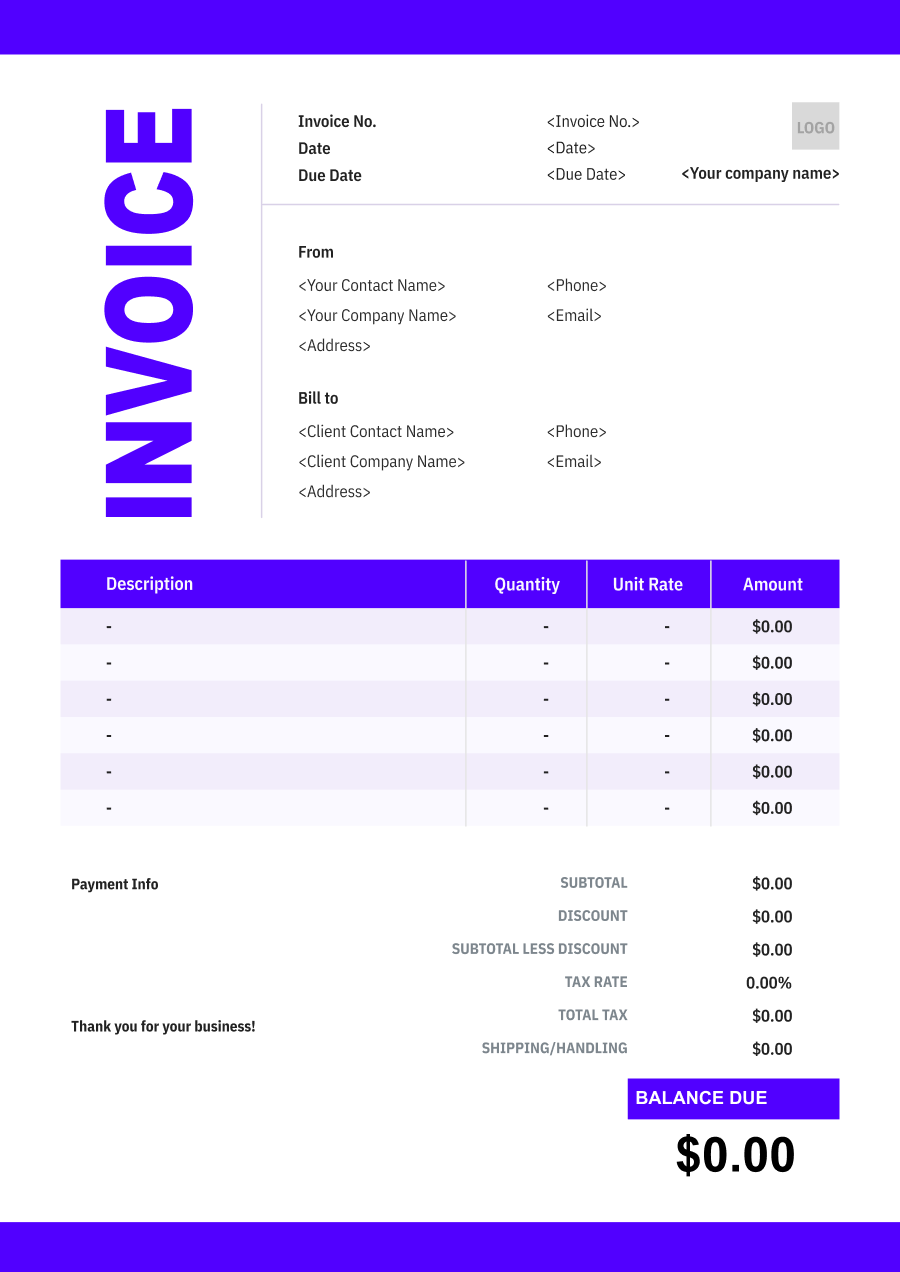
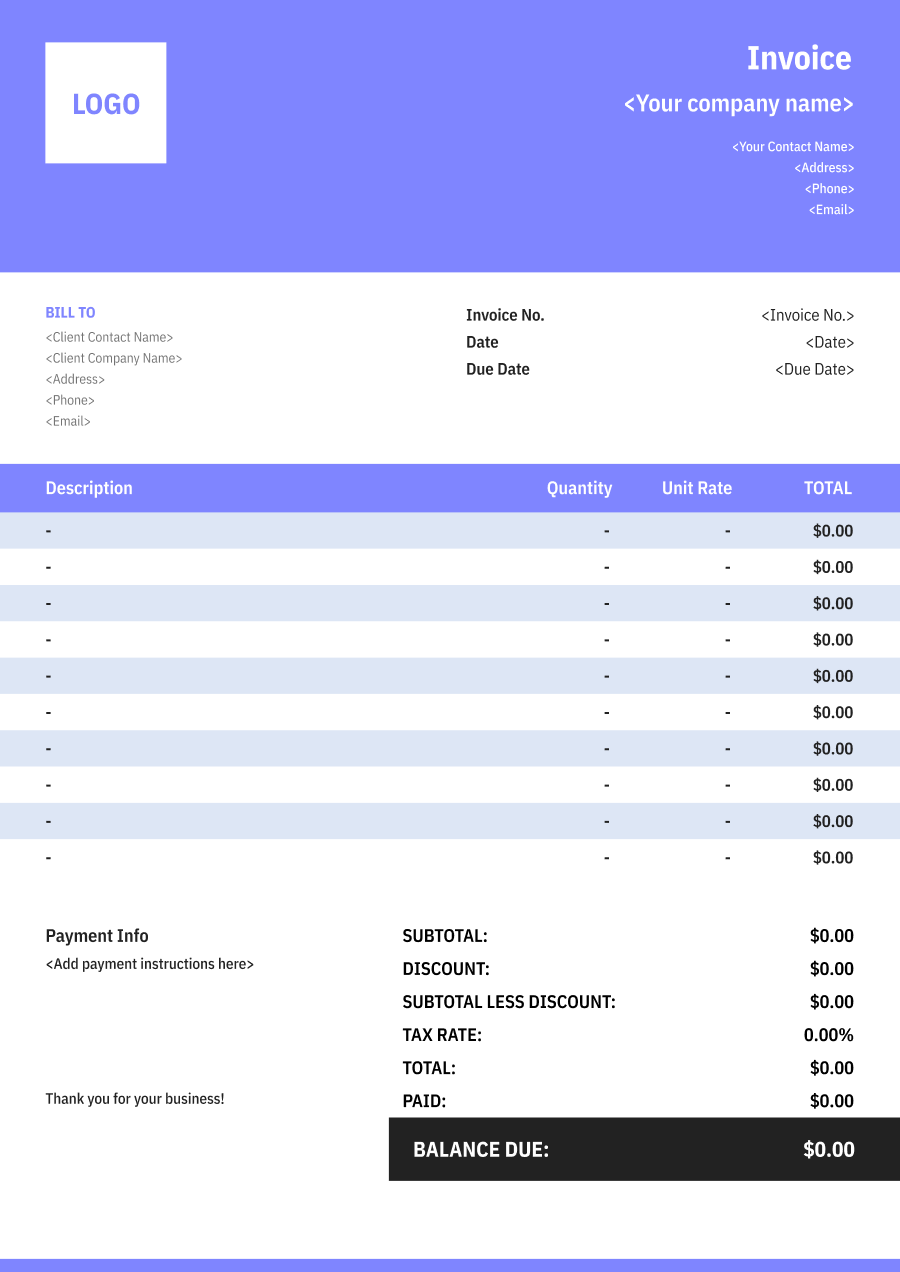
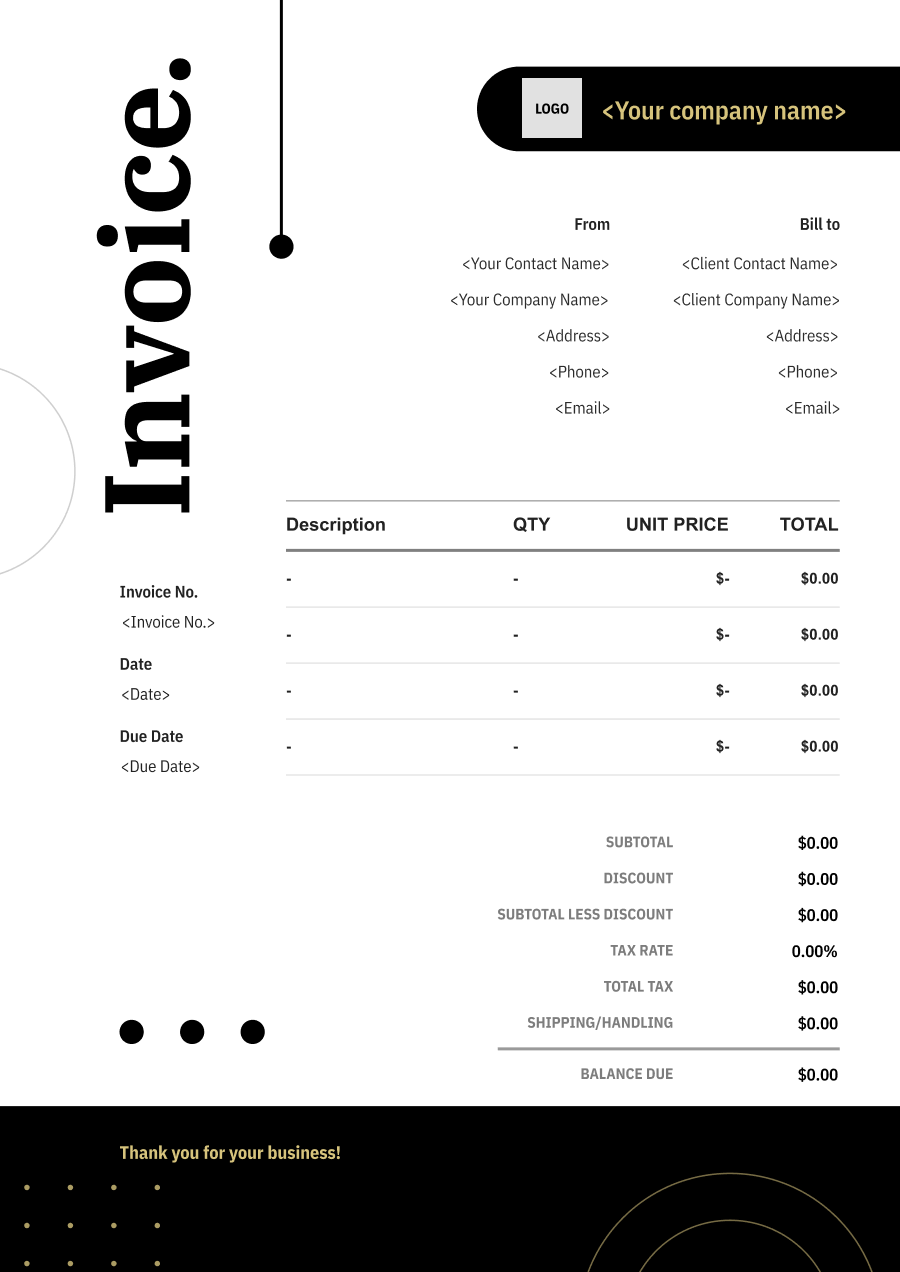
Create A Professional
Computer Repair Invoice in Minutes
Add your computer repair business and client details, itemize the products or services provided, and generate a professional invoice when you are ready.
1
Invoice details
Set the document identity, dates and currency.
Logo

Upload file
JPG, JPEG, PNG, less than 5 MB
Invoice number
Currency
USD
Issue date
Due date
2
Business & client
Add the details your client needs to identify both parties
From
Company Name
Contact name
Address
Email Address
Phone Number
Bill To
Client name
Address
Email Address
Phone Number
3
Products & services
Itemize what you’re charging for. Totals update automatically.
4
Totals & payment
Apply adjustments and tell your client how to pay.
Payment instructions
Notes
Sub Total
$0.00
Tax Rate
%
Discount
$
Total
$0.00
Amount paid
$
Balance Due
$0.00
What to include in Computer Repair Invoice
A clear computer repair invoice helps prevent disputes and ensures timely payment. Use this checklist to include the essential details.
- 1
Business Header & Contact
Company name, logo, phone number, email address, and physical business location.
- 2
Client Contact Information
Client's full name or business entity name, billing address, phone number, and email.
- 3
Invoice Metadata
Unique invoice number, invoice issue date, and payment due date (e.g., Net 15 / Due upon receipt).
- 4
Cost Summary & Taxes
Subtotal for services, local sales taxes (if applicable), applied discounts, and final bolded Total Due.
- 5
Deposit & Balance Tracking
Original estimate total, pre-paid deposit deductions (e.g., 'Less Deposit Received: -$500'), and remaining net balance due.
- 6
Payment Instructions
Accepted payment methods, including direct online payment links (Credit/ACH), check mailing address, or bank transfer details.
- 7
Device Identification & Customer Issue
Record the device type, manufacturer, model, serial number when appropriate, and a brief description of the reported problem. This helps connect the invoice to the correct repair job.
- 8
Diagnostic & Repair Services
Identify diagnostic testing, troubleshooting, operating system repair, virus removal, hardware replacement, data recovery, or other technical services performed.
- 9
Replacement Parts & Hardware
List replacement components such as SSDs, RAM, batteries, power supplies, screens, keyboards, or other hardware, including quantities when applicable.
- 10
Data & Software Services
Separately identify data transfer, backup, recovery, operating system installation, software setup, licensing, or other software-related services when billed independently.
Common Computer Repair Services & Billing Items
How Computer Repair charges are typically structured and billed.
Common Services
What's Included
Billing Items
Computer Diagnostics
Diagnostic service, Date, Crew size, Hours worked, and Service location
Diagnostic FeesLabor
Hardware Repair
Diagnostic service, Date, Part name or number, Quantity used, and Service location
Diagnostic FeesParts
Virus/Malware Removal
Crew size, Hours worked, Part name or number, Quantity used, and Service area or property address
LaborParts
Data Recovery
Diagnostic service, Date, Crew size, Hours worked, Service type, and Service date
Diagnostic FeesLaborService Fees
Software Troubleshooting
Crew size, Hours worked, Service type, Service date, and Service location or project
LaborService Fees
Computer Setup
Diagnostic service, Date, Part name or number, Quantity used, Service type, and Service date
Diagnostic FeesPartsService Fees
Network Repair
Diagnostic service, Date, Crew size, Hours worked, Part name or number, and Quantity used
Diagnostic FeesLaborParts
Diagnostic Fees: Charges for testing, troubleshooting, fault finding, or system diagnosis.
Labor: Charges for hands-on work, technician time, crew time, or professional service hours.
Parts: Charges for vehicle replacement parts installed during repair.
Service Fees: Charges for guest or property services.
Computer Repair Invoicing Tips
Computer Repair costs vary by service scope, pricing method, and additional requirements. A detailed invoice helps customers understand every charge and reduces payment disputes.
1
Separate Diagnostics from Repair Labor
A technician may spend time diagnosing a problem before performing the repair. Best practice: identify diagnostic fees separately when they are charged independently, rather than hiding them inside the replacement or repair cost.
2
Itemize Parts and Labor
Computer repairs can involve both technical labor and expensive components. Best practice: list major replacement parts separately from labor so customers can understand the source of the total charge.
3
Document Customer-Approved Additional Work
A diagnostic may reveal problems beyond the original request. Best practice: record additional repairs or parts that were approved after diagnosis and show them separately from the original service.
4
Record Device Details on Every Invoice
Customers may have several computers or devices serviced by the same technician. Best practice: include the device model, serial number, job number, or another identifier so the invoice can be matched to the correct repair record.


Reusable Billing Structure in Invoice Software
Use the items above to quickly create a Computer Repair Invoice Template in Invoice Zip.
FAQs about Computer Repair Invoicing
Q: How should a computer repair shop invoice for diagnosing a hardware or software problem?
A: Diagnostic work can be listed separately from the eventual repair. This is useful when the technician must spend time identifying the problem before the customer decides whether to proceed with the repair.
Q: How should a computer repair invoice separate labor from replacement parts?
A: Labor should be distinguished from components such as hard drives, RAM, batteries, power supplies, or other replacement parts. This gives the customer a clearer view of what they paid for the repair itself and what they paid for hardware.
Q: How should a repair shop bill for data recovery or operating system reinstallation?
A: Data recovery, system reinstallation, and other specialized services can be listed as separate service charges. If storage media or other parts are required, those costs can be added independently.
Q: How should a computer repair invoice document remote technical support?
A: Remote support can be billed by session, hour, or service package. The invoice can include the support date and a brief description of the issue addressed without exposing unnecessary technical or personal information.
Q: How should a computer repair shop handle a repair that requires several service visits?
A: Each visit can be documented separately or combined into one invoice showing the dates and work performed. Parts and labor can be grouped by visit when the repair involves multiple stages.
Other Free Resources



Try Invoice Zip Today
Start Sending Invoices, Building Reports, Saving Office
Time and Get Paid Faster.
