


Paid Invoice Template
Give the customer a clear invoice record showing that the billed balance has been settled. Preserve the original charges, record the payment received, and display a zero balance without changing the transaction history.
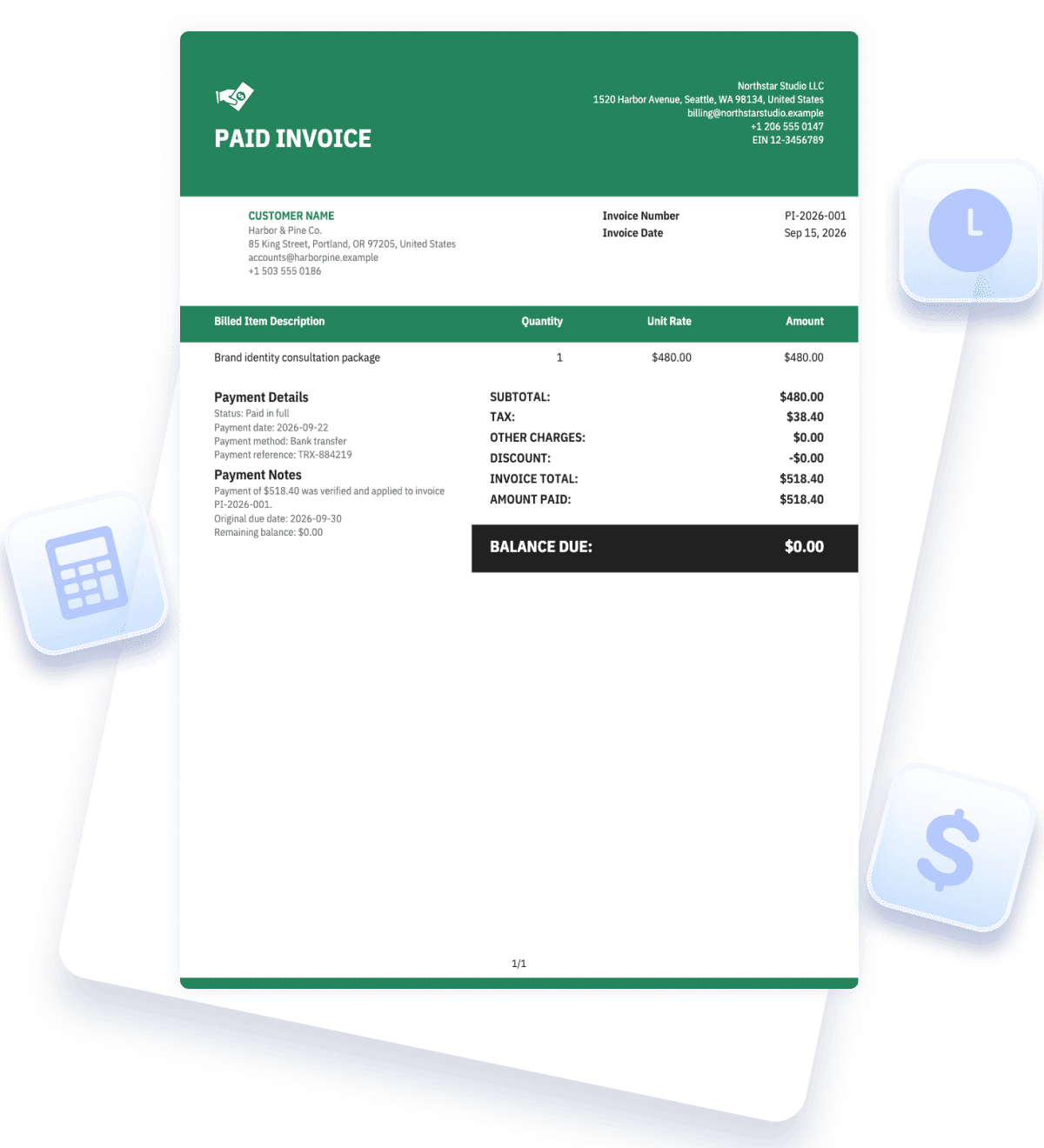
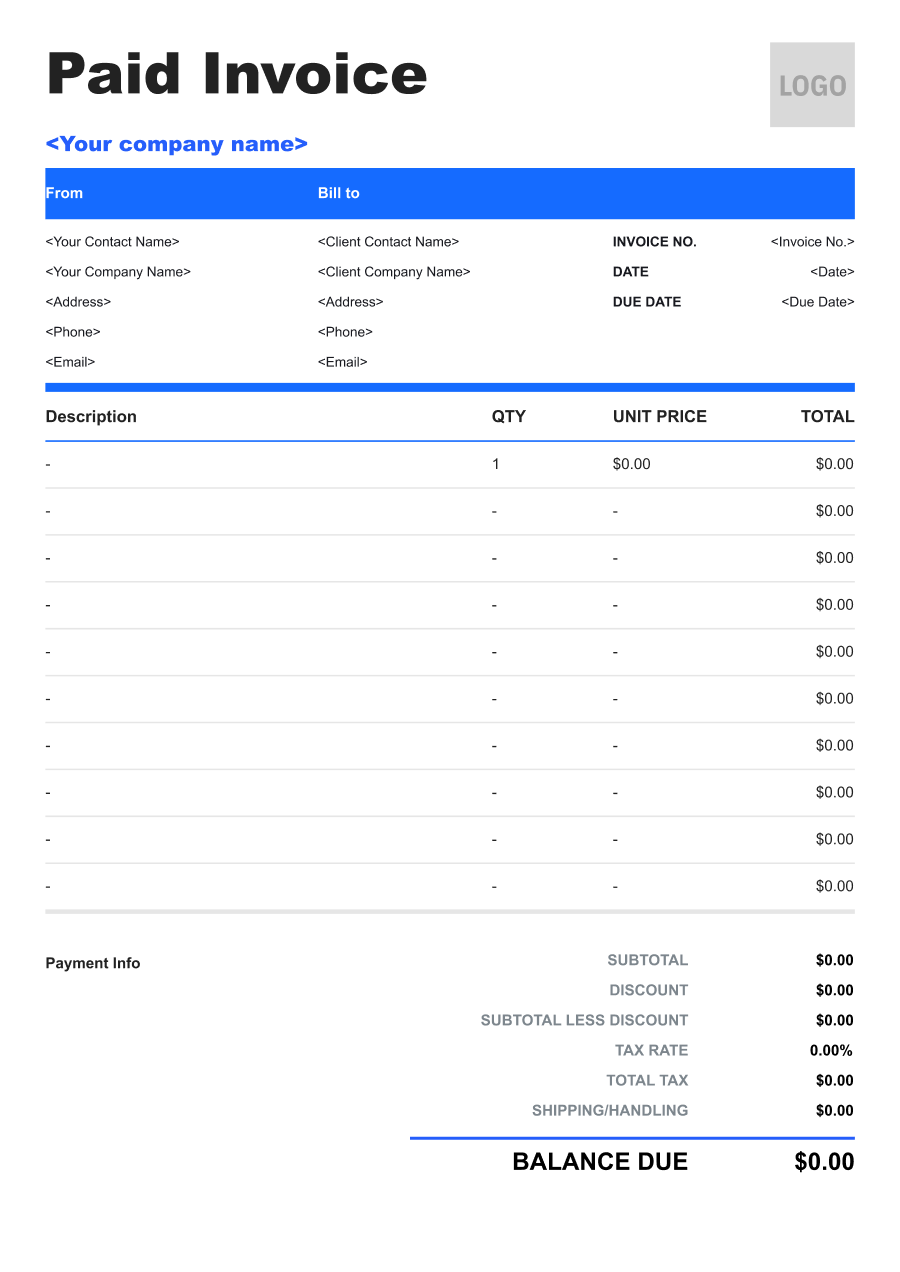


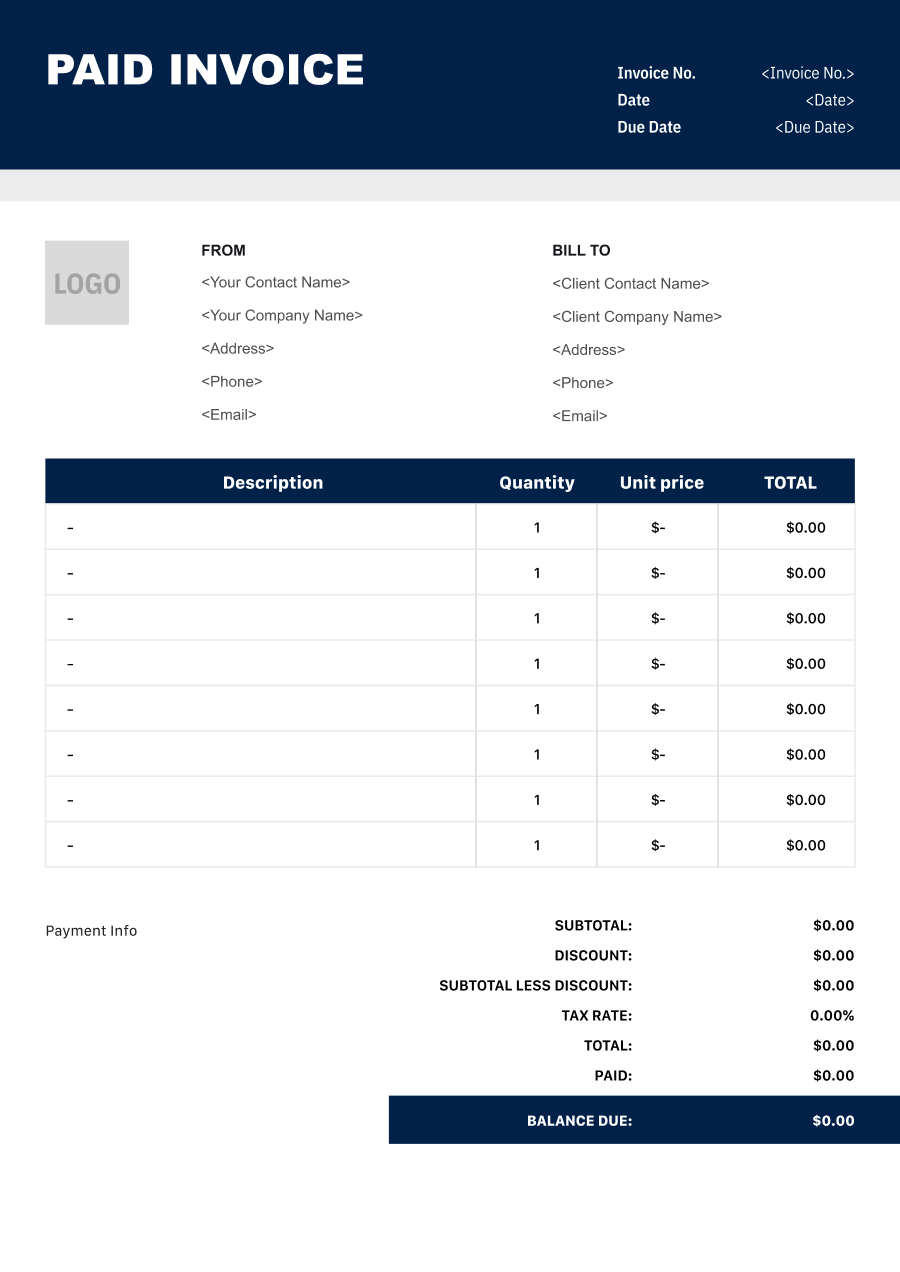
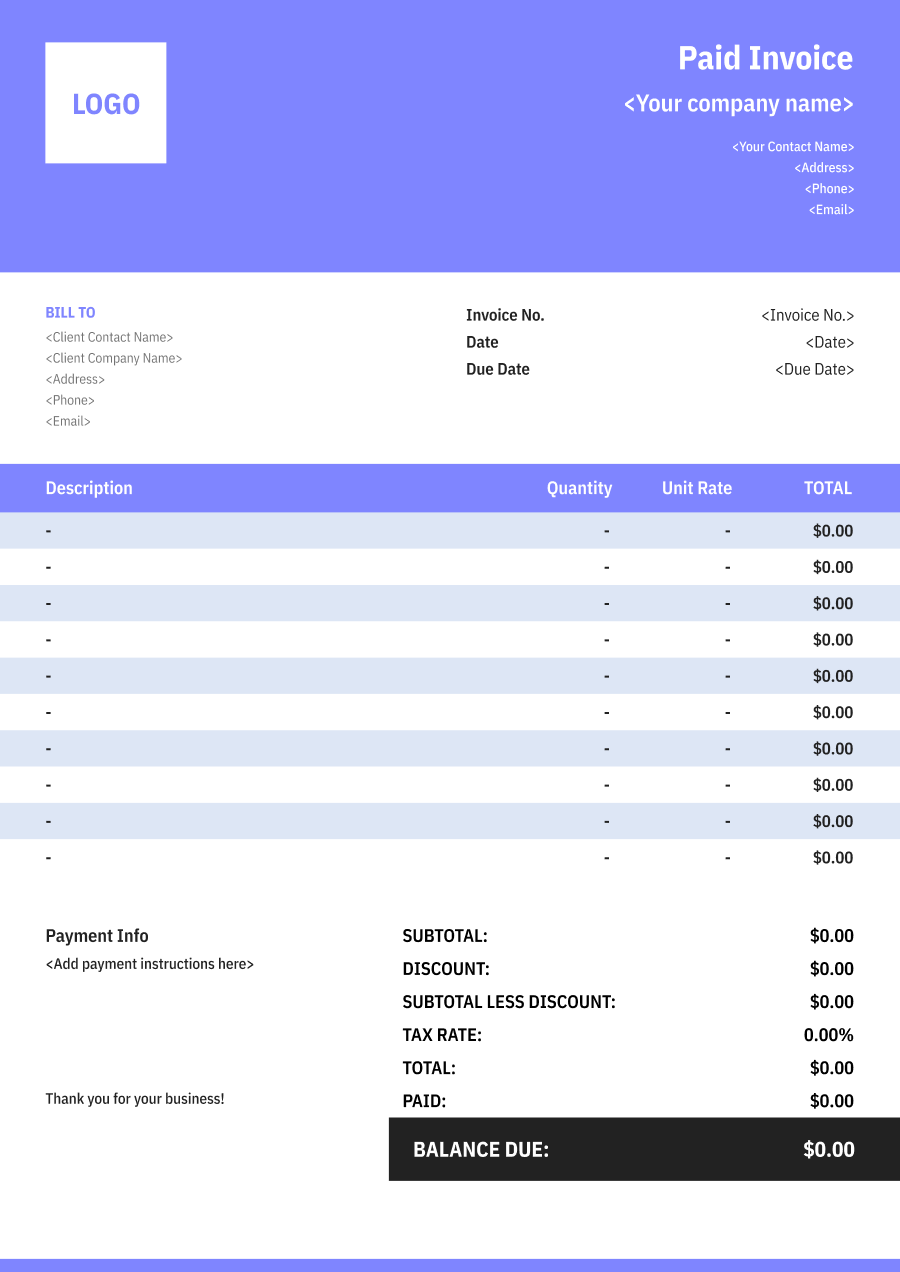
Create a Paid Invoicewith a Live Preview
Enter the original billed items and the verified payment details, then confirm that the amount paid reconciles to the invoice total and remaining balance.
Invoice Details
Keep the original invoice reference and issue date.

JPG, JPEG, PNG, less than 5 MB
Business & Customer
Identify the parties from the underlying transaction.
From
Bill to
Original Charges
Preserve the items, quantities, rates, and adjustments that were billed.
Payment Summary
Record the verified amount received and show the remaining balance.


Reuse Saved Information in Invoice Zip
Use saved items and client information to create an invoice in just a few taps.
What Is a Paid Invoice?
A paid invoice is an invoice whose payment record shows that no balance remains. It preserves the original items, charges, taxes, and total while adding the amount received, payment date or reference, and a clear paid status.
The invoice should be marked paid only after the business verifies the payment. A promise to pay, pending transfer, or unconfirmed card transaction is not the same as settled funds.
Keeping the original invoice number and line items makes the record useful to both parties. Do not replace the billed description with a generic “payment” line or change the original total to zero; show the payment as an amount applied against that total.
A paid invoice can help the customer reconcile the purchase, but payment processors, tax authorities, or accounting systems may require additional records. Retain the underlying transaction evidence according to the business's normal process.
- 01
Original invoice
Preserve the items, charges, dates, and total that were billed.
- 02
Verified payment
Record what was actually received and how it was matched.
- 03
Zero balance
Show that the applied payment settles the invoice in full.
What to Include on a Paid Invoice
A paid invoice should show both sides of the reconciliation: the original amount billed and the verified payment applied to it.
- 1
Original Invoice Reference
Keep the invoice number and issue date so the payment status can be connected to the exact billed record.
- 2
Business and Customer Details
Preserve the parties and billing information from the original invoice rather than creating an unrelated payment-only document.
- 3
Original Line Items
Retain the products or services, quantities, rates, discounts, taxes, and other charges that formed the invoice total.
- 4
Invoice Total
Show the original total clearly. Do not change the billed total to zero merely because payment was received.
- 5
Amount Paid
Record the amount actually received and applied, including partial payments if the invoice was not settled in one transaction.
- 6
Payment Date and Method
Add the verified settlement date and a useful method or transaction reference without exposing sensitive account information.
- 7
Payment Status
Use a clear “Paid” or “Paid in Full” status only after the total applied payments equal the invoice balance.
- 8
Remaining Balance
Display $0.00 for a fully settled invoice, or the true outstanding amount when payment is partial.
Common Uses of a Paid Invoice
Paid invoices provide a customer-facing view of a settled bill while preserving the original sales or service detail.
- 01
Customer account payment
A business updates an invoice after a bank transfer is matched to the customer's balance.
- 02
Paid service invoice
A provider records that the client settled a completed service or project invoice.
- 03
Retail or wholesale settlement
A seller shows that the product invoice was paid in full after delivery.
- 04
Multiple-payment settlement
Several verified payments are applied until the final one brings the balance to zero.
- 05
Customer document request
A customer asks for a copy of the invoice with its current paid status for internal records.
Payment status should be driven by the business's verified records, not manually added because the customer says payment was sent. If a payment is reversed or refunded, update the accounting record and issue the appropriate status or adjustment document. Keep transaction references useful but do not publish complete bank or card details.
Paid Invoice vs. Receipt
Both can support payment reconciliation, but they emphasize different parts of the transaction record.
| Question | Paid invoice | Receipt |
|---|---|---|
| What does it emphasize? | The original bill and its settled balance. | The payment that the business received. |
| What transaction detail appears? | Full invoice line items, charges, tax, and total. | Often a shorter description plus amount and payment method. |
| What reference leads? | The original invoice number. | A receipt or payment transaction reference. |
| When is it useful? | When the customer needs the invoice with current status. | When the customer needs direct confirmation of payment. |
A paid invoice can contain payment details, and a receipt can reference an invoice, so the documents may overlap. Keep the business's primary payment evidence even if a paid copy is provided to the customer. For partial payments, the document should not say “Paid in Full”; show the amount received and the balance still due.
Paid Invoice Tips for Reliable Payment Records
A paid status is only useful when it reconciles exactly with verified payments and the original invoice.
- 01
Verify before marking paid
Confirm that the payment settled and was allocated to the correct customer and invoice.
- 02
Keep the original total
Show the payment as an amount applied instead of rewriting the sale or service total to zero.
- 03
Handle partial payments accurately
List each received amount or a clear payment summary and retain the remaining balance until it is settled.
- 04
Protect sensitive data
Use safe transaction references and payment-method labels without exposing full bank account or card numbers.
Paid Invoice FAQs
Is a paid invoice the same as a receipt?
Not exactly. A paid invoice shows the original bill and its zero balance, while a receipt primarily confirms the payment received. Businesses may provide both.
When should I mark an invoice paid?
Only after the payment has been verified and correctly applied. A pending or unconfirmed transaction should not be shown as settled.
Should the invoice total become zero?
No. Keep the original invoice total and show the amount paid against it. The remaining balance, not the original total, becomes zero.
How do I show multiple payments?
List them individually or provide a payment summary with dates and references, then show the combined amount applied and current balance.
What if a payment is later refunded or reversed?
Update the accounting record and use the appropriate refund, credit, or revised status process. Preserve the original payment and reversal trail instead of erasing it.
Other Free Resources



Try Invoice Zip Today
Start Sending Invoices, Building Reports, Saving Office
Time and Get Paid Faster.
