


Tax Invoice Template
Prepare an invoice that clearly separates the taxable supply, tax rate, tax amount, and total payable. Record the seller, customer, registration details, and calculations needed for the actual transaction.
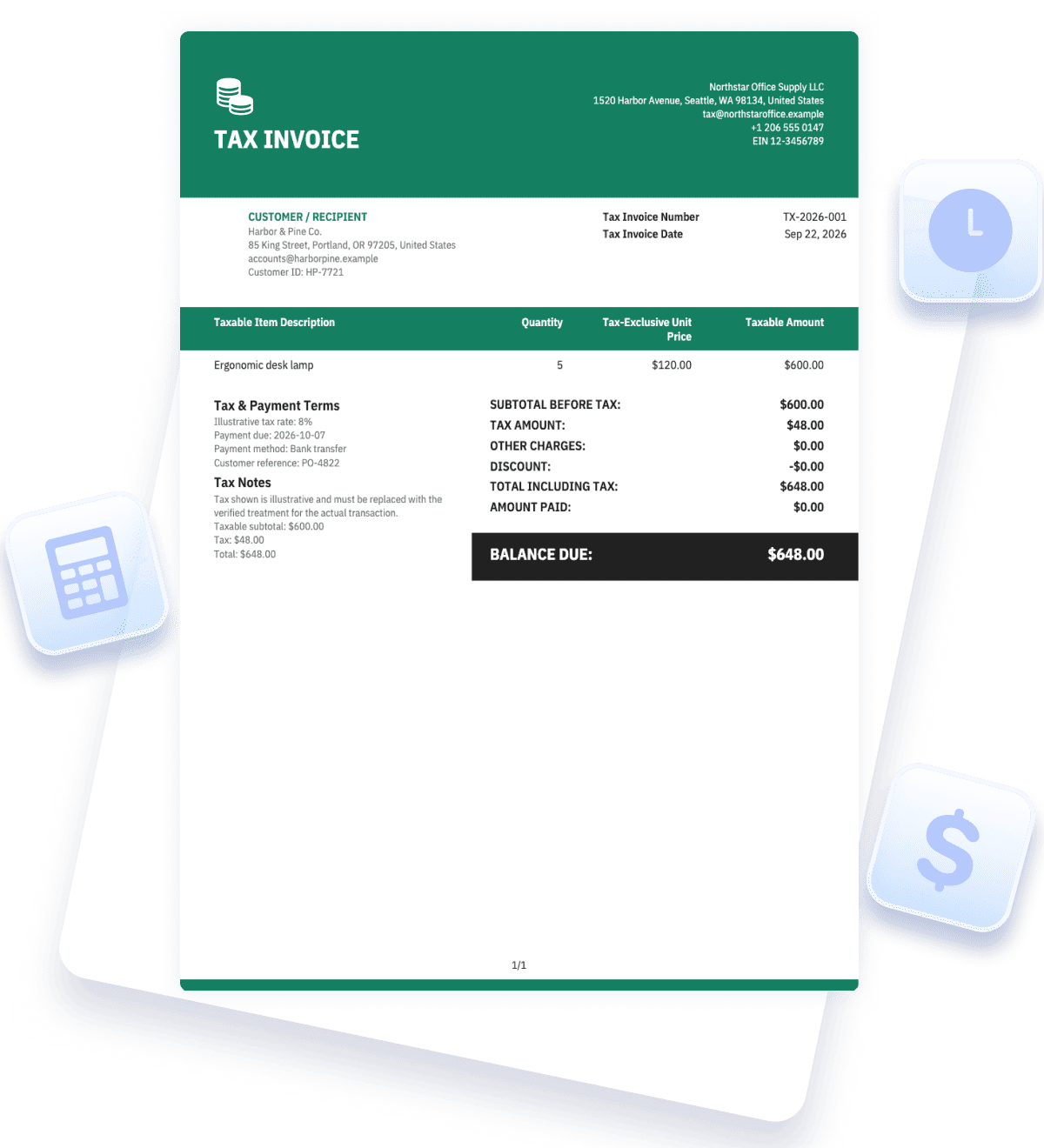
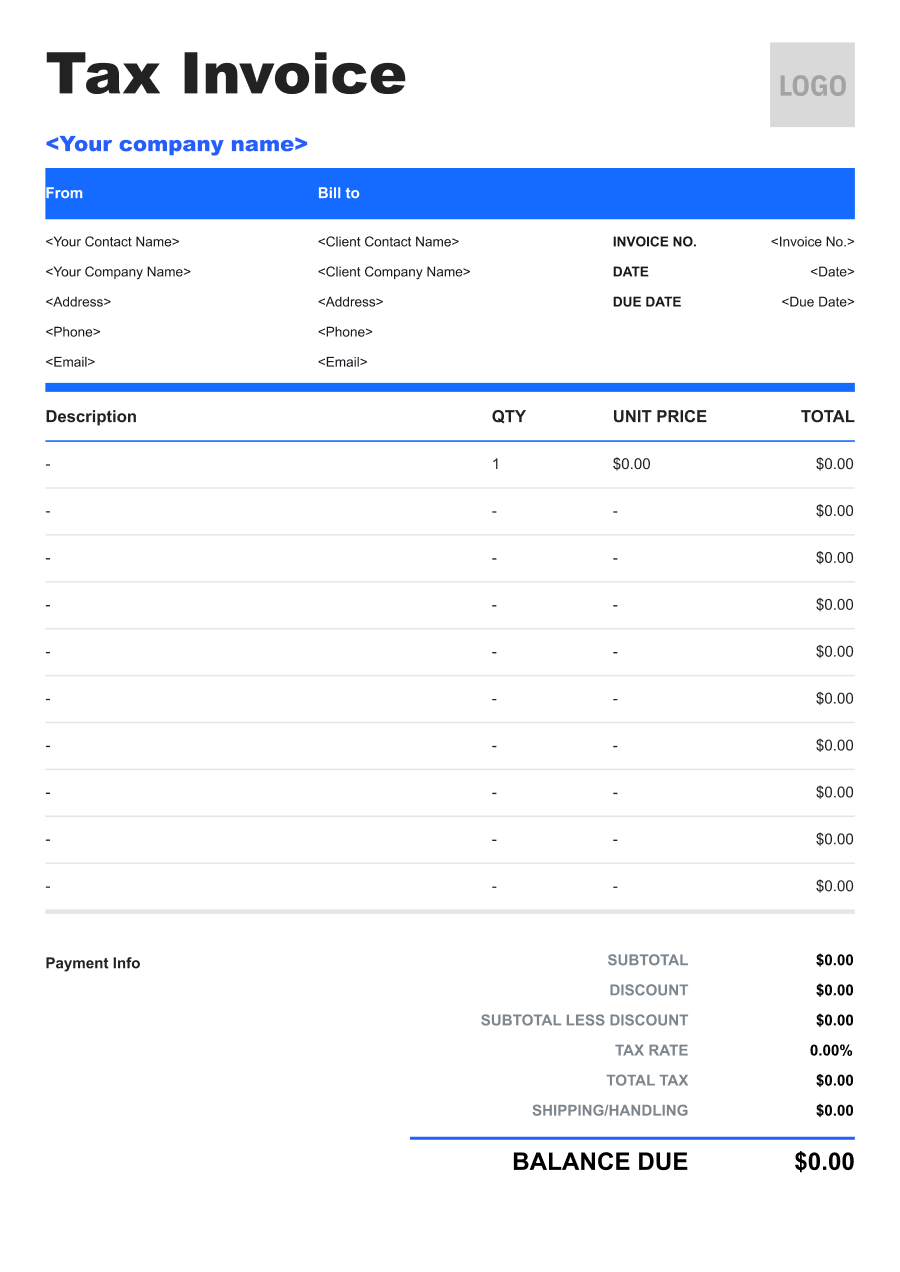


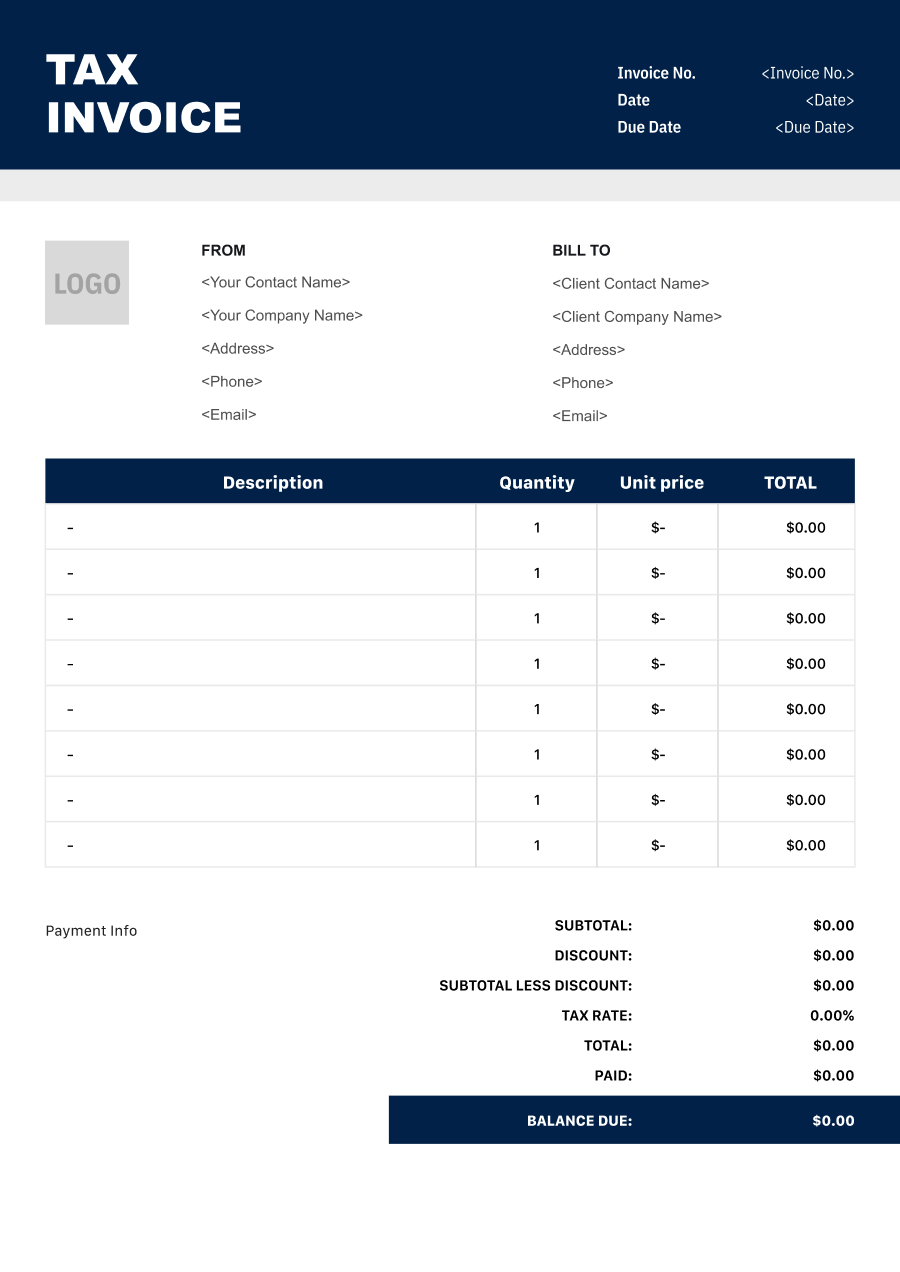
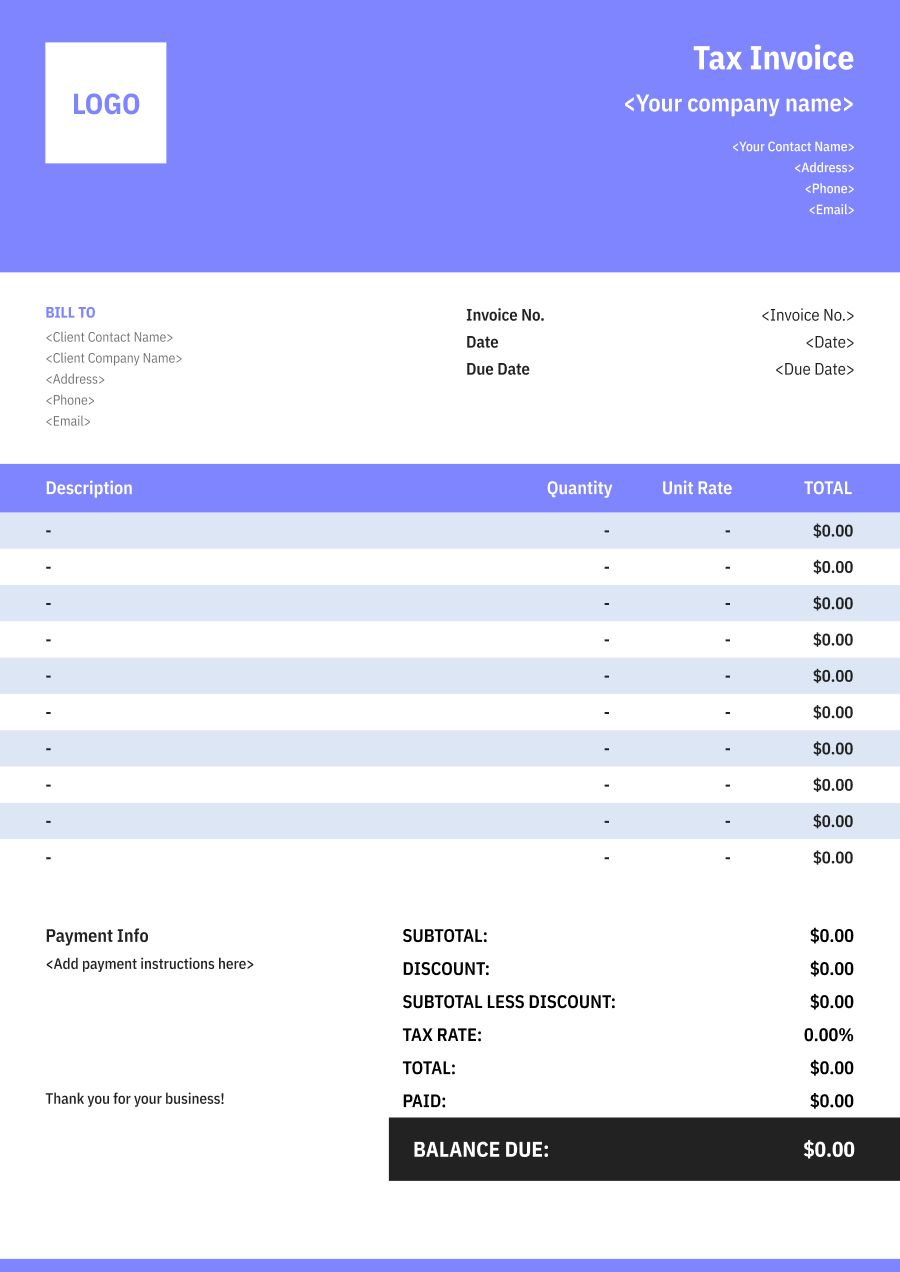
Create a Tax Invoicewith a Live Preview
Enter the parties, taxable items, verified rates, and adjustments, then review the tax calculation and required identifiers before issuing the invoice.
Tax Invoice Details
Add the invoice number, date, currency, and transaction reference.

JPG, JPEG, PNG, less than 5 MB
Supplier & Customer
Identify both parties and include the verified registration details required for the transaction.
From
Bill to
Taxable Items
Describe each supply and show its quantity, price, and taxable amount.
Tax Summary & Payment
Separate tax-exclusive amounts, tax, total payable, and payment terms.


Reuse Saved Information in Invoice Zip
Use saved items and client information to create an invoice in just a few taps.
What Is a Tax Invoice?
A tax invoice records a taxable sale or supply and shows the information needed to understand how tax was applied. It commonly identifies the supplier, customer, taxable items, tax-exclusive amount, applicable rate or category, tax amount, and total payable.
The label alone does not make a document compliant. Required fields, timing, registration identifiers, invoice thresholds, rounding, and whether prices are tax-inclusive vary by jurisdiction and transaction.
Each line or tax summary should let the recipient reconcile the taxable base with the tax charged. If different items have different rates or exemptions, separate them rather than applying one blended rate without explanation.
This template is a structured starting point, not tax advice. Replace all illustrative figures and identifiers with verified transaction data, and confirm local requirements with the business's tax authority guidance or qualified adviser before use.
- 01
Registered parties
Identify the supplier and customer using required verified details.
- 02
Taxable base and rate
Show what amount is taxed and which treatment applies.
- 03
Tax and total
Separate the tax amount from the amount before tax and total payable.
What to Include on a Tax Invoice
Tax invoices need precise transaction data. Use the fields required where the supply occurs and make every tax calculation reviewable.
- 1
Supplier Details
Show the supplier's required legal name, address, registration or tax identifier, and contact information using verified records.
- 2
Customer Details
Include the recipient's required name, address, and registration identifier where the transaction rules call for them.
- 3
Invoice Number and Date
Use a unique sequential or otherwise compliant reference and the correct issue or supply date as required.
- 4
Supply Description
Describe the goods or services clearly enough to connect the tax treatment to the actual transaction.
- 5
Quantity and Taxable Amount
Show quantity, unit price, discounts, and the net amount used as the taxable base.
- 6
Tax Rate or Category
Identify the verified rate, exemption, zero-rated category, or other treatment for each relevant line or group.
- 7
Tax Amount and Total
Display the amount before tax, tax charged, adjustments, and tax-inclusive total using the required rounding method.
- 8
Currency and Payment Details
State the transaction currency, due date, prior payment, and balance without obscuring the tax calculation.
Common Uses of a Tax Invoice
A tax invoice may be needed for taxable goods, services, business purchases, and adjustments, depending on the governing rules.
- 01
Registered business sale
A registered supplier bills taxable goods or services and shows the required tax details.
- 02
Business customer purchase
A customer uses the invoice to reconcile the expense and, where permitted, support tax reporting or a credit claim.
- 03
Mixed-rate transaction
A seller separates items subject to different rates or tax categories in one document.
- 04
Tax-inclusive pricing
A supplier works back from an agreed tax-inclusive price and shows the included tax clearly.
- 05
Corrected taxable sale
A business references the original transaction when issuing an authorized adjustment, credit, or replacement tax document.
Do not copy a tax rate from the example into a real invoice. Location, product or service category, customer status, date, and other facts can affect the result. Keep evidence supporting the treatment and preserve issued documents according to the applicable recordkeeping rules. Corrections should remain traceable to the original invoice.
Tax Invoice vs. Standard Invoice
Both record a transaction, but a tax invoice must also satisfy the tax-document requirements that apply to the supply.
| Question | Tax invoice | Standard invoice |
|---|---|---|
| What is its focus? | Records the supply and the verified tax treatment. | Records the sale or service and amount due. |
| What identifiers appear? | Required supplier and recipient tax or registration details. | General business and customer details, as needed for billing. |
| How are totals shown? | Separates taxable base, rate or category, tax, and total. | May show a total without a jurisdiction-specific tax breakdown. |
| When should it be used? | When the applicable rules require or support a tax invoice. | When a normal billing record is appropriate for the transaction. |
A standard invoice can contain tax information, but it becomes a valid tax document only if it meets the applicable requirements. Conversely, not every transaction requires a document titled “Tax Invoice.” Confirm the supplier's registration status, place and date of supply, recipient details, and required wording before choosing the document type.
Tax Invoice Tips for Reviewable Calculations
Verified identifiers and visible calculations are more important than decorative formatting.
- 01
Verify registration details
Use the current legal name and required tax identifiers for both parties instead of placeholders or unverified customer input.
- 02
Separate tax categories
Group or itemize supplies by rate, exemption, or other treatment so the tax amount can be checked.
- 03
State inclusive or exclusive pricing
Make clear whether unit prices already include tax and apply the required rounding method consistently.
- 04
Preserve corrections
Use the authorized correction or credit process and keep a traceable link to the original issued invoice.
Tax Invoice FAQs
What makes an invoice a tax invoice?
It must contain the information and calculations required for the actual supply under the applicable rules. A title by itself is not enough.
Should prices be tax-inclusive or tax-exclusive?
Use the method required or agreed for the transaction and label it clearly. Show enough detail to reconcile the taxable amount, tax, and total.
Can one invoice contain different tax rates?
Yes when permitted. Separate or group the relevant lines by verified rate or category and show the calculation for each.
What if the tax amount is wrong?
Do not overwrite an issued record without a trace. Follow the applicable correction, credit, or replacement-document process and reference the original invoice.
Can I use the example 8% tax rate?
Only if 8% has been independently verified for the real transaction. The example is illustrative and does not determine the rate or treatment that applies.
Other Free Resources



Try Invoice Zip Today
Start Sending Invoices, Building Reports, Saving Office
Time and Get Paid Faster.
