

Invoice Number Generator
Create unique invoice numbers in seconds with our free Invoice Number Generator. Choose your preferred format, customize your numbering options, and generate an invoice number for your business.
 Copy
What Is an Invoice Number?
An invoice number is a unique identifier you assign to each invoice you send. It's how you, your client, and your accountant refer to one specific invoice — the same way an order number identifies a single order. It usually appears near the top of the invoice, next to the invoice date and business details.
An invoice number is not the same as an invoice amount or a customer ID. It exists for one purpose: to make every invoice individually traceable.
Why Every Invoice Needs One
Payment matching.
When a client pays, they reference the number — which is how you know which invoice the payment belongs to.
Record keeping.
Sequential numbers let you see at a glance whether any invoice is missing.
Accounting and tax.
Most accounting systems and tax authorities expect invoices to be numbered in a continuous, traceable sequence.
Communication.
"Invoice INV-2026-014" is far clearer in an email than "the one from last month."

What an Invoice Number Looks Like
There is no legally required format. In practice, most businesses use a short prefix plus a padded number:
INV-001INV-2026-014ACME-2026-001
Any of these is a valid invoice number as long as it is unique to one invoice and follows a consistent system. The generator at the top of this page creates all three formats instantly.
How to Use the Invoice Number Generator
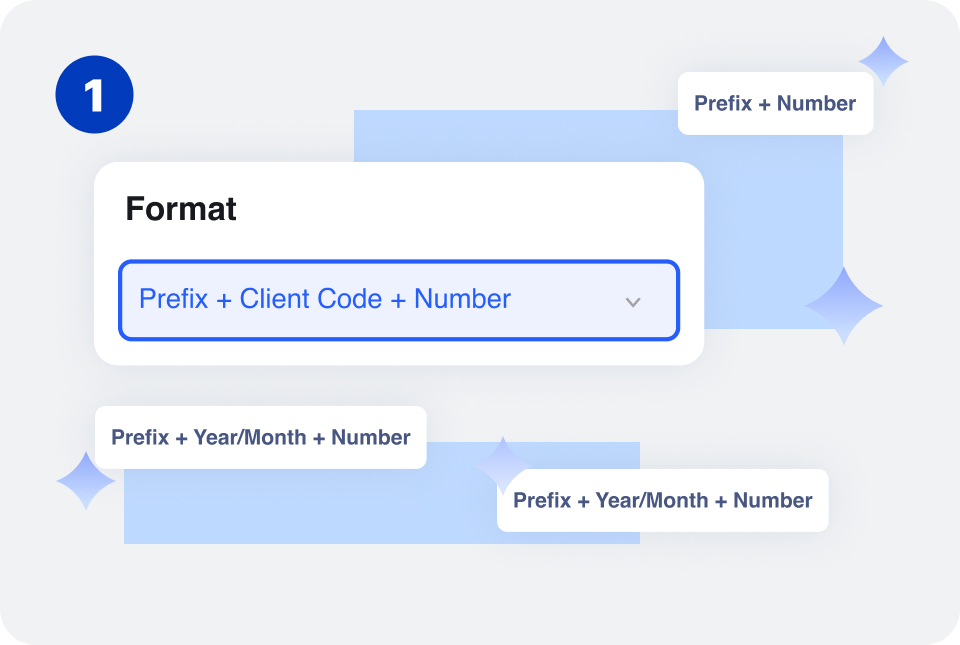
Select a numbering format that works for your business, such as sequential, year-based, date-based, or client-based numbering.
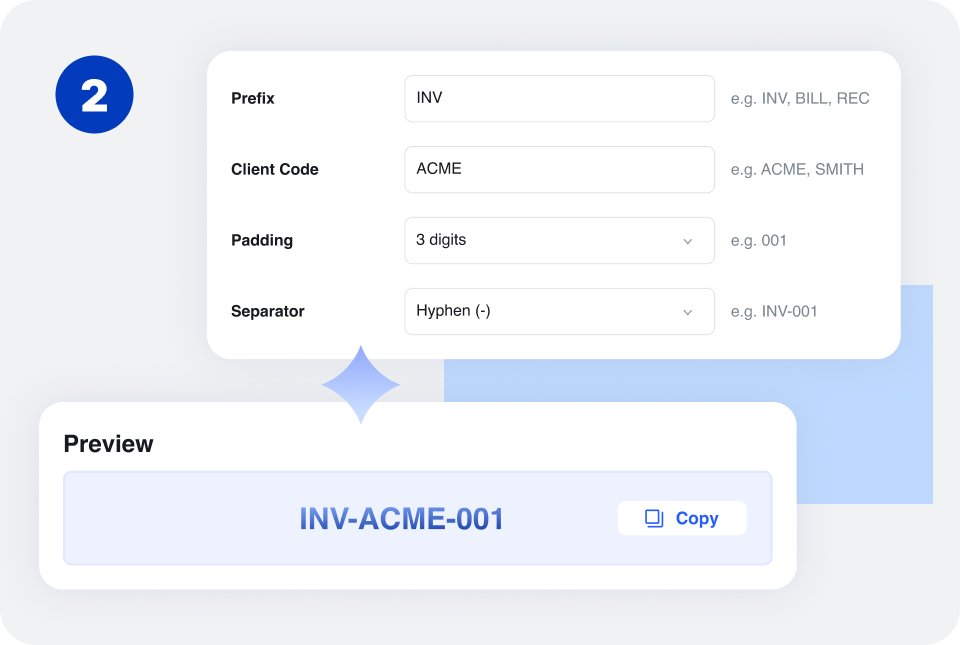
Add a Prefix, enter the middle code based on your selected Format, then choose the Padding and Separator.
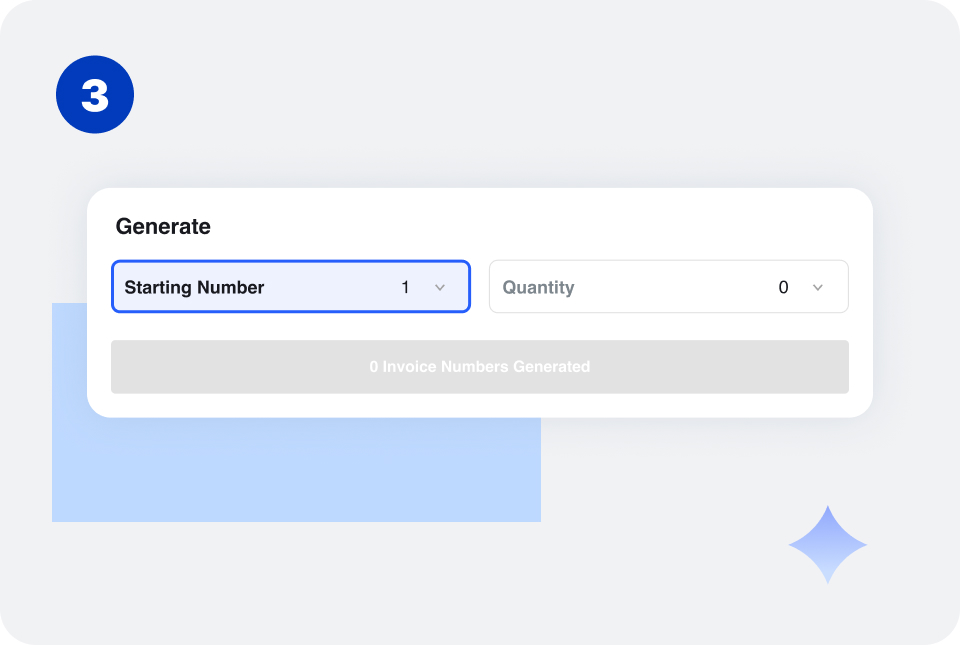
Enter the number where your sequence should begin, such as 001 or 1001.
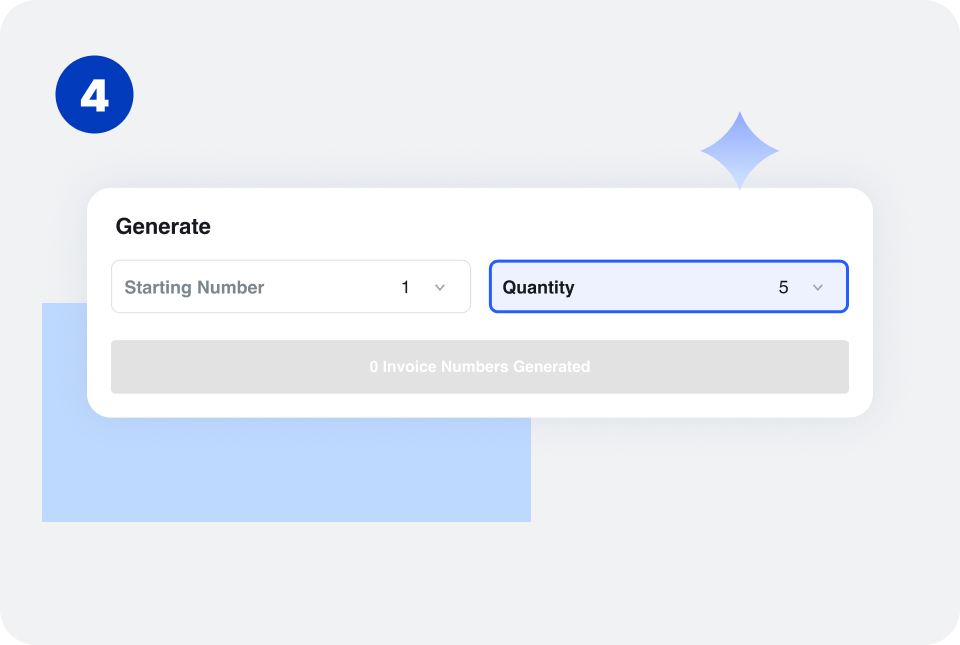
Enter the number of invoice numbers you need to generate.
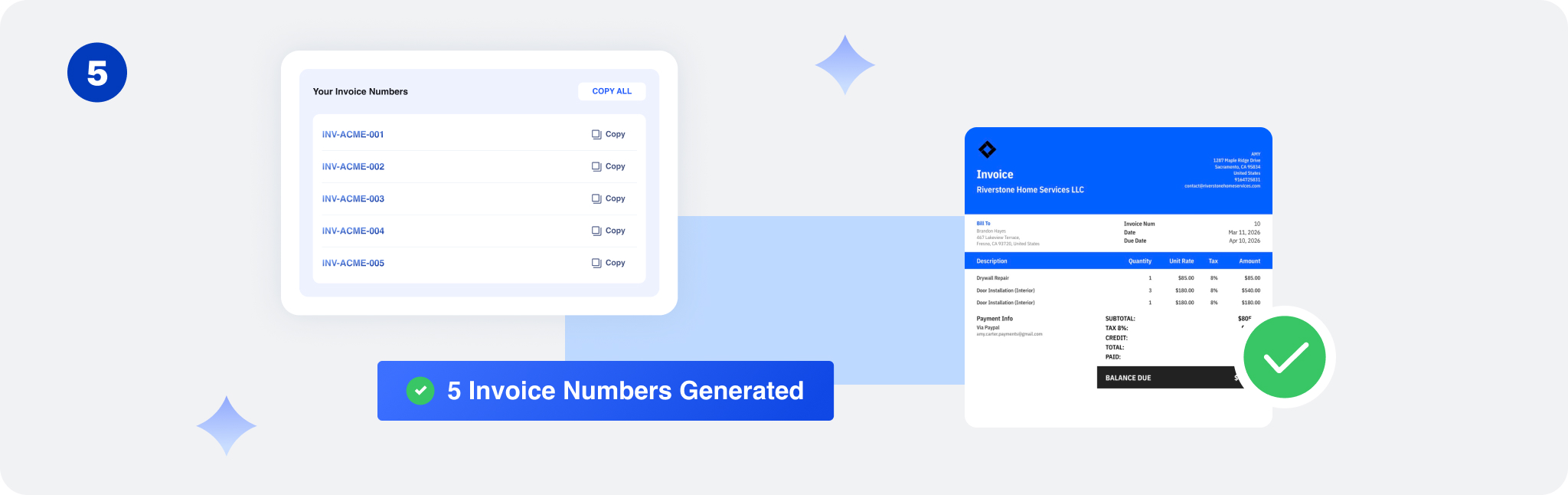
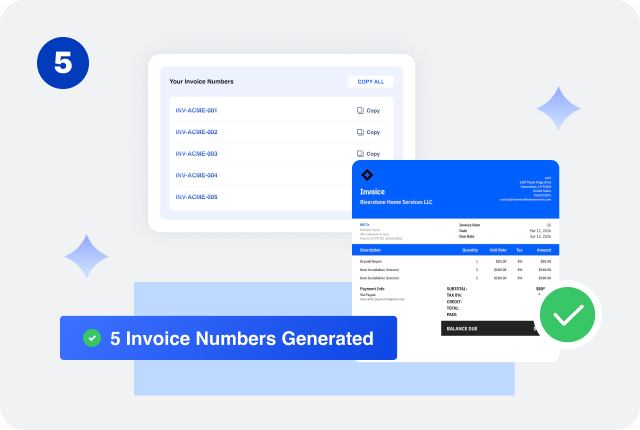
Generate your invoice number and use it on your invoice. Continue with the next number in your sequence for future invoices.
Invoice Number Formats and Examples
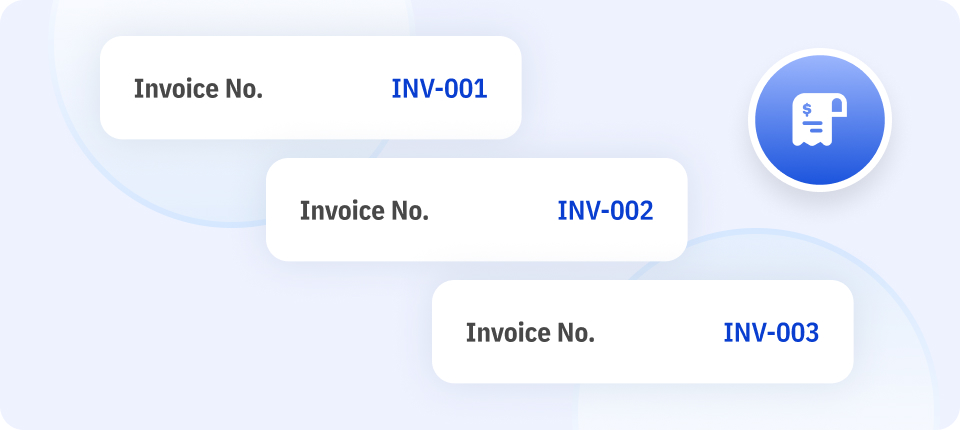
Sequential Invoice Numbers
Each invoice receives the next number in the sequence.
Examples: INV-001, INV-002, INV-003
This is a simple option for businesses that want straightforward invoice tracking.
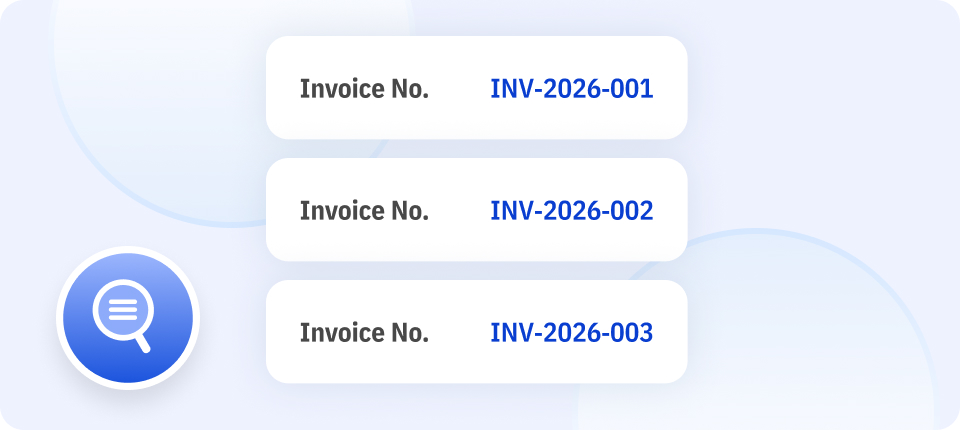
Year-Based Invoice Numbers
The year is included in the invoice number.
Examples: INV-2026-001, INV-2026-002
This format can make invoices from different years easier to organize.
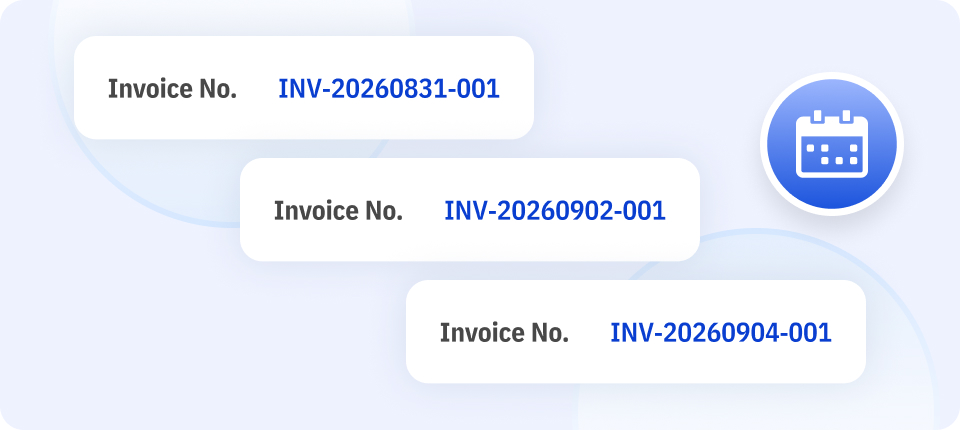
Date-Based Invoice Numbers
The invoice date is included in the number.
Example: INV-20260831-001
This makes the invoice date easy to identify from the number itself.
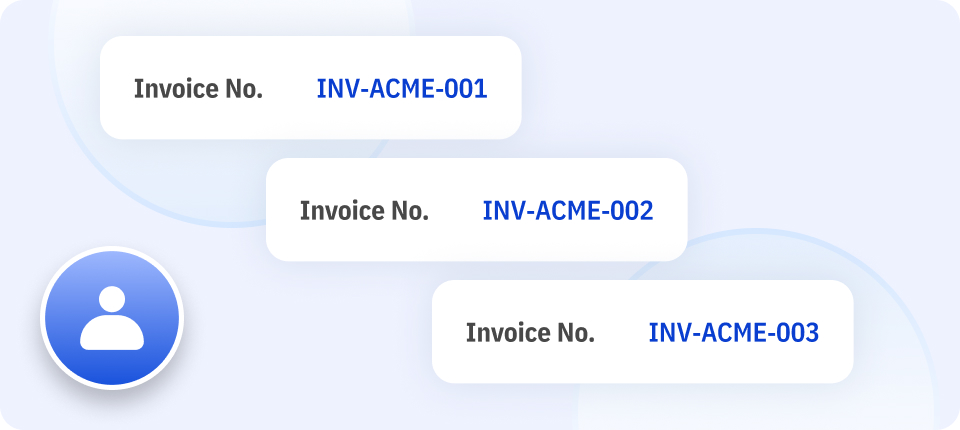
Client-Based Invoice Numbers
A short client identifier is included in the invoice number.
Examples: INV-ACME-001, INV-ACME-002
This can be useful for businesses that work with multiple recurring clients.
Prefix-Based Invoice Numbers
A prefix identifies the document as an invoice.
Examples: INV-001, BILL-001, IN-001
Prefixes can also be combined with years, dates, or sequential numbers.
Invoice Numbering Best Practices

Keep Every Invoice Number Unique
Assign a unique number to every invoice. Avoid using the same invoice number for multiple invoices, even if they are issued to different customers.
Unique numbers make it easier to identify individual transactions and match invoices with payment records.

Use a Consistent Numbering System
Choose a format and use it consistently.
For example, if your system is: INV-2026-001, the following invoices should continue the same pattern:INV-2026-002, INV-2026-003
Avoid switching between unrelated formats without a clear reason.

Keep Invoice Numbers Simple
Your invoice number should be easy to understand and maintain. You usually do not need to include every piece of information about the customer, project, invoice date, or payment in the number.
For many small businesses, a format such as INV-001 or INV-2026-001 is enough.

Consider Using a Prefix
A prefix such as INV or BILL makes it immediately clear that a number identifies an invoice.
This can be especially useful if you also create other documents with separate numbering systems.

Decide Whether to Include the Year
Adding the year can make invoice records easier to organize.
For example: INV-2026-001
You can either continue the sequence across years or start a new sequence each year. Choose one approach and apply it consistently.

Keep Track of Issued Invoice Numbers
Maintain a record of the invoice numbers you have already assigned. This helps prevent duplicate numbers and makes it easier to locate invoices when reviewing customer or payment records.

Avoid Reusing Invoice Numbers
Once an invoice number has been assigned, avoid using it for another invoice. Keeping a clear history of invoice numbers helps maintain consistent business records.

Choose a Format That Can Scale
Consider how your numbering system will work as your business grows. A format that works for 20 invoices may become difficult to manage if you eventually create hundreds or thousands of invoices.
A simple, structured format such as INV-2026-001 can provide enough information without becoming unnecessarily complicated.
How to Use Random Invoice Numbers Safely
Some businesses prefer random invoice numbers — for example INV-84721 or INV-3904 — instead of a strict sequence. Random numbers are perfectly acceptable as long as you never reuse one. Here's how to do that:
Generate It, Then Log It Immediately
A random number is only unique if it's stored the moment it's created. Generate the number with the tool above, then enter it in your invoice record, spreadsheet, or invoicing software right away — before you send anything. An unlogged random number is a number you might generate again.
Keep a Separate Log of Every Number You Issue
Maintain one master list (a spreadsheet or in Invoice Zip) containing every invoice number you have ever used, including voided and canceled ones. Each time you generate a random invoice number, check it against that list. If it's already there, generate a new one.
Make the Range Large Enough
The smaller your range, the more likely a repeat. Use at least 4–5 random digits — INV-0392 gives you 10,000 combinations, INV-73920 gives you 100,000. That keeps random reuse unlikely even as your invoice count grows.
Use Random Prefixes Only, Not Fully Random Strings
If you want a random-looking number that's still easy to read, keep a fixed prefix and randomize only the digits (INV-59273). This keeps the number identifiable as an invoice while making the sequence unpredictable — useful if you'd rather clients not infer how many invoices you've issued this year.
Random vs. Sequential: Which Should You Choose?
| Random | Sequential | |
|---|---|---|
| Tracking completeness | Requires a log to avoid gaps | Gaps are obvious at a glance |
| Hides invoice volume | Yes | No — number reveals total issued |
| Setup effort | Low (just log each one) | Low |
| Best for | One-off or occasional invoices | Regular, ongoing billing |
Either approach works — the requirement is always the same: no two invoices ever share a number.
Frequently Asked Questions
Where should I put the invoice number?
The invoice number is usually displayed near the top of an invoice, together with the invoice date, business information, and customer details. Keeping it easy to find helps both you and your customer reference the invoice.
Can I change an invoice number after sending an invoice?
It is generally better to keep the original invoice number once an invoice has been issued. If you need to correct an invoice, keep a clear record of the change and follow your normal invoicing and accounting process.
What happens if I accidentally use the same invoice number twice?
A duplicate invoice number can make it harder to identify transactions and match payments. Check your invoice records and correct the numbering issue using a clear, consistent record of the affected invoices.
Can invoice numbers skip numbers?
Invoice sequences may sometimes have gaps because an invoice was canceled, voided, or otherwise not issued. Keep a record explaining the gap so your invoice history remains easy to understand.
Should estimates and invoices use the same numbering system?
It is often useful to use separate numbering sequences for different document types. For example, you could use EST-001 for estimates and INV-001 for invoices to make the documents easy to distinguish.
Can I use an invoice number for a recurring invoice?
Yes. Each invoice in a recurring billing series should have its own invoice number rather than reusing the number from a previous invoice.
Is an invoice number the same as a purchase order number?
No. An invoice number identifies an invoice issued by a seller, while a purchase order number identifies a purchase order created by a buyer. They can both appear on the same invoice when relevant.
Other Free Resources

Try Invoice Zip Today
Start Sending Invoices, Building Reports, Saving Office
Time and Get Paid Faster.