


How to Accept Payments on an Invoice
4min read
|
Aug 28, 2026
Getting paid is the final step in the invoicing process, but customers can only pay easily when your invoice clearly explains how to do it.
A professional invoice should make the payment process simple, secure, and convenient. The more payment options you provide, the easier it may be for customers to complete payment on time.
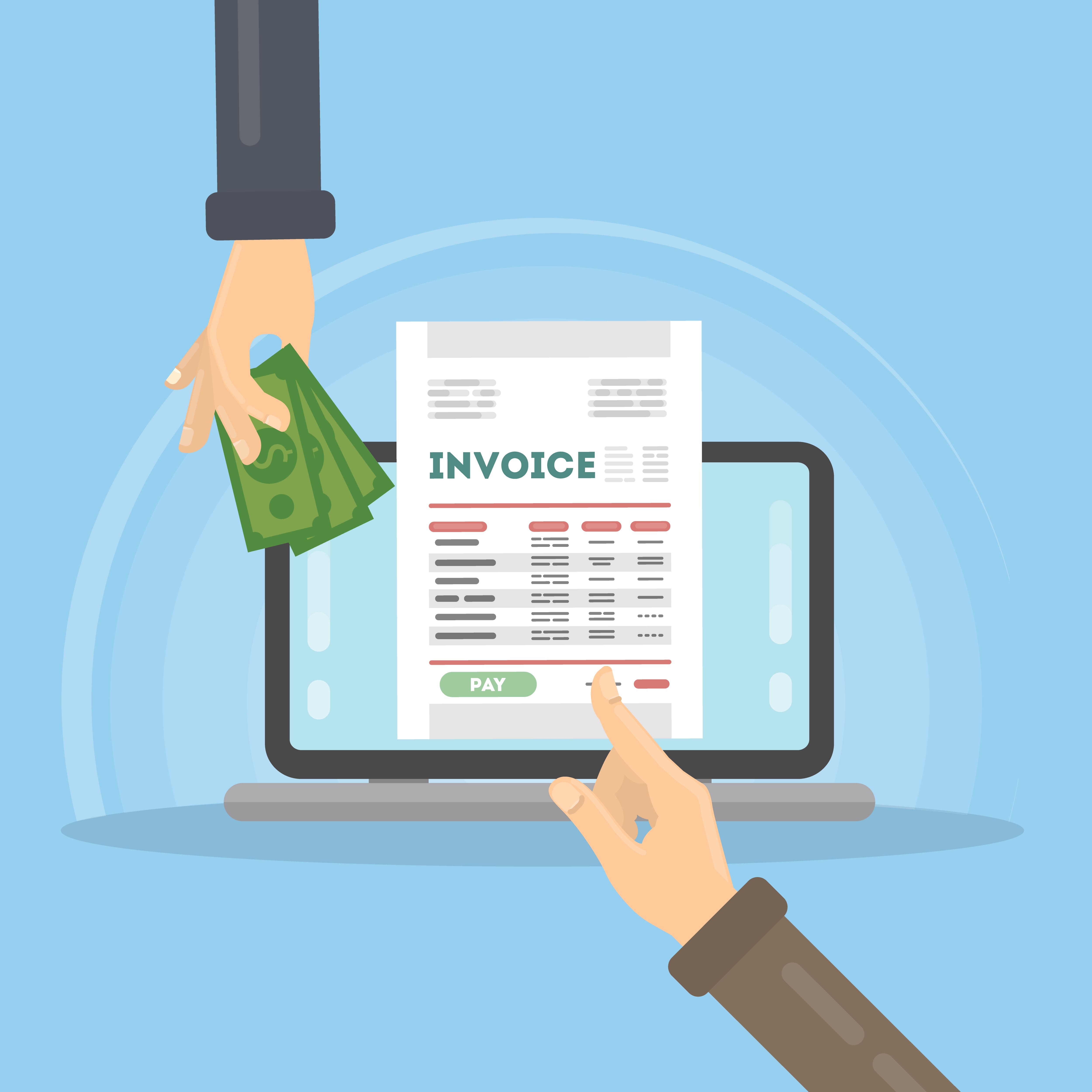
What Payment Information Should an Invoice Include?
Every invoice should explain how the customer can pay.
Depending on your business, include:
- Accepted payment methods
- Payment instructions
- Payment deadline
- Payment link
- Bank details
- Account or transaction reference
- Currency
- Contact information for payment questions
Do not assume that customers already know how to pay. Put the information in a visible location on the invoice.
Common Ways to Accept Invoice Payments
Bank Transfer
Bank transfers are common for business payments, especially for larger invoices.
If you accept bank transfers, include the information the customer needs, such as:
- Account name
- Bank name
- Account number
- Routing number or sort code
- IBAN or SWIFT code for international payments
- Payment reference
Check the details carefully before sending the invoice.
Credit and Debit Cards
Card payments are convenient for many customers. They can be especially useful for online services, smaller invoices, and customers who want to pay immediately.
You can include a secure payment link on the invoice instead of asking customers to send card information by email.
Never ask customers to send full card numbers, security codes, or passwords through ordinary email.
Online Payment Platforms
Online payment platforms allow customers to pay through a payment link.
A payment link may take the customer to a secure page where they can choose a payment method and complete the transaction.
Before using a platform, check:
- Transaction fees
- Supported currencies
- Settlement time
- Refund process
- Customer payment experience
- Available reporting tools
Checks
Some businesses still accept checks, particularly for local customers or larger organizations.
If you accept checks, include:
- Payee name
- Mailing address
- Invoice number to include with the check
- Payment deadline
- Instructions for sending the check
Be aware that checks may take longer to process than electronic payments.
Cash
Cash may be suitable for local, in-person transactions. If you accept cash, provide a receipt and record the payment date and amount.
Cash payments should be recorded consistently so your business records remain accurate.
Should You Offer More Than One Payment Method?
Offering more than one payment method can make it easier for customers to pay.
For example, you may accept:
- Bank transfer for larger business invoices
- Card payments for online customers
- Payment platforms for quick transactions
- Checks for customers who prefer traditional methods
However, offering too many options can make the invoice confusing. Choose the methods that are practical for your business and customers.
How to Add Payment Instructions to an Invoice
Payment instructions should be short and easy to follow.
For example:
“Please pay by bank transfer using the details below. Include invoice INV-2026-014 as the payment reference.”
Or:
“Click the payment link below to pay securely by card or online payment.”
Make sure the instructions match the payment methods you actually accept.
How to Make Invoice Payments Safer
Payment security is important for both businesses and customers.
Follow these practices:
- Use secure payment links
- Check bank details before sending
- Avoid sending sensitive payment information by email
- Use strong account passwords
- Limit access to payment records
- Confirm unexpected bank detail changes by phone
- Keep payment confirmations and receipts
Be especially careful if a customer receives an email asking them to send payment to a new bank account.
What Happens After a Customer Pays?
After receiving payment, update the invoice records.
Record:
- Payment date
- Amount received
- Payment method
- Transaction reference
- Remaining balance
- Any fees or adjustments
Then send a receipt or payment confirmation if appropriate.
If the customer pays only part of the invoice, show the remaining balance clearly and keep the invoice open until it is fully paid.
Common Payment Problems
Payment delays can happen when:
- Payment instructions are missing
- The payment link does not work
- Bank details are incorrect
- The invoice uses the wrong currency
- The customer cannot find the due date
- The payment reference is missing
- The customer needs a purchase order
- The invoice was sent to the wrong person
Review the invoice before sending it to prevent avoidable problems.
How Invoice Software Can Help
Invoice software can help you add payment links, display payment instructions, track invoice status, record payments, send reminders, and identify outstanding balances.
Invoice Zip helps businesses create professional invoices and manage payments more efficiently.
Final Thoughts
Accepting payments on an invoice should be simple, clear, and secure.
Before sending an invoice, make sure it includes:
- Accepted payment methods
- Clear payment instructions
- A visible due date
- Correct payment details
- A secure payment link when available
- The correct currency
- Contact information for payment questions
A smooth payment process helps customers pay faster and helps businesses maintain better cash flow.
Most Popular Pages

Try Invoice Zip Today
Start Sending Invoices, Building Reports, Saving Office
Time and Get Paid Faster.
