


What to Include on An Invoice
4min read
|
Aug 28, 2026
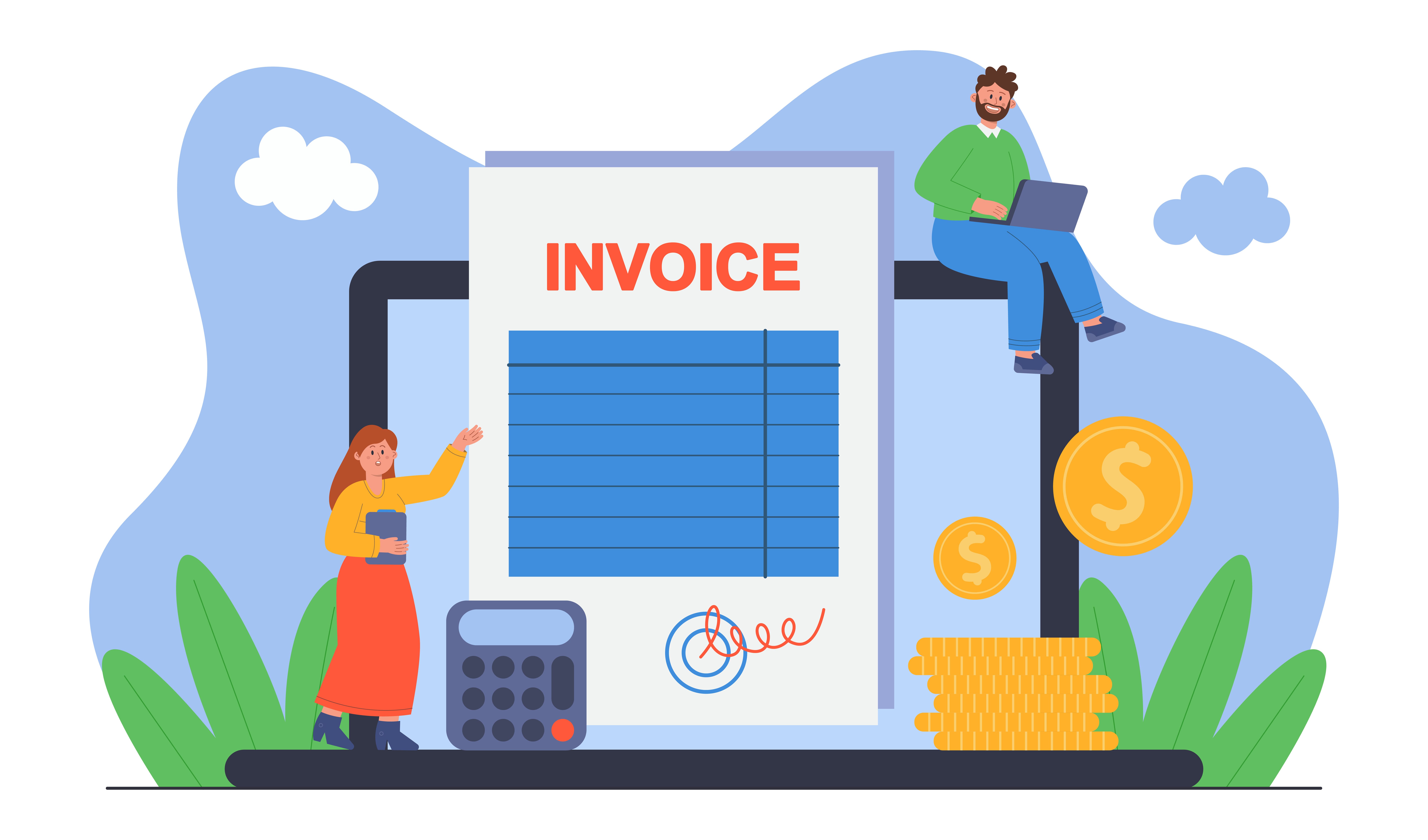
A complete invoice helps your customer understand what they are paying for and how to make the payment.
Missing information can cause questions, approval delays, or payment problems. Whether you are a freelancer, contractor, or small business owner, every invoice should include the key details needed to support the transaction.
Essential Elements on A Professional Invoice
Business Information
Start with your business information.
Include:
- Business name
- Business address
- Email address
- Phone number
- Website, if relevant
- Tax identification information, if required
If you operate under a business name that is different from your personal name, make sure the invoice clearly identifies the legal or trading name.
Customer Information
The customer should also be clearly identified.
Include:
- Customer name
- Company name
- Billing address
- Contact person
- Email address
- Purchase order number, if required
Sending an invoice to the correct person can reduce approval delays.
Invoice Number
Every invoice should have a unique invoice number.
Invoice numbers help you:
- Organize records
- Track payments
- Find specific invoices
- Avoid duplicate records
- Communicate with customers
You can use a simple sequence such as: 001, 002, 003
You can also use a format such as: INV-2026-001, INV-2026-002
Choose a format that is simple and consistent.
Invoice Date
The invoice date is the date when the invoice is issued.
It helps determine:
- When the payment process begins
- Which accounting period the invoice belongs to
- When payment terms start
- When to send a payment reminder
Make sure the invoice date is correct before sending the invoice.
Service Date or Billing Period
If the service was completed on a specific date, include that date.
For recurring or ongoing services, include the billing period.
Examples include:
- Website maintenance for July 2026
- Consulting services from July 1–July 31
- Delivery completed on August 10
- Construction work completed during Phase 2
This helps the customer understand what the invoice covers.
Item Description
Each product or service should have a clear description.
A good description explains:
- What was provided
- Which project it relates to
- When the work was completed
- What the price includes
Avoid vague descriptions such as “Services” or “Labor.”
Better examples include:
- Monthly bookkeeping services for July
- Five hours of website maintenance
- Kitchen cabinet installation and hardware
- 100 printed marketing brochures
Quantity and Unit Price
Include the quantity of each item and the price per unit.
For example, the quantity may be 10 hours, the unit price may be $75, and the total may be $750.
For products, the unit may be an item, box, hour, mile, day, month, or project.
Using units makes the calculation easier to understand.
Subtotal, Taxes, Discounts, and Total
Show how the total amount was calculated.
Include:
- Subtotal
- Discount, if applicable
- Tax rate
- Tax amount
- Additional fees
- Deposit already paid
- Final amount due
The final total should be easy to find.
If you have already received a deposit, show it clearly so the customer knows what remains outstanding.
Payment Terms and Due Date
Payment terms explain when the customer needs to pay.
Common terms include:
- Due upon receipt
- Net 7
- Net 15
- Net 30
- Net 60
- Deposit required
- Balance due on completion
Always include the exact due date as well as the payment terms.
For example:
Payment terms: Net 30
Due date: September 15, 2026
Payment Methods
Tell the customer how to pay.
You may accept:
- Bank transfer
- Credit card
- Debit card
- Online payment
- Check
- Cash
- Payment platform
- Include the necessary payment details, such as bank information or a payment link.
Only include payment methods that you currently accept.
Notes and Additional Terms
You can use a notes section for important information.
Examples include:
- Thank-you message
- Late payment policy
- Deposit conditions
- Delivery information
- Warranty details
- Project completion notes
- Contact information for questions
Keep additional terms clear and relevant.
Tax and Legal Information
Depending on your location and business type, you may need to include:
- Sales tax
- VAT or GST number
- Business registration number
- Contractor license information
- Required legal wording
Tax requirements vary by location. If you are unsure, check the rules that apply to your business or speak with a qualified professional.
Common Invoice Mistakes
Avoid these common problems:
- Missing invoice number
- Incorrect customer information
- Vague item descriptions
- Wrong invoice date
- Missing due date
- Incorrect tax calculation
- Unclear payment instructions
- Forgetting to subtract a deposit
- Sending the invoice to the wrong person
Review every invoice before sending it.
How Invoice Software Can Help
Invoice software can help you:
- Use professional invoice templates
- Add required business information
- Number invoices automatically
- Calculate taxes and totals
- Set payment terms
- Add payment links
- Track invoice status
- Send reminders
Invoice Zip helps businesses create complete, professional invoices without starting from scratch every time.
Final Thoughts
A complete invoice should give the customer everything they need to understand the charge and complete the payment.
Before sending an invoice, check that it includes:
- Your business information
- Customer details
- Invoice number
- Invoice date
- Service period
- Clear item descriptions
- Quantities and prices
- Taxes and total amount
- Payment terms
- Due date
- Payment instructions
A clear and complete invoice is easier to approve, easier to pay, and easier to manage.
Most Popular Pages


Try Invoice Zip Today
Start Sending Invoices, Building Reports, Saving Office
Time and Get Paid Faster.
